
Community listing page, reviews may not be monitored by the author.
HEX Blocks

No reviews yet
Place any texture as a block and apply custom tints

Community voices
Reviews
No reviews yet. Be the first to review this project!
Get it on
Available Platforms
About
Project Details
For authors
Embed Badge
If you're the author of this project, you can embed a live badge anywhere that supports HTML or Markdown. It updates automatically whenever ratings change.
Use HTML for any page that supports it, or Markdown for README files and Markdown-based descriptions.
Identifiers
Platform IDs
Resources
External Links
About
Description
this is a copy of the README.txt
Hex Blocks by PALKIP
if you find bugs tell me on reddit, comments or dm
known bugs:
Culling not working properly on some blocks: glass, etc..
Placing and breaking sometimes flashes holes
how to use:
In the quick actions [G] you can configure it choose an atlas, or a player using the name
For color you can write the minecraft chat codes or an hex code
Example of minecraft colors:
 red
red dark_red
 blue
blue light_purple
I have also added bedrock edition and custom colors:
 brown
brown amethyst
 pink
pink
Example of hex codes:
 #FF0000
 #00FF00
 #0000FF
 #FF00FF
 #87ebc3
 #FFFFFF or white resets the color to the default
Atlases are not too difficult to use
- first you select the atlas: blocks, items, etc.
- then based on what you selected you write the sprite, these are textures found in the minecraft jar
For example stone is: atlas: blocks sprite: block/stone
You can likely just keep using it like this, remember to always write block/ before the texture
You will find that tnt does not exist, this is because tnt has 3 textures, tnt_side, tnt_top, tnt_bottom. Same for many other blocks such as the crafting table, the crafter alone has 14 textures!
You can extract the Minecraft jar using the terminal:
jar xvf minecraft.jar
The file won't be named minecraft.jar, just write minecraft and [TAB] to autocomplete. You need to open the terminal in a folder containing the minecraft.jar to do this
Useful locations:
- assets/minecraft/textures
- the names in here correspond with what you need for atlases
- assets/minecraft/atlases
- here you can take a closer look on your options, what comes before the name of the texture
Useful commands:
- /function hex_blocks:repair
- fixes culling and sometimes performance
- /function hex_blocks:hex_block/inventory/clear
- fills hex blocks inventory with white wool
- /function hex_blocks:hex_block/item/give
- give the player a hex block placer item
- /function hex_blocks:help
- displays in chat a simple tutorial
how the datapack works: the placer summons 6 text displays and 1 marker, then culling is applied the marker contains data about the custom hex block, so culling can be undone right now hex blocks can only use 1 texture for all faces if you have advanced questions, dm me
if you want to use this code on a custom map, other datapack, or any other project, message me on reddit
my reddit https://www.reddit.com/user/PALKIP/
Screenshots
Gallery
-
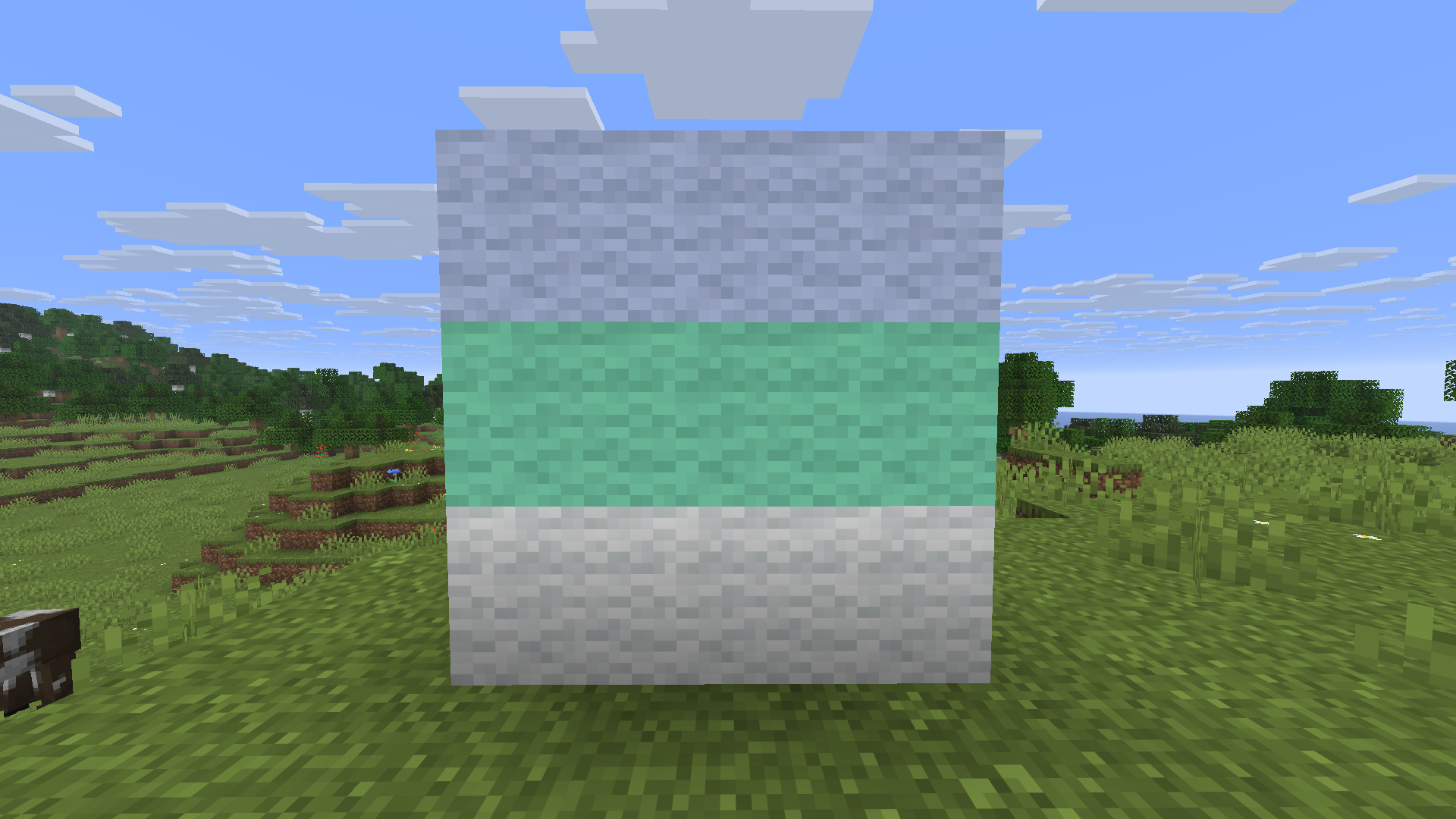 custom wool 2 wools of custom colors
 -
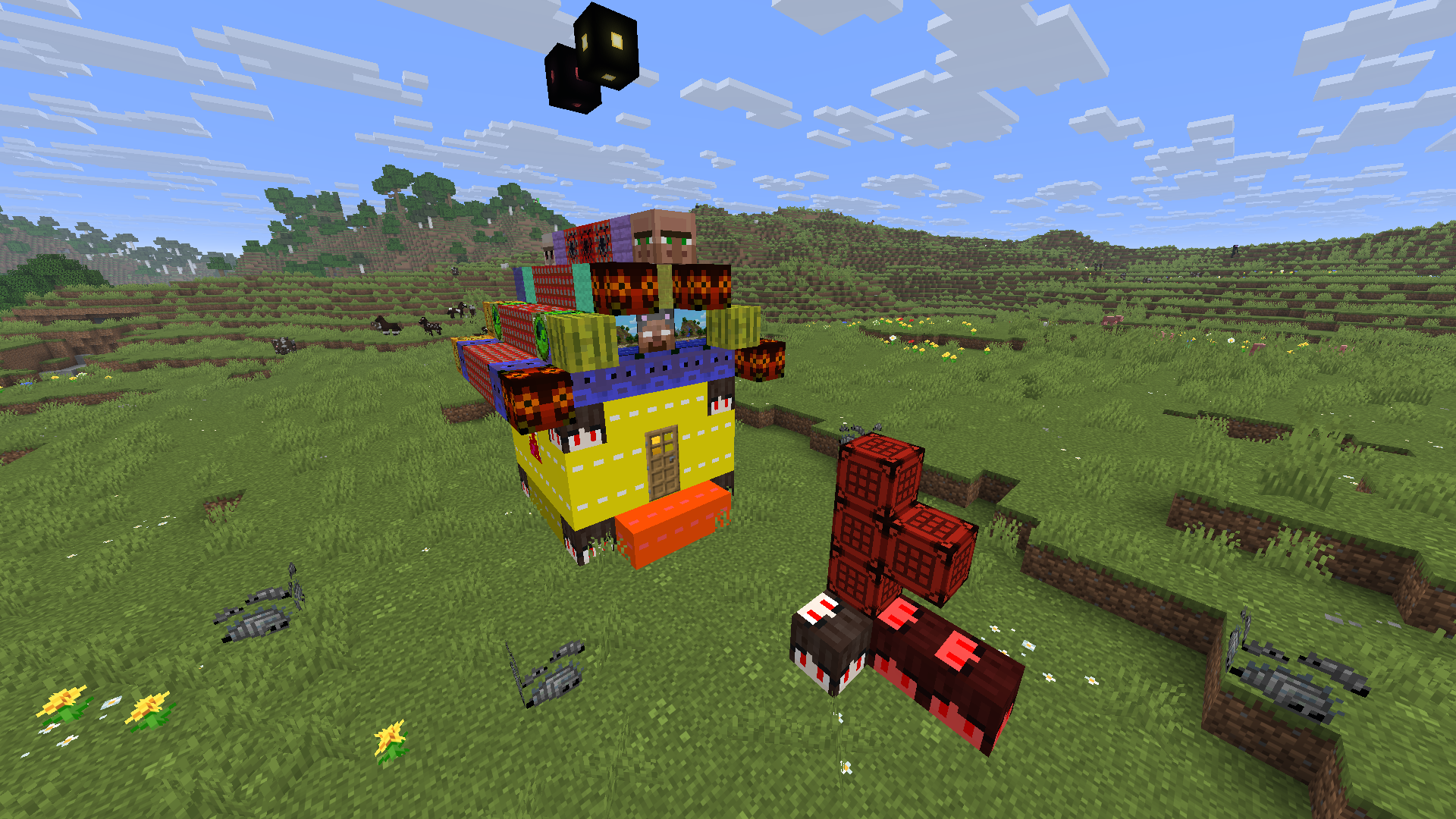 Mess House of heads and colored blocks
Versions
Files
Relations
Project Relations
More like this
Similar Mods
Suggestions use data such as tags, dependencies, dependents, descriptions, titles, and more to rank how much they overlap with this mod.
On ModDex
Community snapshot
By the numbers
Statistics


Get it on
Available Platforms
On ModDex
Community snapshot
By the numbers
Statistics
Resources