
Community listing page, reviews here may not be monitored by the author.
Highlight Slime Chunk

No reviews yet
Shows every slime chunk as a see-through green column, so you can find them fast, especially in superflat worlds. Press F7 to toggle.

Community voices
Reviews
No reviews yet. Be the first to review this project!
Get it on
Available Platforms
About
Project Details
For authors
Embed Badge
If you're the author of this project, you can embed a live badge anywhere that supports HTML or Markdown. It updates automatically whenever ratings change.
Use HTML for any page that supports it, or Markdown for README files and Markdown-based descriptions.
Identifiers
Platform IDs
Resources
External Links
About
Description
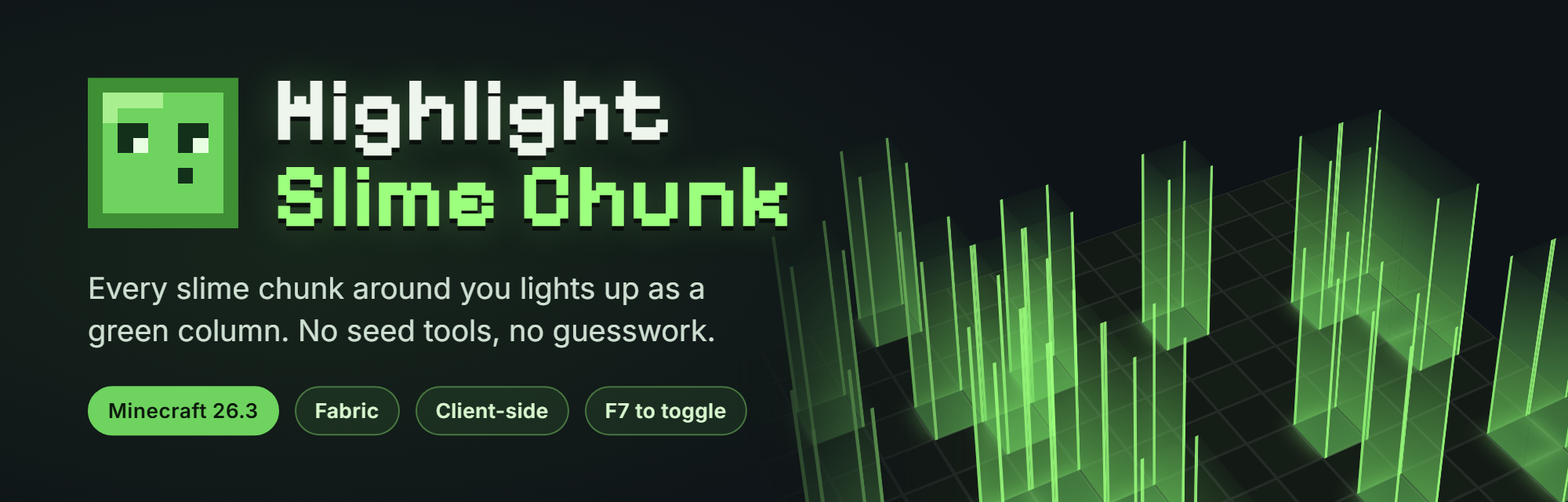
Find every slime chunk without leaving the game.
Highlight Slime Chunk shows each slime chunk near you as a see-through green column, from the bottom of the world to the build limit. Build slime farms, spawnproof your base or gather slimeballs without seed websites or trial and error.
Updated for Minecraft 26.3 • Fabric • Client-side • Press F7 to toggle
What's New in 1.2.0
- Full green columns: the whole chunk is filled with a see-through green column instead of a thin outline. You can see it from outside and from inside the chunk.
- Clusters merge: slime chunks next to each other form one bigger column, with a line at every chunk corner.
- F7 hotkey: press F7 to show or hide the columns. You can change the key in Options › Controls › Key Binds.
- Removed the flat outline that followed you at foot height.
Still on 26.2 or 26.1? Older versions are on the Files tab.
In Game
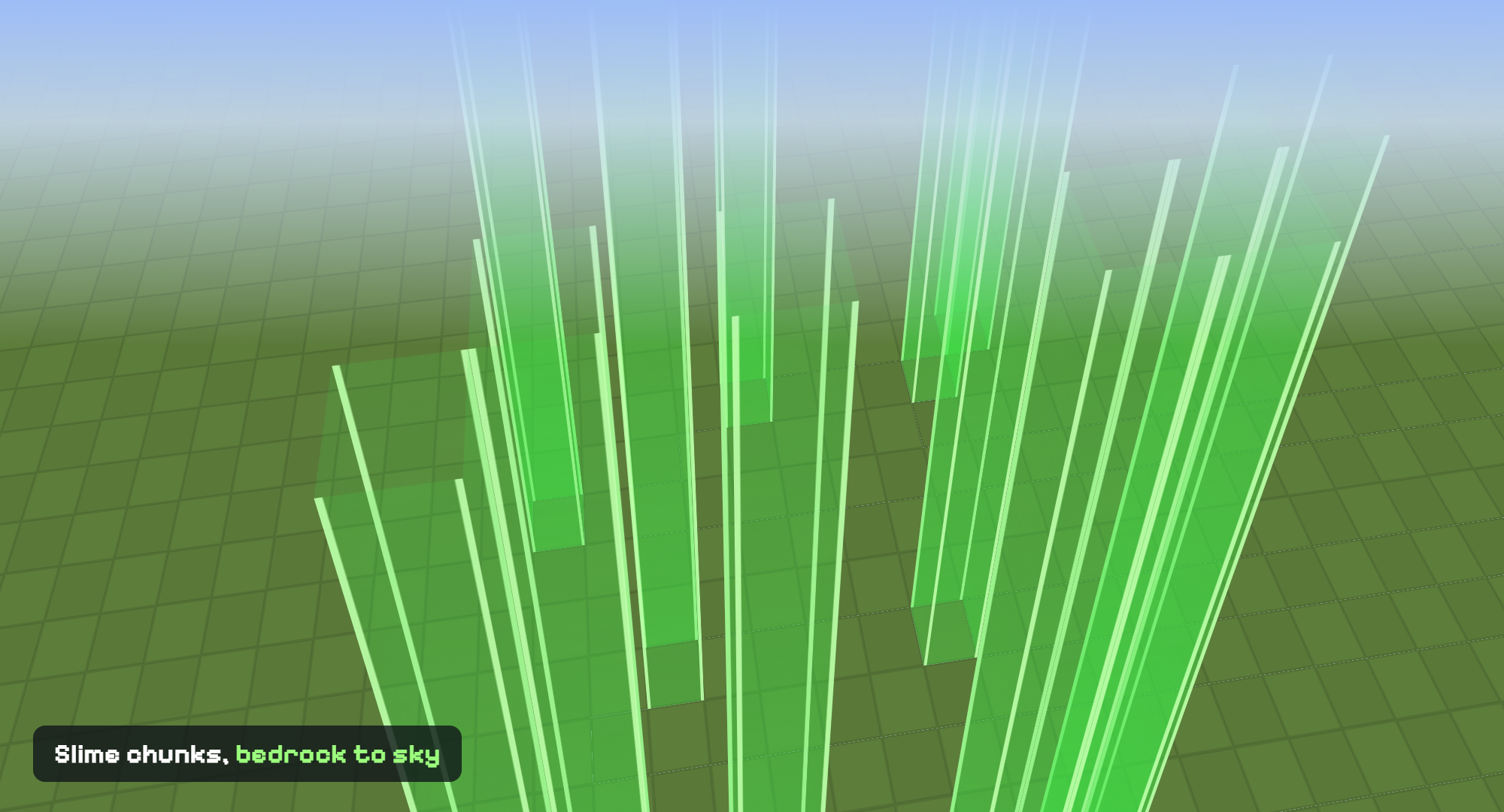
Every slime chunk within your render distance gets its own column, so you can spot them from any height.
Features
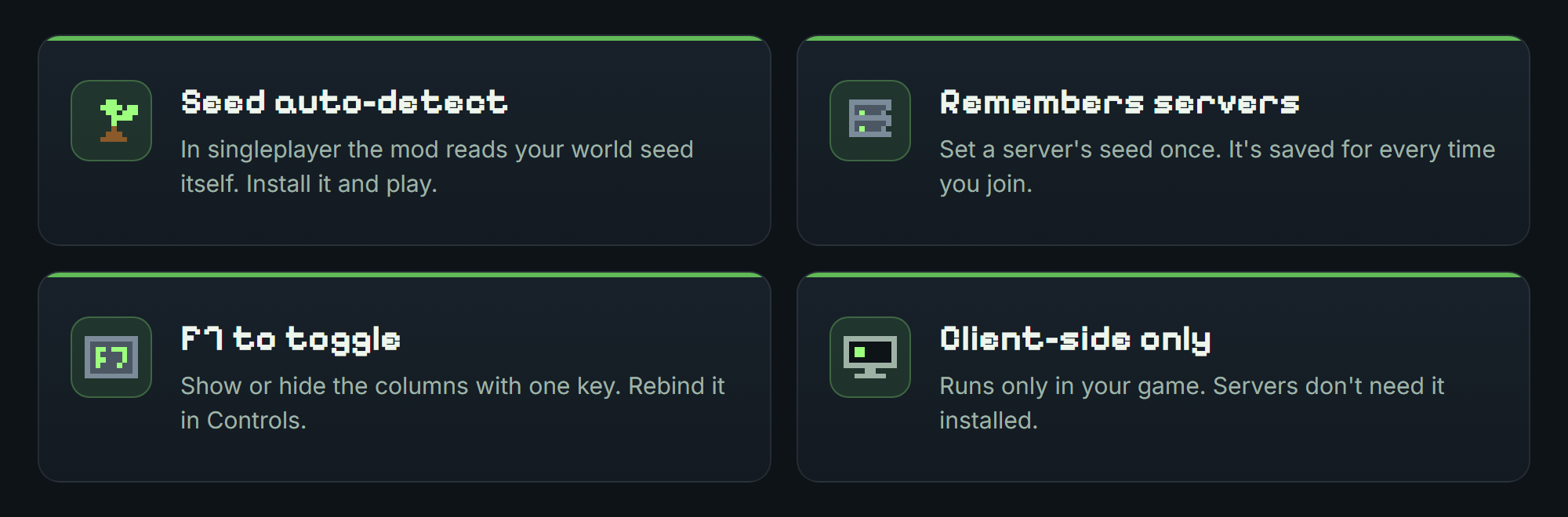
- Green columns: every slime chunk within your render distance is filled from the bottom of the world to the build limit.
- No setup in singleplayer: the mod detects your world seed automatically.
- Server support: set a server's seed once with
/slimechunk seedand it is remembered for that address. - F7 to toggle: show or hide the columns with one key, or rebind it to any key you like.
- Client-side and lightweight: nothing to install on the server, and Fabric API is the only dependency.
Hotkey
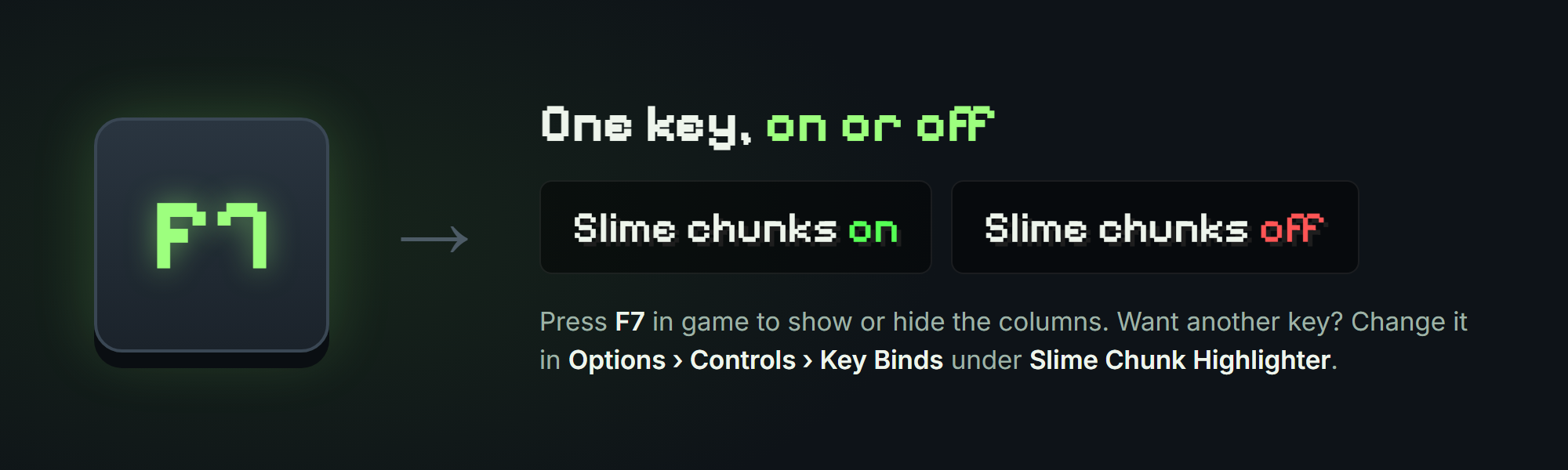
Press F7 to turn the columns on or off. A message above your hotbar tells you which. To use a different key, open Options › Controls › Key Binds and look for Slime Chunk Highlighter.
How It Works
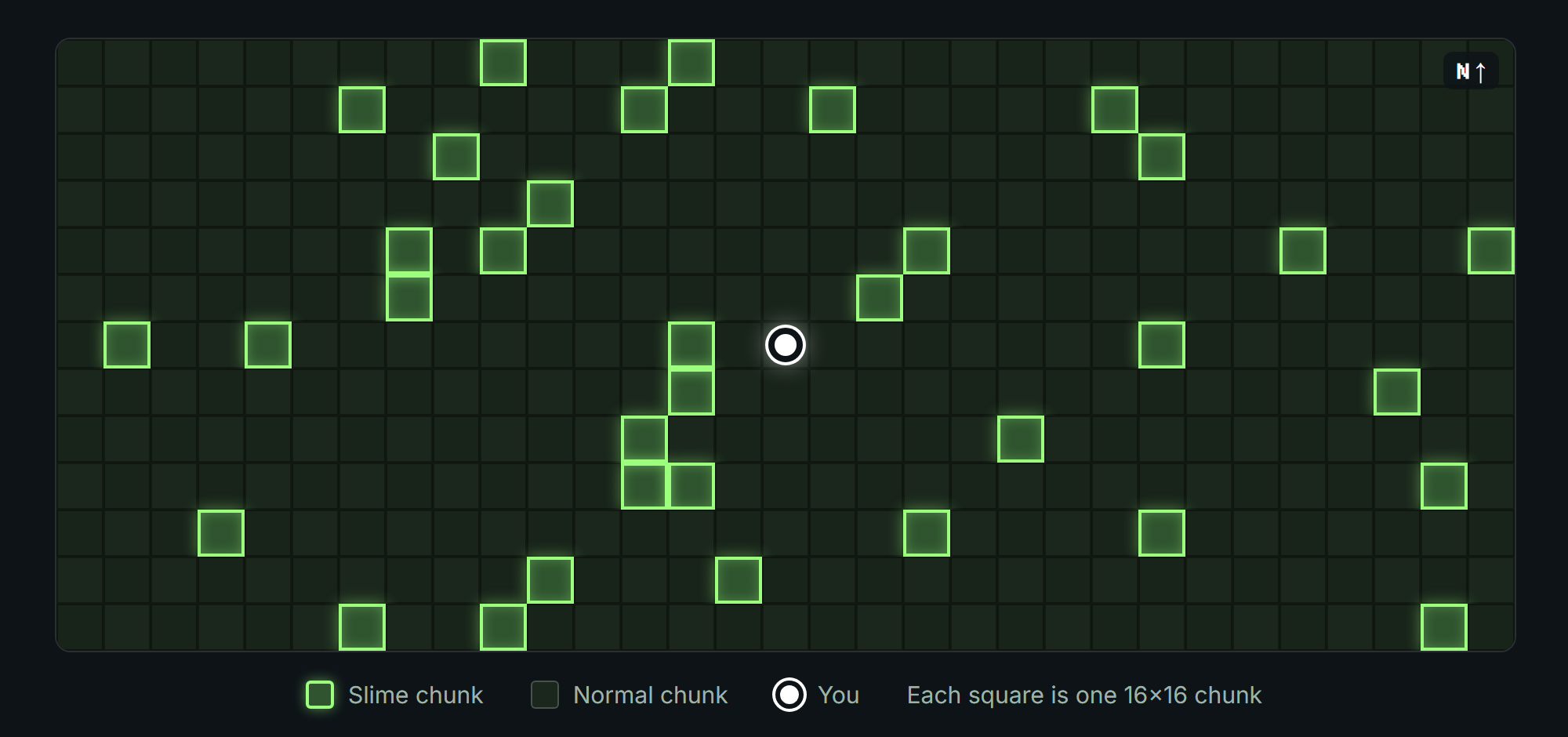
About 1 in 10 chunks is a slime chunk. The mod runs the same check Minecraft uses and highlights every match around you.
Controls and Commands
| Key or command | What it does |
|---|---|
| F7 (can be changed) | Show or hide the slime chunk columns. |
/slimechunk toggle |
Same as F7. |
/slimechunk seed <value> |
Set the world seed for the server you are on. Saved per server. |
/slimechunk status |
Show the active seed and whether it was detected automatically or set by you. |
/slimechunk |
Show a short usage guide. |
Installation
- Install Fabric Loader for Minecraft 26.3.
- Download Fabric API and this mod, then place both jars in your
modsfolder. - Launch the game. In singleplayer, the columns appear as soon as your world loads.
- On a server, run
/slimechunk seed <value>with the server's seed. Operators can find it with/seed; otherwise, ask the server owner.
Tips
- Slimes spawn in slime chunks only below Y 40, and light does not stop them. On a default superflat world, the entire surface is below that height.
- To spawnproof a slime chunk, cover the floor with bottom slabs, glass or carpet.
- If the columns look wrong on a Spigot or Paper server, the server may use a custom slime seed (
seed-slimeinspigot.yml). Ask the server owner. - Swamp slimes follow different spawn rules and are not shown.
- Check a server's rules before using any client-side mod there.
Requirements
| Minecraft | 26.3 (older files cover 26.2 and 26.1) |
| Mod loader | Fabric Loader 0.19.5 or newer |
| Dependency | Fabric API |
| Java | 25 |
| Side | Client only |
Found a bug or have an idea? Leave a comment. Feedback shapes the next update.
Screenshots
Gallery
-
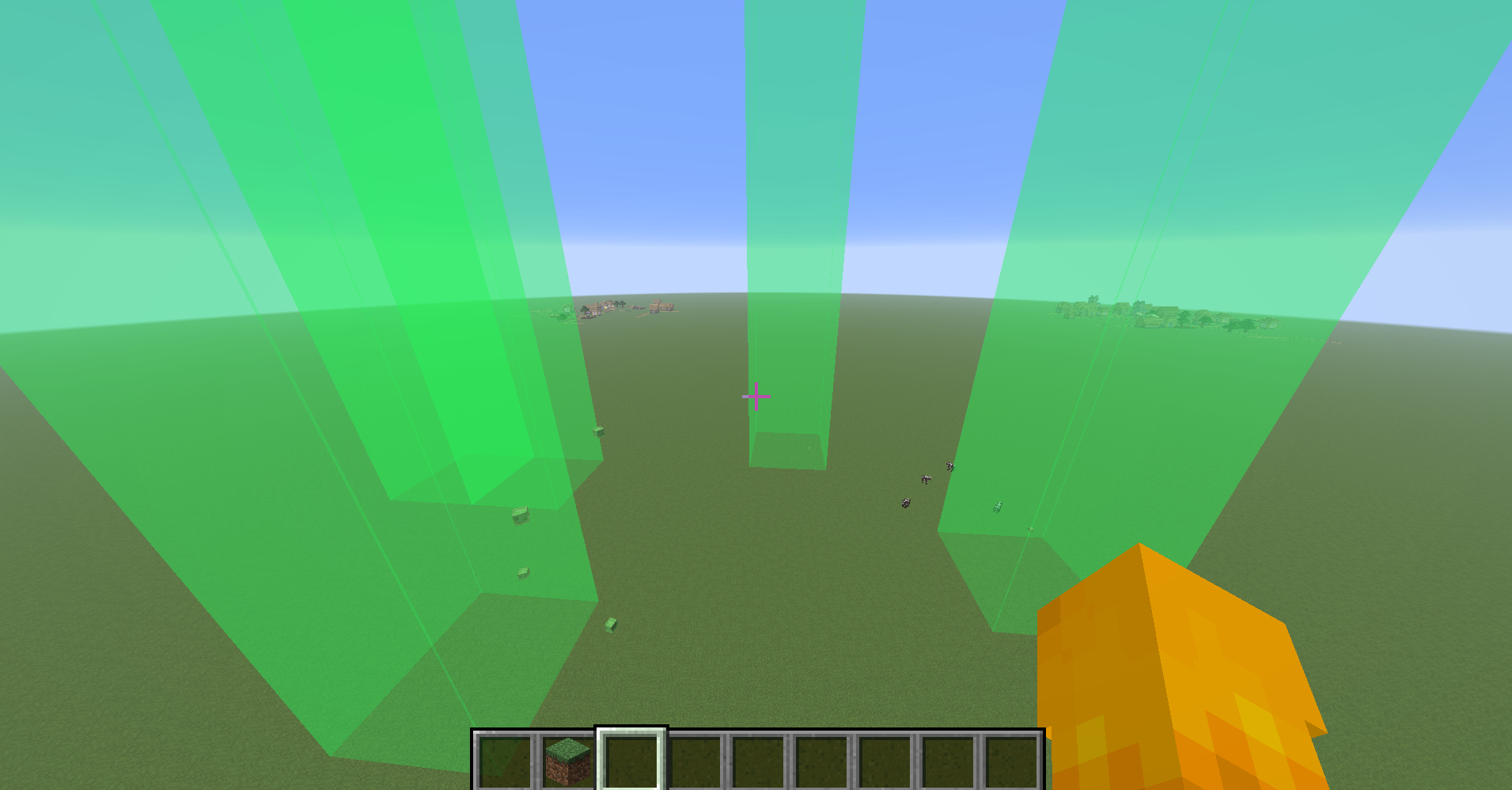 In action this is what the mod does
 -
 Highlight Slime Chunk banner Every slime chunk around you, outlined in green.
 -
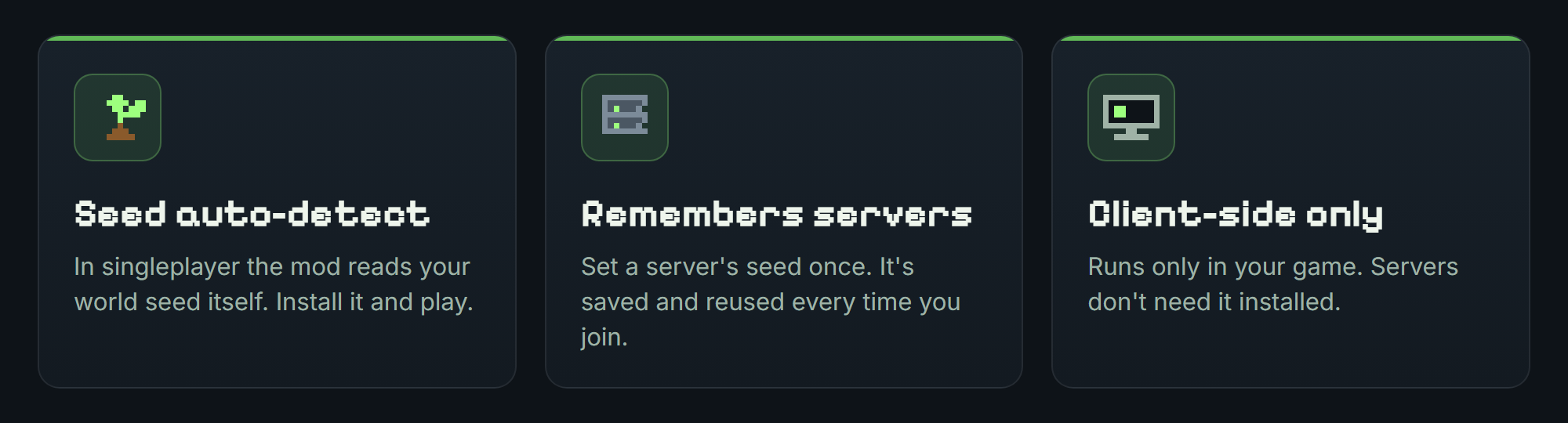 Features Seed auto-detect, remembers servers, client-side only.
 -
Slime chunk map Top-down view of the chunks around the player, with slime chunks highlighted in green.
-
In game: slime chunk columns Every slime chunk near you shows as a see-through green column from the bottom of the world to the build limit.
-
F7 to toggle Press F7 to show or hide the columns. Rebind it in Options > Controls > Key Binds.
-
Features Seed auto-detect, remembers servers, F7 to toggle, client-side only.
-
Highlight Slime Chunk Every slime chunk around you lights up as a green column.
Versions
Files
Relations
Project Relations
More like this
Similar Mods
Suggestions use data such as tags, dependencies, dependents, descriptions, titles, and more to rank how much they overlap with this mod.
On ModDex
Community snapshot
By the numbers
Statistics
 (opens in a new tab)
Get it on
Available Platforms
On ModDex
Community snapshot
By the numbers
Statistics
Resources