
Community listing page, reviews here may not be monitored by the author.
Hopper Stats

No reviews yet
A lightweight server-compatible hopper tracking mod.
Community voices
Reviews
No reviews yet. Be the first to review this project!
Get it on
Available Platforms
Compatibility
Supported Environments
Must be installed on both the client and the server.
About
Project Details
For authors
Embed Badge
If you're the author of this project, you can embed a live badge anywhere that supports HTML or Markdown. It updates automatically whenever ratings change.
Use HTML for any page that supports it, or Markdown for README files and Markdown-based descriptions.
Identifiers
Platform IDs
Resources
External Links
About
Description
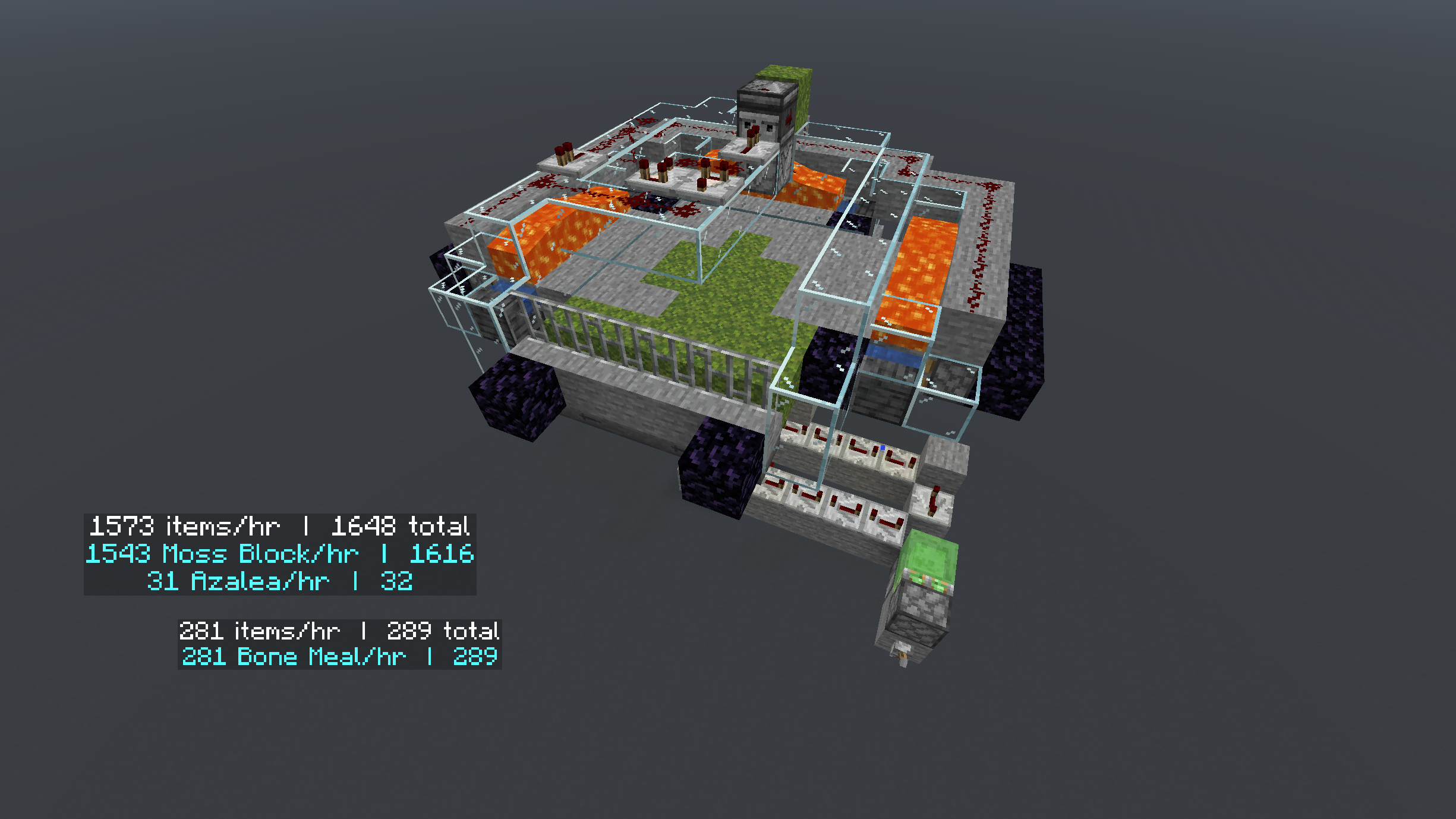
Hopper Stats adds a simple, clean overlay that displays real-time statistics for hoppers in your world -- including items per second, total items transferred, and whether the hopper is active or blocked.
How to Use
Hold Keybind + Right Click - Hold set Keybind & click a hopper to activate its counter
Hold Settings Keybind + Right Click - To access Hopper Stats Settings
Toggle Item Details - Look at a hopper and press the keybind to show/hide per-item breakdown
Features
- Real-time items per second display
- Total items transferred counter
- Active / blocked status at a glance
- Per-item detail breakdown
- Works on singleplayer and multiplayer servers
How this mod differs from other mods:
- It is a world persistent realtime tracker you can activate on your farms, adjust the size of the display, placement and more.
Its purpose
To keep a running, active, persistent log of of total items farmed, in any farm, in any of your worlds.
Can be used to run hourly tests, or total items over time.
TLDR: Choose a hopper > turn it on > see how much Iron, Gold or other items you have farmed, per farm, from day 1 until you decide to reset it.
Server Use
Step 1: Install it into your Server Mod folder Step 2: Install it into your Client Side Mod folder
Anyone on the server can see the displays. Anyone with the mod installed client side can begin tracking hoppers.
Coming soon: Ownership setting. Toggle "Global" on and off to allow/prevent anyone from messing with your tracked hoppers.
Credits
Built by Chapman!
Screenshots
Gallery
-
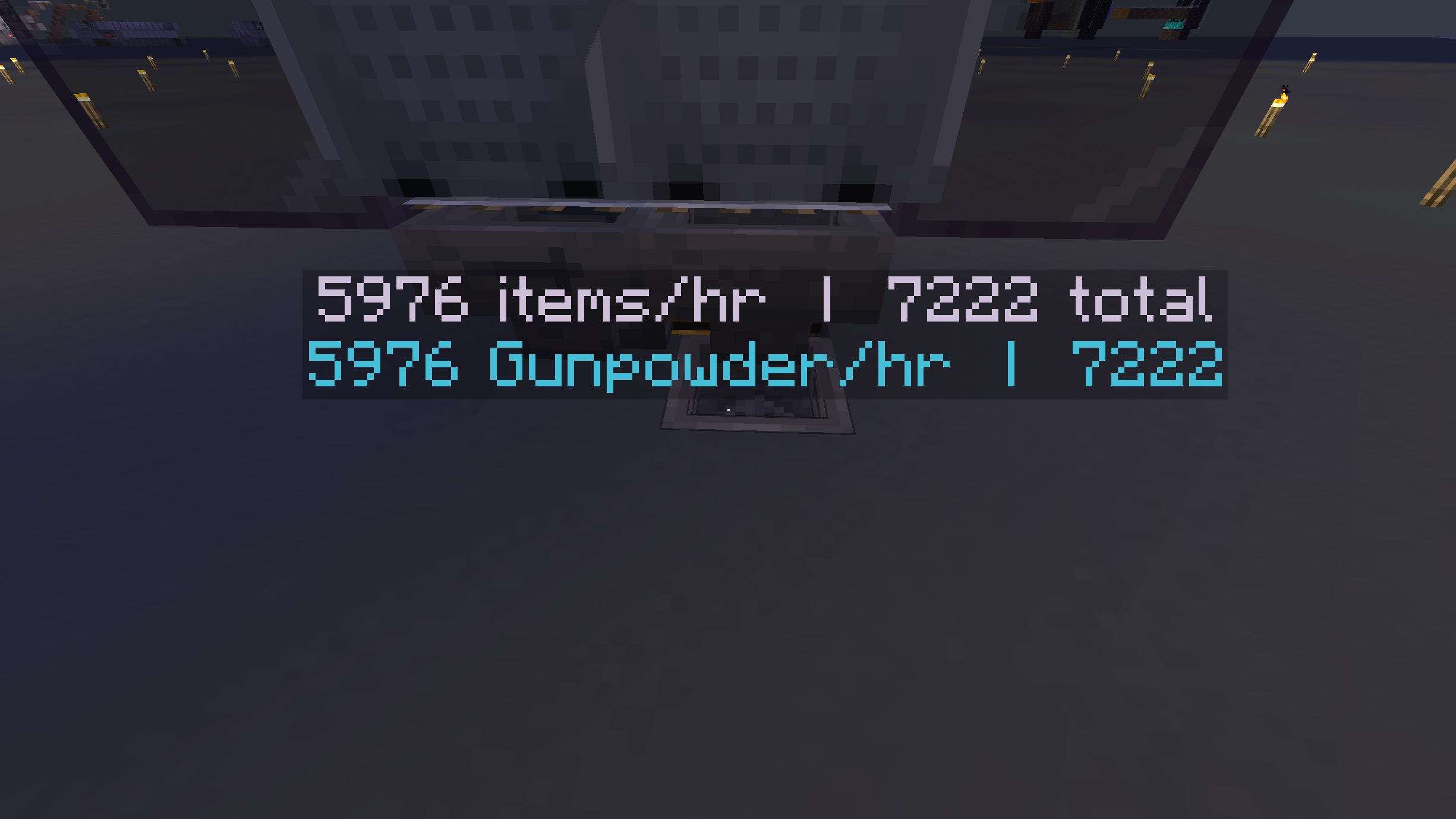 Hopper Stats Showing it working on a creeper farm, Counter is on the right hopper, below the minecart, above another hopper, counting the items as they go through.
 -
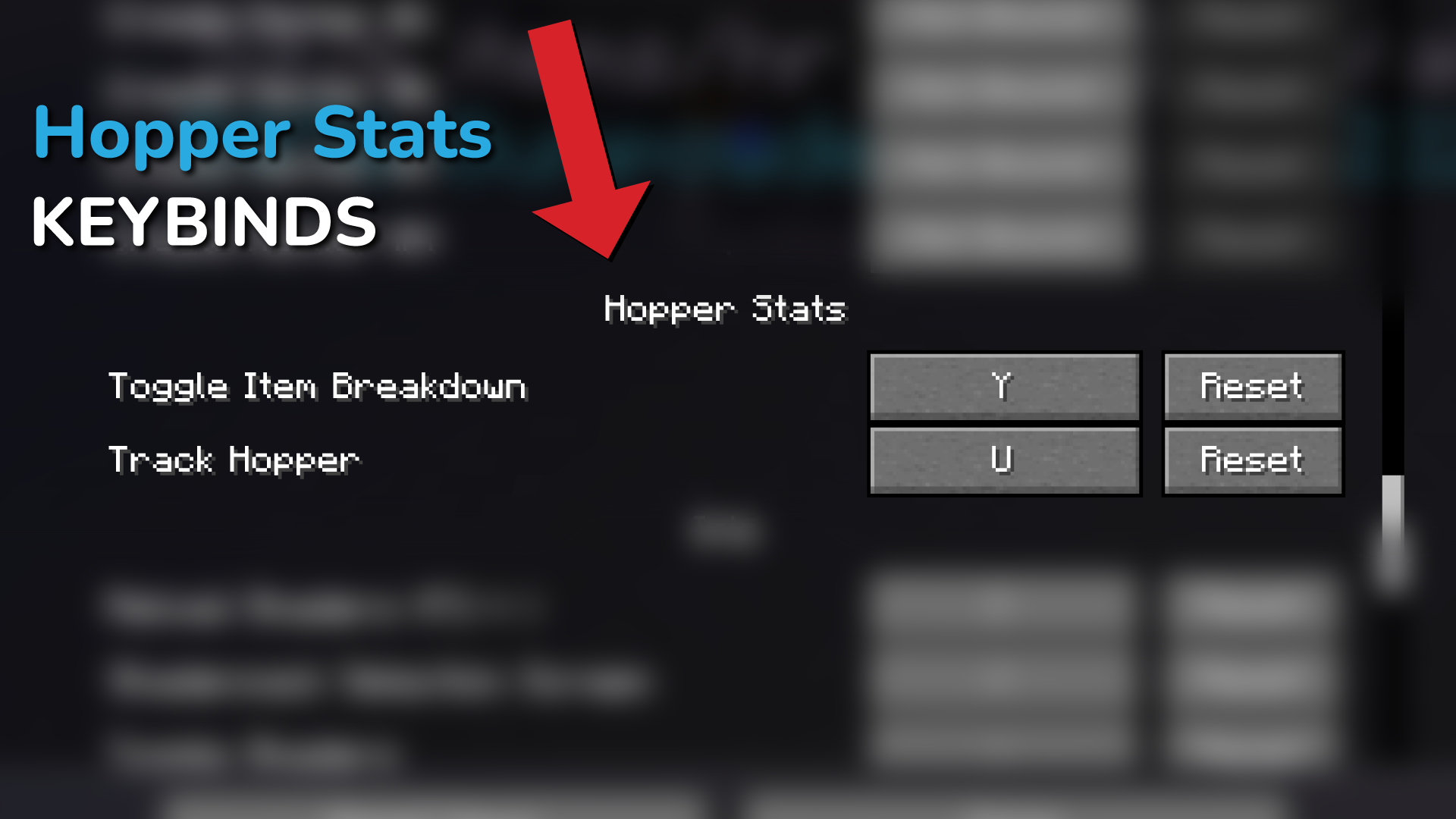 Keybinds Hopper Stats comes with no hardcoded actions. Set your keybind, look at a hopper, Hold Keybind + Right click to toggle counter on or off Look at a counting hopper -- press toggle item breakdown to show/hide per item display, showing only totals.
 -
Versions
Files
Relations
Project Relations
More like this
Similar Mods
Suggestions use data such as tags, dependencies, dependents, descriptions, titles, and more to rank how much they overlap with this mod.
On ModDex
Community snapshot
By the numbers
Statistics

Want to reach Minecraft players?
We're looking for a server hosting partner to feature here and other parts of the site. Interested? Send us a message!
Get in touchGet it on
Available Platforms
On ModDex
Community snapshot
By the numbers
Statistics
Resources