
Community listing page, reviews here may not be monitored by the author.
Hovering Hotbar


No reviews yet
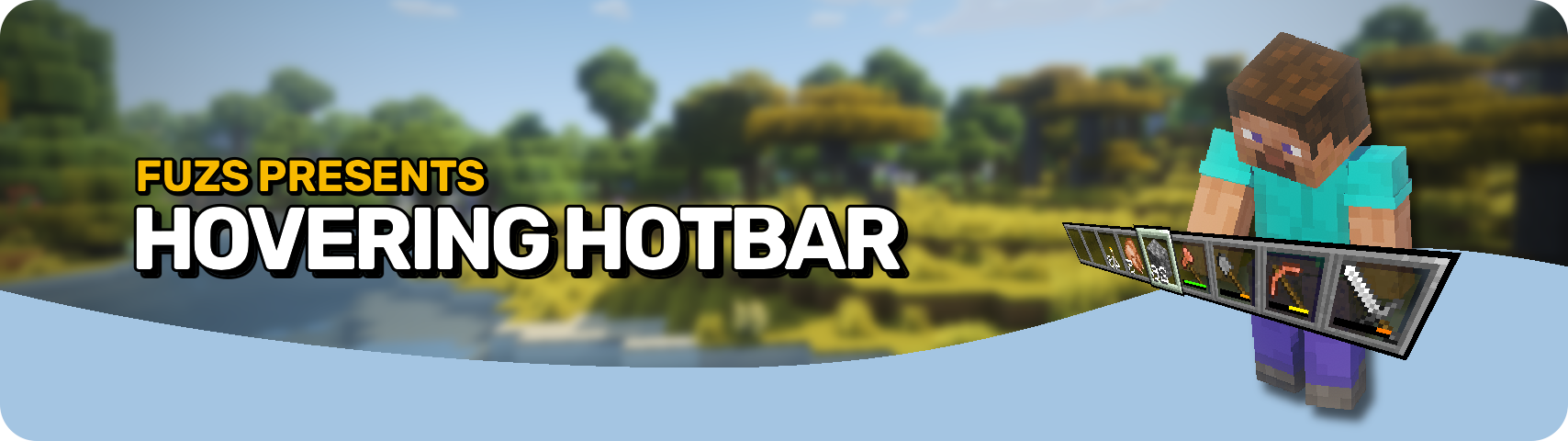
Makes your hotbar seemingly float in place by shifting it a few pixels upward.

Community voices
Reviews
No reviews yet. Be the first to review this project!
Get it on
Available Platforms
Compatibility
Supported Environments
Runs entirely on the client. Works on vanilla servers.
About
Project Details
For authors
Embed Badge
If you're the author of this project, you can embed a live badge anywhere that supports HTML or Markdown. It updates automatically whenever ratings change.
Use HTML for any page that supports it, or Markdown for README files and Markdown-based descriptions.
Identifiers
Platform IDs
About
Description
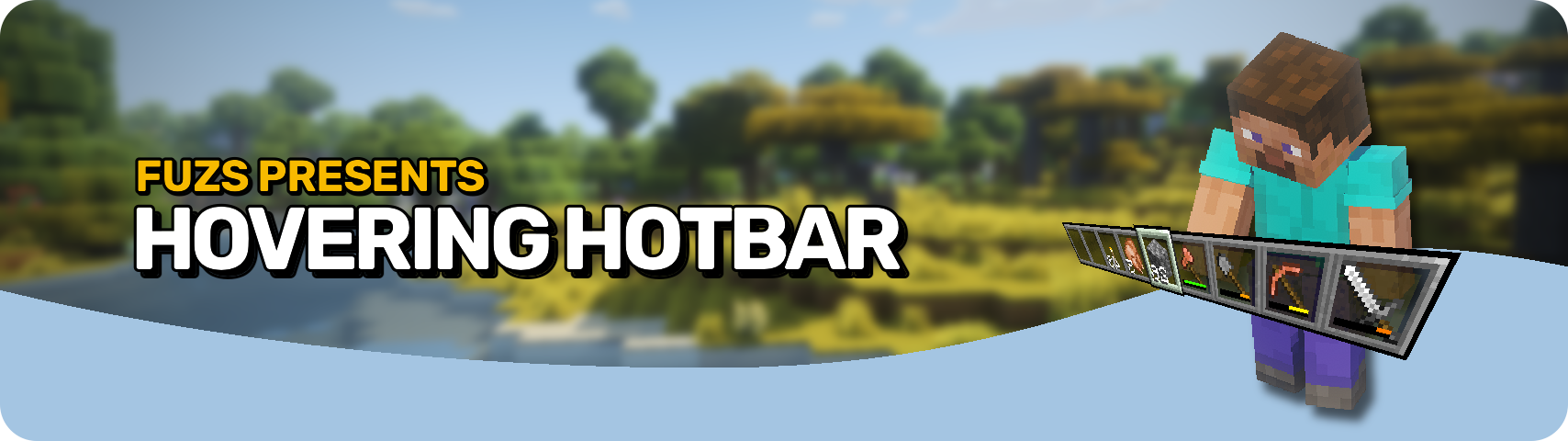








Hovering Hotbar brings the elevated hotbar style from Bedrock Edition and Legacy Console Edition to Java Edition. 🎮
By moving the hotbar away from the bottom edge of the screen, it appears to float in place, creating a cleaner and more modern HUD layout. This also allows the full selection highlight to be rendered instead of being partially cut off by the screen border. ✨
The hotbar offset is fully configurable, letting you position it exactly where you want it. To complete the console-inspired look, the experience level display can also be moved above the experience bar. ⚙️

- 🎮 Console-Inspired Layout: Recreates the elevated hotbar style found in Bedrock Edition and Legacy Console Edition.
- ✨ Floating Hotbar Appearance: Moves the hotbar away from the bottom screen edge, making it appear to hover in place.
- 🖼️ Fully Visible Selection Highlight: Allows the complete hotbar selection sprite to render instead of being partially cut off by the screen border.
- 🎛️ Adjustable Positioning: Freely configure the hotbar offset to create your preferred HUD layout.
- 📈 Improved Experience Display: Optionally moves the experience level indicator above the experience bar, matching the console-style interface.
- 🔧 Mod Compatibility: Supports shifting additional modded hotbar overlays together with the hotbar.


⏩ INSTALLATION REQUIRED ON CLIENT
⏩ REQUIRES PUZZLES LIB TO BE INSTALLED (FABRIC & NEOFORGE)
⏩ REQUIRES FABRIC API TO BE INSTALLED (FABRIC)
⏩ REQUIRES FORGE CONFIG API PORT TO BE INSTALLED (FABRIC)

If available for a mod, configuration is possible directly from in-game using the mod menu (requires Mod Menu by Prospector to be installed on Fabric).
For manual configuration using an external text editor all files are found at .minecraft/config, named as MOD_ID-client.toml, MOD_ID-common.toml, or MOD_ID-server.toml, depending on the type of config. Not all types might exist for a mod, if any at all.
 |
 |
|
 |
 |
|
 |
 |
|
 |
 |
|
 |
 |
|

© 2026 @heyitsfuzs. All rights reserved. This page was last edited on 11 September 2026, at 06:44 (UTC).
Hovering Hotbar brings the elevated hotbar style from Bedrock Edition and Legacy Console Edition to Java Edition. 🎮
By moving the hotbar away from the bottom edge of the screen, it appears to float in place, creating a cleaner and more modern HUD layout. This also allows the full selection highlight to be rendered instead of being partially cut off by the screen border. ✨
The hotbar offset is fully configurable, letting you position it exactly where you want it. To complete the console-inspired look, the experience level display can also be moved above the experience bar. ⚙️
- 🎮 Console-Inspired Layout: Recreates the elevated hotbar style found in Bedrock Edition and Legacy Console Edition.
- ✨ Floating Hotbar Appearance: Moves the hotbar away from the bottom screen edge, making it appear to hover in place.
- 🖼️ Fully Visible Selection Highlight: Allows the complete hotbar selection sprite to render instead of being partially cut off by the screen border.
- 🎛️ Adjustable Positioning: Freely configure the hotbar offset to create your preferred HUD layout.
- 📈 Improved Experience Display: Optionally moves the experience level indicator above the experience bar, matching the console-style interface.
- 🔧 Mod Compatibility: Supports shifting additional modded hotbar overlays together with the hotbar.
⏩ INSTALLATION REQUIRED ON CLIENT
⏩ REQUIRES PUZZLES LIB TO BE INSTALLED (FABRIC & NEOFORGE)
⏩ REQUIRES FABRIC API TO BE INSTALLED (FABRIC)
⏩ REQUIRES FORGE CONFIG API PORT TO BE INSTALLED (FABRIC)
If available for a mod, configuration is possible directly from in-game using the mod menu (requires Mod Menu by Prospector to be installed on Fabric).
For manual configuration using an external text editor all files are found at .minecraft/config, named as MOD_ID-client.toml, MOD_ID-common.toml, or MOD_ID-server.toml, depending on the type of config. Not all types might exist for a mod, if any at all.
 |
 |
|
 |
 |
|
 |
 |
|
 |
 |
|
 |
 |
© 2026 @heyitsfuzs. All rights reserved. This page was last edited on 11 September 2026, at 06:44 (UTC).
Screenshots
Gallery
Versions
Files
Relations
Project Relations
More like this
Similar Mods
Suggestions use data such as tags, dependencies, dependents, descriptions, titles, and more to rank how much they overlap with this mod.
On ModDex
Community snapshot
By the numbers
Statistics
 (opens in a new tab)
Get it on
Available Platforms
On ModDex
Community snapshot
By the numbers