
HoYoI
No reviews yet
Add miHoYo/HoYoVerse games UI to Minecraft
Neoforge is a fork of the Minecraft Forge available for versions 1.20.1+ of Minecraft. Many Forge mods are compatible with Neoforge and vice versa.
Fabric is a mod loader for versions 1.14+ of Minecraft, particularly popular for client side and optimization mods.
Community voices
Reviews
Click once to include, again to exclude, again to clear
No reviews yet. Be the first to review this project!
Get it on
Available Platforms
 Modrinth
Compatibility
Supported Environments
About
Project Details
For authors
Embed Badge
If you're the author of this project, you can embed a live badge anywhere that supports HTML or Markdown. It updates automatically whenever ratings change.
Use HTML for any page that supports it, or Markdown for README files and Markdown-based descriptions.
Identifiers
Platform IDs
About
Description
HoYoI (Aka. HoYo UI, HoUI)
Introduction
This mod simply adds miHoYo/HoYoVerse games UI for Minecraft (like Genshin Impact, Honkai: Star Rial) with vanilla-like style.
Now HoYoI only implemented Genshin Style, Star Rail Style is still working in progress.
Genshin style loading screen has two theme: light and dark. In reallife time 19:00 ~ 7:00 next day the ui will be dark theme.
Screenshots
Genshin Style
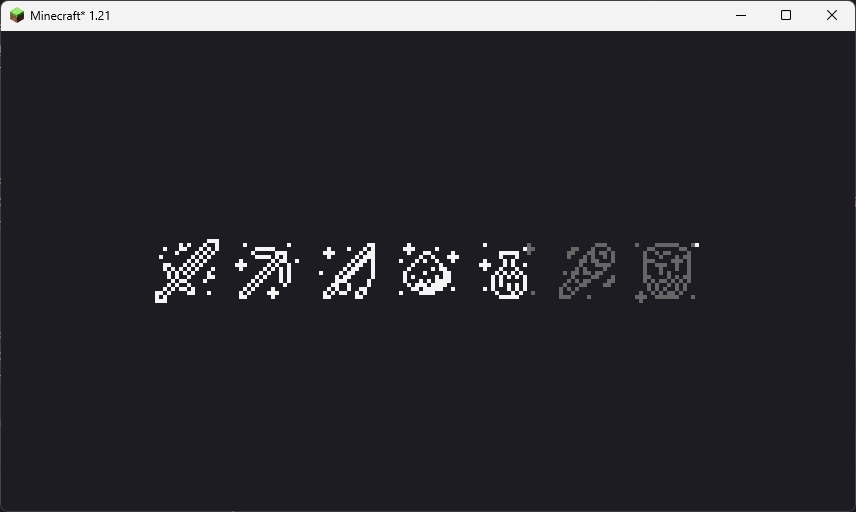 This loading screen will only show once when the game starting. Because NeoForge has an early display, so this feature is broken on NeoForge platform.
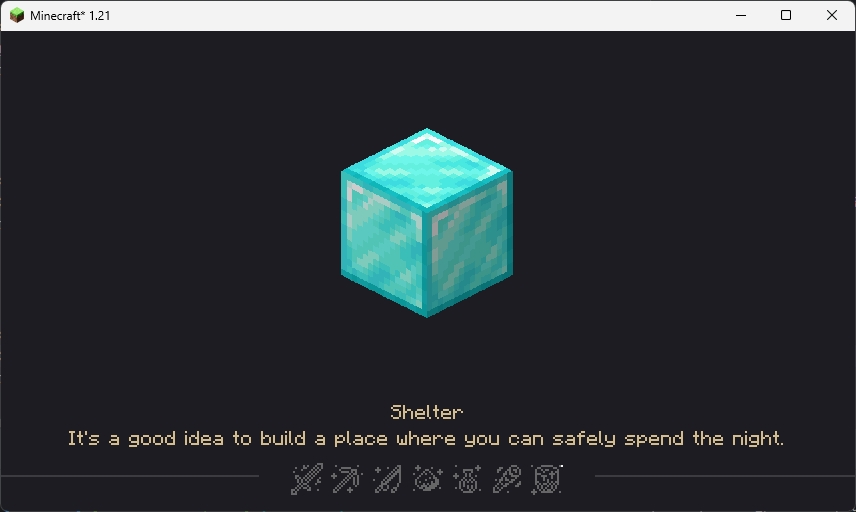 This loading screen will be normally seen in the game, the picture in the center and the tips at the bottom are all random, customizable and localized (I'll talk about how to customize below).
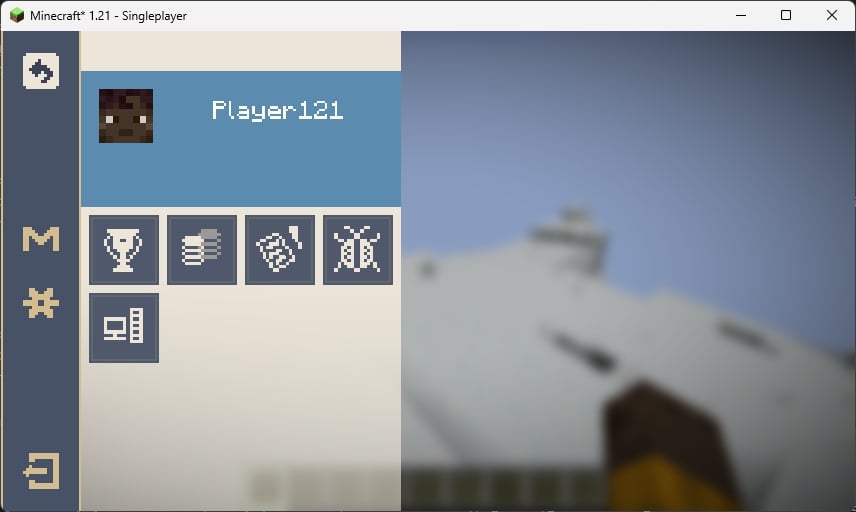 The ESC pause screen in the game, the "M" button in the sidebar is Mod List button, for Fabric, you need install Mod Menu to open the Mod List screen.
Star Rail Style
WIP
Customization
You can customize the center picture and bottom tips in loading screen.
FIRST: Create a resource pack (Check Minecraft Wiki)
Tips
SECOND: Create a file in assets/{yourpack}/tips folder with name {languageCode}.json like "en_us.json"
THIRD: Edit the file like the example shown below
[
  {
    "title": "Example Tip 1",
    "desc": [
      "Line 1",
      "Line 2"
    ]
  },
  {
    "title": "Example Tip 2",
    "desc": [
      "Line 1",
      "Line 2",
      "Line 3",
      "Line 4" // I don't suggest over 4 lines
    ]
  },
  ...
]
FOURTH: Load your resource pack
Center picture
SECOND: Put pictures with png format in assets/{yourpack}/textures/ui/regions folder with any filename you like
THIRD: Load your resource pack
Credits
- 7777777_4547, loading screen ui textures.
- DeeChael, programming and pause screen ui textures. Some tips.
Screenshots
Gallery
-
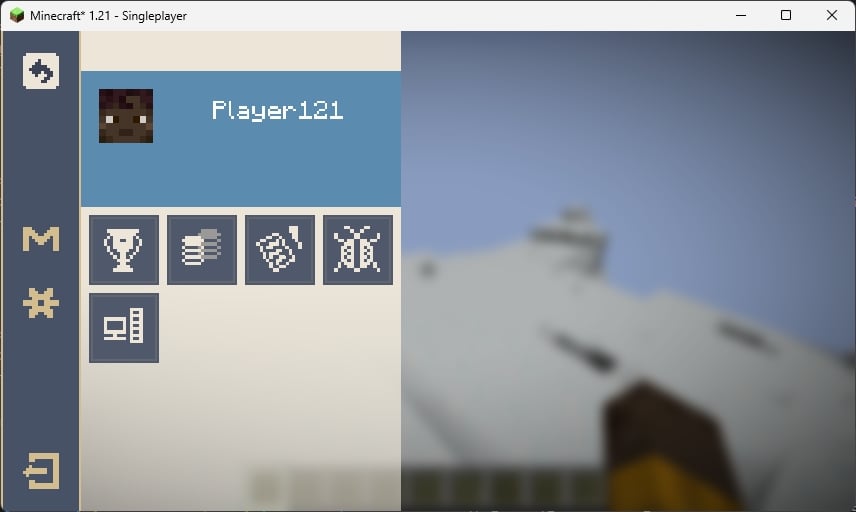 Pause screen
 -
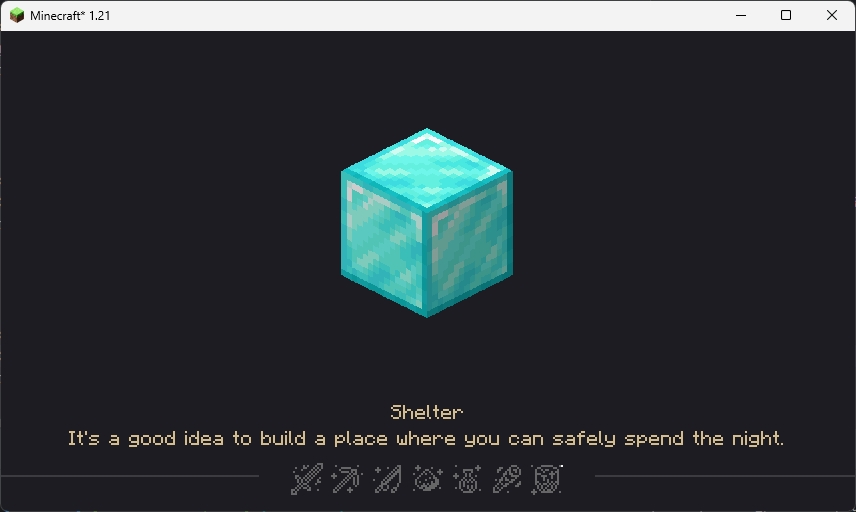 In game loading
 -
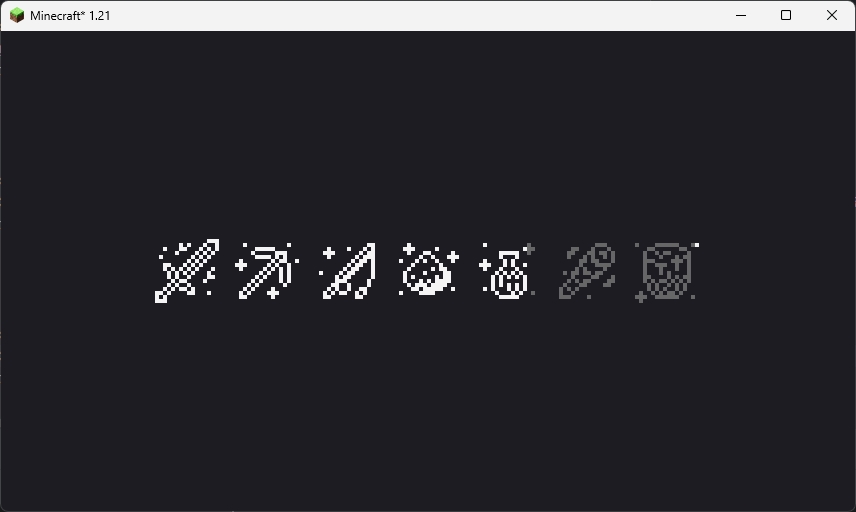 Starting Game
Versions
Files
Relations
Project Relations
More like this
Similar Mods
Suggestions use data such as tags, dependencies, dependents, descriptions, titles, and more to rank how much they overlap with this mod.
On ModDex
Community snapshot
By the numbers
Statistics

Want to reach Minecraft players?
We're looking for a server hosting partner to feature here and other parts of the site. Interested? Send us a message!
Get in touchGet it on
Available Platforms
On ModDex
Community snapshot
By the numbers