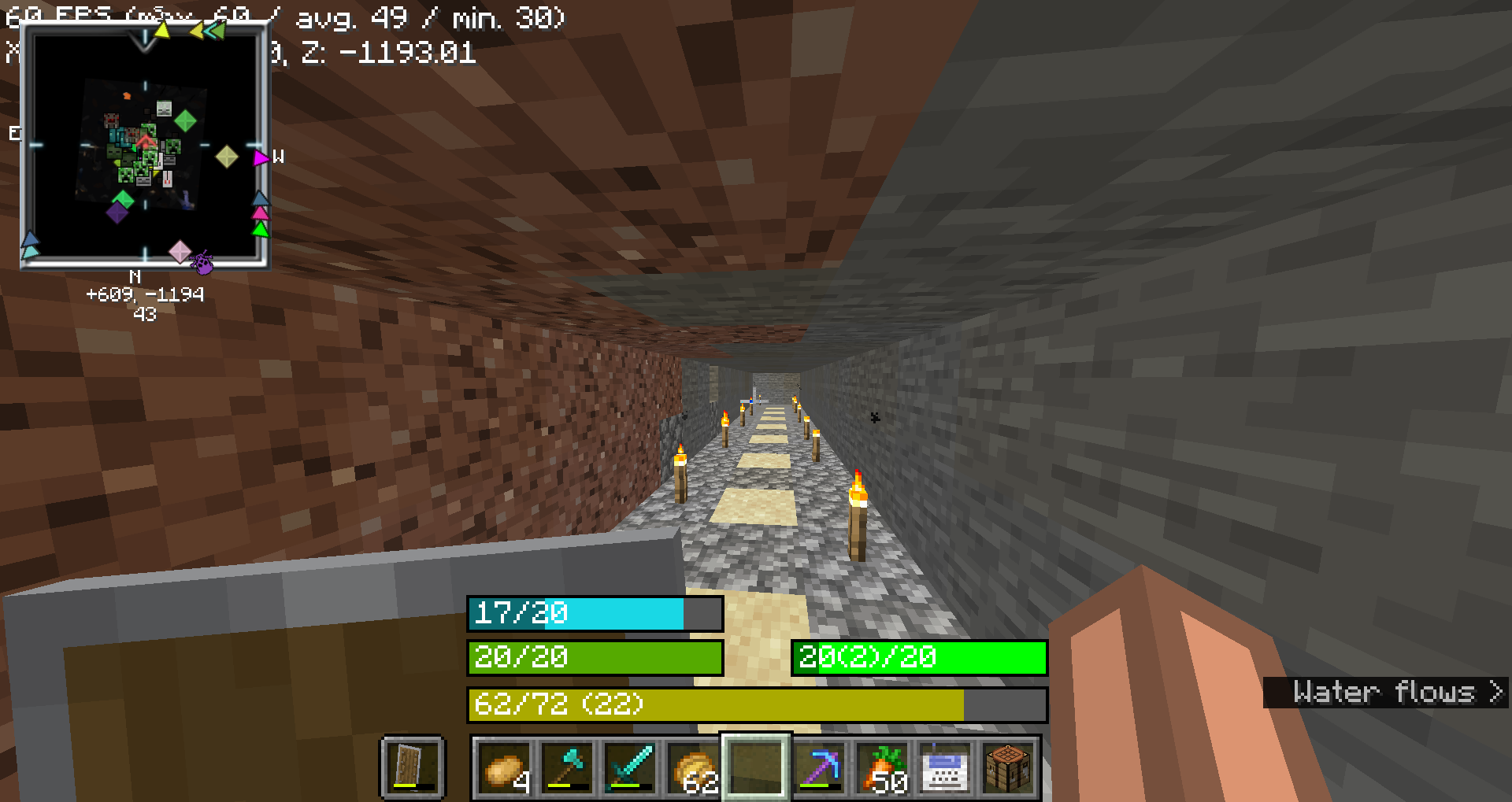

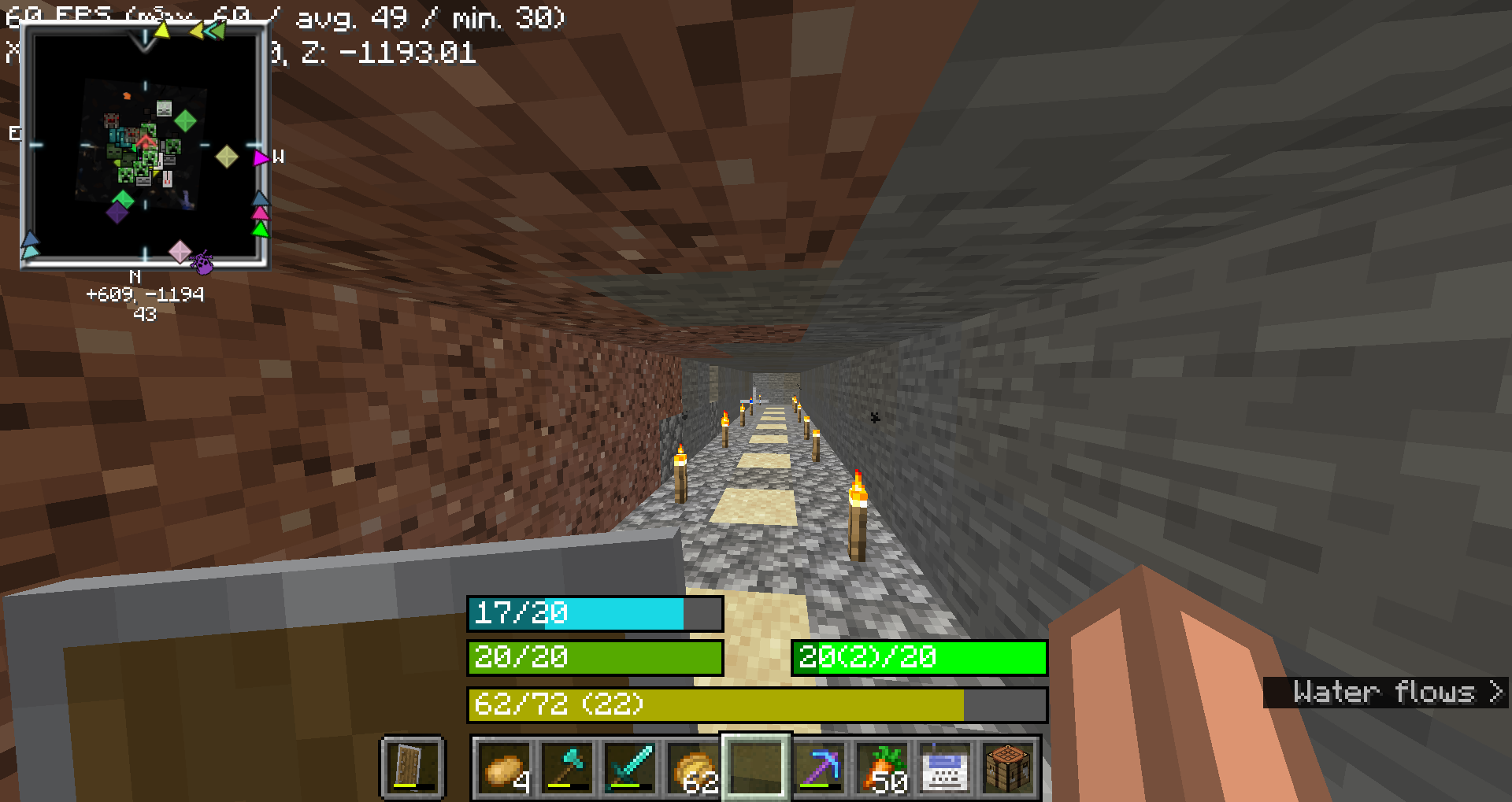
HUD bars
No reviews yet
This mod replaces hud icons with bars
Fabric is a mod loader for versions 1.14+ of Minecraft, particularly popular for client side and optimization mods.
Community voices
Reviews
Click once to include, again to exclude, again to clear
No reviews yet. Be the first to review this project!
Get it on
Available Platforms
 Modrinth
Compatibility
Supported Environments
About
Project Details
For authors
Embed Badge
If you're the author of this project, you can embed a live badge anywhere that supports HTML or Markdown. It updates automatically whenever ratings change.
Use HTML for any page that supports it, or Markdown for README files and Markdown-based descriptions.
Identifiers
Platform IDs
About
Description
This mod replaces the
- health bar
- hunger bar
- armor bar
- xp bar
with actual bars with numbers
Health Bar
- Format: Displays as
"current/maximum", wherecurrentis the player's current health (including absorption), andmaximumis the total health capacity.- Example:
20/20
- Color:
- Normal:
#55AA00(green) - With Absorption:
#AAAA00(yellow) - Poison Effect:
#004400(dark green) - Wither Effect:
#000000(black) - Frozen State:
#00FFFF(cyan)
- Normal:
- Border Color:
- Blinking and Health Changed:
#FFFFFF(white) - Blinking without Health Change:
#FF0000(red) - Health Changed without Blinking:
#FF80FF(light purple) - No Change:
#000000(black)
- Blinking and Health Changed:
- Example:
Food Bar
- Format: Displays as
"current(saturation)/maximum", wherecurrentis the player's current food level andsaturationis the saturation level.- Example:
15(5)/20
- Color:
- Hunger Effect:
#AA55AA(purple) - Saturation Effect:
#00FF00(green) - Full (20 food levels):
#00FF00(green) - High (18-19 food levels):
#33FF00(bright green) - Moderate (7-17 food levels):
#66FF00(lime green) - Low (1-6 food levels):
#FFFF00(yellow) - Empty:
#FF0000(red)
- Hunger Effect:
- Saturation Overlay:
- Color: A darker shade of the food bar color, indicating the saturation level within the food bar.
- Example: If the food bar is
#00FF00(green) and saturation is high, the overlay might be#007F00(darker green).
- Example:
Armor Bar
- Format: Displays as
"current/maximum", wherecurrentis the player's current armor level.- Example:
10/20
- Color:
- Transitions from
#AAto#FFin red-green-blue channels as armor level increases, creating a gradient from grey to green:- Low Armor: More red, less green
- High Armor: More green, less red
- Example: At low armor, you might see
#AA5555(greyish-red) and at high armor, you might see#55FF55(green).
- Transitions from
- Toughness Overlay:
- Color: A darker shade of the armor bar color, indicating the armor toughness level within the armor bar.
- Example: If the armor bar is
#55FF55(green) and toughness is high, the overlay might be#2A7F2A(darker green).
- Example:
Experience Bar
- Format: Displays as
"current/required (level)", wherecurrentis the amount of experience gained towards the next level,requiredis the total experience needed for the next level, andlevelis the current experience level.- Example:
150/300 (10)
- Color:
- Experience Bar:
#AAAA00(yellow)
- Experience Bar:
- Example:
Screenshots
Gallery
Versions
Files
Relations
Project Relations
More like this
Similar Mods
Suggestions use data such as tags, dependencies, dependents, descriptions, titles, and more to rank how much they overlap with this mod.
On ModDex
Community snapshot
By the numbers
Statistics

Want to reach Minecraft players?
We're looking for a server hosting partner to feature here and other parts of the site. Interested? Send us a message!
Get in touchGet it on
Available Platforms
On ModDex
Community snapshot
By the numbers