
HUD Lib
No reviews yet
A library mod that provides a simple way for other mods to add HUD that can be moved with a visual editor.
Does not follow a specific thematic focus apart from vanilla Minecraft.
Used for mods with little to no gameplay elements.
Adds tools to customize the user interface and menus.
Provides a framework or library for other mods to use.
Fabric is a mod loader for versions 1.14+ of Minecraft, particularly popular for client side and optimization mods.
Community voices
Reviews
Click once to include, again to exclude, again to clear
No reviews yet. Be the first to review this project!
Get it on
Available Platforms
 Modrinth
Compatibility
Supported Environments
About
Project Details
For authors
Embed Badge
If you're the author of this project, you can embed a live badge anywhere that supports HTML or Markdown. It updates automatically whenever ratings change.
Use HTML for any page that supports it, or Markdown for README files and Markdown-based descriptions.
Identifiers
Platform IDs
About
Description
Hud Lib
This mod is a library for other mods to register their own HUD Elements. These HUD Elements has inbuilt repositioning, anchoring, and configuration. They can all be edited after pressing RIGHT SHIFT (Can be rebinded in Key Binds). This mod has no default elements, you will need a mod such as Generic Hud (mentioned below) if you want any features.
Mods using this library
Currently there are 3 mods that uses this library:
The Editor
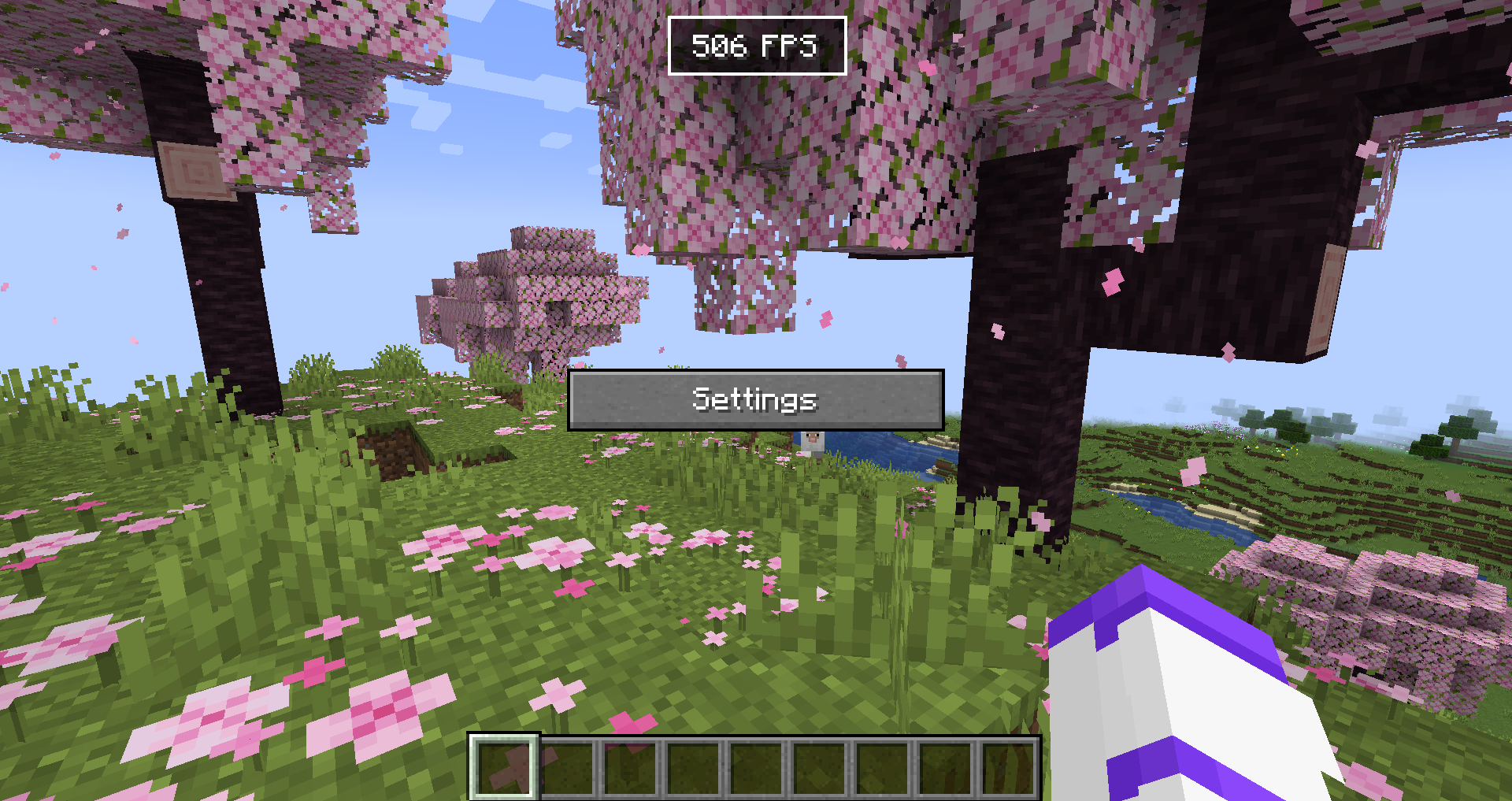
The editor allows you to reposition and disable any HUD Elements. If you want to hide the Settings button or stop snapping, hold CTRL. The settings menu will allow you to configure each HUD Element, and disable them/reset their position in the 'Generic HUD Options' tab.
For Developers
Currently no documentation exists, but you can use Generic HUD, Armor HUD or the internal HUD Lib testmod as an example, because they are all open source.
What is offered in the library?
- A simple way to render HUD elements, using
DrawContext, when rendering it you are also given an X and a Y coordinate which is where on the screen it should be rendered. - With minimal extra setup they can be repositioned in the editor.
- The repositioning also anchors to the screen (e.g. If you put it in the top right corner, it will stay there with any screen size)
- A way to register your own configuration in the "HUD Lib" configuration screen, this is done with YetAnotherConfigLib (YACL)
- They can also be hidden to only show in the editor, or completely disabled in the configuration.
Versions
The mod has been ported to all 1.21.X versions.
Screenshots
Gallery
-
HUD Lib Editor Here you can reposition compatible HUD Elements.
-
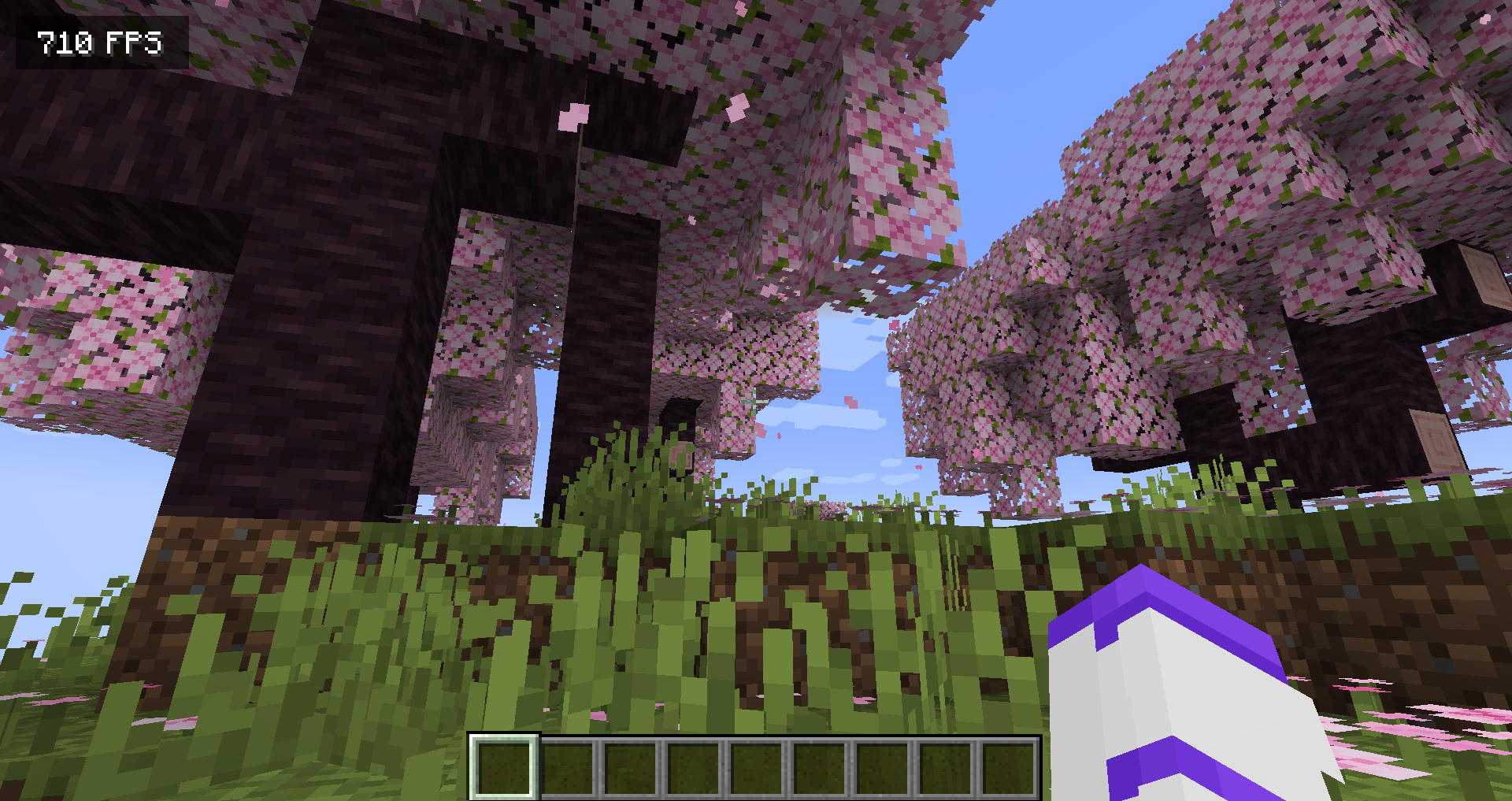 FPS Display from Generic HUD
 -
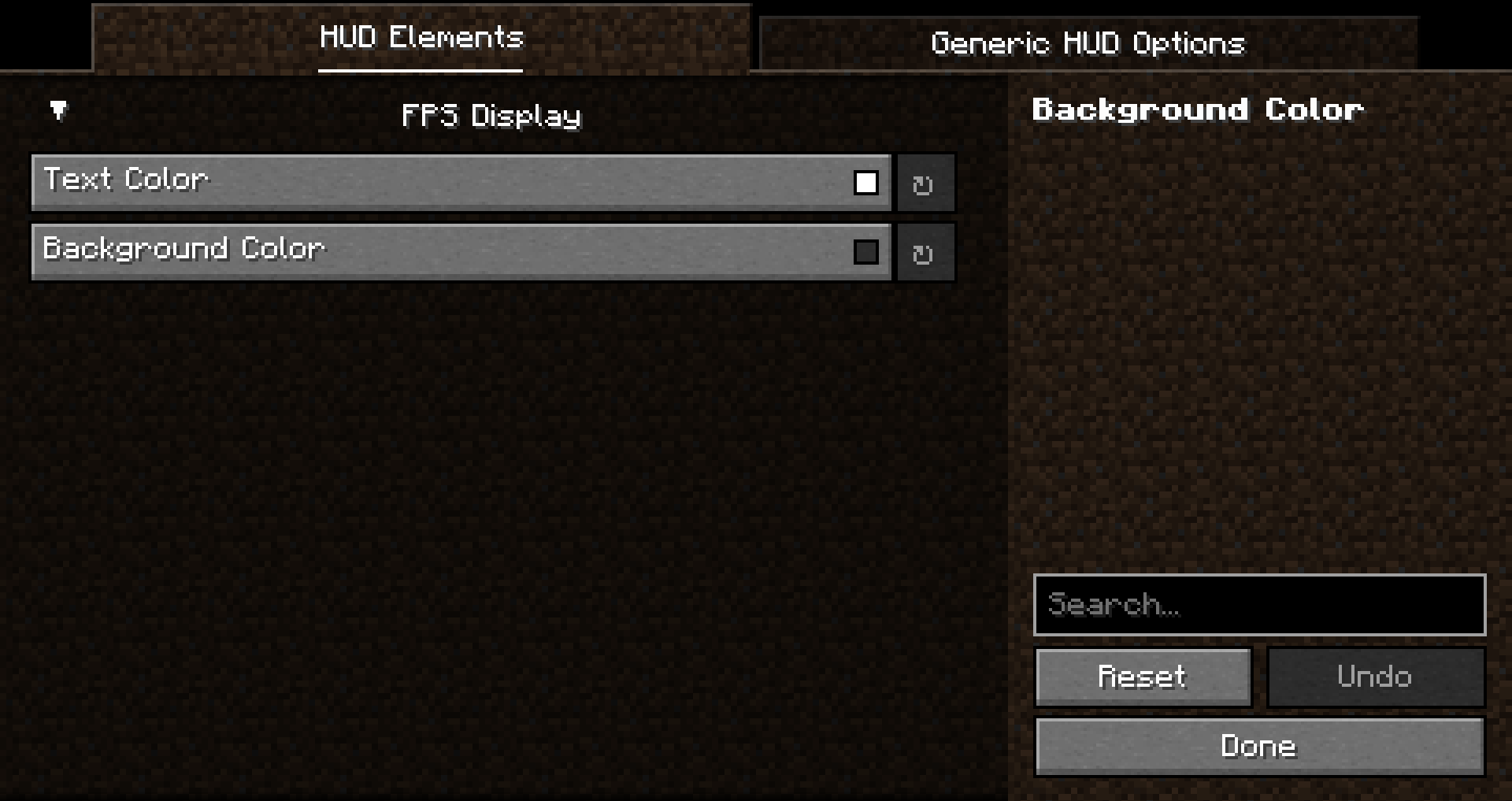 HUD Config Here you can configure compatible HUD Elements.
Versions
Files
Relations
Project Relations
More like this
Similar Mods
Suggestions use data such as tags, dependencies, dependents, descriptions, titles, and more to rank how much they overlap with this mod.
On ModDex
Community snapshot
By the numbers
Statistics

Want to reach Minecraft players?
We're looking for a server hosting partner to feature here and other parts of the site. Interested? Send us a message!
Get in touchGet it on
Available Platforms
On ModDex
Community snapshot
By the numbers