
Community listing page, reviews here may not be monitored by the author.
HudFabric


No reviews yet
HudFabric lets you customize your Minecraft HUD with a movable scoreboard, FPS/ping display, custom crosshair, colors, scaling, and quick in-game editing.
Community voices
Reviews
No reviews yet. Be the first to review this project!
Get it on
Available Platforms
Compatibility
Supported Environments
Runs entirely on the client. Works on vanilla servers.
About
Project Details
For authors
Embed Badge
If you're the author of this project, you can embed a live badge anywhere that supports HTML or Markdown. It updates automatically whenever ratings change.
Use HTML for any page that supports it, or Markdown for README files and Markdown-based descriptions.
Identifiers
Platform IDs
About
Description
HudFabric
HudFabric is a clean, client-side HUD editor for Minecraft Fabric. Move, scale and style useful HUD modules directly in-game—no server installation required.
Source code · Releases · Report an issue
Modules
- Custom scoreboard with server formatting support
- FPS and ping display
- Coordinates and biome
- Potion effects with icons and accurate remaining time
- Armor and tool durability in panel or vanilla hotbar style
- Left/right CPS counter
- Jump Reset timing feedback for PvP practice
- Fully configurable crosshair, Crosshair Indicator and block outline
Clean in-game editor
Every module can be moved and scaled in the HUD editor. Module settings keep controls and colors together, with draggable scrollbars, width, scale and corner-radius controls where applicable.
Highlights in 1.0.5
- Accurate CPS tracking for normal, fast and automated clicking
- Jump Reset feedback limited to real player combat
- Clean vanilla-style armor slots with optional individual positioning
- Reliable offhand rendering and improved hotbar spacing
- Crosshair Indicator integration and refined crosshair designs
- Improved effect timers, server transitions and long-duration formatting
- Better rendering for large scoreboards
- Automatic migration that preserves existing 1.0.4 settings
Compatibility
HudFabric is available for Minecraft 1.21.11, 26.1, 26.1.1, 26.1.2 and 26.2.
Requirements:
- Fabric Loader
- Fabric API
- Java 21 for Minecraft 1.21.11
- Java 25 for Minecraft 26.x
Mod Menu is optional and provides another convenient way to open the settings.
Languages
English, German and Spanish are included.
Open source
HudFabric is released under the MIT License. Current source, buildable version directories and privacy-safe historical releases are available on GitHub.
HudFabric
HudFabric is a clean, client-side HUD editor for Minecraft Fabric. Move, scale and style useful HUD modules directly in-game—no server installation required.
Source code · Releases · Report an issue
Modules
- Custom scoreboard with server formatting support
- FPS and ping display
- Coordinates and biome
- Potion effects with icons and accurate remaining time
- Armor and tool durability in panel or vanilla hotbar style
- Left/right CPS counter
- Jump Reset timing feedback for PvP practice
- Fully configurable crosshair, Crosshair Indicator and block outline
Clean in-game editor
Every module can be moved and scaled in the HUD editor. Module settings keep controls and colors together, with draggable scrollbars, width, scale and corner-radius controls where applicable.
Highlights in 1.0.5
- Accurate CPS tracking for normal, fast and automated clicking
- Jump Reset feedback limited to real player combat
- Clean vanilla-style armor slots with optional individual positioning
- Reliable offhand rendering and improved hotbar spacing
- Crosshair Indicator integration and refined crosshair designs
- Improved effect timers, server transitions and long-duration formatting
- Better rendering for large scoreboards
- Automatic migration that preserves existing 1.0.4 settings
Compatibility
HudFabric is available for Minecraft 1.21.11, 26.1, 26.1.1, 26.1.2 and 26.2.
Requirements:
- Fabric Loader
- Fabric API
- Java 21 for Minecraft 1.21.11
- Java 25 for Minecraft 26.x
Mod Menu is optional and provides another convenient way to open the settings.
Languages
English, German and Spanish are included.
Open source
HudFabric is released under the MIT License. Current source, buildable version directories and privacy-safe historical releases are available on GitHub.
Screenshots
Gallery
-
 HudFabric-icon.png HudFabric-icon.png
 -
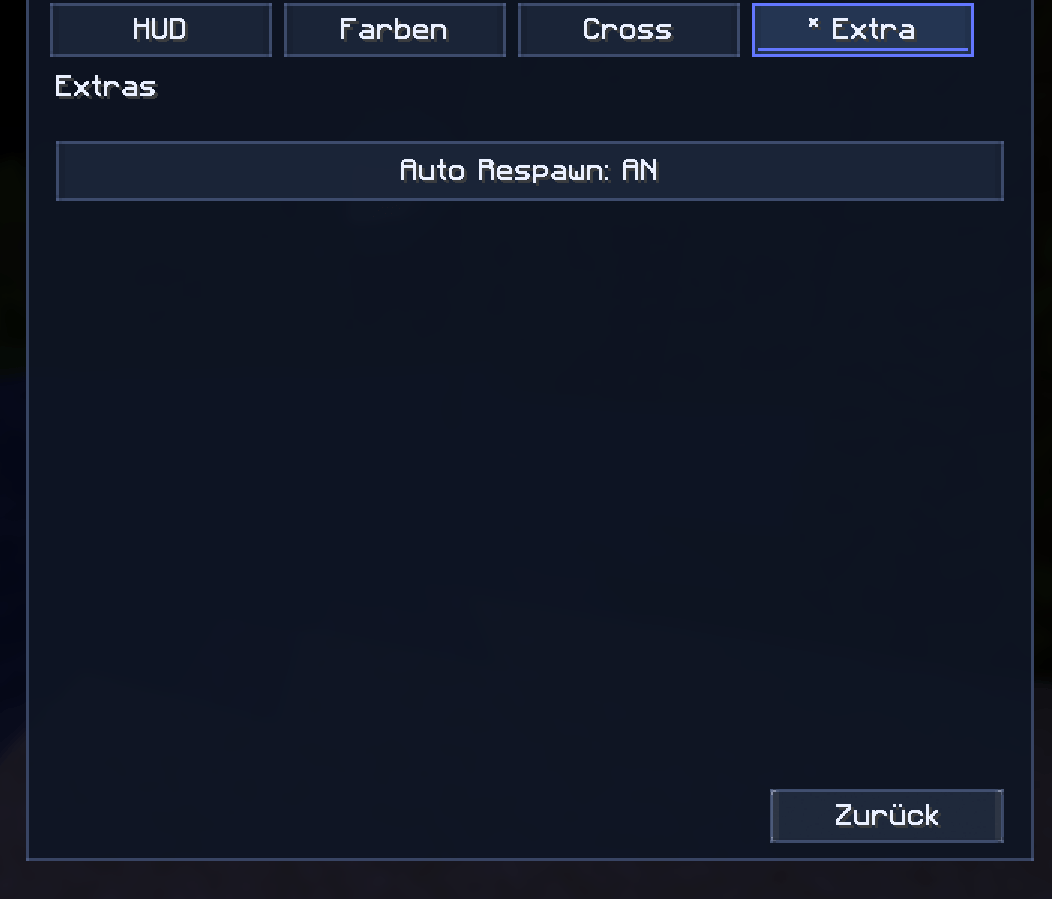 Extras Menu.png Extras Menu.png
 -
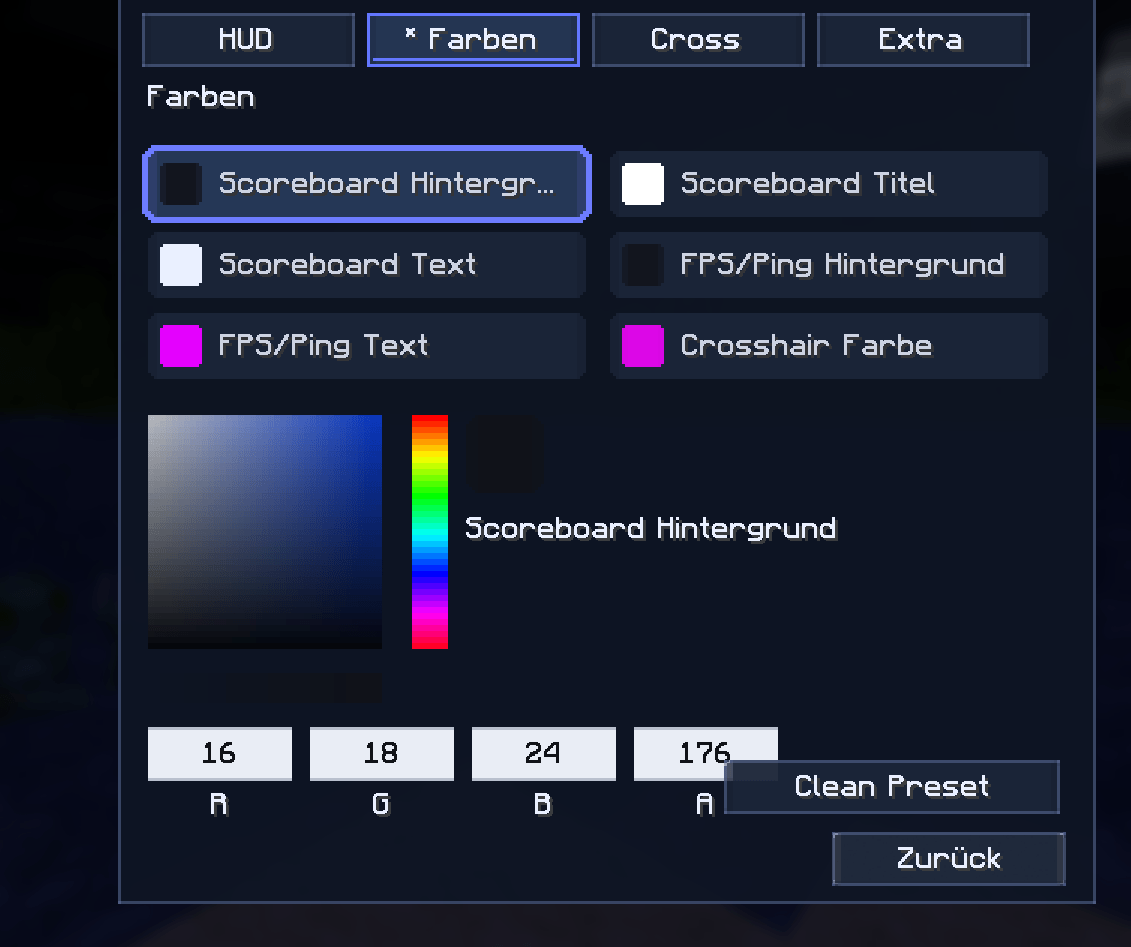 Colors Menu.png Colors Menu.png
 -
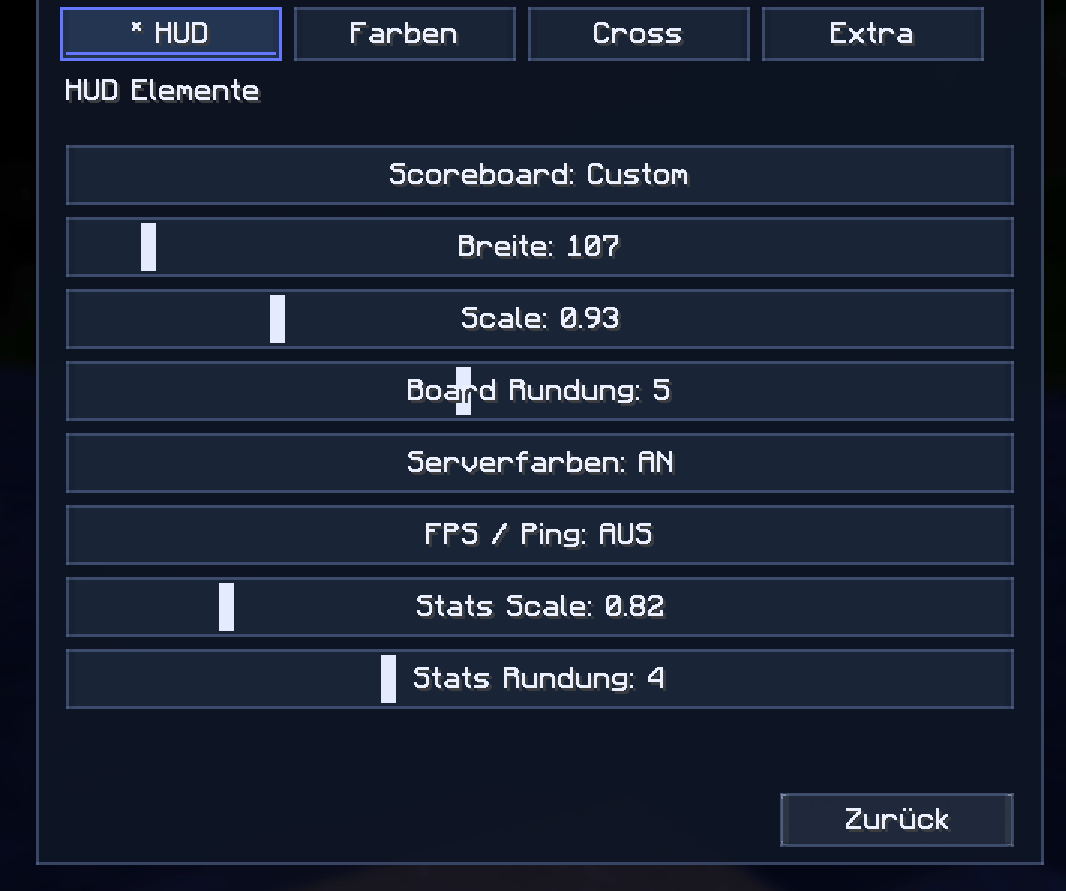 HUD Elements Menu.png HUD Elements Menu.png
 -
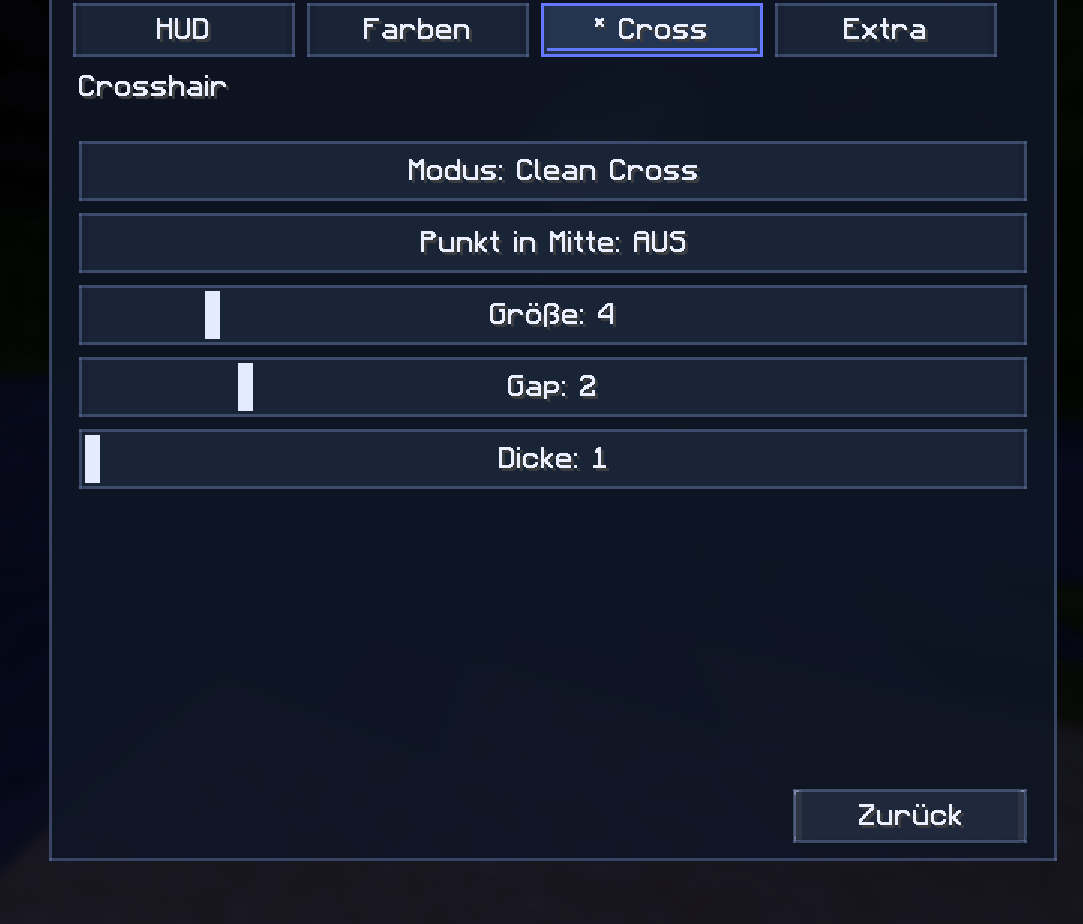 Crosshair Menu.png Crosshair Menu.png
-
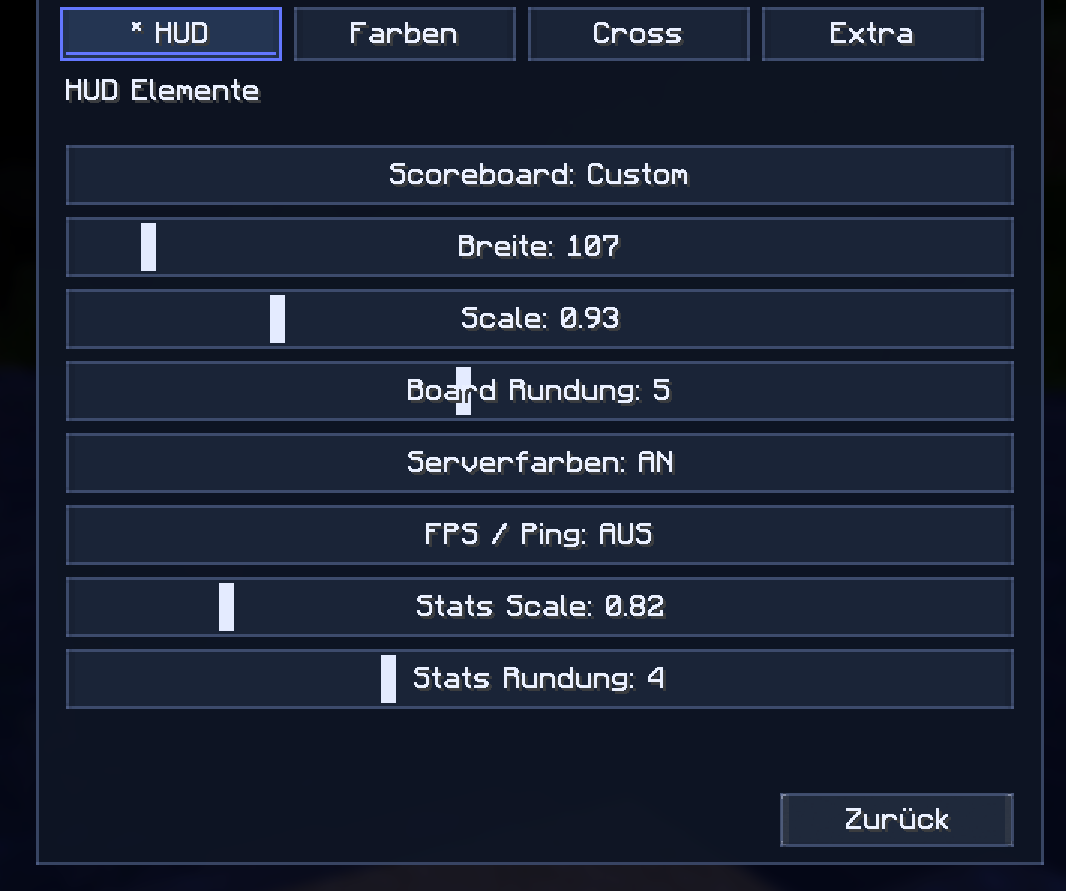 HUD Menu
 -
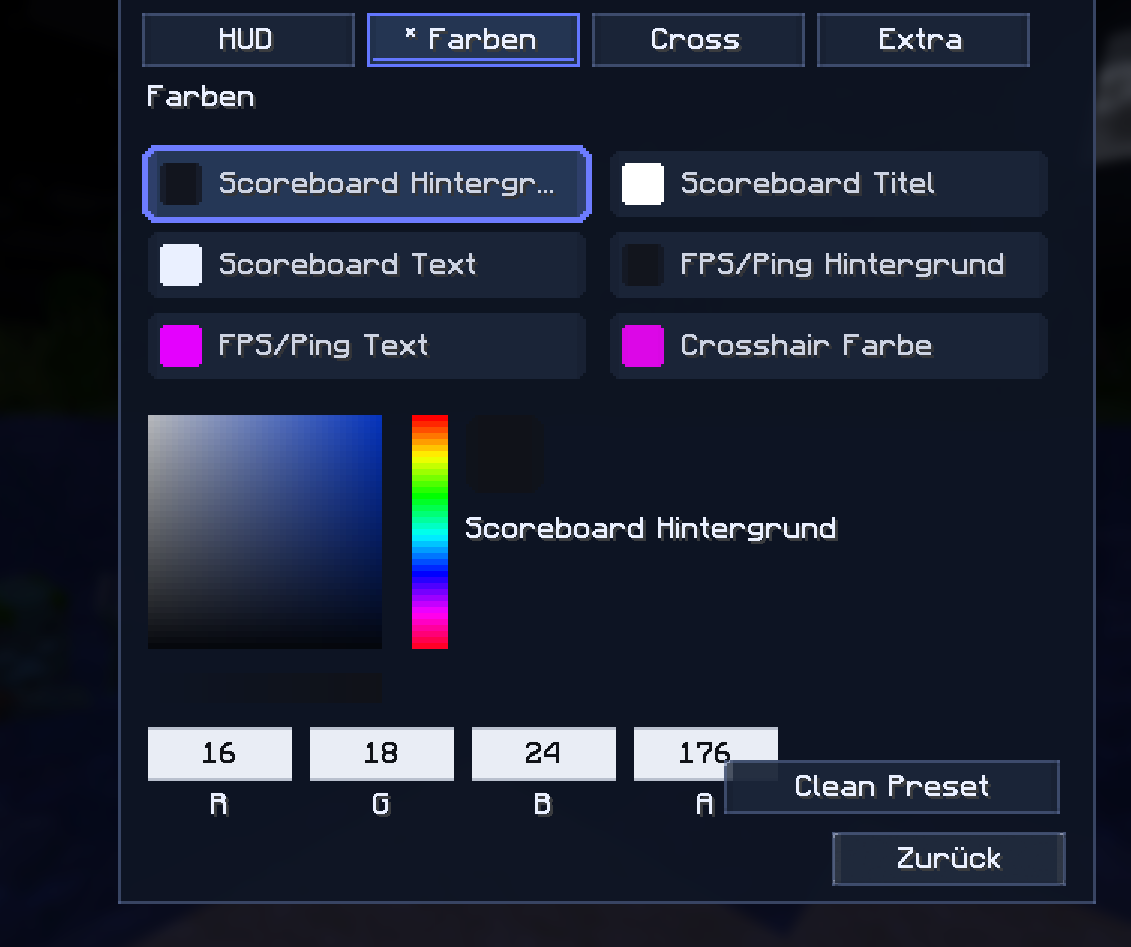 Color Menu
 -
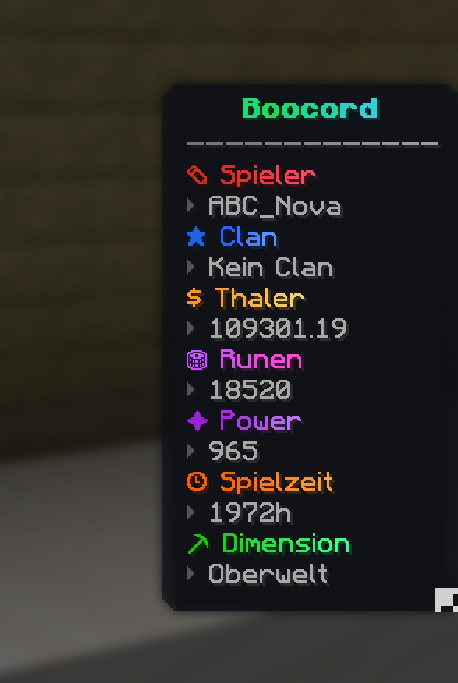 Scoreboard Edit
 -
 HudFabric Icon
Versions
Files
Relations
Project Relations
More like this
Similar Mods
Suggestions use data such as tags, dependencies, dependents, descriptions, titles, and more to rank how much they overlap with this mod.
On ModDex
Community snapshot
By the numbers
Statistics
Want to reach Minecraft players?
We're looking for a server hosting partner to feature here and other parts of the site. Interested? Send us a message!
Get in touchGet it on
Available Platforms
On ModDex
Community snapshot
By the numbers