
Hudify
No reviews yet
Addon for CustomHud to display Spotify info
Fabric is a mod loader for versions 1.14+ of Minecraft, particularly popular for client side and optimization mods.
Community voices
Reviews
Click once to include, again to exclude, again to clear
No reviews yet. Be the first to review this project!
Get it on
Available Platforms
 Modrinth
Compatibility
Supported Environments
About
Project Details
For authors
Embed Badge
If you're the author of this project, you can embed a live badge anywhere that supports HTML or Markdown. It updates automatically whenever ratings change.
Use HTML for any page that supports it, or Markdown for README files and Markdown-based descriptions.
Identifiers
Platform IDs
About
Description
Hudify - A Spotify integration for CustomHud


Display your Spotify info on your hud and control your music using ingame keybinds.
Requires MidnightLib and version 4.0+ of CustomHud. Please read the installation instructions below!
Installation
You'll need to create a Spotify developer app to use this mod.
Why? In short, because it's easier for everyone. Since Spotify's API ratelimits are per app, not per user,
if everyone has their own app, Hudify can poll the API much more frequently without worrying about hitting ratelimits.
This allows Hudify to display far more accurate info, with much less risk of getting desynchronized.
Note: Playback controls are locked behind a Spotify Premium subscription, which is out of my control.
The CustomHud variables work fine without a subscription.
Installation instructions:
- Create a Spotify app according to the "Create an App" section in Spotify's docs.
- Set your app name and description to anything you want
- Set your Redirect URI to
http://localhost:8001/callback. - Get your Client ID from your newly created app
- Put your Client ID in Hudify's config via ModMenu, or by manually editing
.minecraft/config/hudify.json. - Press a Hudify keybind to initialize, and that's it!. No need to request an access token like the docs prompt you to, because Hudify takes care of that for you.
To uninstall, also be sure to also disconnect the app from https://www.spotify.com/us/account/apps
This process is very easy, only takes ~5 minutes, and does not cost any money nor require a Premium subscription. If you're still not interested, I suggest you try the mod Blockify, which doesn't require this process.
See the GitHub page for a list of CustomHud variables added. This is how you display the info on your hud.
Example CustomHud Config
=if: sp_track=
{sp_track}
{sp_album}
{sp_artists}
{sp_progress} / {sp_duration}
{{sp_context_name, "Playing from {sp_context_name} ({sp_context_type})"}}

Shuffle: {sp_shuffle}
Repeat: {sp_repeat}

{{sp_message, "{sp_msg} {sp_msg_dur}"}}
=endif=
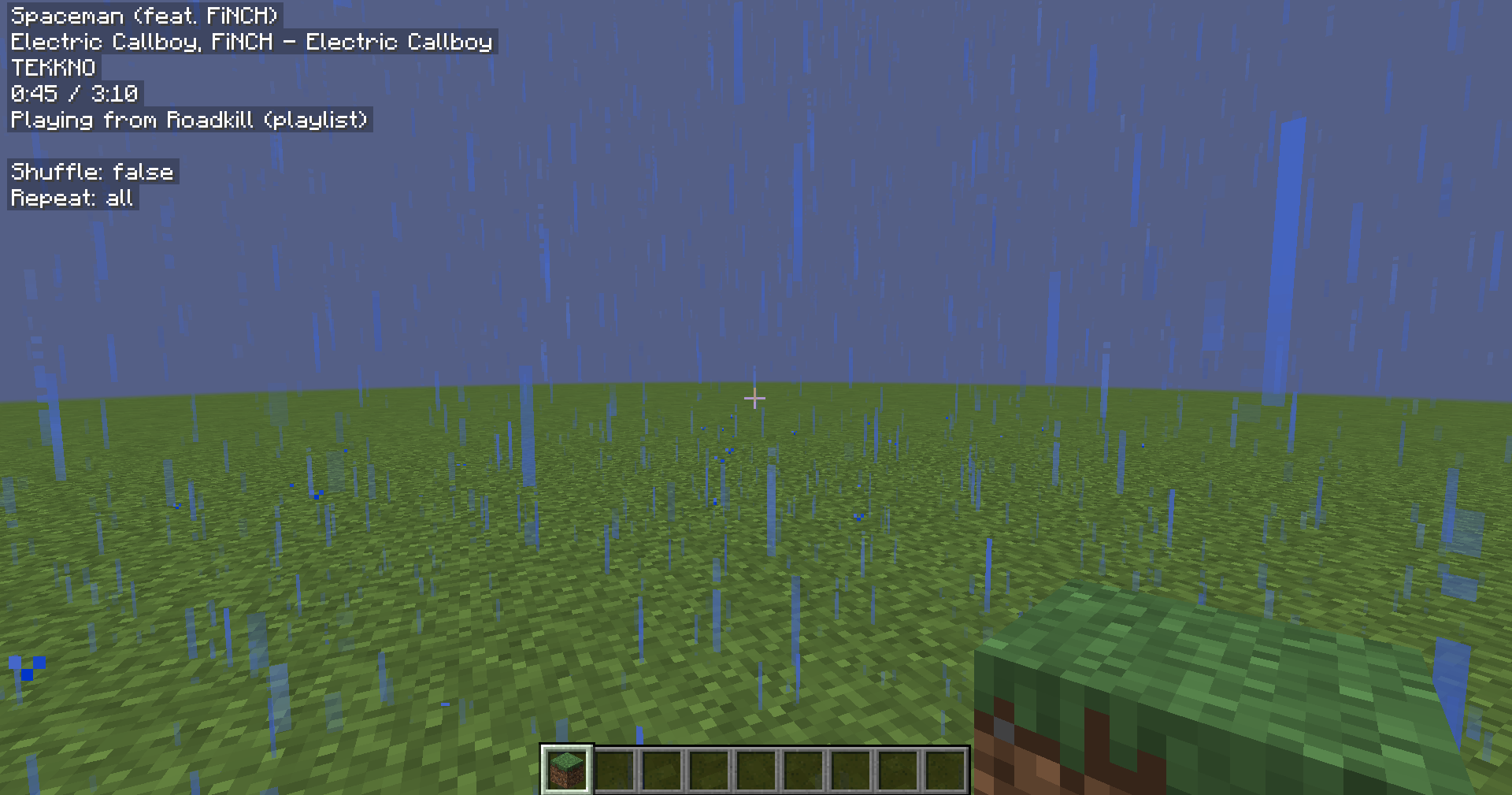
The config above produced this HUD:
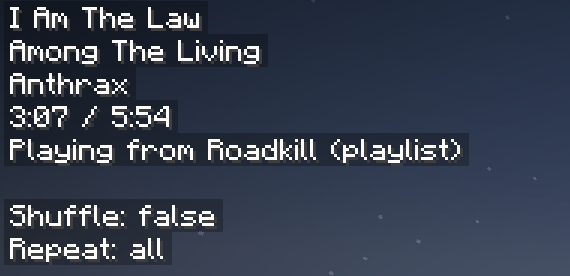
Credit: A huge thank you to erruqie's Blockify and Jakob's CustomHud for their fantastic work, this wouldn't have been possible without them.
Disclaimer: This project is not affiliated with or endorsed by Spotify, Blockify, or CustomHud.
Note about updates
I've been getting burnt from Minecraft, and updating my projects has fallen lower on my priority list. I designed them with forward compatibility in mind, so there's a good chance the old project version will work on newer MC versions. If that doesn't work, and you really want an updated version, poke Lightningtow on the linked discord server, and I'll get it updated for youPro tip: if you like the Hudify playback control keybinds, and want them to work everywhere on your computer, check out Microsoft PowerToys. You can use Keyboard Manager to rebind unused keys to Next Track, Previous Track, and Play/Pause Media.
Screenshots
Gallery
Versions
Files
Relations
Project Relations
More like this
Similar Mods
Suggestions use data such as tags, dependencies, dependents, descriptions, titles, and more to rank how much they overlap with this mod.
On ModDex
Community snapshot
By the numbers
Statistics

Want to reach Minecraft players?
We're looking for a server hosting partner to feature here and other parts of the site. Interested? Send us a message!
Get in touchGet it on
Available Platforms
On ModDex
Community snapshot
By the numbers