
Community listing page, reviews here may not be monitored by the author.
hueCraft

No reviews yet
A full immersive experience with Philips hue!

Community voices
Reviews
No reviews yet. Be the first to review this project!
Get it on
Available Platforms
About
Project Details
For authors
Embed Badge
If you're the author of this project, you can embed a live badge anywhere that supports HTML or Markdown. It updates automatically whenever ratings change.
Use HTML for any page that supports it, or Markdown for README files and Markdown-based descriptions.
Identifiers
Platform IDs
Resources
External Links
About
Description
About
Extend Minecraft to your room with this mod. Let your Philips hue lights extend Minecraft experience by changing the color and brightness of your room. Each biome is mapped to different colors and the color of the lights will change as you travel from one biome to another. Even when you are in the water your lights will turn blue. The light intensity in room will be the same as in Minecraft. Day-night cycle and different light sources will change the brightness of your lights, but also caves and other dark places will make the brightness go down.
A full immersive experience with hue!
Main features:
Version 0.2.0:
- New option menu (Main menu -> Options -> Lower left corner "L" button)
- Easier light selection
- Easier switching bridge
- Toggle on off effects
Version 0.1.1:
- If you are on fire, your lights will change to fire colors
- When you are taking damage, lights will flash red
- Each time a lightning strike hits, your lights will flash bright white
Version 0.1.0:
- The color in your room will adapt to the biome you are in
- The brightness in your room changes on the current light level of Minecraft
- The color in your room will turn blue when you are in the water
- Lights will blink when you are (almost) out of air
- Add the biomes from different mods so your room react to all of them
- Edit biomes to your favorite colors
Setup
First time use:
- Start up a world in Minecraft and follow the instructions in the upper left corner of the screen
- After the message “[hueCraft] Connected and ready to go” the first 3 lights will be used
- If you want to use different lights you change the lights in the main menu > mods > huecraft
- To add multiple lights to a group, write the id numbers on their own line
- Also you can change the maximal brightness in that same menu
Customize biome colors:
- After first use there is a JSON file named “huecraft-biomes.info” in the mods folder created
- In that file there is a list of all vanilla biomes with the colors (based on hue and saturation)
- Here you can edit the colors by changing the value of hue (0-65535) and saturation (0-255)
- To add an biome you need the know the id and name and put them in the file and use the same format as the vanilla biomes
Screenshots
Gallery
-
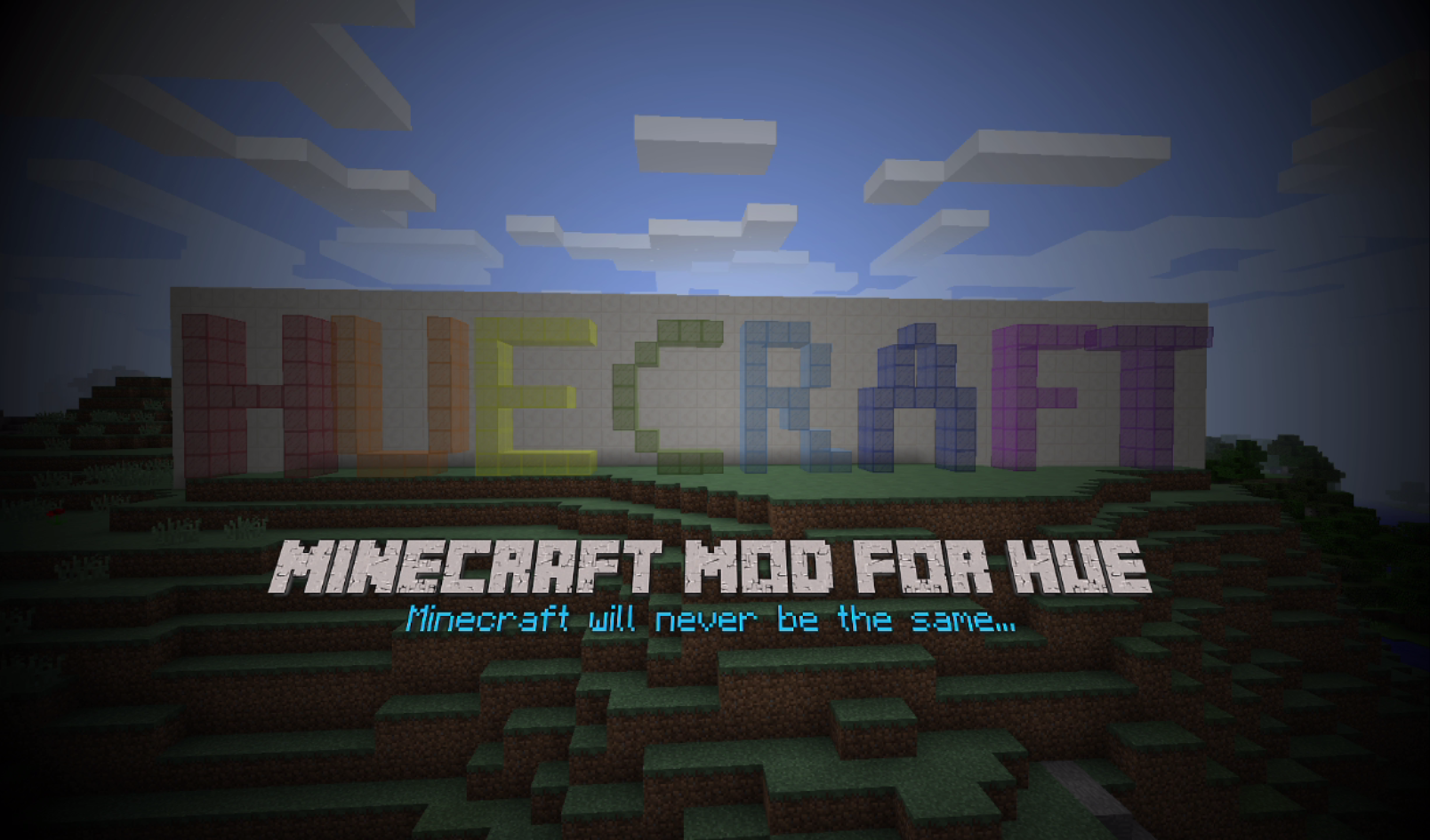 hueCraft Logo
Versions
Files
Relations
Project Relations
More like this
Similar Mods
Suggestions use data such as tags, dependencies, dependents, descriptions, titles, and more to rank how much they overlap with this mod.
On ModDex
Community snapshot
By the numbers
Statistics
 (opens in a new tab)
Get it on
Available Platforms
On ModDex
Community snapshot
By the numbers
Statistics
Resources