
Hyper Login
No reviews yet
A simple yet powerful data pack that allows every player to protect their account with a password.
Data Packs were introduced to vanilla Minecraft in version 1.13 and allow the server to modify data about the game, or run commands. Data Packs are compatible with all mod loaders.
Forge is a popular mod loader for versions 1.1+ of Minecraft.
Neoforge is a fork of the Minecraft Forge available for versions 1.20.1+ of Minecraft. Many Forge mods are compatible with Neoforge and vice versa.
Fabric is a mod loader for versions 1.14+ of Minecraft, particularly popular for client side and optimization mods.
Quilt is a fork of the Fabric mod loader. Many Fabric mods are compatible with Quilt and vice versa.
Community voices
Reviews
Click once to include, again to exclude, again to clear
No reviews yet. Be the first to review this project!
Get it on
Available Platforms
 Modrinth
Compatibility
Supported Environments
About
Project Details
For authors
Embed Badge
If you're the author of this project, you can embed a live badge anywhere that supports HTML or Markdown. It updates automatically whenever ratings change.
Use HTML for any page that supports it, or Markdown for README files and Markdown-based descriptions.
Identifiers
Platform IDs
About
Description
💡 How does this work?
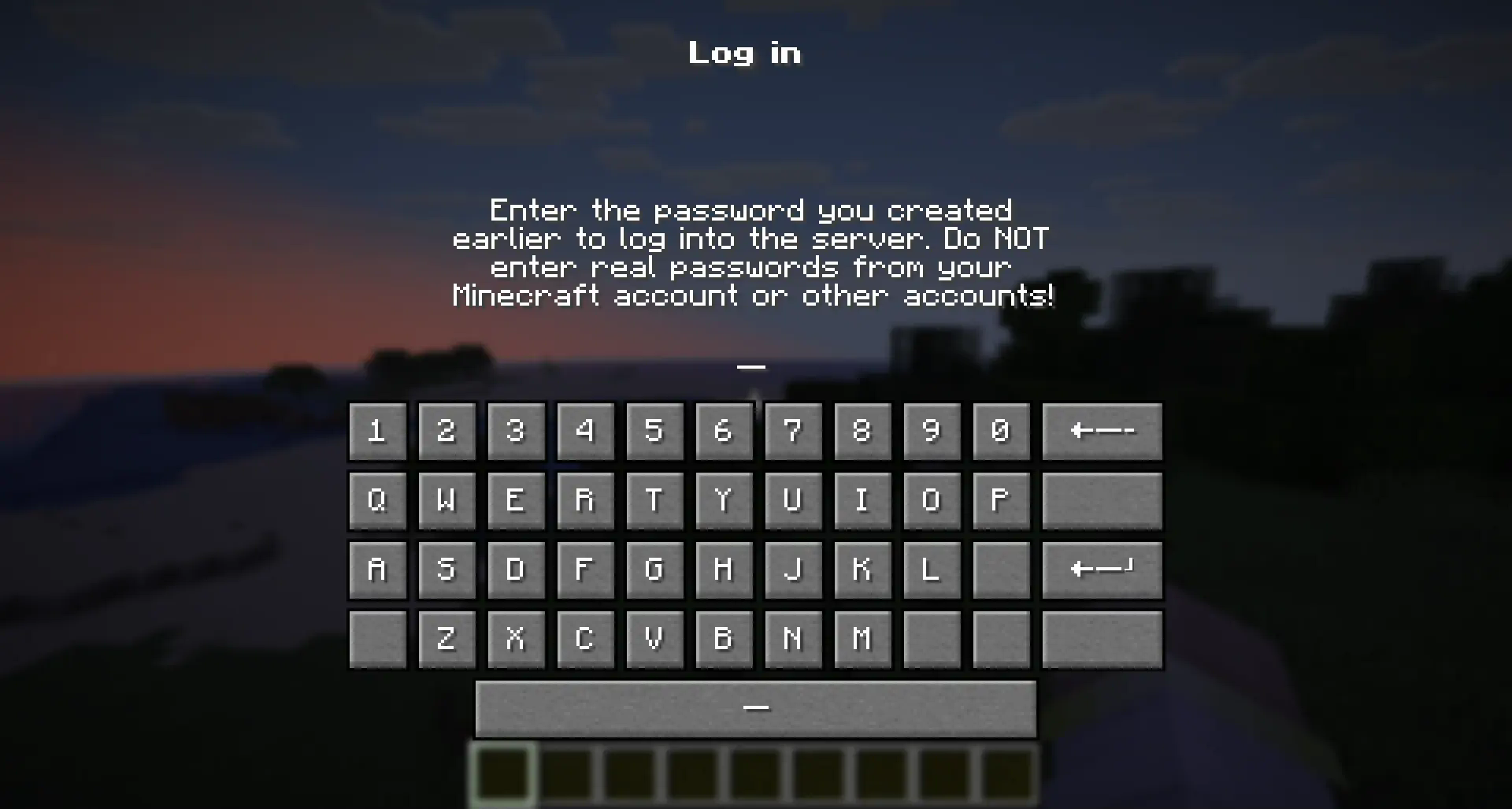
"Hyper Login" uses a forced dialogue system to ensure the safety of each player entering the server.
When you first enter, you will need to come up with a unique alphanumeric combination, which you will use later to enter the server under the same nickname.
If a player enters an incorrect password several times in a row, he can try again after the server restart (or re-enter the world if it is a single-player game)
🔐 Is this safe to use?
All players' passwords are stored offline and no player can find out the other player's password.
At the moment of registration or entering a password, the player is not vulnerable and is not subject to gravity, which will not allow him to be deliberately harmed until he has entered the correct password.
The datapack does not change anything in the world it is installed in. If you decide to stop using the mod/datapack, then after deleting it, the world/server will be available without entering a password.
❓ What happens if I forget my password?
If a player has forgotten their password, server operators can reset it with the command:
/tag <Player> remove xhl_signed_inIf it is necessary to force a player to log in again, server operators can do this with the command:
/tag <Player> remove xhl_logged_in
🖥 Where should I install the mod (OR) datapack?
- The datapack must be installed in the "datapacks" folder of a world or a server you want to password protect.
- The mod must be installed in the "mods" folder on the server you want to password protect.
- Installing a mod on the client only makes sense if you want to protect all your singleplayer worlds from another person using your pc
Screenshots
Gallery
-
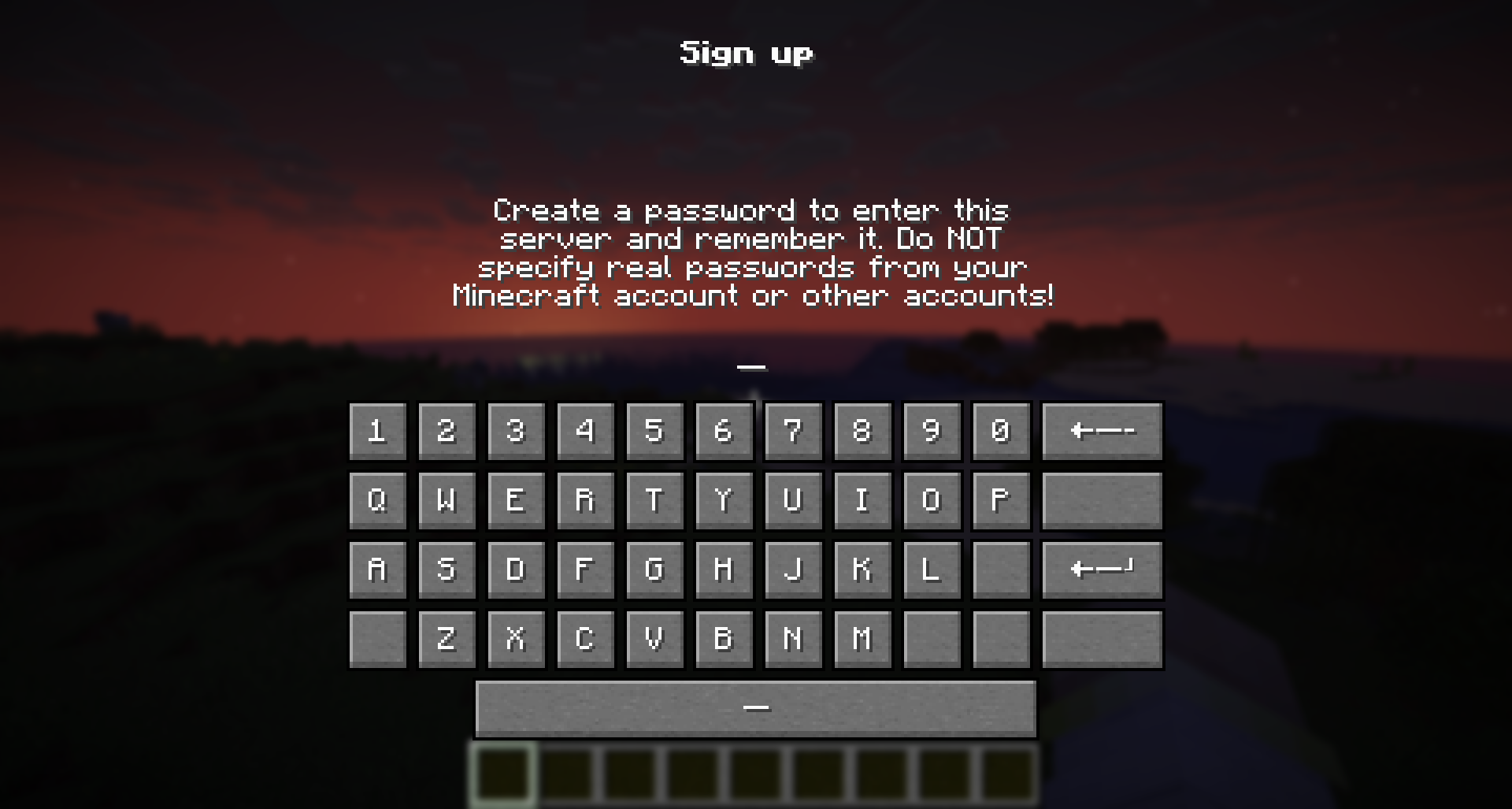 Sign up screen
 -
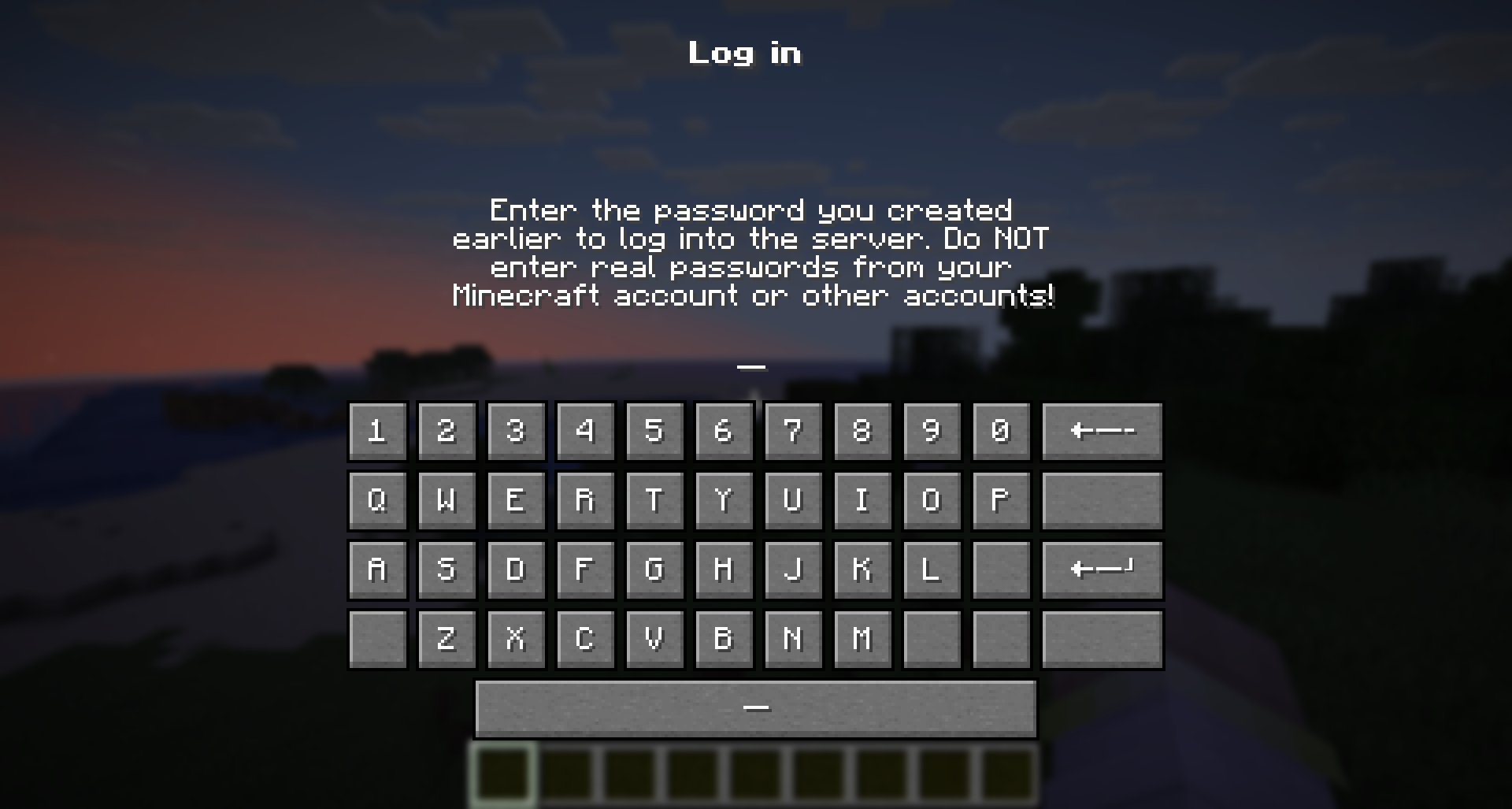 Log in screen
 -
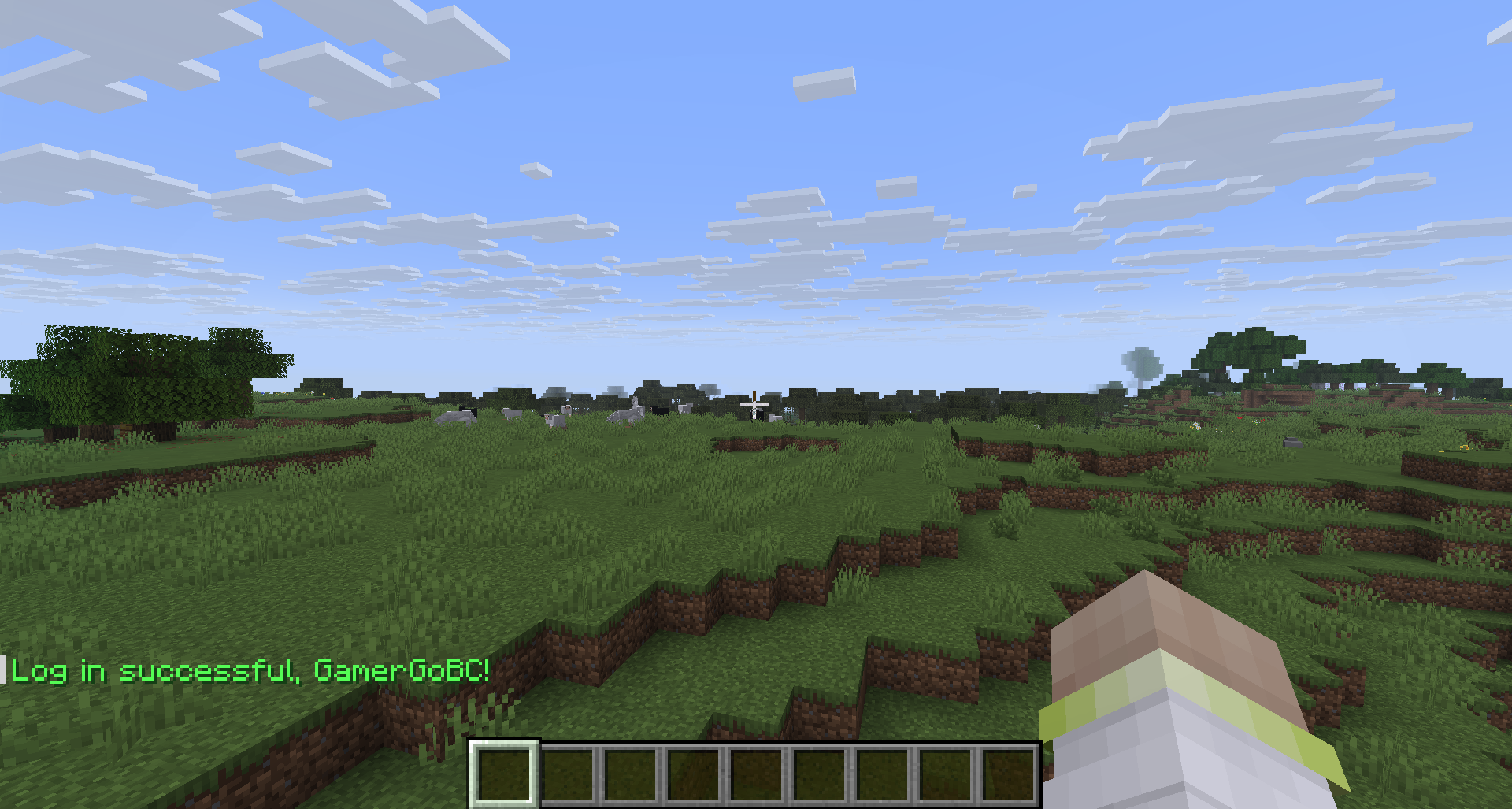 Successful Log in
 -
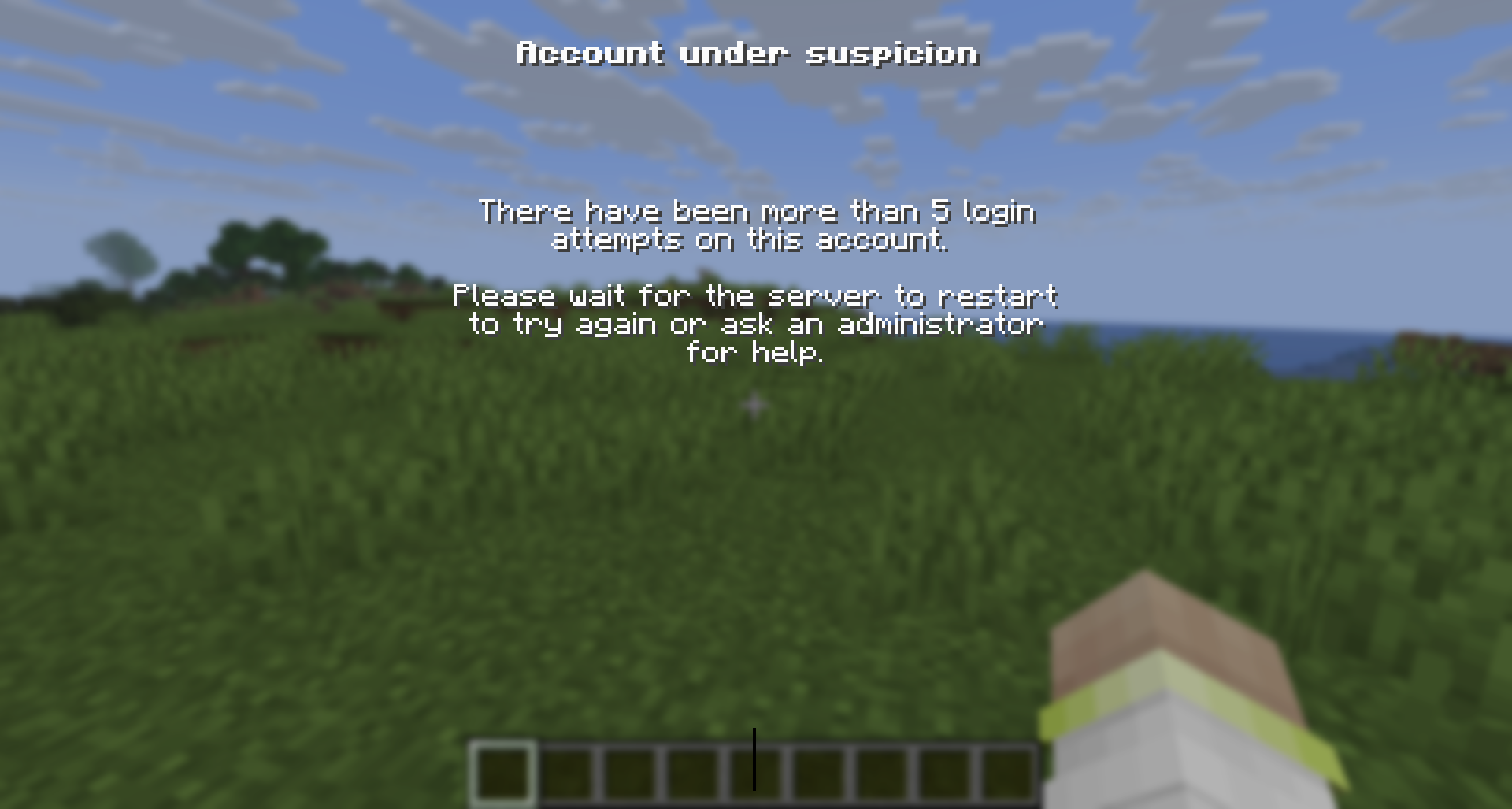 Too many attempts
Versions
Files
Relations
Project Relations
More like this
Similar Mods
Suggestions use data such as tags, dependencies, dependents, descriptions, titles, and more to rank how much they overlap with this mod.
On ModDex
Community snapshot
By the numbers
Statistics

Want to reach Minecraft players?
We're looking for a server hosting partner to feature here and other parts of the site. Interested? Send us a message!
Get in touchGet it on
Available Platforms
On ModDex
Community snapshot
By the numbers