
Community listing page, reviews here may not be monitored by the author.
imac2007's Music Player


No reviews yet
A simple yet functional in-game music player that plays your custom music.
Community voices
Reviews
No reviews yet. Be the first to review this project!
Get it on
Available Platforms
Compatibility
Supported Environments
Runs entirely on the client. Works on vanilla servers.
About
Project Details
For authors
Embed Badge
If you're the author of this project, you can embed a live badge anywhere that supports HTML or Markdown. It updates automatically whenever ratings change.
Use HTML for any page that supports it, or Markdown for README files and Markdown-based descriptions.
Identifiers
Platform IDs
About
Description
Music Player is a lightweight, client-side Fabric mod that lets you enjoy your own local music files while playing Minecraft.
✨ Features
- Seamless Integration — A Minecraft-native GUI designed to feel like part of the game.
- Format Support — Compatible with
.mp3and.wavaudio files. - Custom Playlists — Create, edit, and manage multiple playlists to match any gameplay mood.
- Full Playback Controls — Play, pause, skip, and adjust volume with ease.
- Customizable Keybindings — Bind any key to open the player or control playback while on the move.
- Smart Folder Scanning — Automatically detects music files in your configured folder.
🛠️ Installation
- Install Fabric Loader and Fabric API.
- Drop
musicplayer-mod.jarinto your.minecraft/modsfolder. - Launch the game.
- Press
ESC->Options...->Music & Sounds...and set theMusicSlider to OFF to avoid overlap. - Place your music files into
.minecraft/music, or set a custom path in the mod's settings. - Press
Min-game to open the player (default keybind).
📦 Dependencies
- Fabric API — Required
- Java 25 or newer — Required
📜 Third-Party Libraries
- JLayer by JavaZoom — Handles MP3 decoding and playback. Licensed under LGPL.
Melodix is a client-side Fabric mod that lets you enjoy your own local music files or Minecraft's own soundtrack while playing, with a full-featured in-game player.
✨ Features
- Minecraft-native GUI: Open the full player with
Mto browse your library, manage a queue, and tweak every setting without leaving the game. - Format Support: Compatible with
.mp3and.wavaudio files. - Vanilla Soundtrack Control: Browse and play Minecraft's built-in music tracks from the same interface. Optionally suppress Minecraft's automatic music so you're always in control.
- Custom Playlists: Create, edit, and manage multiple playlists to suit any gameplay mood.
- Mini Player HUD: A compact, draggable overlay shows the current track on-screen at all times.
- Now Playing Display: Shows track info as a widget or above the hotbar, or turn it off entirely.
- Audio Visualizer: An optional frequency visualizer renders on-screen during playback.
- Album Art: Displays album art for Minecraft's official soundtrack releases, with a fallback image for custom tracks.
- Audio Effects: 5-band equalizer with preamp, reverb, crossfade between tracks, playback speed control, and fade-on-pause.
- Listening Statistics: See how long you've listened to each track from a dedicated stats screen.
- Liked Songs: Mark tracks as favorites for quick access.
- Playback Modes: Sequential, shuffle, and repeat.
- Volume Ducking: Music automatically lowers when you take damage, then restores itself.
- Window Focus Handling: Optionally pause music when Minecraft loses focus.
- Keyboard Shortcuts: Play/pause (
P), next (→), previous (←), volume up/down (↑/↓), and a custom quick-volume keybind — all rebindable in the vanilla Controls menu. - Themes: Switch between color themes from the settings screen.
🖼️ Screenshots
Player Menu
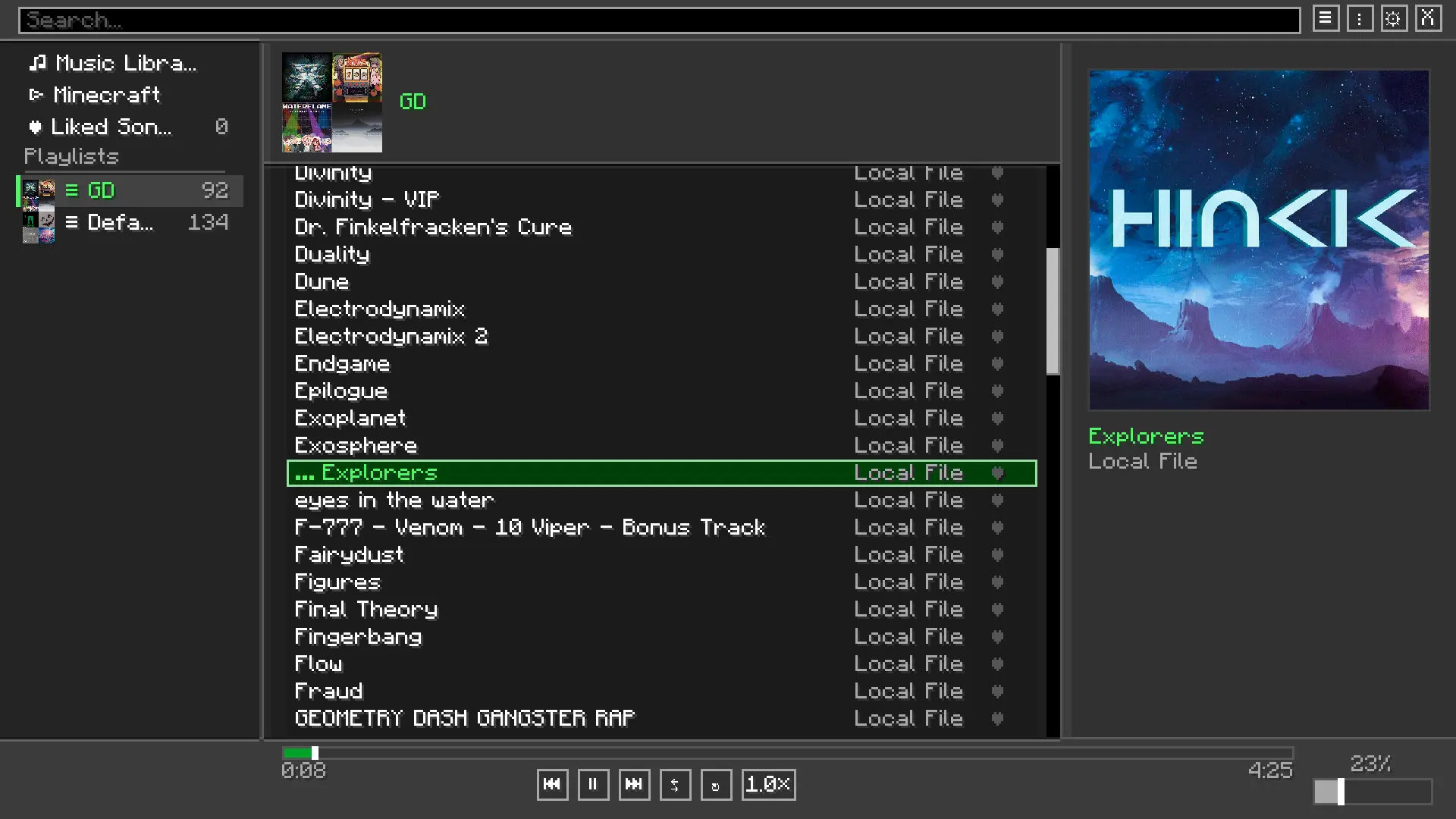 Playlist menu
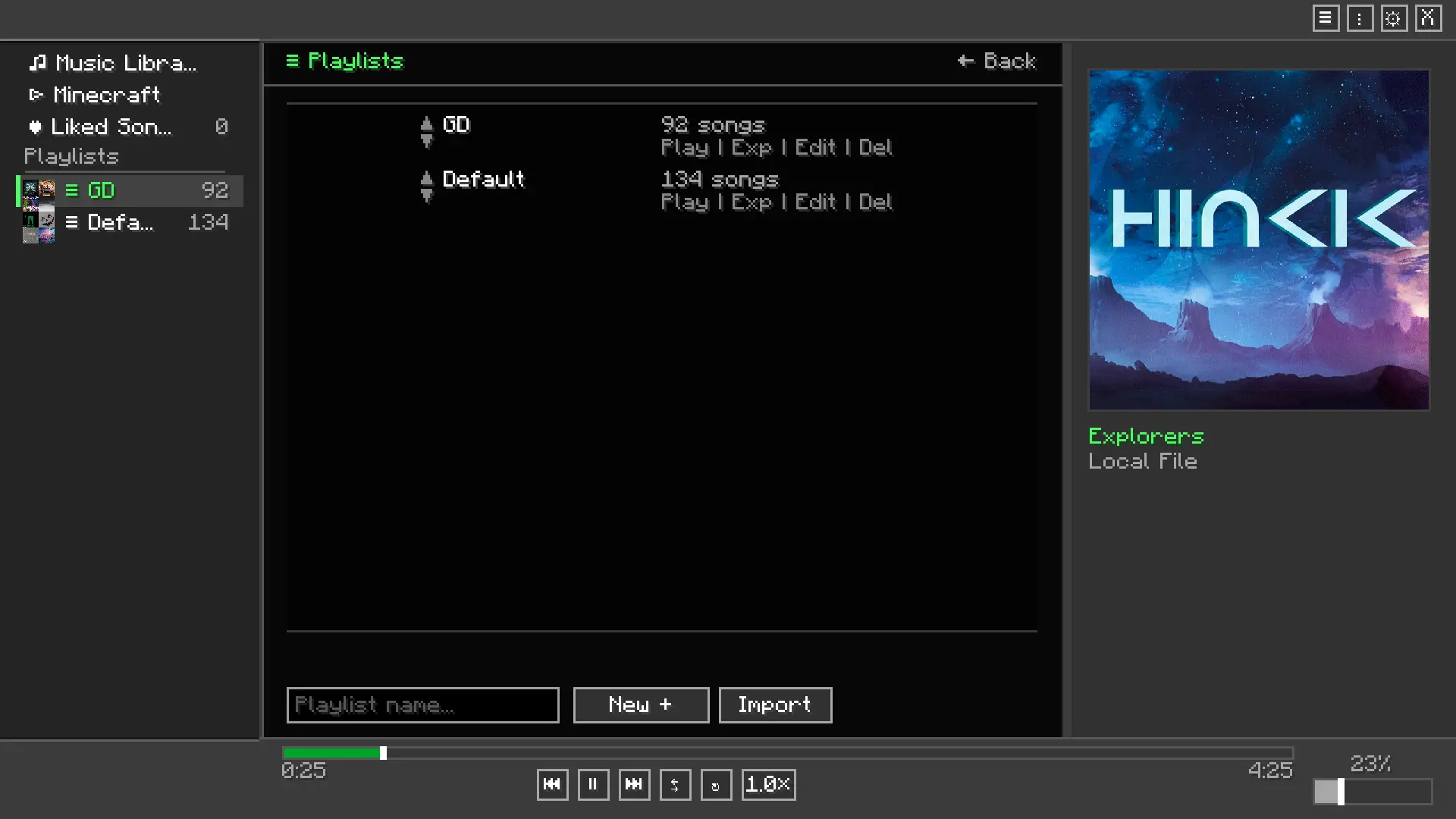 Playlist Editor
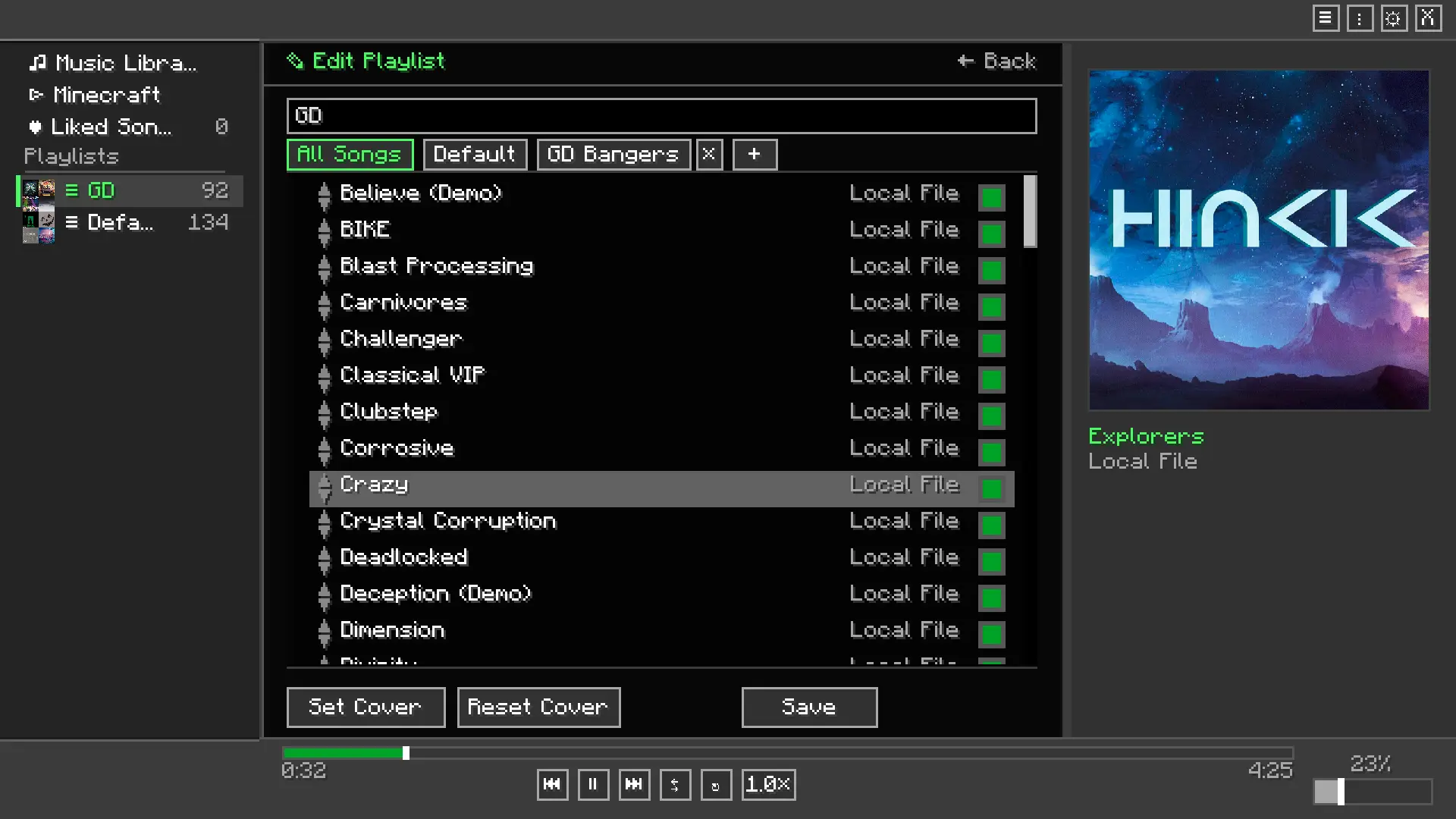 Settings menu
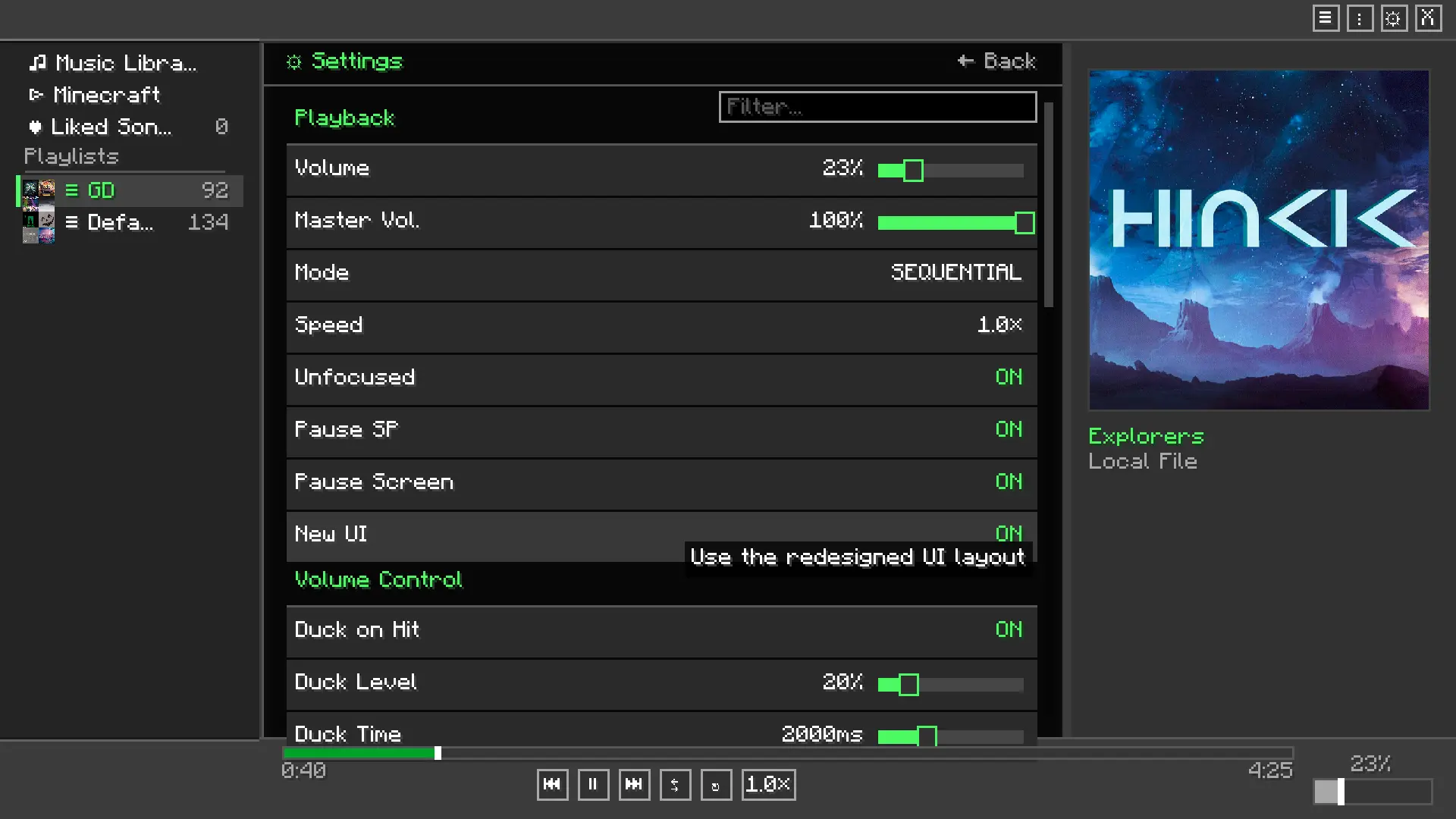
🛠️ Installation
- Install Fabric Loader and Fabric API.
- Drop
melodix-<version>.jarinto your.minecraft/modsfolder. - Launch the game.
- Press
Min-game to open the player. - In the settings screen, set your music folder path to the folder containing your
.mp3or.wavfiles.
📦 Dependencies
- Fabric API — Required
- Java 25 or newer — Required
📜 Third-Party Libraries
Already bundled in the mod, no need to download separately
- JLayer by JavaZoom — Handles MP3 decoding and playback. Licensed under LGPL.
Screenshots
Gallery
-
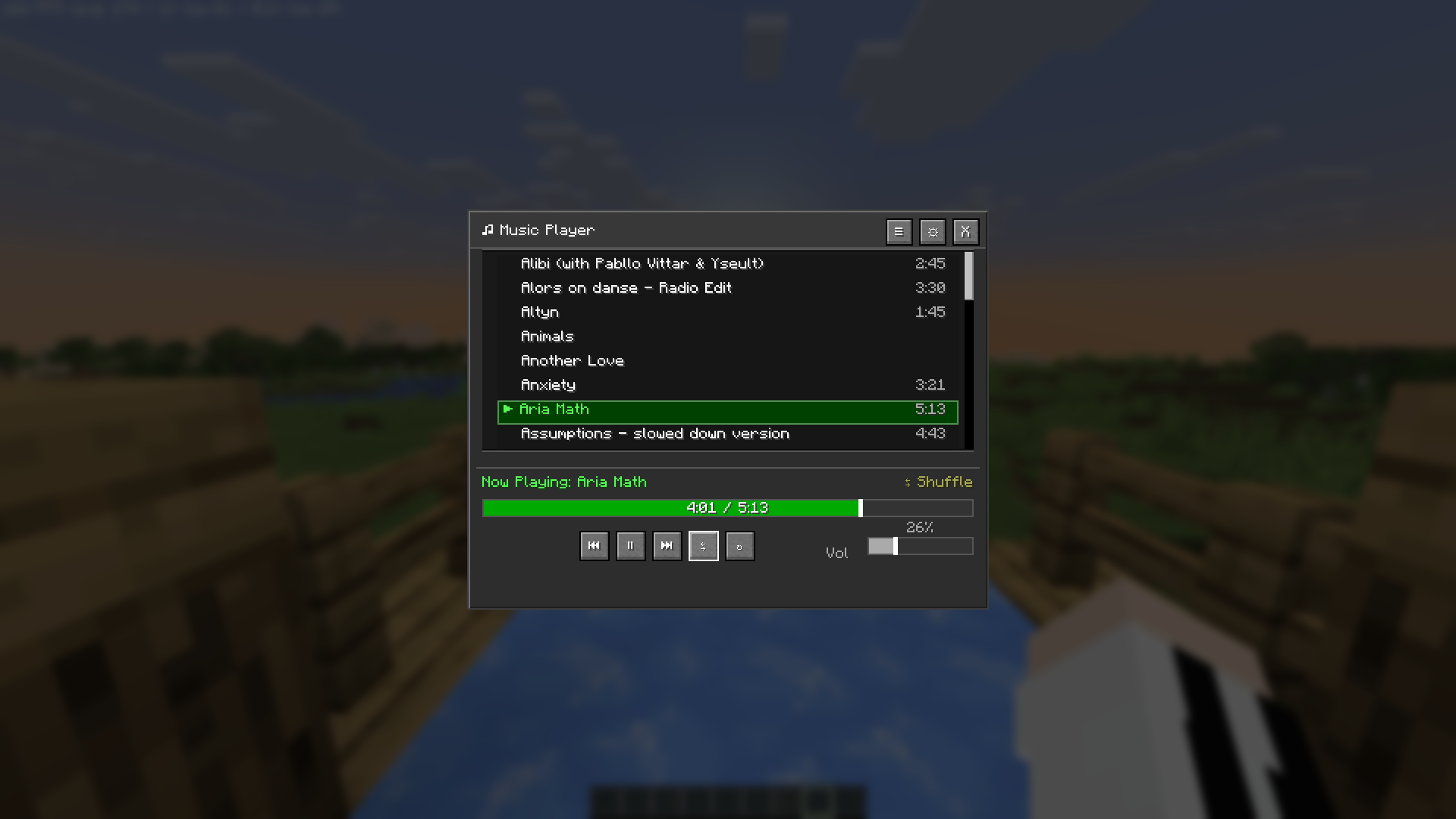 Shuffle Shuffle function
 -
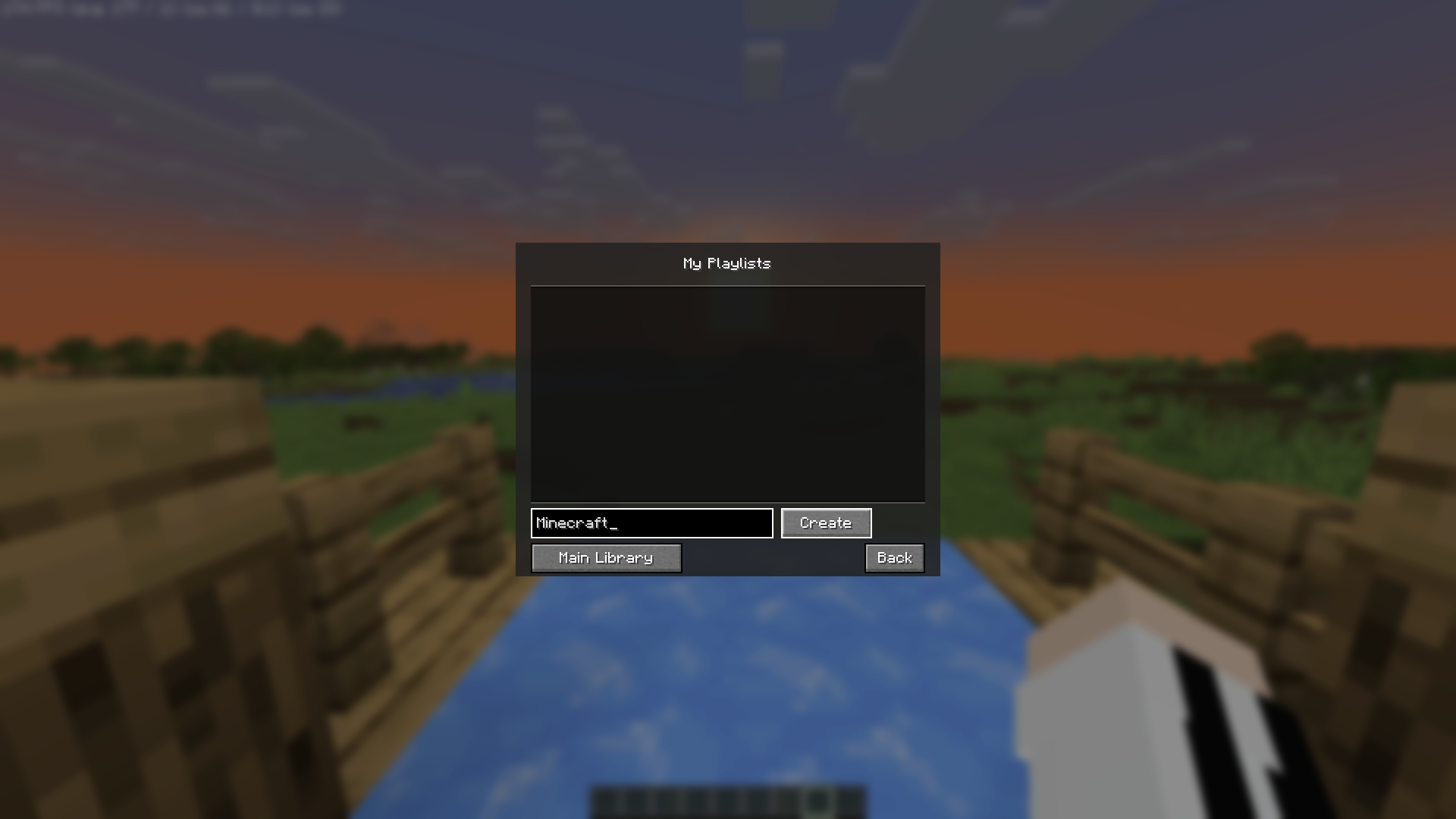 Create Playlist Create Playlist function
 -
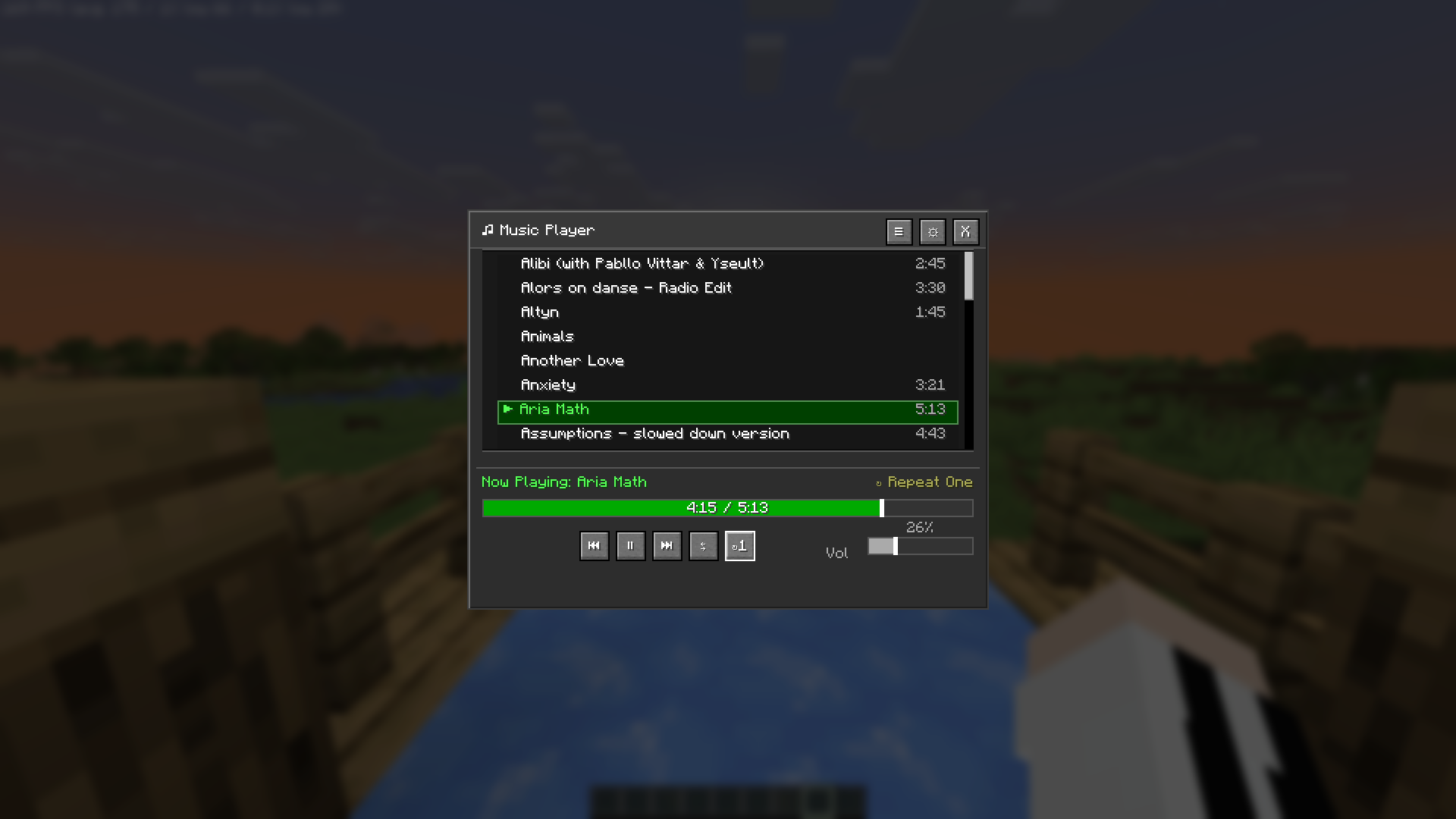 Repeat one Repeat one function
 -
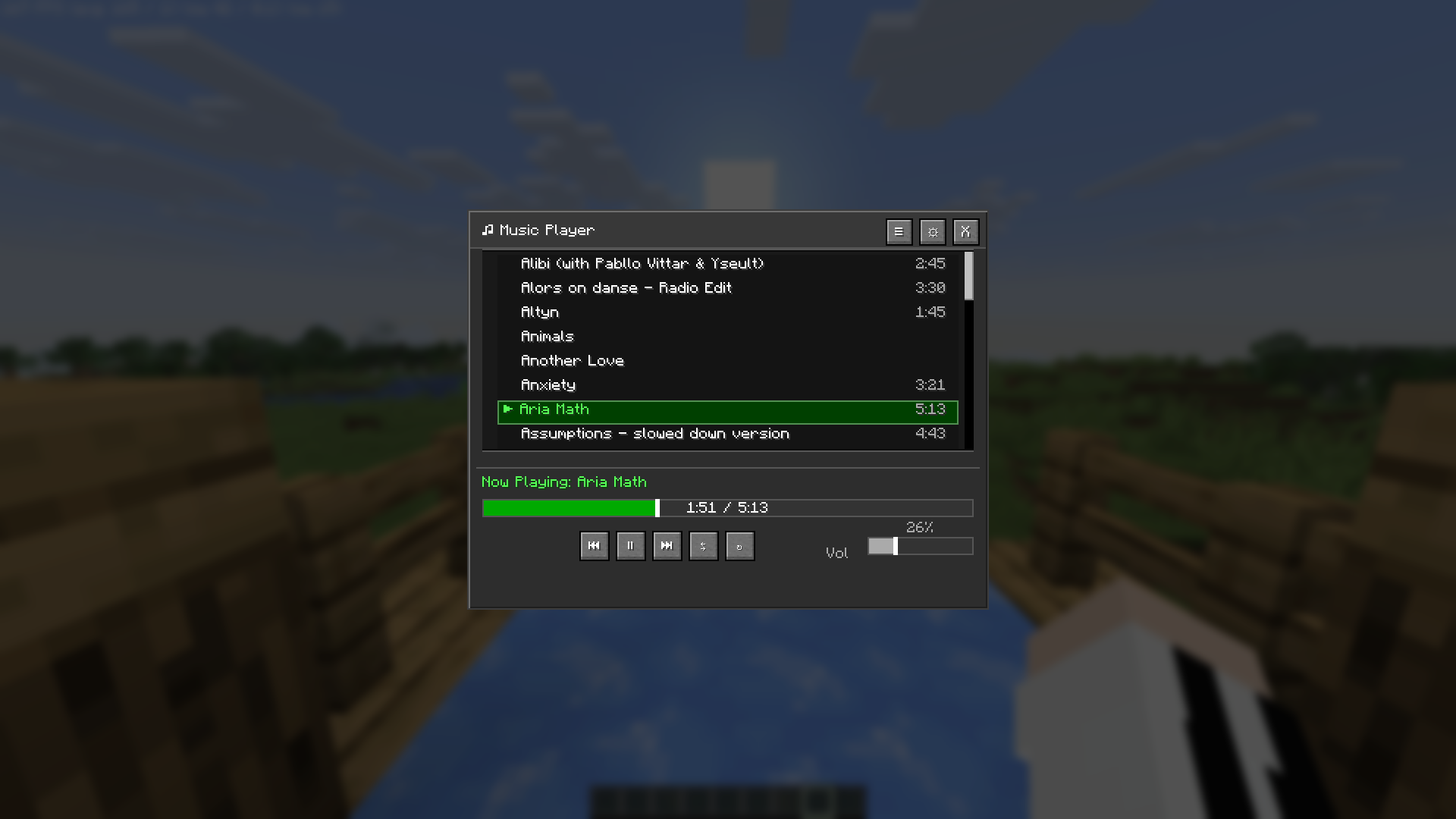 Music Player Music playing
 -
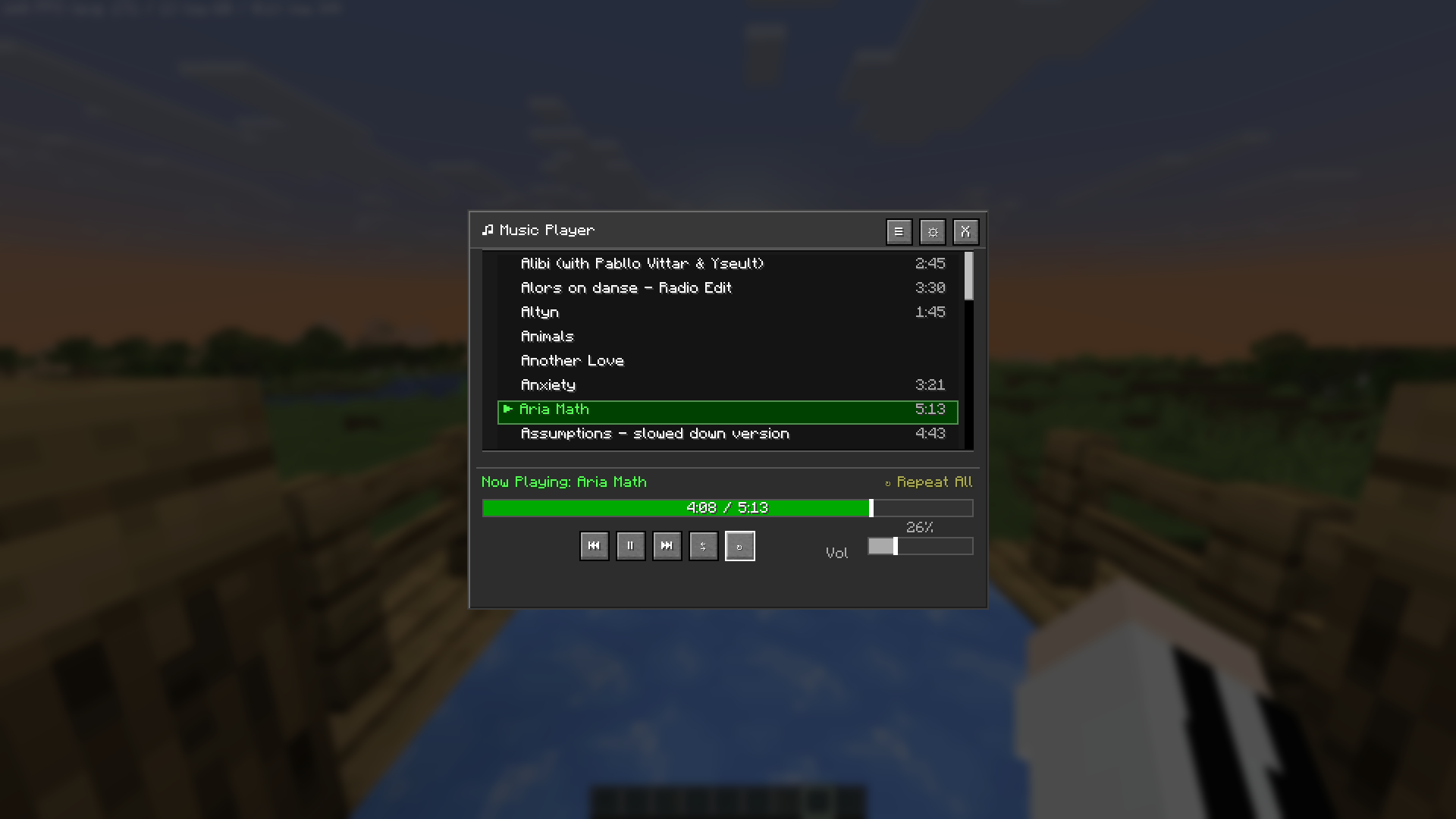 Repeat all Repeat all function
 -
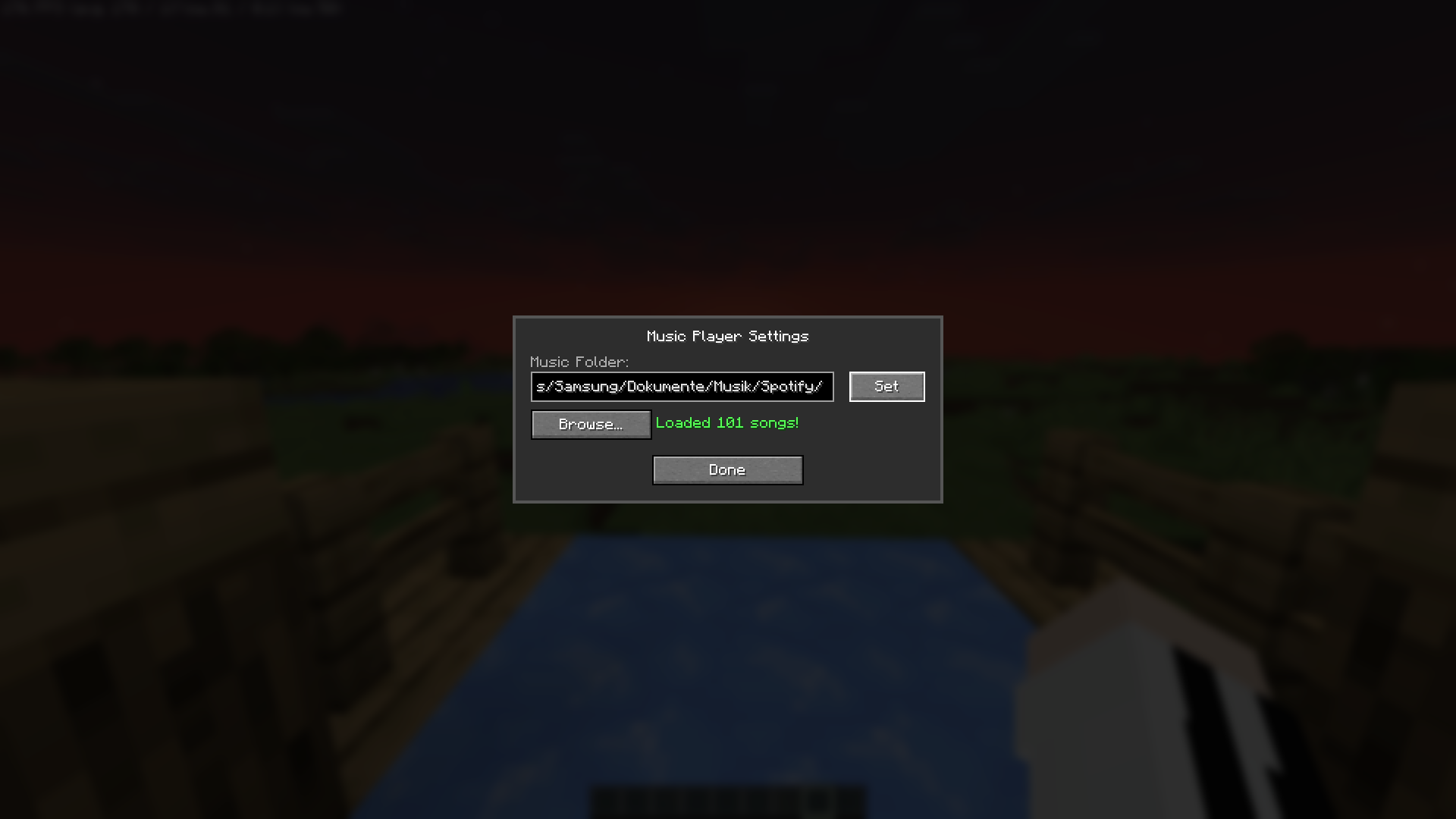 Set source folder Set source folder for your music
 -
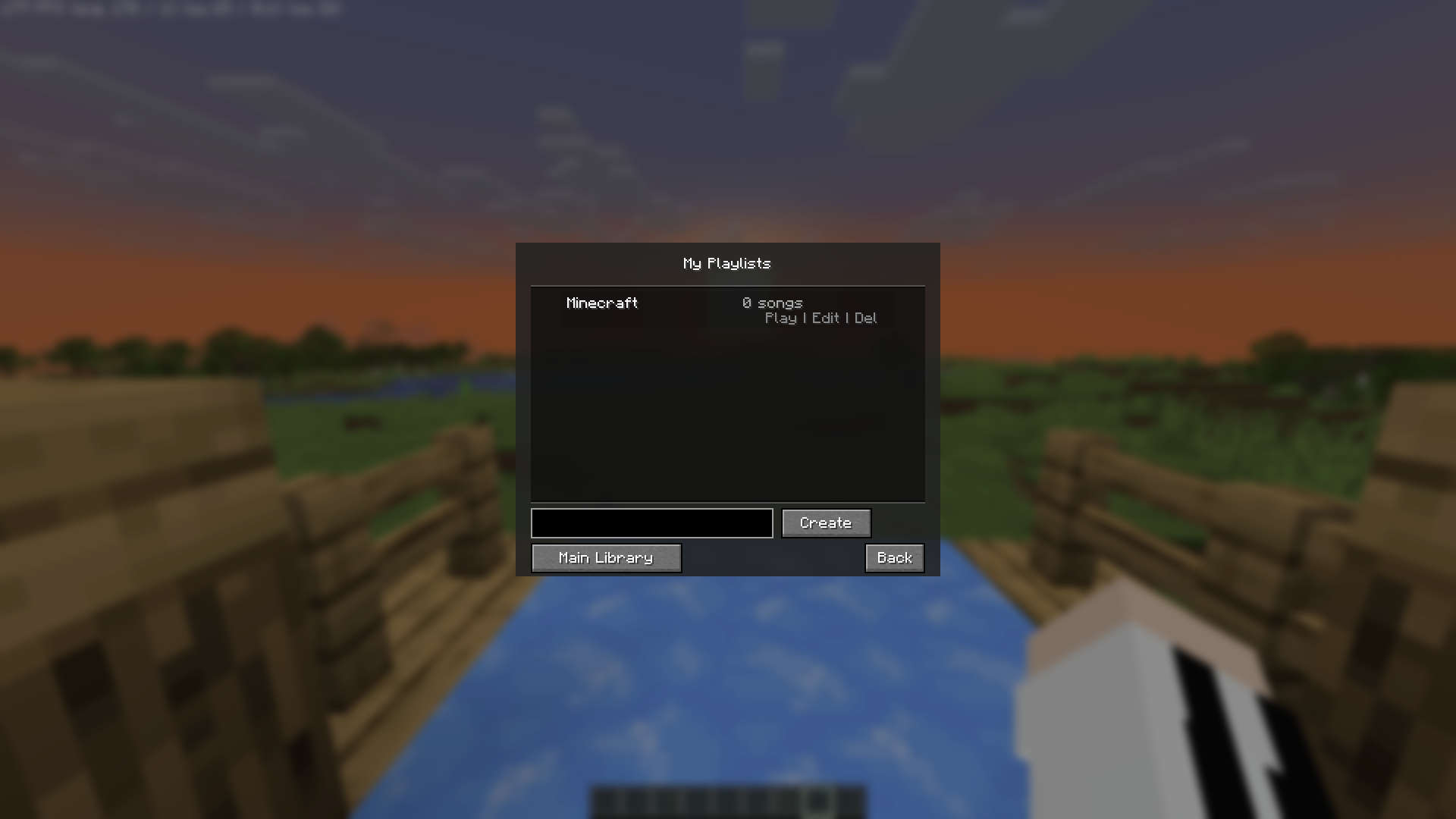 Playlists Playlists function
 -
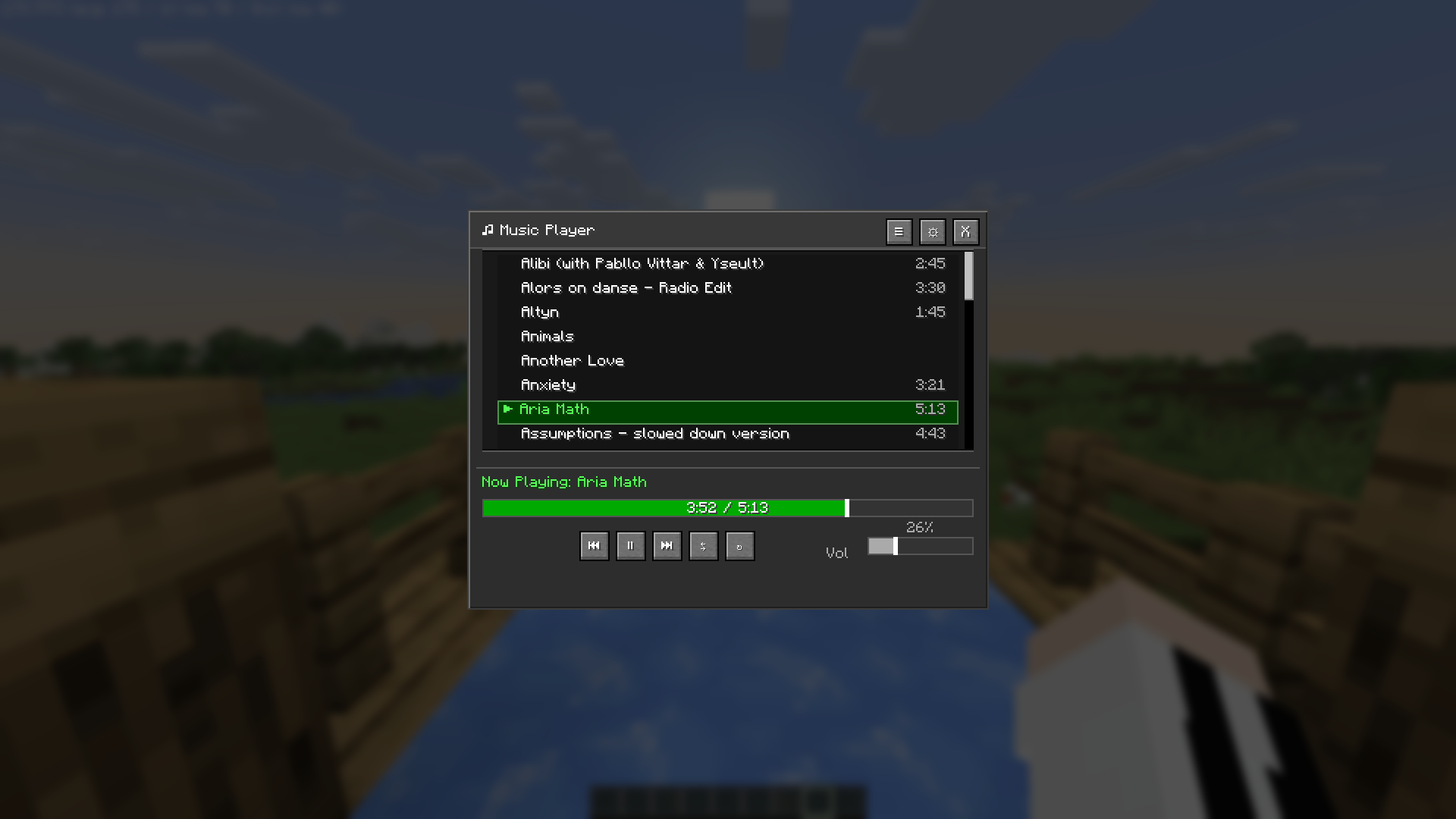 Music Player Music playing
Versions
Files
Relations
Project Relations
More like this
Similar Mods
Suggestions use data such as tags, dependencies, dependents, descriptions, titles, and more to rank how much they overlap with this mod.
On ModDex
Community snapshot
By the numbers
Statistics
Want to reach Minecraft players?
We're looking for a server hosting partner to feature here and other parts of the site. Interested? Send us a message!
Get in touchGet it on
Available Platforms
On ModDex
Community snapshot
By the numbers