
Image Overlay
No reviews yet
A mod for rendering images or GIFs on screen!
Fabric is a mod loader for versions 1.14+ of Minecraft, particularly popular for client side and optimization mods.
Community voices
Reviews
Click once to include, again to exclude, again to clear
No reviews yet. Be the first to review this project!
Get it on
Available Platforms
 Modrinth
Compatibility
Supported Environments
About
Project Details
For authors
Embed Badge
If you're the author of this project, you can embed a live badge anywhere that supports HTML or Markdown. It updates automatically whenever ratings change.
Use HTML for any page that supports it, or Markdown for README files and Markdown-based descriptions.
Identifiers
Platform IDs
About
Description
Image Overlay Mod
Render images and GIFs directly on your screen!
Features
- Render static images and animated GIFs
- Dynamic positioning and resizing
- Transparency and rotation controls
- GUI
- Slideshows
- Overlays: render images at fullscren that automatically adapt to your resolution
- Image rendering via URL (Imgur)
- Rendering layers: Lets you render images/GIFs behind or in front of GUI elements (Hotbar, scoreboard...) Using the GUI, hold "Alt + right click" on an image/GIF to open a context menu and select the preferred option ONLY WORKS IN 1.21.4 ONWARDS. *Other features are also in the menu
- Presets
- Twitch integration -> Go to https://imageoverlay.gitbook.io/imageoverlay-docs for the tutorial on how to connect your Twitch account to the ImageOverlay Mod
Commands
| Command | Description |
|---|---|
/image help |
List all available commands |
/image list |
Show all images/GIFs in your imageoverlay folder |
/image render <name> <x> <y> |
Display an image/GIF at specified coordinates |
/image move <name> <x> <y> |
Move said image/GIF |
/image resize <name> <x> <y> |
Modify image/GIF |
/image url <name> <width> <size> |
Render image/GIF using an IMGUR URL |
/image stop <name> |
Stop rendering an image/GIF |
/image preset save <name> |
Saves every image/GIF data as one preset |
/image preset list |
Lists all the presets |
/image preset load <name> |
Loads saved presets |
/image preset delete <name> |
Deletes said preset |
IN ORDER TO RENDER IMAGES/GIFs USING URLS YOU NEED TO PUT THEM BETWEEN "" E.g: /image url "https://i.imgur.com/funnymeme.jpeg" 100 100
GUI
- Drag & drop images/GIFs around your screen
- Resize by using the border and corner indicators
- Right-click an image/GIF to toggle the transparency slider
- Hold Alt + corner to rotate images
- Slideshows (SLIDES button):
- Set display duration per image
- Cycle manually with J/K keys (toggle auto-mode) – keys can be changed in settings
- Overlays (OVERLAY button):
- Render images/GIFs in full-screen
- Automatically scale to your resolution
- Create overlay slides to have multiples overlays and cycle through them
- URL lets you render images directly using an IMGUR URL. E.g: https://i.imgur.com/funnymeme.jpeg
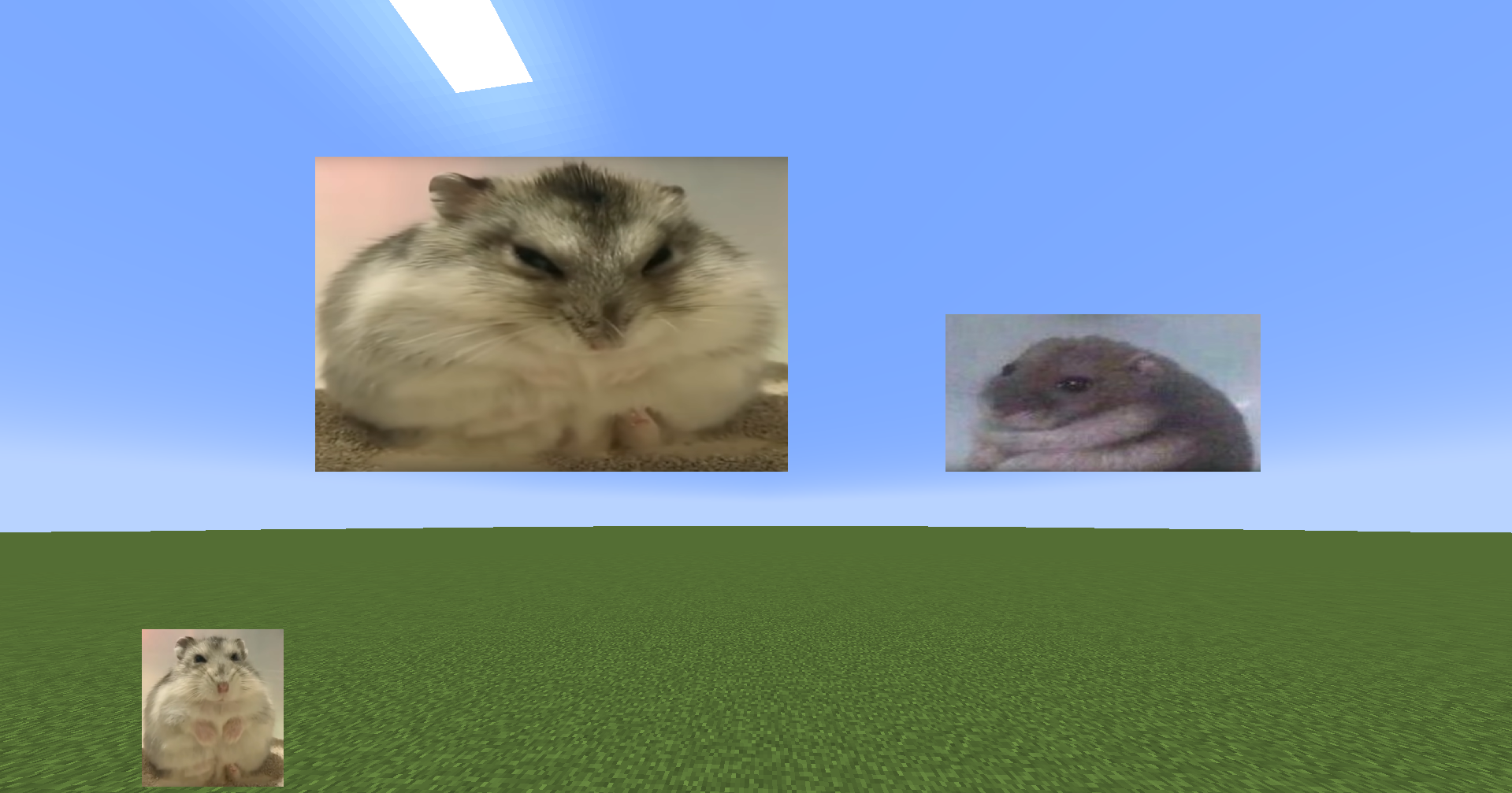
Folder Location
- All images/GIFs are located in the
imageoverlayfolder in the .minecraft directory - Overlays are located in the
imageoverlay/overlaysfolder - Twitch images are located in the
imageoverlay/twitchfolder
❤️ Support & Feedback
- Join my Discord Discord
- Report issues or leave suggestions on GitHub Issues
- Support me on Ko-fi
Screenshots
Gallery
-
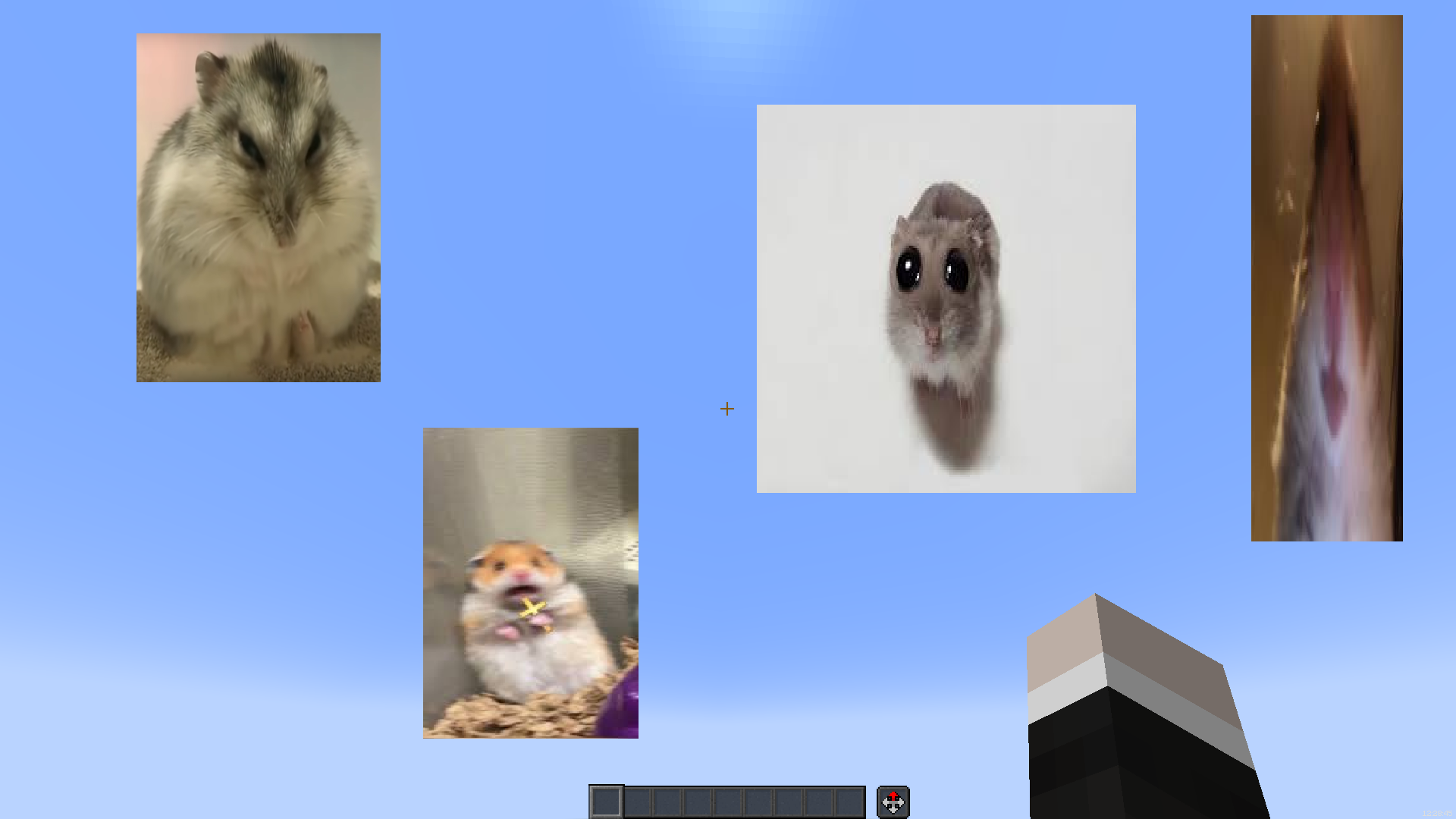 More images
 -
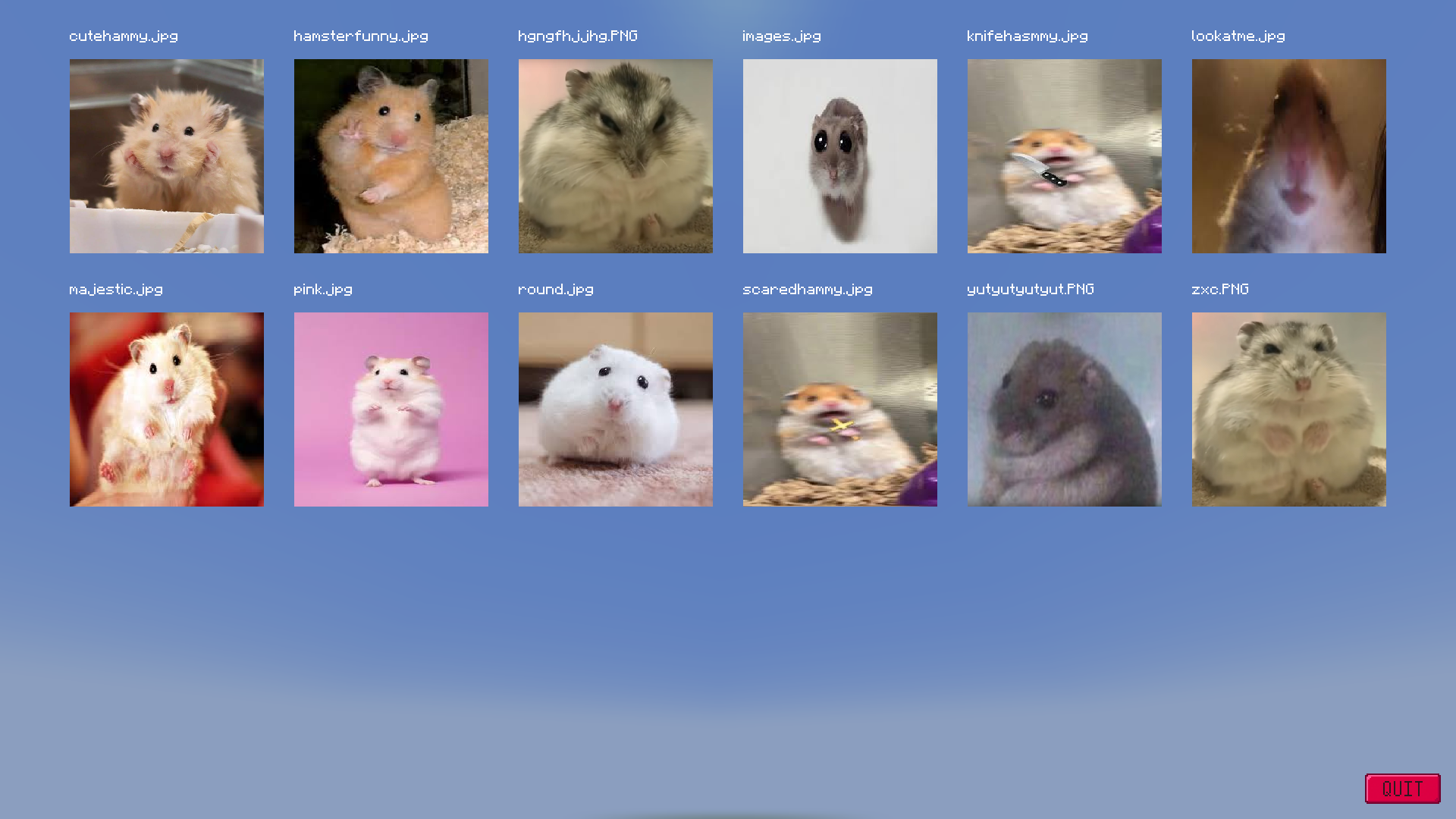 Galery screen
 -
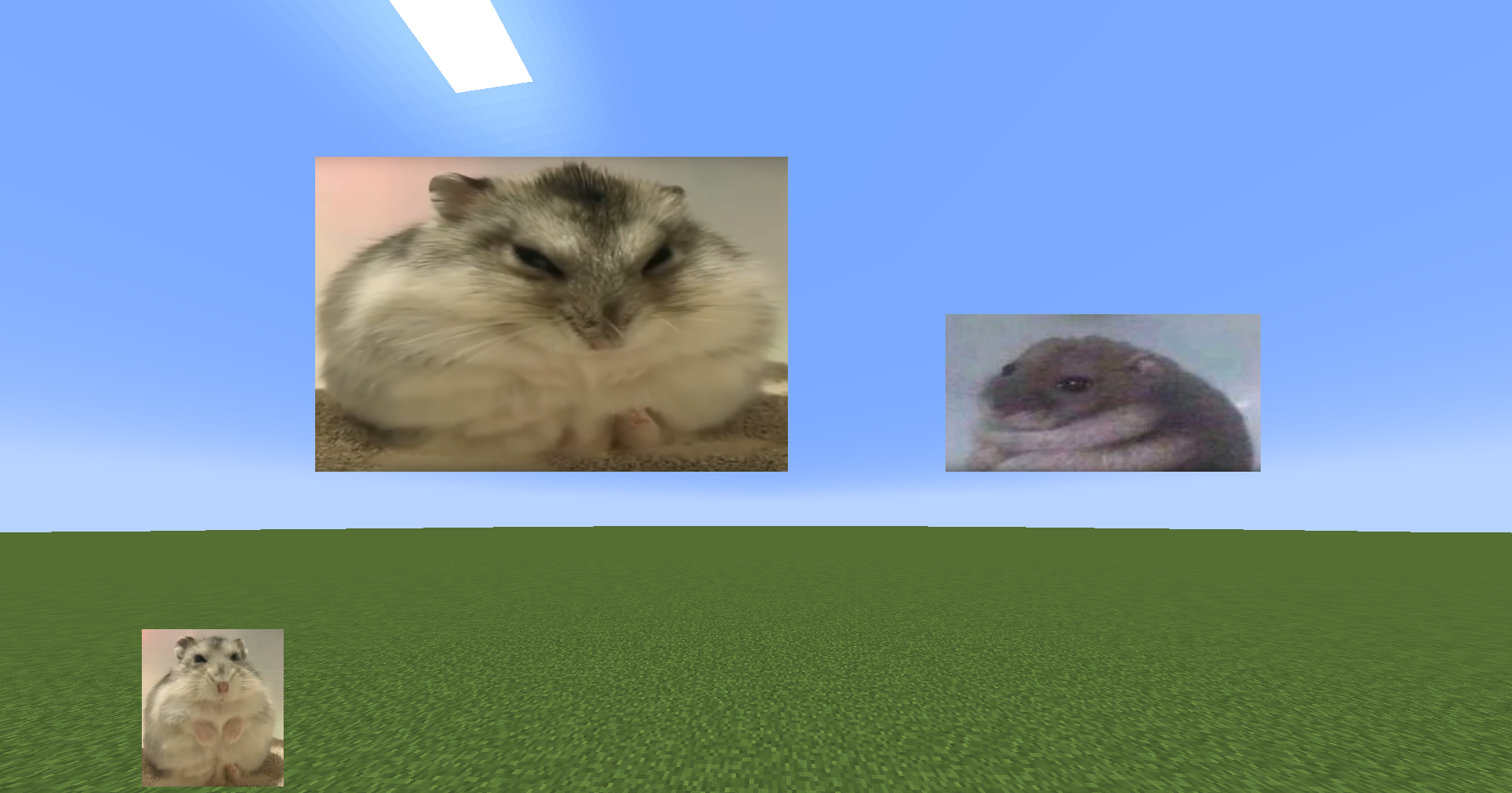 Rendered images
 -
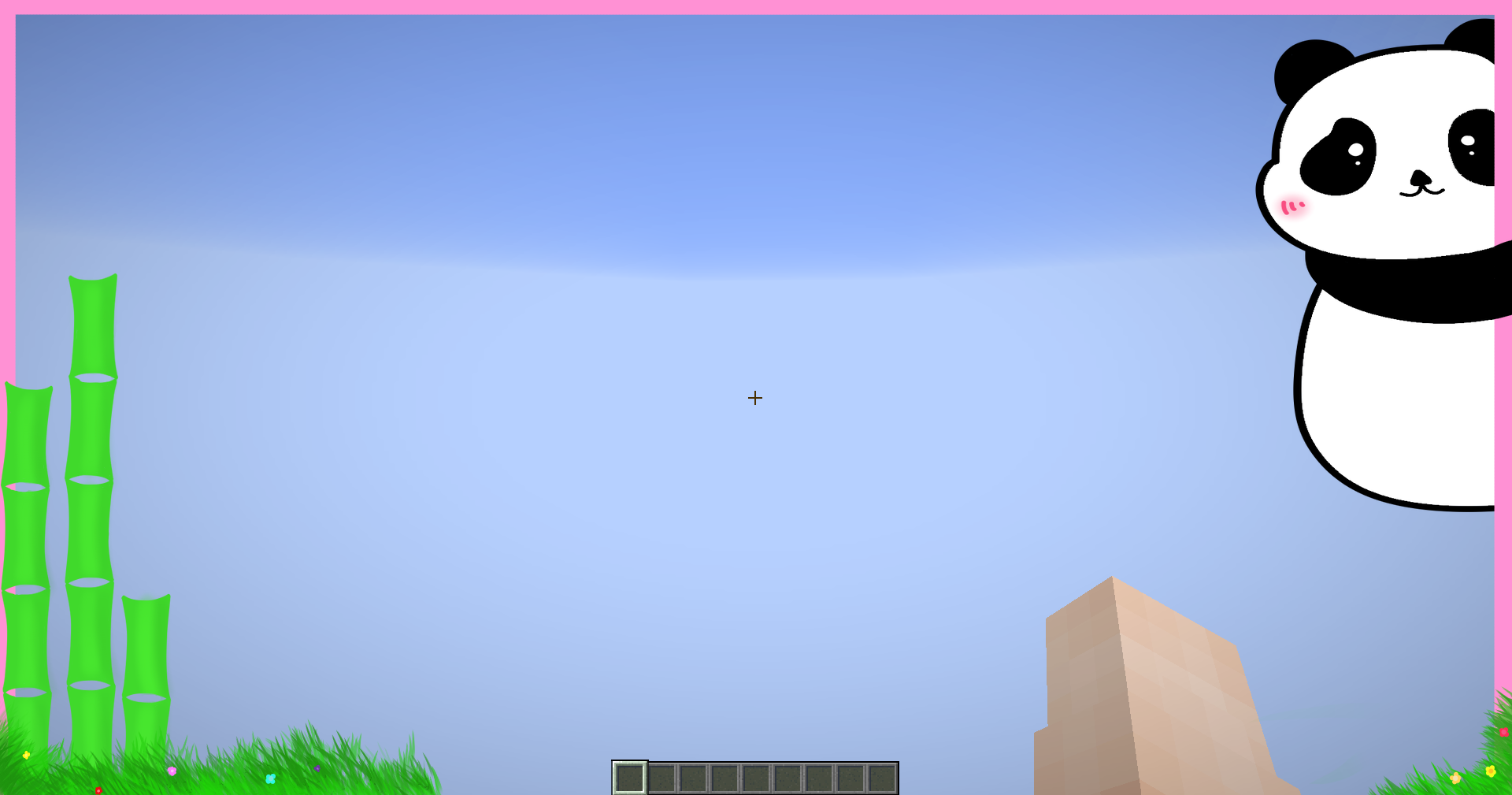 Cute Overlay
 -
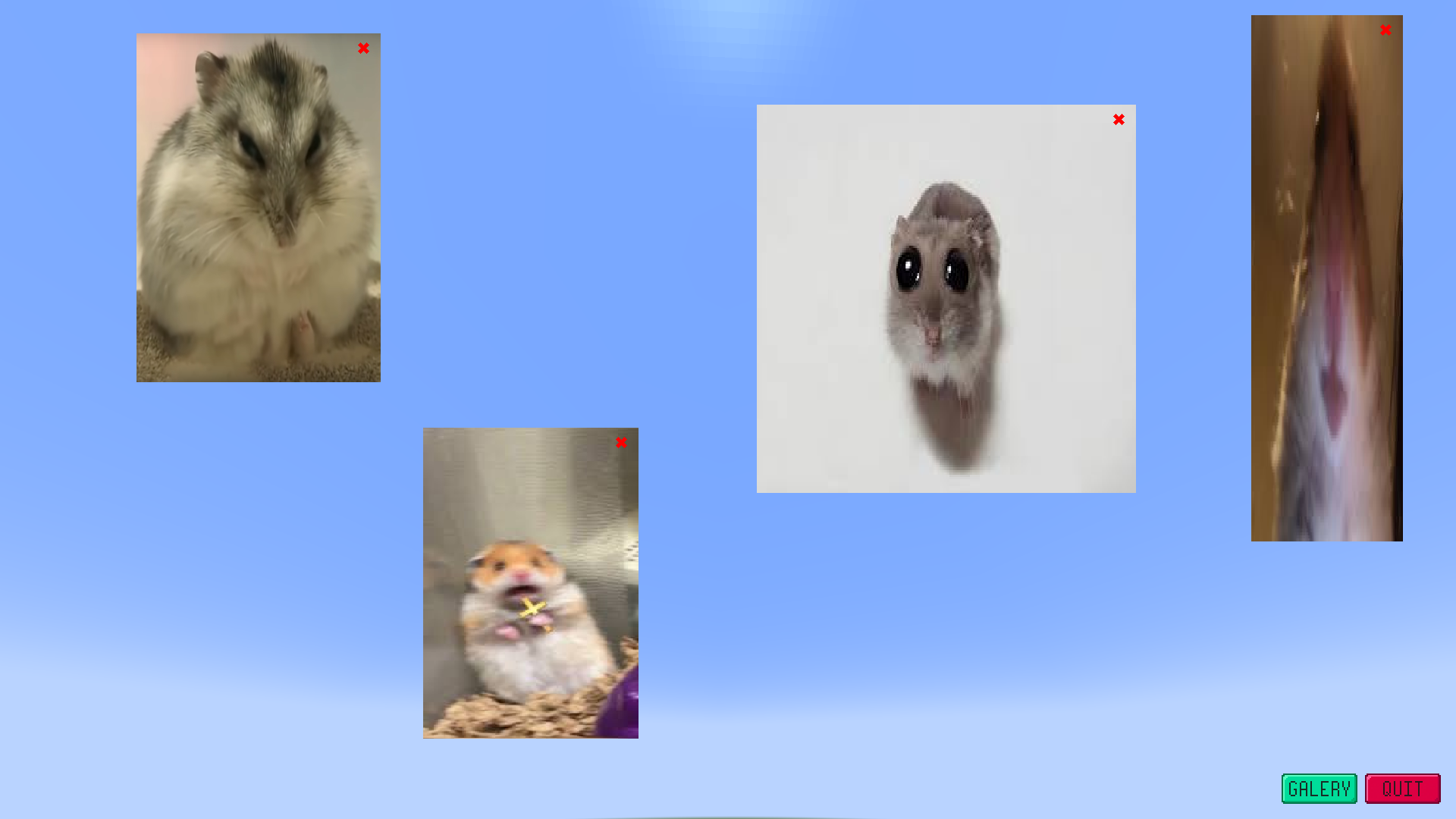 Freehand screen
 -
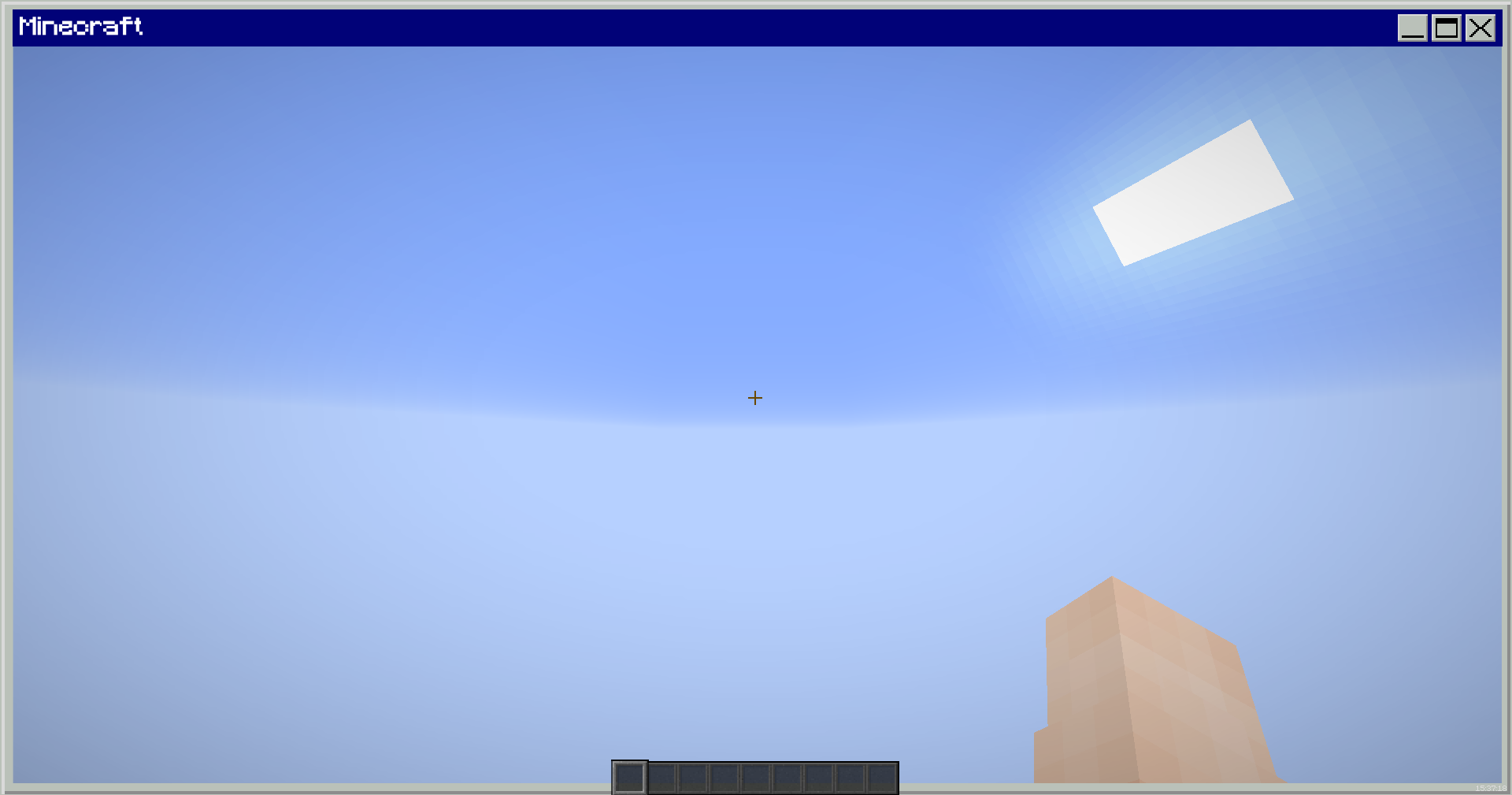 Retro Overlay
 -
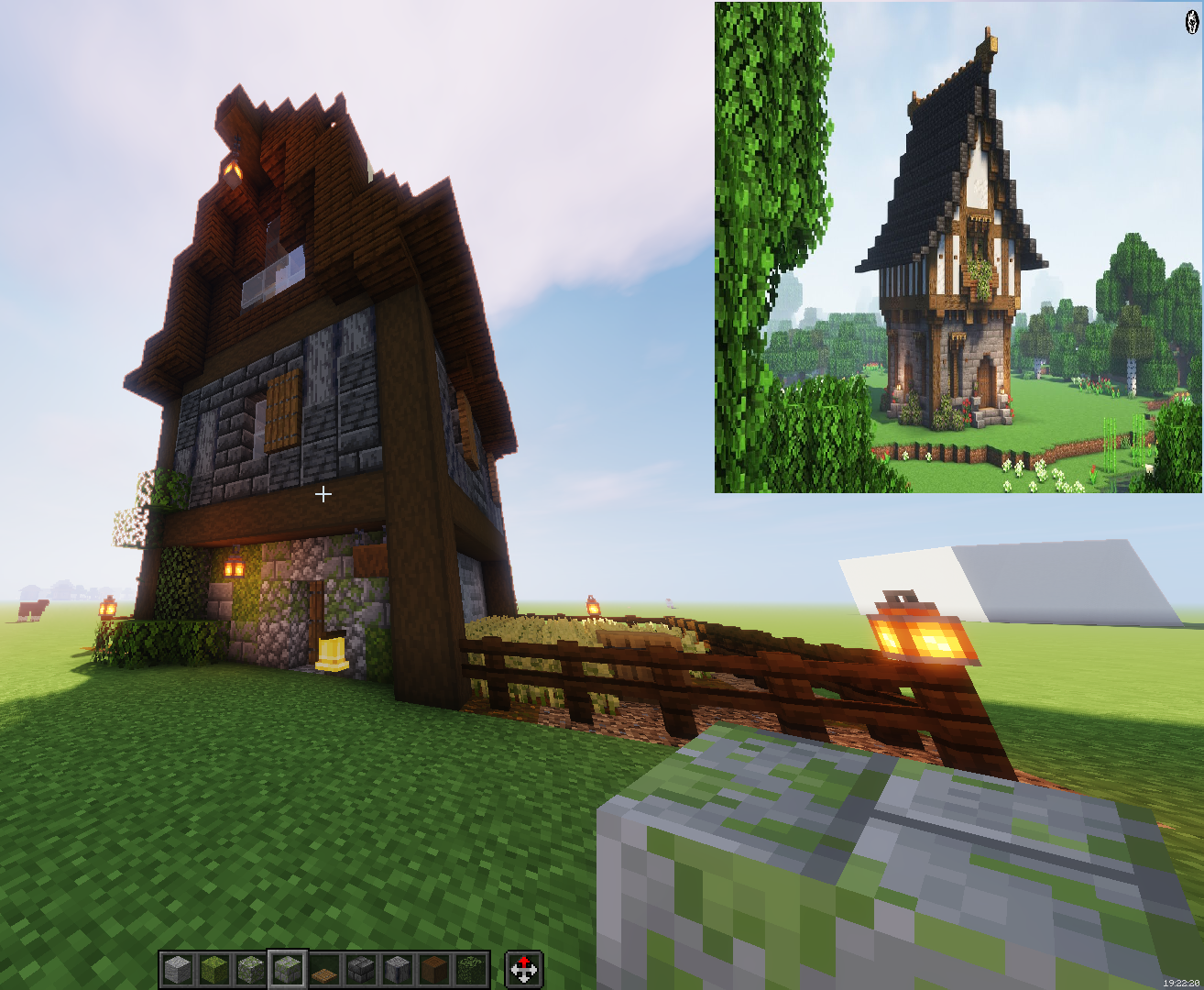 Using a reference photo
 -
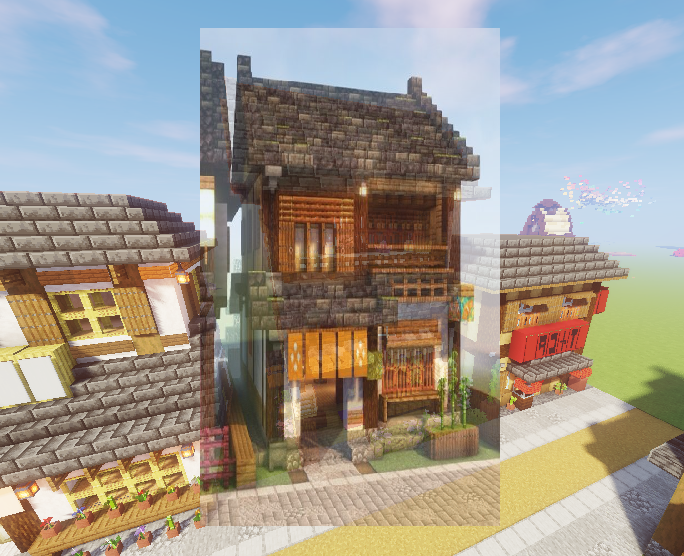 Using transparency to compare
Versions
Files
Relations
Project Relations
More like this
Similar Mods
Suggestions use data such as tags, dependencies, dependents, descriptions, titles, and more to rank how much they overlap with this mod.
On ModDex
Community snapshot
By the numbers
Statistics

Want to reach Minecraft players?
We're looking for a server hosting partner to feature here and other parts of the site. Interested? Send us a message!
Get in touchGet it on
Available Platforms
On ModDex
Community snapshot
By the numbers