Community listing page, reviews may not be monitored by the author.
Infinite Blocks

No reviews yet
Adds a block that infinitely generates blocks if they are tagged properly.

Community voices
Reviews
No reviews yet. Be the first to review this project!
Get it on
Available Platforms
About
Project Details
For authors
Embed Badge
If you're the author of this project, you can embed a live badge anywhere that supports HTML or Markdown. It updates automatically whenever ratings change.
Use HTML for any page that supports it, or Markdown for README files and Markdown-based descriptions.
Identifiers
Platform IDs
Resources
External Links
About
Description
This mod adds 2 blocks, an Infinite Block Generator and Blackest Stone. Blackest Stone is just a pure black building block and is used to craft the Infinite Block Generator.
HOW IT WORKS
Place the Infinite Block Generator underneath the block you want to generate.
The block you wish to generate must have the block tag of "infinite_blocks:infinite_blocks".
The Infinite Block Generator will generate the block type as an item in its internal inventory.
By default anything in the block tags "minecraft:dirt", "forge:stone", and the Blackest Stone block are all tagged as "infinite_blocks:infinite_blocks".
BLOCK TAGS, NOT ITEM TAGS!
No config is available but it works off tags, so you can easily have a tag editor like KubsJS to have a basic script to do so. There is a basic "how to" below, but if you are unfimiliar with it and the below still doesn't help, there is plenty of detailed documentation offered from their page.
Below is a basic KubeJS script to add tags to blocks. This is a Server Script to go in the server_scripts folder. You can name the anything you want as long as it is a .js file, like tags.js or anything else. A code editor is not needed, but can be used, otherwise a notepad file is fine as long as it is placed in the correct folder and is a .js file type (you may need to turn on the ability to change file extensions as most devices do not have that on by default). If this is not enough information please check their documentation. Below is the filepath of where to place the file.
whereverCurseforgeIsInstalledOnYourPC\curseforge\minecraft\Instances\yourModpackName\kubejs\server_scripts\thisIsTheFileJustNameItWhateverYouWant.js"
// Listen to block tag eventServerEvents.tags('block', event => { event.add('infinite_blocks:infinite_blocks', [ 'xtonesreworked:xtone_tile', '#forge:concrete', '#minecraft:terracotta', ])})Screenshots
Gallery
-
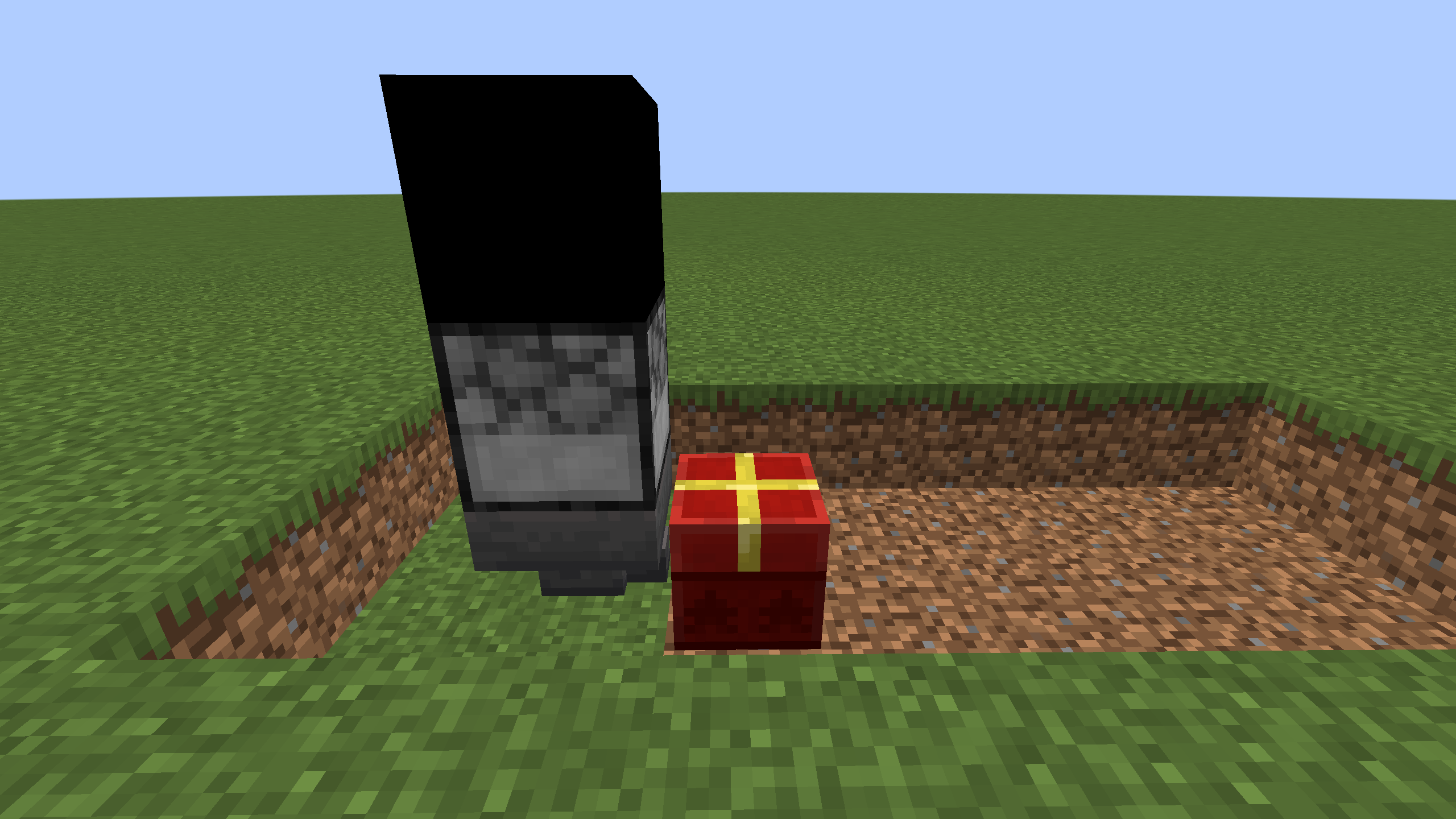 Basic setup. Place a Hopper under the Infinite Block Generator and you're good to go. (this is not what the generator looks like anymore)
Versions
Files
Relations
Project Relations
More like this
Similar Mods
Suggestions use data such as tags, dependencies, dependents, descriptions, titles, and more to rank how much they overlap with this mod.
On ModDex
Community snapshot
By the numbers
Statistics
 (opens in a new tab)
Get it on
Available Platforms
On ModDex
Community snapshot
By the numbers
Statistics
Resources