
InGameWeb
No reviews yet
InGameWeb adds a Chromium-powered in-game web browser overlay to Minecraft Fabric. Open it with Shift + Tab, browse normal websites, use multiple tabs, keep sessions persistent, and control downloads safely without leaving the game.
Fabric is a mod loader for versions 1.14+ of Minecraft, particularly popular for client side and optimization mods.
Community voices
Reviews
Click once to include, again to exclude, again to clear
No reviews yet. Be the first to review this project!
Get it on
Available Platforms
 Modrinth
Compatibility
Supported Environments
About
Project Details
For authors
Embed Badge
If you're the author of this project, you can embed a live badge anywhere that supports HTML or Markdown. It updates automatically whenever ratings change.
Use HTML for any page that supports it, or Markdown for README files and Markdown-based descriptions.
Identifiers
Platform IDs
Resources
External Links
About
Description
InGameWeb
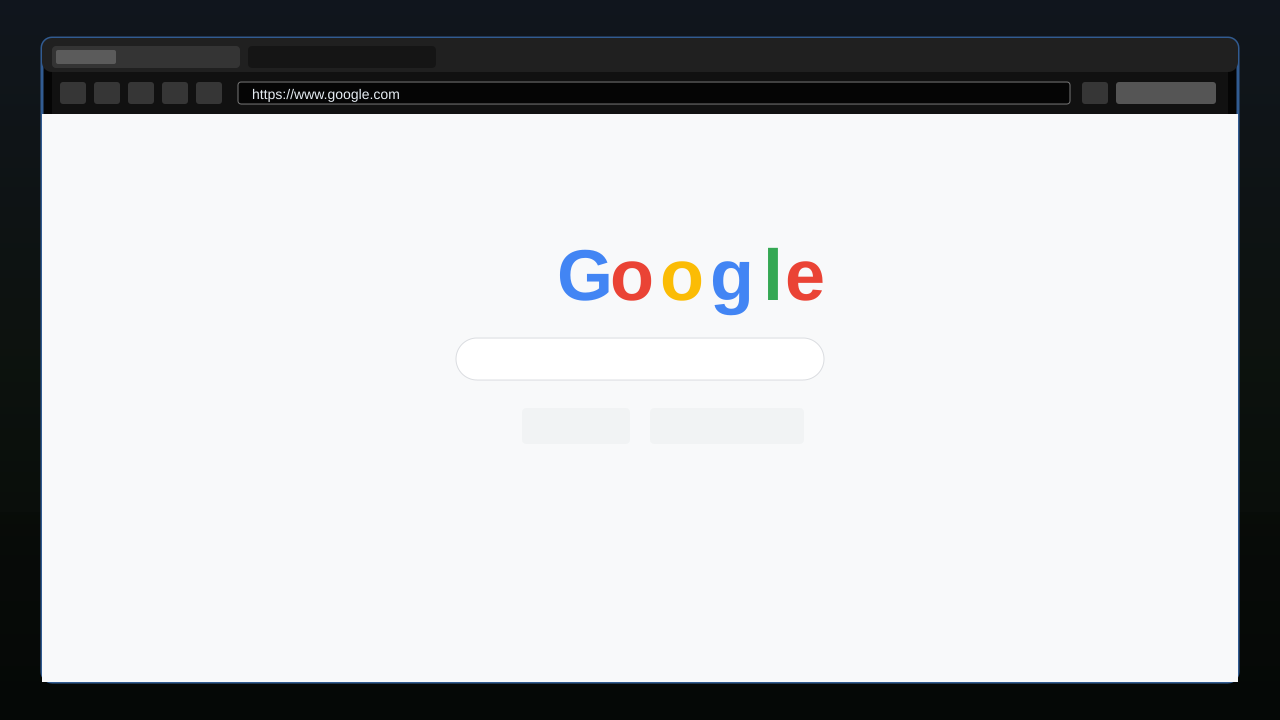
An in-game Chromium web browser overlay for Minecraft 1.21.11 (Fabric).
Open a full browser inside Minecraft with Shift + Tab — browse documentation, wikis, YouTube, and any normal website without leaving the game. Supports multiple tabs, persistent sessions, and download confirmation.
---
Requirements
- Minecraft Java Edition 1.21.11
- Fabric Loader 0.19.2+
- Fabric API 0.141.4+1.21.11 or newer
- MCEF [Keksuccino's Fork] v2.2.0+ for MC 1.21.11
MCEF is a required companion mod. It downloads Chromium binaries on first launch. An internet connection is needed for the initial setup.
Installation
- Install Fabric Loader.
- Download and place Fabric API in your
mods/folder. - Download and place MCEF [Keksuccino's Fork] (v2.2.0 or newer for 1.21.11) in your
mods/folder. - Download and place InGameWeb in your
mods/folder. - Launch Minecraft. MCEF will download Chromium binaries on the first run — wait for it to finish.
Controls
| Action | Default | Location |
|---|---|---|
| Open overlay | Shift + Tab | InGameWeb Settings |
| Close overlay | ESC | Controls → Web - EywDev |
| Focus address bar | Ctrl + L | (in overlay) |
| New tab | Ctrl + T | (in overlay) |
| Close tab | Ctrl + W | (in overlay) |
| Back / Forward | Alt + ← / → (via browser) | (in overlay) |
| Reload | Ctrl + R (via browser) | (in overlay) |
The open shortcut supports modifier combinations such as Shift + Tab, Ctrl + M, or Alt + B. Change it from the InGameWeb settings screen using the toolbar settings button or Mod Menu. The close key is configurable in Options → Controls → Web - EywDev.
Features
- Full Chromium browser powered by MCEF — real websites, YouTube, login sessions
- Multi-tab support — open, close, and switch tabs freely
- URL / search bar — type a URL or plain search query;
youtube.comauto-prefixeshttps:// - Google as default homepage and search engine (configurable)
- Persistent sessions — cookies, cache, and login state survive Minecraft restarts
- Download confirmation — asks before any file is saved; you choose the destination
- Singleplayer pause — the game pauses while the overlay is open (configurable)
- Config screen — accessible from the overlay toolbar, Mod Menu, or
config/wboverlay.json - Background tab handling — tabs stay alive after closing the overlay while hidden browser views are kept lightweight
- Optional blocklist / allowlist — disabled by default
Configuration
Open the config screen through the overlay toolbar settings button, Mod Menu, or edit config/wboverlay.json directly.
| Option | Default | Description |
|---|---|---|
| Homepage | https://www.google.com |
Page opened in new tabs |
| Search engine URL | Must contain %s as the query placeholder |
|
| Open shortcut | Shift + Tab |
Opens the overlay; supports Shift, Ctrl, Alt, and Super modifiers |
| Pause in singleplayer | On | Pauses the game while the overlay is open |
| Persist sessions | On | Keeps cookies and cache between sessions |
| Default download folder | ~/Downloads |
Where downloaded files are saved by default |
| Blocklist | Off | Blocks specific domains if enabled |
| Allowlist | Off | Restricts access to specific domains if enabled |
Platform Support
MCEF ships Chromium binaries for:
- Windows 10/11 (x86_64, arm64)
- macOS 11+ (Intel, Apple Silicon)
- GNU/Linux with glibc 2.31+ (x86_64, arm64)
Other platforms are not supported by MCEF.
Compatibility
| Mod | Status |
|---|---|
| Fabric API | Required |
| MCEF [Keksuccino's Fork] | Required |
| Mod Menu | Supported — config screen integration |
| Sodium | Compatible — no known conflicts |
| Iris | Compatible — no known conflicts |
| Forge / NeoForge | Not supported |
InGameWeb is client-side only. It does not require installation on servers and does not send any data to servers.
Known Limitations
- MCEF downloads Chromium binaries (~200 MB) on first launch. This is handled by MCEF, not InGameWeb.
- Audio and video support depends on MCEF's included Chromium build and your OS. YouTube generally works on supported platforms.
- Background media can continue after closing the overlay, but performance depends on the website, video resolution, and system hardware.
- Browser initialization may fail if required system libraries are missing (see MCEF's documentation for platform requirements).
- If MCEF is not installed, InGameWeb will refuse to load (dependency check at startup).
Screenshots
Gallery
-
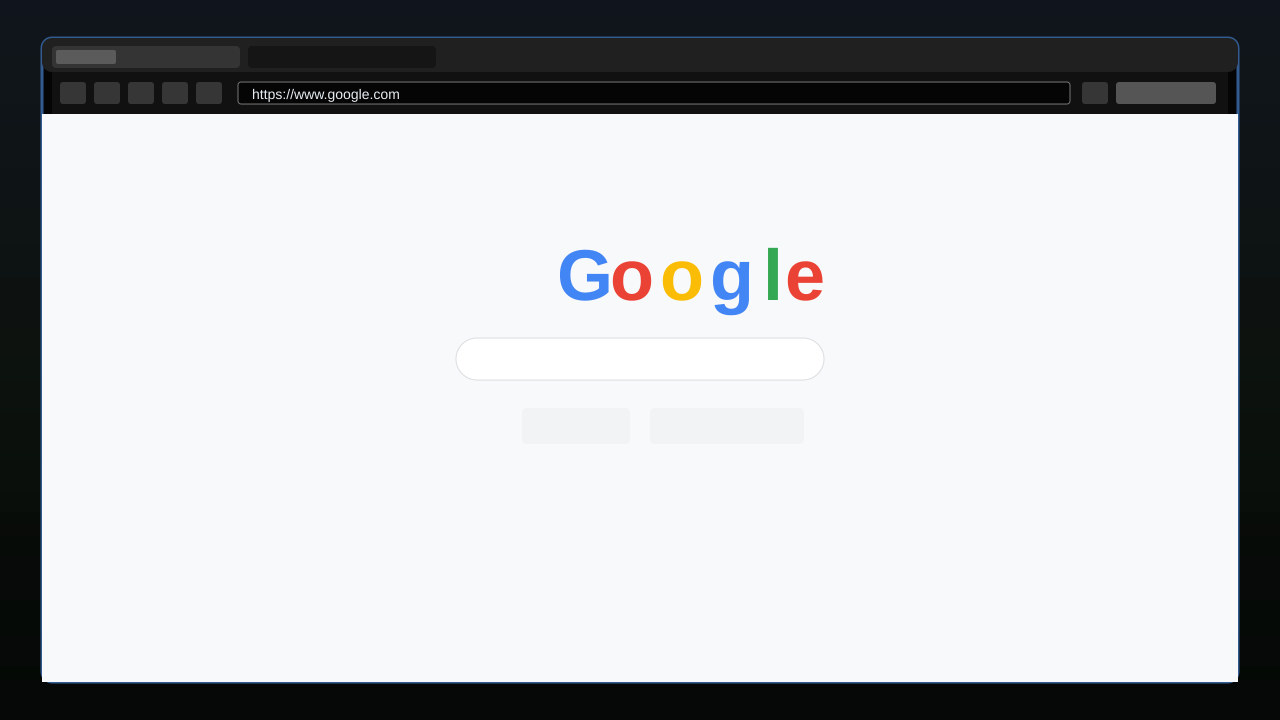 overlay
Versions
Files
Relations
Project Relations
More like this
Similar Mods
Suggestions use data such as tags, dependencies, dependents, descriptions, titles, and more to rank how much they overlap with this mod.
On ModDex
Community snapshot
By the numbers
Statistics

Want to reach Minecraft players?
We're looking for a server hosting partner to feature here and other parts of the site. Interested? Send us a message!
Get in touchGet it on
Available Platforms
On ModDex
Community snapshot
By the numbers
Statistics
Resources