
Community listing page, reviews here may not be monitored by the author.
InteractionVisualizer

No reviews yet
Visualize Crafting Tables, Furnaces, Enchantment Tables and more with animations through packets!
Community voices
Reviews
No reviews yet. Be the first to review this project!
Get it on
Available Platforms
About
Project Details
For authors
Embed Badge
If you're the author of this project, you can embed a live badge anywhere that supports HTML or Markdown. It updates automatically whenever ratings change.
Use HTML for any page that supports it, or Markdown for README files and Markdown-based descriptions.
Identifiers
Platform IDs
About
Description
About
So in Minecraft, you click that crafting table and put things in, no one else knows what you are doing.. Aren't we supposed to be able to see that items pop up on the table logically? With this plugin, you can! See items placed on the crafting table literally as players put them in in their GUI! And much more!
Features
1. Visualization!
Here are all the blocks and entities that have been visualized by InteractionVisualizer so far!
See the Gallery for all the GIFs of (almost) every block!
Want to watch videos instead browsing the Gallery?
Here is an awesome walkthrough by MusicTechnician! (English)
Here is another one by ServerMiner! (English)
Yet another one by The BelgiumGames (Dutch)
2. Client-Side!
- None of the blocks and items actually exists on the server!
- They can't be killed or removed by kill commands!
- They won't affect the world in any way!
3. Customization
- Each block display can be disabled in the config!
- Players can toggle a few options for themselves as well!
- Player toggle data can be saved in SQLite (default) or MYSQL
- Certain hologram text automatically uses each player's own client language!
- Many languages from the community! Just take a look! Click me!
Dependencies
- ProtocolLib [1.12.2 or below only] (Please install the latest version that is compatible with your server version)
- LightAPI Fork [1.16.5 or below only] (Not to be mistaken with the original LightAPI)
Supported Plugins
- OpenInv (With silent chest on, chest animations are disabled)
- SuperVanish & PremiumVanish (All animations are disabled while in vanish)
- CMI (All animations are disabled while in vanish)
- Essentials (All animations are disabled while in vanish)
Installation
- Put InteractionVisualizer.jar and all required dependencies into the plugins folder
- Start the server
- Edit the config
- Restart the server
Development Builds
Showcase Server
Want to give the plugin a try?
IP: mc.loohpjames.com

Q&A
How does /iv toggle works?
There are three modes in /iv toggle, they enable or disable certain mechanics used for the displays. "itemstand" stands for any visual items that are created with armorstands (the ones that lay flat on the blocks and don't float like normal dropped items) and itemframes (i.e. the CartographyTable map) "itemdrop" stands for any visual items that is a dropped item "hologram" stands for all the floating text (e.g. furnace progress bar) The player data used for /ic toggle is saved in the database.
I got an error saying that there are some problems while saving blockdata.json, what do I do?
This is most likely caused by the server not shutting down properly. But regardless of what is the cause of the problem, you can always go to the InteractionVisualizer plugin folder and replace the blockdata.json with one of the backups in the backup folder.
Placeholders
With the plugin PlaceholderAPI installed, you can get the toggle status of a player using placeholders, they are:
%interactionvisualizer_itemstand_<entry>%
%interactionvisualizer_itemdrop_<entry>%
%interactionvisualizer_hologram_<entry>%
If a player has enabled, for example, the itemstand module for the Crafting Table, %interactionvisualizer_itemstand_crafting_table% will return enabled, if it is disabled, it will return disabled
API
InteractionVisualizer does provide an API for developers to create add-ons! Check out the wiki page: https://github.com/LOOHP/InteractionVisualizer/wiki/Developer-API
Commands
/interactionvisualizer reload - Reloads the plugin
/interactionvisualizer refresh - Refresh all item displays for the player executing the command
/interactionvisualizer update - Check for updates
/interactionvisualizer toggle - Toggles display options
(/iv in short)
Permissions
interactionvisualizer.reload - Allows you to reload the plugin [default: op]
interactionvisualizer.refresh - Allows you to refresh displays [default: true]
interactionvisualizer.toggle - Allows you to toggle modules [default: true]
interactionvisualizer.toggle.others - Allows you to toggle modules for others [default: op]
interactionvisualizer.update - Allows you receive update messages [default: op]
Default Config
Latest Config with descriptions
Community Translated Configs
Limitations
- The plugin might not work on Minecraft version 1.10.2 or below
Data usage
Usage statistics at https://bstats.org/plugin/bukkit/InteractiveChat will be visible to the public with your server included in the statistics. No private information of your server is sent.
Update checking is also done via https://api.loohpjames.com to notify you whenever a new version is released. No private information of your server is sent.

Screenshots
Gallery
-
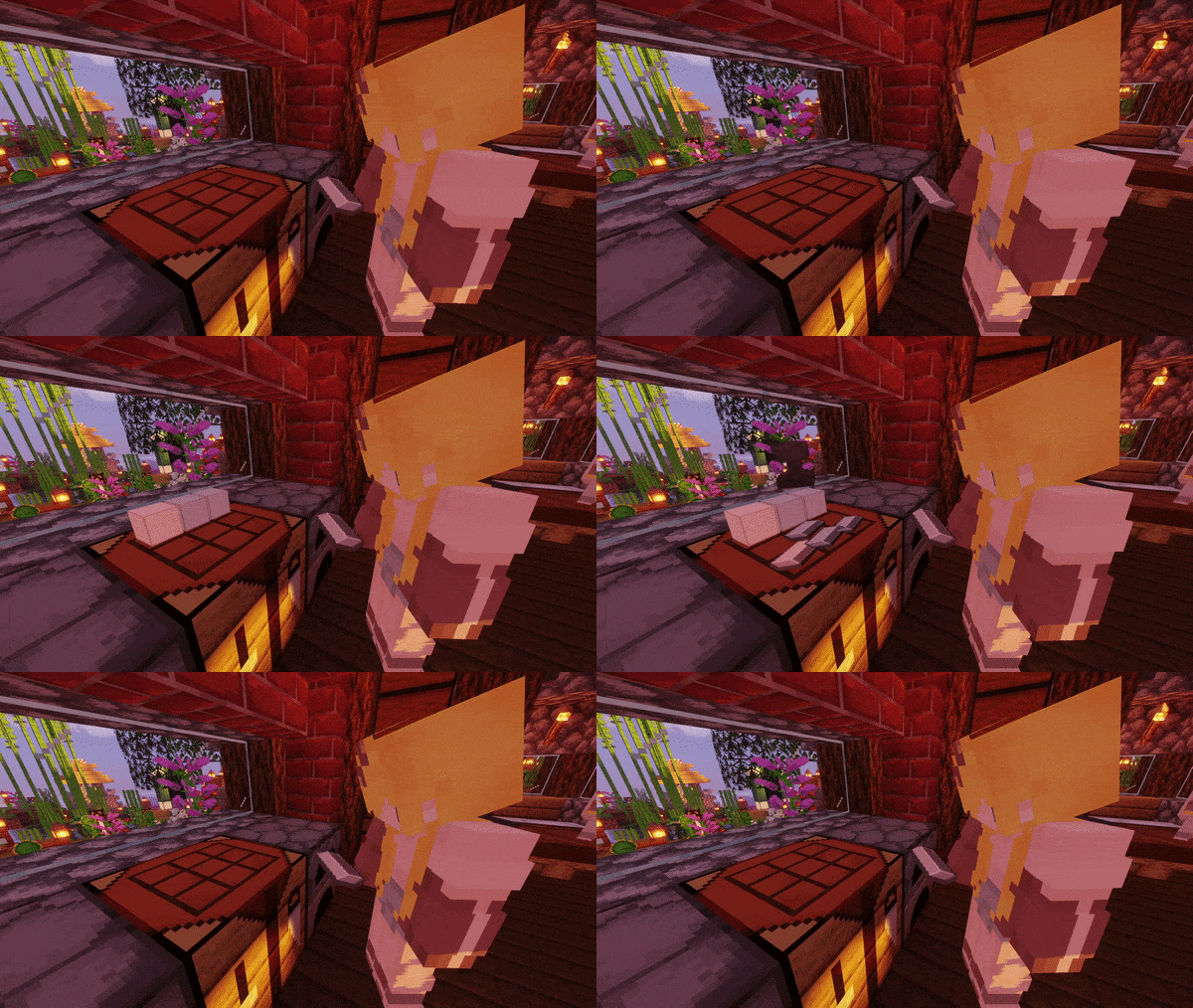 CraftingTable & Crafter (Upward Facing Only)
 -
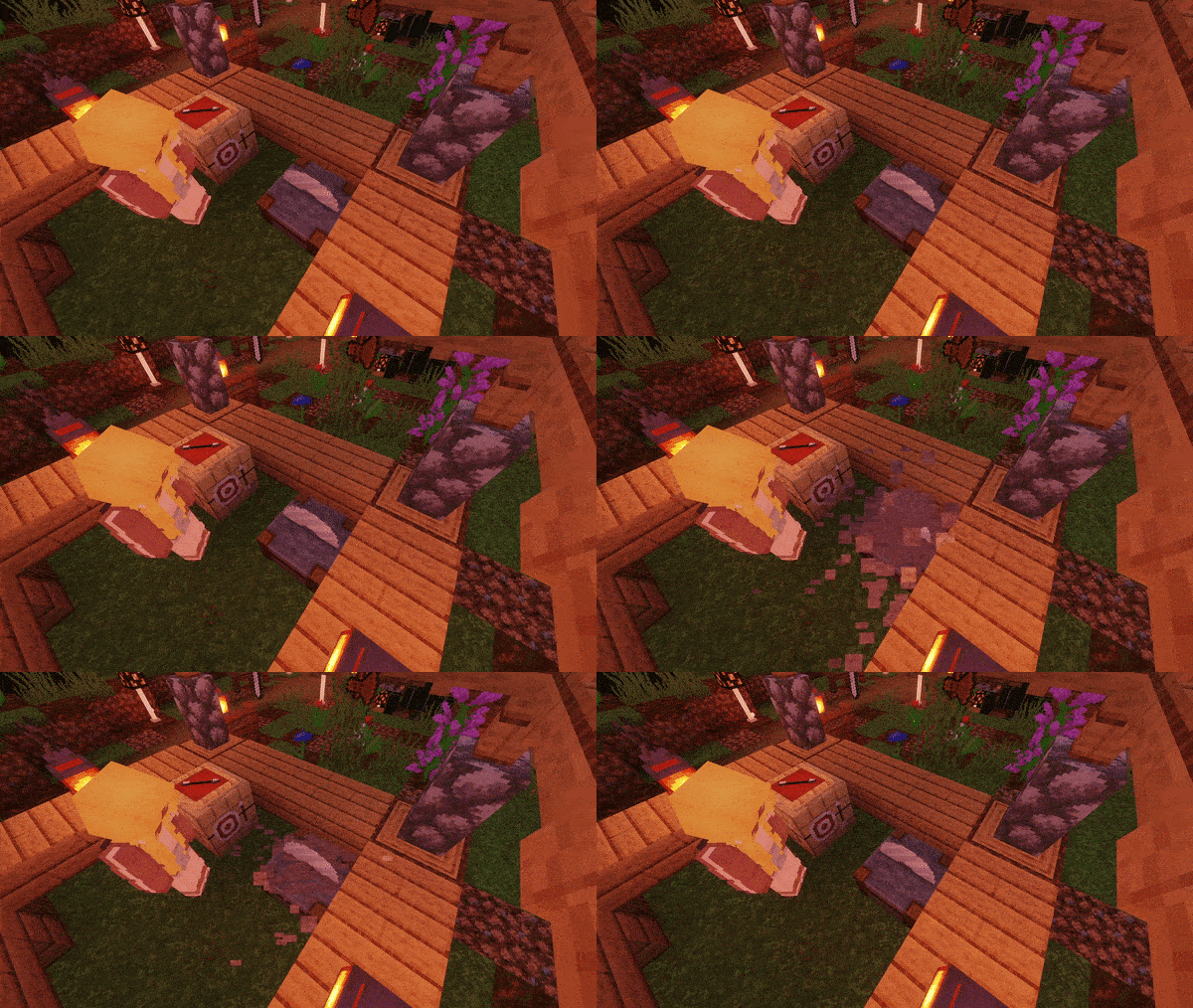 Stonecutter
 -
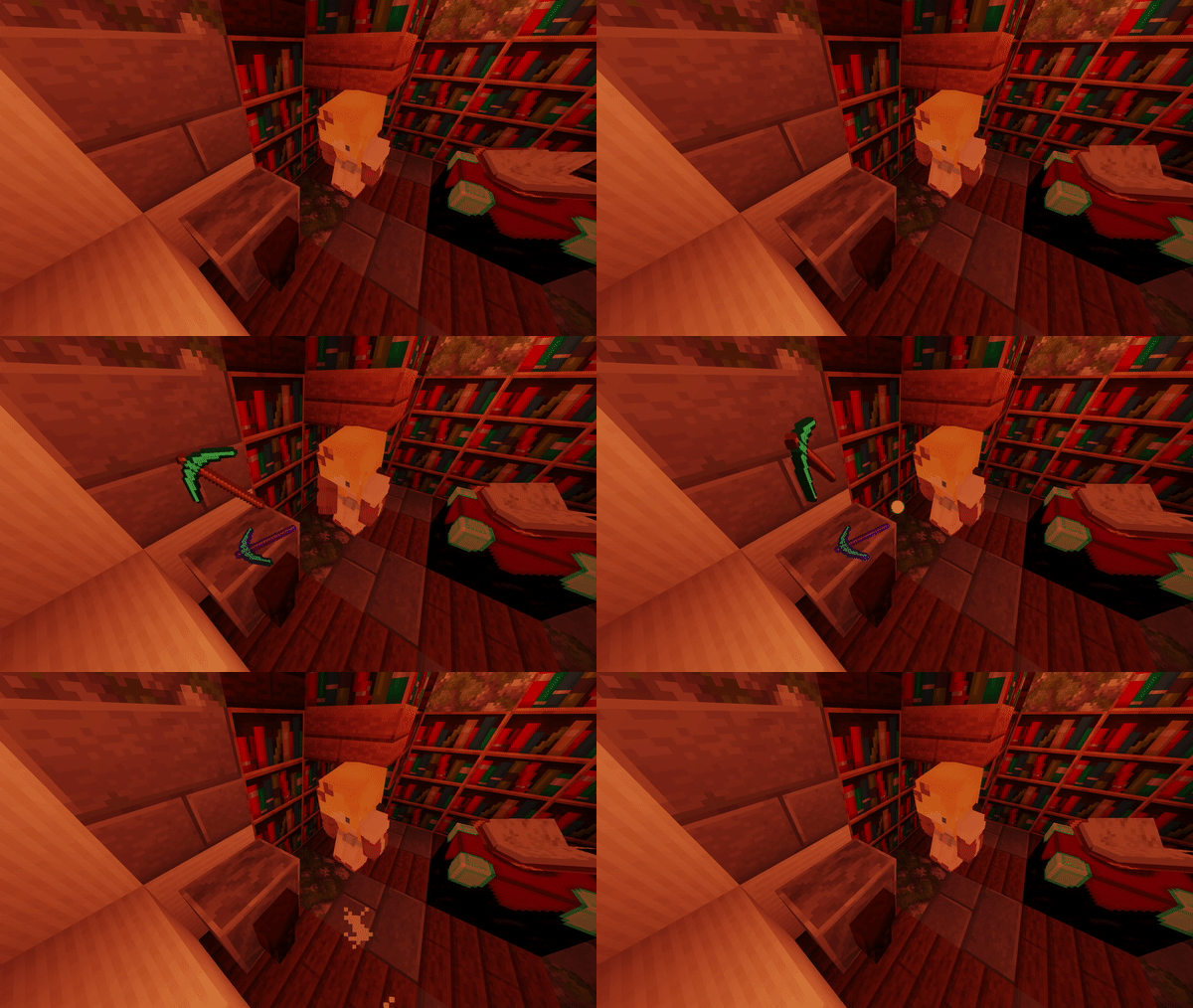 Grindstone
 -
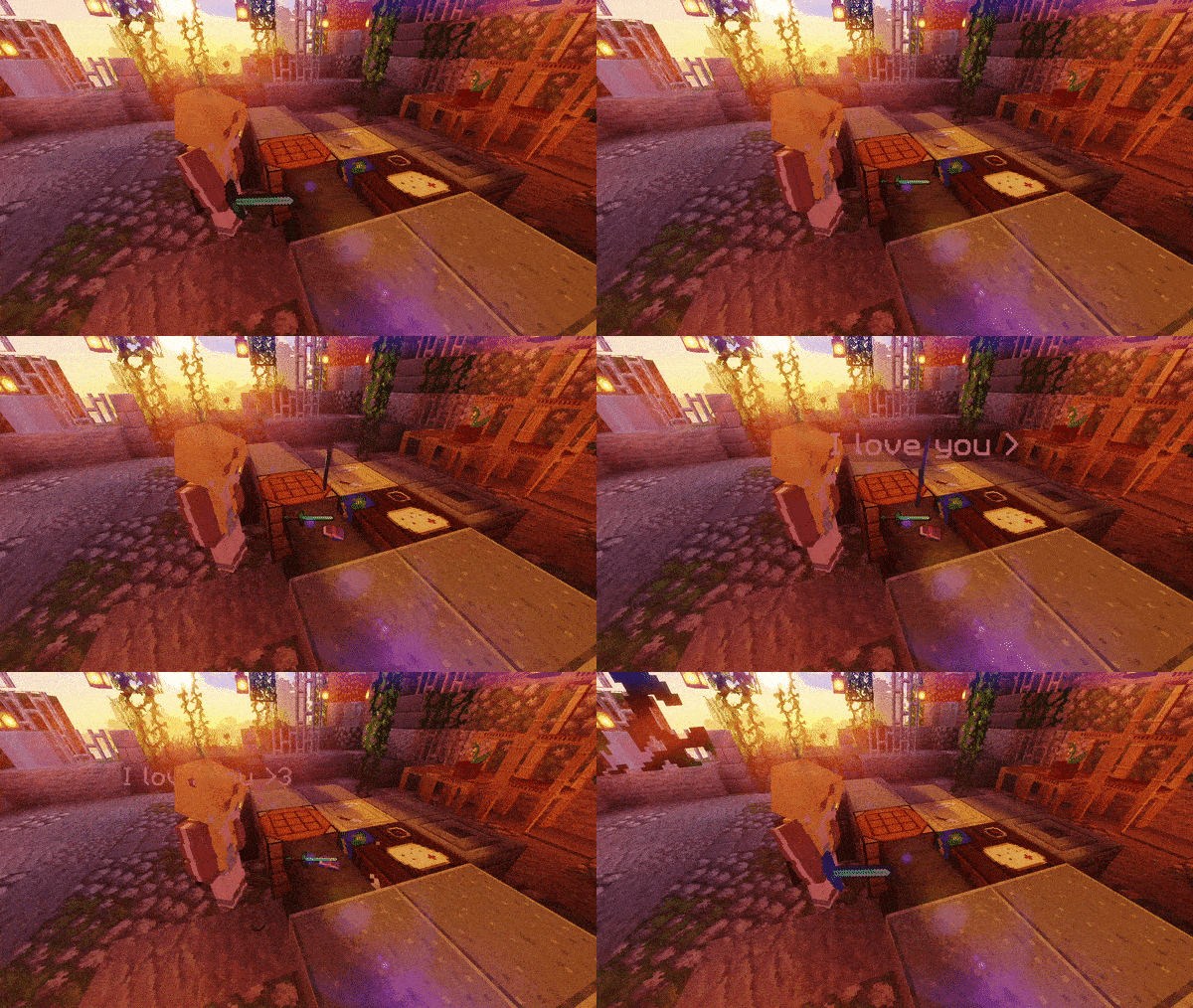 Anvil
Anvil -
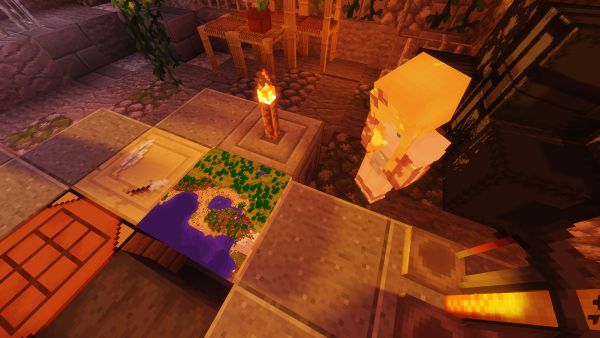 CartographyTable
 -
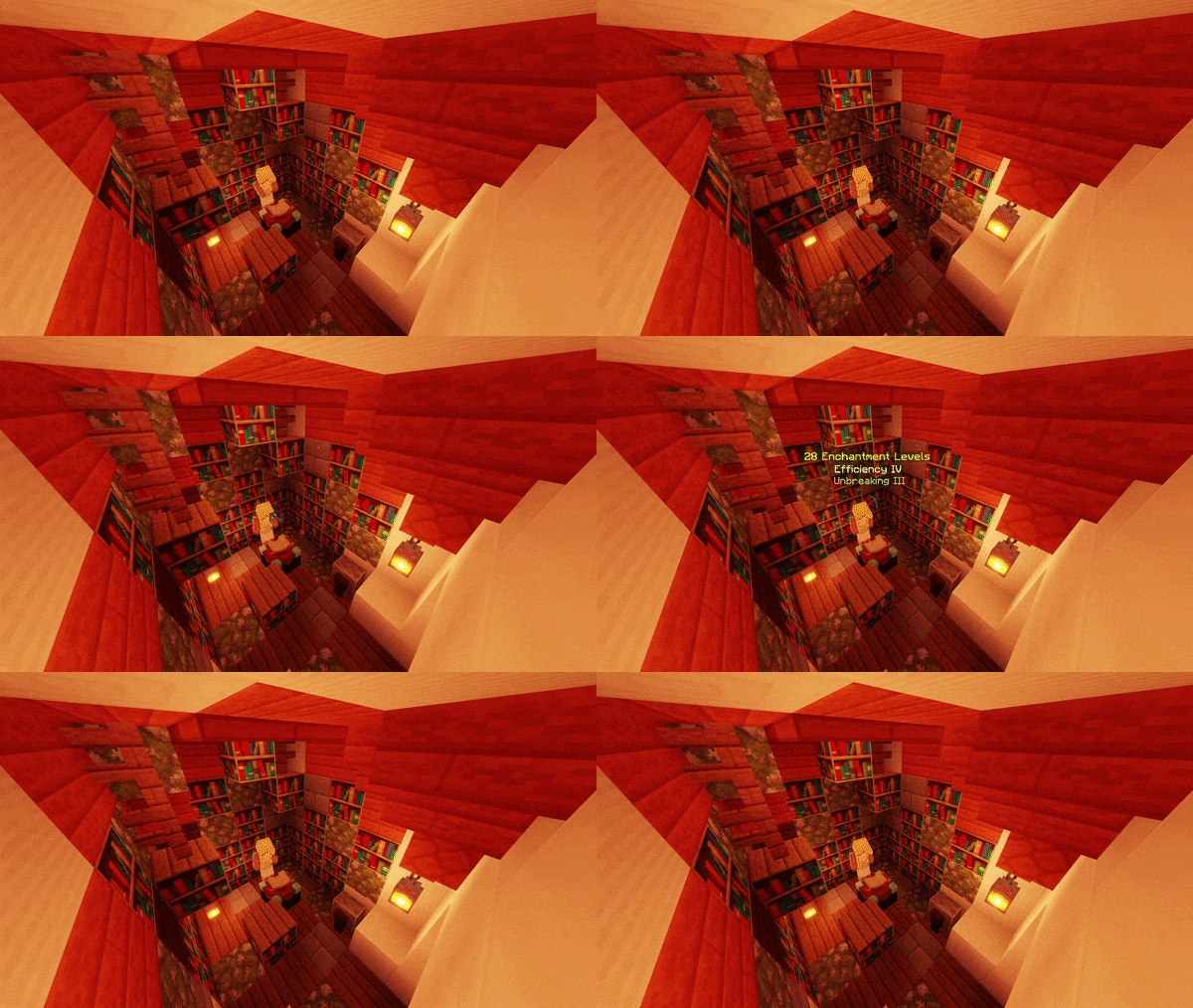 EnchantmentTable
 -
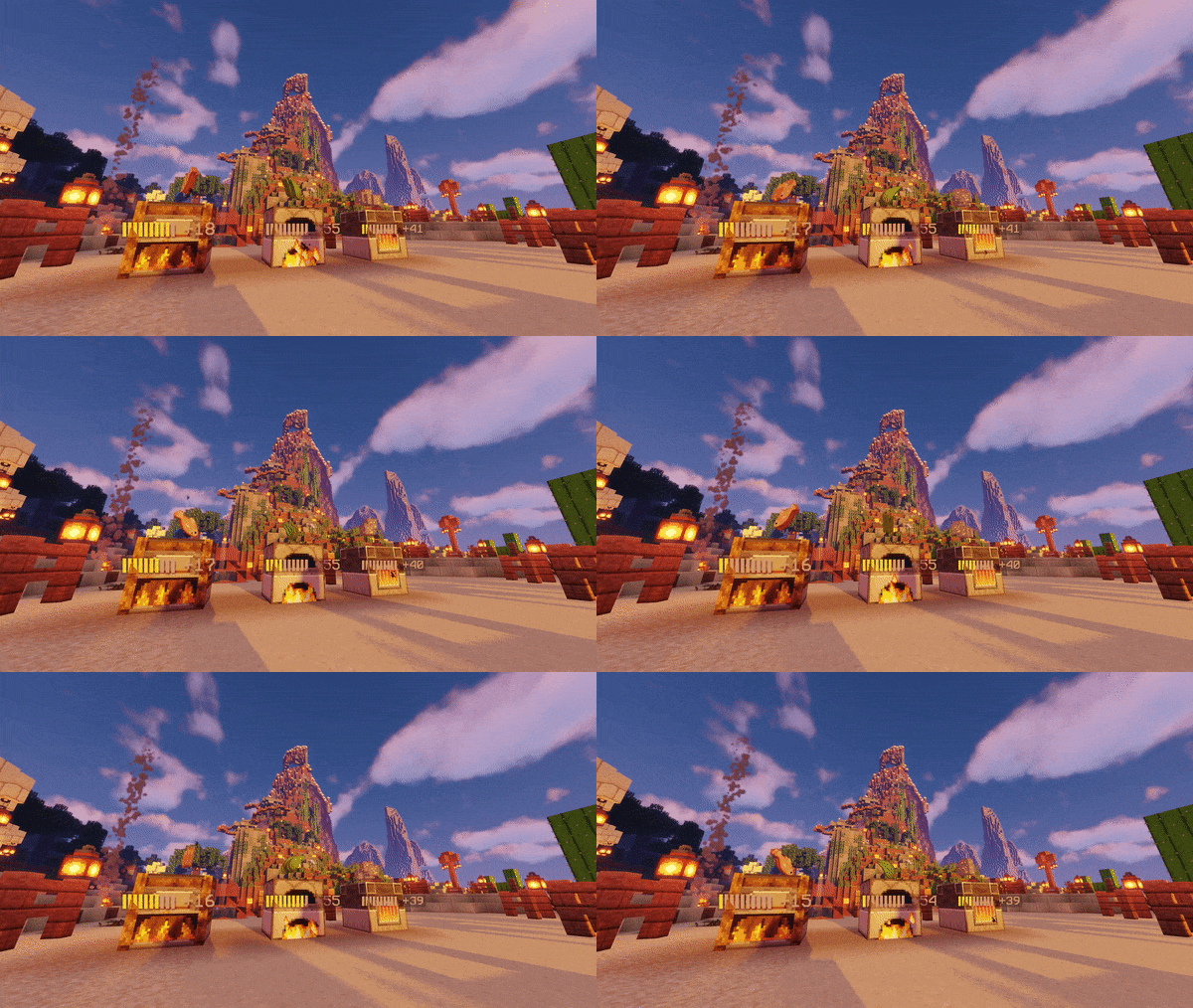 Furnace, BlastFurnace & Smoker
 -
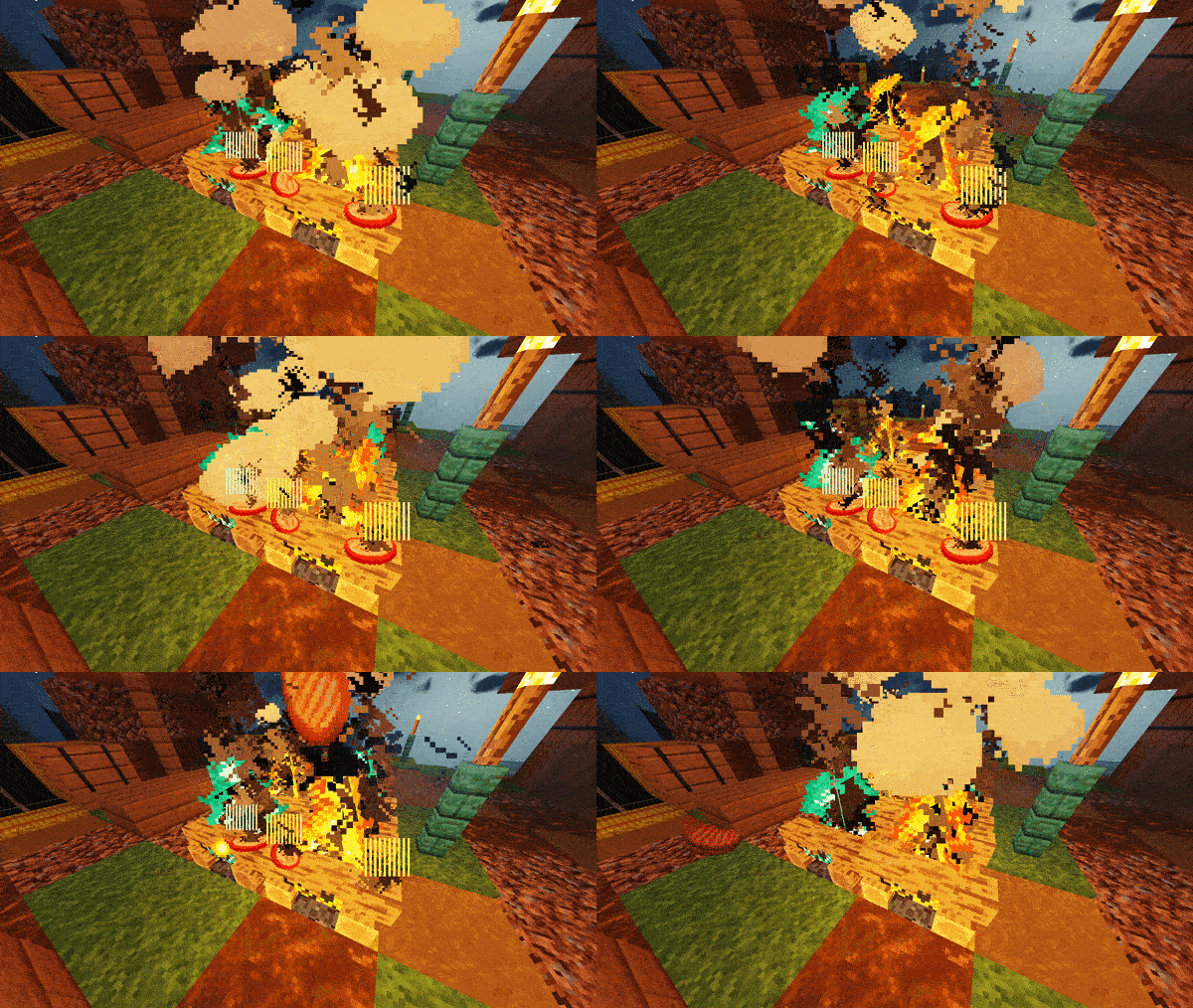 Campfire and SoulCampfire
 -
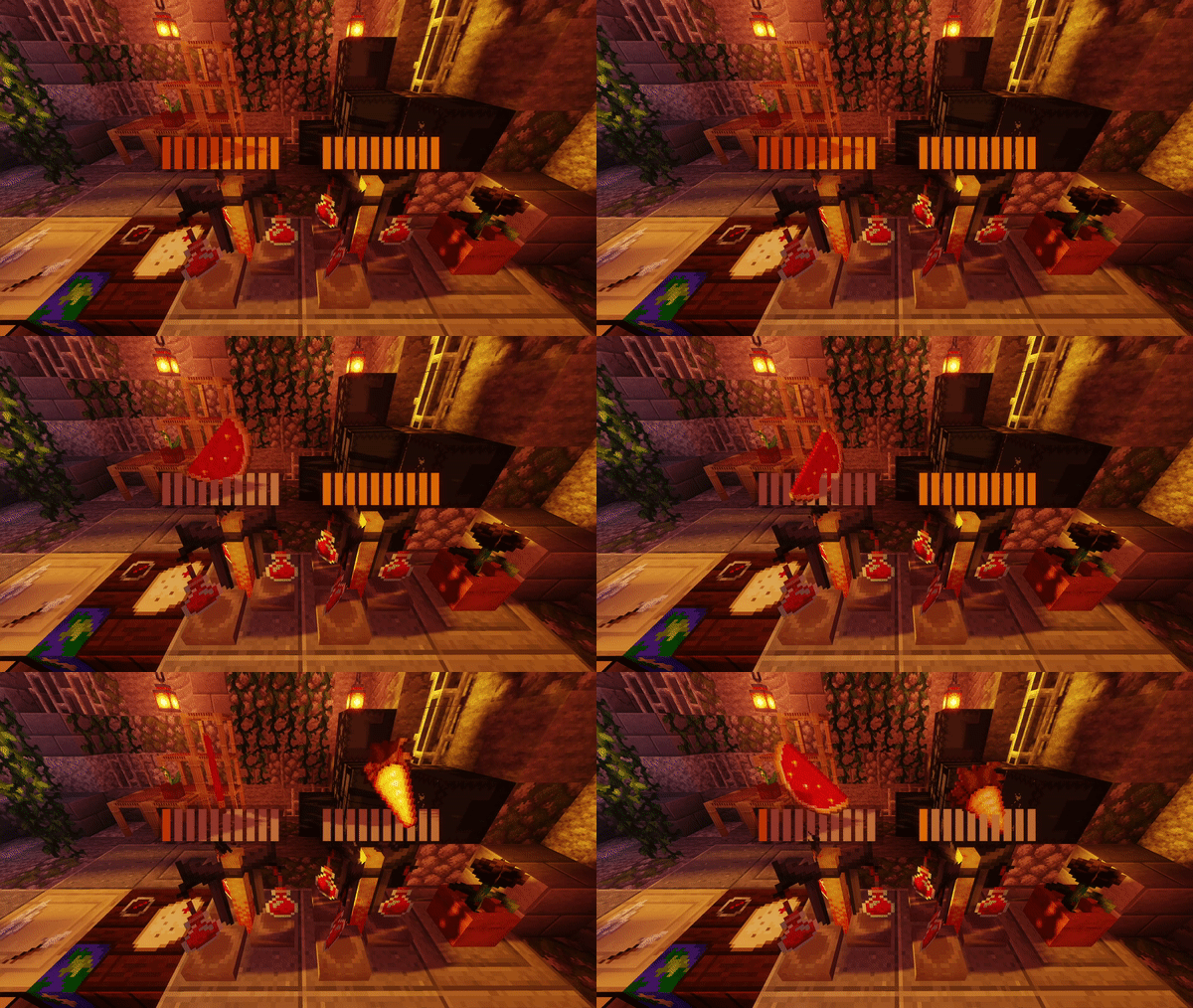 BrewingStand
 -
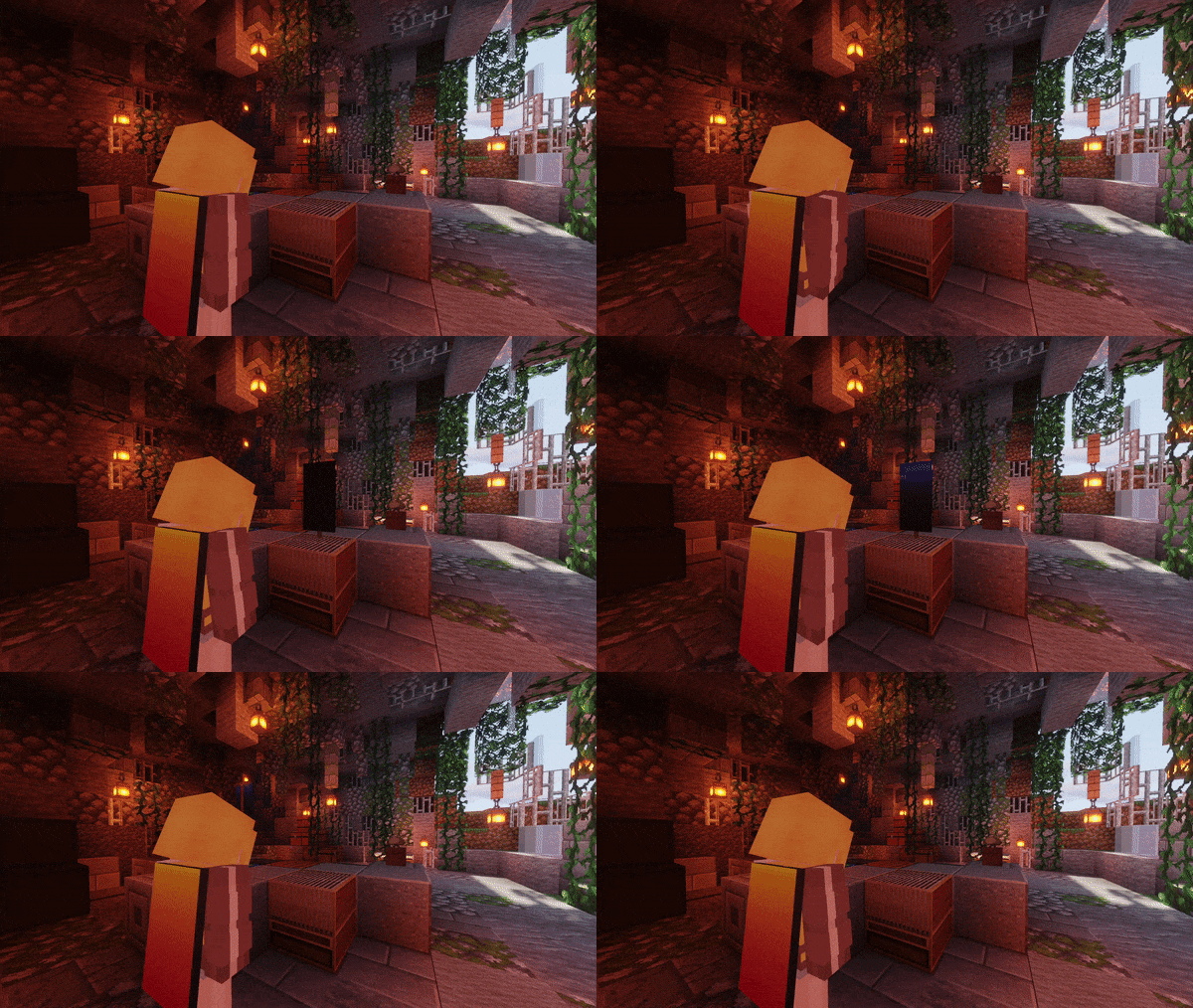 Loom
Loom -
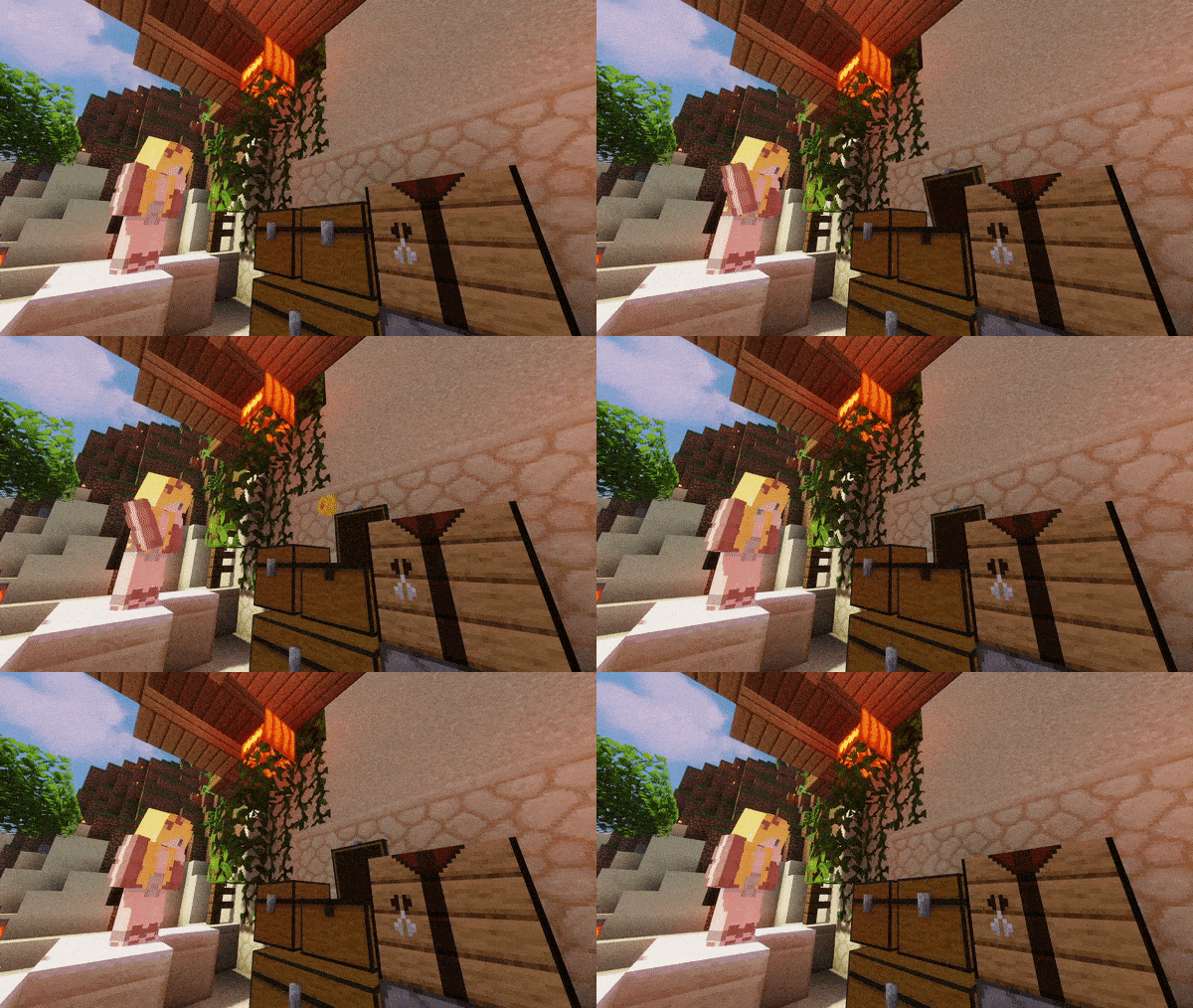 Chest, DoubleChest & EnderChest Including Trapped Variants
 -
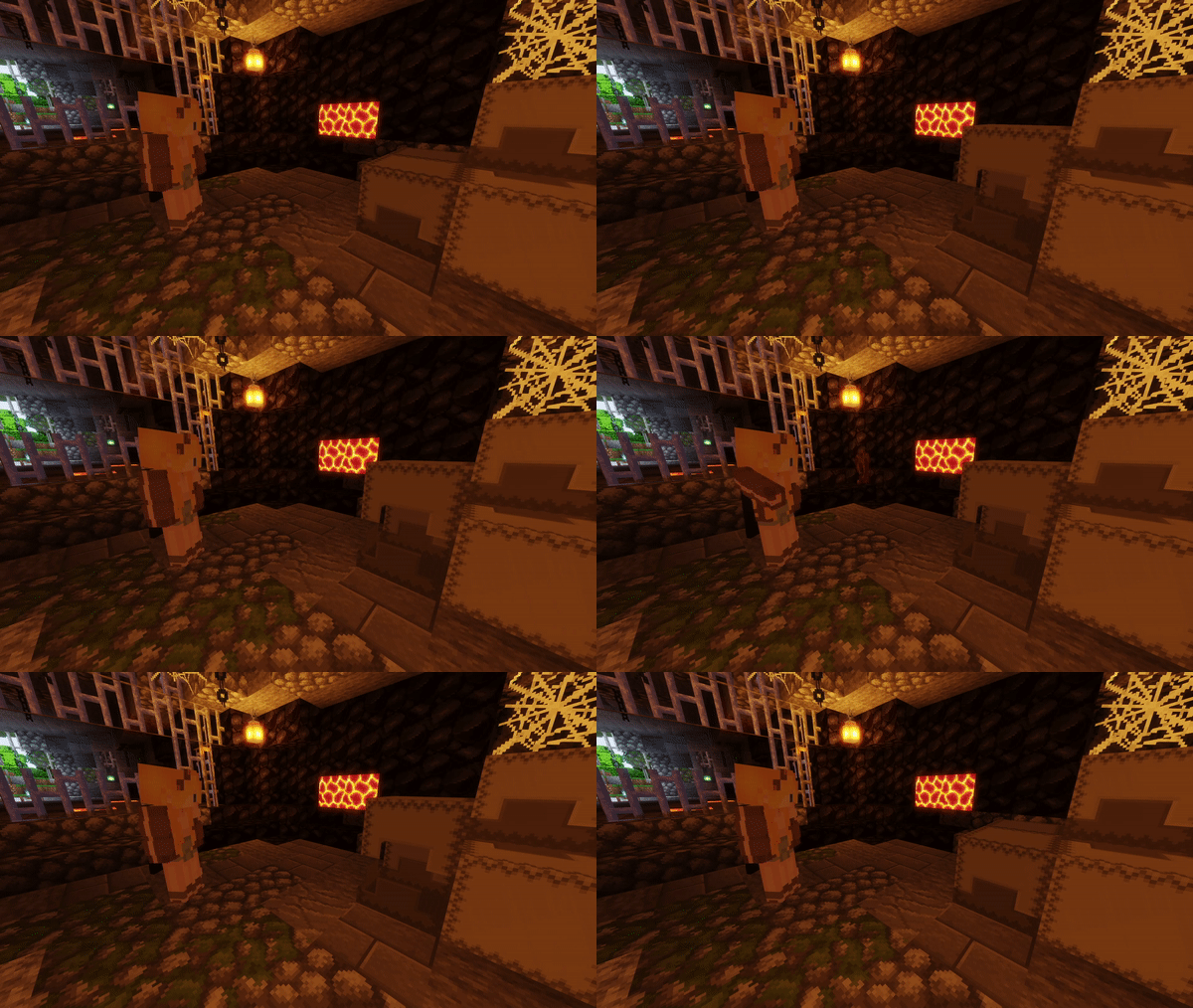 ShulkerBox, Barrel, Droppers, Dispensers & Hoppers
 -
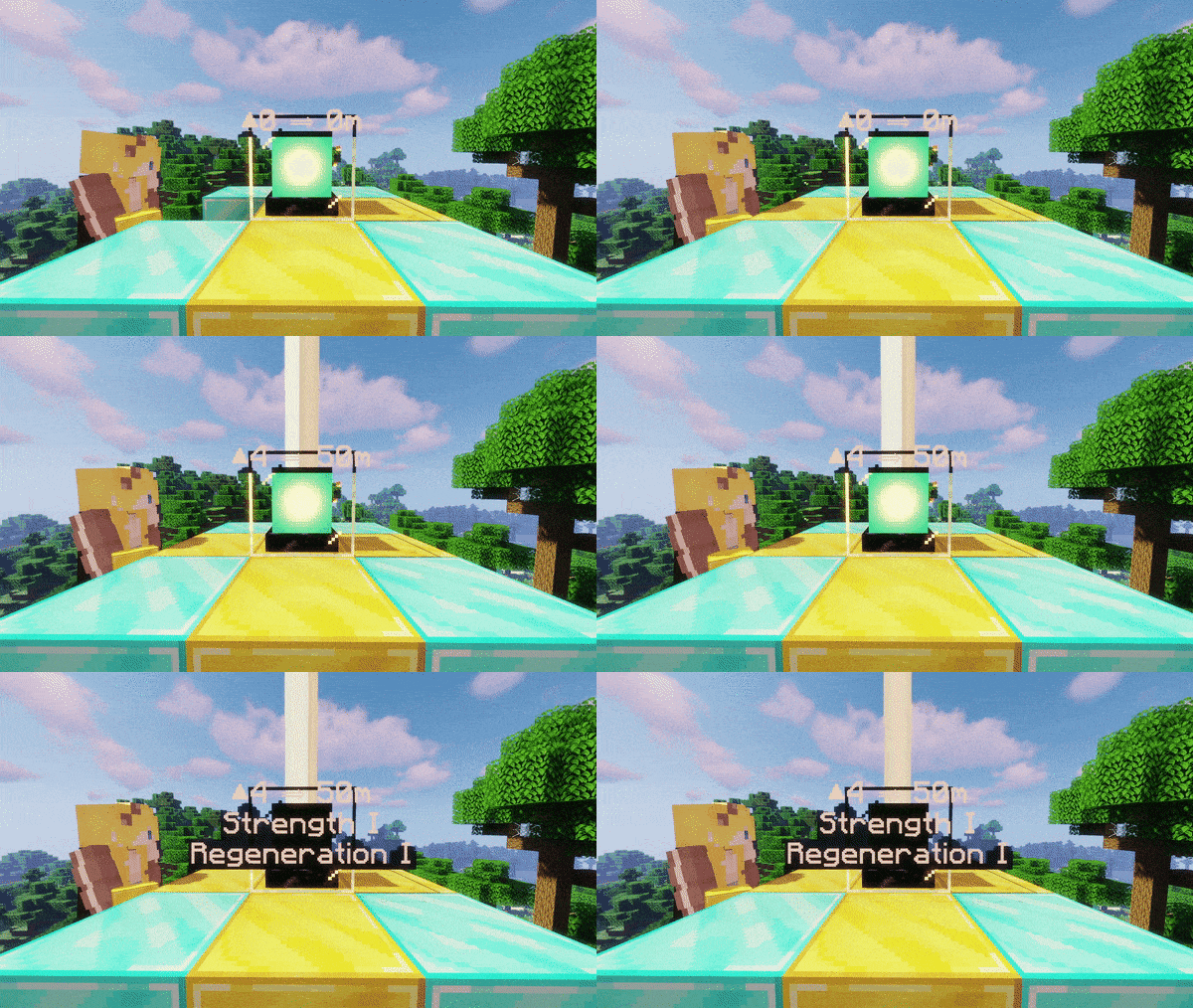 Beacon & Conduit
 -
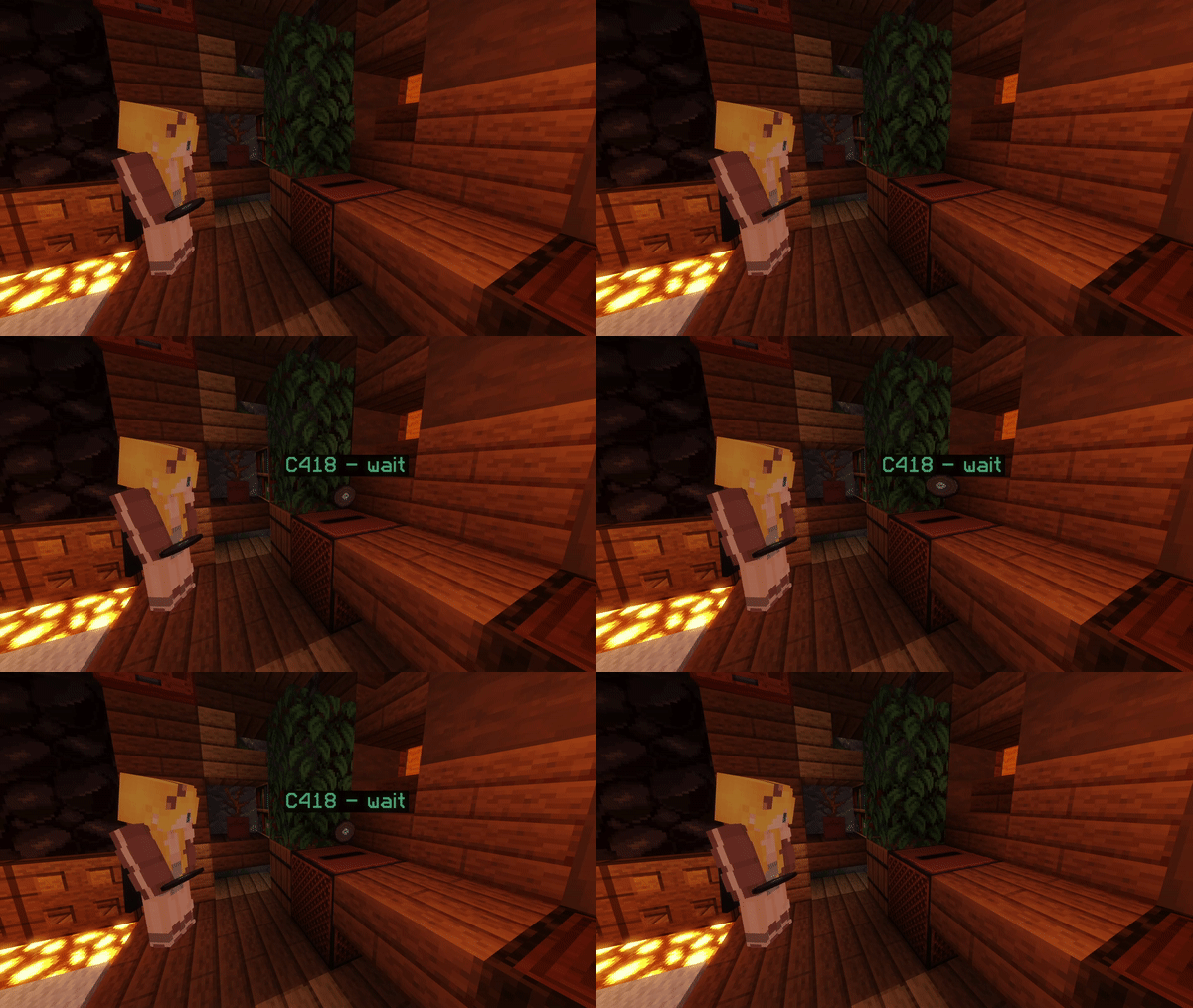 JukeBox
 -
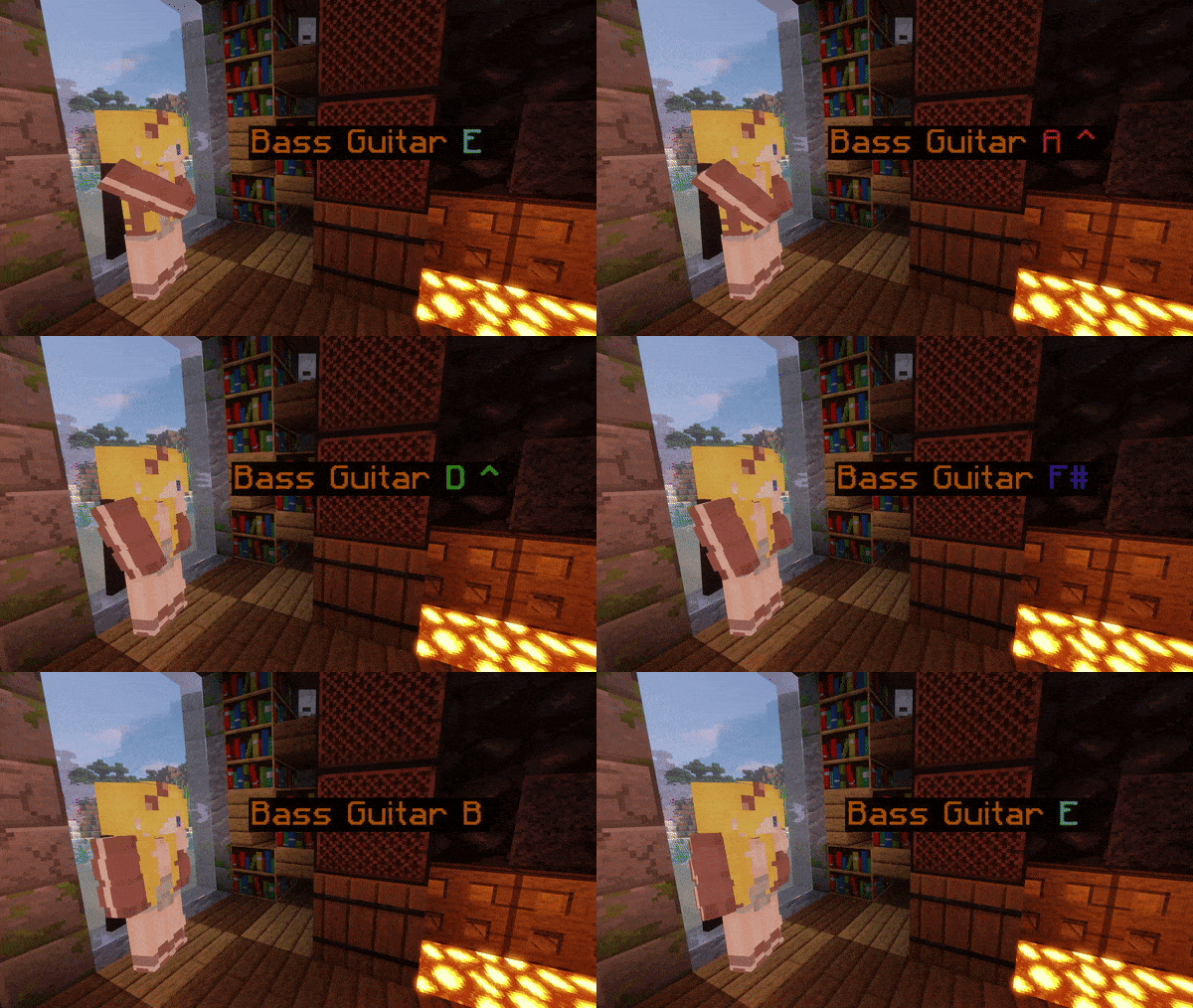 NoteBlock
 -
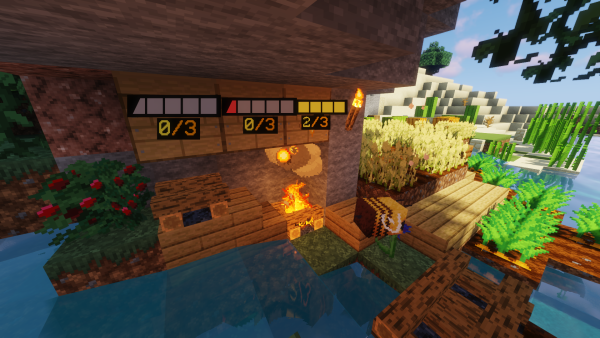 BeeNests and BeeHives
 -
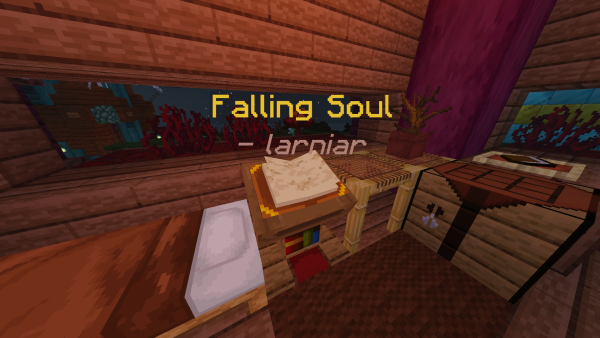 Lectern
 -
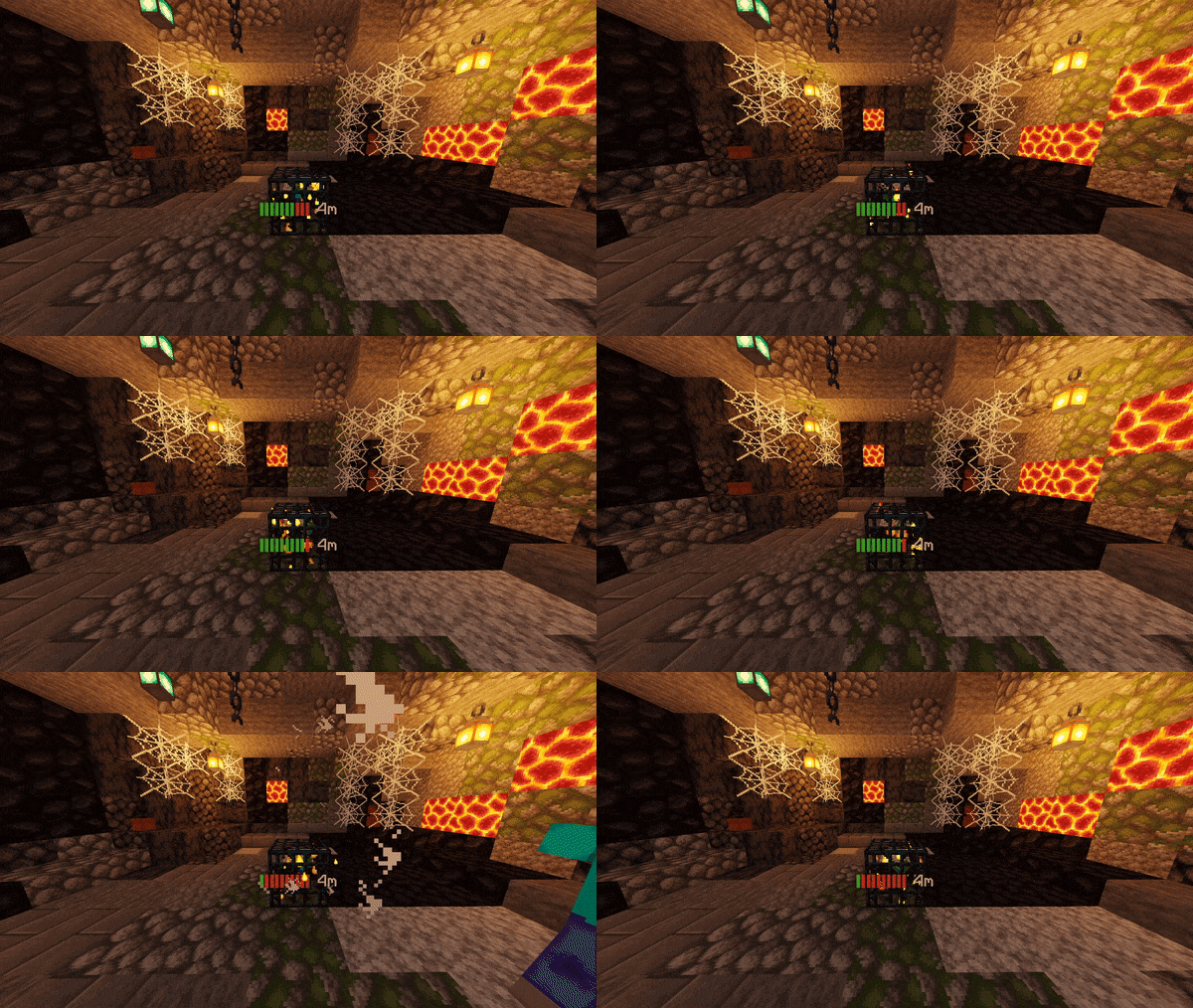 Spawner
 -
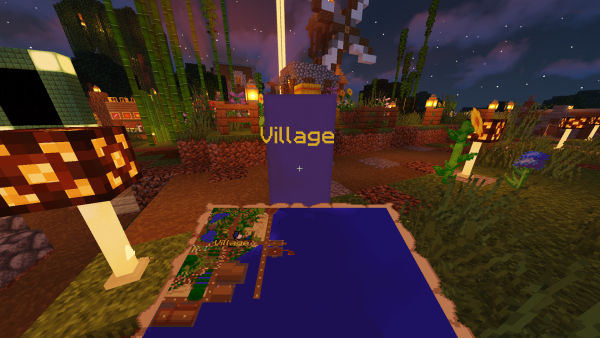 Banner
 -
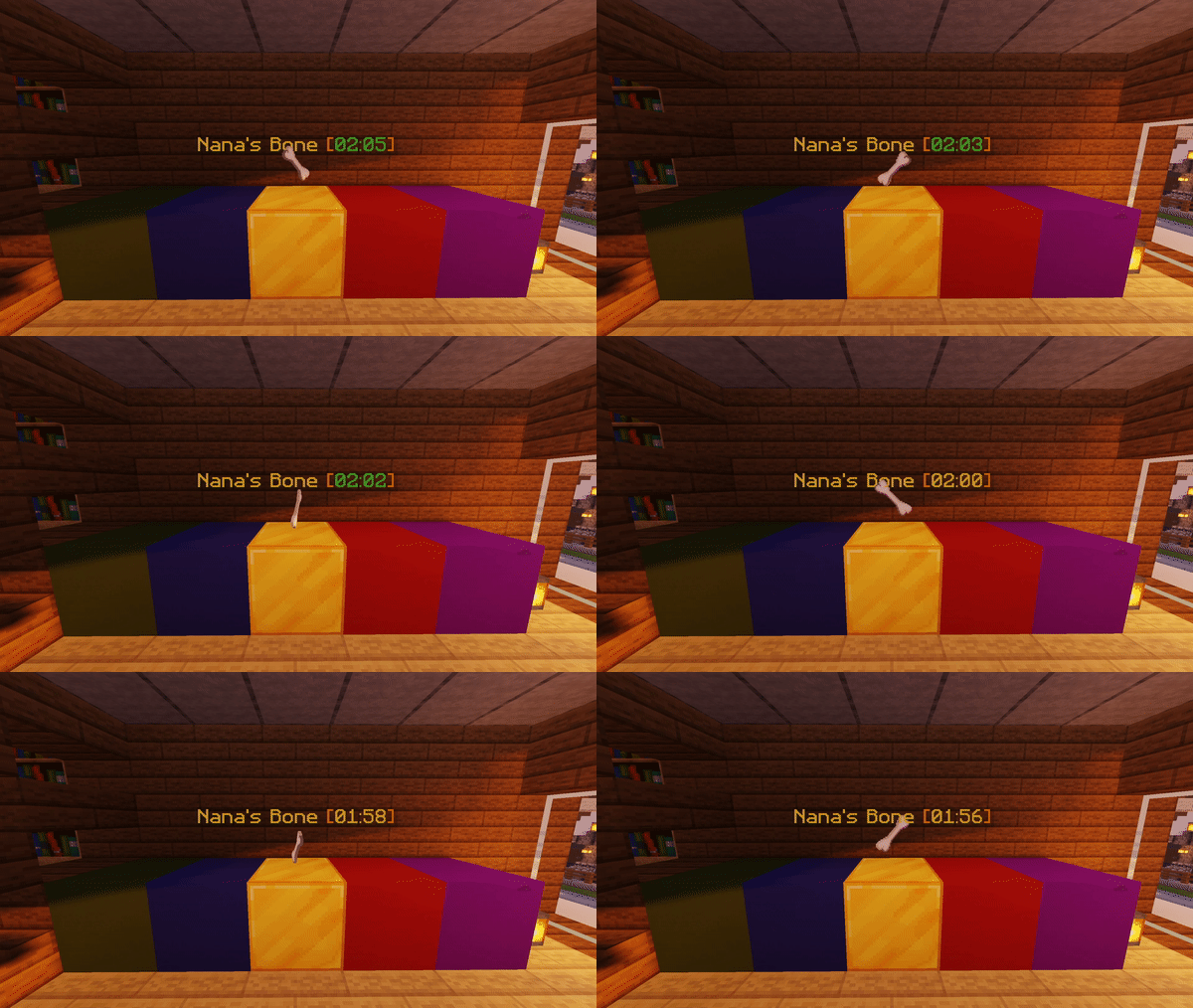 Item
Item -
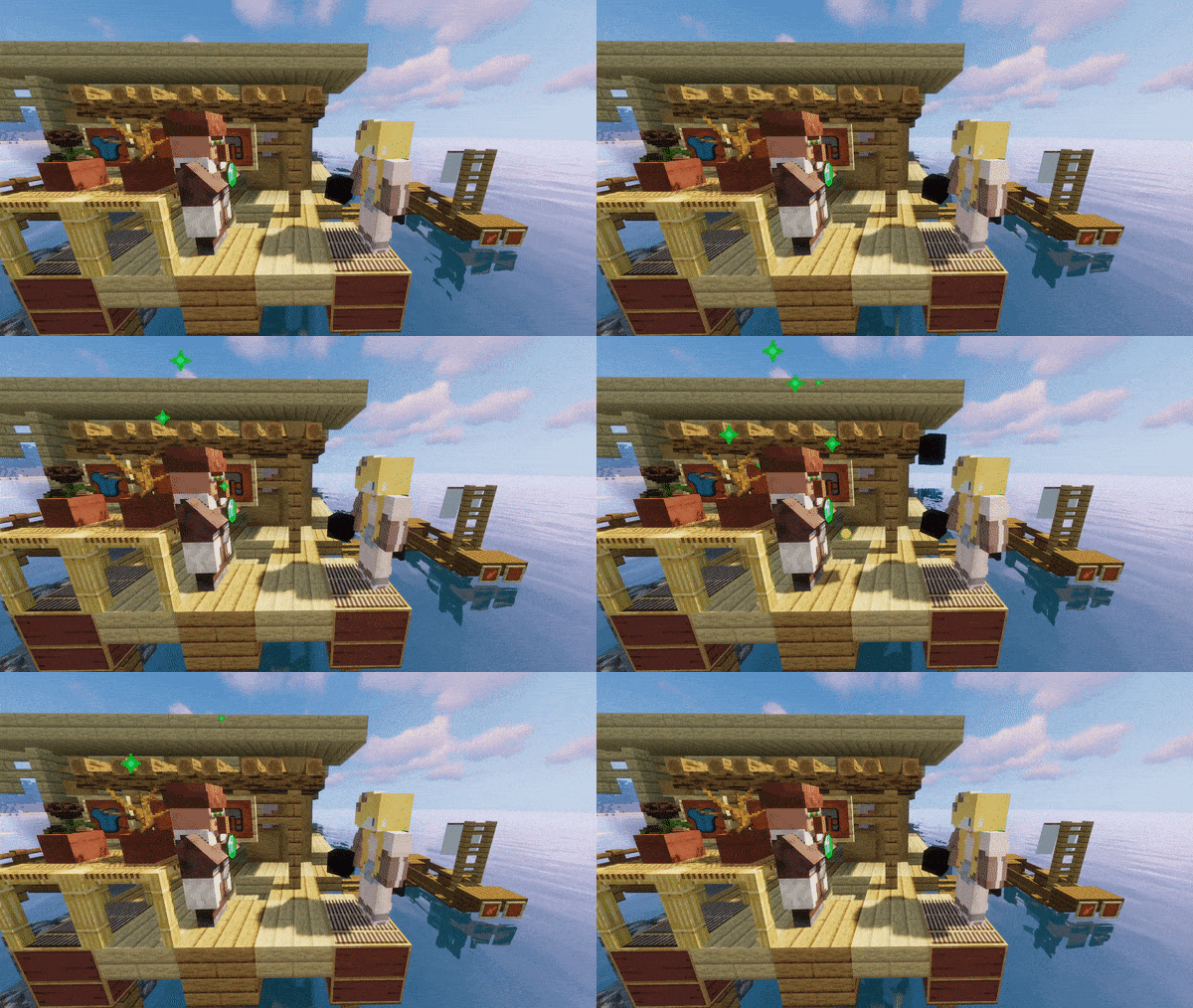 Villager
Versions
Files
Relations
Project Relations
More like this
Similar Mods
Suggestions use data such as tags, dependencies, dependents, descriptions, titles, and more to rank how much they overlap with this mod.
On ModDex
Community snapshot
By the numbers
Statistics

Want to reach Minecraft players?
We're looking for a server hosting partner to feature here and other parts of the site. Interested? Send us a message!
Get in touchGet it on
Available Platforms
On ModDex
Community snapshot
By the numbers