Community listing page, reviews here may not be monitored by the author.
Interworlds Splashscreens


No reviews yet
Allows you to customise screen while you've been moving to another dim. Custom text included!
Community voices
Reviews
No reviews yet. Be the first to review this project!
Get it on
Available Platforms
Compatibility
Supported Environments
Runs entirely on the client. Works on vanilla servers.
About
Project Details
For authors
Embed Badge
If you're the author of this project, you can embed a live badge anywhere that supports HTML or Markdown. It updates automatically whenever ratings change.
Use HTML for any page that supports it, or Markdown for README files and Markdown-based descriptions.
Identifiers
Platform IDs
Resources
External Links
About
Description
Client-side mod that allows you to add custom loading screens while you are transferred into another dimension
You can also add some text on the screen to display it to players
You might not notice them too much in a single player, but it will give you immersive sencses while playing on a modded remote server or modpack with a lot of mods
Note: new splashes are have to be placed into <game dir>/config/InterworldsSplashscreen/splashes
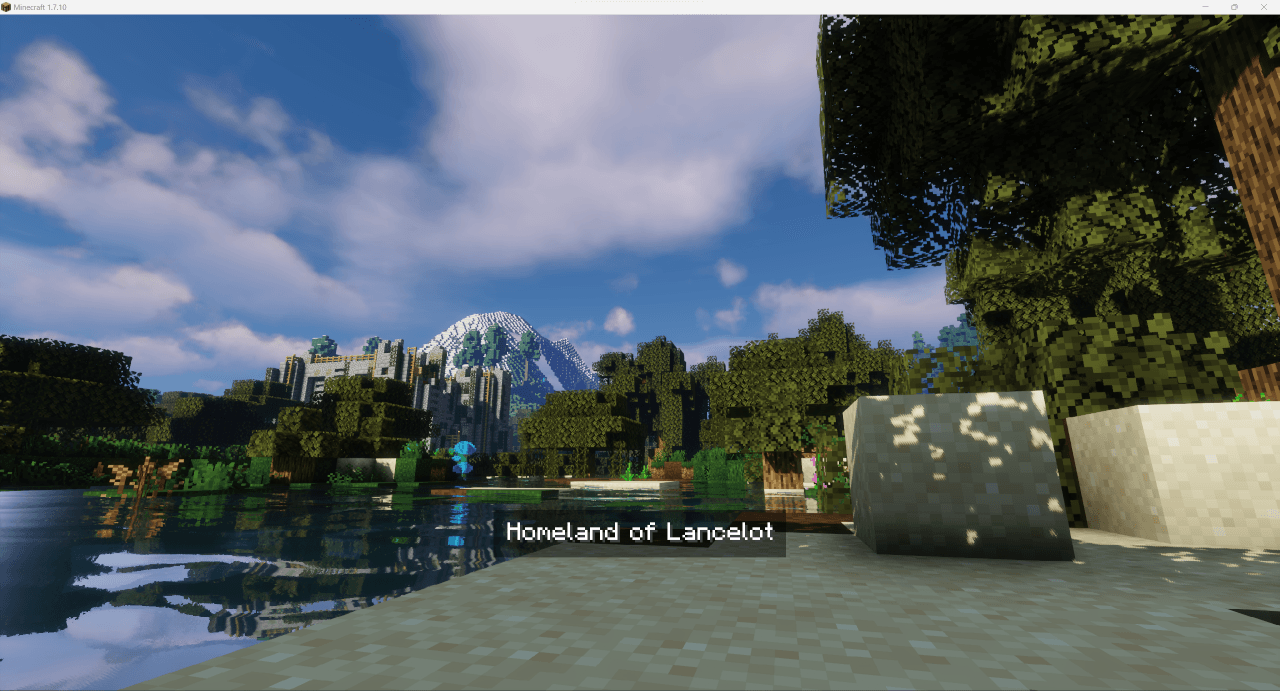
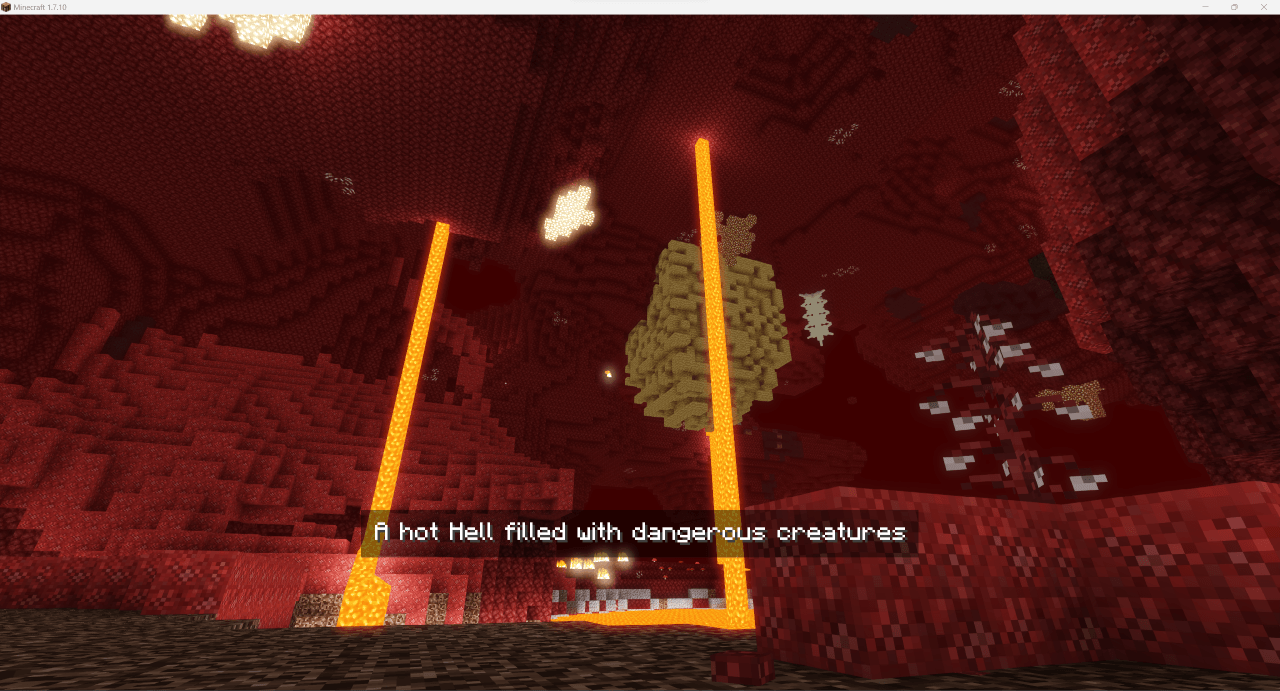
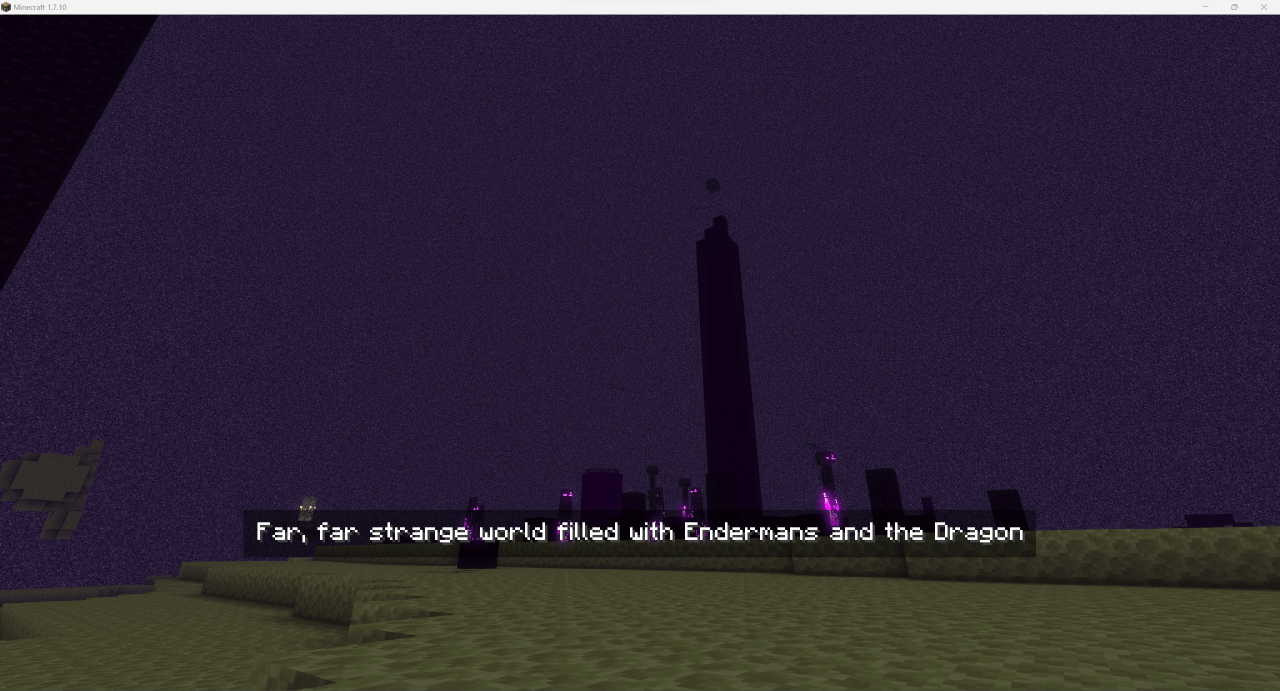
Some examples:
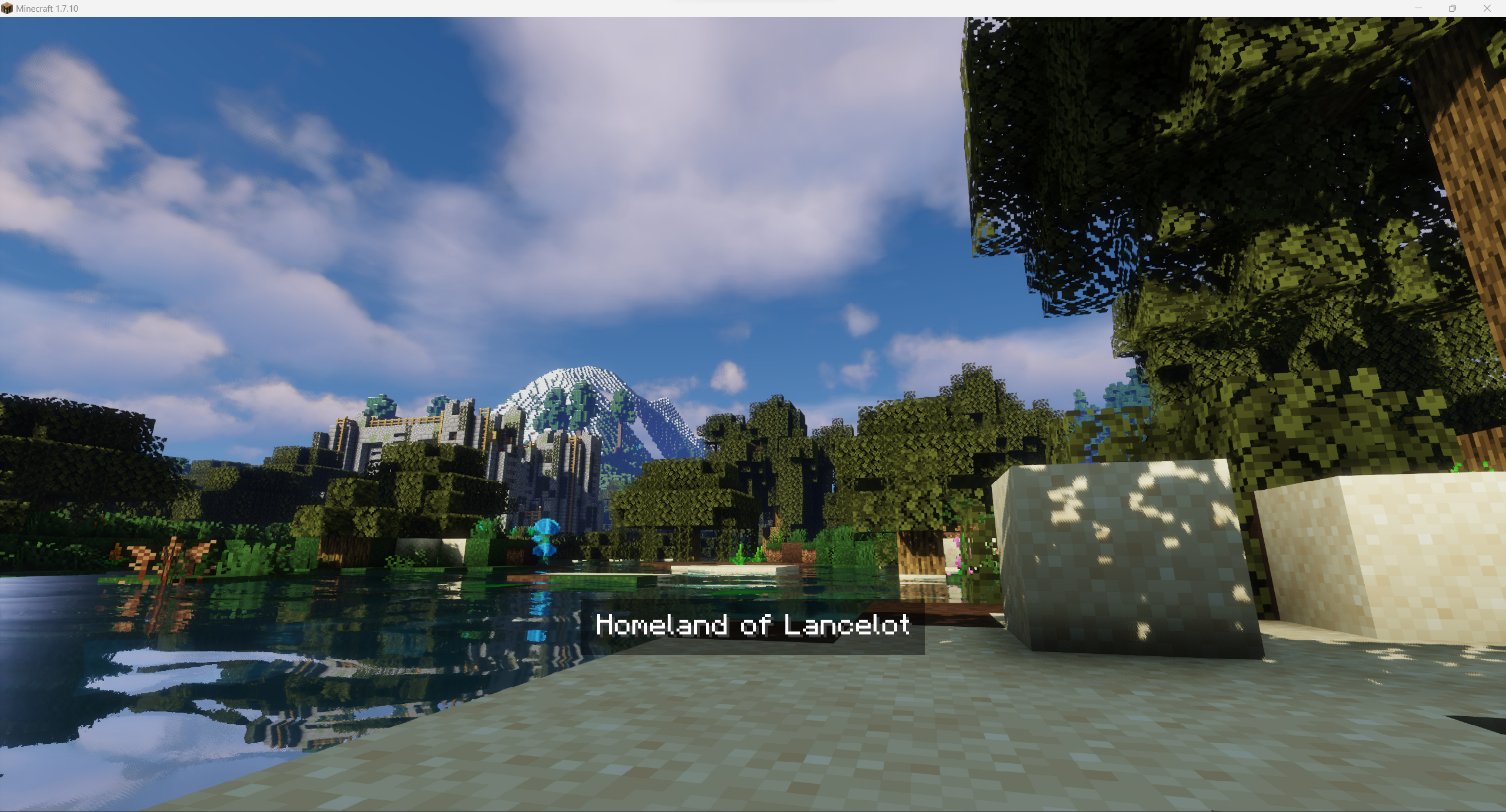
Overworld:
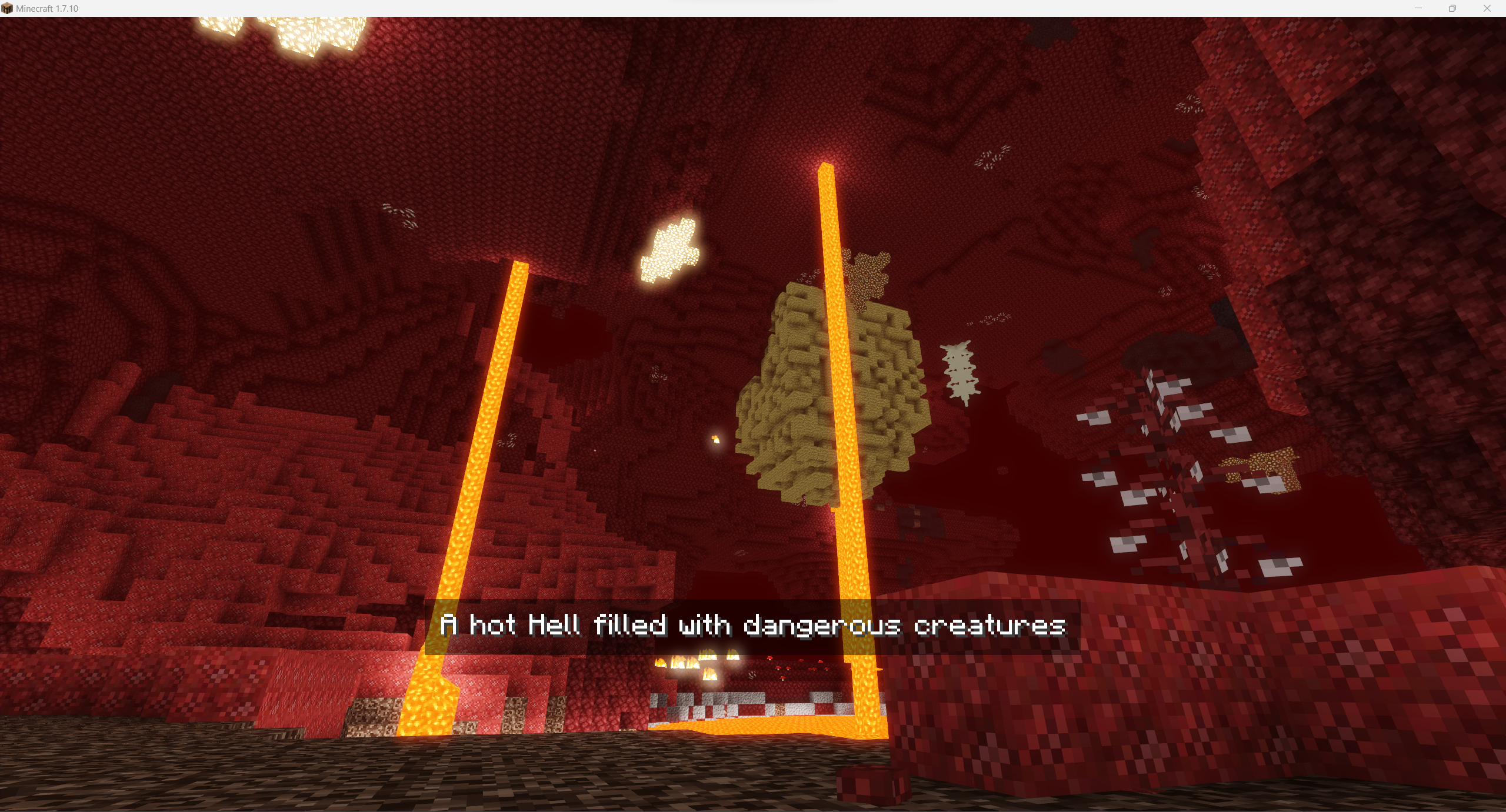
Nether:
The End:
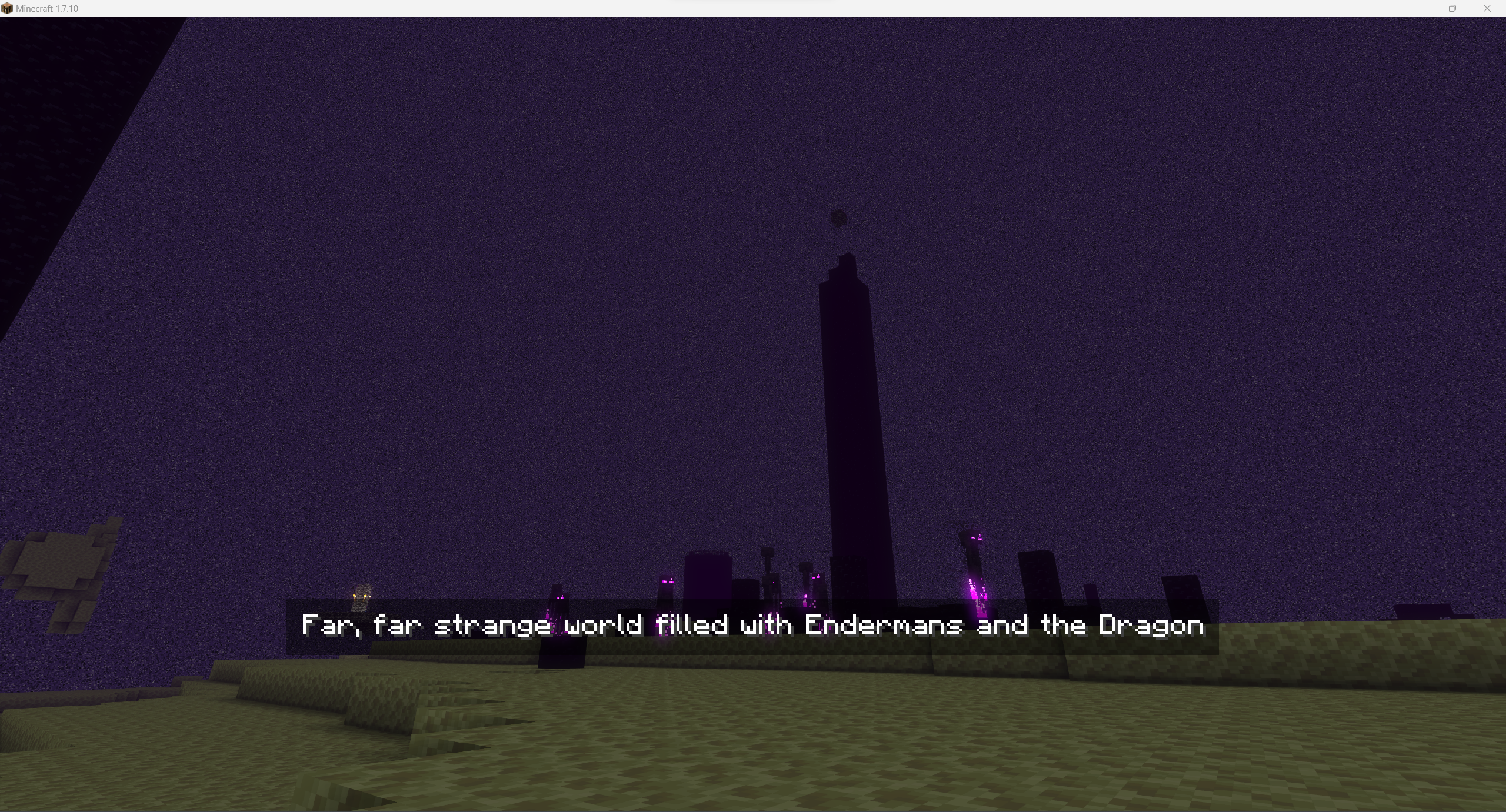
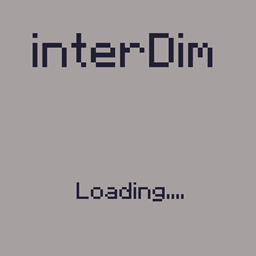
For images above I've used the following image for Overworld and config:
"splashes files" {
    # Default splash to be used if not set for world [default: Overworld]
    S:defaultSplash=Overworld_water

    # Splashes images to be used in loading screen. Use just filename without extension. Files must be stored in folder splashes in mod's config directory [default: [Nether:Nether], [The End:The End], [Overworld:Overworld], [splashConnecting:Overworld], [splashDisconnecting:Overworld]]
    S:splashesPaths <
        Nether:Nether
        The End:The End
        Overworld:Overworld_water
        splashConnecting:Overworld
        splashDisconnecting:Overworld
     >
}

"splashes texts" {
    # Splashes texts to be displayed on splash [default: [Nether:Nether], [The End:The End], [Overworld:Overworld], [splashConnecting:Overworld], [splashDisconnecting:Overworld]]
    S:splashesTexts <
        Nether:A hot Hell filled with dangerous creatures
        The End:Far, far strange world filled with Endermans and the Dragon
        Overworld:Homeland of Lancelot
        splashConnecting:Overworld
        splashDisconnecting:Overworld
     >
}
Wanna use it it your modpack / on your server? You are free to use it, it's highly recommended for better world investigation experience!
Clientside mod that allows you to add custom loading screens while you are transferred into another dimension
You can also add some text on the screen to display it to players
You might not notice them too much in a single player due to fast loading, but it will give you immersive senses while playing on a modded remote server or modpack with a lot of mods (or if you have an old PC)
Note: New splashes are have to be placed into <game dir>/config/InterworldSplashscreen/splashes in .png format.
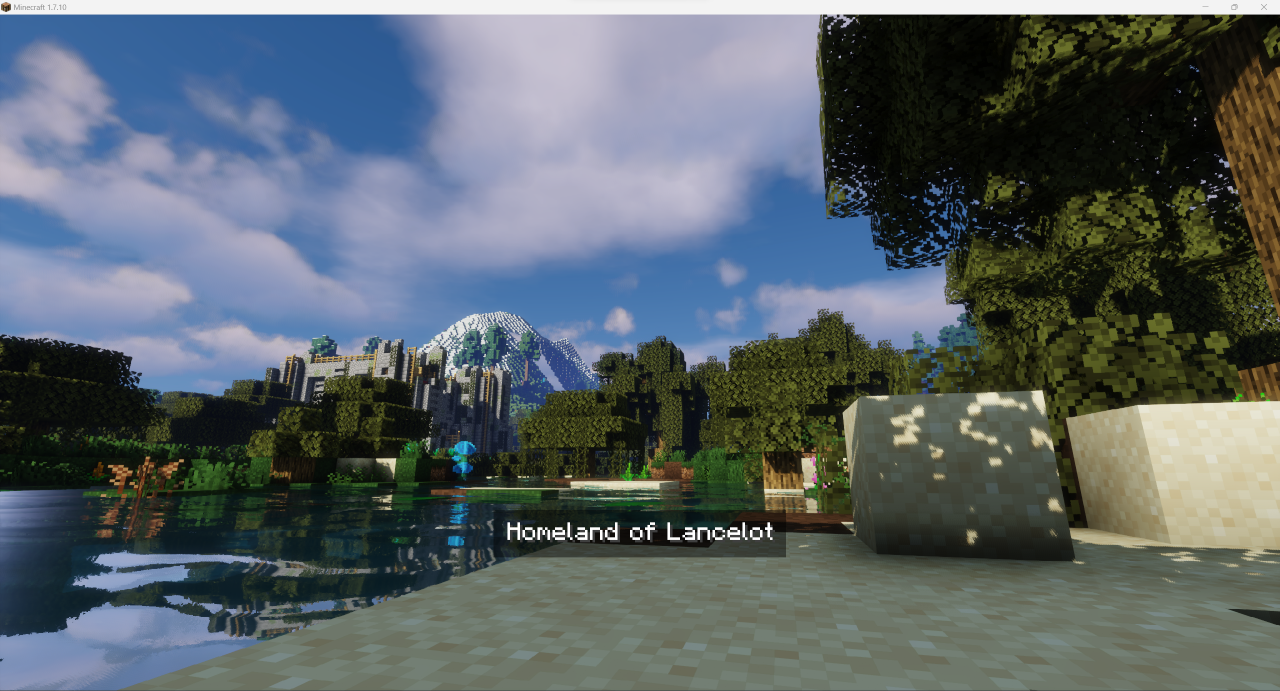
Some examples:
Overworld
Nether
The End
For images above I've used the following image for Overworld and config:
"splashes files" {
    # Default splash to be used if not set for world [default: Overworld]
    S:defaultSplash=Overworld_water

    # Splashes images to be used in loading screen. Use just filename without extension. Files must be stored in folder splashes in mod's config directory [default: [Nether:Nether], [The End:The End], [Overworld:Overworld], [splashConnecting:Overworld], [splashDisconnecting:Overworld]]
    S:splashesPaths <
        Nether:Nether
        The End:The End
        Overworld:Overworld_water
        splashConnecting:Overworld
        splashDisconnecting:Overworld
     >
}

"splashes texts" {
    # Splashes texts to be displayed on splash [default: [Nether:Nether], [The End:The End], [Overworld:Overworld], [splashConnecting:Overworld], [splashDisconnecting:Overworld]]
    S:splashesTexts <
        Nether:A hot Hell filled with dangerous creatures
        The End:Far, far strange world filled with Endermans and the Dragon
        Overworld:Homeland of Lancelot
        splashConnecting:Overworld
        splashDisconnecting:Overworld
     >
}
Wanna use it it your modpack / on your server? You are free to use it, it's highly recommended for better world investigation experience!
Screenshots
Gallery
-
 overworld.png overworld.png
 -
 nether.png nether.png
 -
 the_end.png the_end.png
-
 Overworld
 -
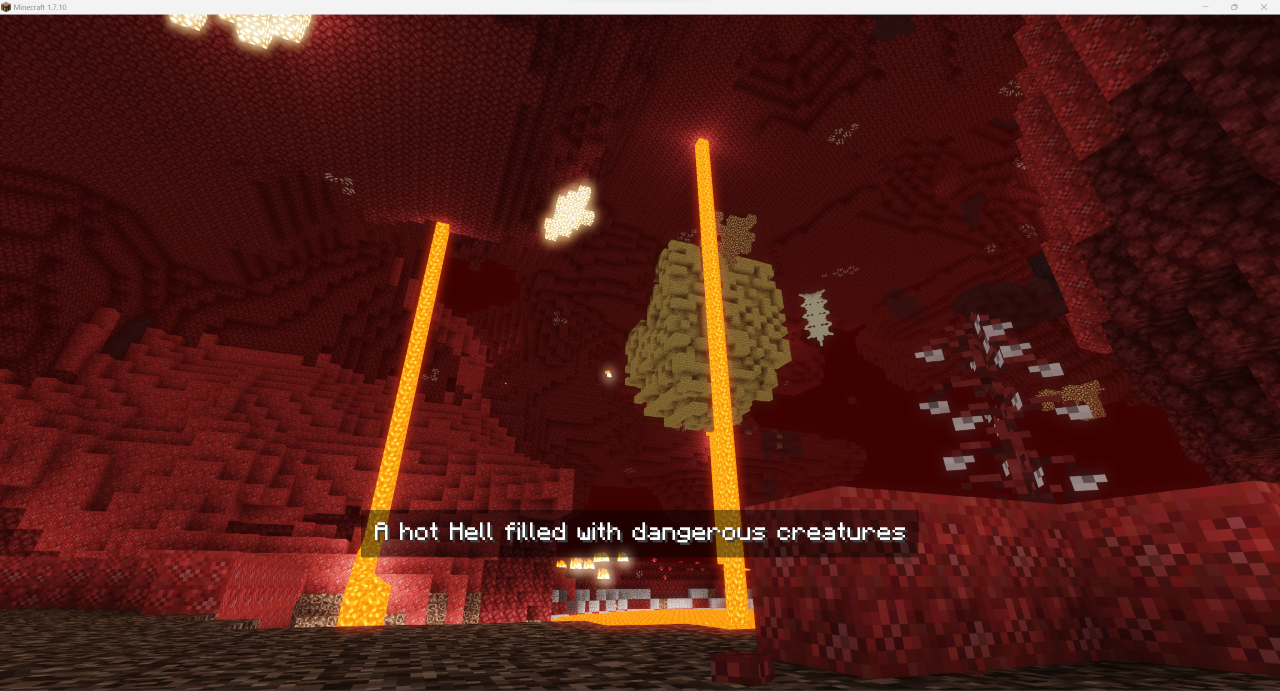 Nether
 -
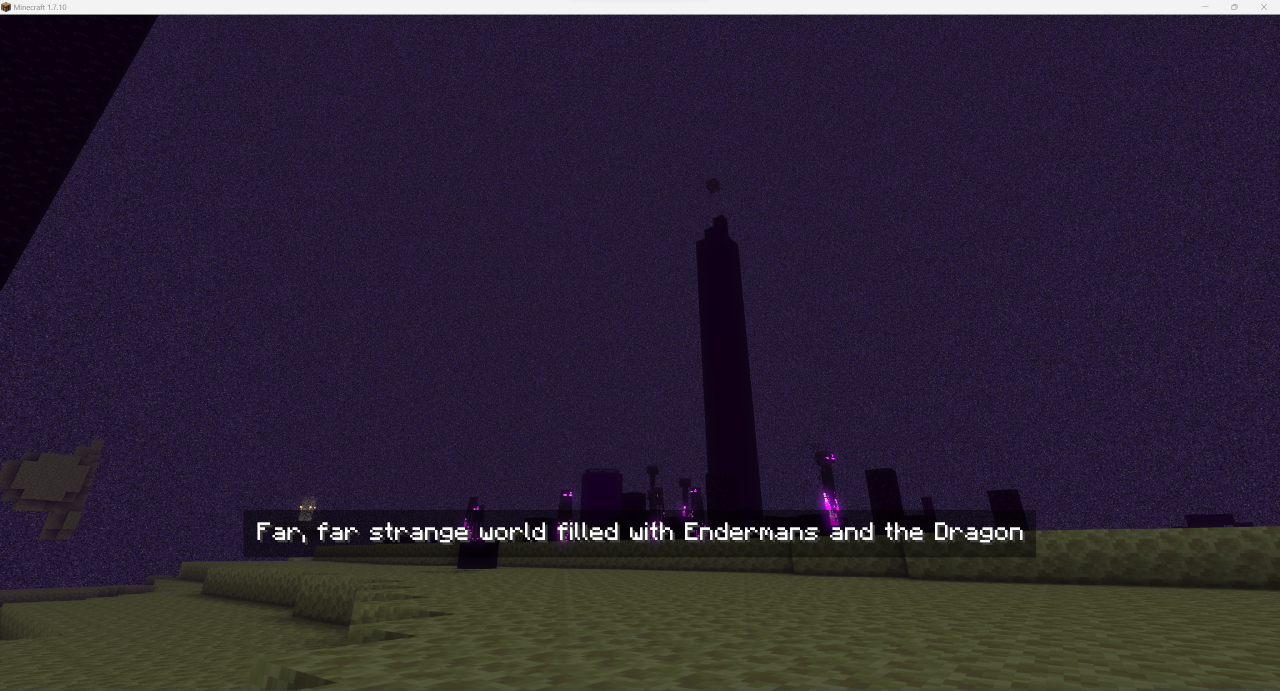 The End
Versions
Files
Relations
Project Relations
More like this
Similar Mods
Suggestions use data such as tags, dependencies, dependents, descriptions, titles, and more to rank how much they overlap with this mod.
On ModDex
Community snapshot
By the numbers
Statistics
Want to reach Minecraft players?
We're looking for a server hosting partner to feature here and other parts of the site. Interested? Send us a message!
Get in touchGet it on
Available Platforms
On ModDex
Community snapshot
By the numbers
Statistics
Resources