
Community listing page, reviews here may not be monitored by the author.
InvCatalogue

No reviews yet
Run storage catalogue sessions that count your Minecraft base and write clear item reports.
Community voices
Reviews
No reviews yet. Be the first to review this project!
Get it on
Available Platforms
Compatibility
Supported Environments
Runs entirely on the client. Works on vanilla servers.
About
Project Details
For authors
Embed Badge
If you're the author of this project, you can embed a live badge anywhere that supports HTML or Markdown. It updates automatically whenever ratings change.
Use HTML for any page that supports it, or Markdown for README files and Markdown-based descriptions.
Identifiers
Platform IDs
Resources
External Links
About
Description
InvCatalogue is a lightweight Fabric client mod for counting what is stored across your Minecraft base. Start a catalogue session, open the storage you want counted, then generate a clear report of the items your client saw.
It is built for end-of-world audits, hardcore resets, big storage rooms, and those moments where you genuinely need to know how much stuff you have. Use it on its own, or alongside InvSort and InvSearch as part of the wider inventory management suite.
Use /inventorycatalogue start before walking through your storage. Open each
container you want counted, then use /inventorycatalogue stop or
/inventorycatalogue report to write a report. Saved reports can be reopened
in game with /inventorycatalogue reports.
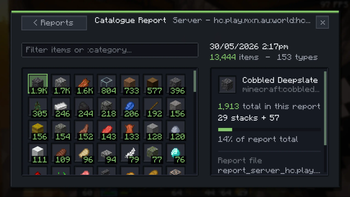
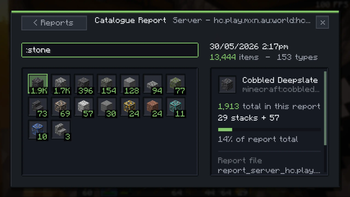
The report browser shows item totals in an icon grid, keeps old report
snapshots available for later review, and can filter by item text or shared
category queries such as :wood, :stone, and :tools.
Features
- Start and stop catalogue sessions with
/inventorycatalogue startand/inventorycatalogue stop - Optional
includeInventorymode for counting your own inventory too - Counts standard containers, placed shulkers, ender chests, and storage minecarts through the shared inventory tracking system
- Deduplicates known container identities so reopening the same storage refreshes it instead of double-counting it
- Chat status and report commands for quick totals
- Plain-text reports written locally for later review
- Saved JSON report snapshots for the in-game report browser
/inventorycatalogue reportsfor viewing previous catalogue snapshots in an item-grid UI- Text and
:categoryreport filtering for quick audits - Keeps catalogue data separated by singleplayer world or multiplayer server
Good for
- End-of-world storage audits
- Hardcore base exports and reset planning
- Big farms, warehouses, and shared storage systems
- Checking resource totals before large builds
- Players who want local reports without server-side changes
Install note
InvCatalogue does not require a server install. Install Fabric Loader, Fabric API, and the InvCatalogue jar for your Minecraft version.
It counts storage your client opens during catalogue sessions. For accurate reports, walk through the storage you care about and open each container once.
Screenshots
Gallery
-
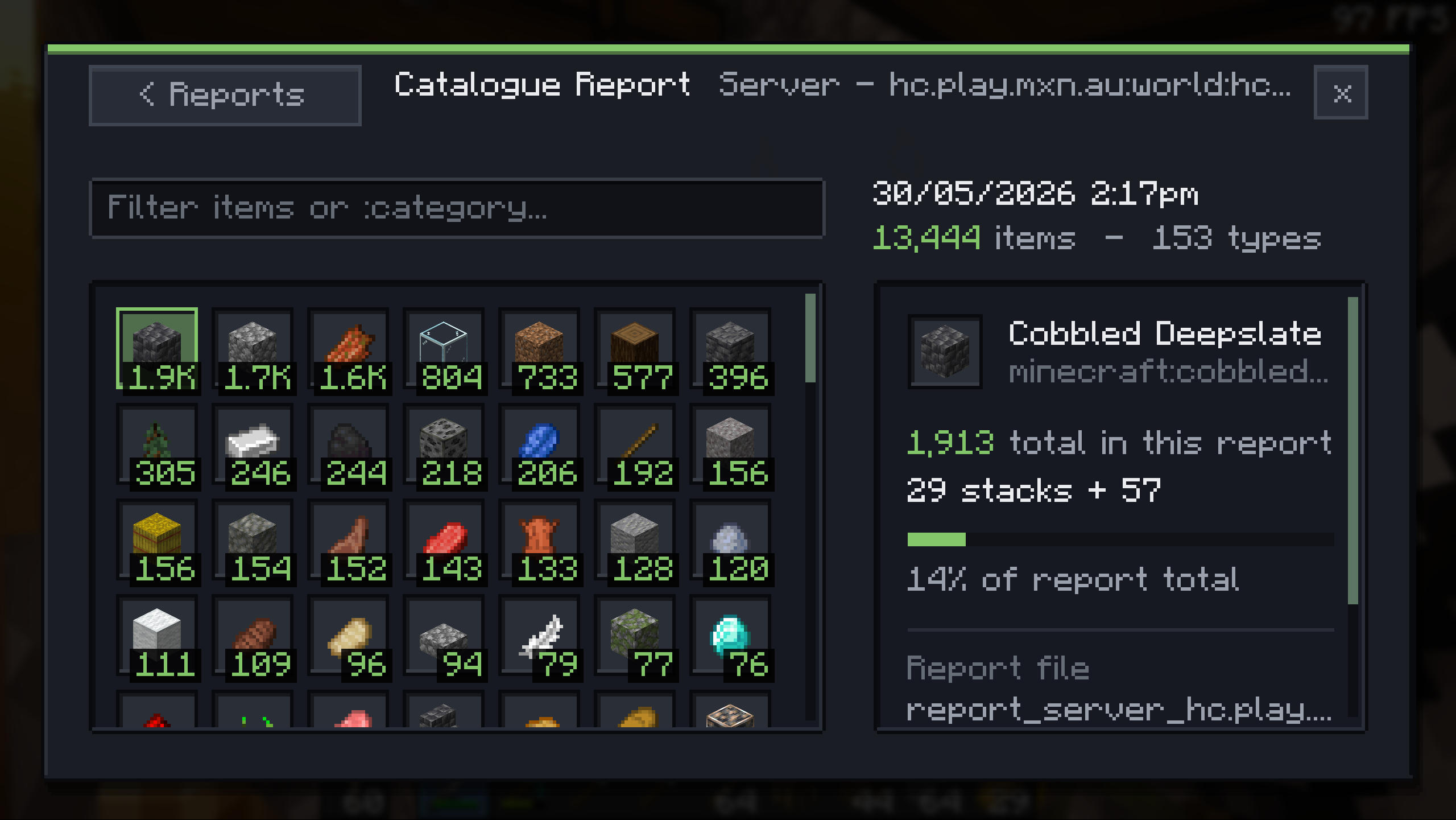 Catalogue Report Browse a saved catalogue report as an icon grid with exact item counts.
 -
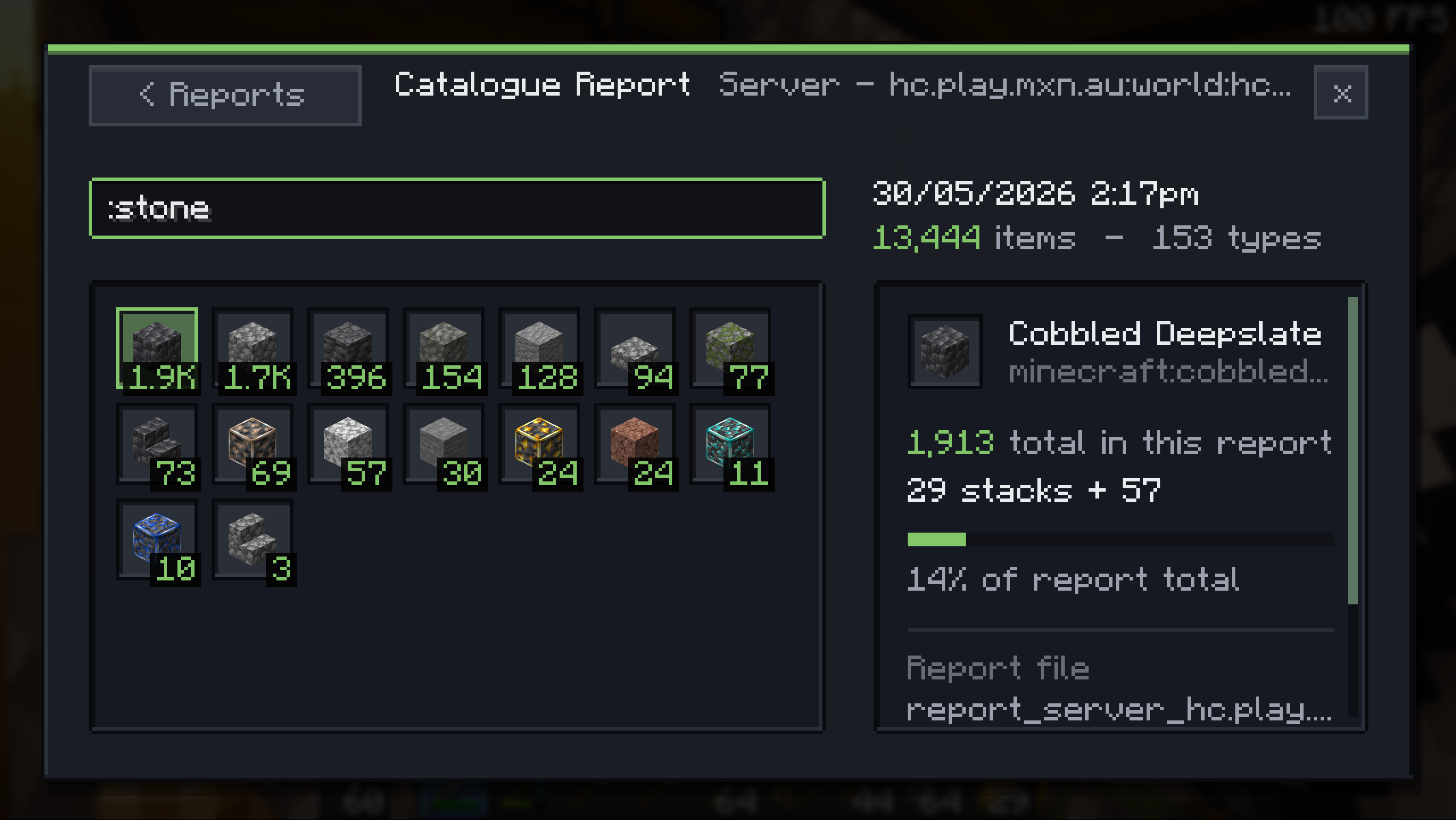 Filtered Report Filter report items by text or category, including :wood, :stone, and :tools.
 -
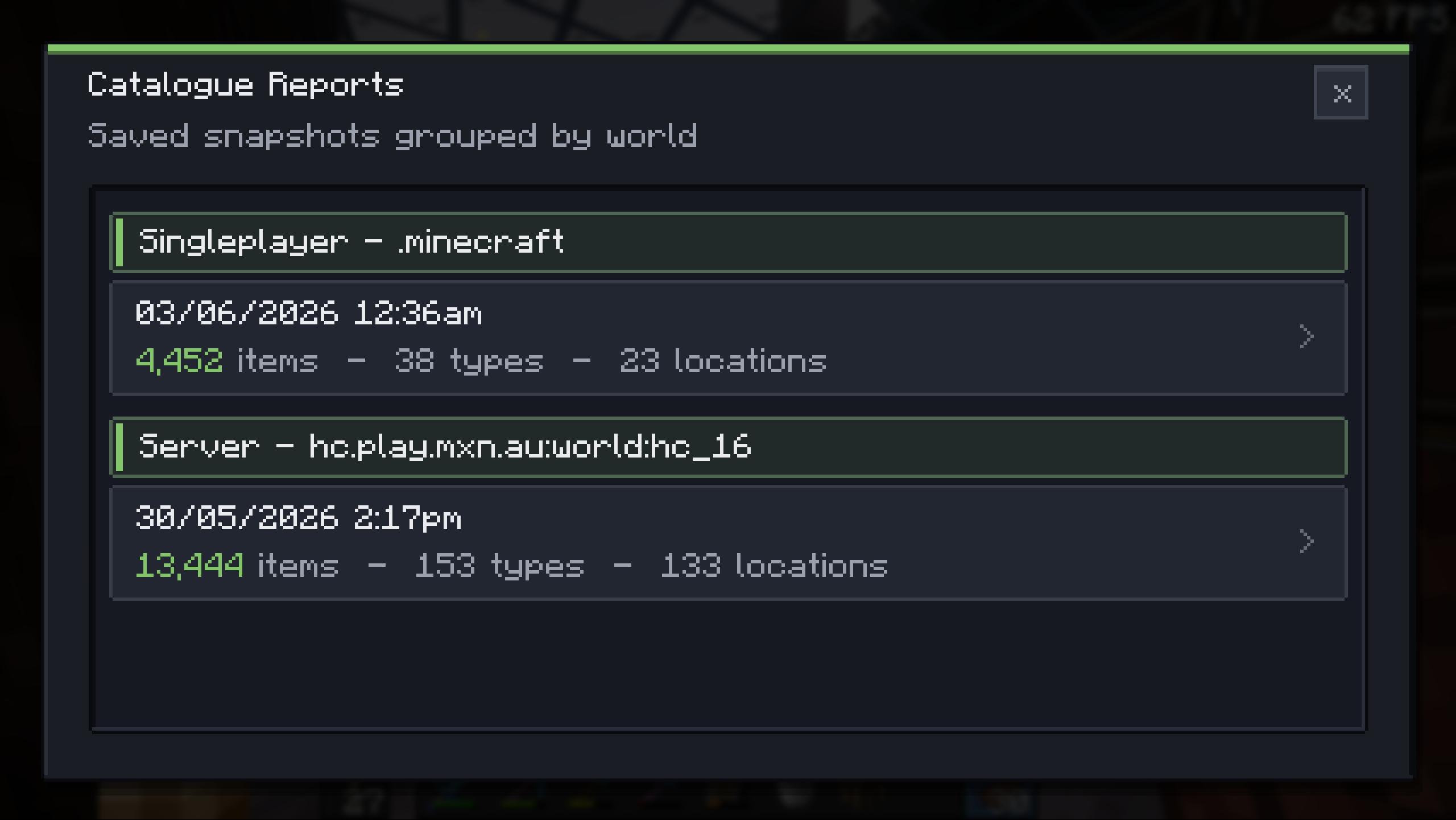 Report Selection Choose previous catalogue snapshots from the in-game reports browser.
 -
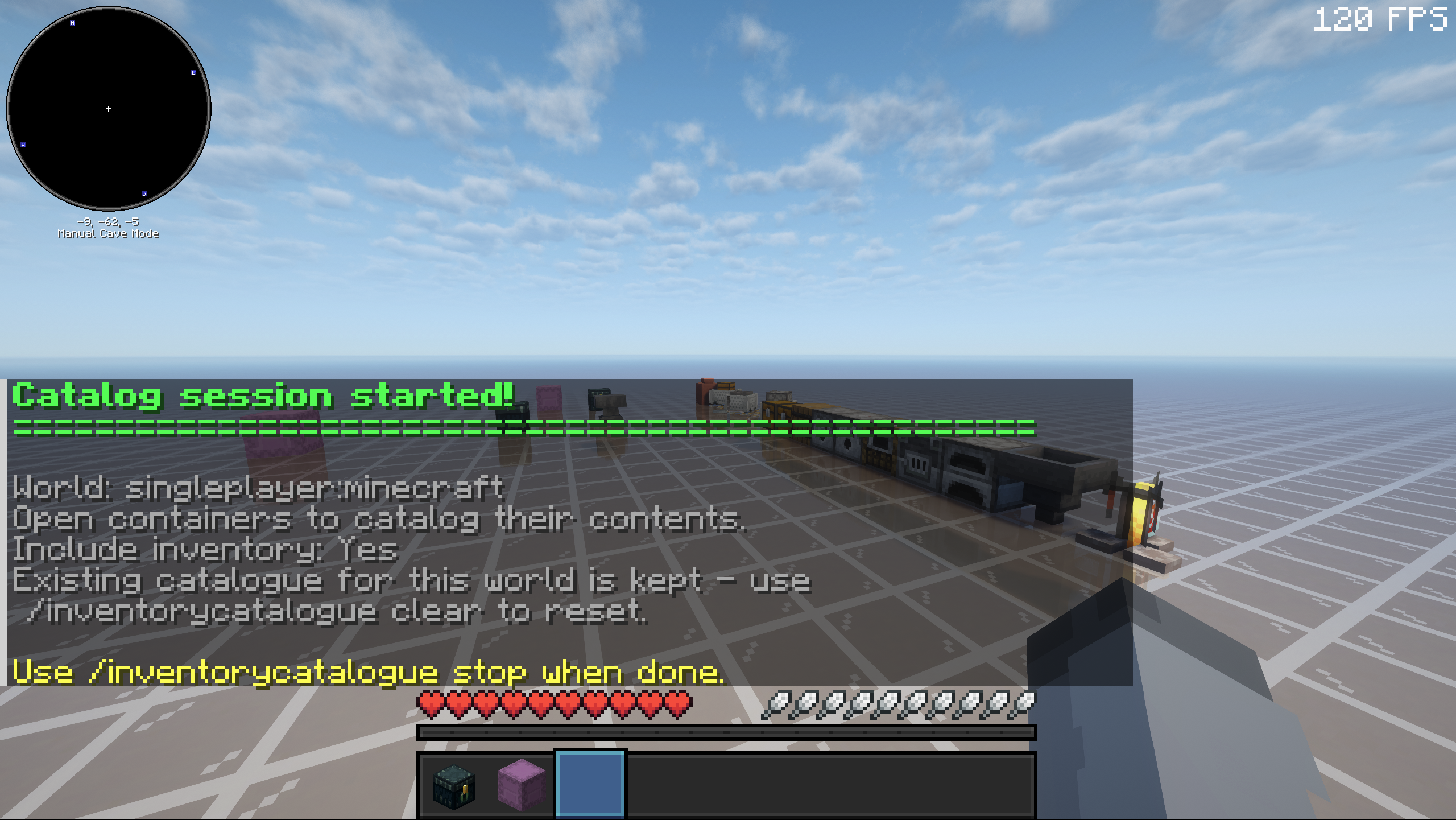 Start Command Start a catalogue session before walking through storage.
 -
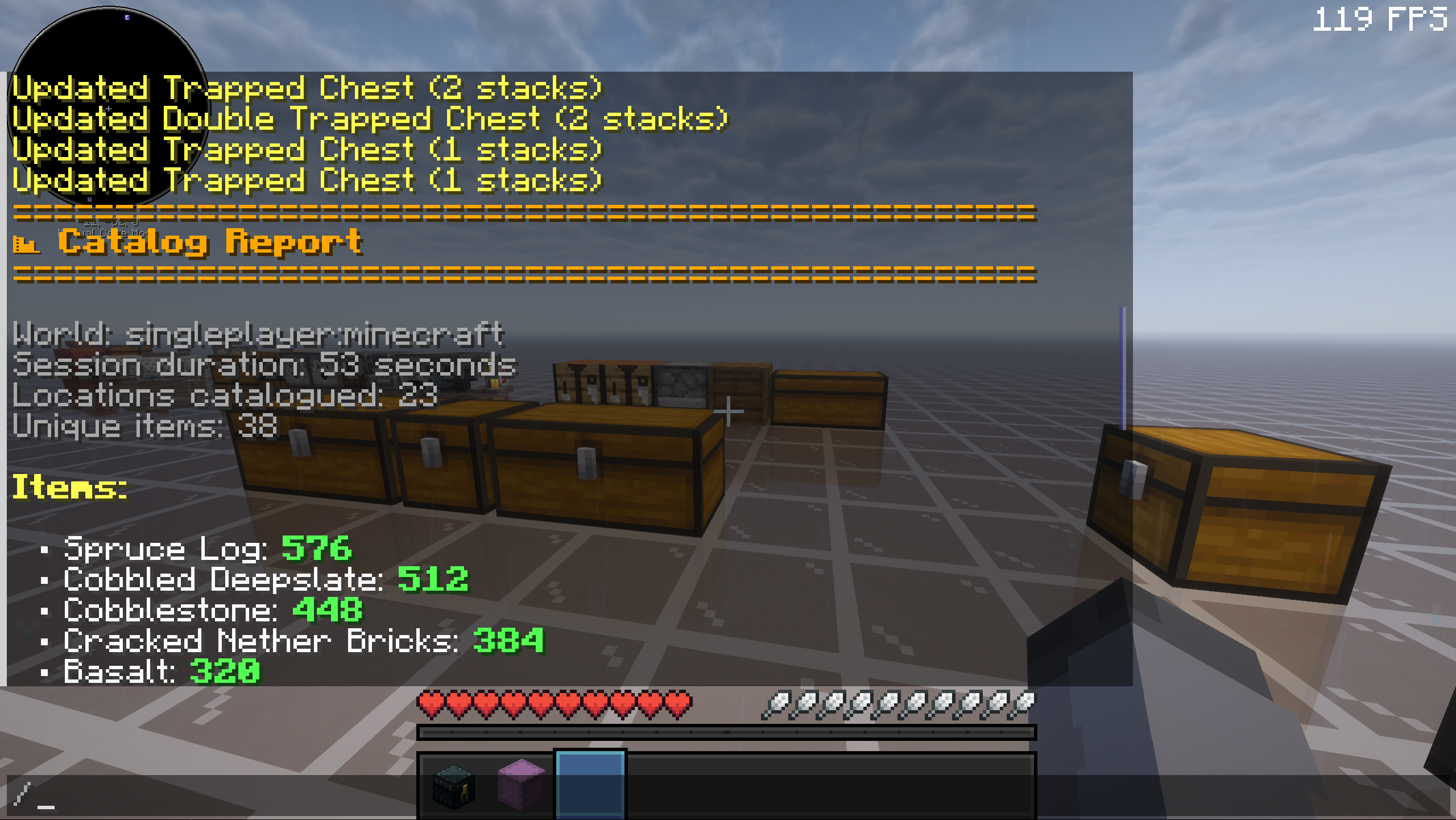 Report Result: Start Generate a report from counted containers when a session is ready to finish.
 -
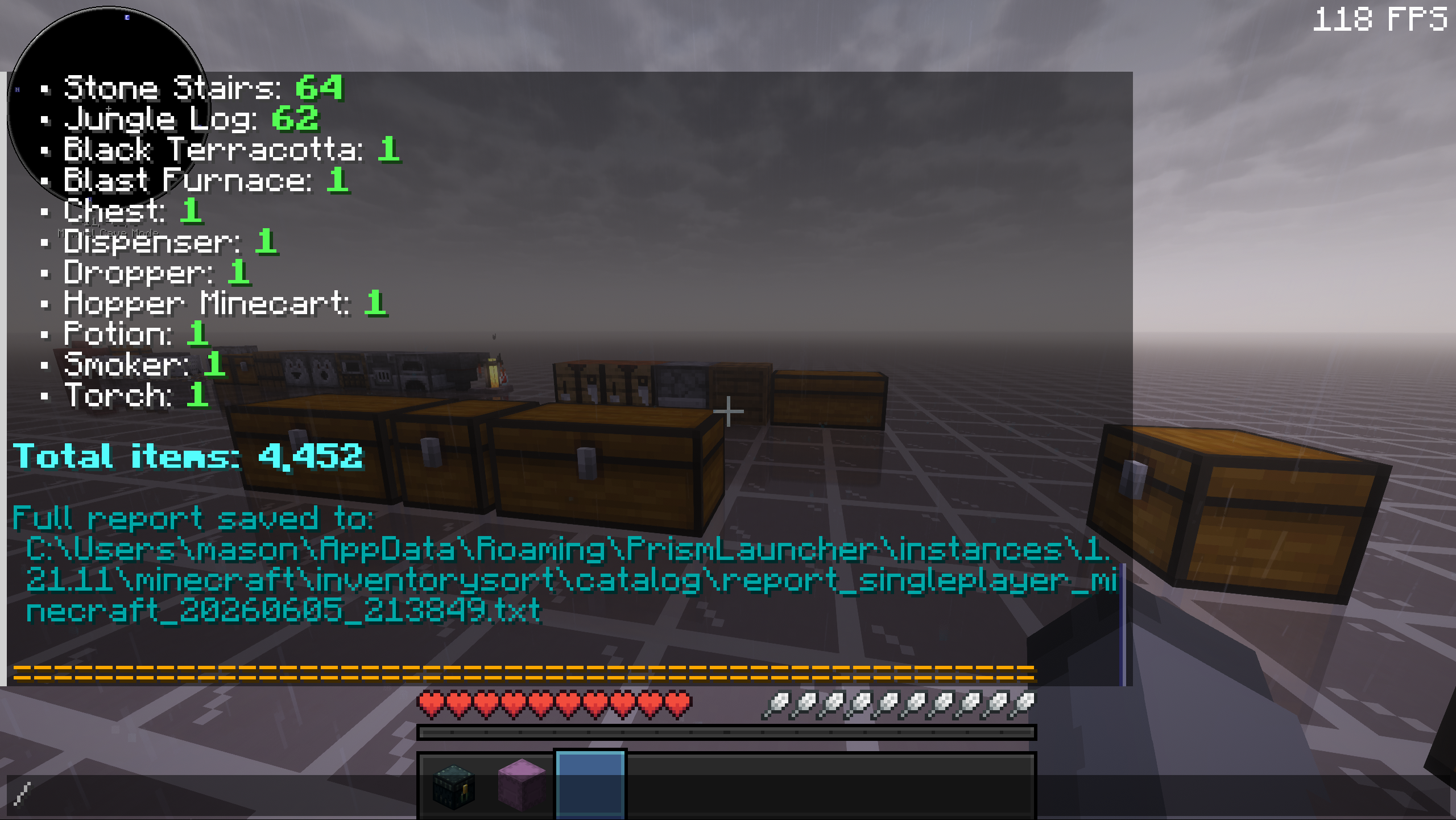 Report Result: End See report totals after the catalogue command completes.
 -
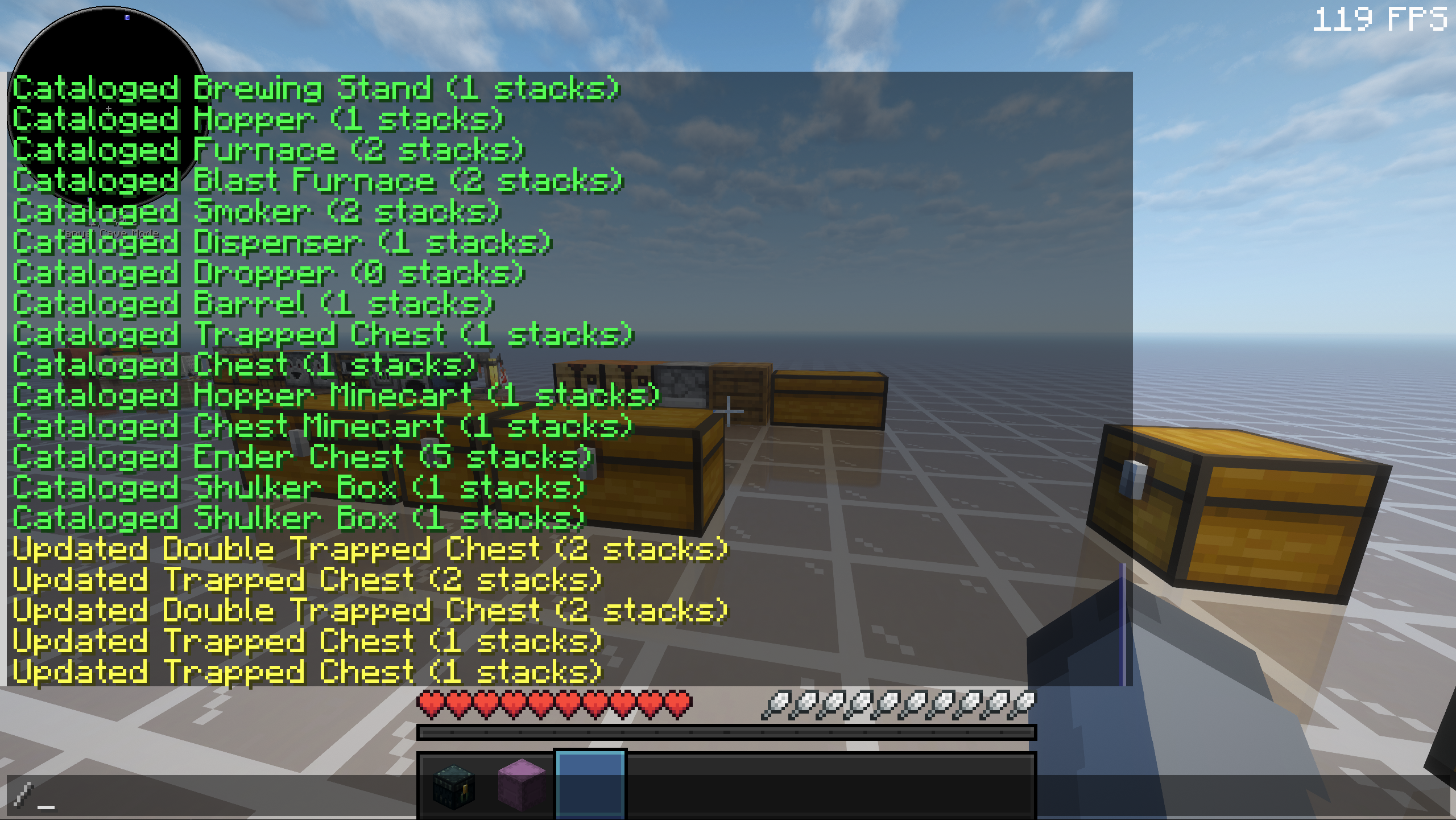 Ongoing Session Check an active catalogue session while you are still counting storage.
Versions
Files
Relations
Project Relations
More like this
Similar Mods
Suggestions use data such as tags, dependencies, dependents, descriptions, titles, and more to rank how much they overlap with this mod.
On ModDex
Community snapshot
By the numbers
Statistics

Want to reach Minecraft players?
We're looking for a server hosting partner to feature here and other parts of the site. Interested? Send us a message!
Get in touchGet it on
Available Platforms
On ModDex
Community snapshot
By the numbers
Statistics
Resources