
InvChat
No reviews yet
InvChat adds a text widget to the player's inventory screen allowing you to send messages and commands to a server or world.
Fabric is a mod loader for versions 1.14+ of Minecraft, particularly popular for client side and optimization mods.
Community voices
Reviews
Click once to include, again to exclude, again to clear
No reviews yet. Be the first to review this project!
Get it on
Available Platforms
 Modrinth
Compatibility
Supported Environments
About
Project Details
For authors
Embed Badge
If you're the author of this project, you can embed a live badge anywhere that supports HTML or Markdown. It updates automatically whenever ratings change.
Use HTML for any page that supports it, or Markdown for README files and Markdown-based descriptions.
Identifiers
Platform IDs
About
Description
InvChat
InvChat is a mod for Minecraft 1.20.1, built on the Fabric modding development. It adds a toggleable text widget to the player's inventory screen, allowing you to send messages and commands to the server or world.
Features
- Send messages and commands directly from within the inventory screen.
- Customizable position and toggleability of the text widget.
Configuration
This mod has the following configuration options:
- Enable InvChat (True/False) - Toggles the mod. Simple as that.
- Anchor Below Inventory (True/False) - Determines whether the widget is anchored below the inventory gui or not.
- X Offset (Double) - Adjusts the horizontal position of the text widget.
- Y Offset (Double) - Adjusts the vertical position of the text widget. Note: If Anchor Below Inventory is active, a value of -25 is recommended.
Installation
- Download the latest version of InvChat from Modrinth or Github.
- Place the downloaded
.jarfile in your Minecraft'smodsfolder. - Launch Minecraft with the Fabric loader.
Dependencies
- Fabric Loader: 0.15.7 or later.
- Fabric API: 0.91.0+1.20.1 or later.
- Cloth Config version: 11.1.118
- ModMenu version: 7.2.2
Usage
Upon opening your inventory screen, you will be greeted with a text widget below your inventory gui in which you can press tab on your keyboard to focus it and type messages or commands. Press Enter on your keyboard while the widget is focused to send the message/command.
Reporting Issues
If you encounter any issues or have suggestions for the mod, please report them on the InvChat Github Repository
Screenshots
Gallery
-
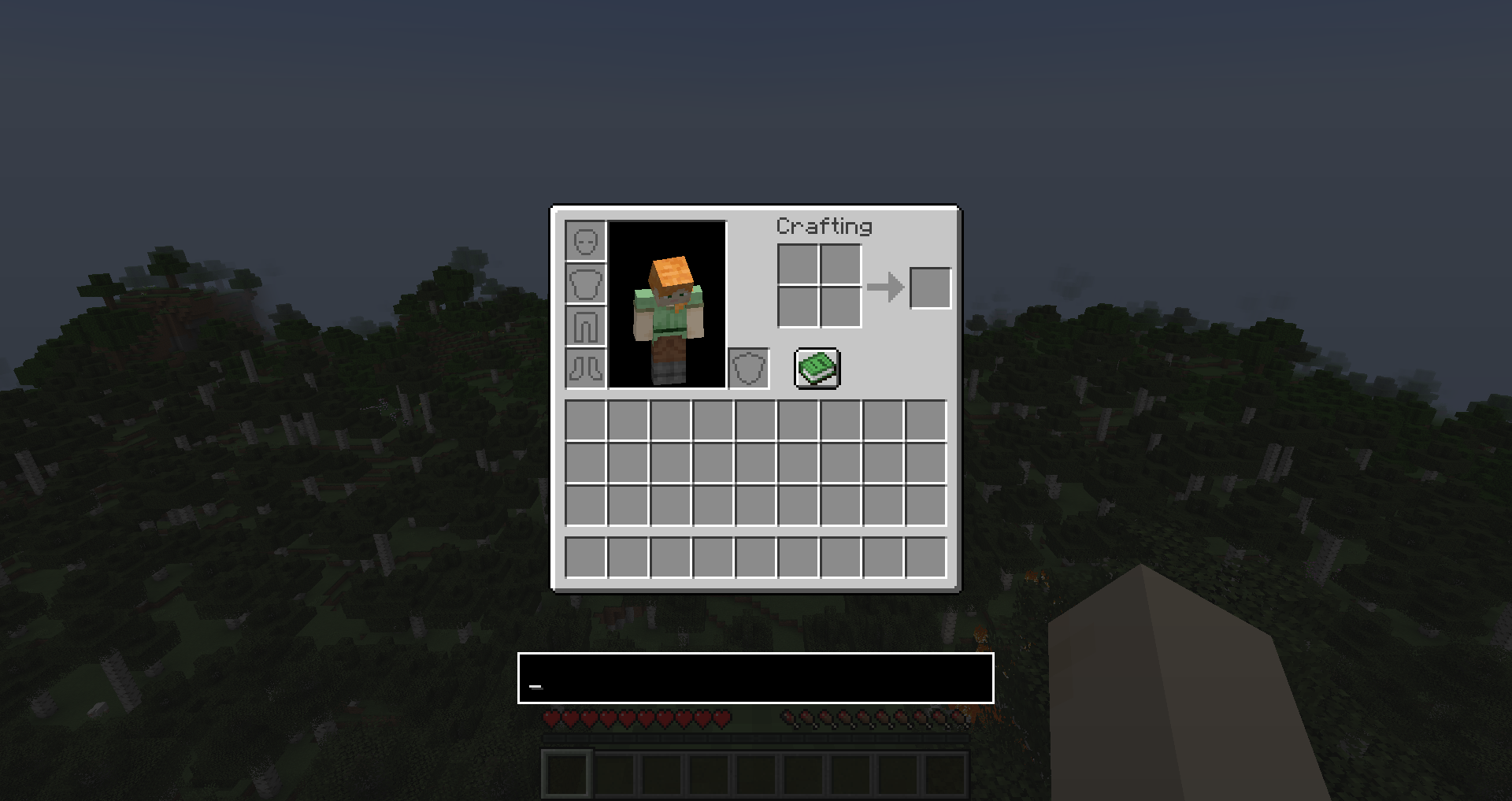 Inventory with InvChat Inventory with the InvChat widget focused
 -
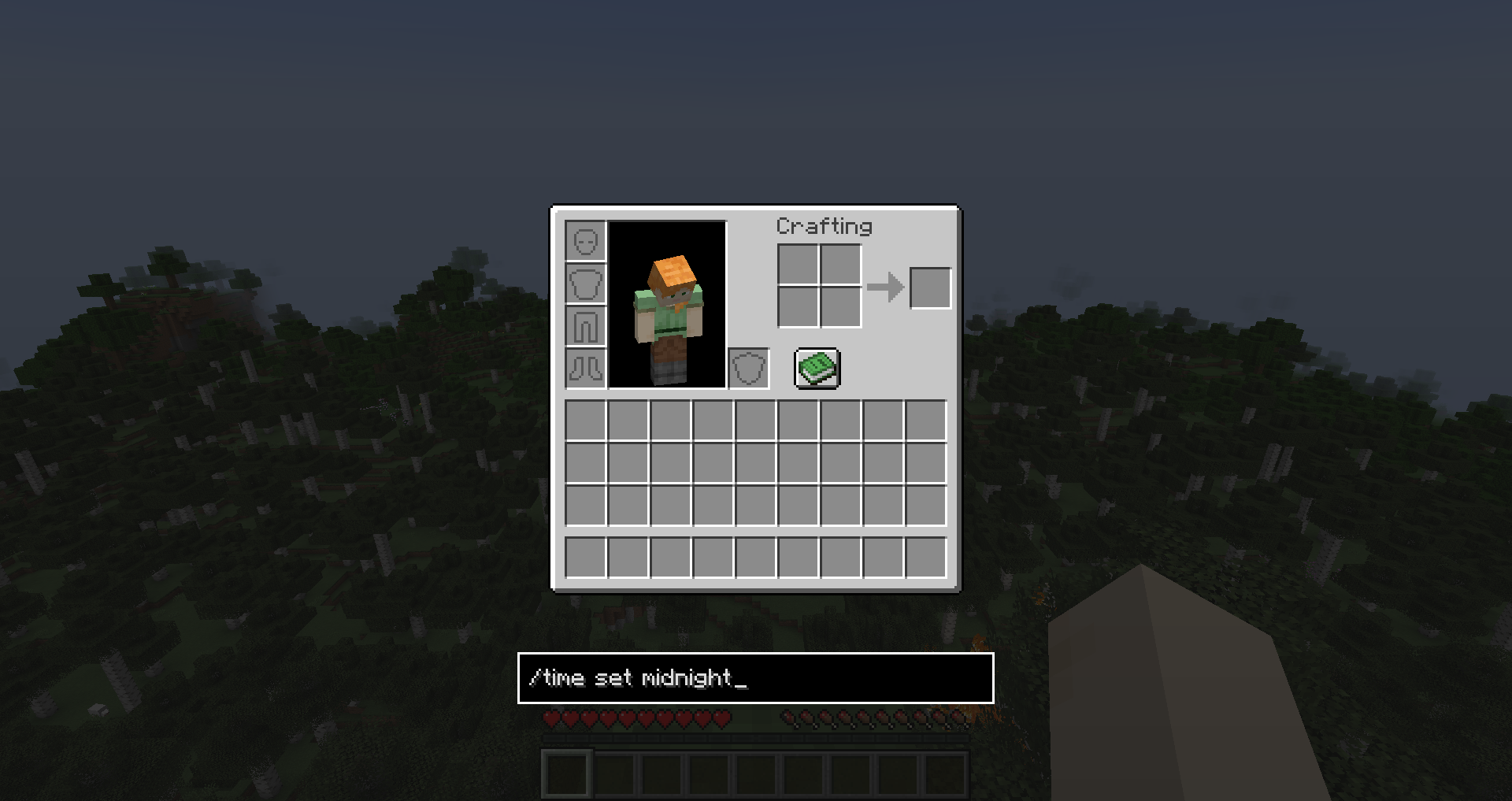 Sending a command Sending a command with InvChat
 -
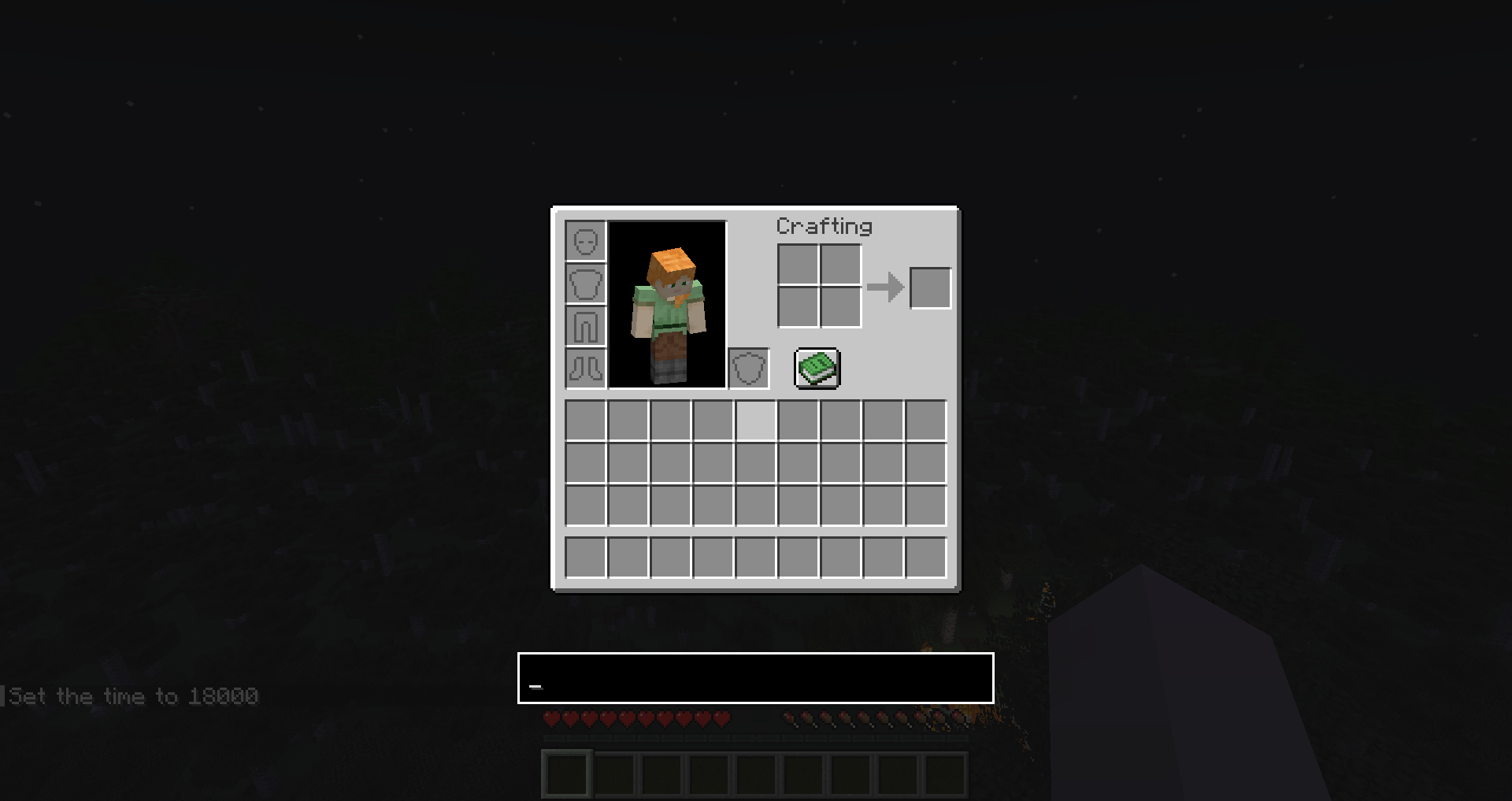 Commands with InvChat `/time set midnight` does it's job whilst in the inventory
 -
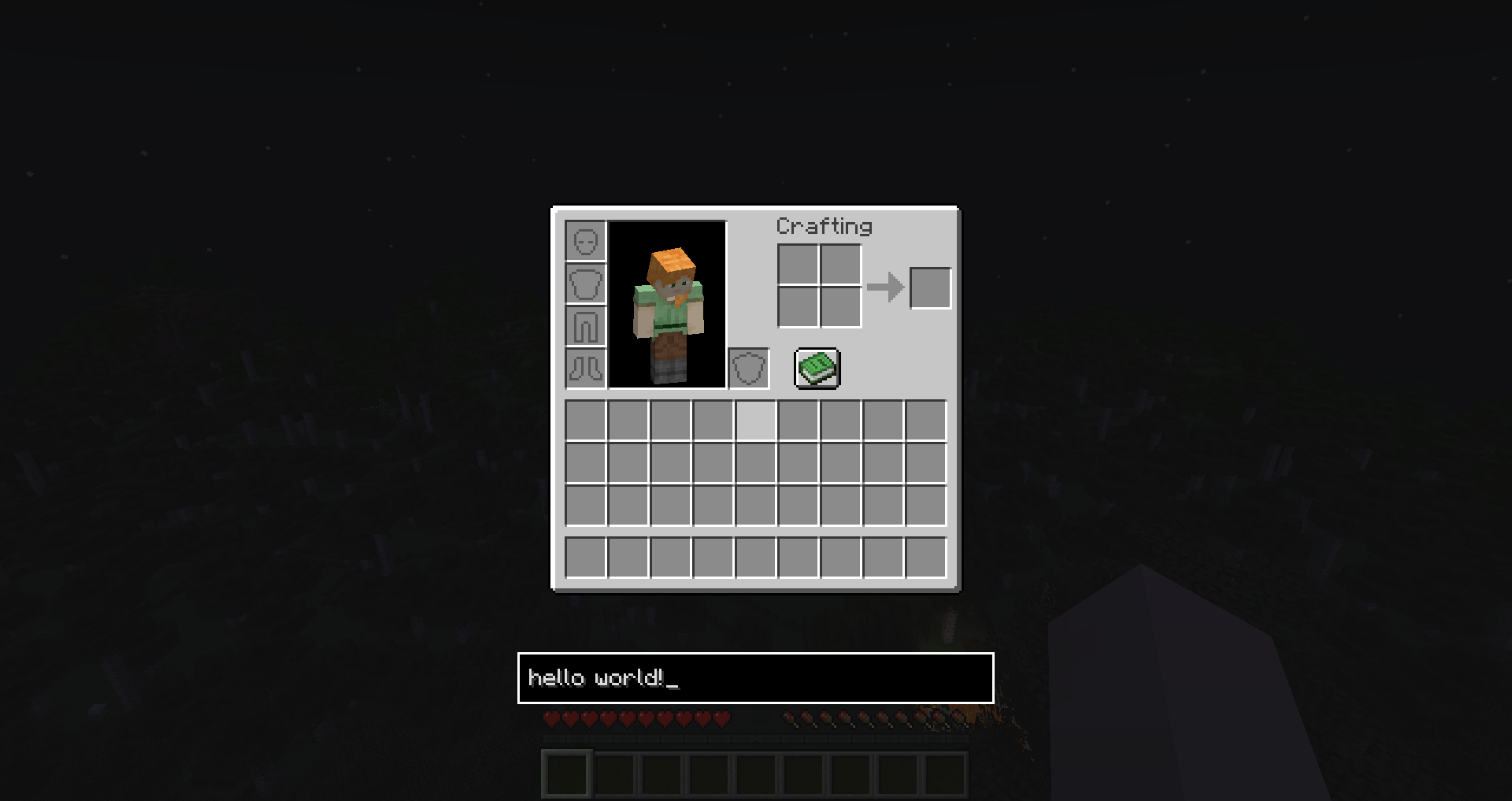 Messages with InvChat Sending "hello world!" to the world
Versions
Files
Relations
Project Relations
More like this
Similar Mods
Suggestions use data such as tags, dependencies, dependents, descriptions, titles, and more to rank how much they overlap with this mod.
On ModDex
Community snapshot
By the numbers
Statistics

Want to reach Minecraft players?
We're looking for a server hosting partner to feature here and other parts of the site. Interested? Send us a message!
Get in touchGet it on
Available Platforms
On ModDex
Community snapshot
By the numbers