
Community listing page, reviews here may not be monitored by the author.
Inventory++

No reviews yet
Inventory Mod: Sorting, Quick-Stack, Deposit, Trash and Lock Items
Community voices
Reviews
No reviews yet. Be the first to review this project!
Get it on
Available Platforms
Compatibility
Supported Environments
Must be installed on both the client and the server.
About
Project Details
For authors
Embed Badge
If you're the author of this project, you can embed a live badge anywhere that supports HTML or Markdown. It updates automatically whenever ratings change.
Use HTML for any page that supports it, or Markdown for README files and Markdown-based descriptions.
Identifiers
Platform IDs
Resources
External Links
About
Description
Smart inventory management with sort, quick stack, nearby chest deposit, item locking, and a trash slot.
Needs to be on both the client and the server. Singleplayer works as-is. On a multiplayer server, install it there too or the buttons will show but nothing will happen.
Features
- Sort your inventory or the open chest/container
- Quick stack matching items into the open container
- Deposit matching items into nearby chests, barrels, and shulker boxes (about 5 blocks) from your inventory screen
- Lock items so they stay put
- Drag items into the trash slot next to the hotbar to delete them
- Buttons on inventory screens, plus keybinds
On your inventory screen you get sort and deposit to nearby chests. Open a chest (or similar container) to get quick stack into that container.
Sorting only rearranges the 3×9 inventory grid. Your hotbar is left alone.
Item locking
Lock an item so sort, quick stack, nearby deposit, and the trash slot skip it.
- Hover a slot and press L
- Or Alt + left-click the item
A gold border follows that stack, even if you move it. Press the lock key again to unlock.
Keybinds
Defaults (change them anytime in Options → Controls → Inventory++):
| Action | Default |
|---|---|
| Sort (container if open, otherwise your inventory) | R |
| Sort your inventory (on a container screen) | Shift + R |
| Quick stack into the open container | T |
| Deposit to nearby chests | B |
| Lock hovered item | L |
There is also a dedicated “Sort Player Inventory” bind. It is unbound by default.
Commands
| Command | What it does |
|---|---|
/inventory++ sort |
Sorts your inventory |
/inventory++ sort TYPE |
Sort by item type |
/inventory++ sort NAME |
Sort A–Z |
/inventory++ sort RARITY |
Sort by rarity |
/inventory++ sort DURABILITY |
Sort by remaining durability |
/inventory++ deposit |
Nearby chests if only your inventory is open; otherwise quick-stacks into the open container |
/inventory++ preset save <name> |
Saves your current hotbar as a named preset |
/inventory++ preset apply <name> |
Applies a saved hotbar preset |
/inventory++ lock |
Shows how locking works |
/inventory++ reload |
Reloads the config (ops only) |
Screenshots
Gallery
-
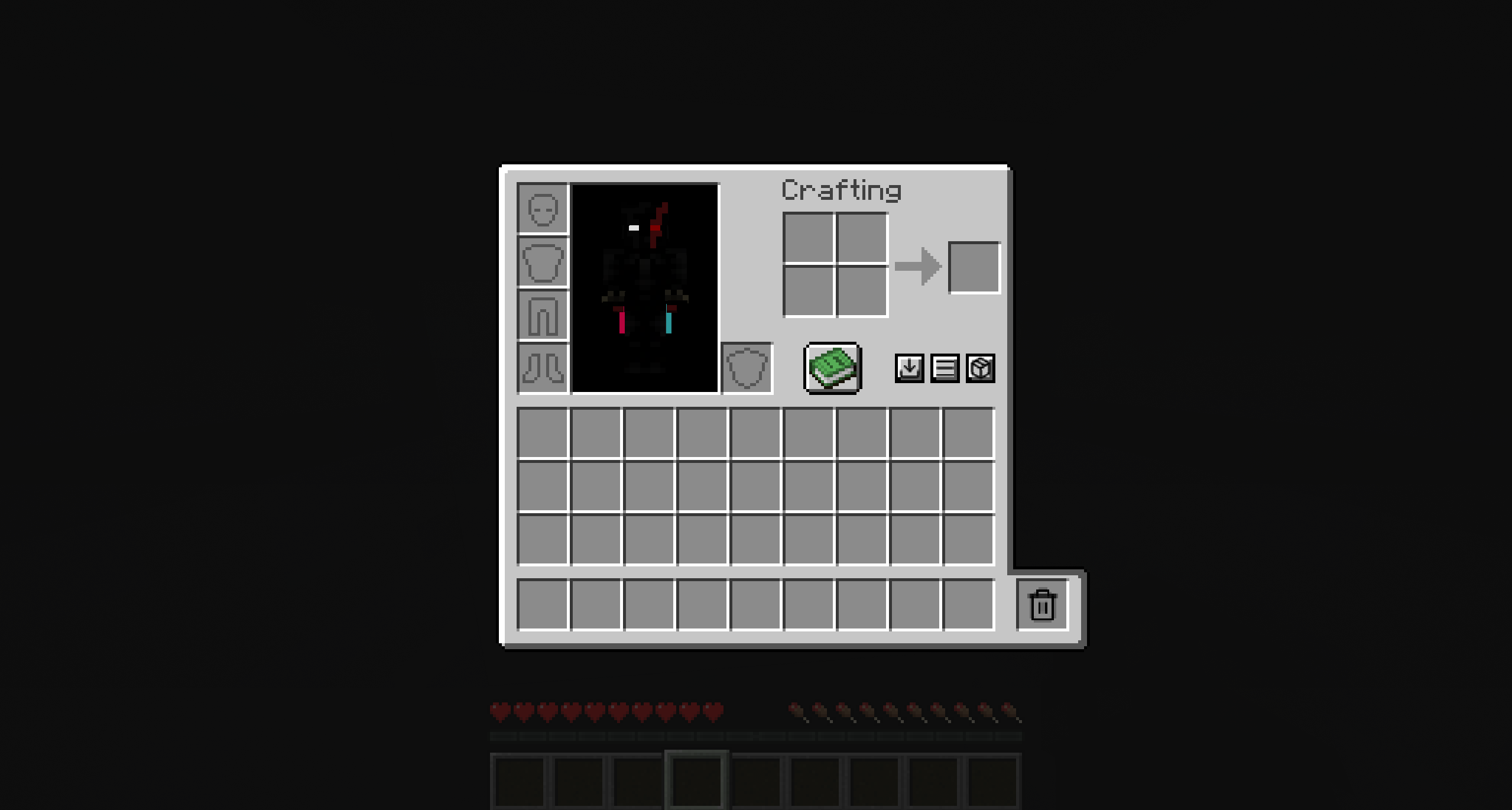 Vanilla
 -
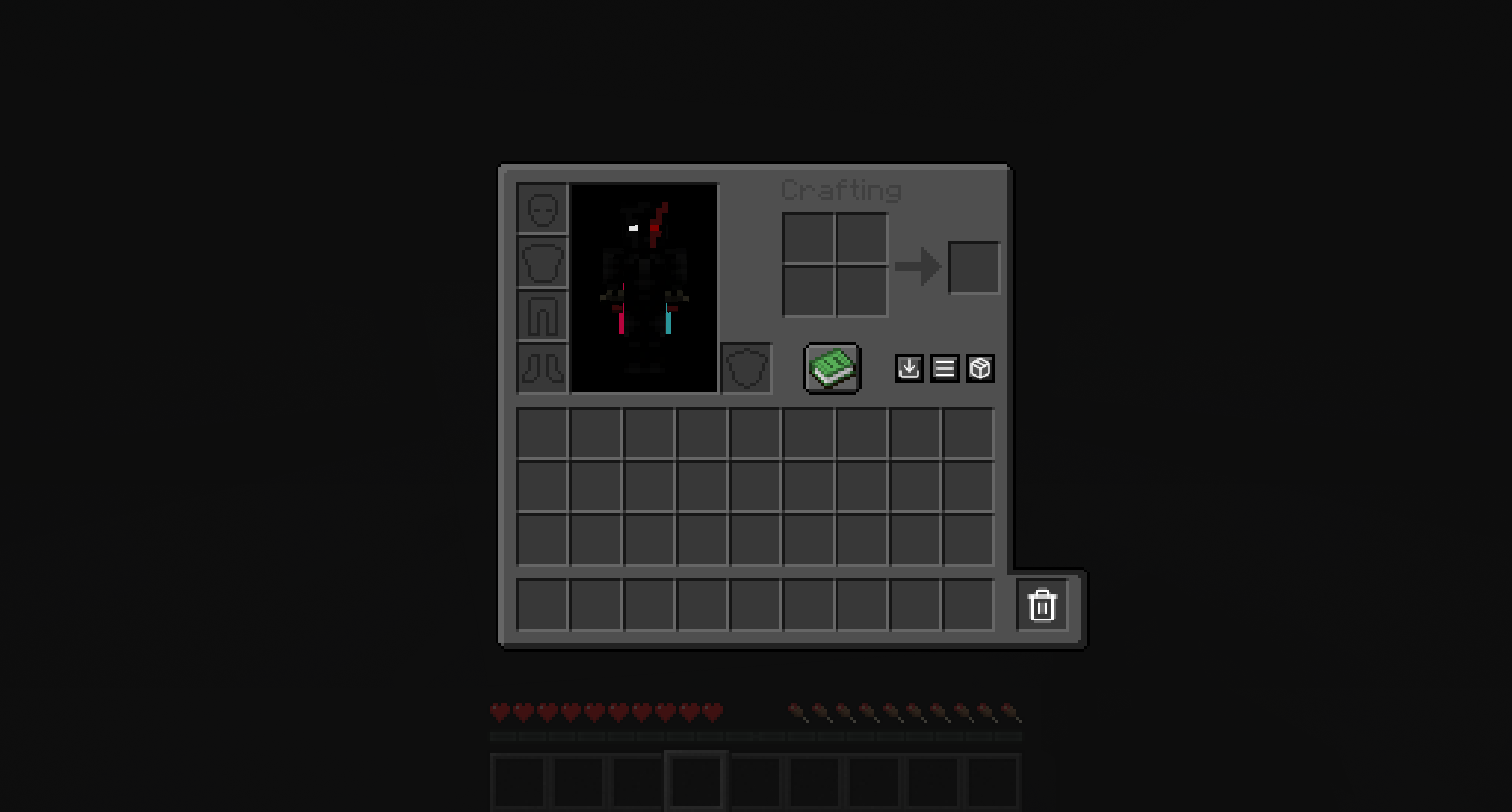 * Just Showing This Mod Works With Resource Packs
 -
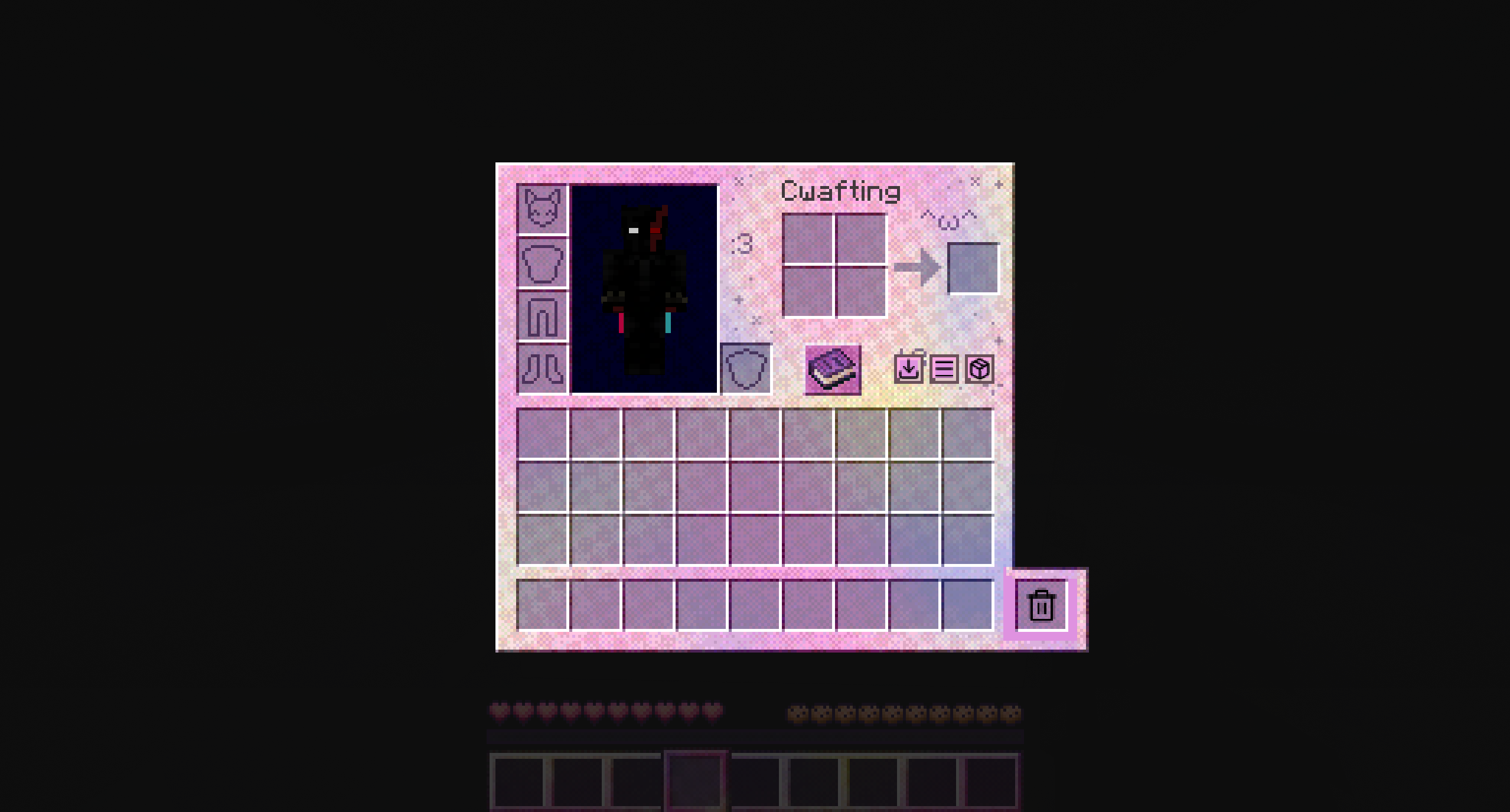 * Just Showing This Mod Works With Resource Packs
 -
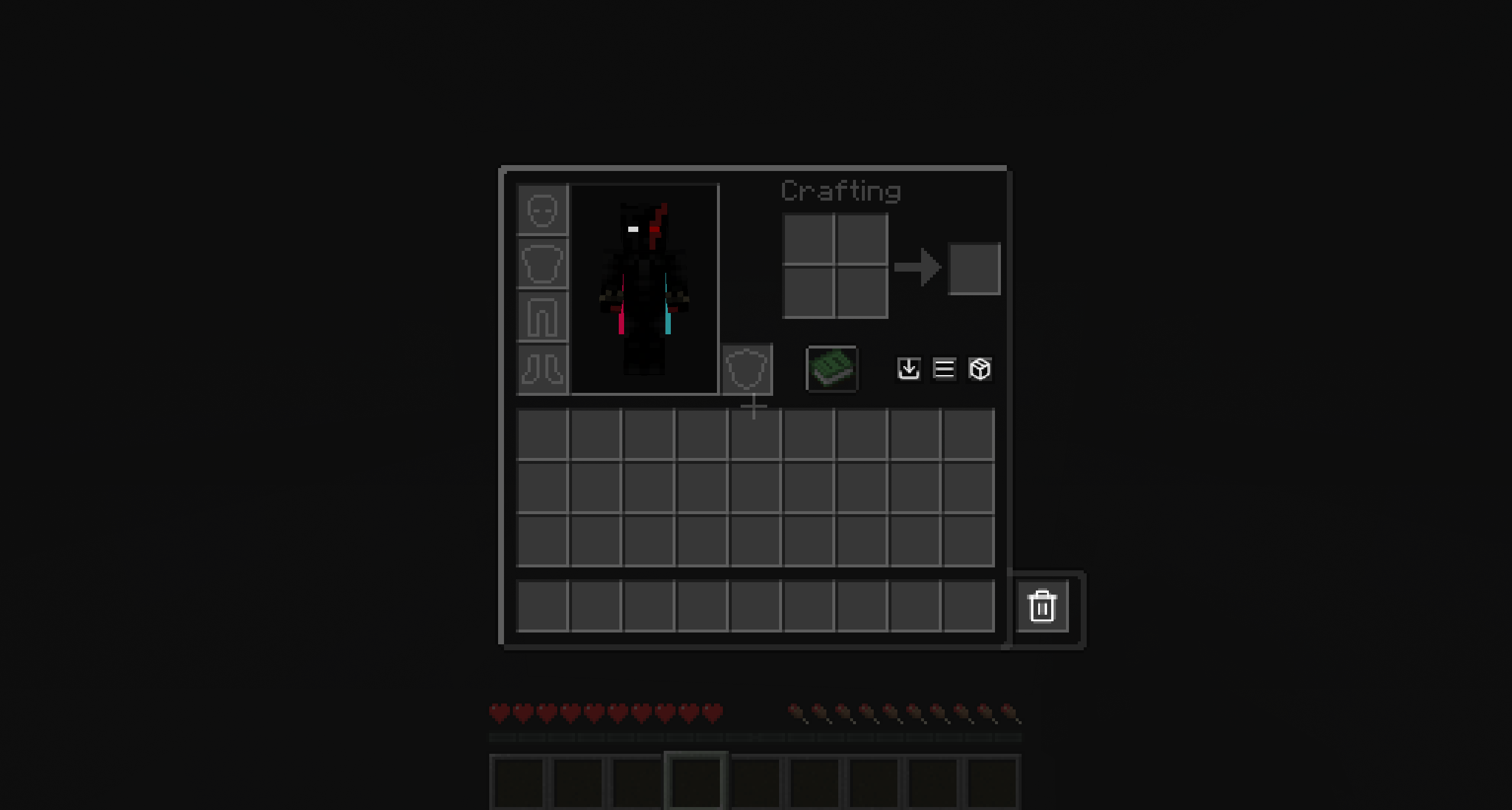 * Just Showing This Mod Works With Resource Packs
 -
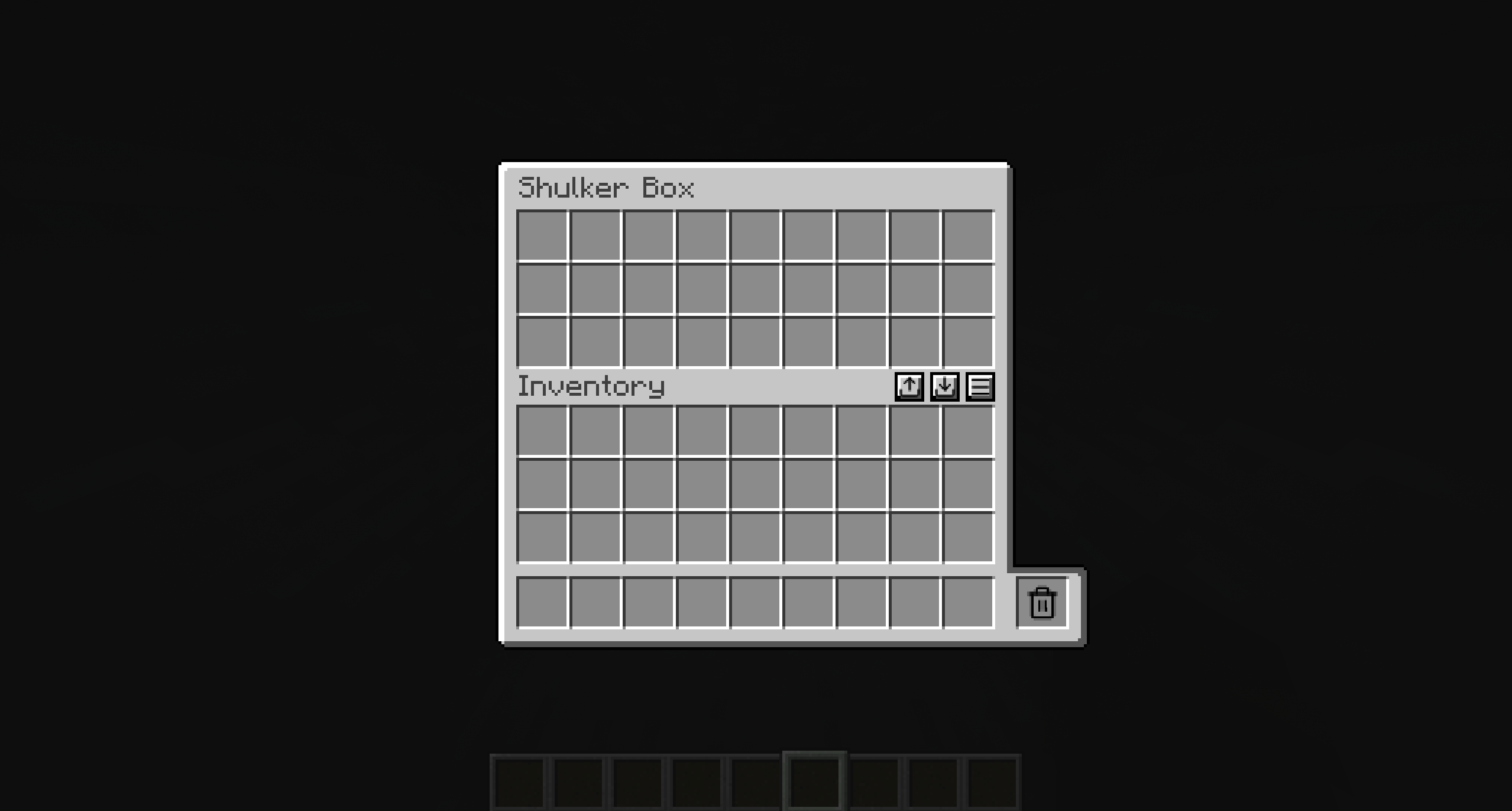 Storage All storage has the same 3 buttons in the same spot
Versions
Files
Relations
Project Relations
More like this
Similar Mods
Suggestions use data such as tags, dependencies, dependents, descriptions, titles, and more to rank how much they overlap with this mod.
On ModDex
Community snapshot
By the numbers
Statistics

Want to reach Minecraft players?
We're looking for a server hosting partner to feature here and other parts of the site. Interested? Send us a message!
Get in touchGet it on
Available Platforms
On ModDex
Community snapshot
By the numbers
Statistics
Resources