Community listing page, reviews may not be monitored by the author.
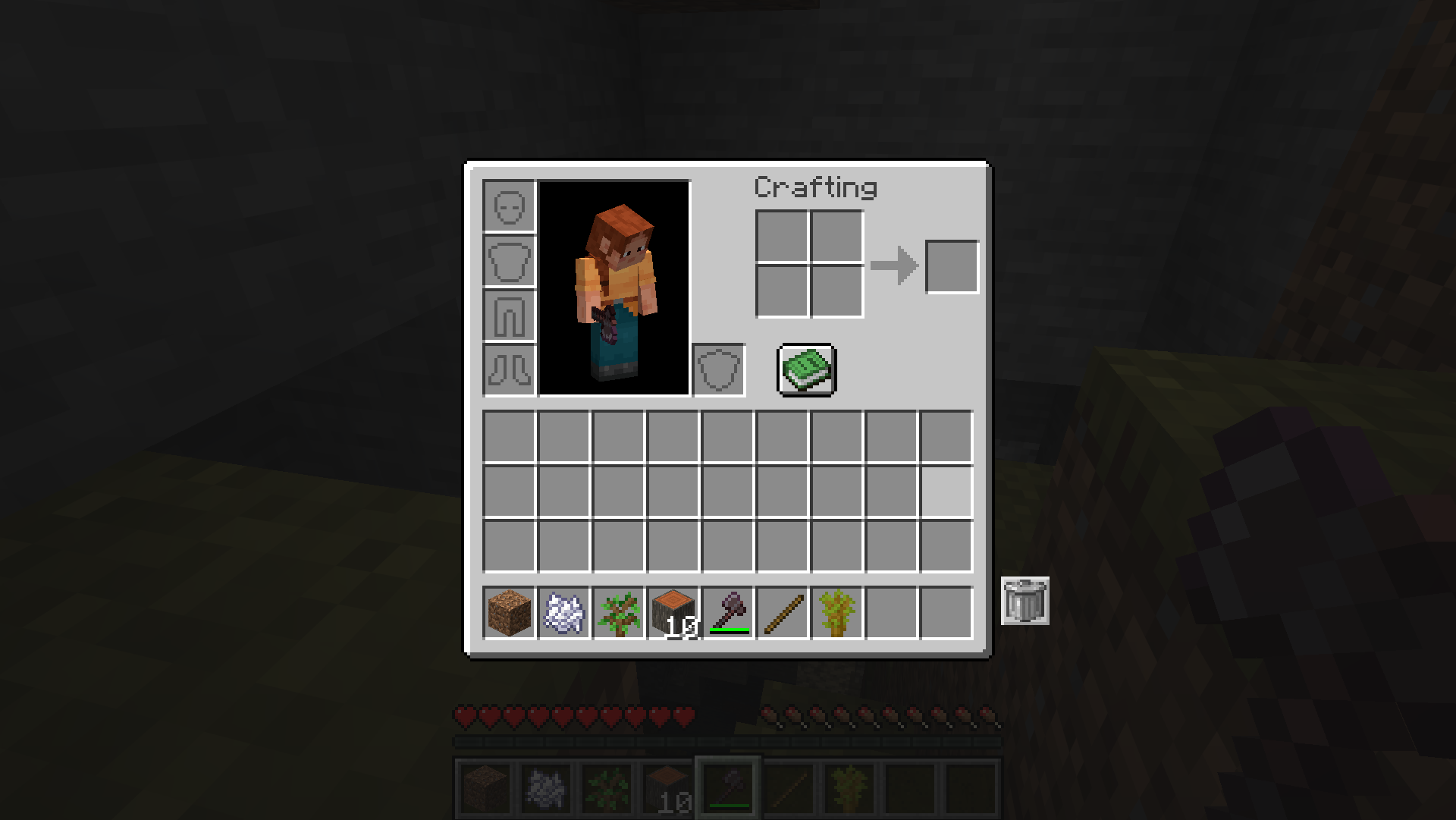
Inventory Trash Can


No reviews yet
Adds a simple and clean trash can slot to your inventory to easily delete items.

Community voices
Reviews
No reviews yet. Be the first to review this project!
Get it on
Available Platforms
Compatibility
Supported Environments
Must be installed on both the client and the server.
About
Project Details
For authors
Embed Badge
If you're the author of this project, you can embed a live badge anywhere that supports HTML or Markdown. It updates automatically whenever ratings change.
Use HTML for any page that supports it, or Markdown for README files and Markdown-based descriptions.
Identifiers
Platform IDs
Resources
External Links
About
Description
🗑️ Inventory Trash Can
Keep your inventory clean and organized! Inventory Trash Can is a lightweight, vanilla-friendly Quality of Life mod that adds a convenient trash button directly to your survival inventory screen.
✨ Features
- 🗑️ One-Click Trash: Click the trash button while holding an item to permanently delete it
- 📦 Bulk Delete: Hold Shift and click to delete ALL matching items in your inventory at once
- ↩️ Undo Support: Click with an empty cursor to restore the last trashed item stack
- 🔍 Highlight Mode: Matching items glow to easily spot what you're about to delete
- 🔢 Item Counter: See exactly how many of each item you have in your inventory
- ⚙️ Configurable Position: Move the trash button to any corner of your inventory screen
- 🔄 Desync-Free: Fully server-authoritative — no ghost items or visual glitches
- 💨 Lightweight: Minimal code, zero lag, no unnecessary bloat
🖼️ Screenshots
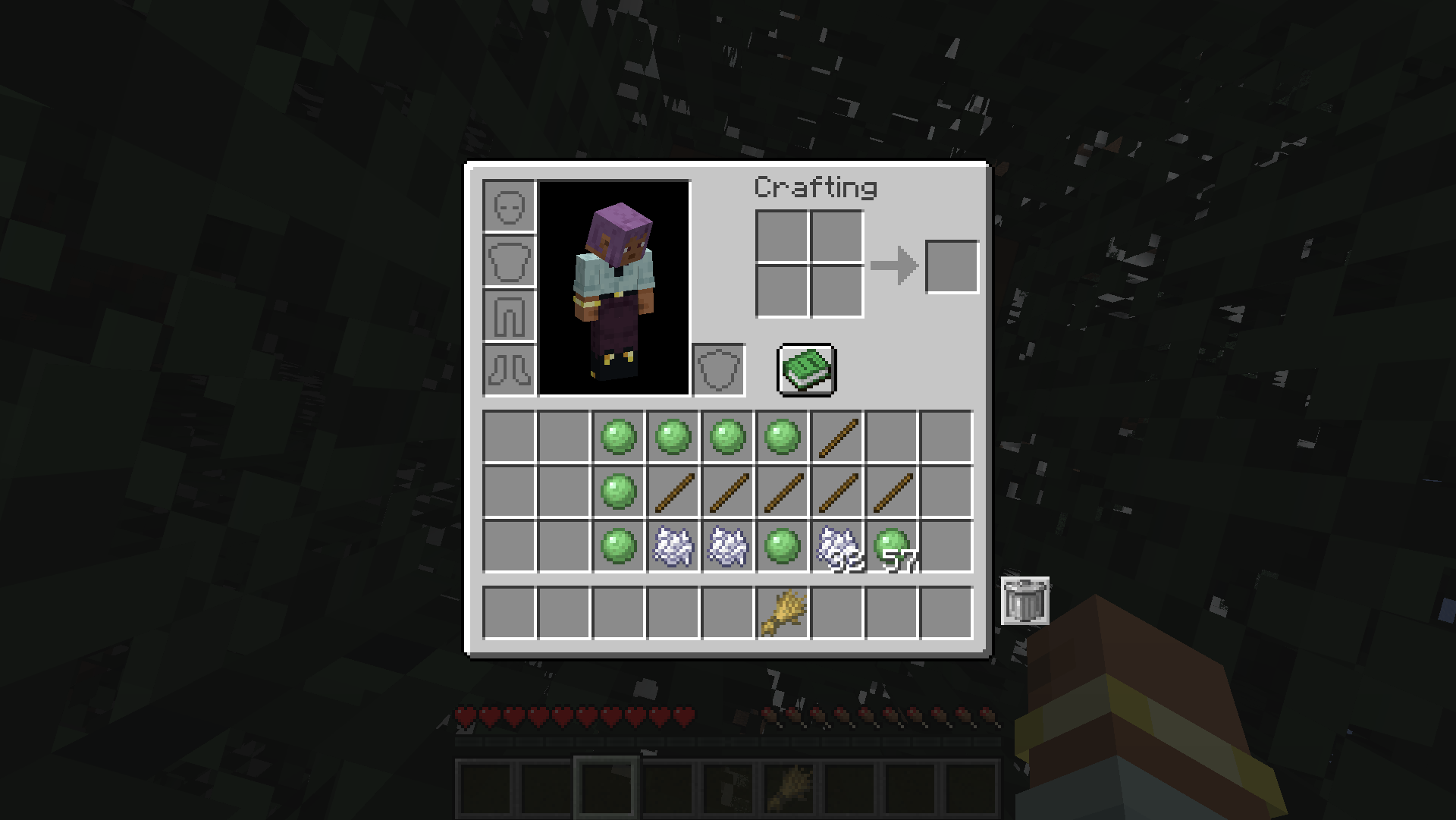 Click the trash button to delete the item on your cursor
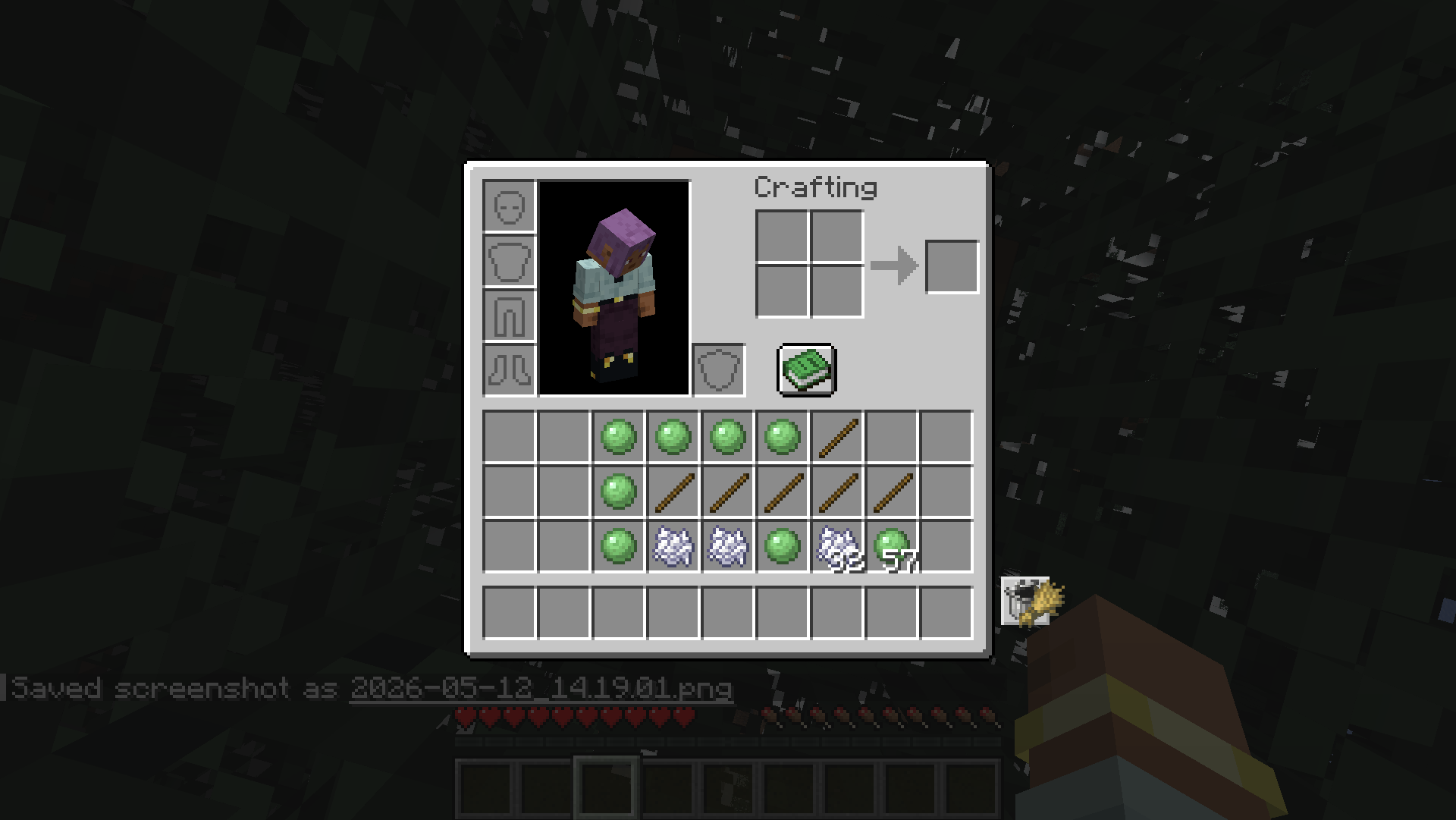 Hold Shift to delete all matching items at once
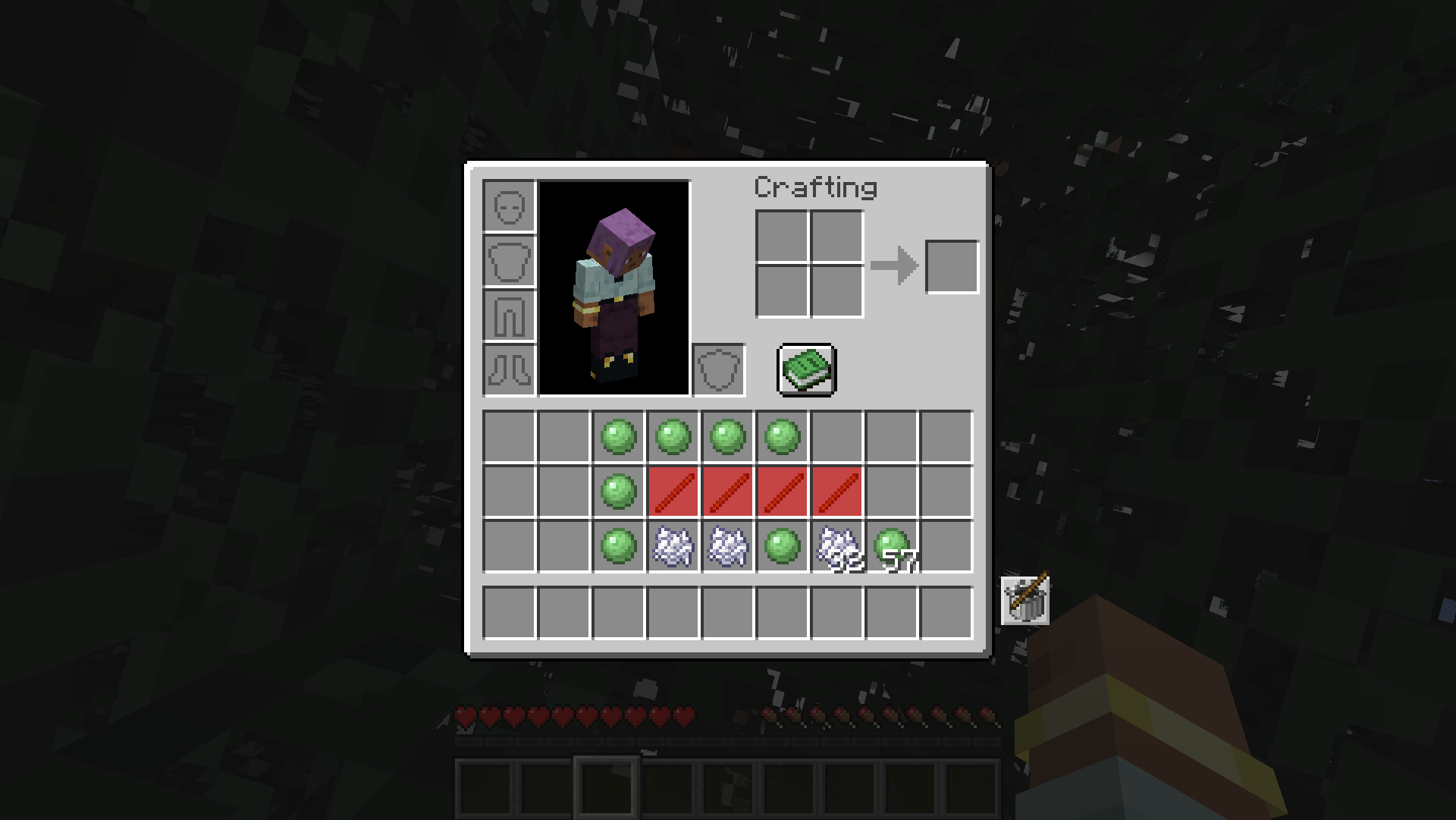
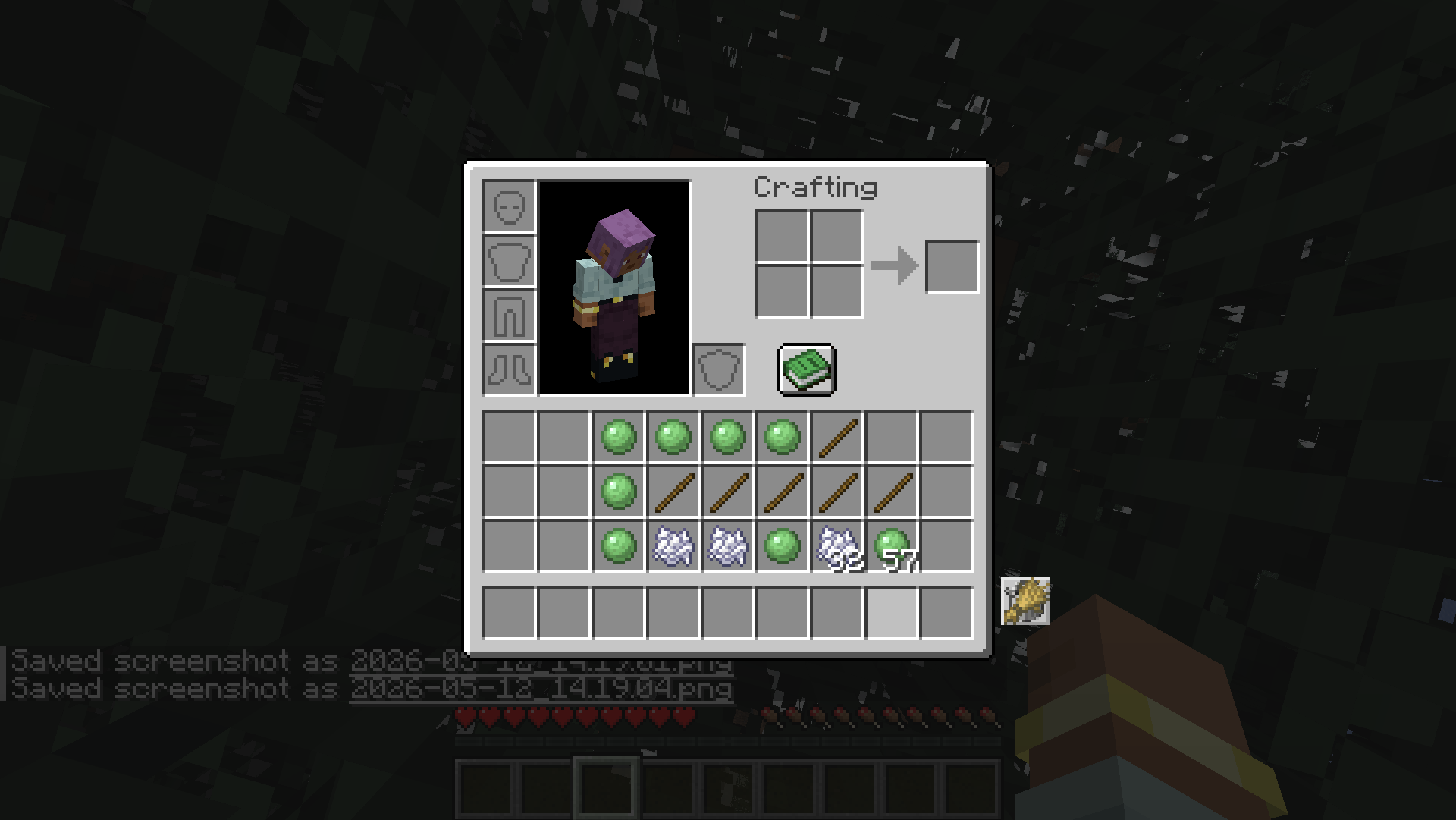 Matching items are highlighted for easy identification
 Built-in counter shows item quantities at a glance
🎮 How to Use
- Open your survival inventory
- Pick up any item or stack you want to trash
- Click the Trash Button → item deleted permanently
- Shift + Click → delete all matching items in your inventory
- Empty cursor + Click → restore the last trashed item
📦 Supported Versions
| Version | Fabric | Forge | NeoForge |
|---|---|---|---|
| 26.1.2 | ✔️ | ✔️ | ✔️ |
| 1.21.4 | ✔️ | — | ✔️ |
| 1.20.1 | ✔️ | ✔️ | — |
⚙️ Requirements
Fabric: Fabric Loader + Fabric API
Forge: Forge 64+
NeoForge: NeoForge 4+
🗑️ Inventory Trash Can
Keep your inventory clean and organized! Inventory Trash Can is a lightweight, vanilla-friendly Quality of Life mod that adds a convenient trash button directly to your survival inventory screen.
✨ Features
- 🗑️ One-Click Trash: Click the trash button while holding an item to permanently delete it
- 📦 Bulk Delete: Hold Shift and click to delete ALL matching items in your inventory at once
- ↩️ Undo Support: Click with an empty cursor to restore the last trashed item stack
- 🔍 Highlight Mode: Matching items glow to easily spot what you're about to delete
- 🔢 Item Counter: See exactly how many of each item you have in your inventory
- ⚙️ Configurable Position: Move the trash button to any corner of your inventory screen
- 🔄 Desync-Free: Fully server-authoritative — no ghost items or visual glitches
- 💨 Lightweight: Minimal code, zero lag, no unnecessary bloat
🖼️ Screenshots
Click the trash button to delete the item on your cursor
Hold Shift to delete all matching items at once
Matching items are highlighted for easy identification
Built-in counter shows item quantities at a glance
🎮 How to Use
- Open your survival inventory
- Pick up any item or stack you want to trash
- Click the Trash Button → item deleted permanently
- Shift + Click → delete all matching items in your inventory
- Empty cursor + Click → restore the last trashed item
📦 Supported Versions
| Version | Fabric | Forge | NeoForge |
|---|---|---|---|
| 26.1.2 | ✔️ | ✔️ | ✔️ |
| 1.21.4 | ✔️ | — | ✔️ |
| 1.20.1 | ✔️ | ✔️ | — |
⚙️ Requirements
Fabric: Fabric Loader + Fabric API
Forge: Forge 64+
NeoForge: NeoForge 4+
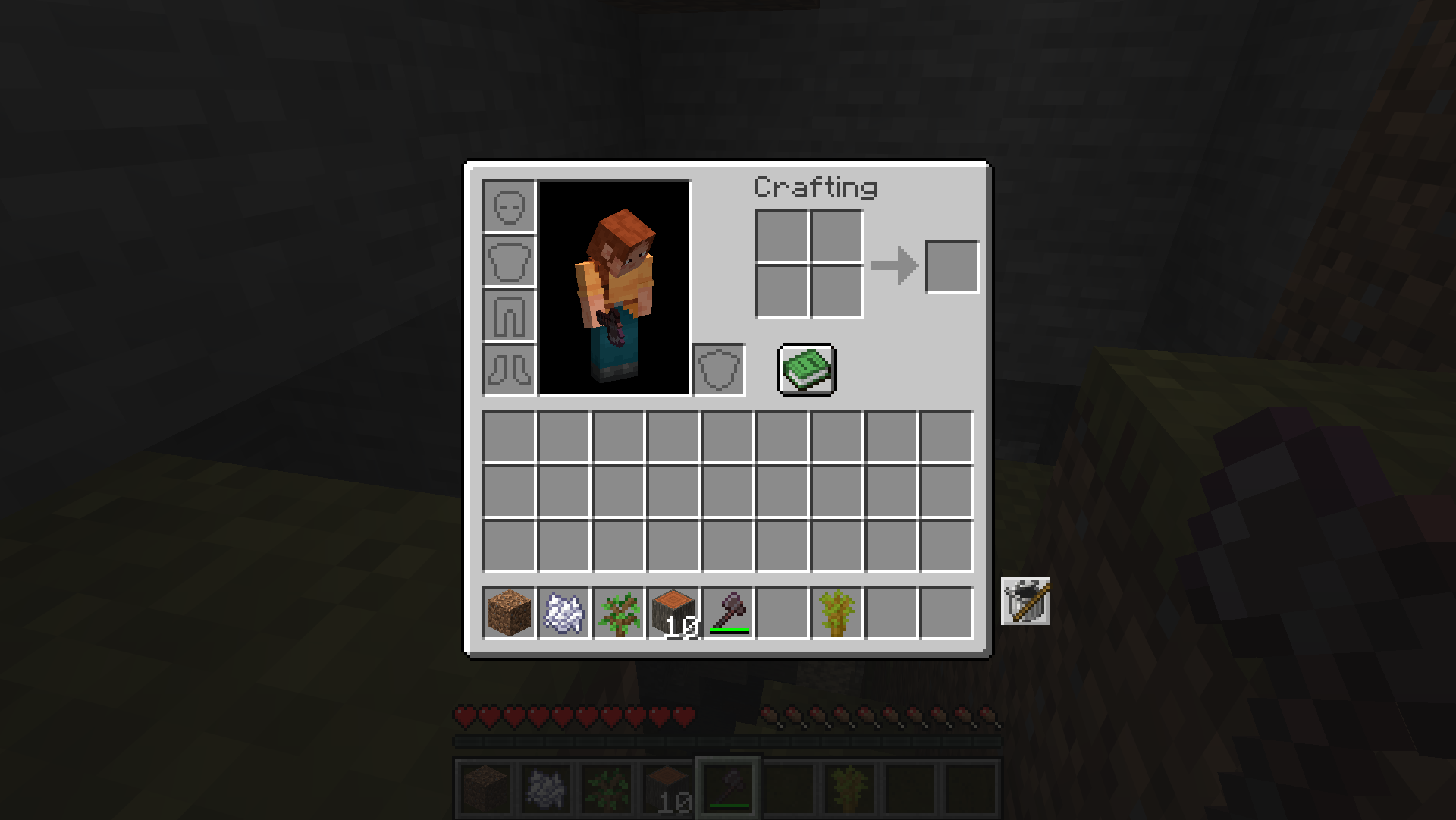
Screenshots
Gallery
Versions
Files
Relations
Project Relations
More like this
Similar Mods
Suggestions use data such as tags, dependencies, dependents, descriptions, titles, and more to rank how much they overlap with this mod.
On ModDex
Community snapshot
By the numbers
Statistics
 (opens in a new tab)
Get it on
Available Platforms
On ModDex
Community snapshot
By the numbers
Statistics
Resources