
Community listing page, reviews here may not be monitored by the author.
Item Highlighting

No reviews yet
This mod highlights the nearest items you have selected.

Community voices
Reviews
No reviews yet. Be the first to review this project!
Get it on
Available Platforms
About
Project Details
For authors
Embed Badge
If you're the author of this project, you can embed a live badge anywhere that supports HTML or Markdown. It updates automatically whenever ratings change.
Use HTML for any page that supports it, or Markdown for README files and Markdown-based descriptions.
Identifiers
Platform IDs
Resources
External Links
About
Description
ENG
The Item Highlighting mod is designed to enhance interaction with items and blocks. It allows certain items and blocks to be highlighted with a color, making it easier to find and distinguish them from other objects when they are dropped or lying on the ground.
When an item or block is added, if a color is chosen, it will be highlighted with that color when dropped. If no color is specified, the default color is white.
Main Commands:
/ih or /itemhighlighting
These two commands perform the same function. Use either one to start working with the mod.
/ih add [item or block] [color]
Adds an item or block to the highlight list. If no color is specified, white will be used as the default.
Example: /ih add diamond red — adds a diamond sword that will be highlighted in red.
/ih remove [item or block]
Removes an already added item or block from the highlight list.
Example: /ih remove diamond — removes the diamond from the highlight list.
/ih list
Shows a list of all added items and blocks along with their highlight color.
Example: /ih list — will display all added items and their colors.
RU
Мод Item Highlighting предназначен для улучшения взаимодействия с предметами и блоками. Он позволяет выделить определённые предметы и блоки цветом, чтобы их было легче найти и отличить от других объектов, если они были выброшены или находятся на земле.
При добавлении предмета или блока, если выбран цвет, он будет подсвечиваться этим цветом в при выбрасывании предмета. Если при добавлении предмета не указан цвет, то по умолчанию используется белый.
Основные команды:
/ih или /itemhighlighting
Эти две команды выполняют одинаковую функцию. Используйте любую из них для начала работы с модом
/ih add [предмет или блок] [цвет]
Добавляет предмет или блок в список для подсветки. Если цвет не указан, то используется белый цвет по умолчанию
Пример: /ih add diamond red — добавит алмаз, который будет подсвечиваться красным цветом
/ih remove [предмет или блок]
Удаляет уже добавленный предмет или блок из списка подсветки
Пример: /ih remove diamond — удалит из алмаз из подсветки
/ih list
Показывает список всех добавленных предметов и блоков с указанием их цвета подсветки.
Пример: /ih list — выведет все добавленные элементы и их цвета.
Screenshots
Gallery
-
 Item Highlighting
 -
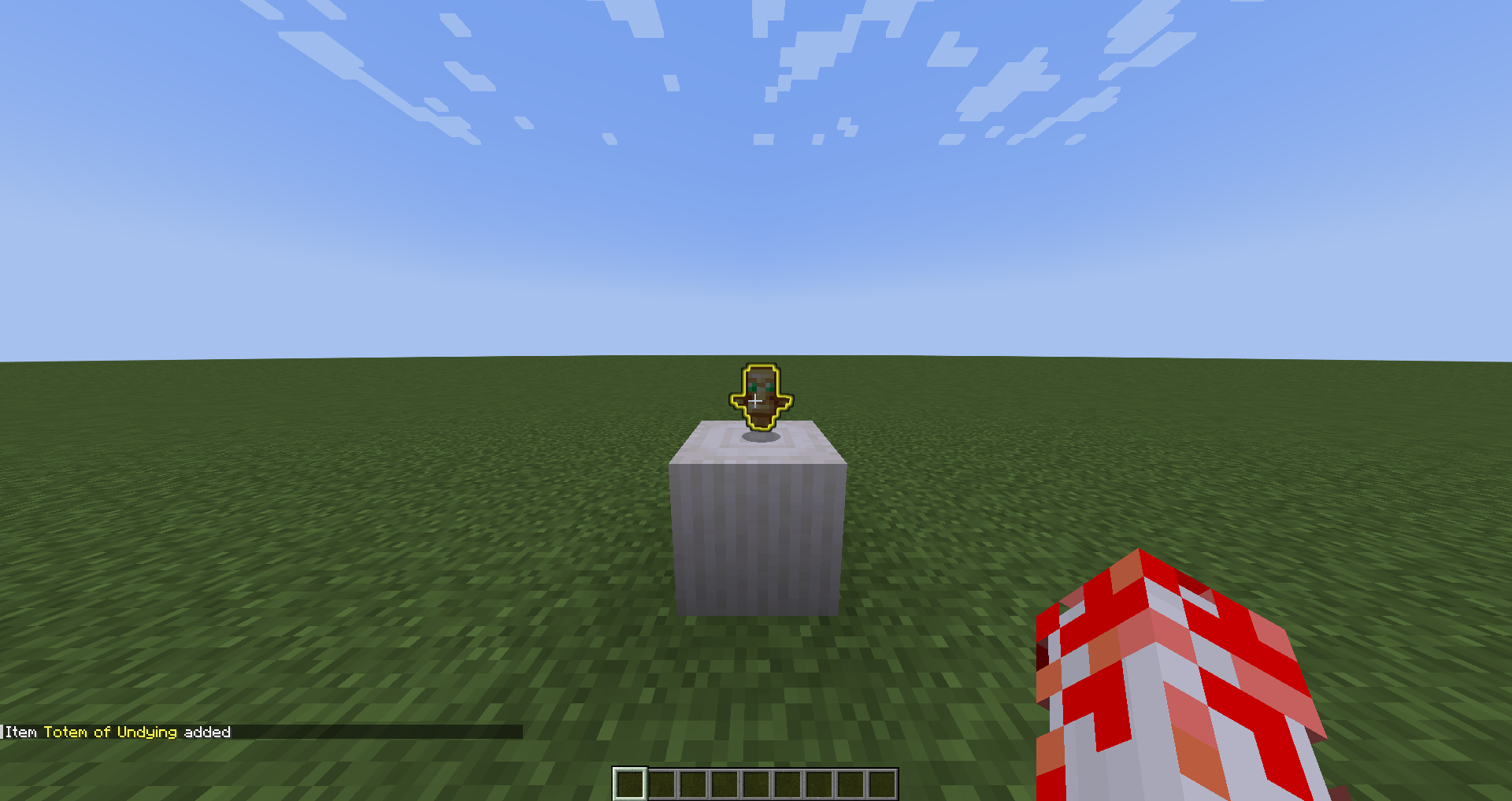 Item Highlighting Add
 -
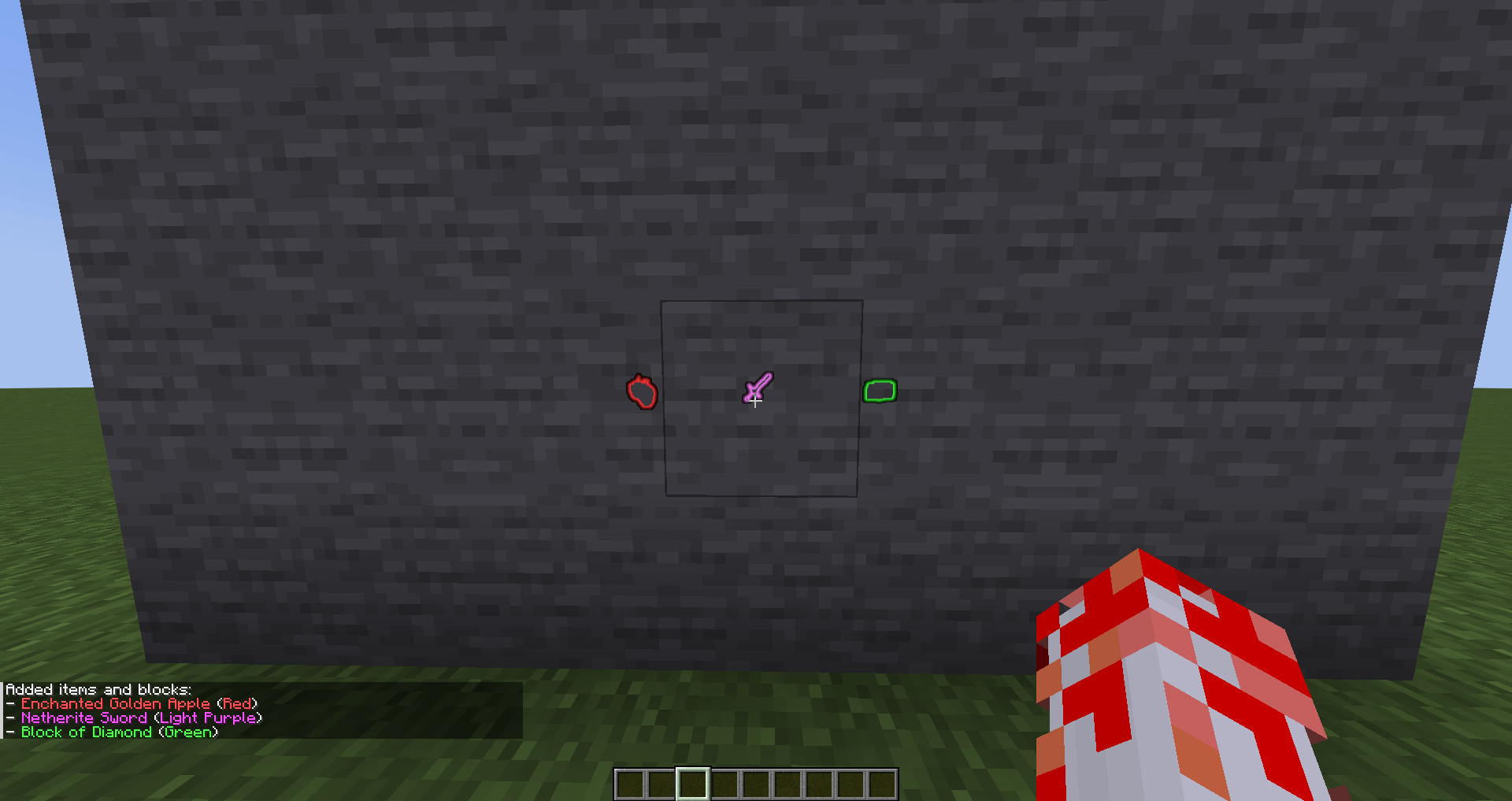 Item Highlighting Behind Walls
 -
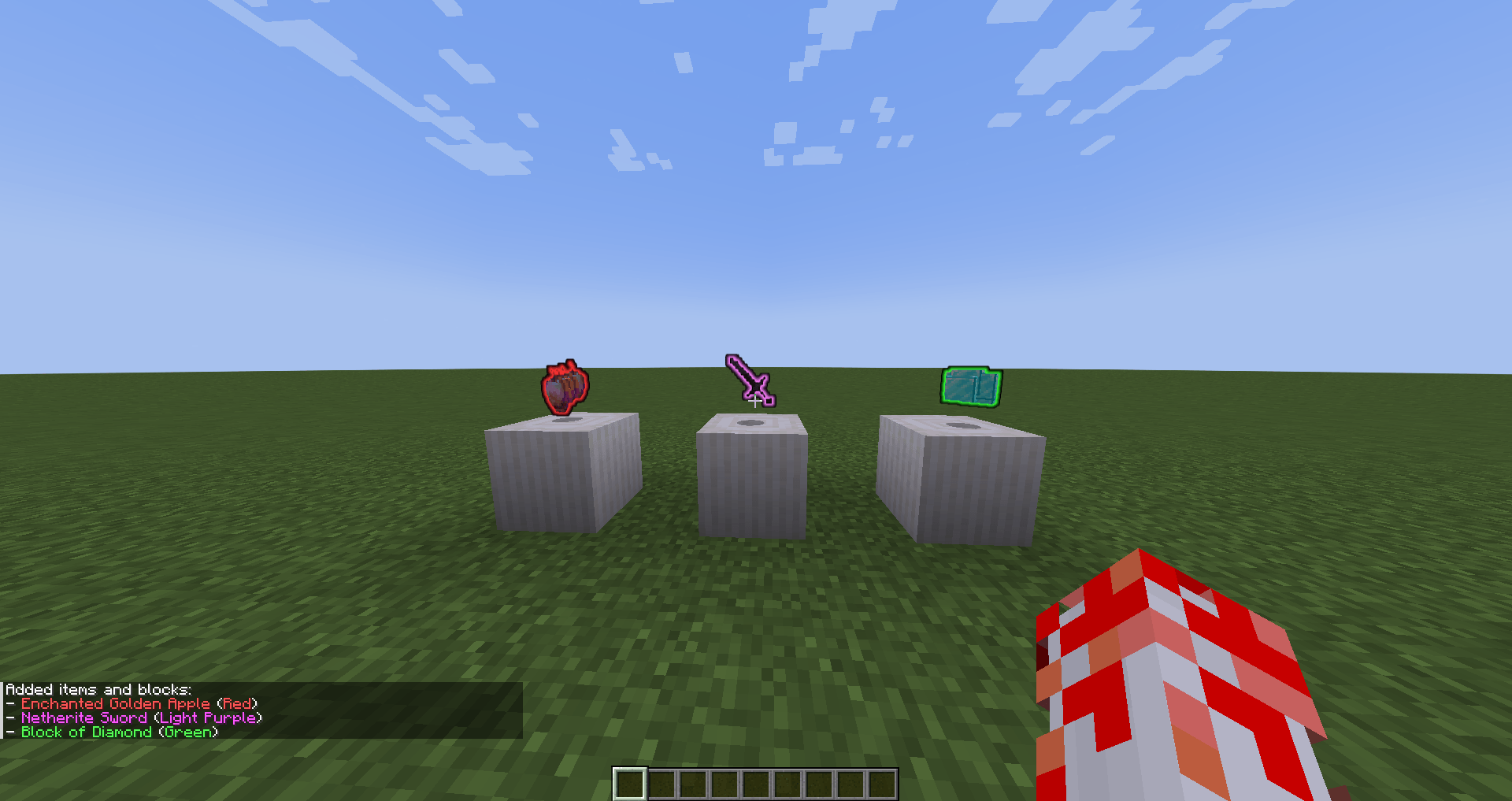 Item Highlighting List
Versions
Files
Relations
Project Relations
More like this
Similar Mods
Suggestions use data such as tags, dependencies, dependents, descriptions, titles, and more to rank how much they overlap with this mod.
On ModDex
Community snapshot
By the numbers
Statistics
 (opens in a new tab)
Get it on
Available Platforms
On ModDex
Community snapshot
By the numbers
Statistics
Resources