
Community listing page, reviews may not be monitored by the author.
Item Magnet Key

No reviews yet
Attract nearby dropped items with configurable range, speed, activation modes, particles, and sound.

Community voices
Reviews
No reviews yet. Be the first to review this project!
Get it on
Available Platforms
About
Project Details
For authors
Embed Badge
If you're the author of this project, you can embed a live badge anywhere that supports HTML or Markdown. It updates automatically whenever ratings change.
Use HTML for any page that supports it, or Markdown for README files and Markdown-based descriptions.
Identifiers
Platform IDs
Resources
External Links
About
Description
AI Disclosure: AI was the primary tool used in the development of this mod, including much of the coding, troubleshooting, and implementation. The final mod was reviewed, tested, and assembled by the author.
Item Magnet
Bring your drops to you. Item Magnet draws nearby dropped items toward you with smooth movement, configurable effects, and flexible controls.
Spend less time walking over scattered drops after mining, building, or farming. Choose how you activate the magnet, how far it reaches, and how quickly items travel, with particles and continuous beacon ambience to accompany the effect.
Three ways to activate
| Mode | How it works |
|---|---|
| Hold | Keep the hotkey pressed to attract items. |
| Toggle | Press once to turn the magnet on, then press again to turn it off. |
| Always on | Keep the magnet enabled until you change the mode in the config. |
Change the activation hotkey directly in the config menu or through Minecraft’s Controls menu.
The magnet temporarily pauses while a screen is open, the game window is unfocused, or you are dead or spectating. Toggle mode resets when you disconnect, die, or change worlds.
Smooth movement around obstacles
Items accelerate toward you and slow down as they approach, helping prevent overshooting. Short obstacle routes let drops climb small ledges and move around nearby walls while preserving normal block collision.
The magnet does not pull items through solid walls. Fully enclosed drops and complicated terrain may still block their path.
Normal pickup rules remain in place, including pickup delays and inventory limits. Only dropped items are affected.
Particles and beacon ambience
Choose from six particle styles: End Rod, Portal, Enchanting, Electric Spark, Happy Villager, and Soul Flame. Adjust particle density for a lighter effect, or disable particles entirely.
A continuous beacon loop accompanies the active magnet. Adjust its volume independently, or turn it off for silent collection. Minecraft’s Master and Players sound settings also apply.
Make it your own
Open Mods → Item Magnet → Configure through Mod Menu.
Customize:
- Activation mode: Hold, Toggle, or Always on.
- Attraction range: From 1 to 64 blocks.
- Item speed: From 1% to 200%.
- Activation hotkey: Set your preferred keyboard or mouse binding.
- Particles: Choose a style, adjust density, or disable them.
- Beacon sound: Enable or disable the loop and set its volume from 0% to 200%.
The speed slider controls how quickly items travel, with smooth acceleration and slowing near the player. Collisions and route turns can reduce their actual speed.
Multiplayer
The server handles item attraction. When multiple players attract the same item, it moves toward the nearest active player.
Server owners can set maximum attraction range and speed in config/itemmagnet.json, then restart the server to apply those limits.
Install the matching version of Item Magnet and its required dependencies on both the server and participating clients/
Installation
Available for Minecraft Java Edition 1.20.1, 1.21.1, 1.21.11, and 26.3 using Fabric.
Required:
- Fabric Loader
- Fabric API
- Cloth Config API
Optional:
- Mod Menu, for a configuration button in the mods list
Download the mod and dependency versions that match your Minecraft version. Each Minecraft version has its own JAR.
Screenshots
Gallery
-
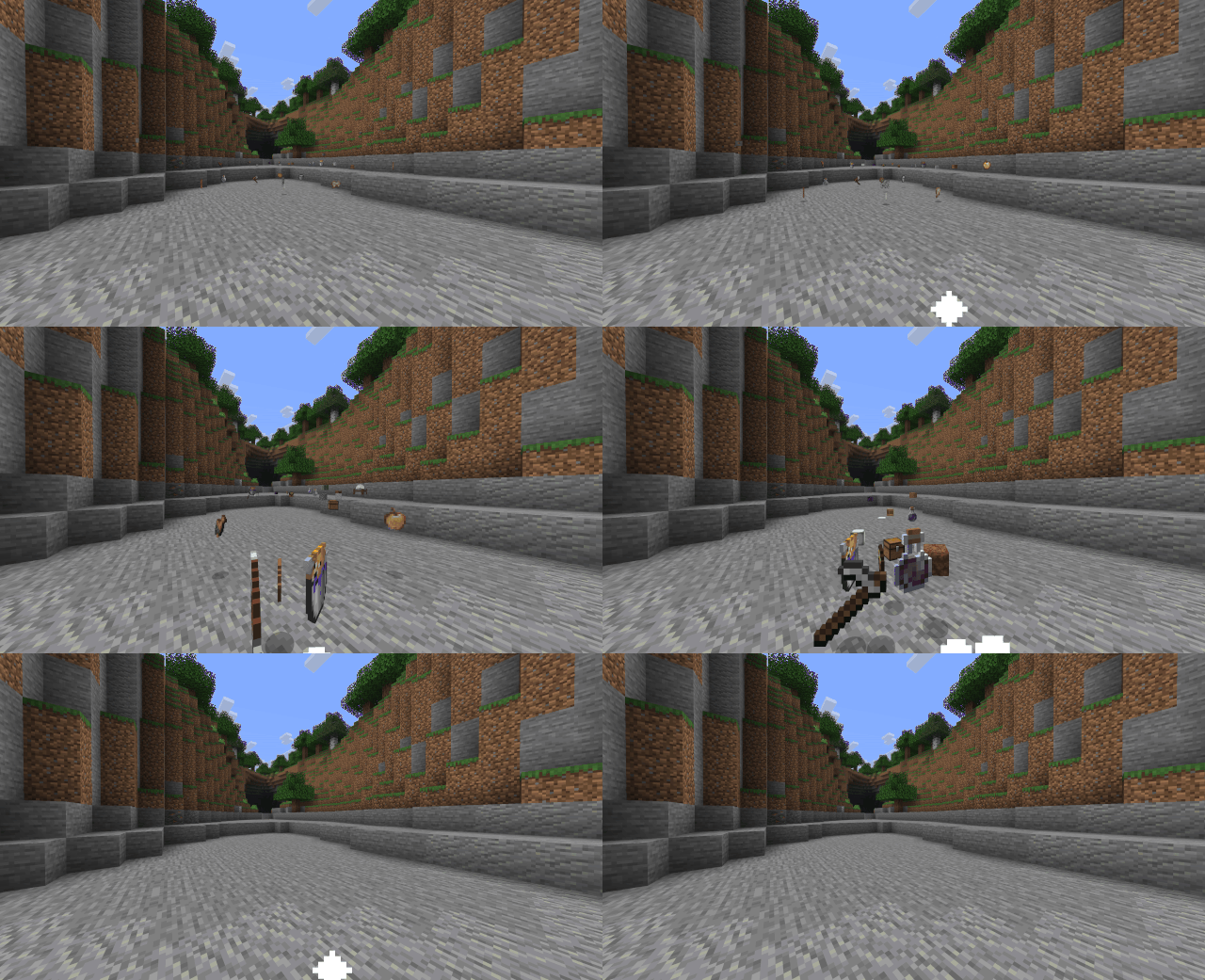 Succ 16 block range, 100% speed
 -
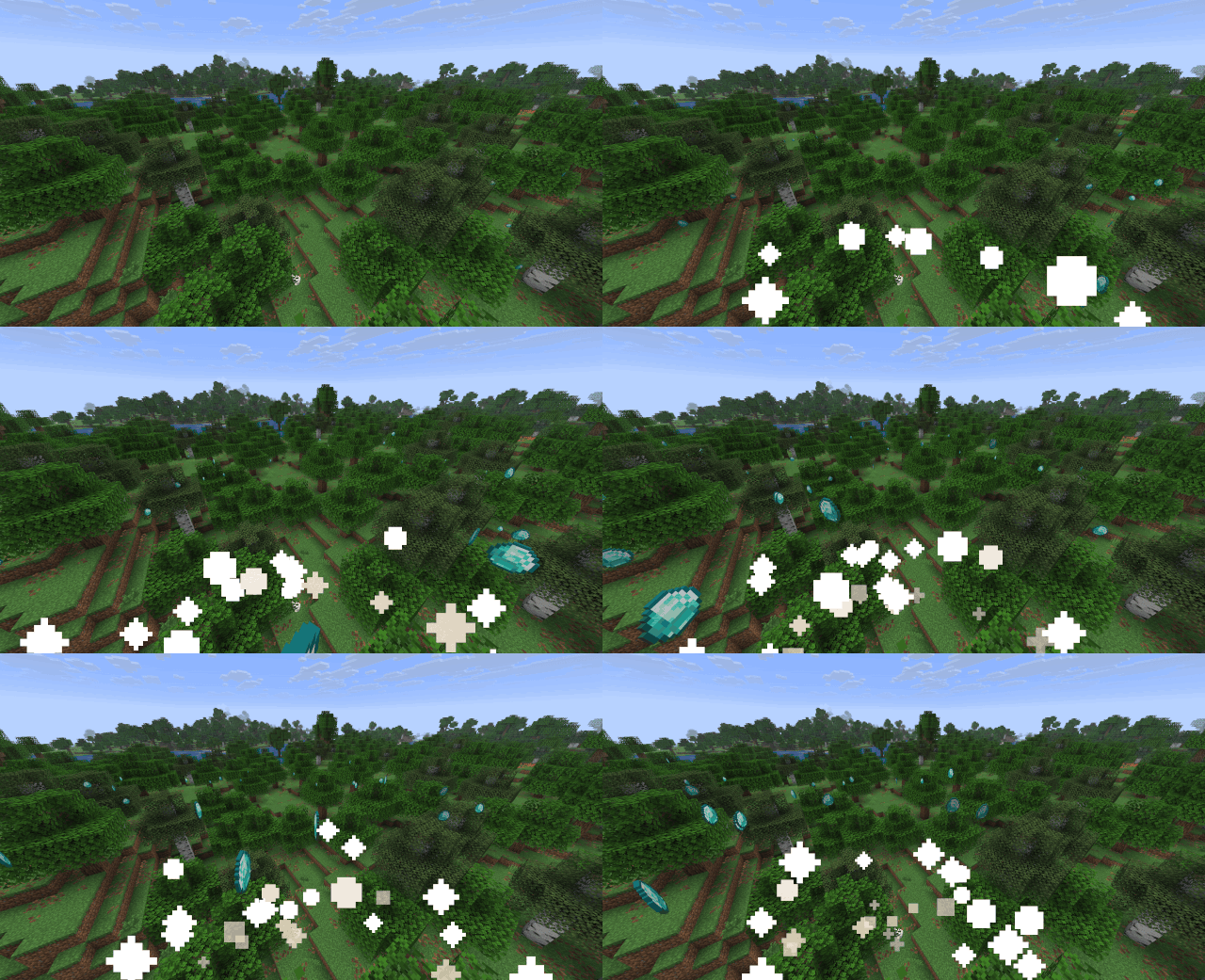 Item Pathfinding 64 block range, 75% speed
Versions
Files
Relations
Project Relations
More like this
Similar Mods
Suggestions use data such as tags, dependencies, dependents, descriptions, titles, and more to rank how much they overlap with this mod.
On ModDex
Community snapshot
By the numbers
Statistics

Get it on
Available Platforms
On ModDex
Community snapshot
By the numbers
Statistics
Resources