Community listing page, reviews here may not be monitored by the author.
ItemsBanned

No reviews yet
A server administration mod for Minecraft Forge that lets operators ban, manage, and restrict specific vanilla and modded items.
Community voices
Reviews
No reviews yet. Be the first to review this project!
Get it on
Available Platforms
About
Project Details
For authors
Embed Badge
If you're the author of this project, you can embed a live badge anywhere that supports HTML or Markdown. It updates automatically whenever ratings change.
Use HTML for any page that supports it, or Markdown for README files and Markdown-based descriptions.
Identifiers
Platform IDs
Resources
External Links
About
Description
🚫 ItemsBanned
Take full control over restricted items on your Minecraft Forge server.
ItemsBanned is a powerful server administration mod for Minecraft Forge 1.20.1 that allows server operators to ban, manage and control specific vanilla or modded items.
Ban exactly the items you want using their registry IDs, manage them through commands or an administration interface, and decide whether server operators can bypass restrictions.
✨ Features
🚫 Ban Any Item
ItemsBanned supports both vanilla and modded items.
Examples:
minecraft:elytra
alexscaves:nuclear_bomb
kaleidoscope_tavern:wine
Each item is handled individually.
Banning:
alexscaves:nuclear_bombwill not automatically ban other items from Alex's Caves.
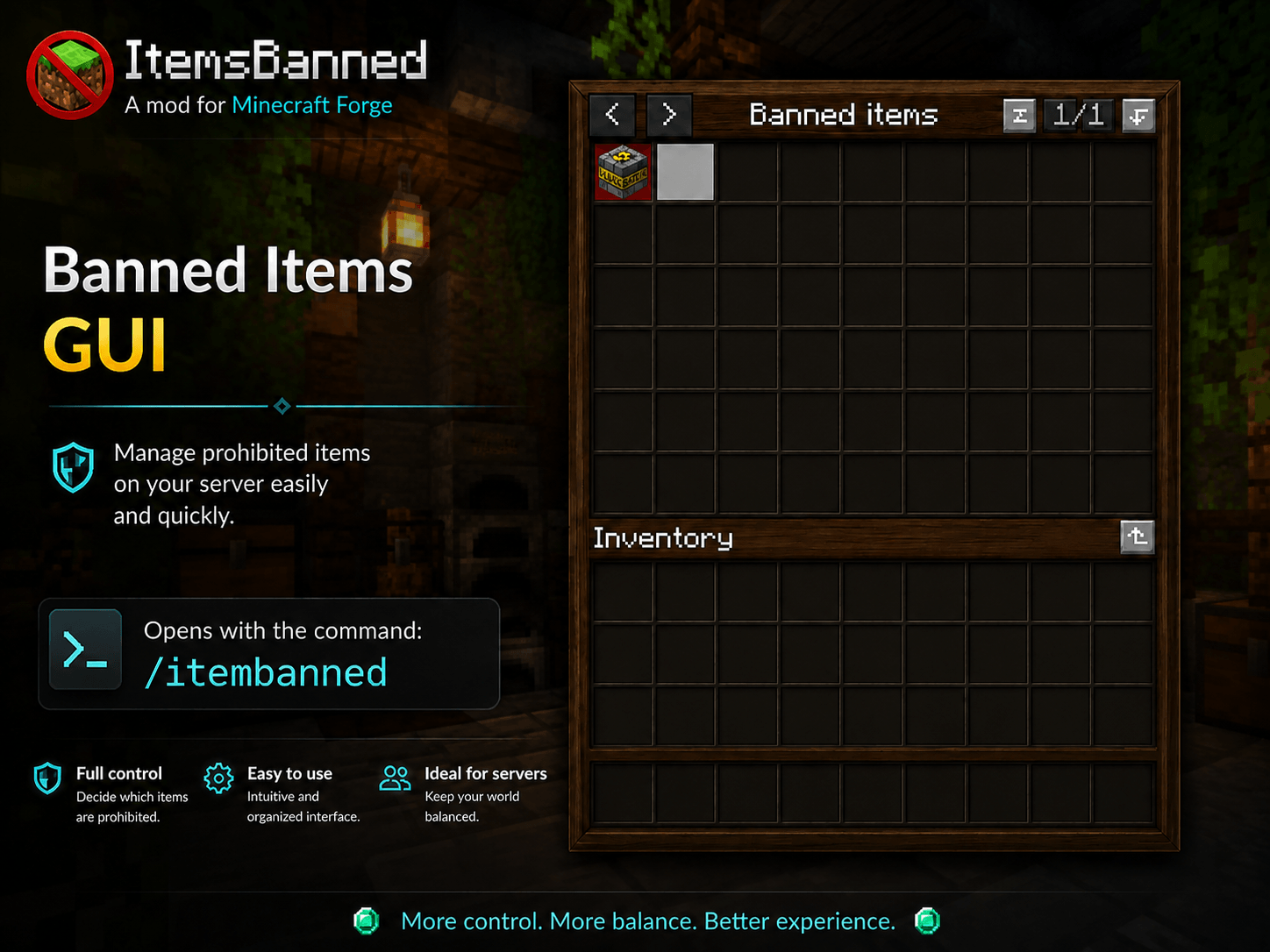
🖥️ Administration Interface
Use:
/itemsbannedto open the administration interface.
The GUI displays only currently banned items, including their original icons.
This also works with items added by other mods.
Pagination is included for large ban lists.
The interface is designed to stay clean and simple. 
📦 Modded Item Support
ItemsBanned uses Minecraft and Forge registry IDs, allowing items from other mods to be managed without requiring individual compatibility patches.
"minecraft:deepslate_diamond_ore"⚙️ Configuration
Configuration is stored in:
config/itemsbanned/banned-items.jsonExample:
{
  "allowOpsToUseBannedItems": true,
  "bannedItems": [
    "minecraft:elytra",
    "alexscaves:nuclear_bomb"
  ]
}
👑 OP Bypass
You can choose whether server operators are allowed to use banned items.
Allow OPs:
"allowOpsToUseBannedItems": trueRestrict OPs:
"allowOpsToUseBannedItems": falseAdministrative commands remain restricted to server operators.
🛠️ Commands
| Command | Description |
|---|---|
/itemsbanned |
Opens the administration interface |
/itemsbanned reload |
Reloads the configuration |
/itemsbanned invsee <player> |
Opens another player's inventory |
/itemsbanned remove <player> |
Removes banned items from a player's inventory |
🔒 All ItemsBanned commands are restricted to server operators.
🎒 Container Protection
ItemsBanned can detect banned items inside Minecraft inventories and containers.
Supported examples include:
- 📦 Chests
- 🛢️ Barrels
- 📫 Shulker Boxes
- 🔥 Furnaces
- 🏛️ Structure loot
- ⚙️ Modded machines
- 📦 Modded containers
When an unauthorized player attempts to obtain a banned item, ItemsBanned handles the restriction directly from the server.
🧰 Modded Containers
Banned items can be controlled even when they originate from modded structures or containers.
🌍 Ground Items
Banned items can also be detected when players attempt to pick them up from the world.
This prevents restricted items from simply being dropped and transferred to another player.
⛏️ Blocks
Items corresponding to blocks can also be banned.
ItemsBanned checks exact registry IDs.
For example:
minecraft:diamond_oreand:
minecraft:diamondare treated as two completely different entries.
Banning one does not automatically ban the other.
🛠️ Crafting Protection
Players cannot obtain a banned item simply by crafting it.
Only the resulting banned item is restricted.
Recipe ingredients are not automatically added to the banned-item list.
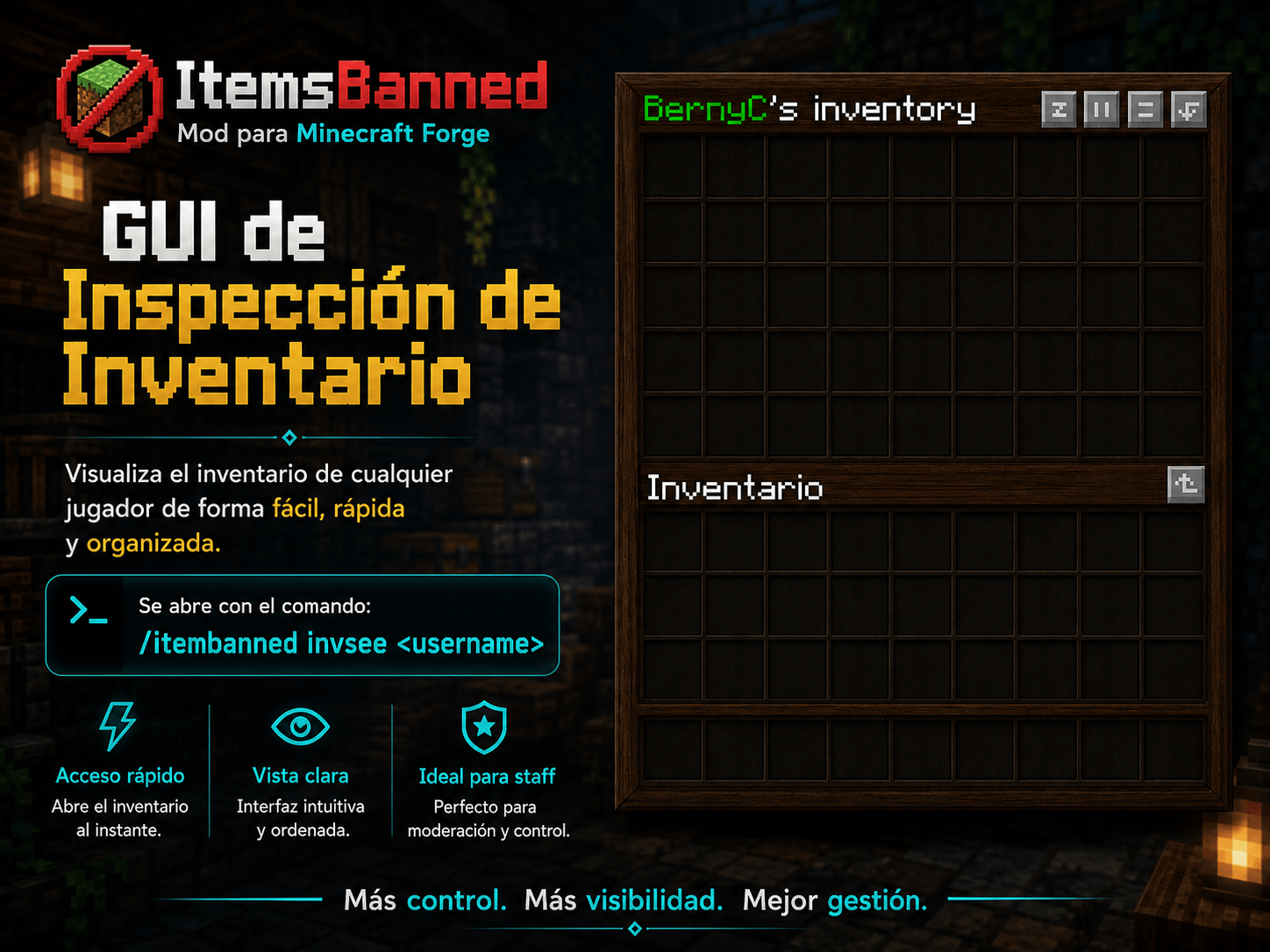
🔍 Player Inventory Inspection
Operators can inspect another player's inventory using:
/itemsbanned invsee <player>This is useful for moderation and locating restricted items.
Administrators can also remove all currently banned items from a player with:
/itemsbanned remove <player>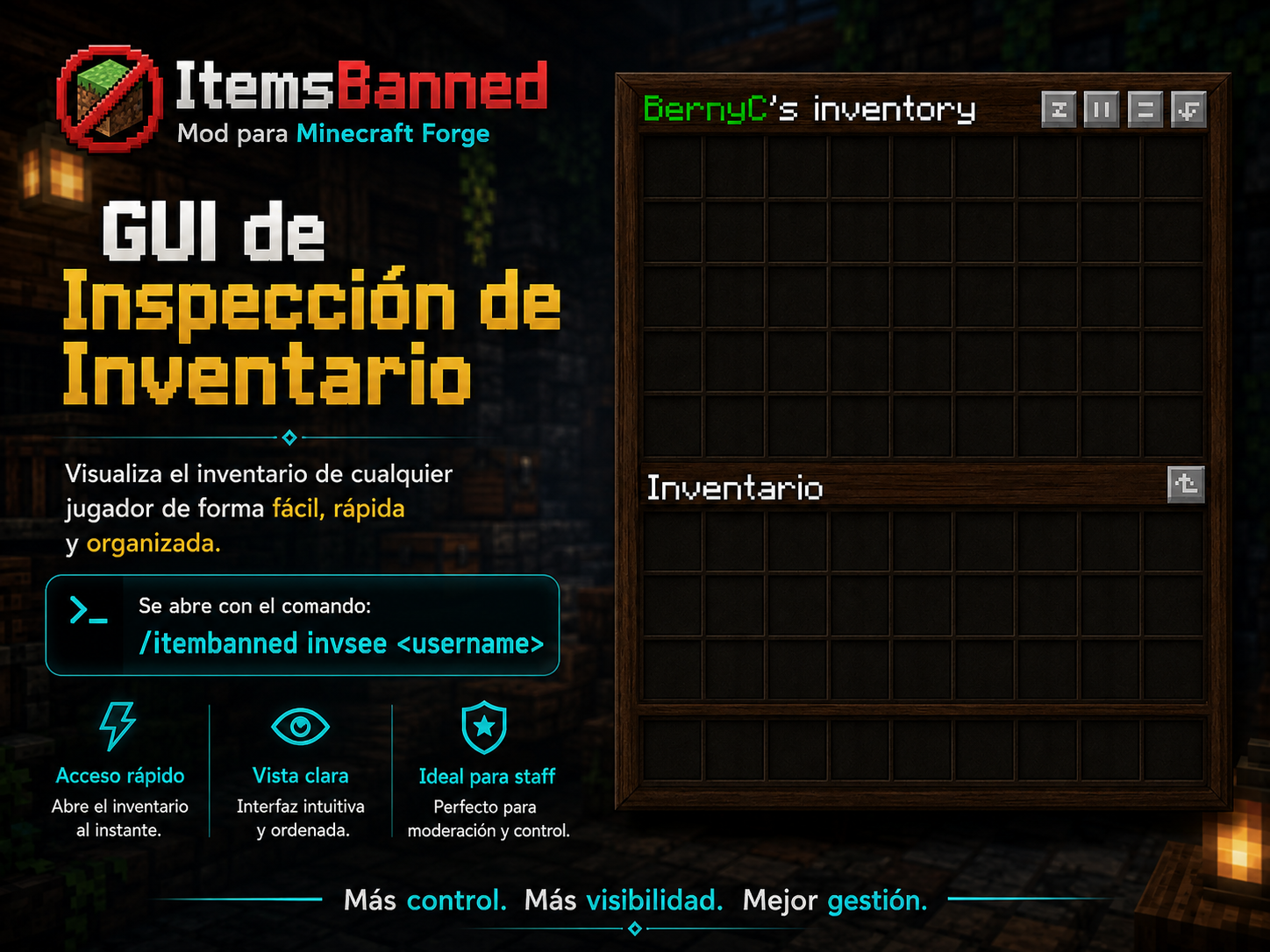
🧪 Example
Suppose you want to restrict the Nuclear Bomb from Alex's Caves.
Run:
/itemsbannedor add:
{
  "allowOpsToUseBannedItems": true,
  "bannedItems": [
    "alexscaves:nuclear_bomb"
  ]
}
The restriction applies specifically to:
alexscaves:nuclear_bombwithout affecting other Alex's Caves items.
🔄 Configuration Reload
After manually editing:
config/itemsbanned/banned-items.jsonyou can apply your changes with:
/itemsbanned reloadNo server restart is required.
📋 Compatibility
| Component | Support |
|---|---|
| Minecraft 1.20.1 | ✅ |
| Forge | ✅ |
| Vanilla Items | ✅ |
| Modded Items | ✅ |
| Modded Containers | ✅ |
| OP Bypass | ✅ |
| JSON Configuration | ✅ |
📥 Installation
Server
- Install Minecraft Forge 1.20.1.
- Download ItemsBanned.
- Place the
.jarinside:
mods/- Start your server.
- Configure your banned items.
- Use
/itemsbannedto manage the mod.
Example file name:
itemsbanned-1.1.0-forge-1.20.1.jar☕ Requirements
- Minecraft: 1.20.1
- Forge: 47.x
- Java: 17
👨💻 Author
Developed by Berxx
📜 License
All Rights Reserved
Copyright © Berxx.
ItemsBanned and its source code are the property of its author.
Without explicit permission from the author, you may not:
- Redistribute the mod as your own work.
- Republish modified versions.
- Sell the mod.
- Sell the source code.
- Re-upload compiled or modified versions to other platforms.
- Remove or replace the original author attribution.
- Redistribute substantial portions of the source code.
- Include the mod in commercial or paid distributions without permission.
Downloading and using ItemsBanned does not transfer ownership or intellectual property rights.
All rights not expressly granted remain reserved by Berxx.
⚠️ Disclaimer
Minecraft is a trademark of Mojang Studios.
ItemsBanned is an independent project and is not affiliated with, sponsored by, or officially endorsed by Mojang Studios or Microsoft.
Screenshots
Gallery
-
 ItemsBanned.png ItemsBanned.png
 -
 invseed.png invseed.png
Versions
Files
Relations
Project Relations
More like this
Similar Mods
Suggestions use data such as tags, dependencies, dependents, descriptions, titles, and more to rank how much they overlap with this mod.
On ModDex
Community snapshot
By the numbers
Statistics
Want to reach Minecraft players?
We're looking for a server hosting partner to feature here and other parts of the site. Interested? Send us a message!
Get in touchGet it on
Available Platforms
On ModDex
Community snapshot
By the numbers
Statistics
Resources