
InvSearch
No reviews yet
Find items across your inventory and known storage locations with a clean in-game search.
Features systems for better item storage and organization.
Projects that have been proven to or clearly use AI-generated art assets, including project logo. Projects with this tag are automatically excluded from all Pack Finder results.
Fabric is a mod loader for versions 1.14+ of Minecraft, particularly popular for client side and optimization mods.
Community voices
Reviews
Click once to include, again to exclude, again to clear
No reviews yet. Be the first to review this project!
Get it on
Available Platforms
 Modrinth
Compatibility
Supported Environments
About
Project Details
For authors
Embed Badge
If you're the author of this project, you can embed a live badge anywhere that supports HTML or Markdown. It updates automatically whenever ratings change.
Use HTML for any page that supports it, or Markdown for README files and Markdown-based descriptions.
Identifiers
Platform IDs
About
Description
InvSearch is a lightweight Fabric client mod that adds fast item search to Minecraft. It helps you find what your client has seen in your inventory and tracked storage, so you can stop opening every chest in the room just to find one missing stack.
It works as a practical storage memory aid: open containers as you play, then search later to see known-current item locations and counts. Use it on its own, or alongside InvSort and InvCatalogue as part of the wider inventory management suite.
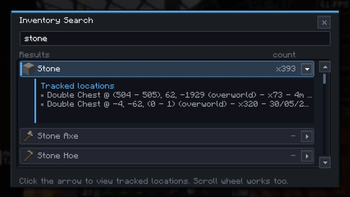
Open the search modal from the in-game Search button on supported screens. Type an item name or id to filter the known item list, then select an item to see where it was last seen and how much is available.
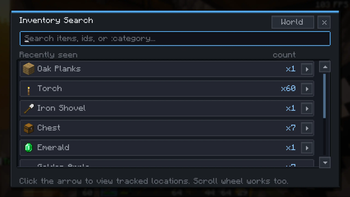
InvSearch now also understands category queries. Start a search with : to
match practical item groups from the shared sorting vocabulary, such as
:wood, :stone, :tools, :food, :gear, or :storage.
Features
- In-game search UI for inventory and known storage
- Live results while you type
:categorysearches for broad groups such as wood, stone, tools, food, gear, storage, and redstone- Known-current item location tracking
- Per-location item counts for searched stacks
- Held-versus-tracked counts so you can see what is on you and what is stored elsewhere
- Tracks standard containers, placed shulkers, ender chests, and storage minecarts through the shared inventory tracking system
- Keeps tracking data separated by singleplayer world or multiplayer server
- Works client-side in singleplayer, LAN, Realms, and multiplayer where client-side utility mods are allowed
Good for
- Finding misplaced tools, blocks, and resources
- Large survival bases with too many storage chests
- Hardcore or seasonal worlds where storage changes often
- Players who want item search without server-side changes
- Using alongside InvSort and InvCatalogue for broader inventory management
Install note
InvSearch does not require a server install. Install Fabric Loader, Fabric API, and the InvSearch jar for your Minecraft version.
It remembers what your client has seen. If another player moves items while you are away, reopen that storage so InvSearch can refresh its known location data.
Screenshots
Gallery
-
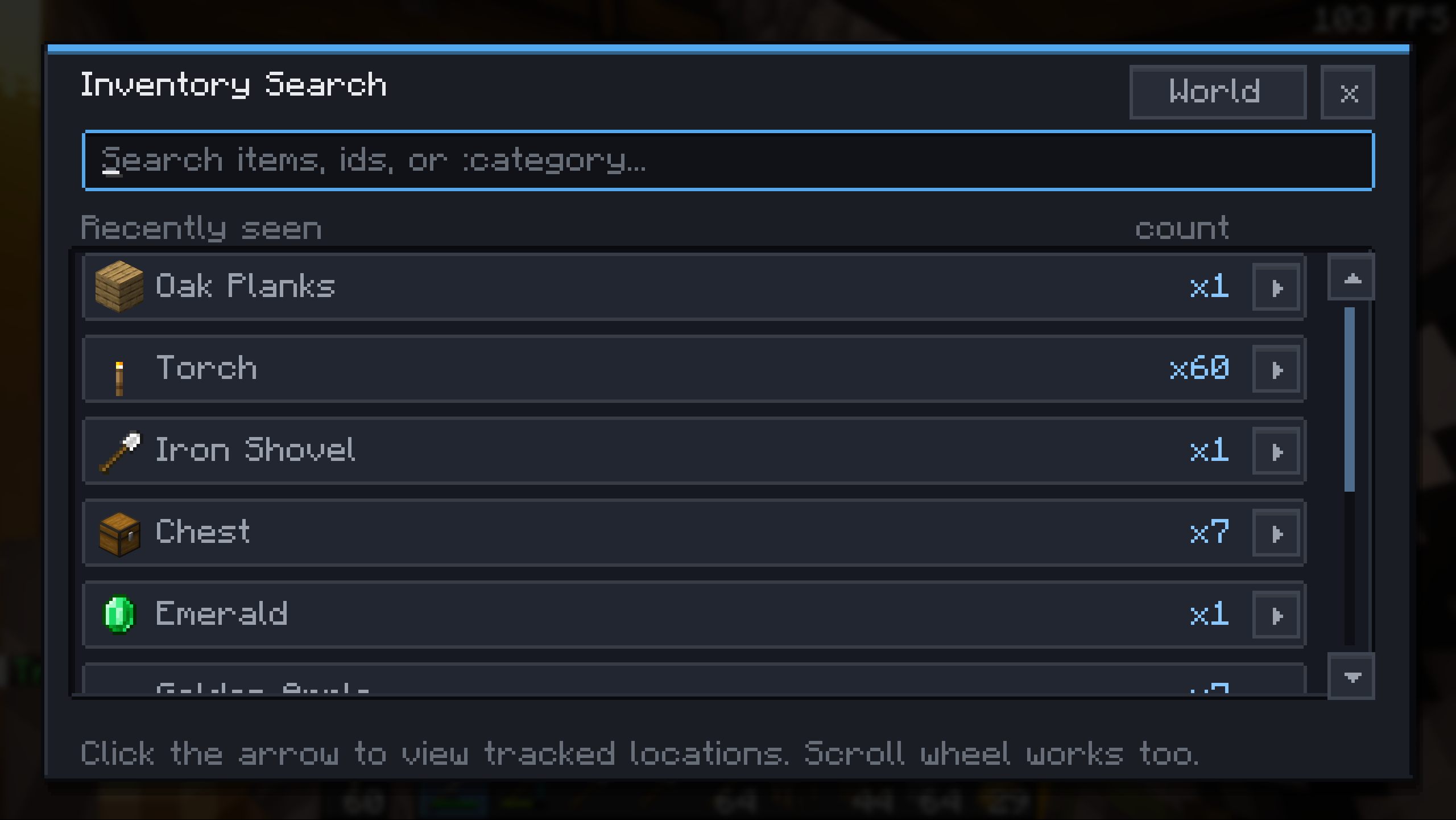 Search UI Search known storage and your held inventory from an in-game modal.
 -
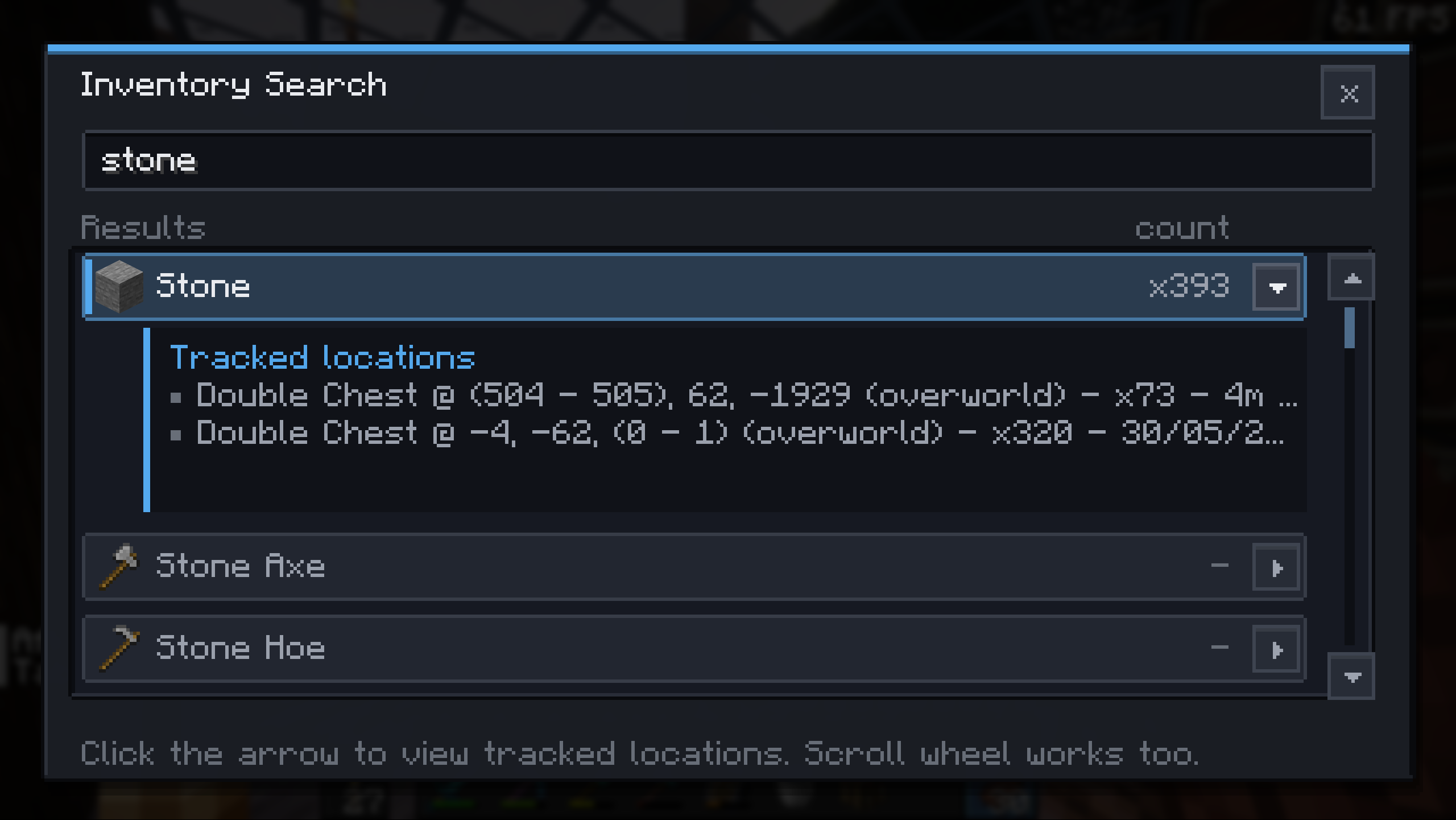 Search Results Results show counts and exact known locations for the selected item.
 -
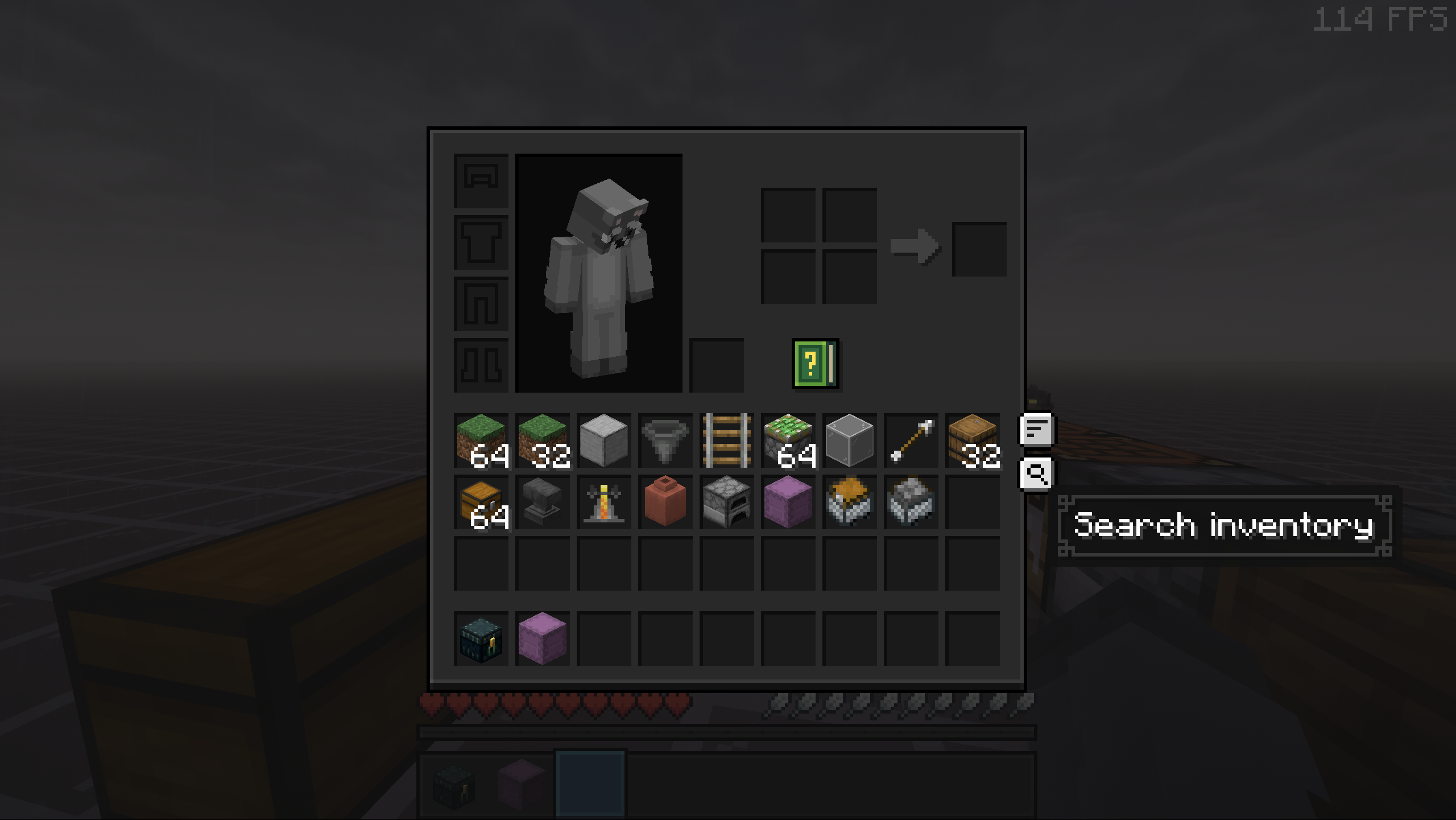 Inventory Search Button Open InvSearch from inventory and container screens.
 -
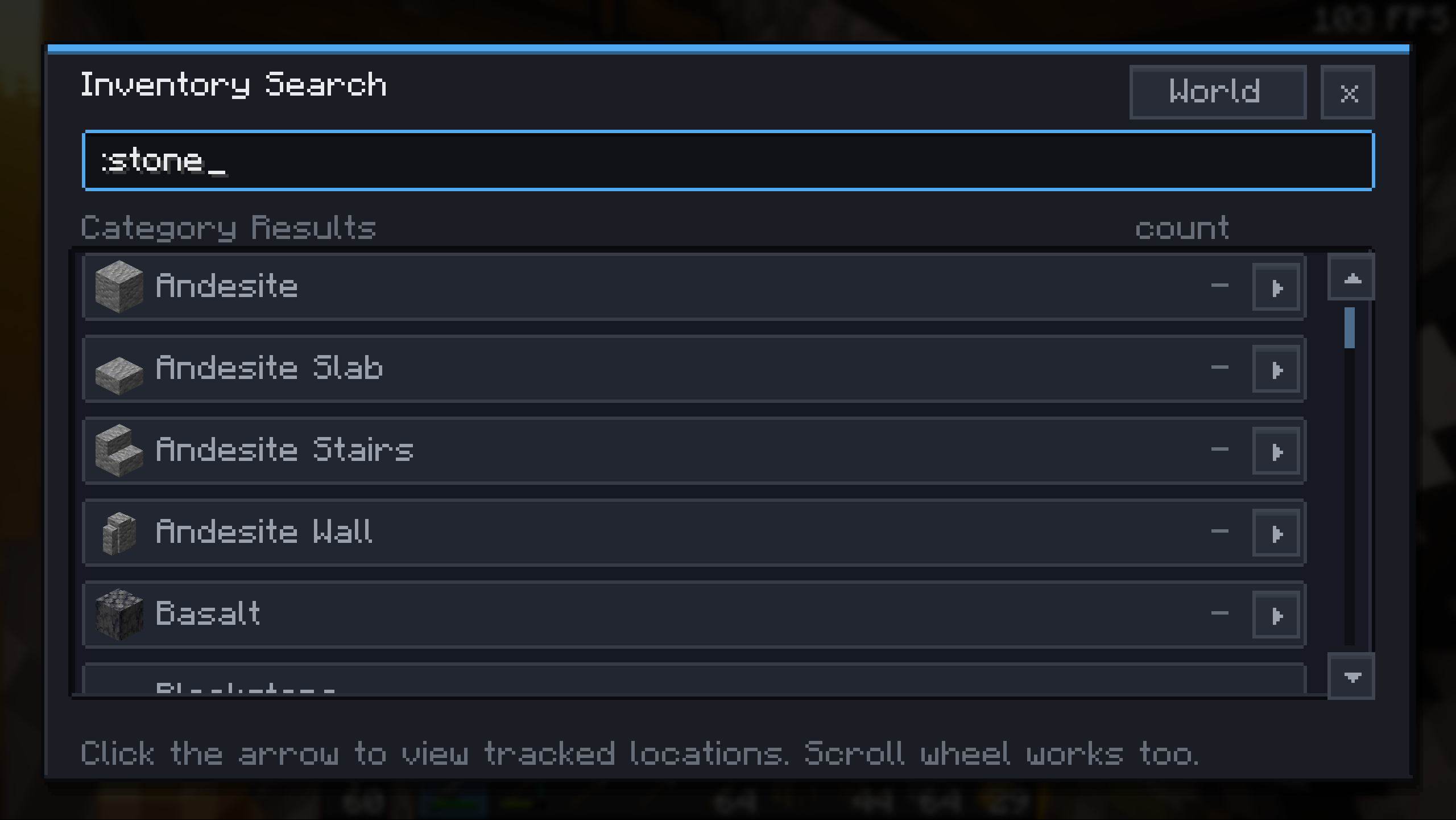 Category Search Use filters such as :wood, :stone, or :tools to find whole categories.
 -
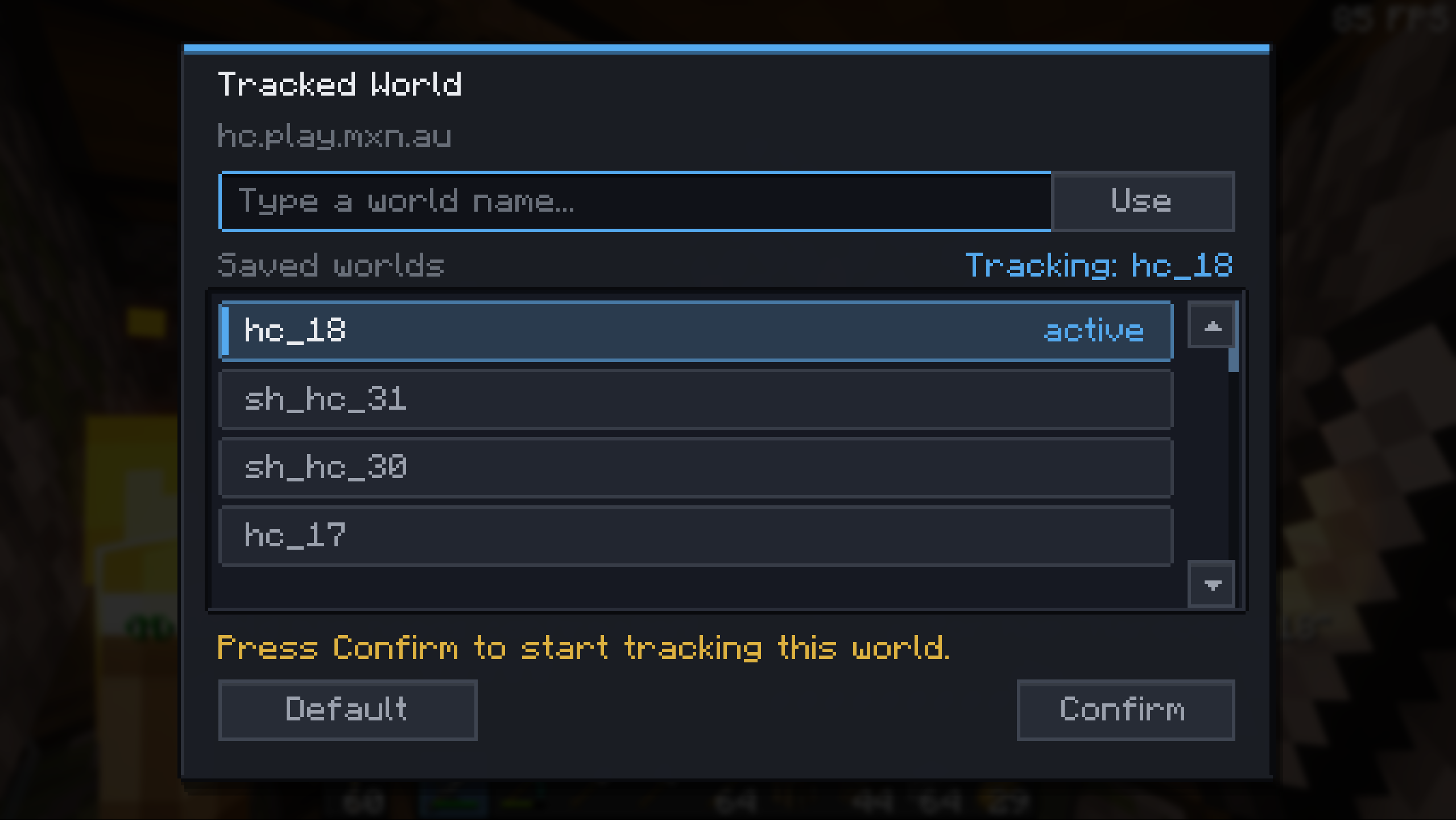 World Selection Keep tracked storage separated by singleplayer world or multiplayer server.
Versions
Files
Relations
Project Relations
More like this
Similar Mods
Suggestions use data such as tags, dependencies, dependents, descriptions, titles, and more to rank how much they overlap with this mod.
On ModDex
Community snapshot
By the numbers
Statistics

Want to reach Minecraft players?
We're looking for a server hosting partner to feature here and other parts of the site. Interested? Send us a message!
Get in touchGet it on
Available Platforms
On ModDex
Community snapshot
By the numbers