Community listing page, reviews here may not be monitored by the author.
Just Enough Item Descriptions

No reviews yet
JEI Item/Fluid descriptions in a simple JSON format

Community voices
Reviews
No reviews yet. Be the first to review this project!
Get it on
Available Platforms
About
Project Details
For authors
Embed Badge
If you're the author of this project, you can embed a live badge anywhere that supports HTML or Markdown. It updates automatically whenever ratings change.
Use HTML for any page that supports it, or Markdown for README files and Markdown-based descriptions.
Identifiers
Platform IDs
About
Description
Just Enough Item Descriptions
JEI Item/Fluid descriptions in a simple JSON format
Inspired by a tweet by Vazkii which reminded me I can code and I wanted a mod like this for a while.
This is a FORGE mod. May look into fabric later given how simple this mod is, but forge only for now.
Usage
Create JSON files in the /config/jeidescs/ folder.
You can create multiple files, and they will be loaded in alphabetical order for consistancy.
Make an array[] under the entries tag.
The entry format contains an item or fluid tag specifying one or more item/fluid
For the item or fluid, you can either specify a regular id or a #tag id
You can also specify an amount tag for the item count or fluid amount (in mb, or 1/1000 of a bucket)
Then, you specify the description to add to the given resource.
text: A shortcut for raw text, simple as that
translate: A shortcut for using a translation key, allowing localization of the descriptions
component: Writing a fully functional component, just like the ones used on signs or in /tellraw. Use the extra tag to add multiple components to one line, with the extra components being directly added to the end of the component containing them. You can also write an array[] of components as a shortcut for the first component with all others in the array as its' extra tag. Do note that JEI does not support special hover or click events, so even though they can be specified they will have no effect.
(New in 1.1.0) For quick and compact entries, make an items or fluids tag, allowing you to enter one or more resource/tag ids (seperated with commas) as a key and a valid component as a value. (EX: "Text", ["A", "B", {"text":"C"}], {"translate": "translation.key.here"})
For more help, check out the Sample Config on github
Feel free to request stuff in the comments, and report any bugs on the issue tracker!
I'm a Kinetic Hosting partner! If you need a Minecraft server and want to support me, click the image below!

Screenshots
Gallery
-
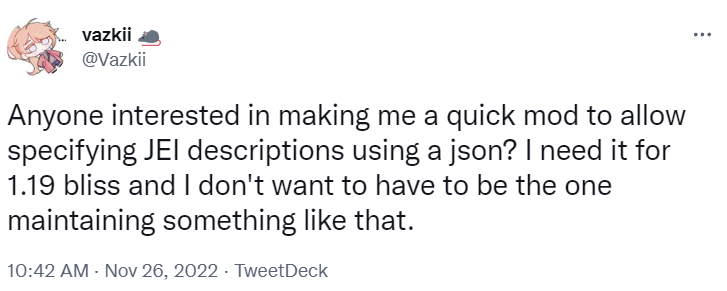 Tweet is (not) a mod by Vazkii The tweet that inspired this mod. I DO want to be the one maintaining something like this.
 -
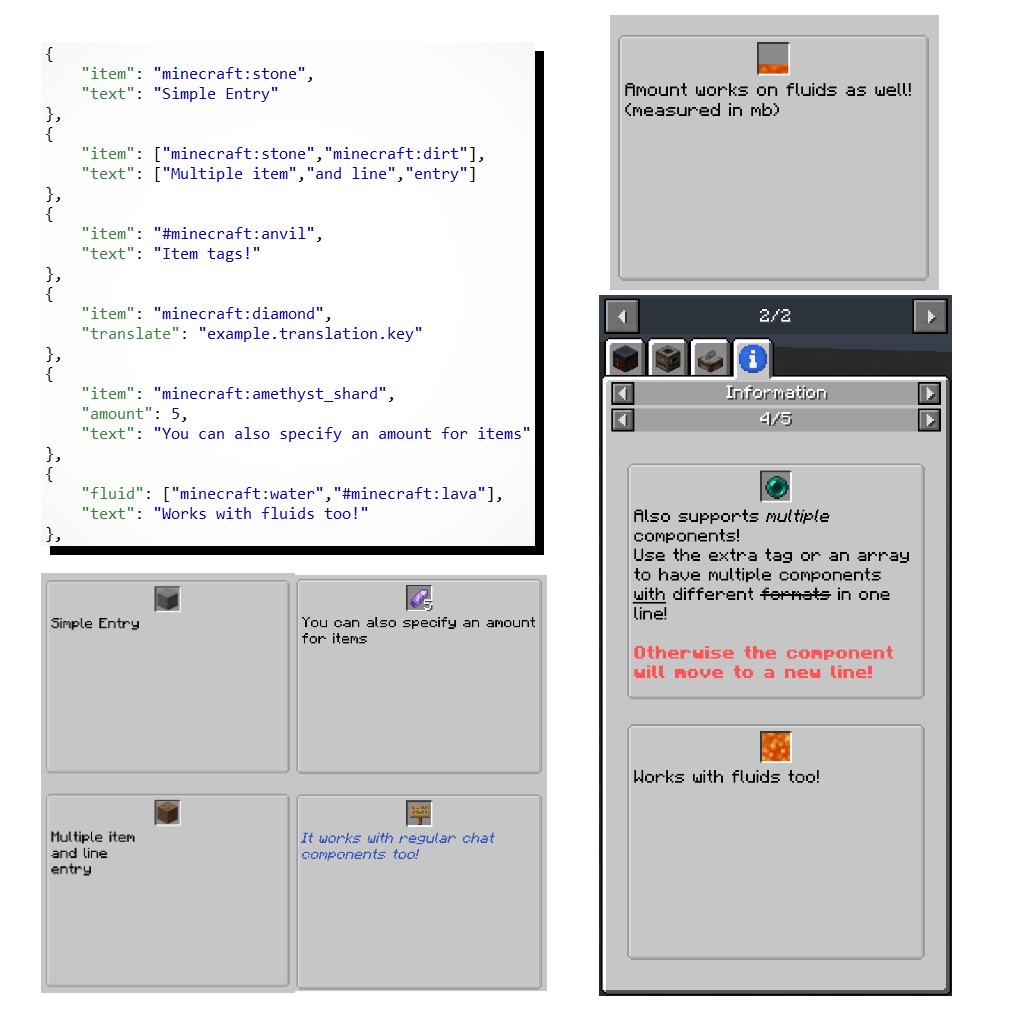 Simple showcase image A sample of what the mod can do with JEI
Versions
Files
Relations
Project Relations
More like this
Similar Mods
Suggestions use data such as tags, dependencies, dependents, descriptions, titles, and more to rank how much they overlap with this mod.
On ModDex
Community snapshot
By the numbers
Statistics
 (opens in a new tab)
Get it on
Available Platforms
On ModDex
Community snapshot
By the numbers