
Community listing page, reviews here may not be monitored by the author.
jeirecipemanager


No reviews yet
JEIRecipeManager is a server-side recipe management addon for JEI (Just Enough Items) on NeoForge. It allows operators to disable, enable, add, modify, and delete recipes directly from the JEI recipe GUI — no datapack knowledge required.
Community voices
Reviews
No reviews yet. Be the first to review this project!
Get it on
Available Platforms
Compatibility
Supported Environments
Required on the server. Installing it on the client adds functionality.
About
Project Details
For authors
Embed Badge
If you're the author of this project, you can embed a live badge anywhere that supports HTML or Markdown. It updates automatically whenever ratings change.
Use HTML for any page that supports it, or Markdown for README files and Markdown-based descriptions.
Identifiers
Platform IDs
Resources
External Links
About
Description
### Description
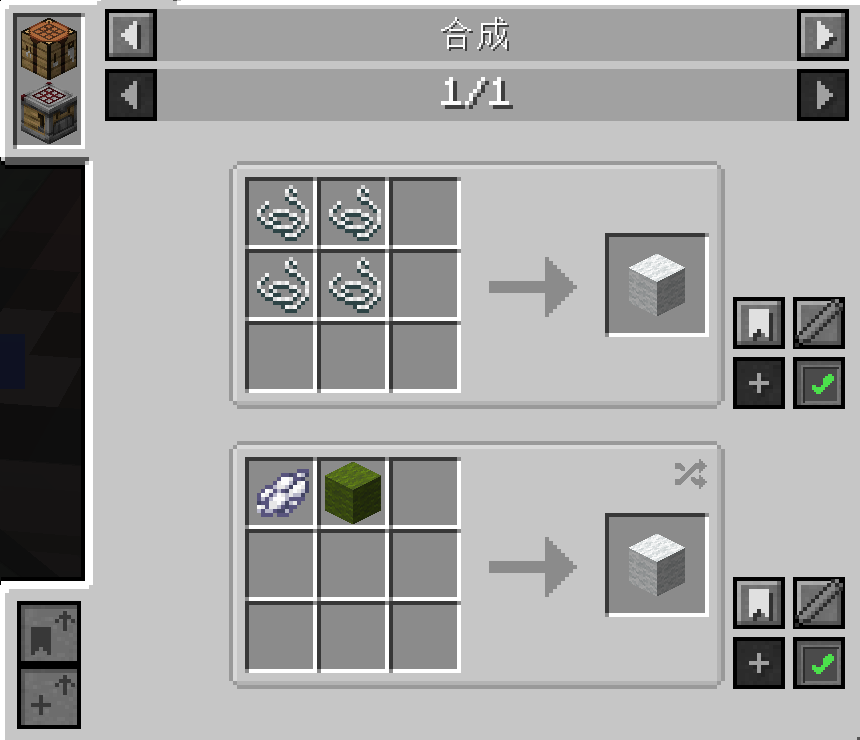
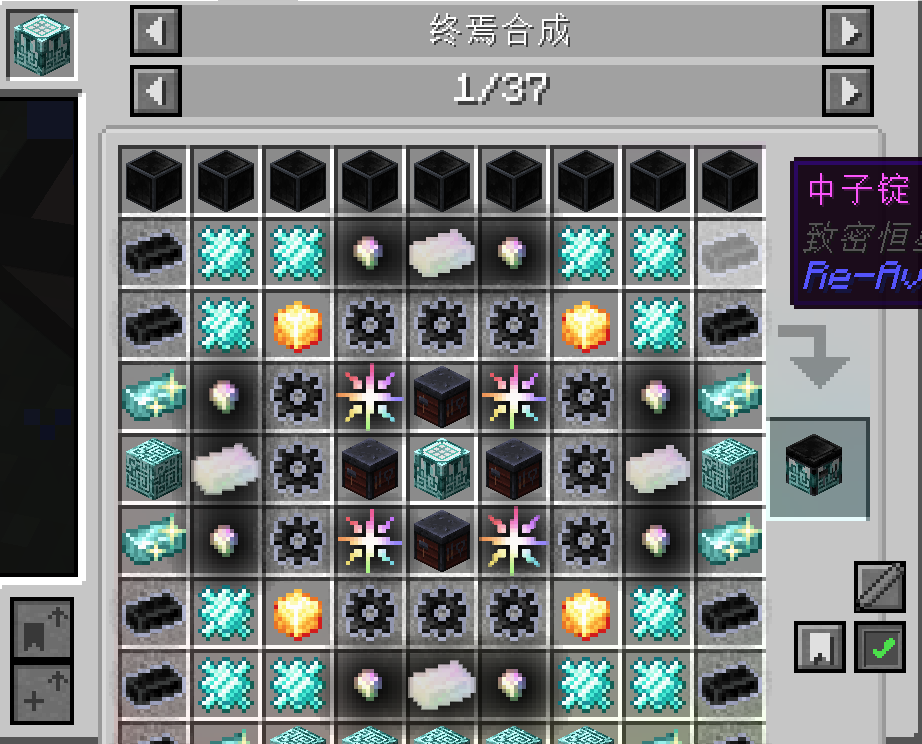
JEIRecipeManager brings powerful recipe management right into your JEI interface. Whether you want to disable broken recipes, tweak existing ones, or create entirely new recipes on the fly, this mod lets you do it visually without ever leaving the game.
Features:
- Disable / Enable Recipes — Click the toggle button on any recipe in JEI to disable or re-enable it. Disabled recipes are saved to config/disabled_recipes.json and synced to all clients.
- Add New Recipes — Click the "Add Recipe" button on any existing recipe to enter edit mode, then drag items from JEI onto input/output slots to create a brand new recipe based on the original template.
- Modify Recipes — Edit generated recipes at any time by clicking the edit button and adjusting ingredients.
- Delete Generated Recipes — Remove any recipe you created with one click.
- Text Input Editing — While in edit mode, left-click a slot to clear its contents, or middle-click an input slot to open the text edit screen and type an exact item ID (e.g. minecraft:diamond ) or tag (e.g. #forge:ingots/iron ).
- Show/Hide Disabled Recipes — Use /jrm showDisabled <true|false> to toggle whether disabled recipes remain visible (grayed out) in JEI.
- Server-Side Authority — All recipe changes require operator permissions. Changes take effect after /reload .
Features:
- Disable / Enable Recipes — Click the toggle button on any recipe in JEI to disable or re-enable it. Disabled recipes are saved to config/disabled_recipes.json and synced to all clients.
- Add New Recipes — Click the "Add Recipe" button on any existing recipe to enter edit mode, then drag items from JEI onto input/output slots to create a brand new recipe based on the original template.
- Modify Recipes — Edit generated recipes at any time by clicking the edit button and adjusting ingredients.
- Delete Generated Recipes — Remove any recipe you created with one click.
- Text Input Editing — While in edit mode, left-click a slot to clear its contents, or middle-click an input slot to open the text edit screen and type an exact item ID (e.g. minecraft:diamond ) or tag (e.g. #forge:ingots/iron ).
- Show/Hide Disabled Recipes — Use /jrm showDisabled <true|false> to toggle whether disabled recipes remain visible (grayed out) in JEI.
- Server-Side Authority — All recipe changes require operator permissions. Changes take effect after /reload .
Screenshots
Gallery
-
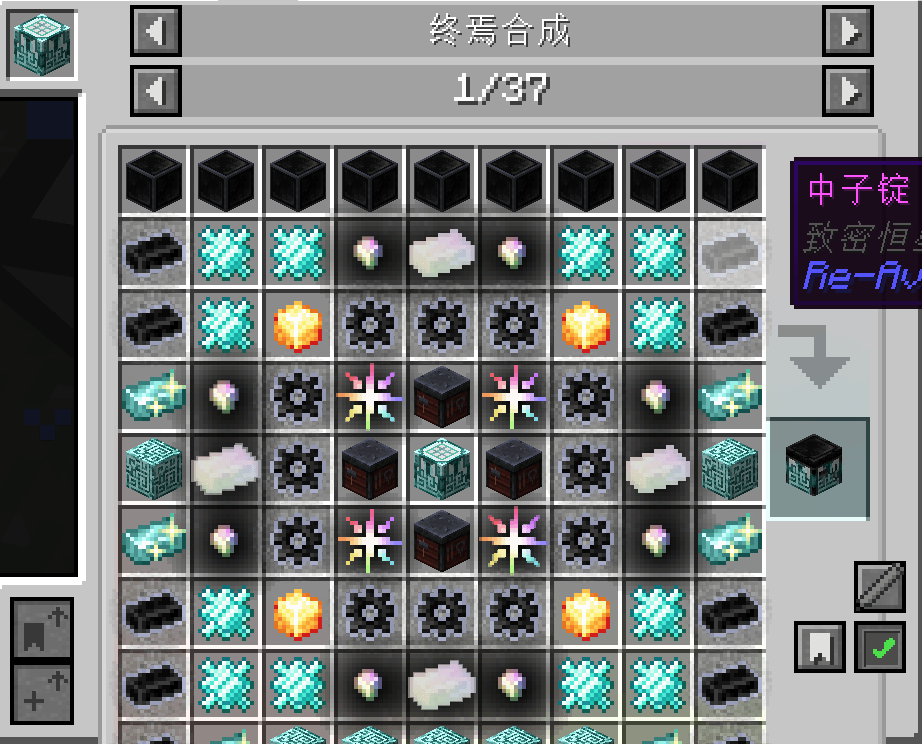 QQ20260524-145317.png QQ20260524-145317.png
 -
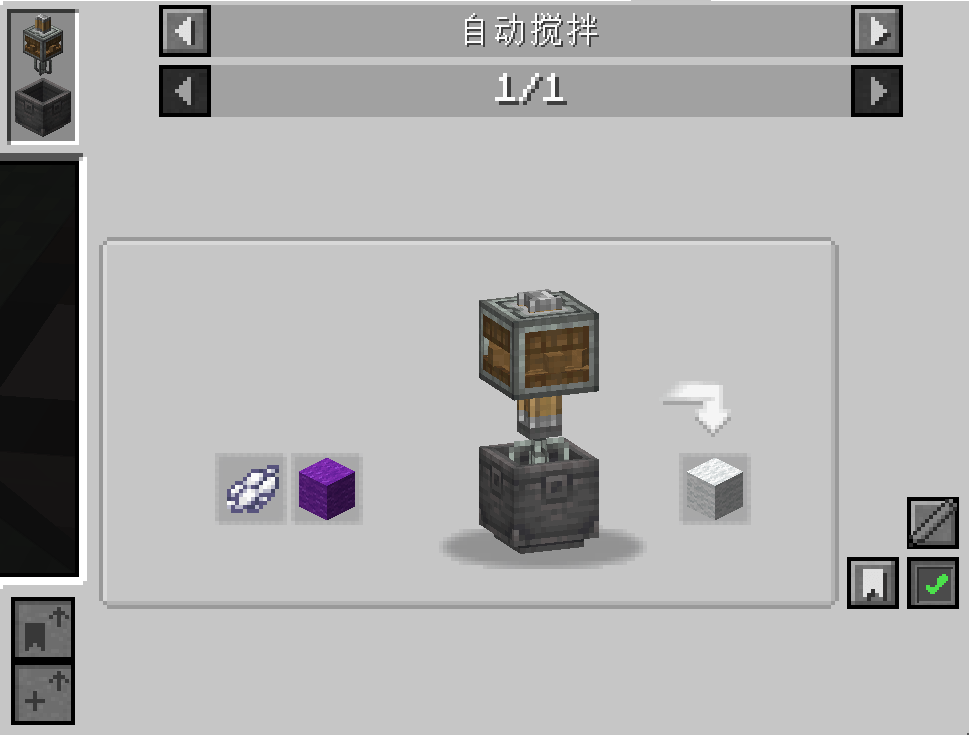 QQ20260524-145238.png QQ20260524-145238.png
 -
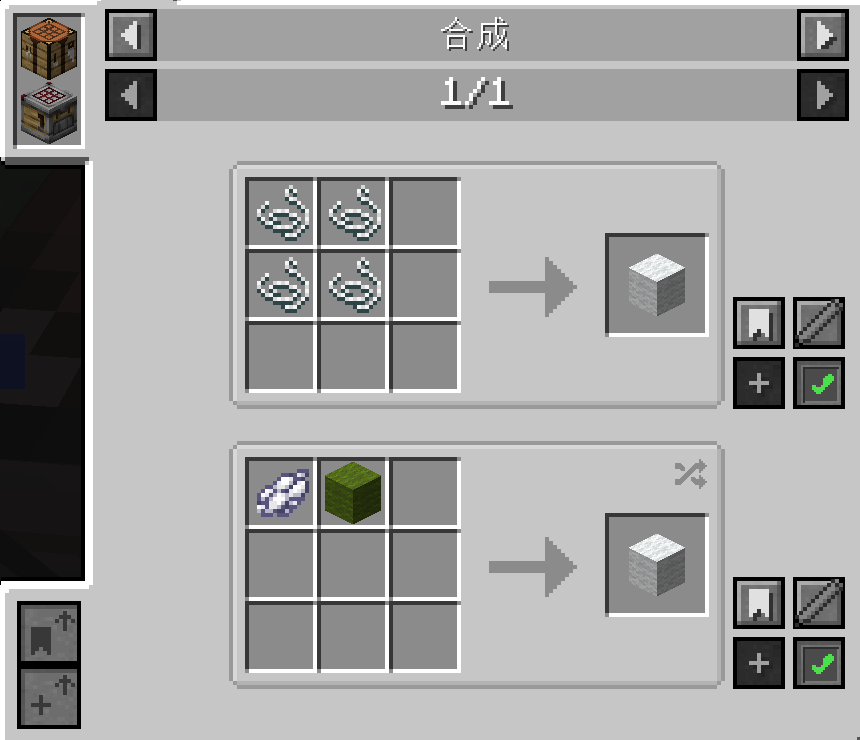 QQ20260524-145123.png QQ20260524-145123.png
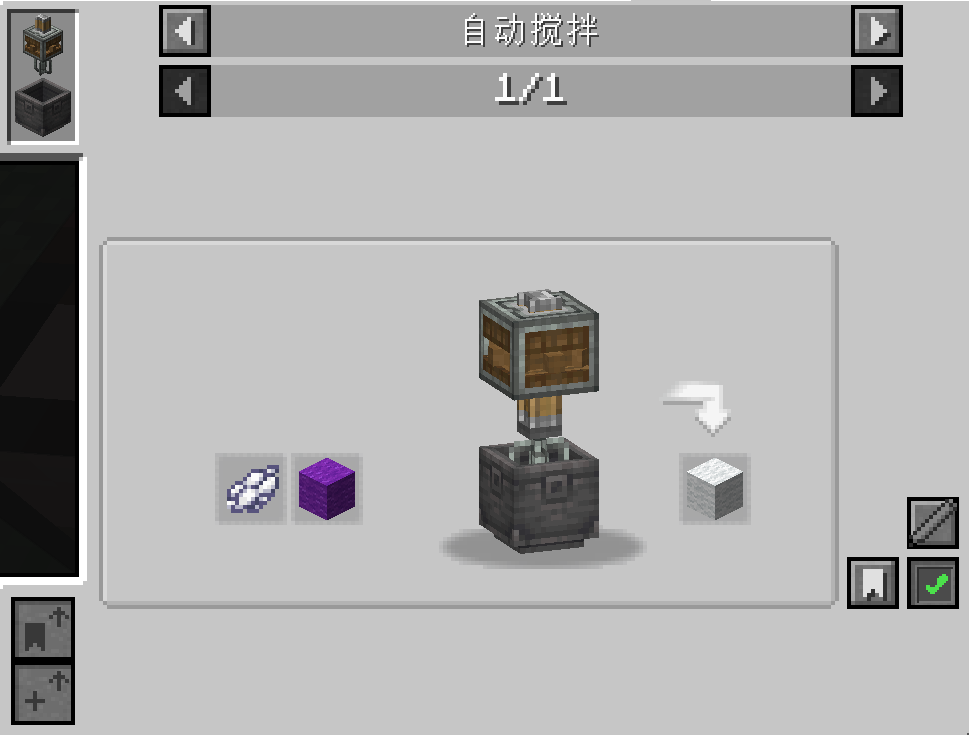
Versions
Files
Relations
Project Relations
More like this
Similar Mods
Suggestions use data such as tags, dependencies, dependents, descriptions, titles, and more to rank how much they overlap with this mod.
On ModDex
Community snapshot
By the numbers
Statistics
Want to reach Minecraft players?
We're looking for a server hosting partner to feature here and other parts of the site. Interested? Send us a message!
Get in touchGet it on
Available Platforms
On ModDex
Community snapshot
By the numbers
Statistics
Resources