
Community listing page, reviews may not be monitored by the author.
Just Clean F1


No reviews yet
Hides player names, entity name tags and other floating text while the HUD is hidden with F1.

Community voices
Reviews
No reviews yet. Be the first to review this project!
Get it on
Available Platforms
Compatibility
Supported Environments
Runs entirely on the client. Works on vanilla servers.
About
Project Details
For authors
Embed Badge
If you're the author of this project, you can embed a live badge anywhere that supports HTML or Markdown. It updates automatically whenever ratings change.
Use HTML for any page that supports it, or Markdown for README files and Markdown-based descriptions.
Identifiers
Platform IDs
About
Description
Hides names and floating text in the world while the HUD is hidden with F1.
What it can do
- Hides player names, entity name tags, armor stand names and the line below names.
- Hides text_display holograms.
- Each kind can be switched separately.
- Keeps the Replay Mod and Flashback editor panels visible under F1 (optional).
- Everything comes back when F1 is released.
Settings: Mod Menu → Just Clean F1.
Requirements: Fabric Loader, Fabric API · Minecraft 26.3 (26.2 build in Files) · client-side only.
Discord: discord.gg/jTU2yawThv
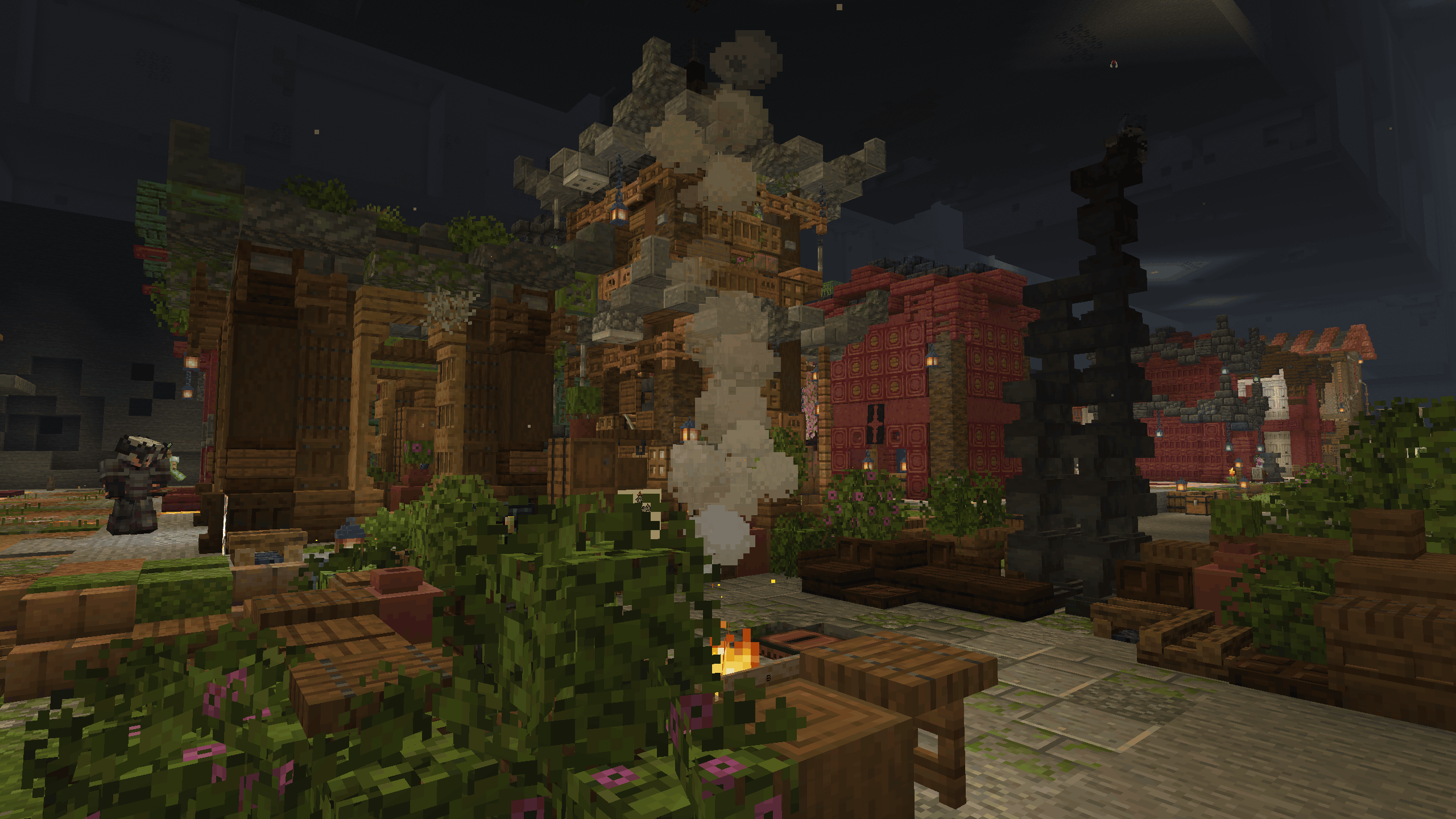
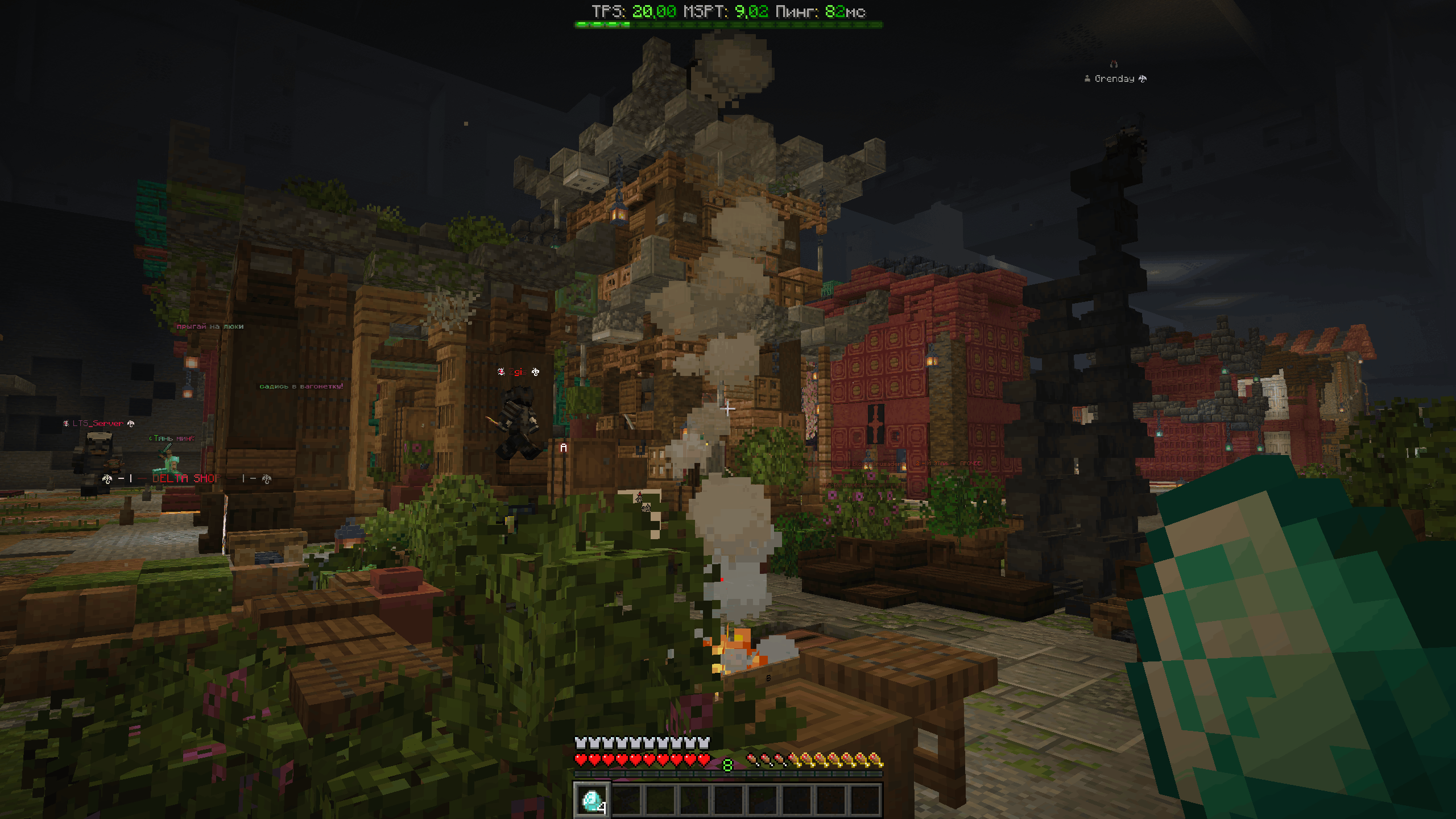
Vanilla F1 hides the HUD, but text left in the world stays and ruins the shot: names above renamed armor stands and text_display holograms. Clean-F1 hides those too.
- Works only while the HUD is hidden with F1. Let go of F1 and everything comes back.
- Bonus: the Replay Mod panel and the Flashback editor stay visible under F1, so you can capture a clean frame straight from the editor.
- Client-side only: nothing changes for the server or for other players, and nothing is written to your world.
Settings
Mod Menu → Clean-F1

💬 Questions, bugs or ideas? Join the Discord
Screenshots
Gallery
-
 gallery-1.png gallery-1.png
-
 gallery-2.png gallery-2.png
-
 Before
-
 After
Versions
Files
Relations
Project Relations
More like this
Similar Mods
Suggestions use data such as tags, dependencies, dependents, descriptions, titles, and more to rank how much they overlap with this mod.
On ModDex
Community snapshot
By the numbers
Statistics

Get it on
Available Platforms
On ModDex
Community snapshot
By the numbers