Community listing page, reviews here may not be monitored by the author.
JustMoveIt


No reviews yet
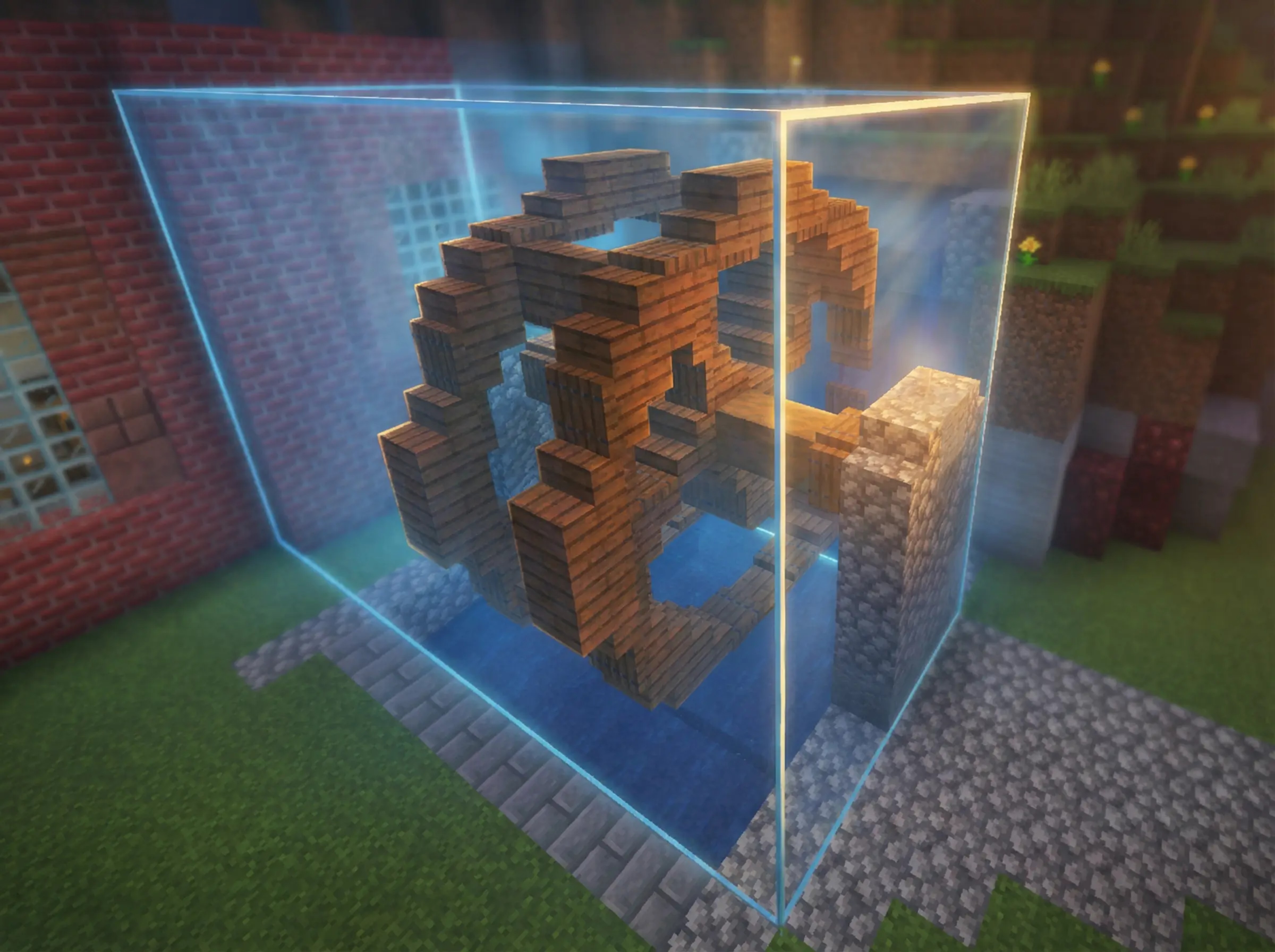
Cut structures from the world and move them with a live placement preview and precise positioning tools.
Community voices
Reviews
No reviews yet. Be the first to review this project!
Get it on
Available Platforms
Compatibility
Supported Environments
Must be installed on both the client and the server.
About
Project Details
For authors
Embed Badge
If you're the author of this project, you can embed a live badge anywhere that supports HTML or Markdown. It updates automatically whenever ratings change.
Use HTML for any page that supports it, or Markdown for README files and Markdown-based descriptions.
Identifiers
Platform IDs
Resources
External Links
About
Description

🧩 JustMoveIt
JustMoveIt is a powerful and intuitive building utility mod that allows you to copy, cut, move, and edit structures directly in the world.
It brings schematic-like functionality into normal gameplay, making large builds and precise edits fast and effortless.
Perfect for both Survival and Creative players
⚙️ Features
🔹 Two Operation Modes
Copy Mode
Cut Mode
🔹 Full Data Preservation
Complete NBT data support
🔹 Advanced Configuration
-
Detailed and user-friendly mod settings menu
-
Supports both resource-based usage and cheat mode
Controls
M — Activate the mod
Select two corners to define an area
Ctrl + Mouse Wheel — Edit selection size
Right Click — Cut selected area
C — Copy selected area
Place anywhere in the world
Edit placement before printing
Print the structure
G — Open detailed mod menu
Now works with Create: Pattern Schematics
🧩 JustMoveIt
JustMoveIt is a powerful and intuitive building utility mod that allows you to copy, cut, move, and edit structures directly in the world.
It brings schematic-like functionality into normal gameplay, making large builds and precise edits fast and effortless.
Perfect for both Survival and Creative players
⚙️ Features
🔹 Two Operation Modes
Copy Mode
Cut Mode
🔹 Full Data Preservation
Complete NBT data support
🔹 Advanced Configuration
-
Detailed and user-friendly mod settings menu
-
Supports both resource-based usage and cheat mode
Controls
M — Activate the mod
Select two corners to define an area
Ctrl + Mouse Wheel — Edit selection size
Right Click — Cut selected area
C — Copy selected area
Place anywhere in the world
Edit placement before printing
Print the structure
G — Open detailed mod menu
Now works with Create: Pattern Schematics
Screenshots
Gallery
Versions
Files
Relations
Project Relations
More like this
Similar Mods
Suggestions use data such as tags, dependencies, dependents, descriptions, titles, and more to rank how much they overlap with this mod.
On ModDex
Community snapshot
By the numbers
Statistics
Want to reach Minecraft players?
We're looking for a server hosting partner to feature here and other parts of the site. Interested? Send us a message!
Get in touchGet it on
Available Platforms
On ModDex
Community snapshot
By the numbers
Statistics
Resources