
Community listing page, reviews may not be monitored by the author.
Kaleido (Discontinued)

No reviews yet
Community-oriented decorations & building blocks mod. Datapack item & block maker

Community voices
Reviews
No reviews yet. Be the first to review this project!
Get it on
Available Platforms
About
Project Details
For authors
Embed Badge
If you're the author of this project, you can embed a live badge anywhere that supports HTML or Markdown. It updates automatically whenever ratings change.
Use HTML for any page that supports it, or Markdown for README files and Markdown-based descriptions.
Identifiers
Platform IDs
About
Description
Kaleido is a Forge mod that allows you to dynamically import customized blocks and items via data pack and resource pack.
For customizing blocks please check our wiki.
Environments
- Forge 1.16.5 latest
- Kiwi latest
Importing Blocks
- After first time launching game, a
kaleido-loaderfolder will be generated in your game folder. Put your datapack in it, it will load packs globally. - Put resource packs in
resourcepacksfolder and enable it in options. - Enter world
- Now you should be able to find your newly-added blocks in decorations creative inventory tab. Or use Kaleido's woodworking bench.
Note: Kaleido is not responsible for the problems caused by the version update. Please backup before updating.

Importing Cocricot Mod Blocks
- Download Java 1.12.2-Resourcepack & Mod from Cocricot official website
- Extract the mod from the zip file and put it into the resourcepacks folder. If you want to use the vanilla resource pack provided by Cocricot, it is recommended to use the 1.16.1 version.
- Download and install the Kaleido-Cocricot compatibility packs. Just like steps in Importing Blocks section.
- All done!

Importing Yuushya Townscape Blocks
- Download Yuushya Townscape and Yuushya 16x
- Put the mod file and resourcepack into the resourcepacks folder.
- Download and install Kaleido - Yuushya Townscape Data and Kaleido - Yuushya Townscape Resources. Just like steps in Importing Blocks section.
- All done!
Note: There are still some problems with Cocricot and Yuushya support. Welcome to send a PR to the conversion script to fix the problems.
Screenshots
Gallery
-
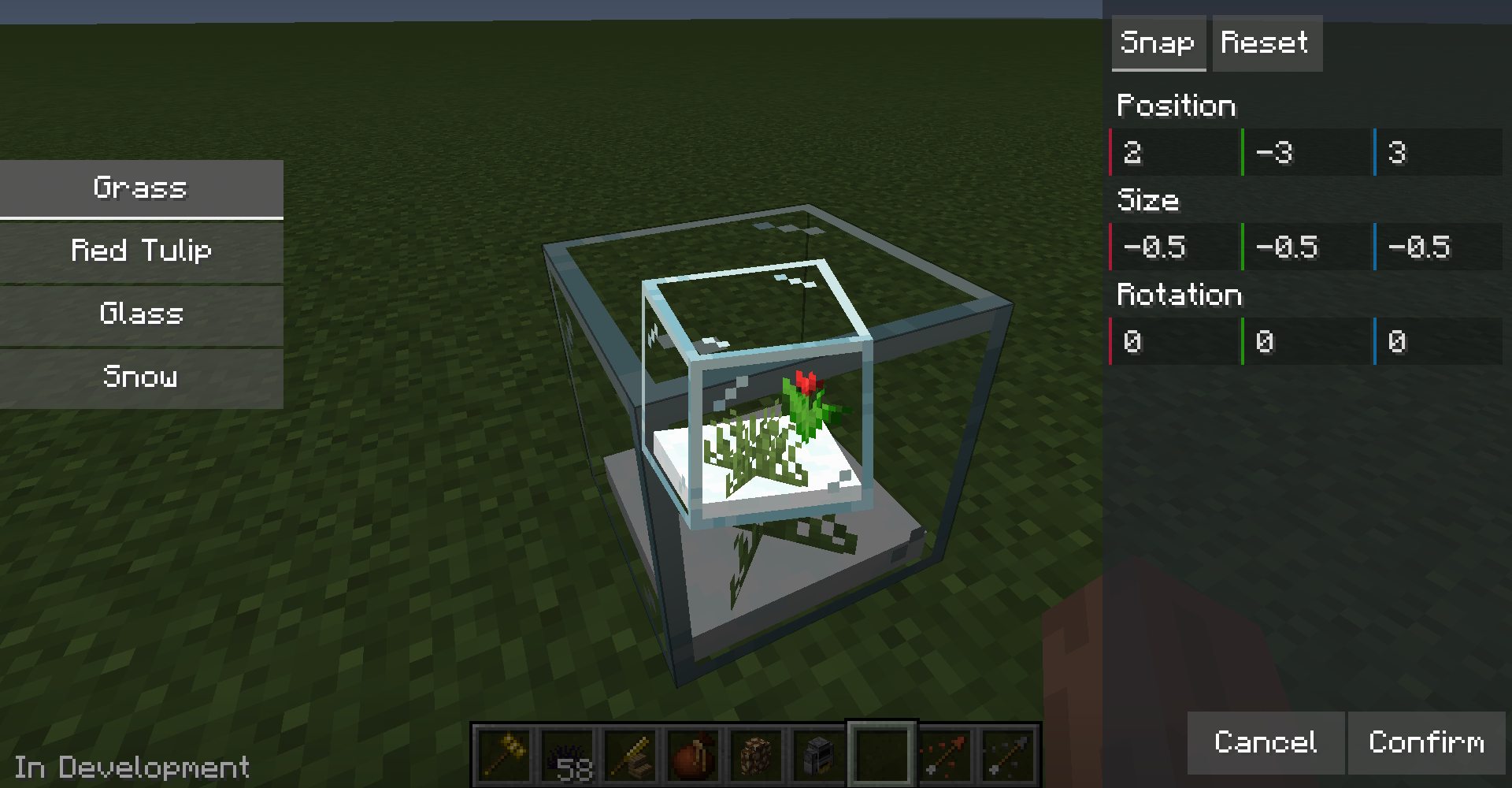
Edit Multipart
-
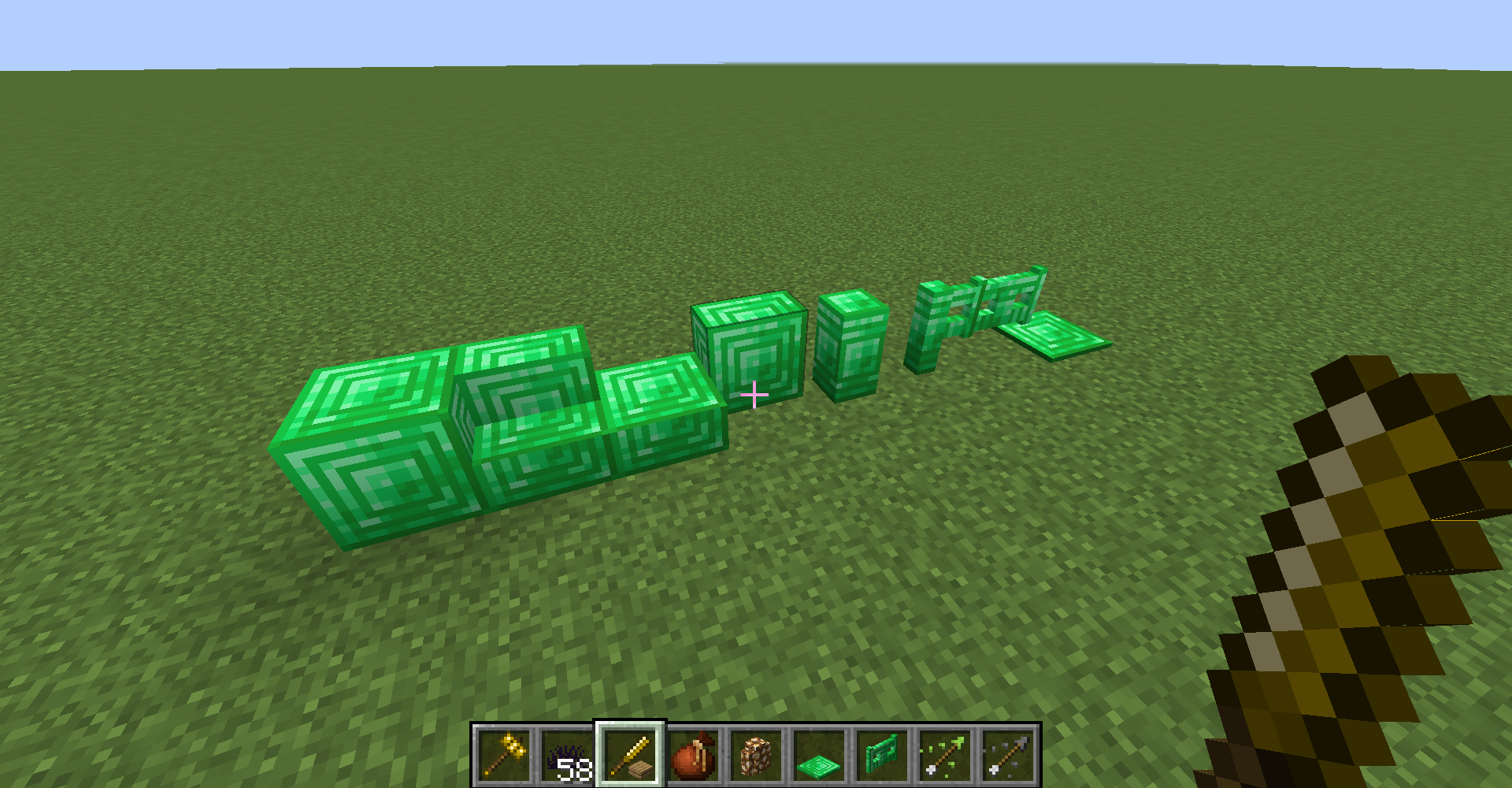
Chisel
-
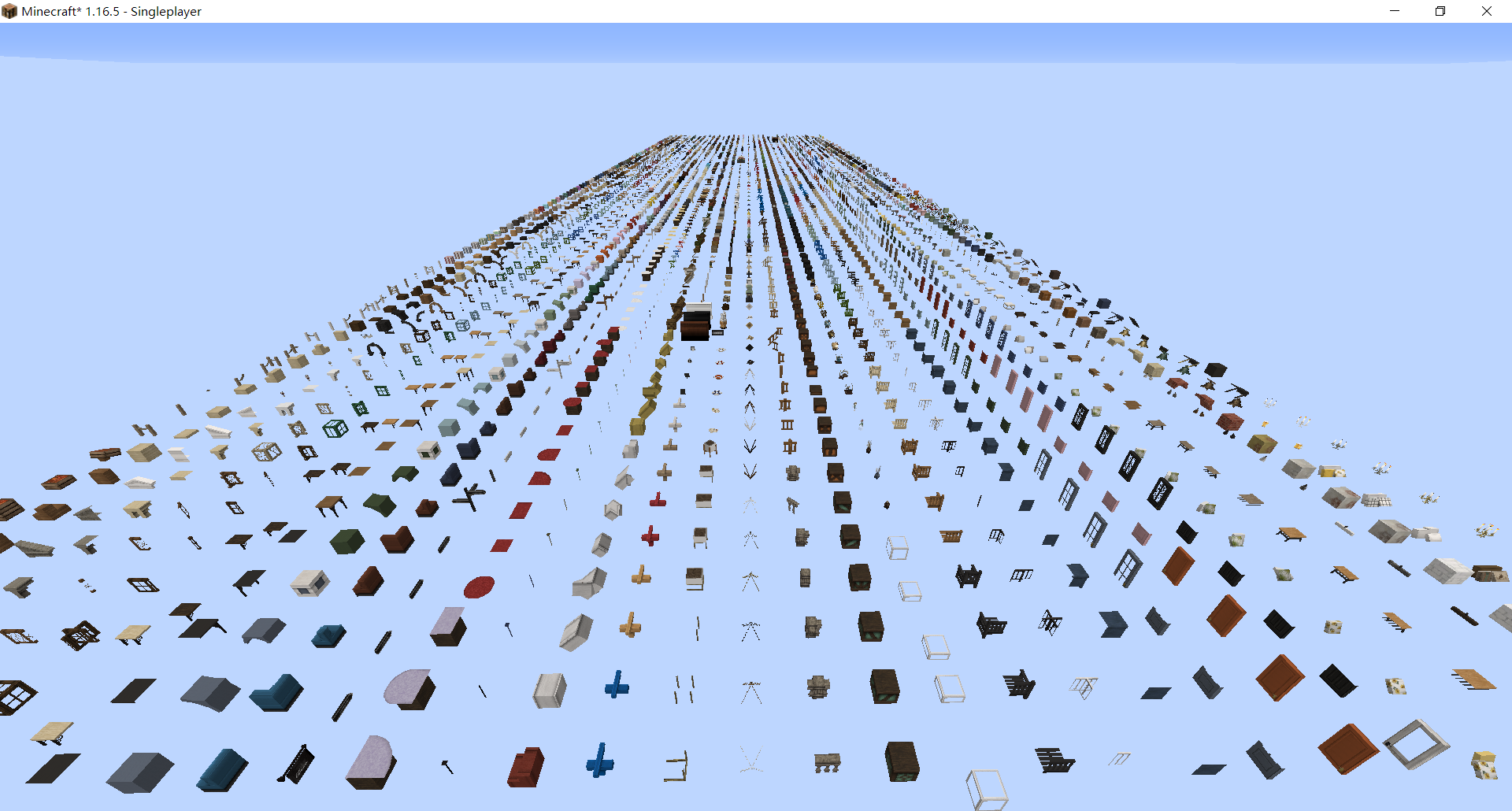
Cocricot Blocks
Versions
Files
Relations
Project Relations
More like this
Similar Mods
Suggestions use data such as tags, dependencies, dependents, descriptions, titles, and more to rank how much they overlap with this mod.
On ModDex
Community snapshot
By the numbers
Statistics

Get it on
Available Platforms
On ModDex
Community snapshot
By the numbers