Community listing page, reviews may not be monitored by the author.
Keyboard mouse overlay

No reviews yet
A keystrokes display for your screen — the same idea as the overlay streamers use, but built for everyday play

Community voices
Reviews
No reviews yet. Be the first to review this project!
Get it on
Available Platforms
About
Project Details
For authors
Embed Badge
If you're the author of this project, you can embed a live badge anywhere that supports HTML or Markdown. It updates automatically whenever ratings change.
Use HTML for any page that supports it, or Markdown for README files and Markdown-based descriptions.
Identifiers
Platform IDs
Resources
External Links
About
Description
# Keyboard Mouse Overlay
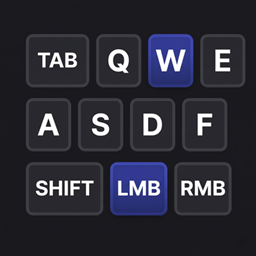
A keystrokes display for your screen — the same idea as the overlay streamers use, but built for everyday play.
It draws a compact keyboard and mouse in the corner of your HUD, and each key lights up the instant you press it. You can see at a glance whether your SHIFT is actually held, whether your W registered, or whether that click landed — useful for PvP, parkour, bridging, recording, or just checking your own habits.
**What's on screen**
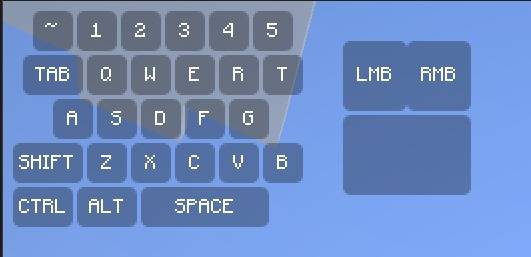
- Number row (`~ 1 2 3 4 5`), TAB, `Q W E R T`, `A S D F G`, SHIFT, `Z X C V B`, CTRL, ALT and a wide SPACE bar
- Left and right mouse buttons with a mouse body beside the keyboard
- Pressed keys change color and text color so input is unmistakable
- Labels can be hidden if you prefer a clean, minimal look
**Making it yours**
- Toggle it instantly with **O** (rebindable in Controls), with an on-screen ON/OFF confirmation
- `/keyboard-mouse-overlay scale 0.1–2.0` resizes it; `/kamo` works as a short alias
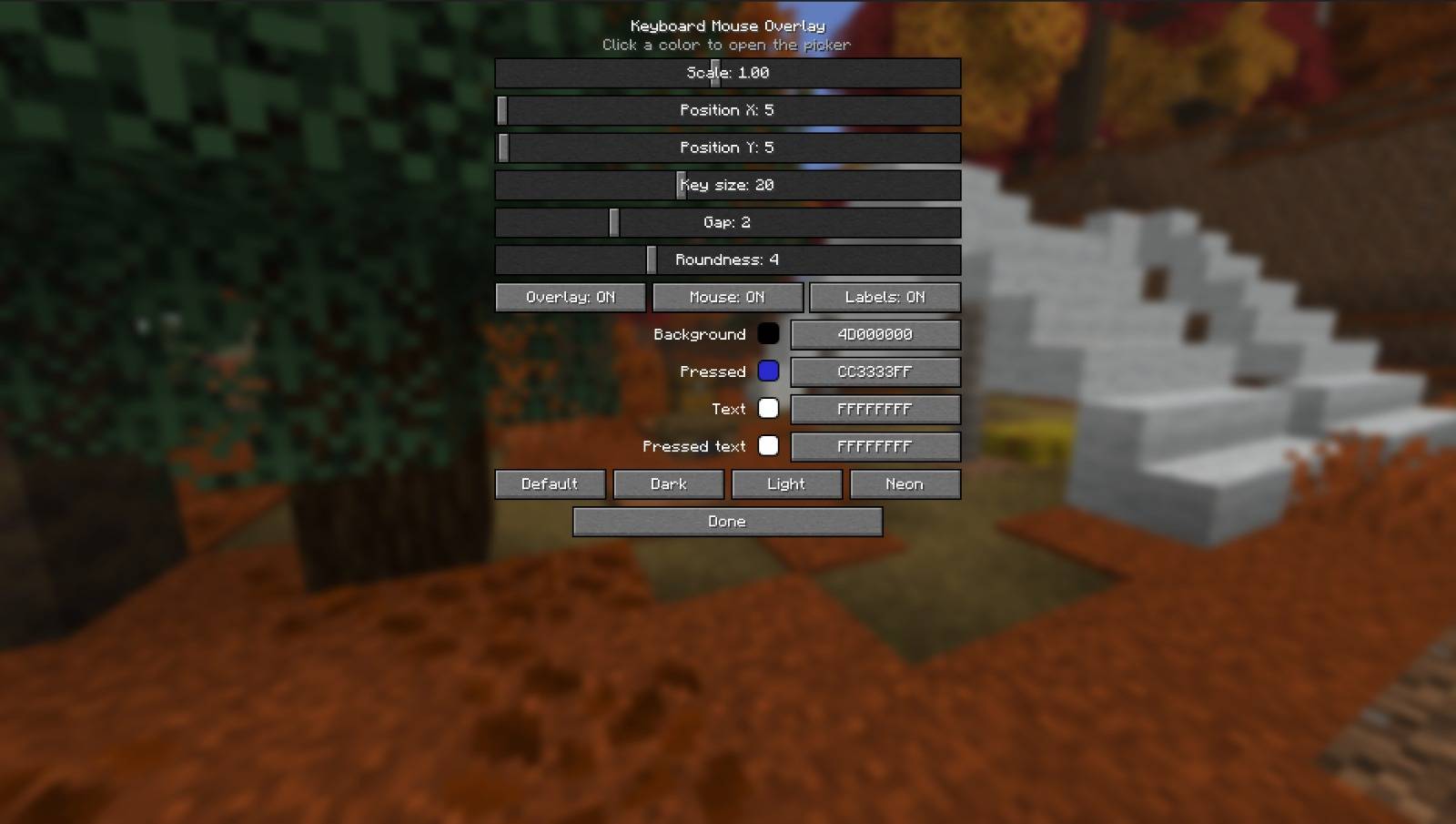
- A full config screen in Mod Menu: size, position, key size, spacing, and corner roundness — from sharp square keys all the way to fully rounded
- Pick any color by dragging on a live color wheel/square, with alpha for transparency
- One-click themes: Default, Dark, Light, Neon
- Everything saves automatically and comes back exactly as you left it
**Good to know**
- Client-side only — works on any server, including ones you don't own, and nobody else needs it installed
- Hides together with the rest of the HUD when you press F1
- Lightweight: it doesn't touch gameplay, rendering of the world, or networking
- Free and open source under the MIT license
Built by **mayank** / **AFKZ Studios** for Fabric, available for 1.21.11, 26.1, 26.1.1, 26.1.2, 26.2 and 26.3.
Screenshots
Gallery
-
 292614.jpg 292614.jpg
-
 292612.jpg 292612.jpg
Versions
Files
Relations
Project Relations
More like this
Similar Mods
Suggestions use data such as tags, dependencies, dependents, descriptions, titles, and more to rank how much they overlap with this mod.
On ModDex
Community snapshot
By the numbers
Statistics

Get it on
Available Platforms
On ModDex
Community snapshot
By the numbers
Statistics
Resources