
Community listing page, reviews here may not be monitored by the author.
Kimetsunoyaiba Tweaks


No reviews yet
A Forge mod that adds multiplayer synchronization for mods using the PlayerAnimator library, specifically made for the Kimetsunoyaiba mod Also adds other tweaks to the game, like sword swing particles.
Community voices
Reviews
No reviews yet. Be the first to review this project!
Get it on
Available Platforms
Compatibility
Supported Environments
Must be installed on both the client and the server.
About
Project Details
For authors
Embed Badge
If you're the author of this project, you can embed a live badge anywhere that supports HTML or Markdown. It updates automatically whenever ratings change.
Use HTML for any page that supports it, or Markdown for README files and Markdown-based descriptions.
Identifiers
Platform IDs
Resources
External Links
About
Description
Kimetsunoyaiba Tweaks (Forge)
A comprehensive Forge mod that enhances the Kimetsu no Yaiba mod with multiplayer features, visual effects, breathing style enhancements, a cusotm blood demon art builder, a new quest system, and some new locations too.
Please check my wiki for more information.
Join us on Discord
Frequently Asked Questions
How do I do the Tamayo mission?
- The quest system is still work in progress, the Tamayo mission hasn't been implemented yet
What do I do after Final Selection?
- Take your ore to a swordsmith and get your sword (see How do I get to swordsmith village?)
How do I get sun breathing?
- Wait for the mod to update, the new sun breathing is WIP
- Or go into the config and disable enhanced black sword, that will let you use Orca's black sword from the base mod
How do I get to swordsmith village?
- Go find a kakushi, hold a scarlet ore in your hand, then the kakushi will ask if you want to go to the swordsmith village. Click YES, and then equip the blindfold on your head slot
- To find a Kakushi, open the meditatio nmenu (by sitting on a cushion), and click hte Navigation tab, and then scroll down to "Swordsmith Village" on that list of locations in the bottom left, and click on Swordsmith Village to select it. Your crow will now point you towards the nearest Kakushi entity
Help I have the item stacking glitch
- There is a glitch where if you hold an item then suddenly new items of that same type will no longer be able to stack on that item
- "if i tried picking up 4 blocks of wood one would just go into another corner while the other 3 were in a stack"
- FIX: update to version 1.6.443 or higher
Where did the the custom swords go?
- The new swords (like ice and frost) are now in KnY Extra Additions
- curseforge.com/minecraft/mc-mods/kny-extra-additions
- https://modrinth.com/mod/kny-extra-additions
- https://github.com/YeeticusFinch/KnY-Extra-Additions/
My world creation is stuck at 100%
- UPDATE: Region files for Mt Fujikasane and Swordsmith Village are now in this mod:
- This means that Mt Fujikasane isn't importing properly
- Try upgrading to the latest version of Kimetsunoyaiba Tweaks
- Otherwise, you can fix it manually:
- Go to your .minecraft folder --> kimetsunoyaibamultiplayer --> mt_fujikasane_cache
- If this folder is empty, then you've got a problem
- https://github.com/YeeticusFinch/KimetsunoyaibaTweaks/tree/main/region
- ^^ Download all the region files from this GitHub link
- Place all those .mca files into minecraft/kimetsunoyaibamultiplayer/mt_fujikasane_cache/
- Reload the mod and try again
Where can I get help with this mod?
- I don't usually check comments on the mod page
- If you need support, please join on discord: https://discord.gg/W8K962vQFT
- Or send an email to [email protected]
The game crashes on mod loading
- Make sure you have forge 47.4.0
- Make sure you have the forge versions for 1.20.1 for all the following dependency mods
- Kimetsunoyaiba
- Mob Player Animator
- Player Animator
- GeckoLib
- KnY Worlds
- Make sure you don't have Optifine, it's completely incompatible
My spawns are messed up, there are no Hashira or Kizuki demons or named characters spawning?
- Go into the config for Kimetsunoyaiba Tweaks (aka Kimetsunoyaiba Multiplayer)
- Disable enhanced spawning
- Enhanced Spawning will prevent named characters, hashira, and kizuki demons from spawning - outside of raids and quests and special biomes/structures
How do I configure this mod?
- I recommend using a config mod, like Configured or Forge Config Menus
- Alternatively, you can go into your minecraft folder --> config --> Kimetsunoyaiba Multiplayer
- You can edit the .toml files directly
Missing textures
- Yes sorry I haven't finished making all the assets yet
Features
Quest System
This mod adds a new quest system for players in 4 different tracks: demon slayers, demons, kakushi, and swordsmiths.
See the Quests Wiki for up-to-date information on the quest system. The quests are still in early beta.
Meditation Menu
To access the meditation menu, right click a cushion to sit on it, and then click the meditate button.
The meditation menu gives you access to stats (your current rank, how many kills…), navigation (selecting your waypoint, you can set it to navigate to a quest or a location, good for finding structures), and skills (essential for demons).
Custom Blood Demon Art Builder
The Custom Blood Demon Art Builder is accessed in the Skills tab in the Meditation Menu (access it by sitting on a cushion).
You can select your eyes, and you can select a color and particles for your custom blood demon art. As you level up, you will unlock more slots for forms for your blood demon art.
Each form is a list of moves. First form can only have one move, second form can have up to two moves, third form can have up to three moves…
There are some basic moves that every demon player starts with (like punch and front flip). To unlock more moves, use Demon Alchemy to make Catalysts.
CustomNPC Support
This mod offers basic support for Custom NPCs to use nichirin swords and breathing forms.
Animation Synchronization
- Multiplayer Animation Support: Makes PlayerAnimator animations visible to all players in multiplayer
- Detects when a player starts/stops an animation
- Sends animation data (player, animation name, looping flag) to the server
- Server rebroadcasts animations to all nearby clients
- Uses MobPlayerAnimator to display animations on other players
- Works in both LAN and dedicated servers
Sword Display System
- Visual Sword Display: Nichirin swords are displayed on your character when not being held
- Automatically places swords in sheaths on your hip or back when stored in inventory
- Supports up to 2 swords displayed simultaneously (left and right positions)
- Swords disappear from display when equipped or removed from inventory
- Fully Configurable:
- Choose between hip or back placement
- Adjust position, rotation, and scale for each sword independently
- Separate configurations for left/right and hip/back positions
- Config location:
config/kimetsunoyaibamultiplayer/sword_display.toml
Sword Slash Effects
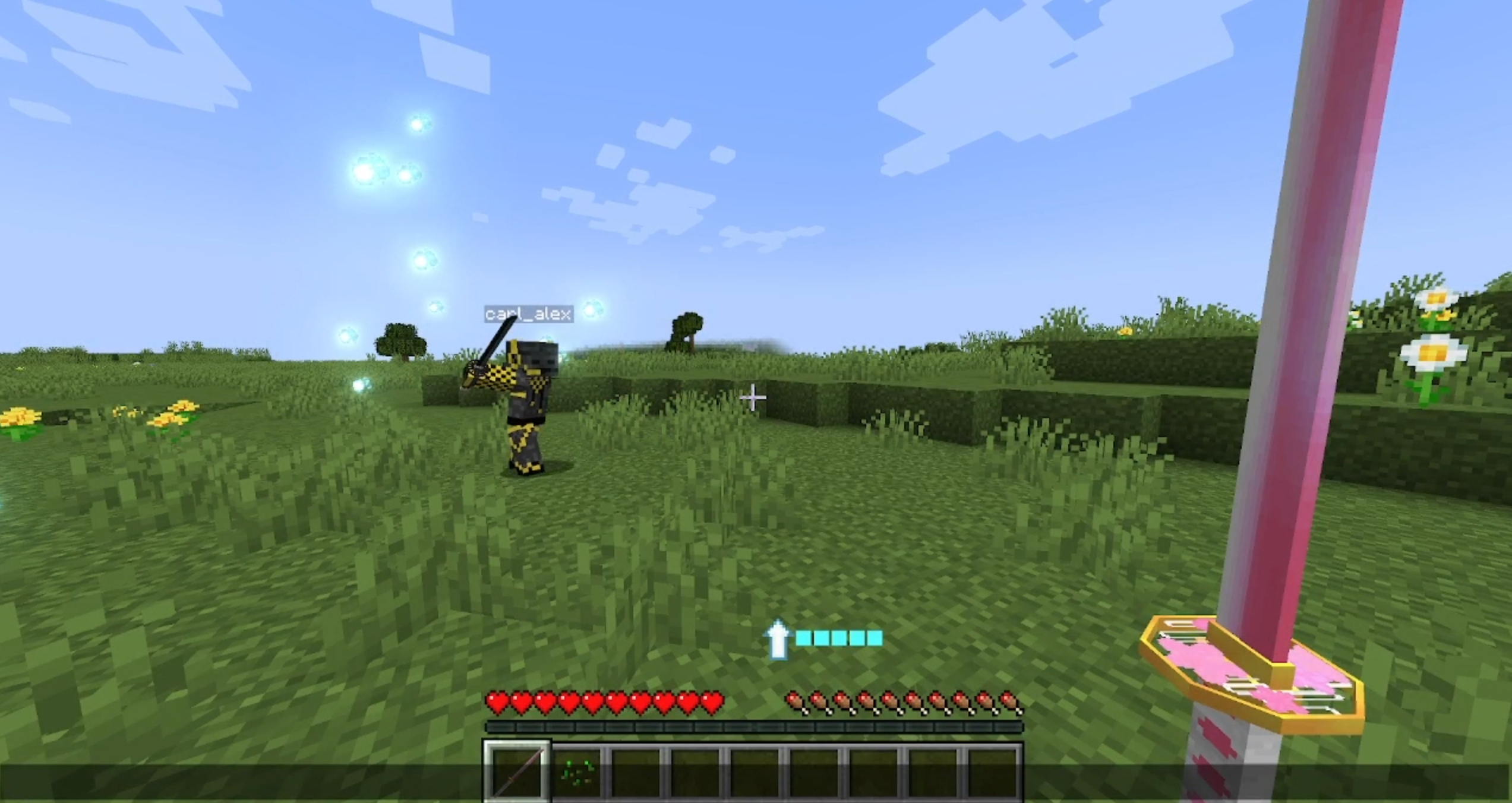
- Sword Slashes: Configurable visual effects when swinging nichirin swords
- Can be configured to display as sword slash entities or as particles
Quest Familiars
- Quest markers
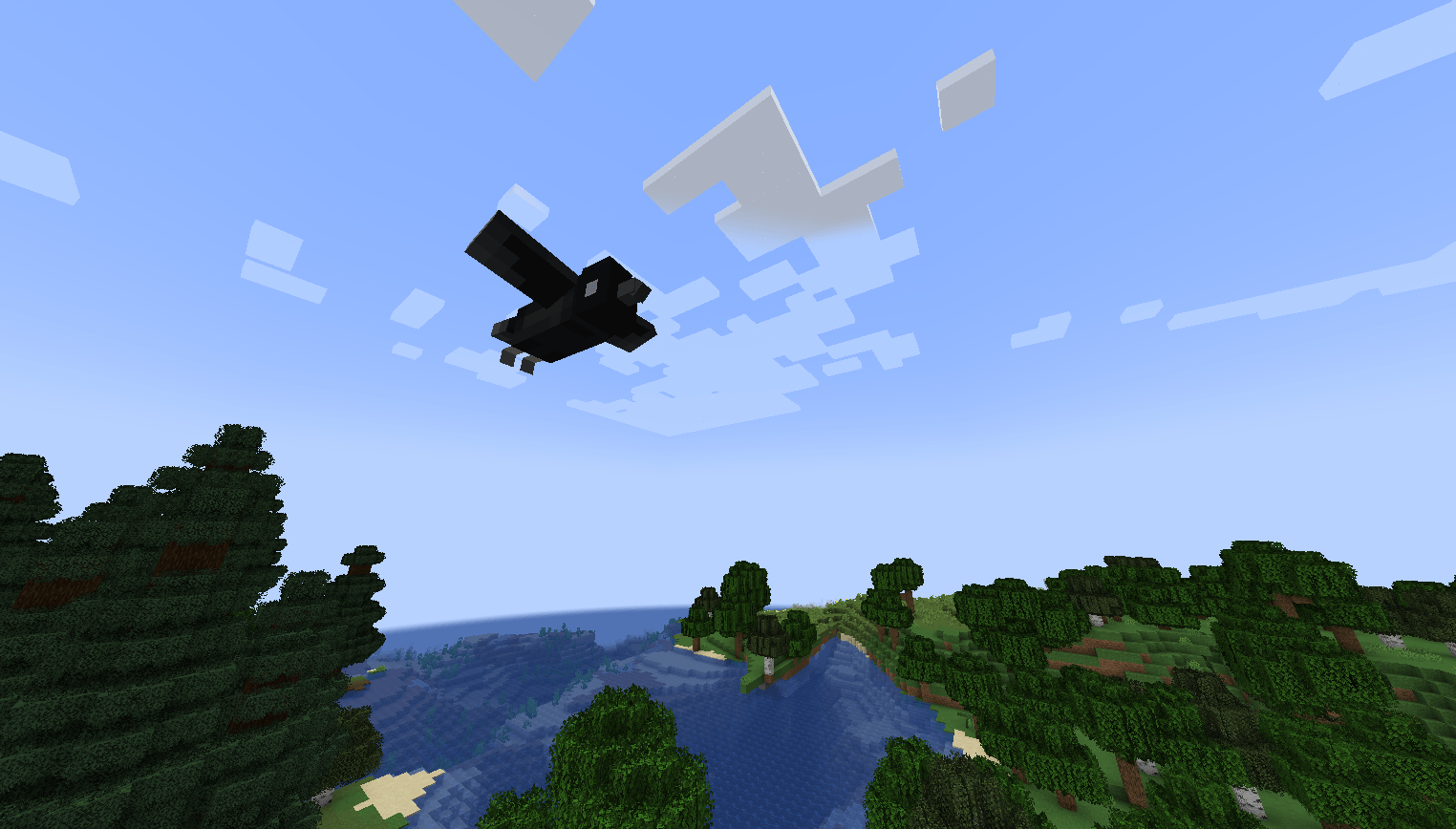
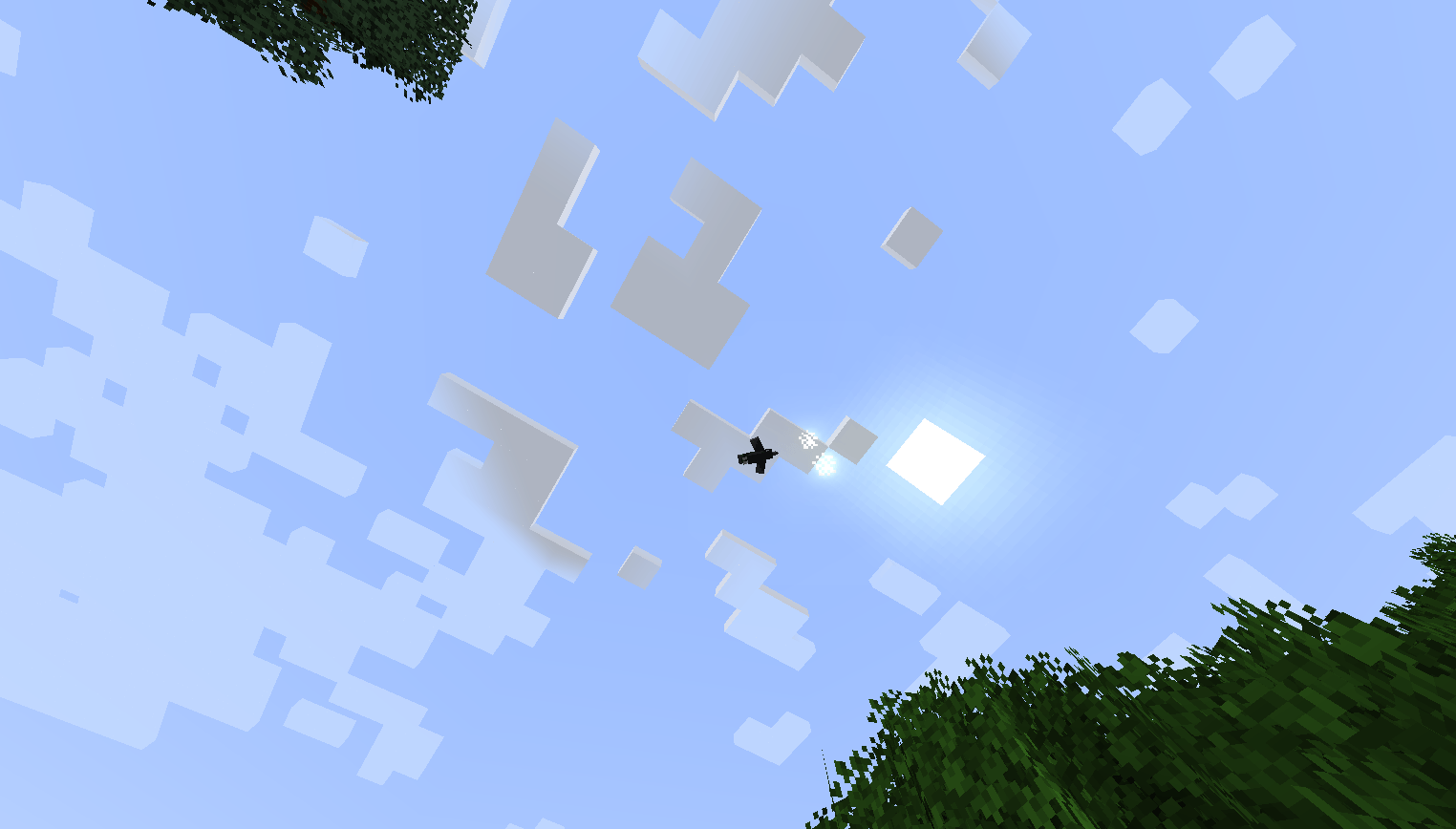
- Enhanced Kasugai crow
- Nakime Eye familiar (for demons)
- Orochi familiar (for demons)
Enhanced Breathing Styles
- Animated whip sword for love breathing
- Better dual wielding for beast breathing
- Revamped mist breathing
Demon Slayer Locations (requires KnY Worlds addon)
- Swordsmith Village
- Final Selection Mountain
- Improved Infinity Castle
Requirements
- Minecraft Forge
1.20.x(other versions may work but are untested). - PlayerAnimator mod (installed on both client and server).
- MobPlayerAnimator mod (installed on both client and server).
- Other mods that use PlayerAnimator (e.g. Kimetsu no Yaiba).
Installation
-
Download the latest release of:
PlayerAnimatorMobPlayerAnimatorKimetsunoyaibaMultiplayer (this mod)
-
Place both
.jarfiles in yourmods/folder (client and server). -
Launch Minecraft with Forge.
Commands
The mod includes several test and debug commands:
/testanim- (Server) Plays test animation on all connected players/testanimc- (Client) Tests client-side animation and syncing/testparticles- Tests sword particle effects/debugparticles- Displays particle configuration debug info/testanim <animation>- Plays a specific animation/testcrowquest- Tests crow quest marker system/debugcrow- Shows debug information for nearby crows/testcrowrender- Spawns marker entities at crow positions to debug visibility
All commands require operator permission level 2.
Credits
yuichiro354 - ideas, community management, talent acquisition, and some textures
JustinTomioka - making sure everything is balanced, PVP testing, runs a server with this mod, quality assurance, asset creation, models and textures, ideas, structure building
Gop6939 - ideas, community management, models and textures, Portuguese (PT) translator
ghumio - models and textures
GalaxyProductions - ideas, lots of models and textures (armor, weapons, and entities)
Plasmatier - ideas, concept artist, textures, "makes the pixels pretty"
Headset Hero - wisteria biome and textures (blocks and potions)
stxrwvbs - ideas, concept artist, asset creation
BoutiqueDivine - concept artist, models and textures
Luchar Olimur - Portuguese (BR) translator
asphodelian architect - Builder
Kimetsunoyaiba Tweaks (Forge)
A comprehensive Forge mod that enhances the Kimetsu no Yaiba mod with multiplayer features, visual effects, breathing style enhancements, a custom blood demon art builder, a new quest system, and some new locations too.
Please check my wiki for more information.
Join us on Discord
Frequently Asked Questions
Demon Alchemy help?
- Please see Demon Alchemy Wiki
How do I do the Tamayo mission?
- The quest system is still work in progress, the Tamayo mission hasn't been implemented yet
What do I do after Final Selection?
- Take your ore to a swordsmith and get your sword (see How do I get to swordsmith village?)
How do I get sun breathing?
- Wait for the mod to update, the new sun breathing is WIP
- Or go into the config and disable enhanced black sword, that will let you use Orca's black sword from the base mod
How do I get to swordsmith village?
- Go find a kakushi, hold a scarlet ore in your hand, then the kakushi will ask if you want to go to the swordsmith village. Click YES, and then equip the blindfold on your head slot
- To find a Kakushi, open the meditatio nmenu (by sitting on a cushion), and click hte Navigation tab, and then scroll down to "Swordsmith Village" on that list of locations in the bottom left, and click on Swordsmith Village to select it. Your crow will now point you towards the nearest Kakushi entity
Help I have the item stacking glitch
- There is a glitch where if you hold an item then suddenly new items of that same type will no longer be able to stack on that item
- "if i tried picking up 4 blocks of wood one would just go into another corner while the other 3 were in a stack"
- FIX: update to version 1.6.443 or higher
Where did the the custom swords go?
- The new swords (like ice and frost) are now in KnY Extra Additions
- curseforge.com/minecraft/mc-mods/kny-extra-additions
- https://modrinth.com/mod/kny-extra-additions
- https://github.com/YeeticusFinch/KnY-Extra-Additions/
My world creation is stuck at 100%
- UPDATE: Region files for Mt Fujikasane and Swordsmith Village are now in this mod:
- This means that Mt Fujikasane isn't importing properly
- Try upgrading to the latest version of Kimetsunoyaiba Tweaks
- Otherwise, you can fix it manually:
- Go to your .minecraft folder --> kimetsunoyaibamultiplayer --> mt_fujikasane_cache
- If this folder is empty, then you've got a problem
- https://github.com/YeeticusFinch/KimetsunoyaibaTweaks/tree/main/region
- ^^ Download all the region files from this GitHub link
- Place all those .mca files into minecraft/kimetsunoyaibamultiplayer/mt_fujikasane_cache/
- Reload the mod and try again
Where can I get help with this mod?
- I don't usually check comments on the mod page
- If you need support, please join on discord: https://discord.gg/W8K962vQFT
- Or send an email to [email protected]
The game crashes on mod loading
- Make sure you have forge 47.4.0
- Make sure you have the forge versions for 1.20.1 for all the following dependency mods
- Kimetsunoyaiba
- Mob Player Animator
- Player Animator
- GeckoLib
- KnY Worlds
- Make sure you don't have Optifine, it's completely incompatible
My spawns are messed up, there are no Hashira or Kizuki demons or named characters spawning?
- Go into the config for Kimetsunoyaiba Tweaks (aka Kimetsunoyaiba Multiplayer)
- Disable enhanced spawning
- Enhanced Spawning will prevent named characters, hashira, and kizuki demons from spawning - outside of raids and quests and special biomes/structures
How do I configure this mod?
- I recommend using a config mod, like Configured or Forge Config Menus
- Alternatively, you can go into your minecraft folder --> config --> Kimetsunoyaiba Multiplayer
- You can edit the .toml files directly
Missing textures
- Yes sorry I haven't finished making all the assets yet
Features
Quest System
This mod adds a new quest system for players in 4 different tracks: demon slayers, demons, kakushi, and swordsmiths.
See the Quests Wiki for up-to-date information on the quest system. The quests are still in early beta.
Meditation Menu
To access the meditation menu, right click a cushion to sit on it, and then click the meditate button.
The meditation menu gives you access to stats (your current rank, how many kills...), navigation (selecting your waypoint, you can set it to navigate to a quest or a location, good for finding structures), and skills (essential for demons).
Custom Blood Demon Art Builder
The Custom Blood Demon Art Builder is accessed in the Skills tab in the Meditation Menu (access it by sitting on a cushion).
You can select your eyes, and you can select a color and particles for your custom blood demon art. As you level up, you will unlock more slots for forms for your blood demon art.
Each form is a list of moves. First form can only have one move, second form can have up to two moves, third form can have up to three moves...
There are some basic moves that every demon player starts with (like punch and front flip). To unlock more moves, use Demon Alchemy to make Catalysts.
CustomNPC Support
This mod offers basic support for Custom NPCs to use nichirin swords and breathing forms.
Animation Synchronization
- Multiplayer Animation Support: Makes PlayerAnimator animations visible to all players in multiplayer
- Detects when a player starts/stops an animation
- Sends animation data (player, animation name, looping flag) to the server
- Server rebroadcasts animations to all nearby clients
- Uses MobPlayerAnimator to display animations on other players
- Works in both LAN and dedicated servers
Sword Display System
- Visual Sword Display: Nichirin swords are displayed on your character when not being held
- Automatically places swords in sheaths on your hip or back when stored in inventory
- Supports up to 2 swords displayed simultaneously (left and right positions)
- Swords disappear from display when equipped or removed from inventory
- Fully Configurable:
- Choose between hip or back placement
- Adjust position, rotation, and scale for each sword independently
- Separate configurations for left/right and hip/back positions
- Config location:
config/kimetsunoyaibamultiplayer/sword_display.toml
Sword Slash Effects
- Sword Slashes: Configurable visual effects when swinging nichirin swords
- Can be configured to display as sword slash entities or as particles
Quest Familiars
- Quest markers
- Enhanced Kasugai crow
- Nakime Eye familiar (for demons)
- Orochi familiar (for demons)
Enhanced Breathing Styles
- Animated whip sword for love breathing
- Better dual wielding for beast breathing
- Revamped mist breathing
Demon Slayer Locations (requires KnY Worlds addon)
- Swordsmith Village
- Final Selection Mountain
- Improved Infinity Castle
Requirements
- Minecraft Forge
1.20.x(other versions may work but are untested). - PlayerAnimator mod (installed on both client and server).
- MobPlayerAnimator mod (installed on both client and server).
- Other mods that use PlayerAnimator (e.g. Kimetsu no Yaiba).
Installation
-
Download the latest release of:
PlayerAnimatorMobPlayerAnimatorKimetsunoyaibaMultiplayer (this mod)
-
Place both
.jarfiles in yourmods/folder (client and server). -
Launch Minecraft with Forge.
Commands
The mod includes several test and debug commands:
/testanim- (Server) Plays test animation on all connected players/testanimc- (Client) Tests client-side animation and syncing/testparticles- Tests sword particle effects/debugparticles- Displays particle configuration debug info/testanim <animation>- Plays a specific animation/testcrowquest- Tests crow quest marker system/debugcrow- Shows debug information for nearby crows/testcrowrender- Spawns marker entities at crow positions to debug visibility
All commands require operator permission level 2.
Credits
yuichiro354 - ideas, community management, talent acquisition, and some textures
JustinTomioka - making sure everything is balanced, PVP testing, runs a server with this mod, quality assurance, asset creation, models and textures, ideas, structure building
Gop6939 - ideas, community management, models and textures, Portuguese (PT) translator
ghumio - models and textures
GalaxyProductions - ideas, lots of models and textures (armor, weapons, and entities)
Plasmatier - ideas, concept artist, textures, "makes the pixels pretty"
Headset Hero - wisteria biome and textures (blocks and potions)
stxrwvbs - ideas, concept artist, asset creation
BoutiqueDivine - concept artist, models and textures
Luchar Olimur - Portuguese (BR) translator
asphodelian architect - Builder
Screenshots
Gallery
-
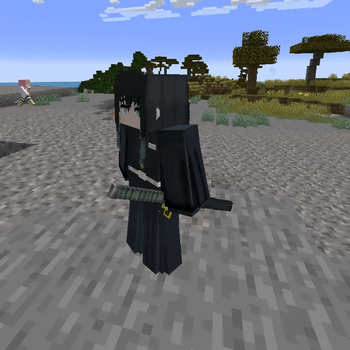 Sword Sheathes for Entities Muichiro with a sword sheath
 -
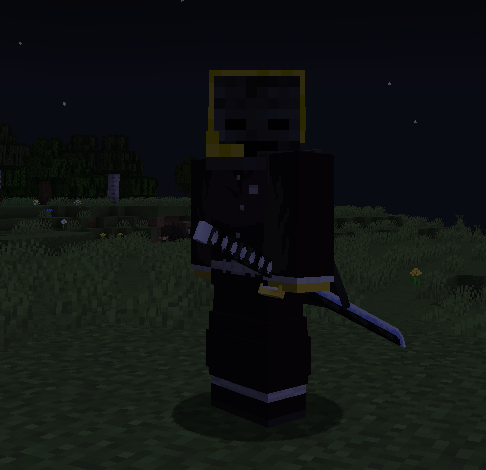 Sword sheathes Sword sheath on hip
 -
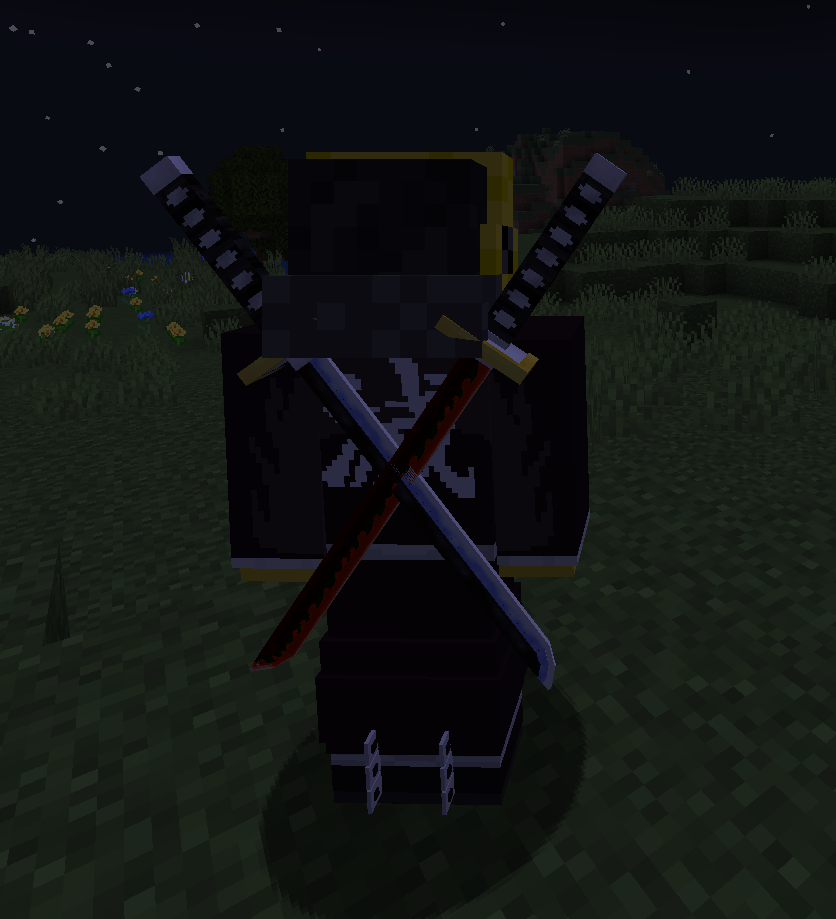 Sword sheathes Two swords sheathed on the back
 -
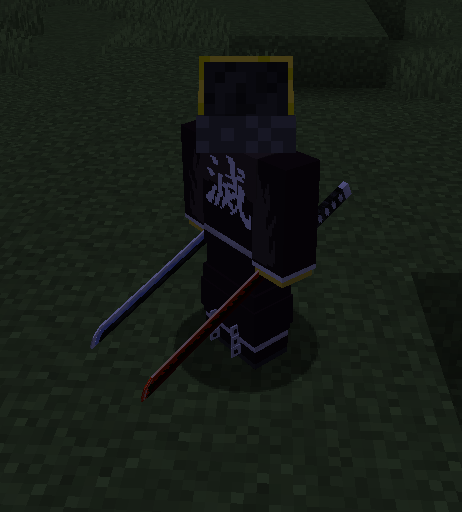 Sword sheathes Two swords sheathed on the hips
 -
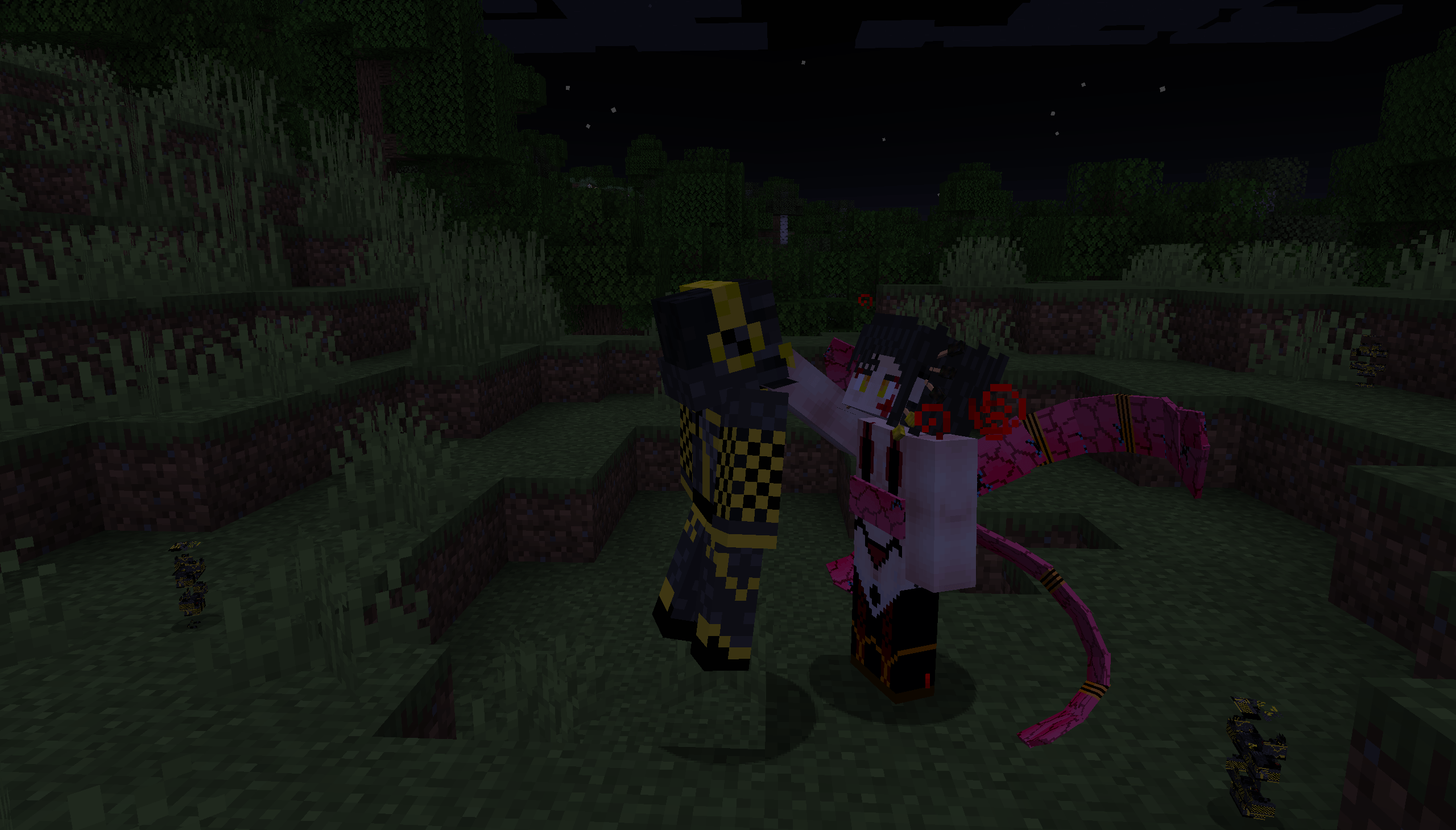 Demon Proposition Daki offering demonhood to a player
 -
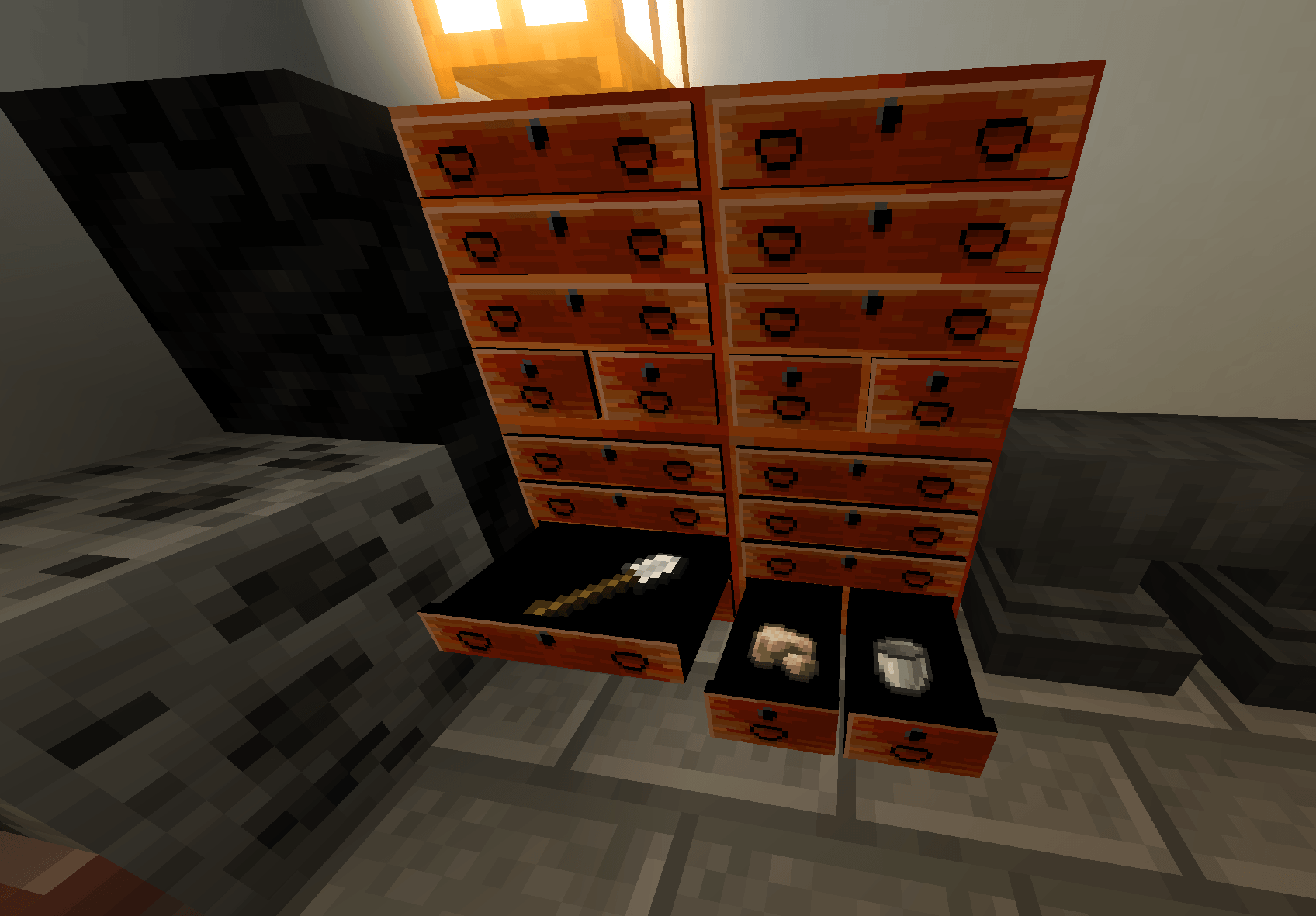 Drawer functionality Drawers actually work now and can be opened and closed and used to store items
 -
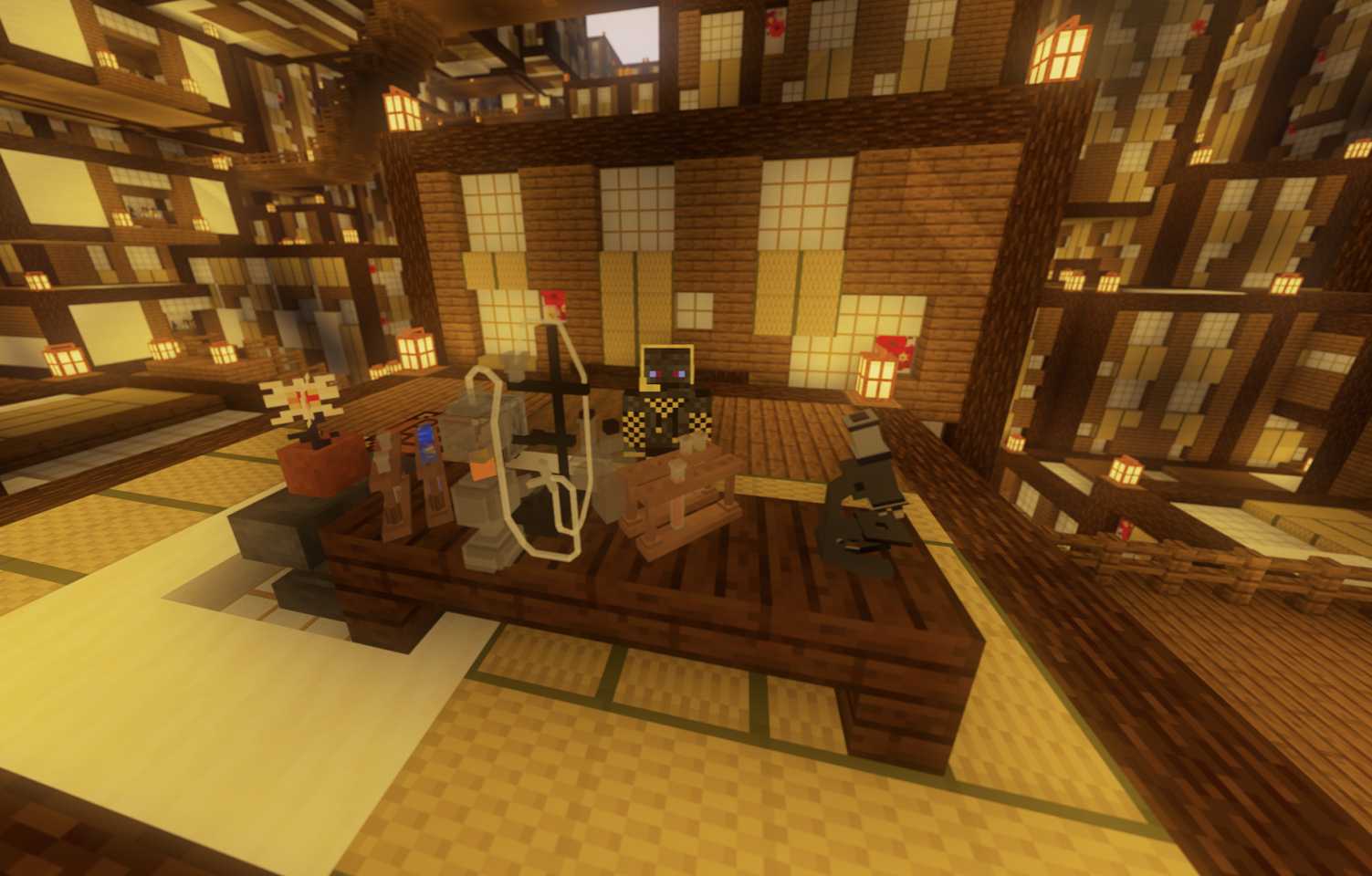
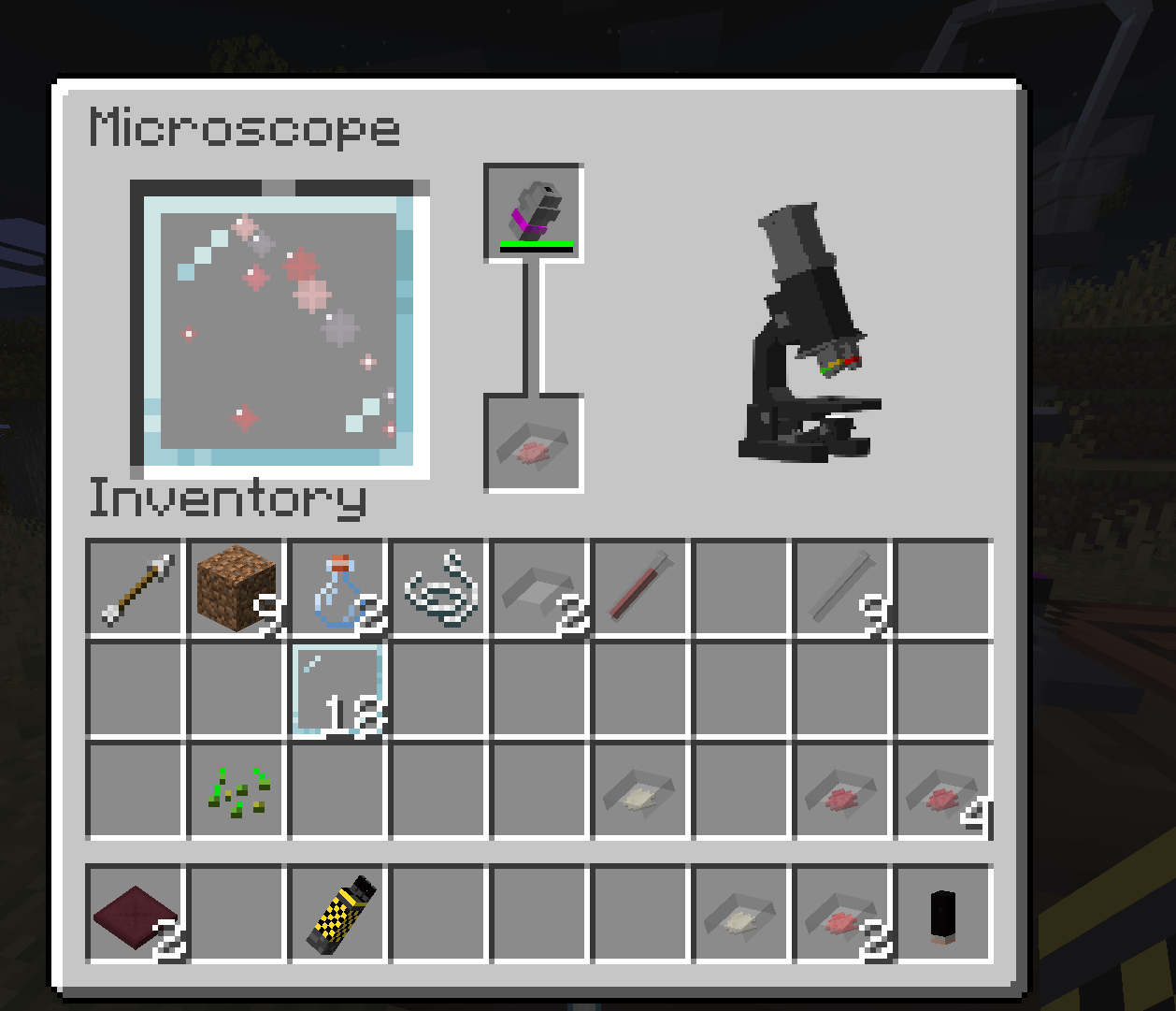 Microscope GUI The microscope is now given a use in identifying petri dish cultures for demon alchemy
 -
 Wisteria Forest New wisteria forest biomes
 -
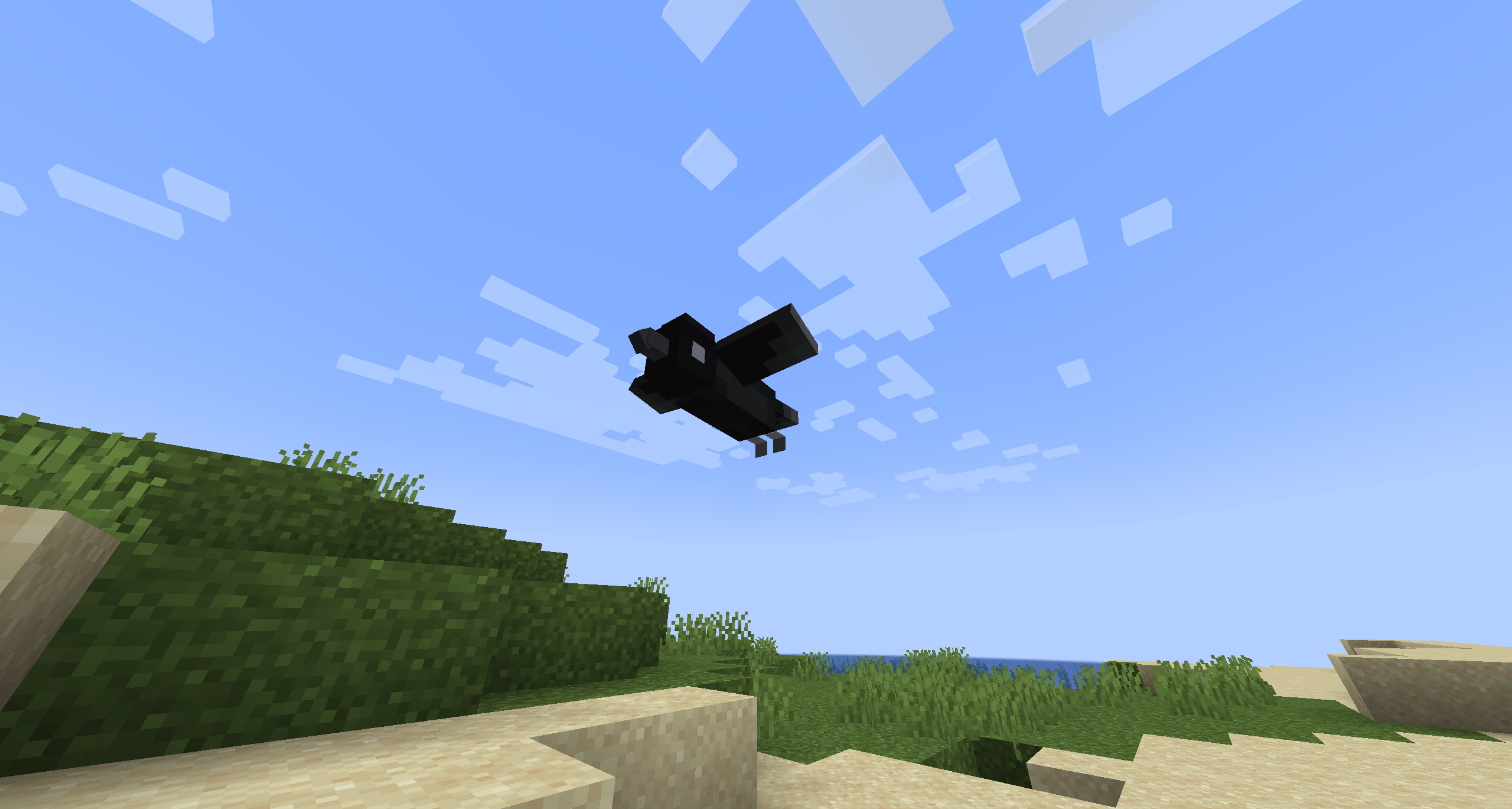 Kasugai Crow Behaviors Crows can fly
 -
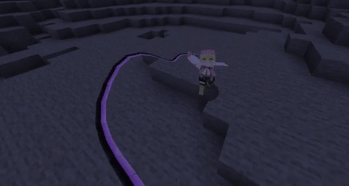 Kanroji Sword Animations Kanroji Sword now has whip-like animations
 -
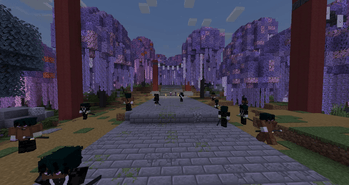 Final Selection Final Selection on Mt. Fujikasane
 -
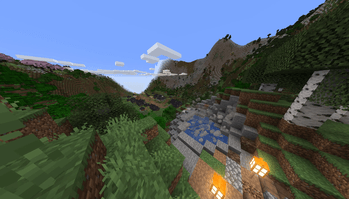 Swordsmith village Swordsmith village dimension
 -
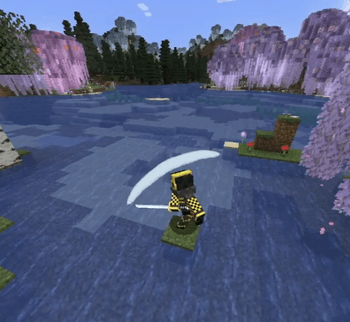 Sword slash visuals Custom sword slash visuals for each sword
 -
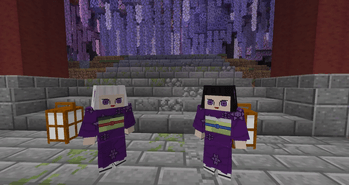 Kanata and Kiriya Ubuyashiki's kids at Final Selection
 -
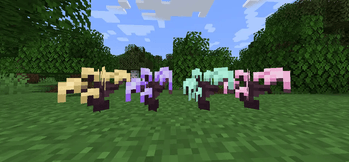 Wisteria saplings Wisteria tree saplings
 -
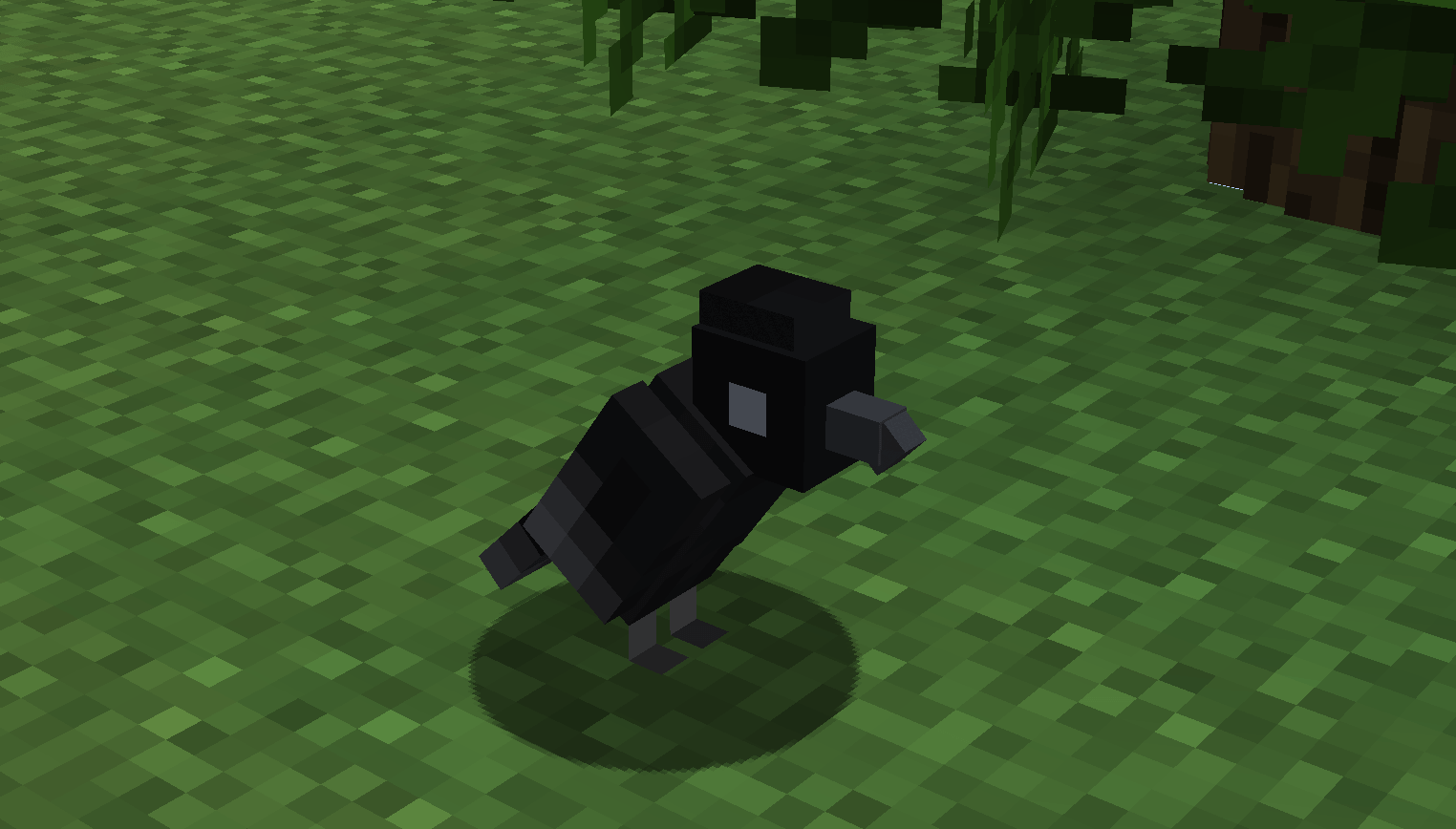 2025-10-01_10.05.52.png 2025-10-01_10.05.52.png
 -
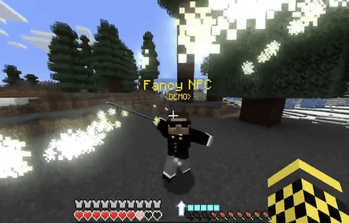 Custom NPC Compatibility Custom NPCs can use breathing styles
 -
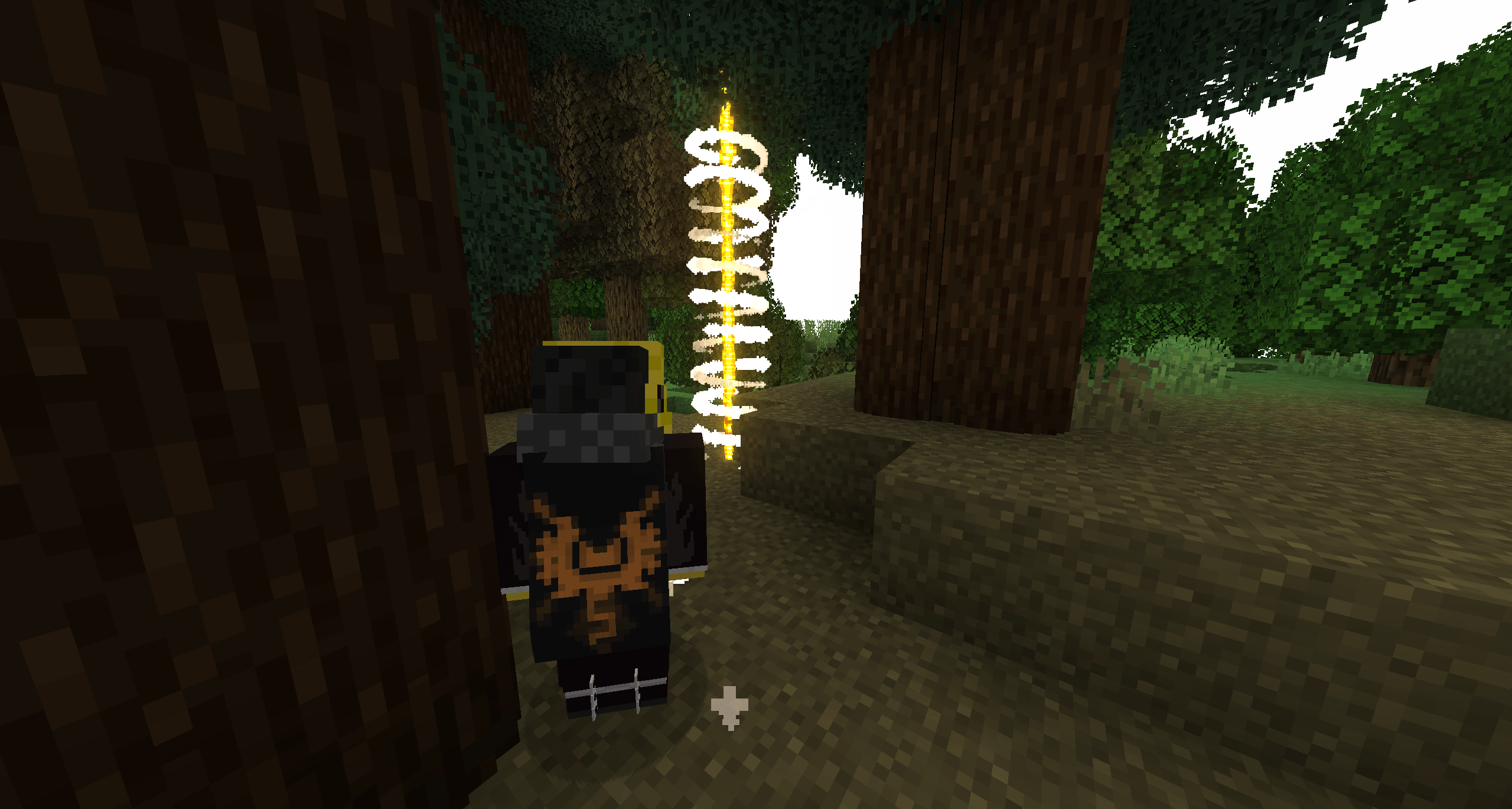 Quest waypoints Visual waypoints to guide you on your quests
 -
 2025-10-01_10.03.17.png 2025-10-01_10.03.17.png
 -
 2025-10-01_10.03.11.png 2025-10-01_10.03.11.png
-
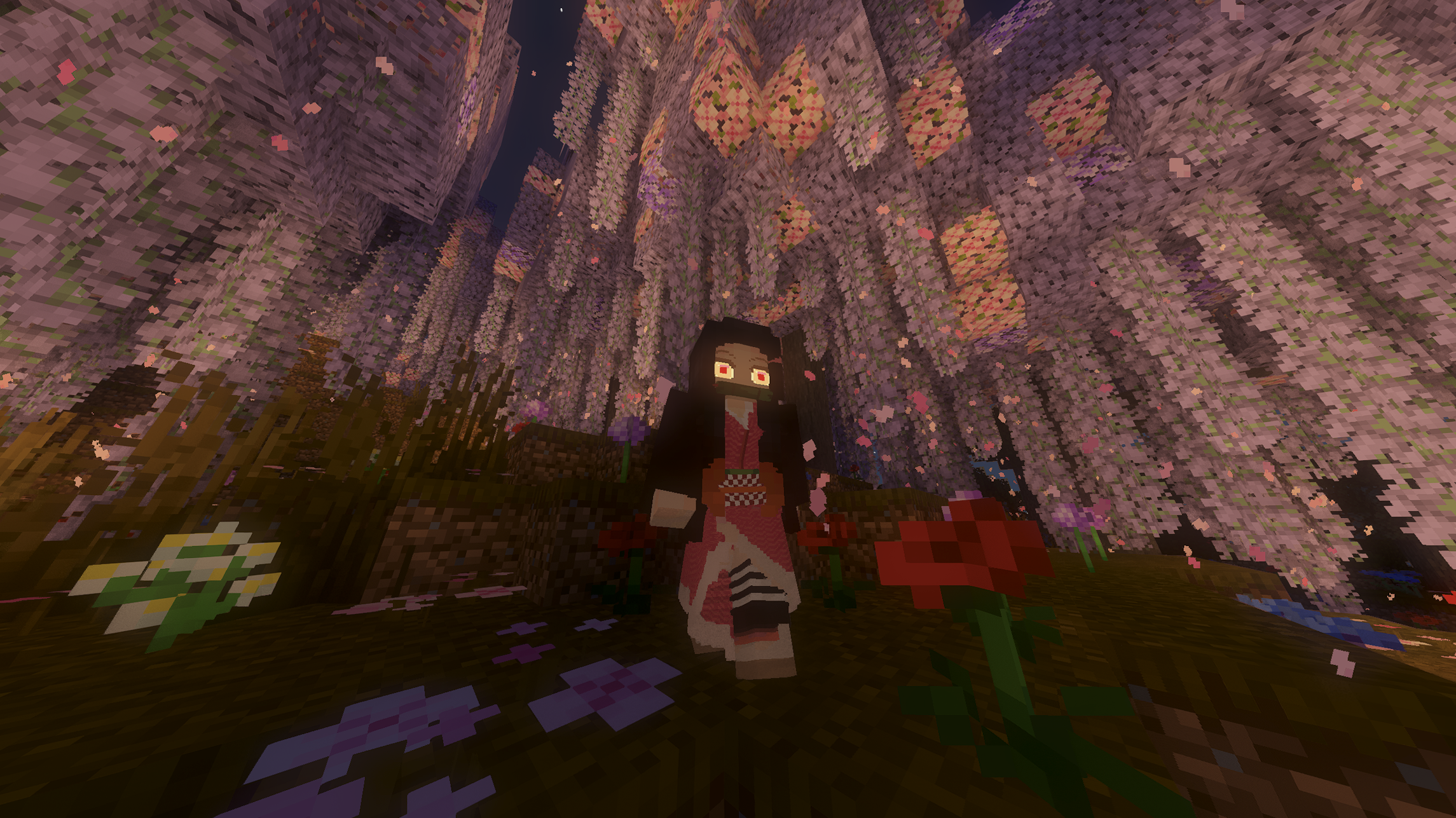 Nezuko
 -
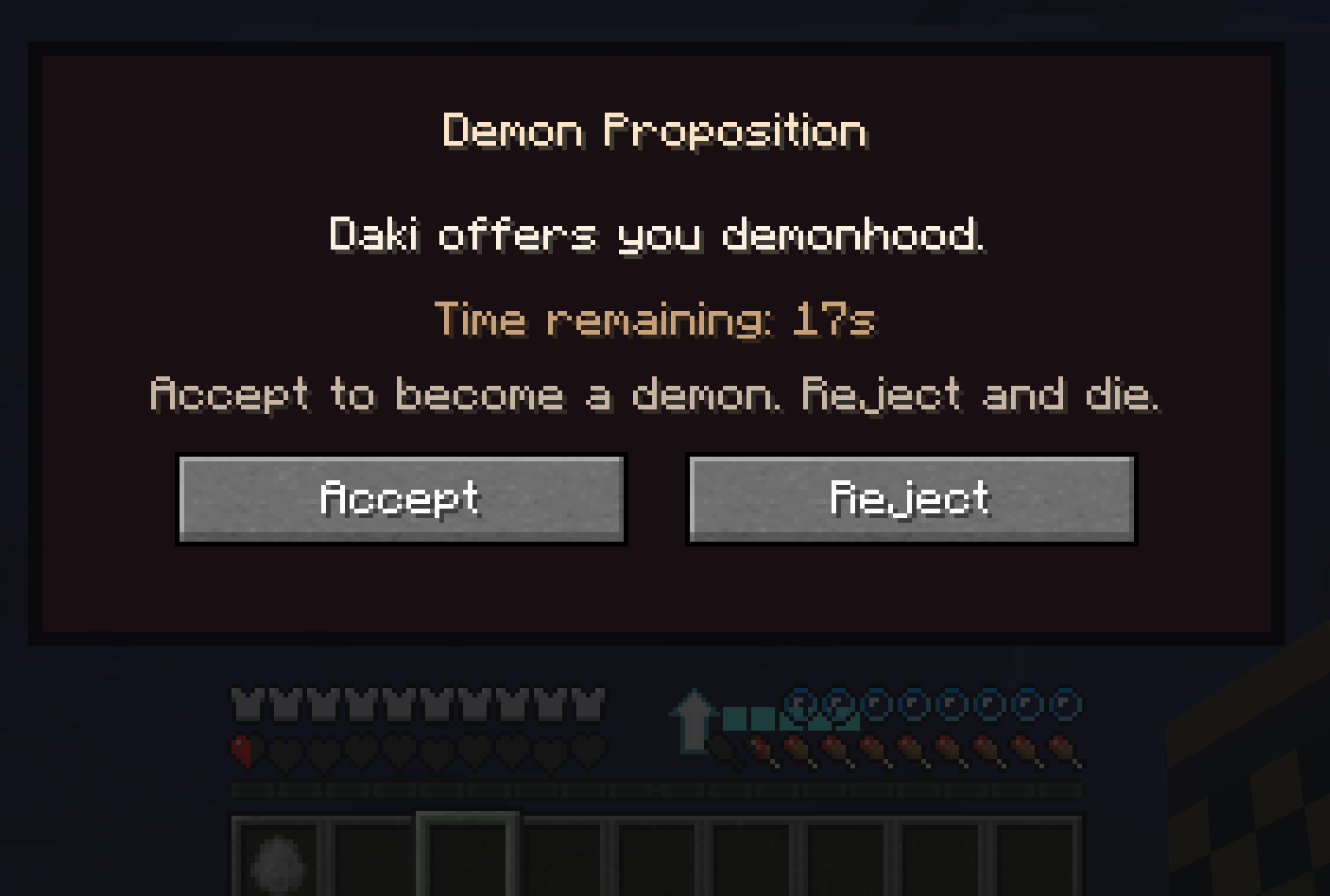 Demon Proposition Kizuki demons can give you a chance at becoming a demon
 -
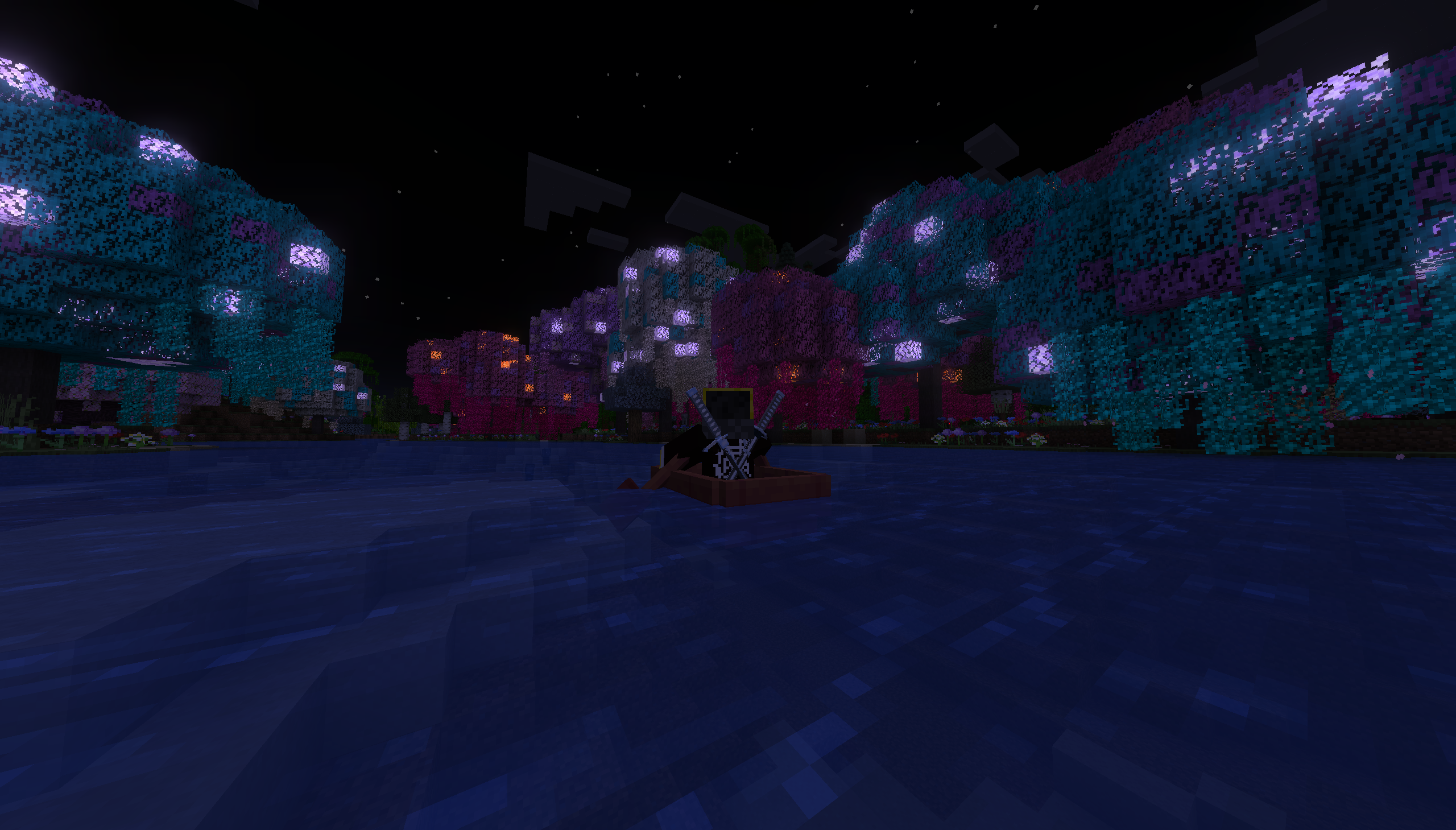 Wisteria forest river at night
 -
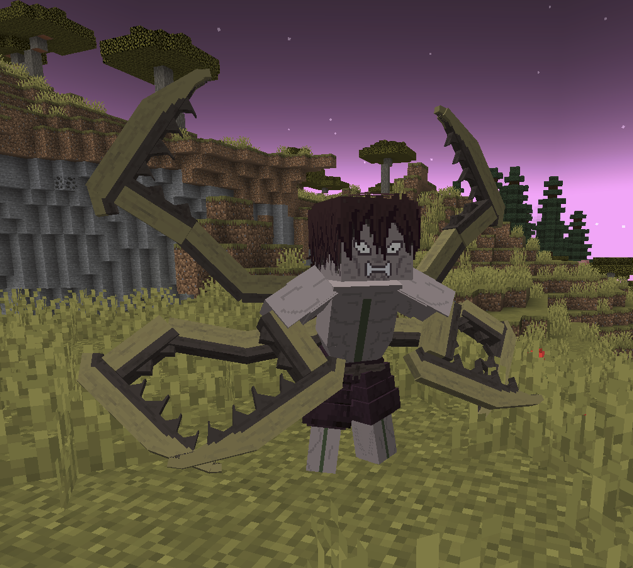 Mantis Demon
 -
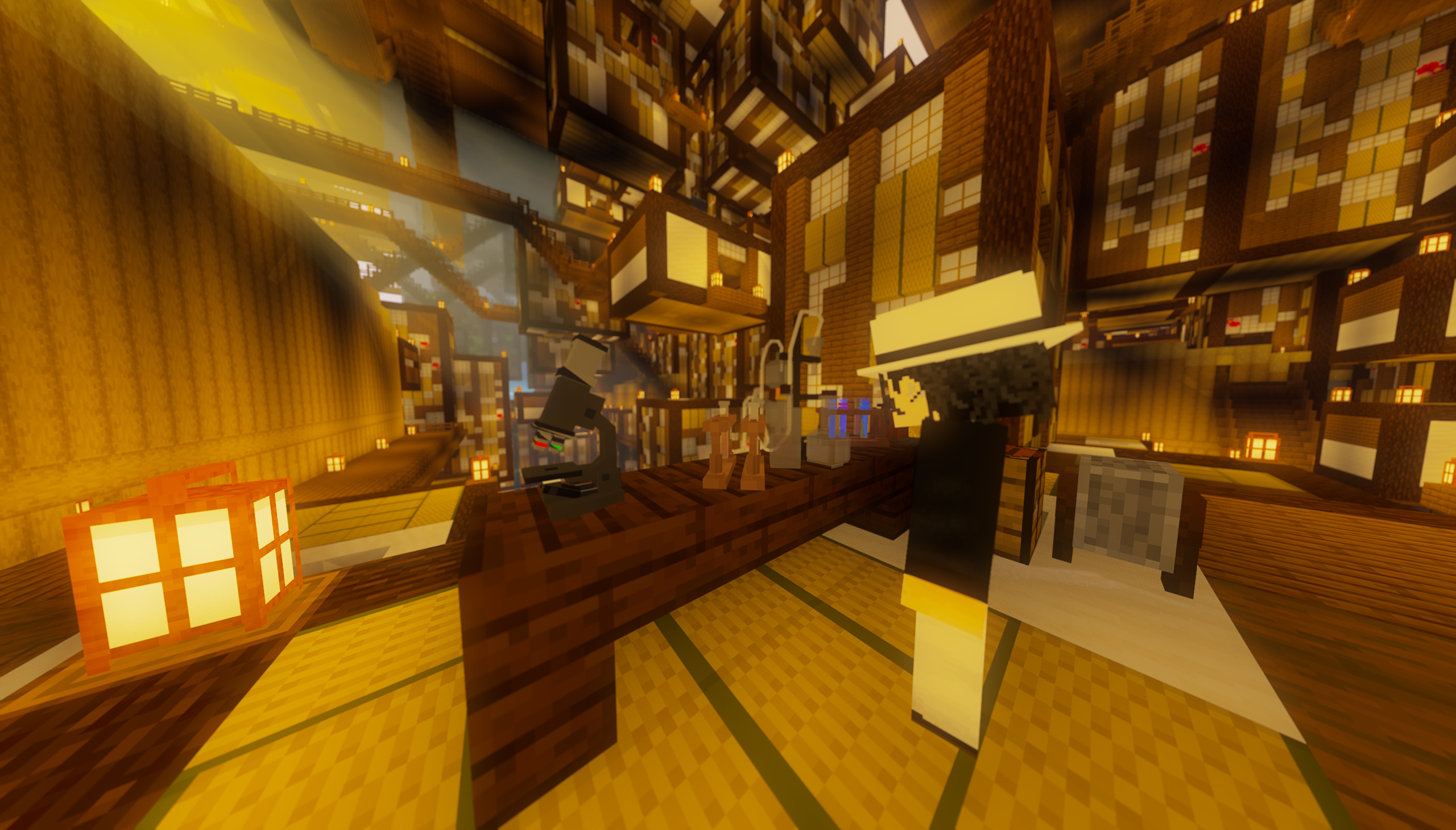 Showcasing some of the new blocks for demon alchemy
 -
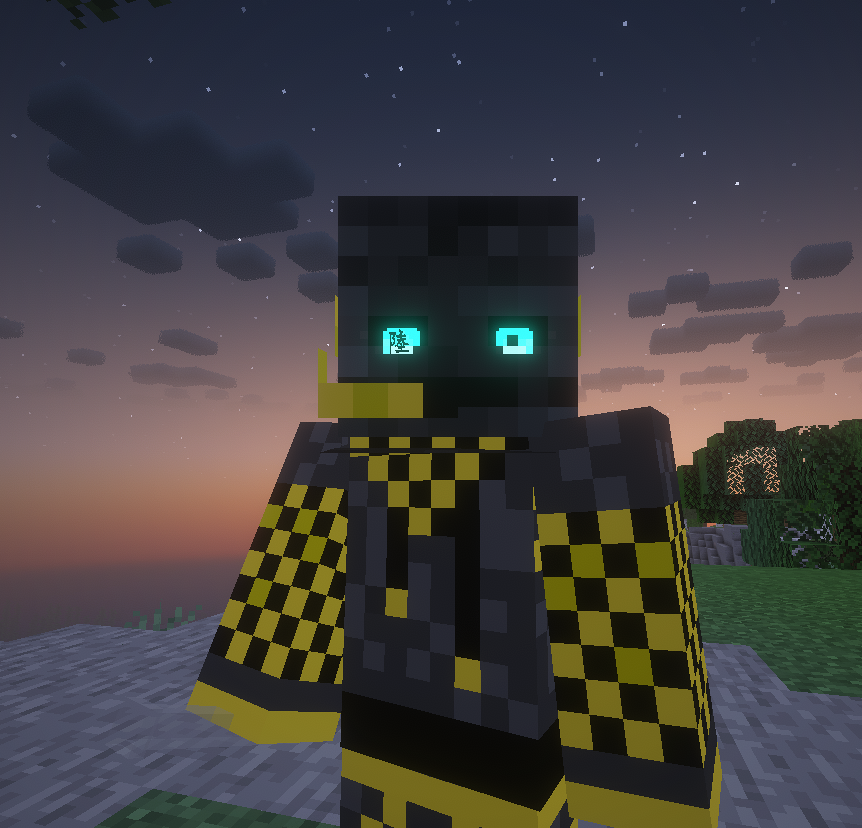 Eye Kanji for ranked demon players
 -
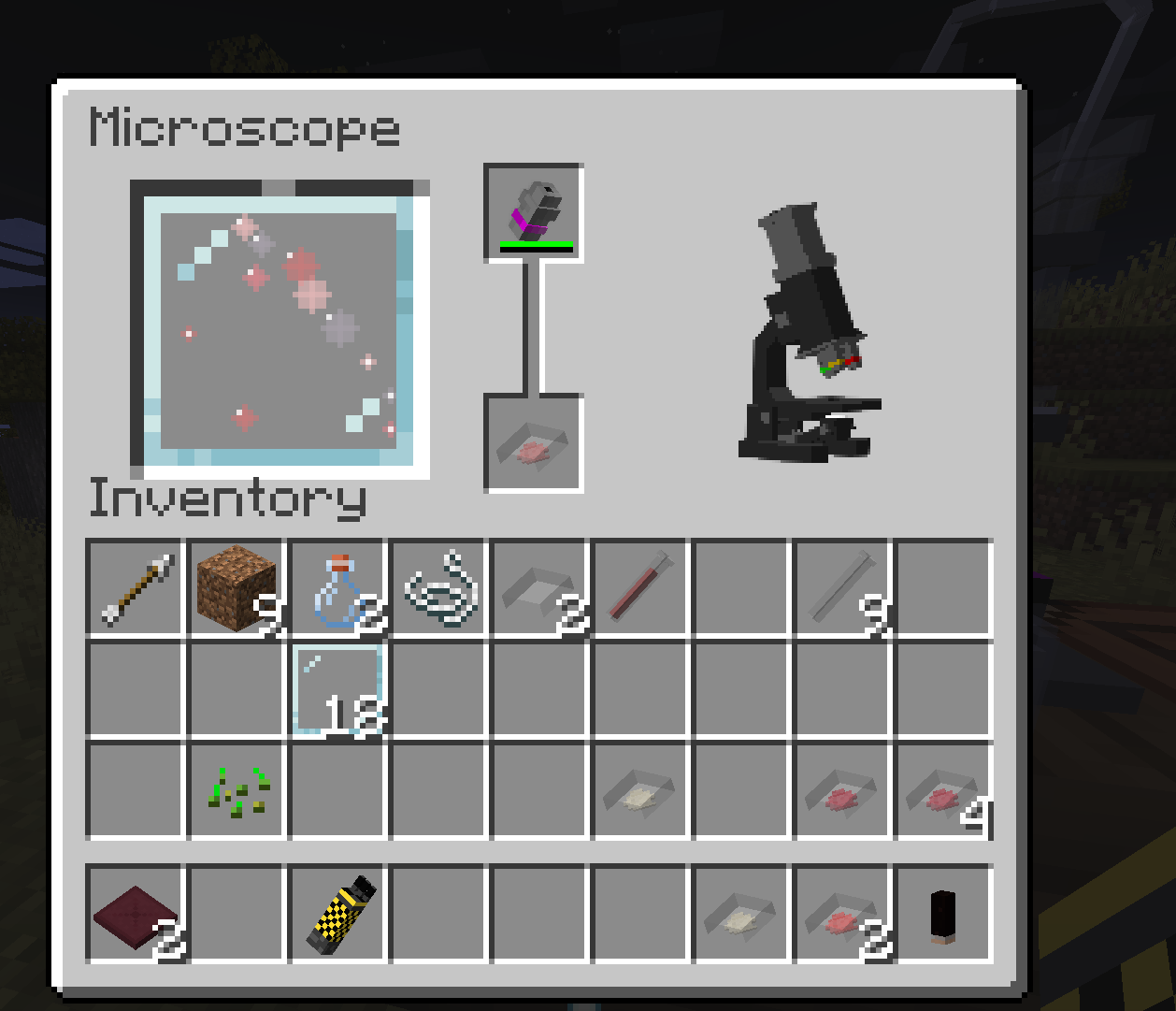 Microscope GUI Demon alchemy system gives a purpose to the microscope
 -
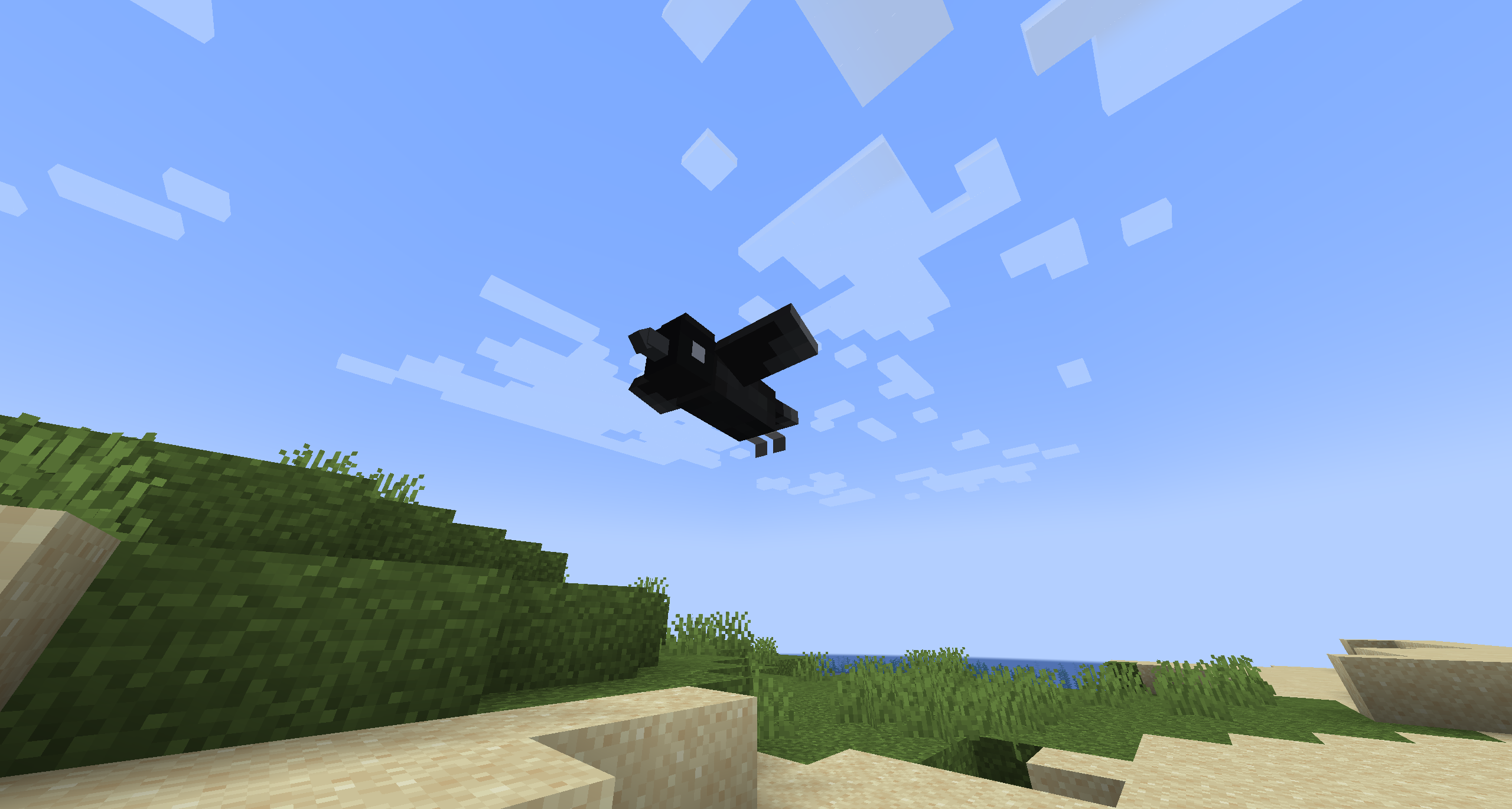 Kasugai Crow flying Kasugai crows can now fly
 -
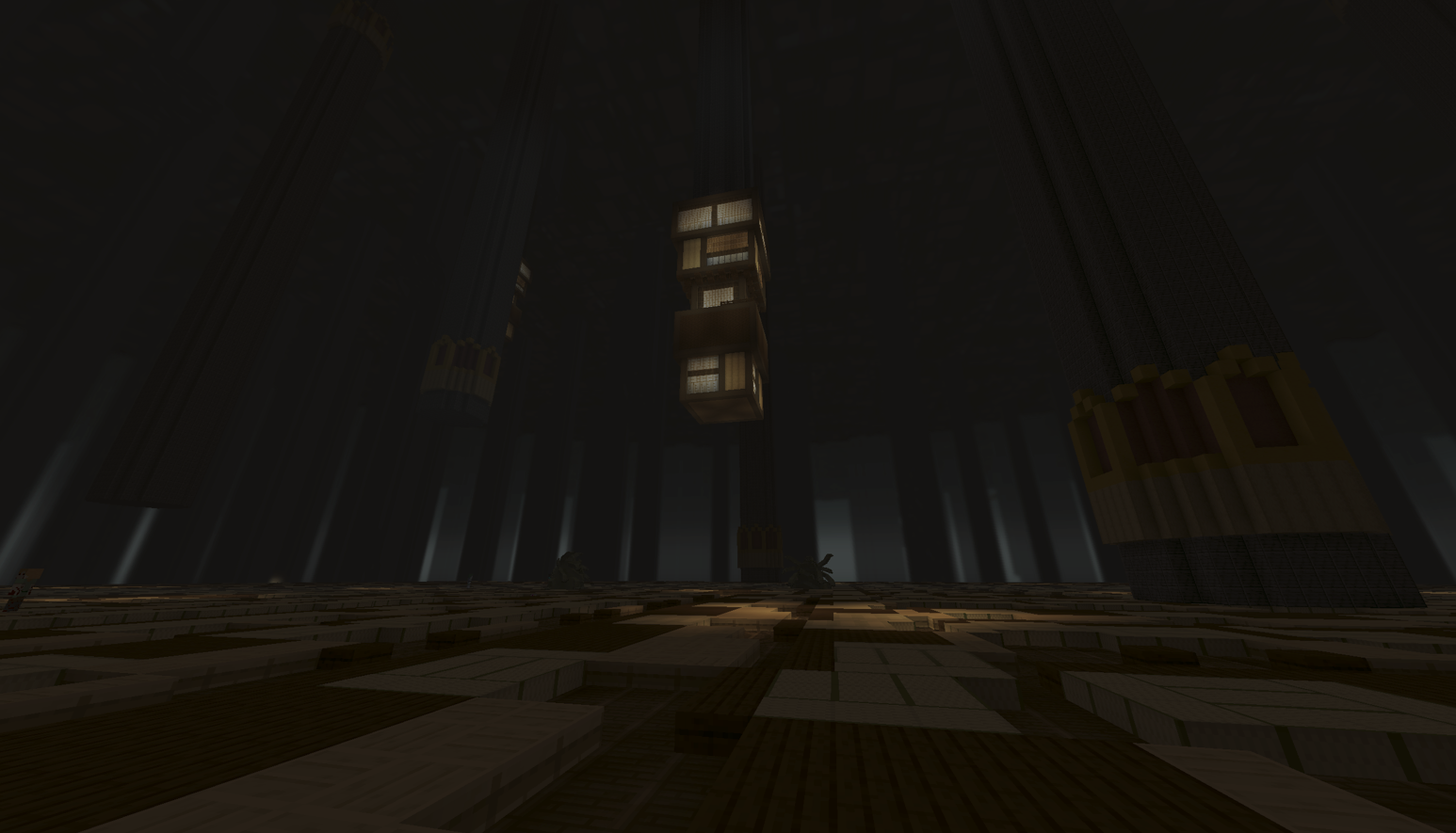 Kokushibo's Biome
 -
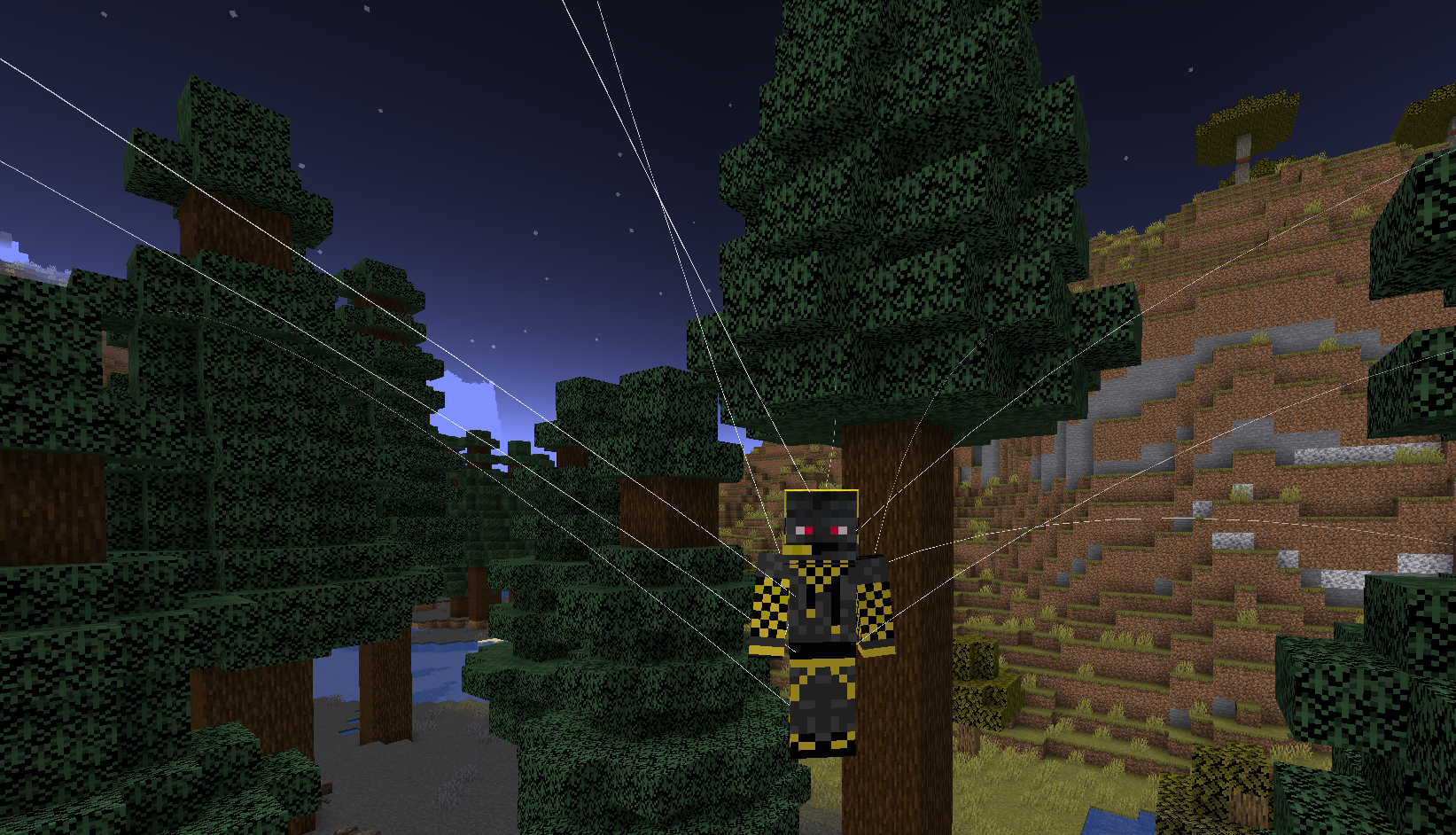 Spider Puppetry
 -
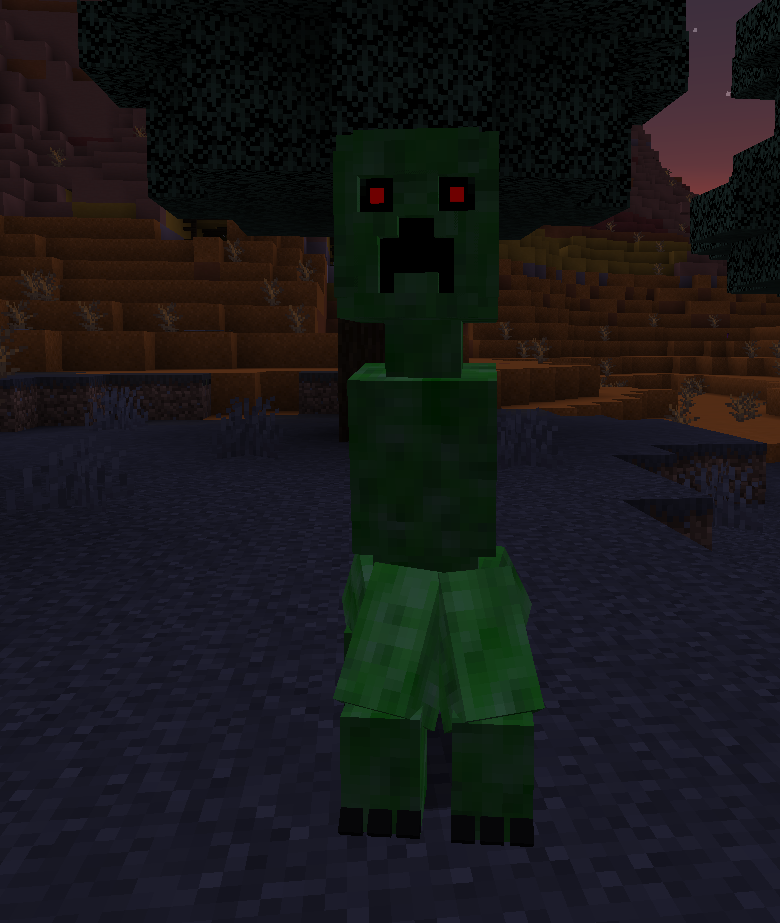 Demon Creeper
 -
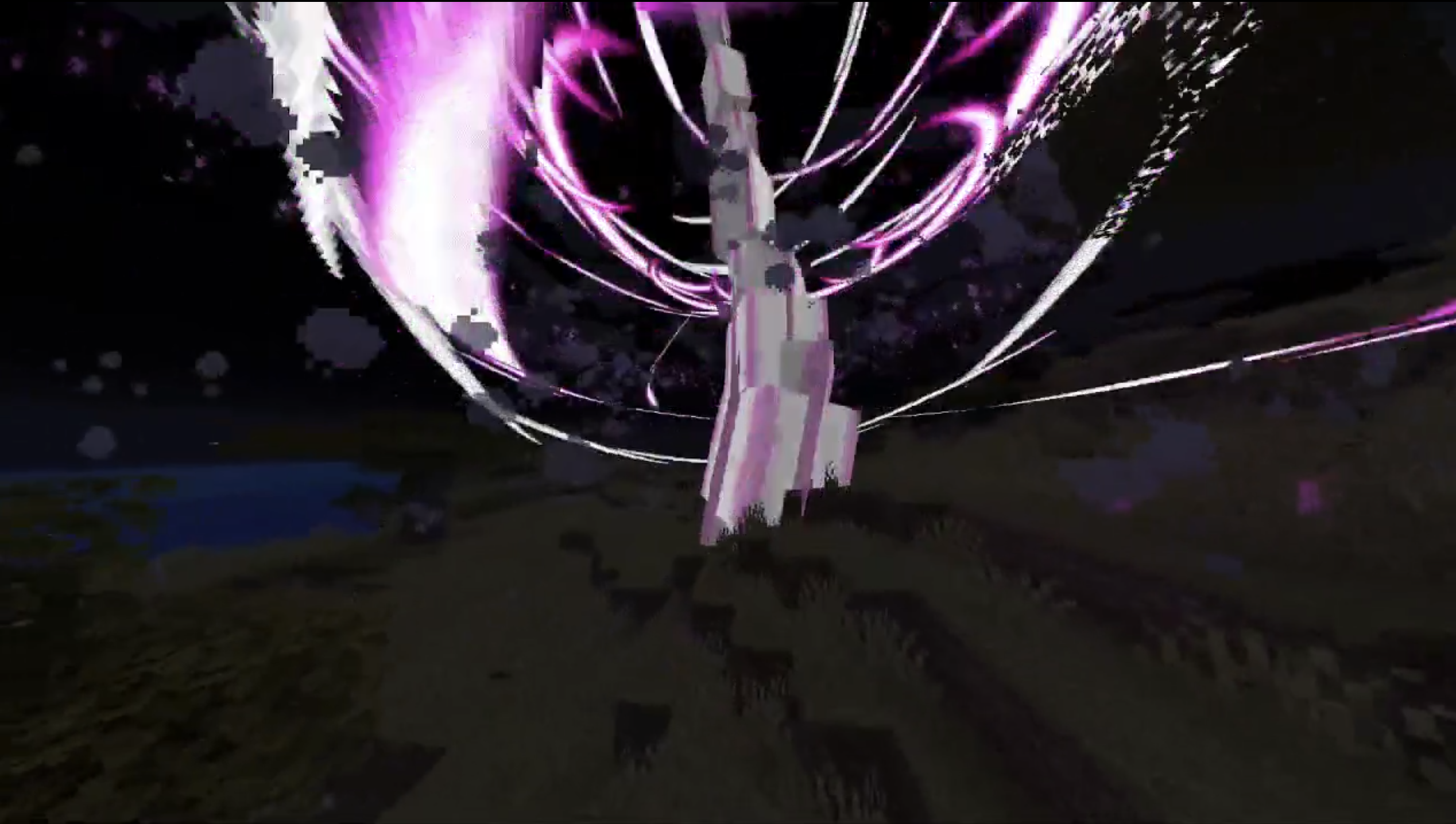 Love Breathing Fifth Form
 -
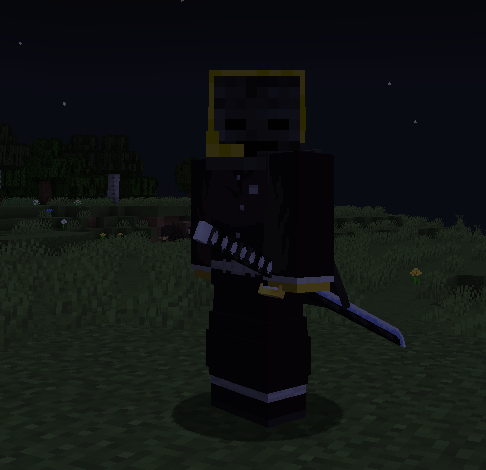 Sword on the hip Swords get sheathed on your hip when you are not using them (and they are still in your inventory)
 -
-
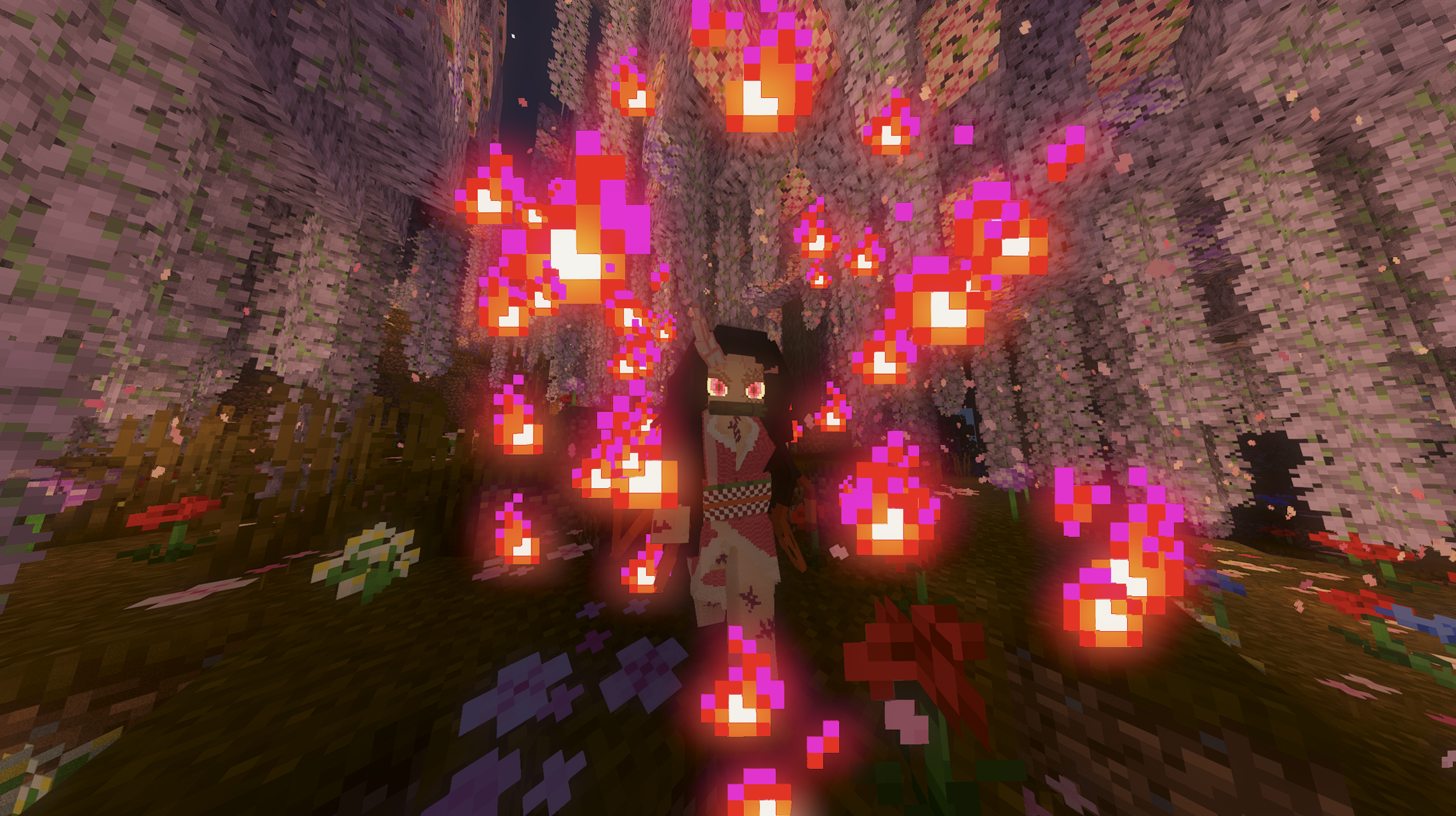 Nezuko Transformation
 -
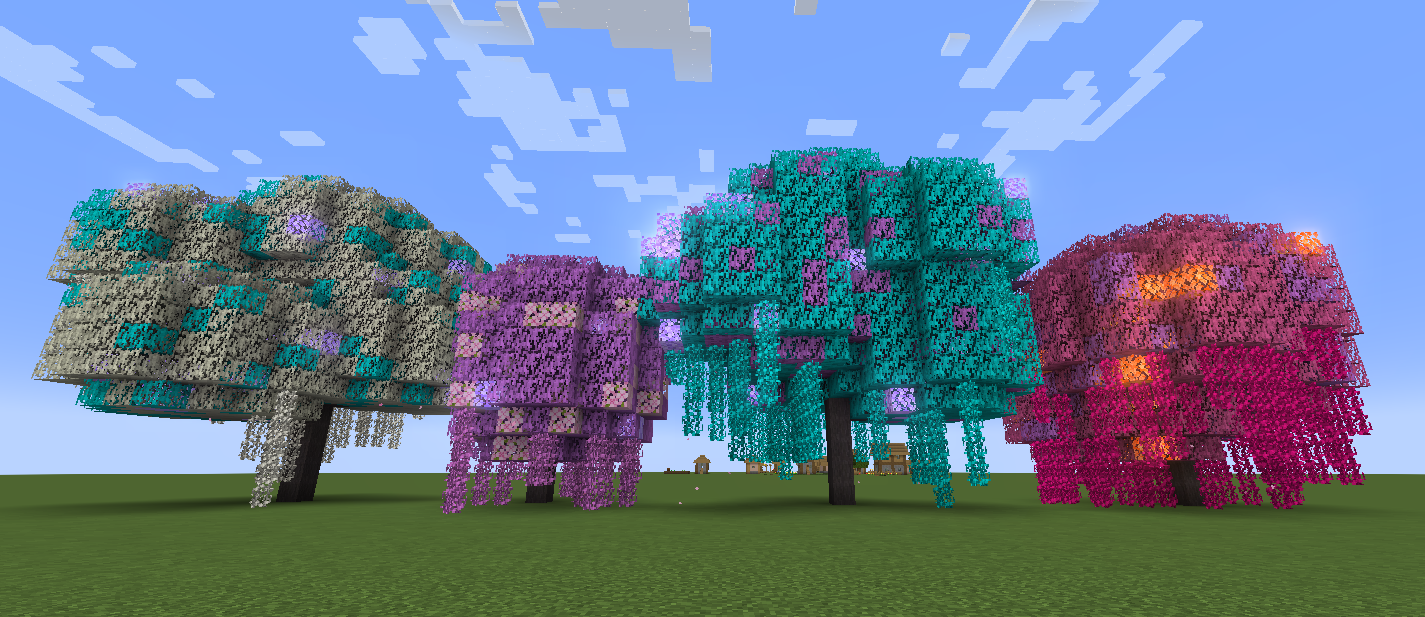 The 4 types of wisteria trees
 -
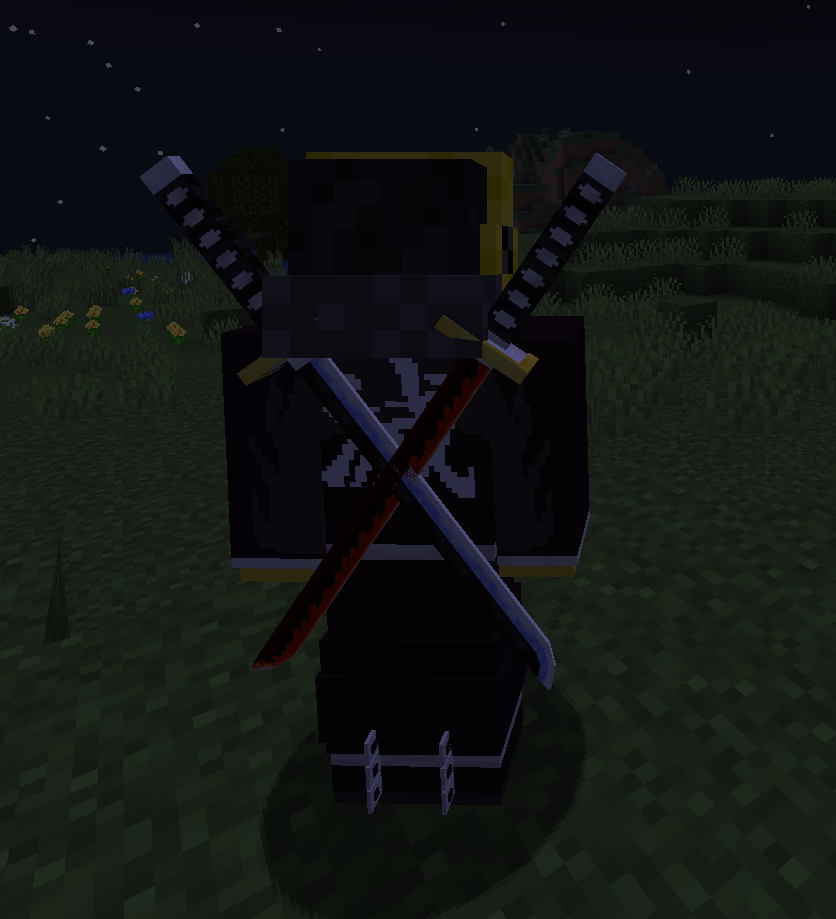 Swords sheathed on the back You can also configure your swords to be sheathed on your back (in the mod's config). You can have up to two swords
 -
 Kanroji's Sword Sheath
 -
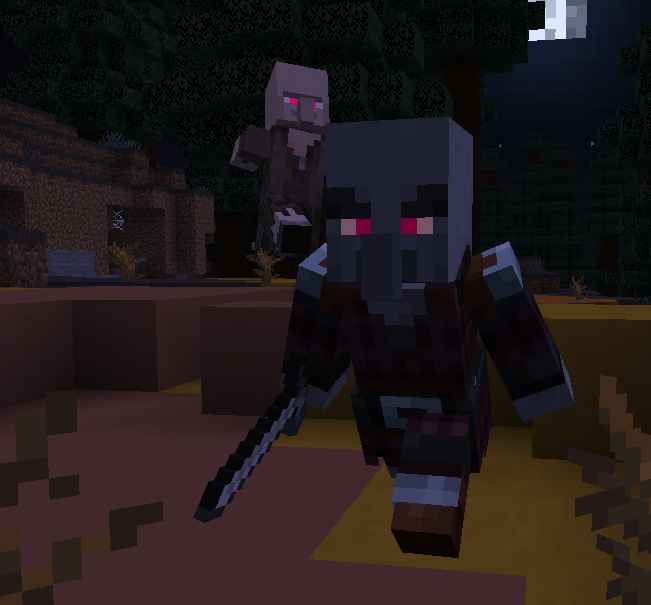 Demon Pillager
 -
 Rengoku's Sword Sheath
 -
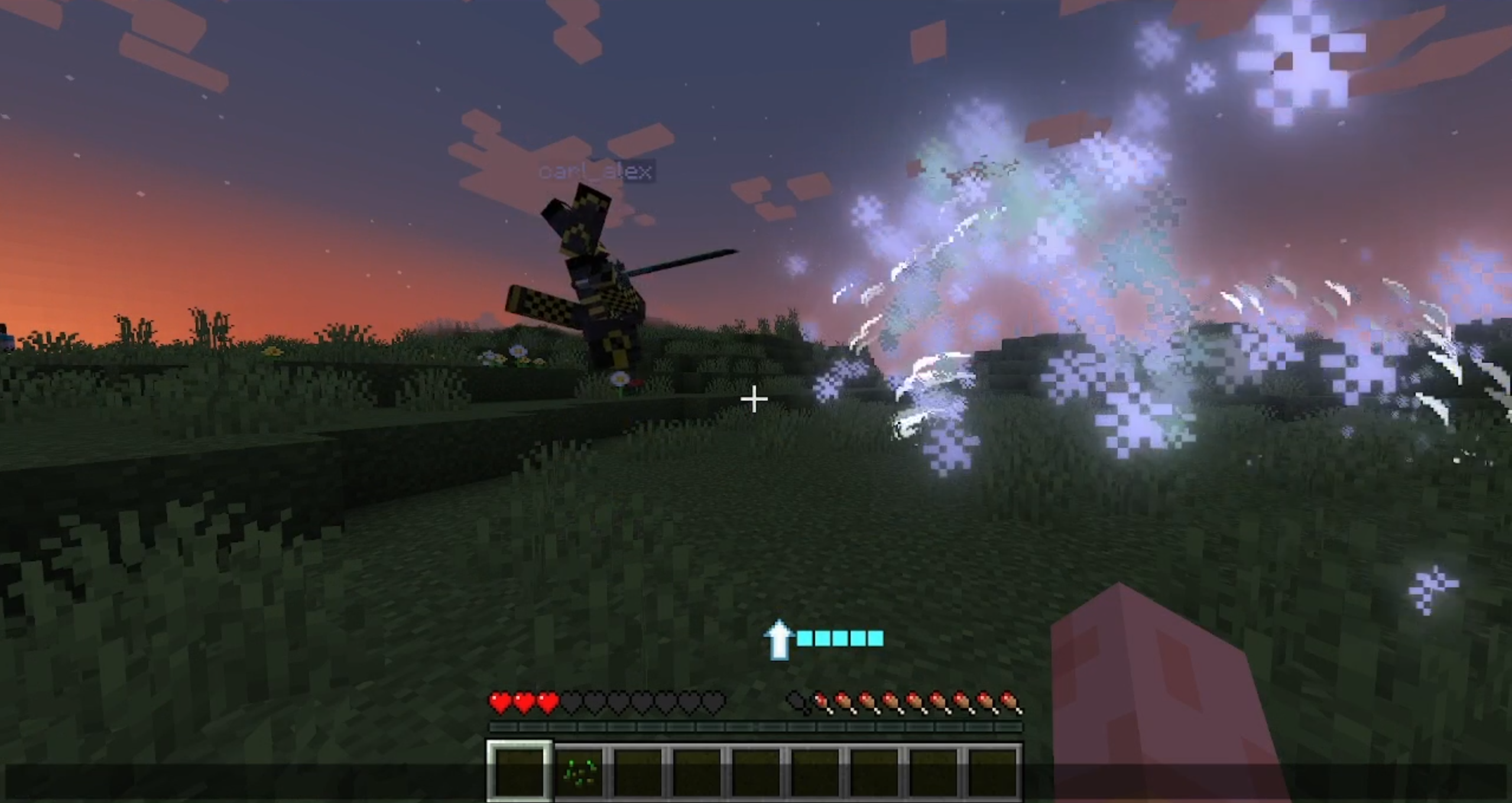 Multiplayer synchronization
 -
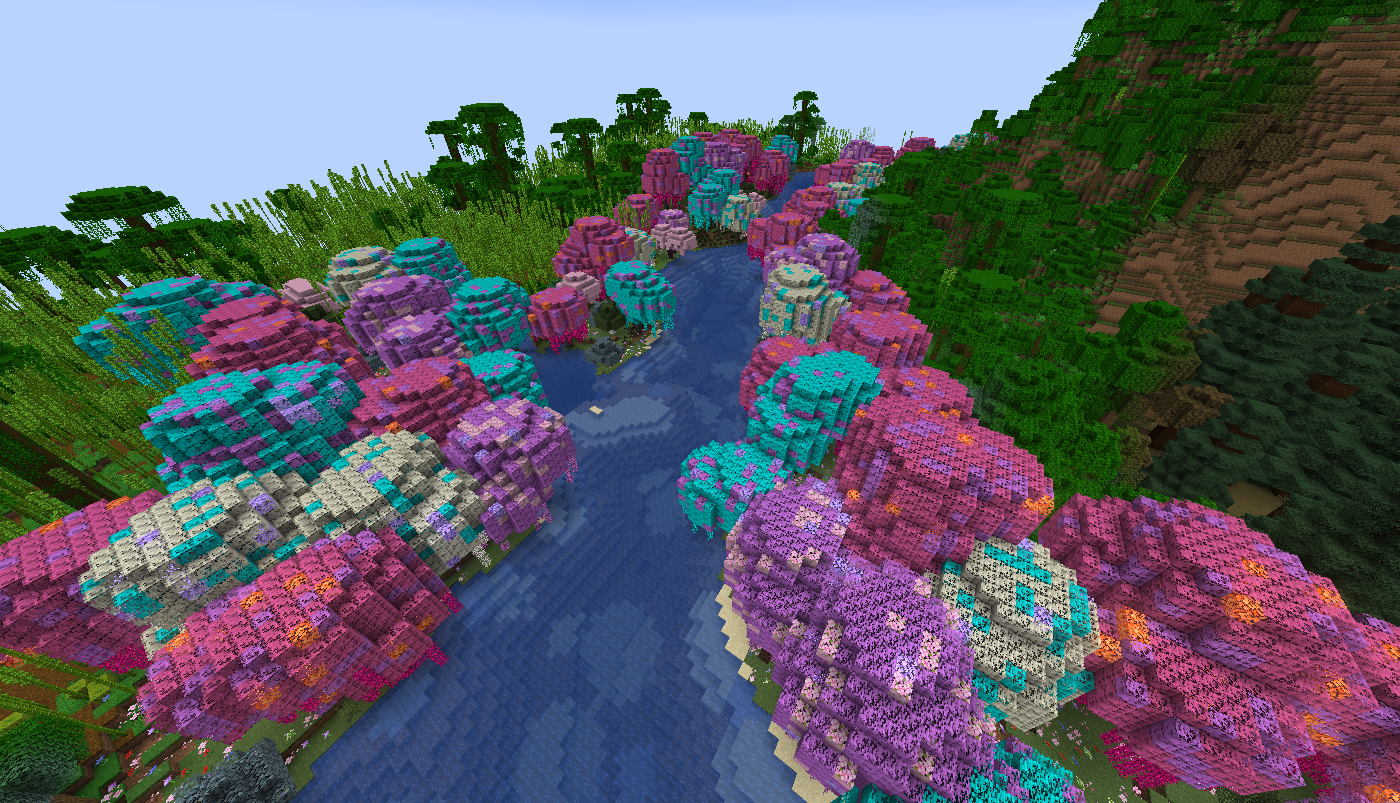 Wisteria forest
 -
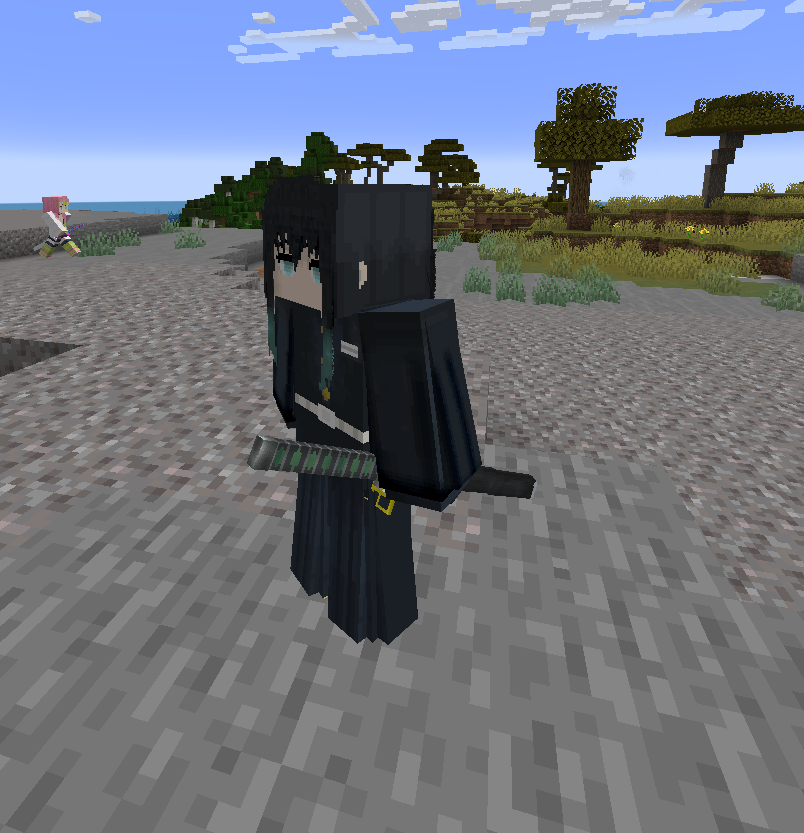 Sword Sheathes for Entities Muichiro sheathes his sword after 10 seconds of no combat
 -
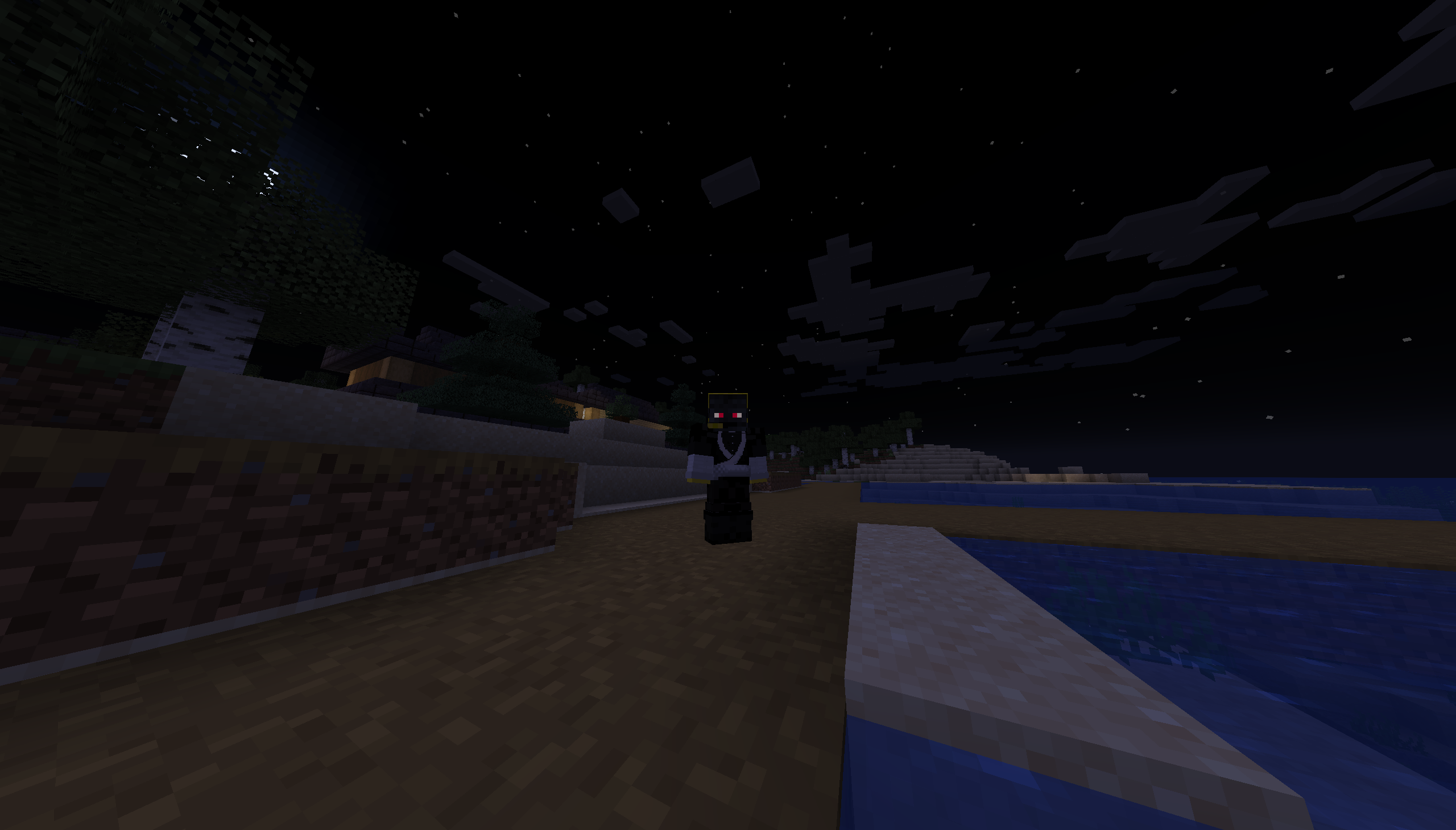 Demon Eyes Players now get glowing demon eyes on their skin when they become a demon
 -
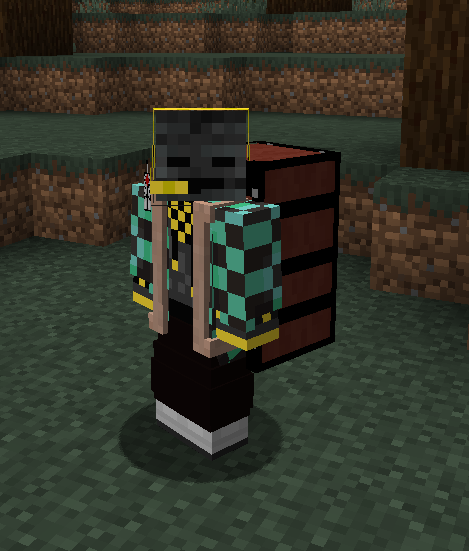 Nezuko's Box
 -
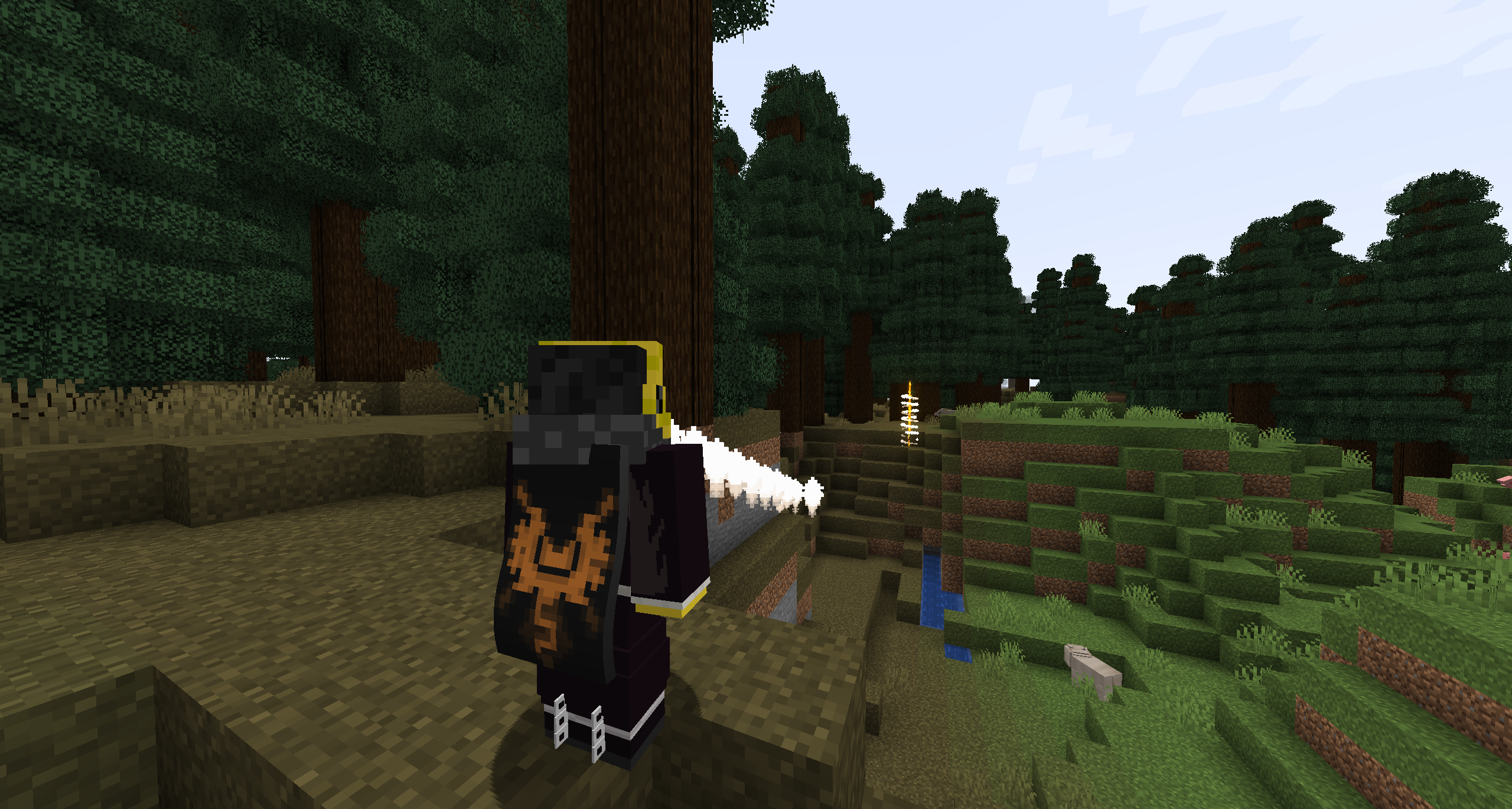 Visual waypoints Right clicking the crow now gives you a particle arrow and a particle waypoint
 -
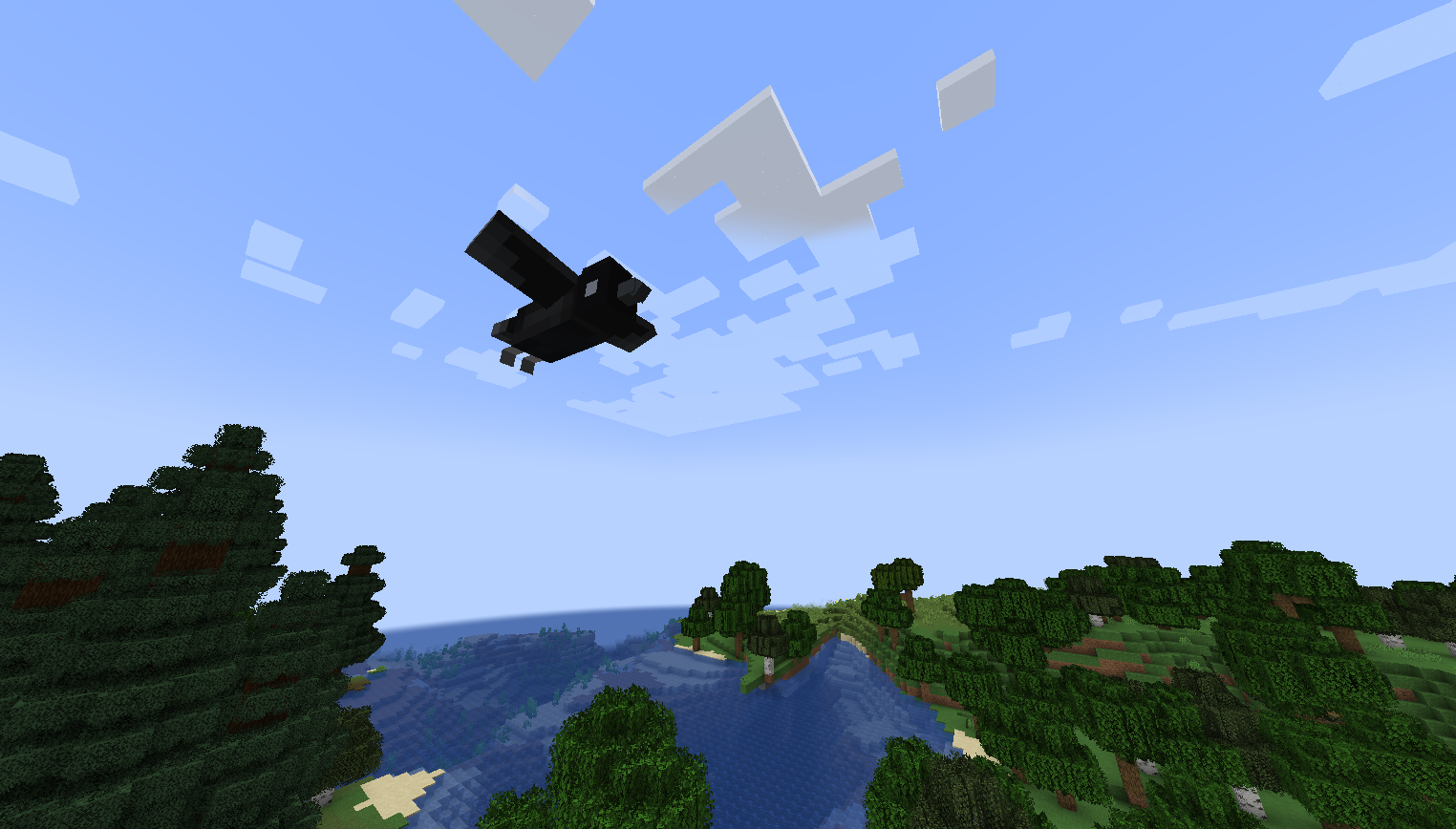 Crow flying
 -
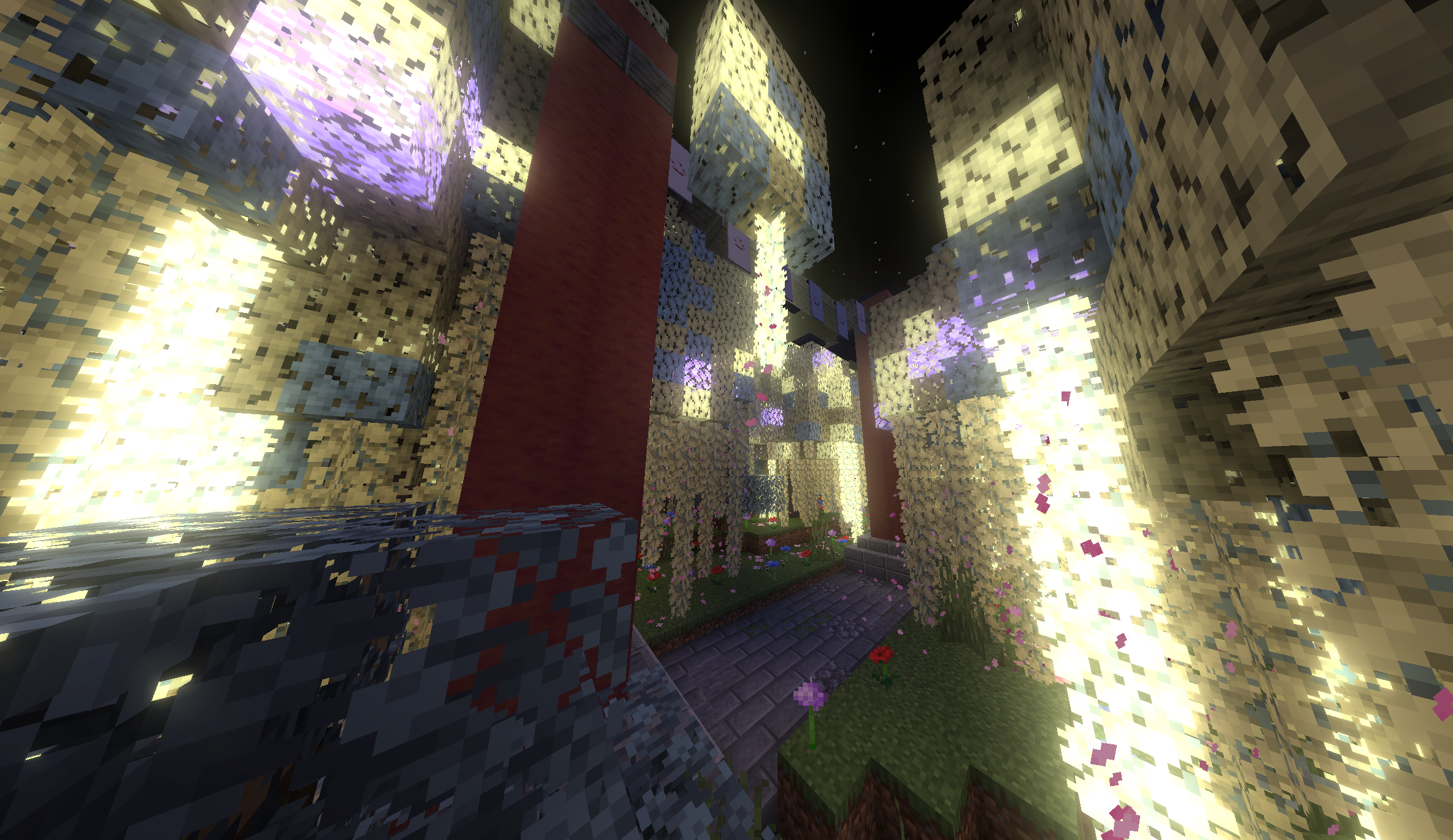 Toril Gate
 -
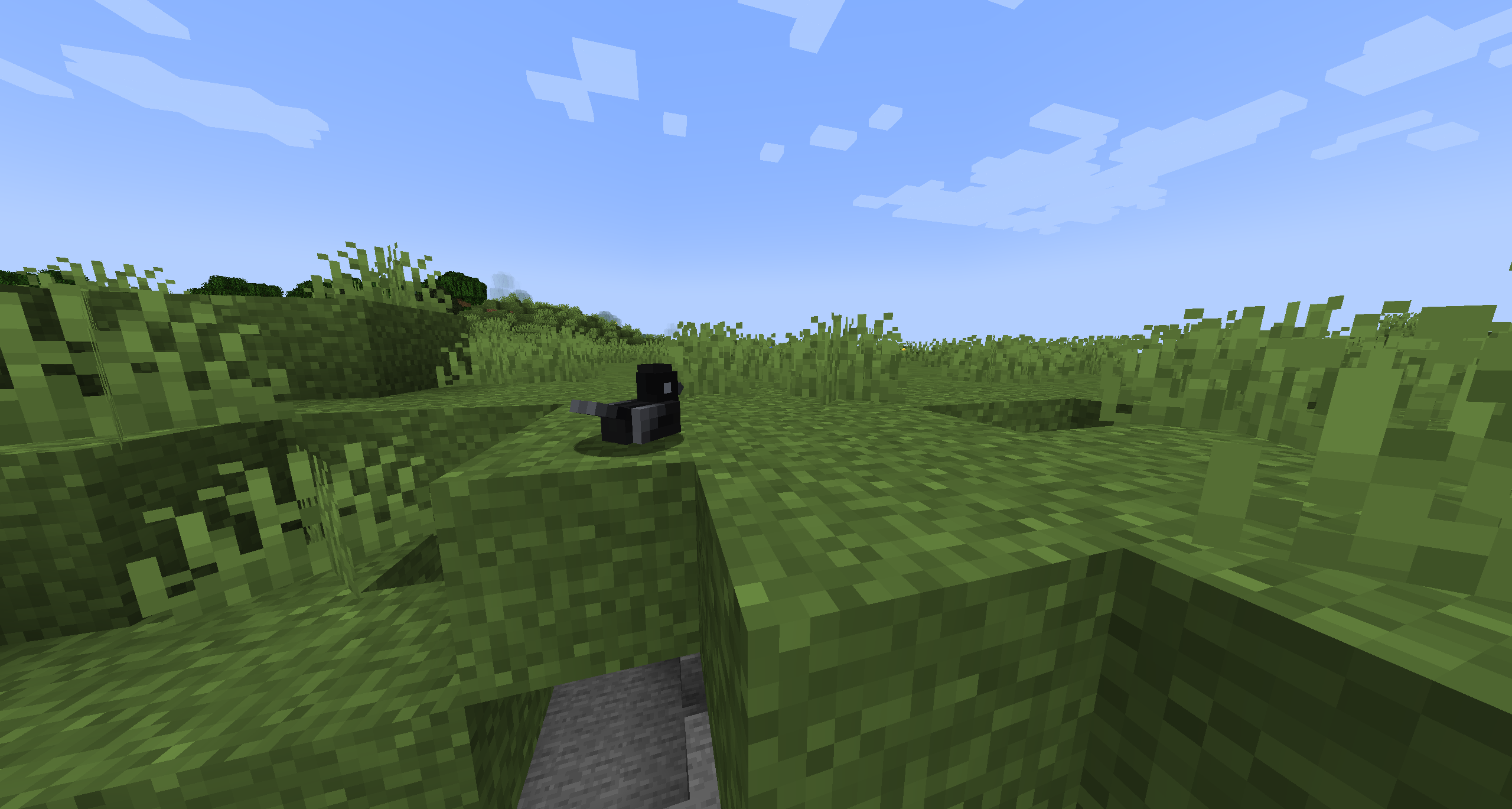 Crow sitting Crows can sit down, if they stay still for too long
 -
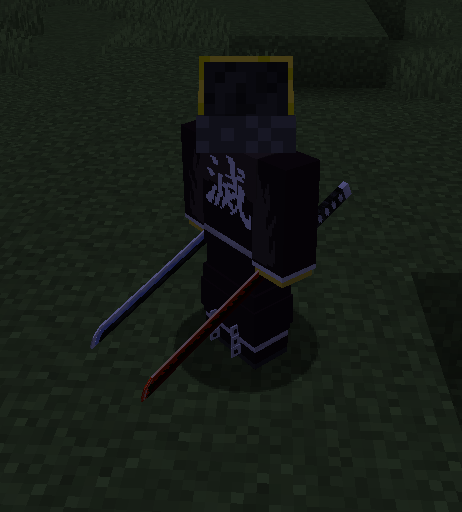 2 swords sheathed on the hip
 -
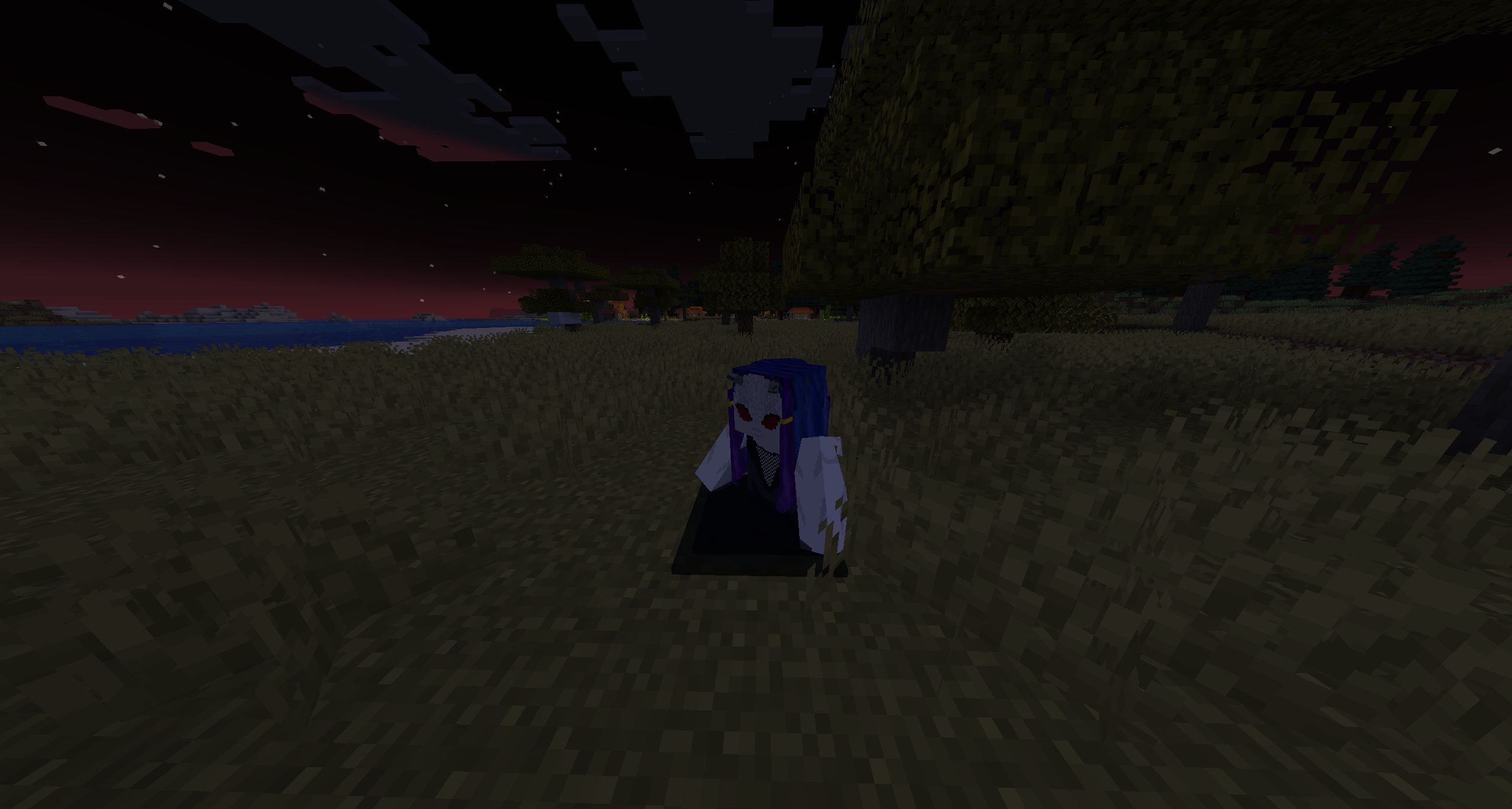 Swamp Demon
 -
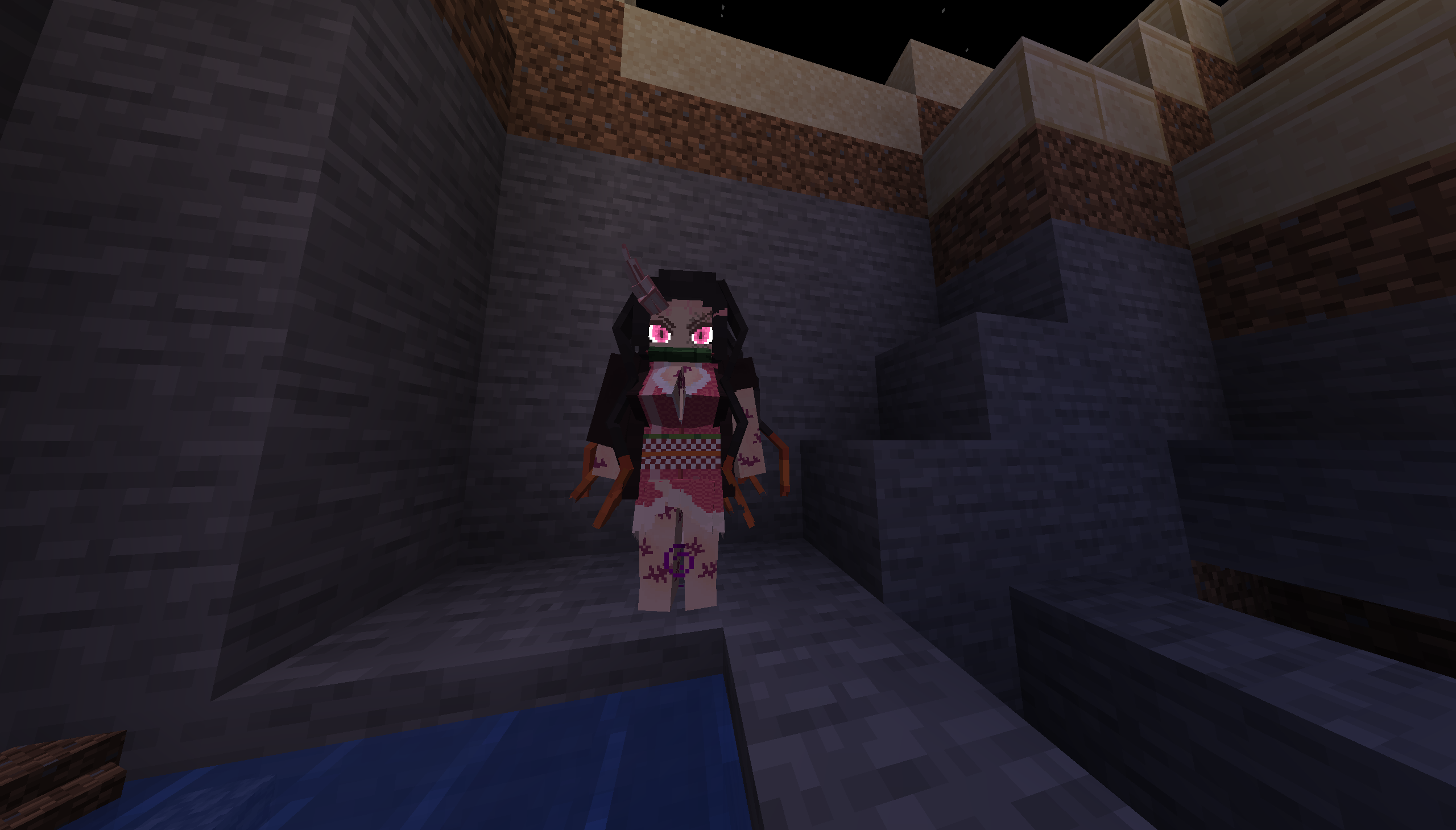 Nezuko New enhanced Nezuko demon
 -
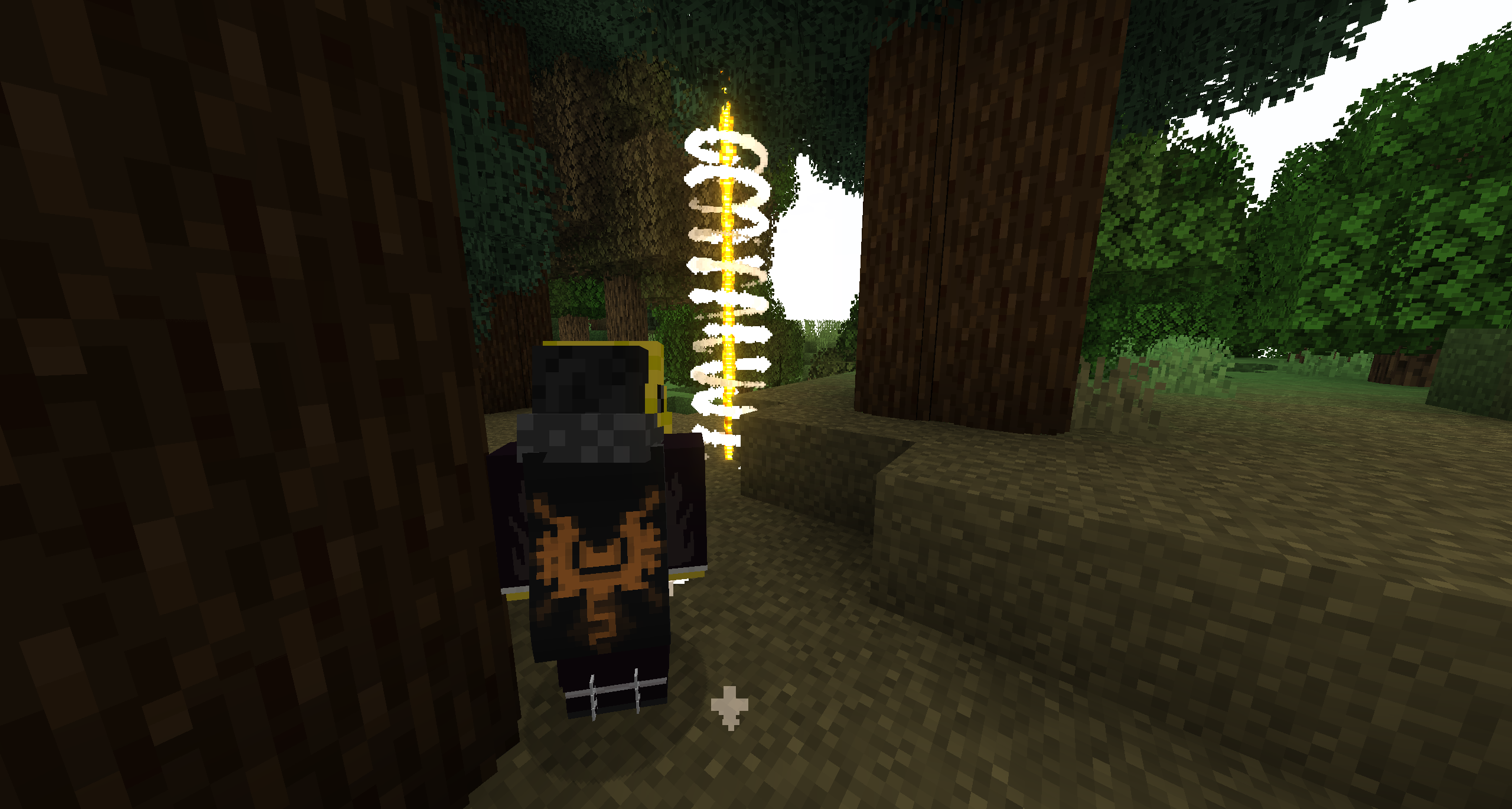 Visual waypoints
 -
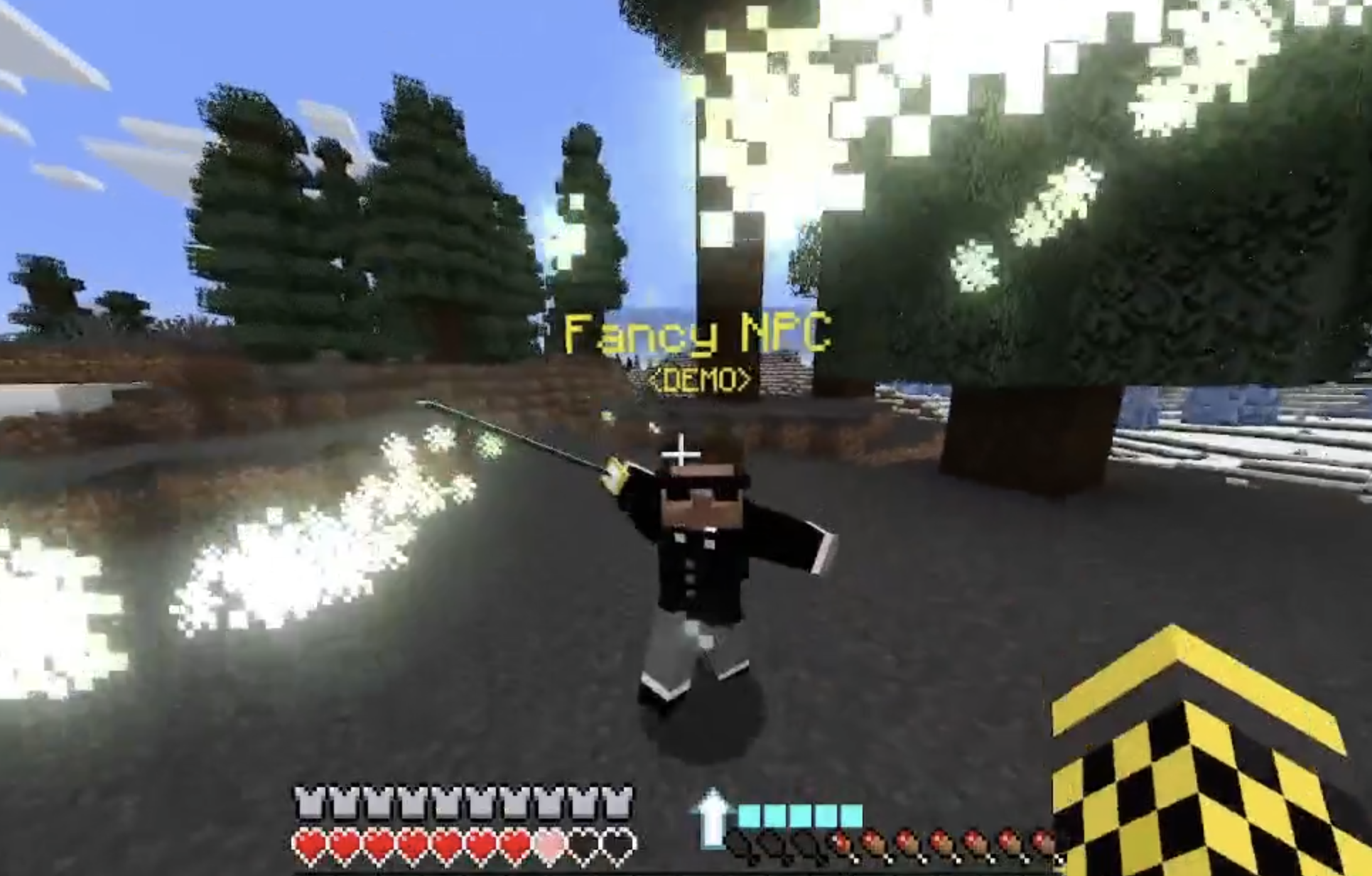 CustomNPCs Compatibility
 -
-
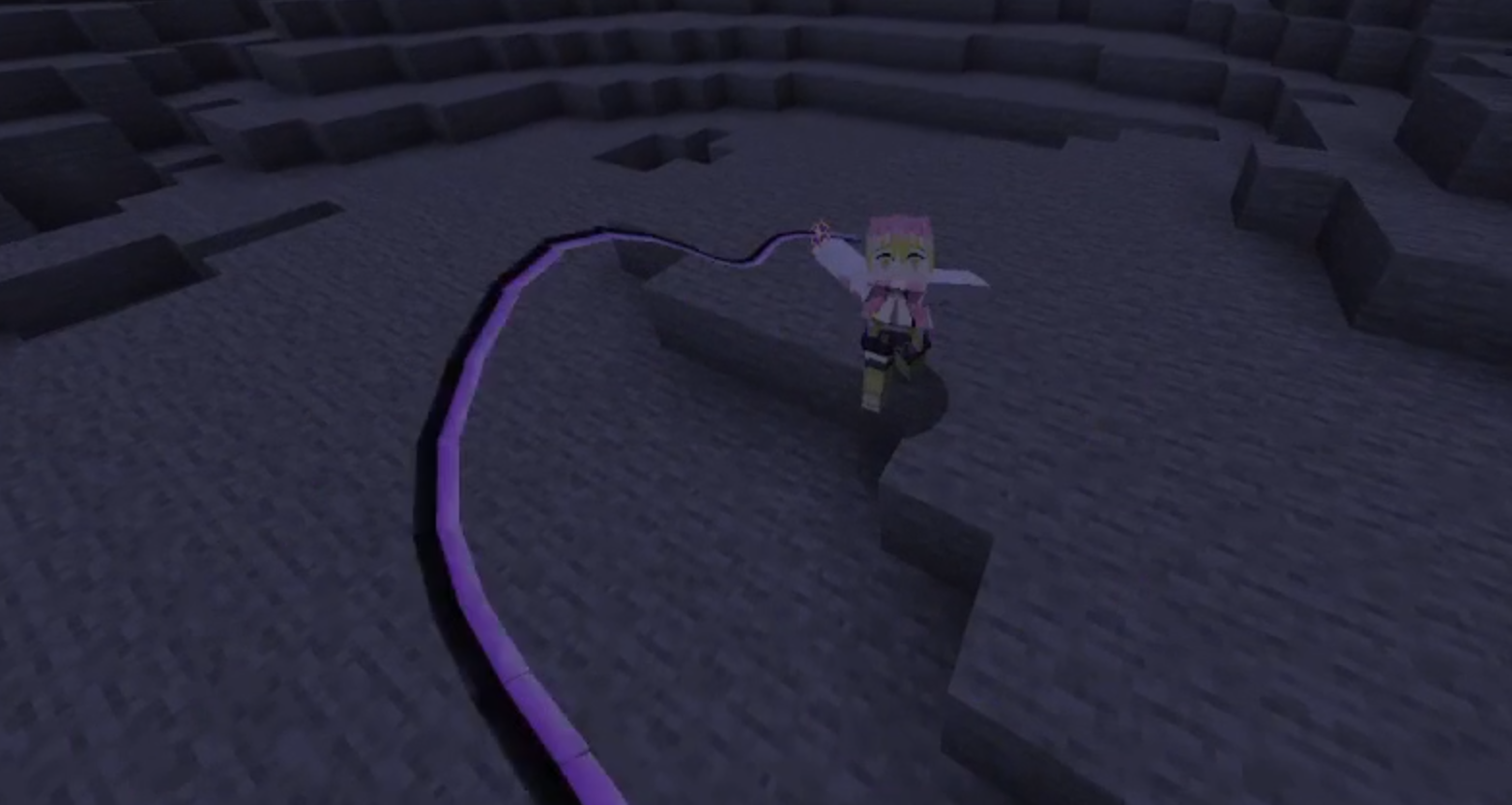 Kanroji's Whip Sword
 -
-
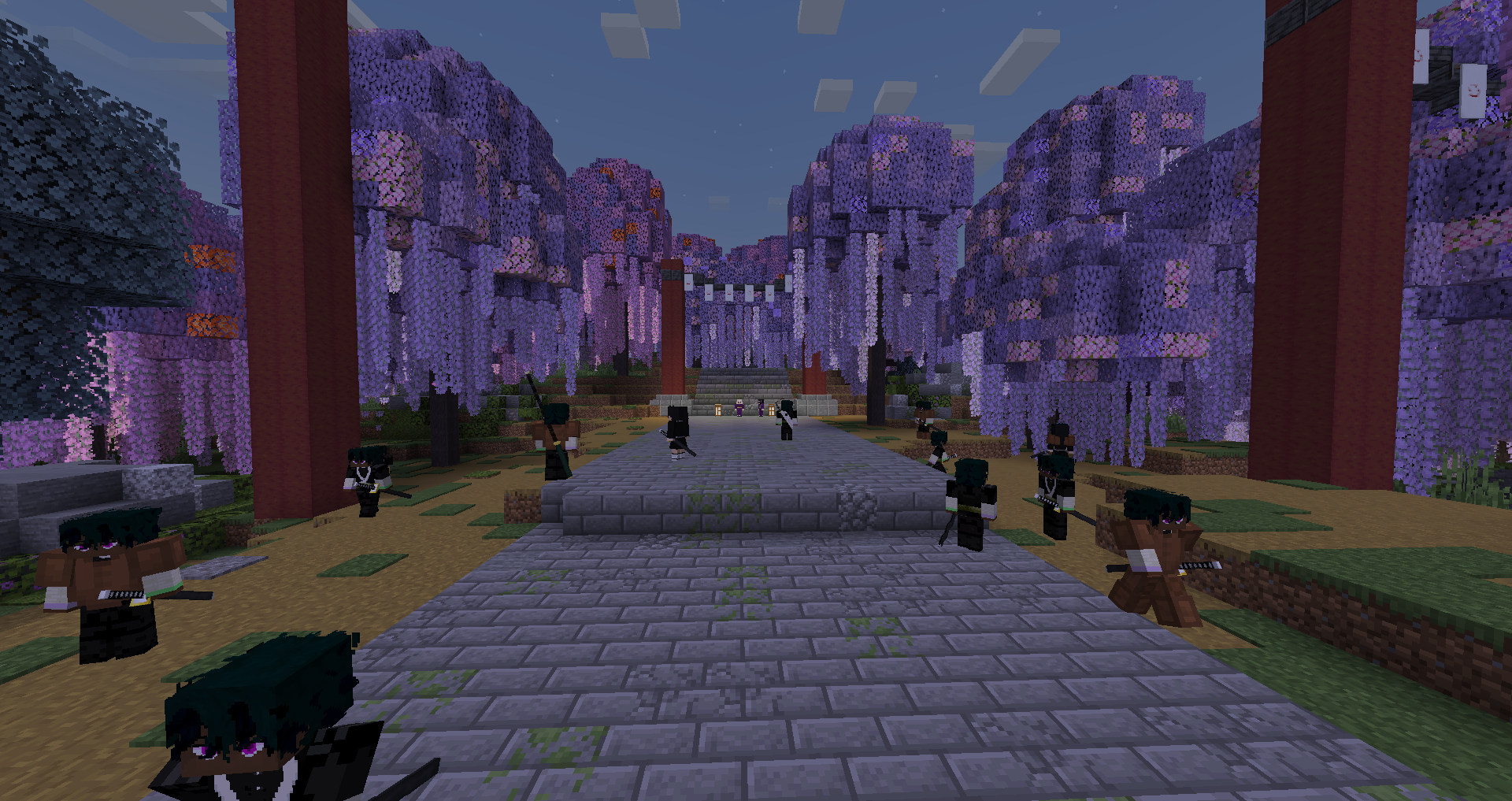 Demon slayers preparing for Final Selection
 -
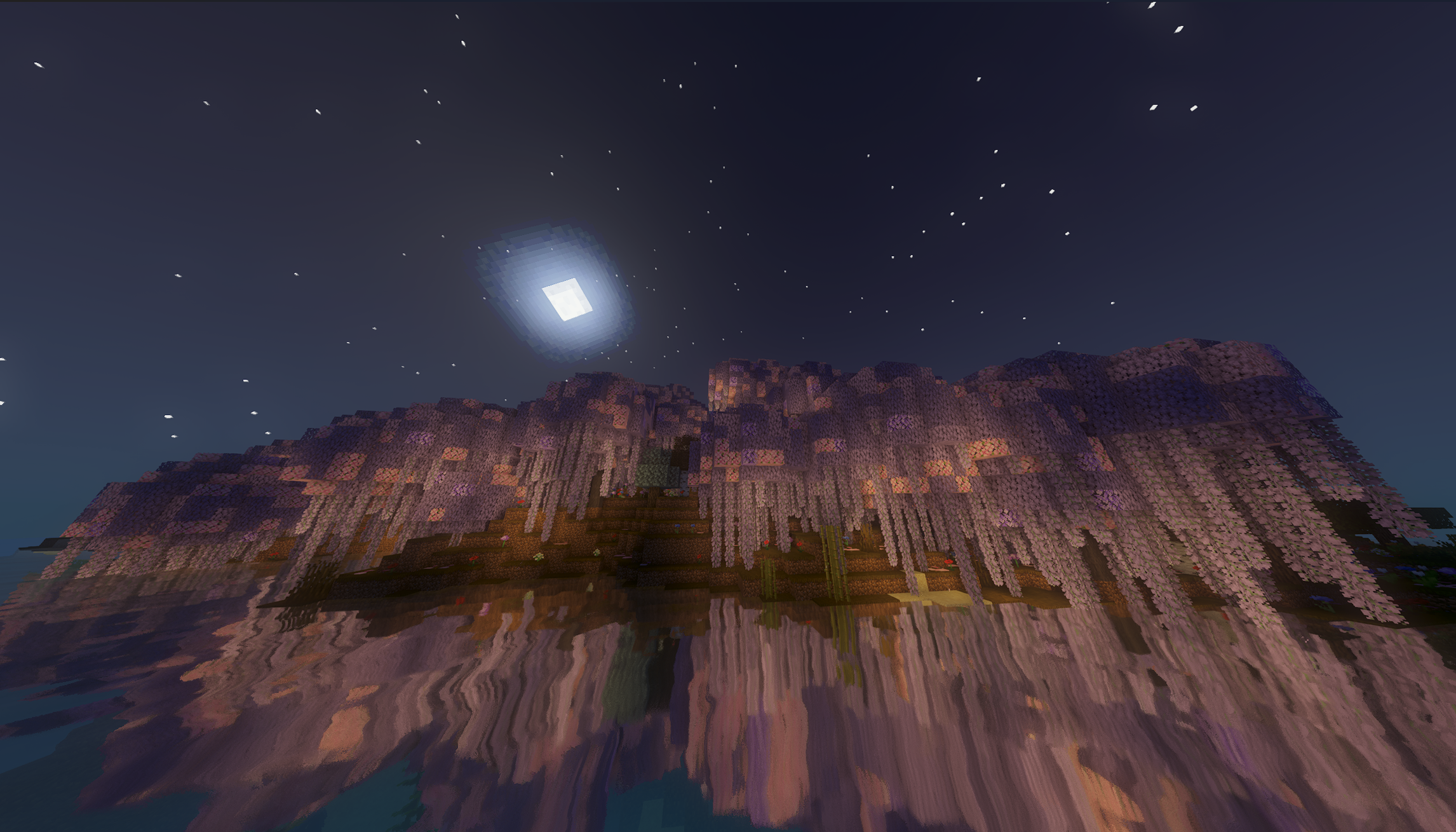 Wisteria Forest
 -
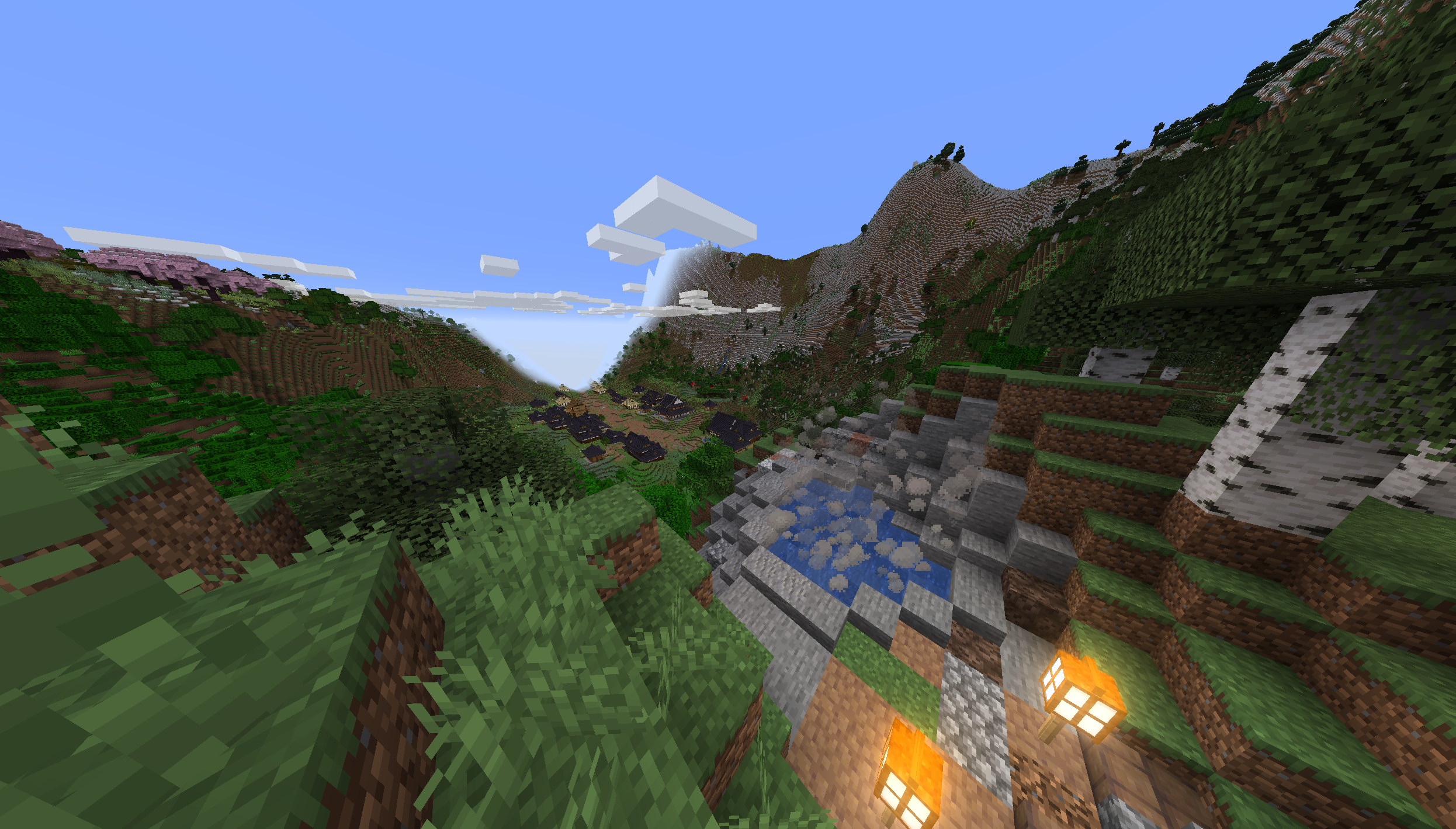 Swordsmith Village View of the swordsmith village valley from the hot spring
 -
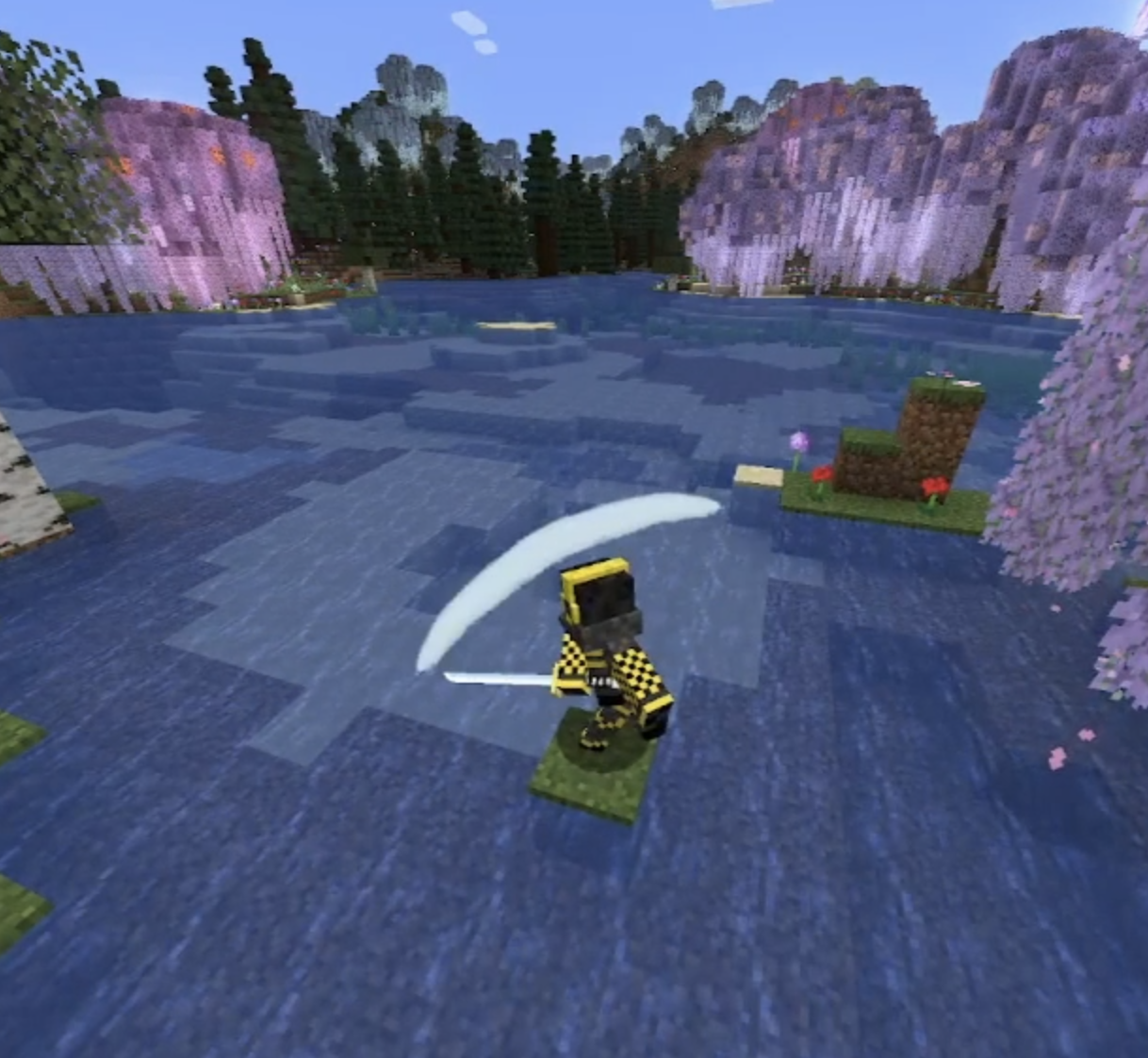 Sword Slash Visuals Mist sword slash model
 -
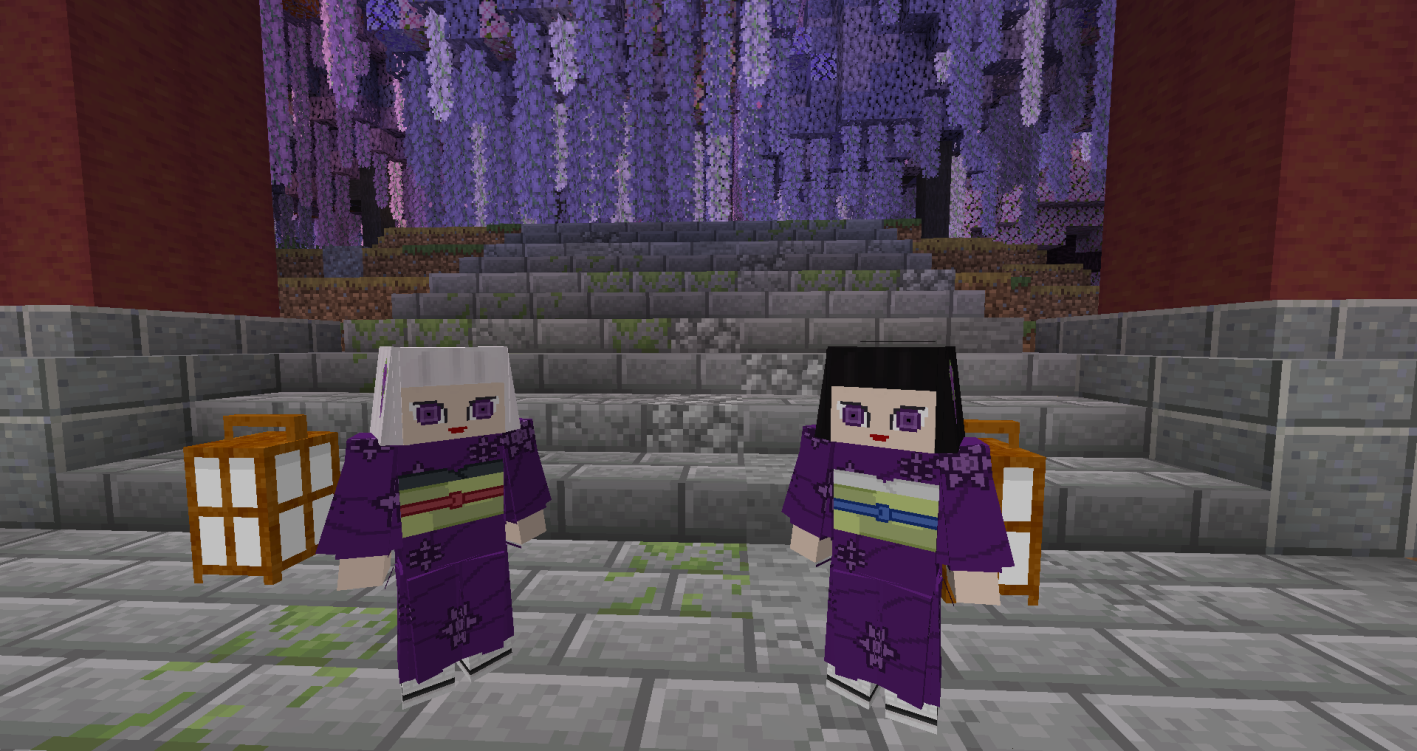 Kanata and Kiriya The Ubuyashiki twins at Mt Fujikasane for Final Selection
 -
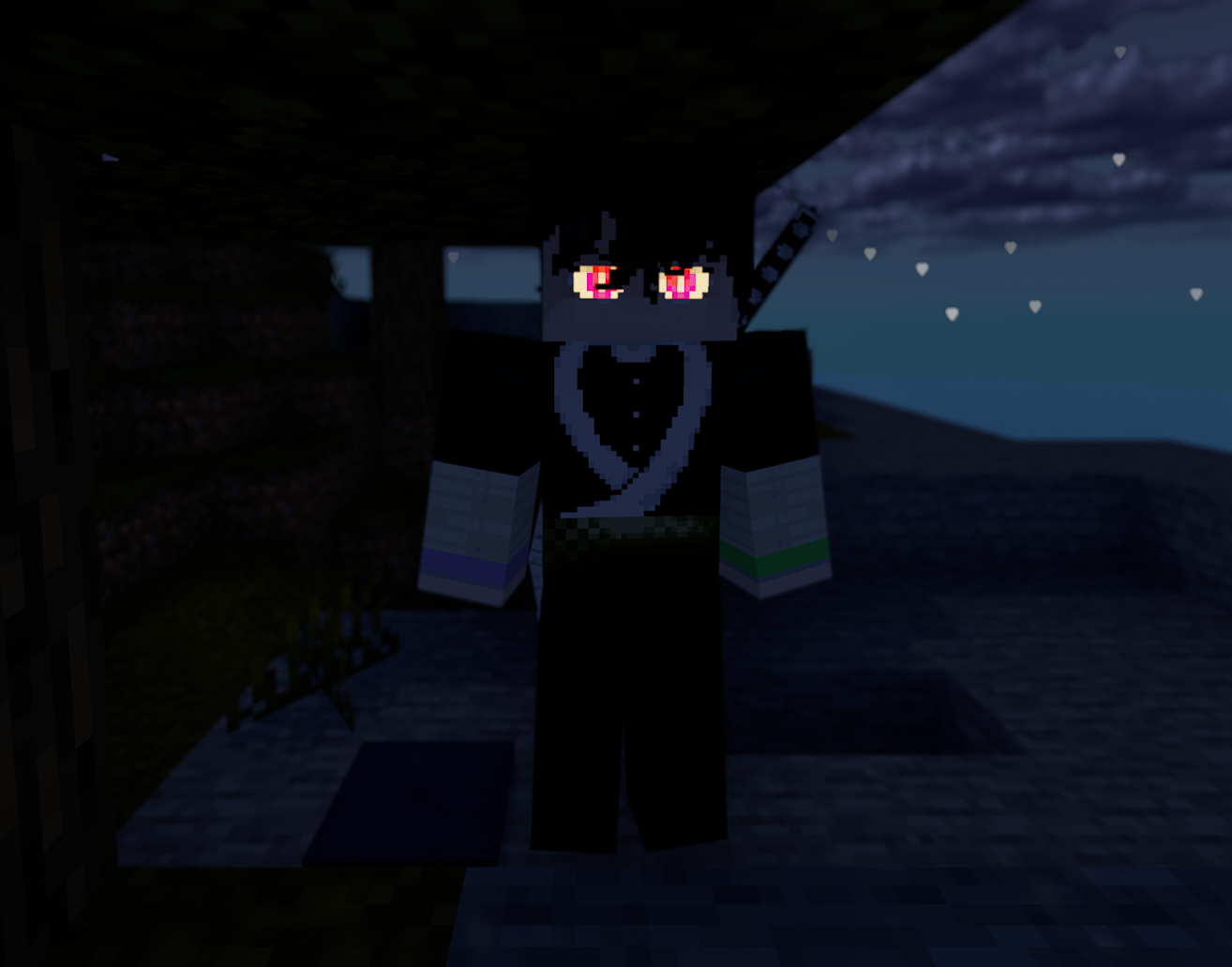 Demonized Demon Slayer
 -
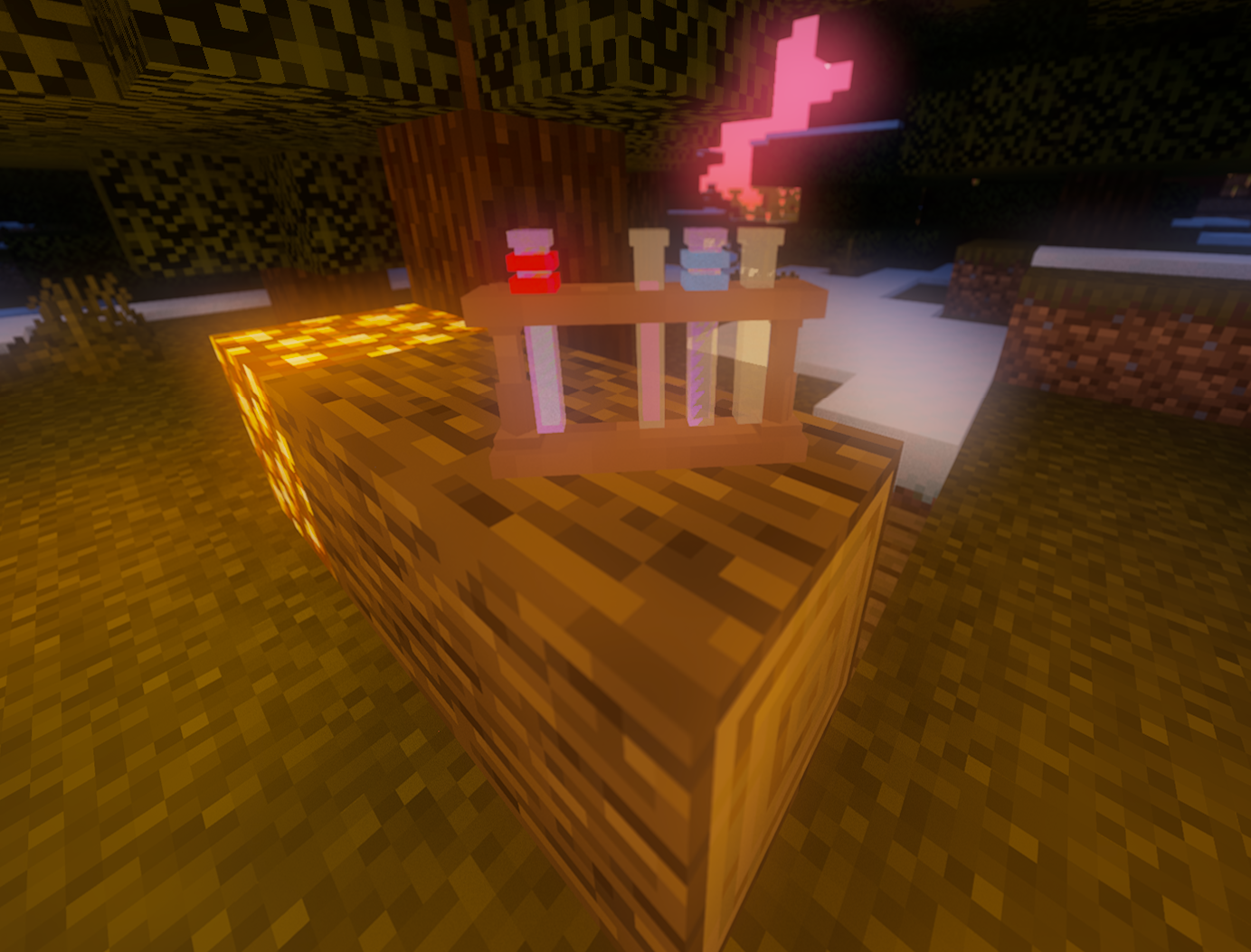 Vial Rack
 -
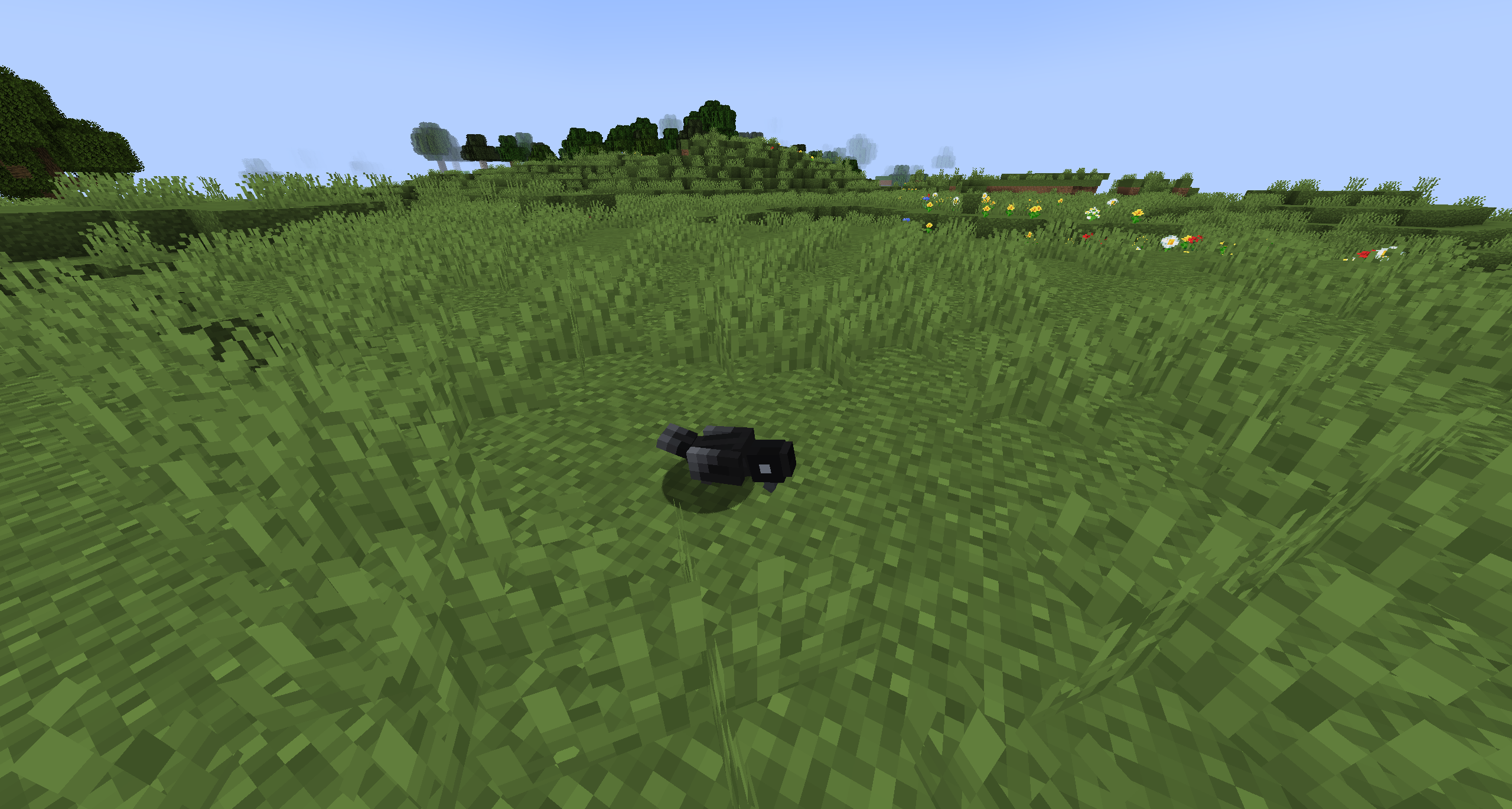 Crow pecking seeds off the ground
 -
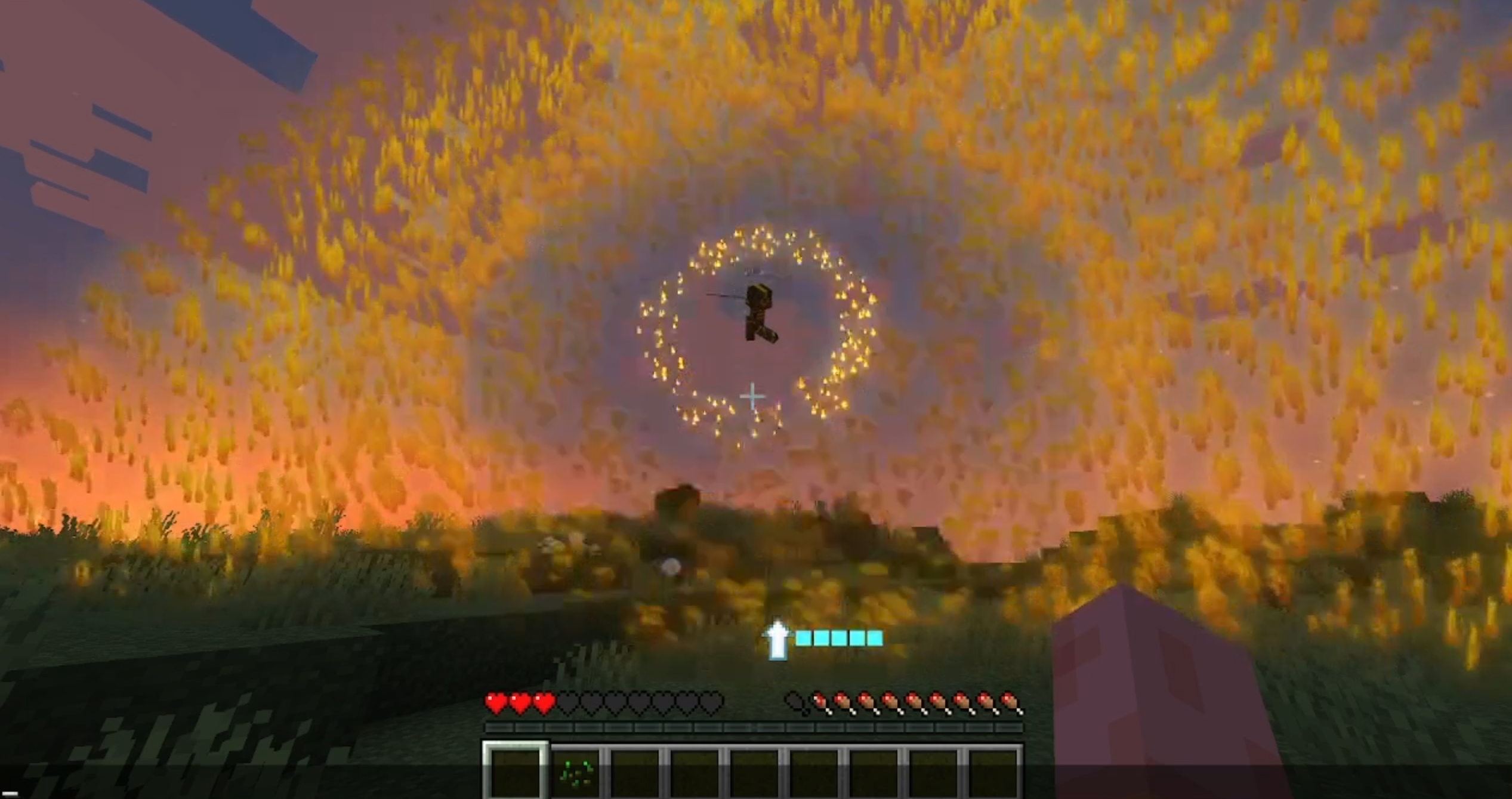
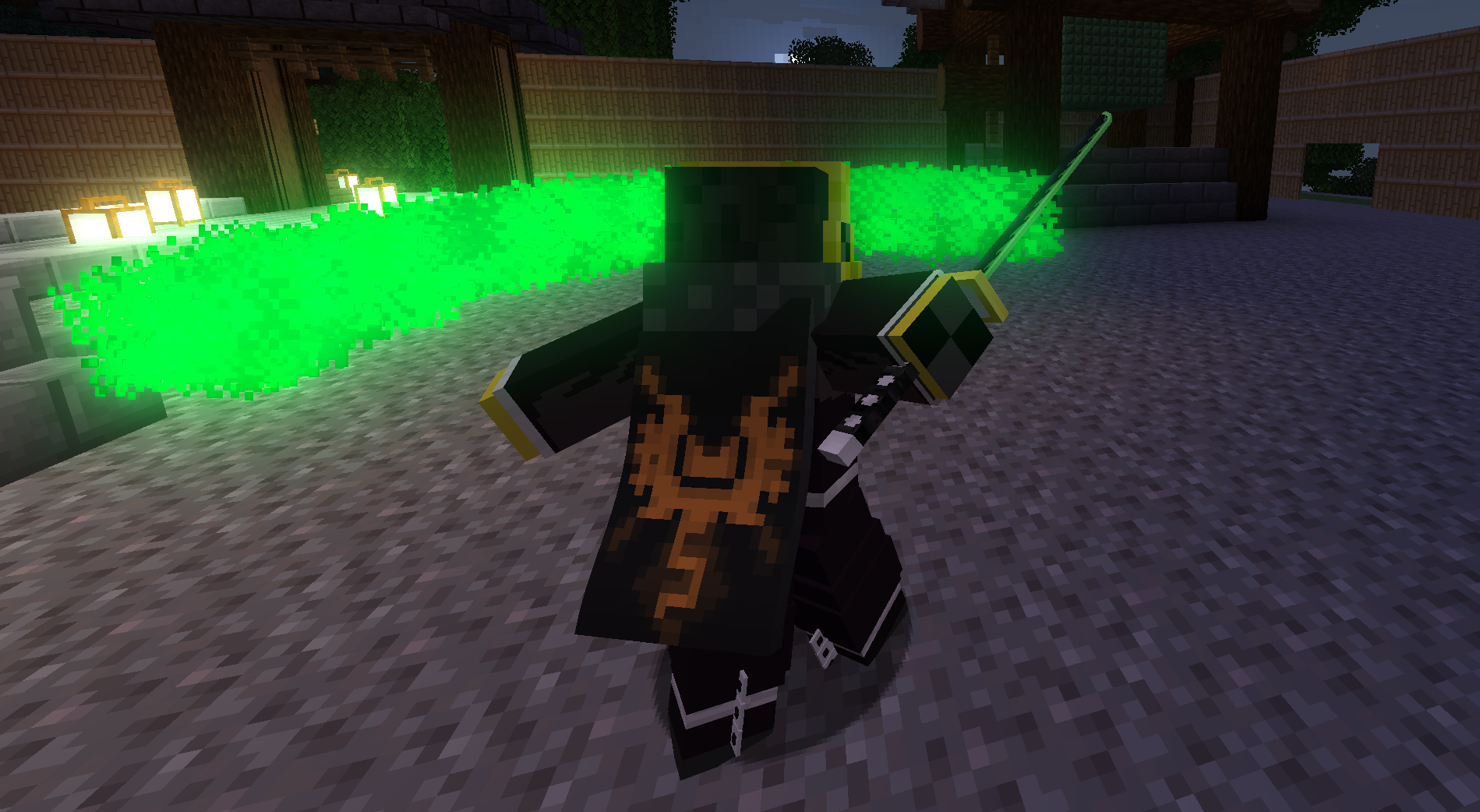 Custom sword swing particles Wind nichirin sword's particles.
 -
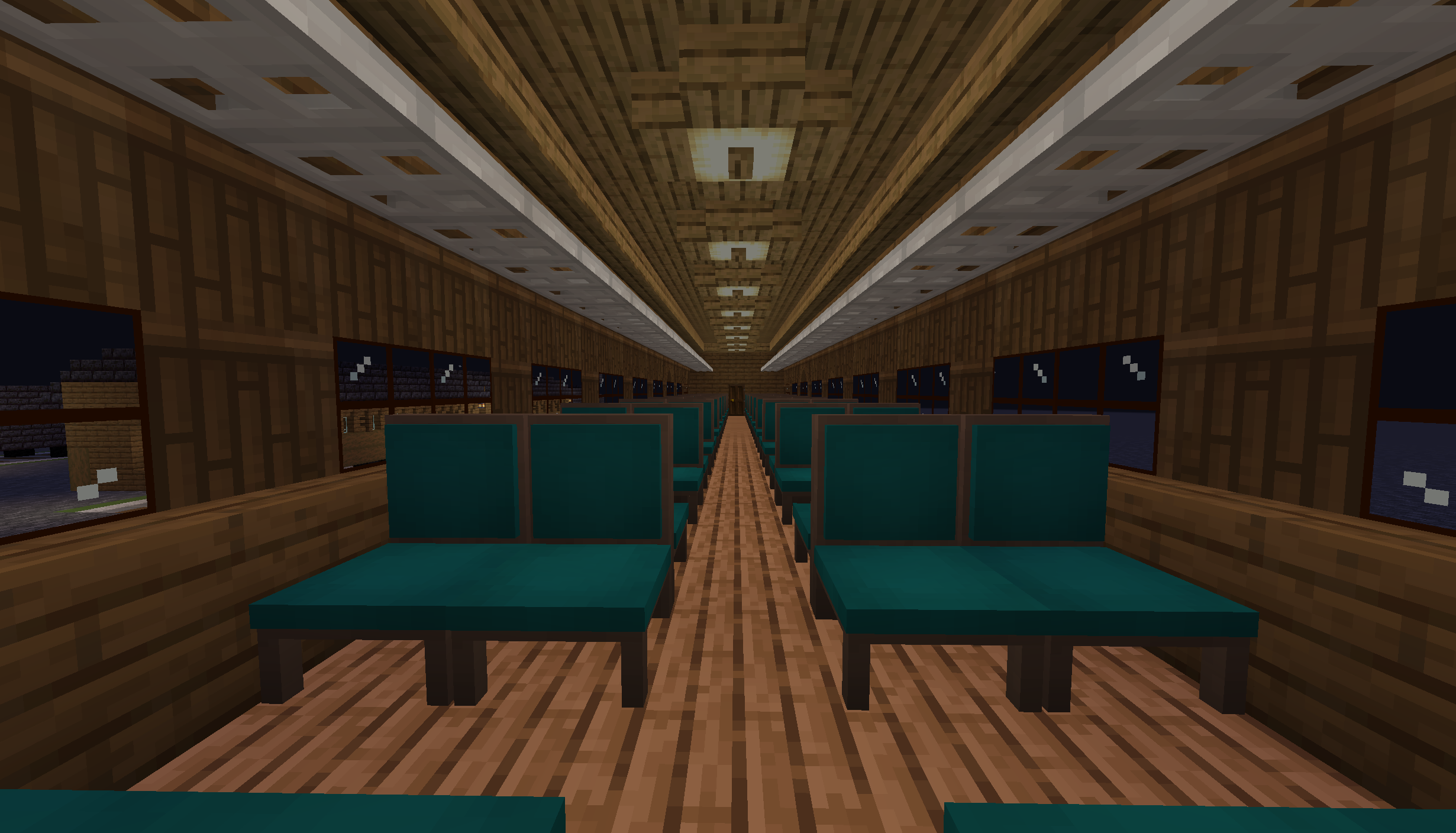 Mugen Train
 -
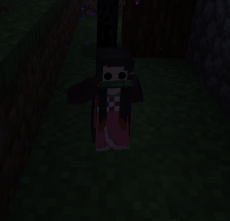 Nezuko Small nezuko
 -
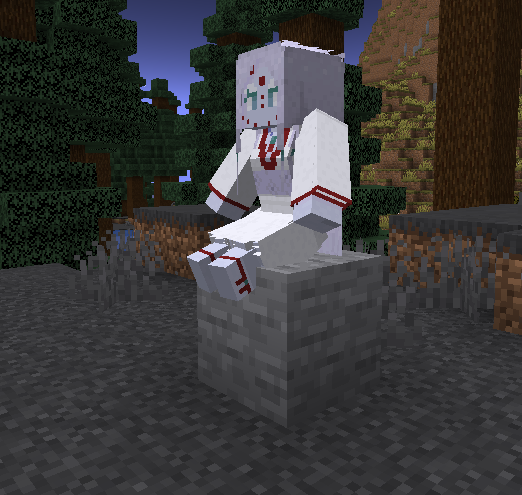 Rui's Mother
 -
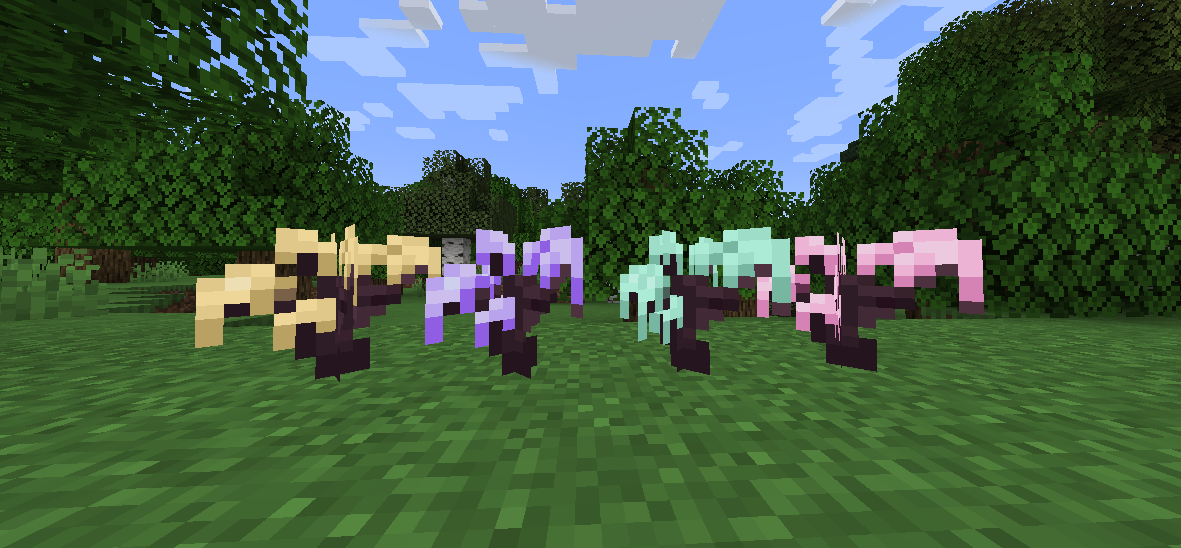 Wisteria Sapplings
 -
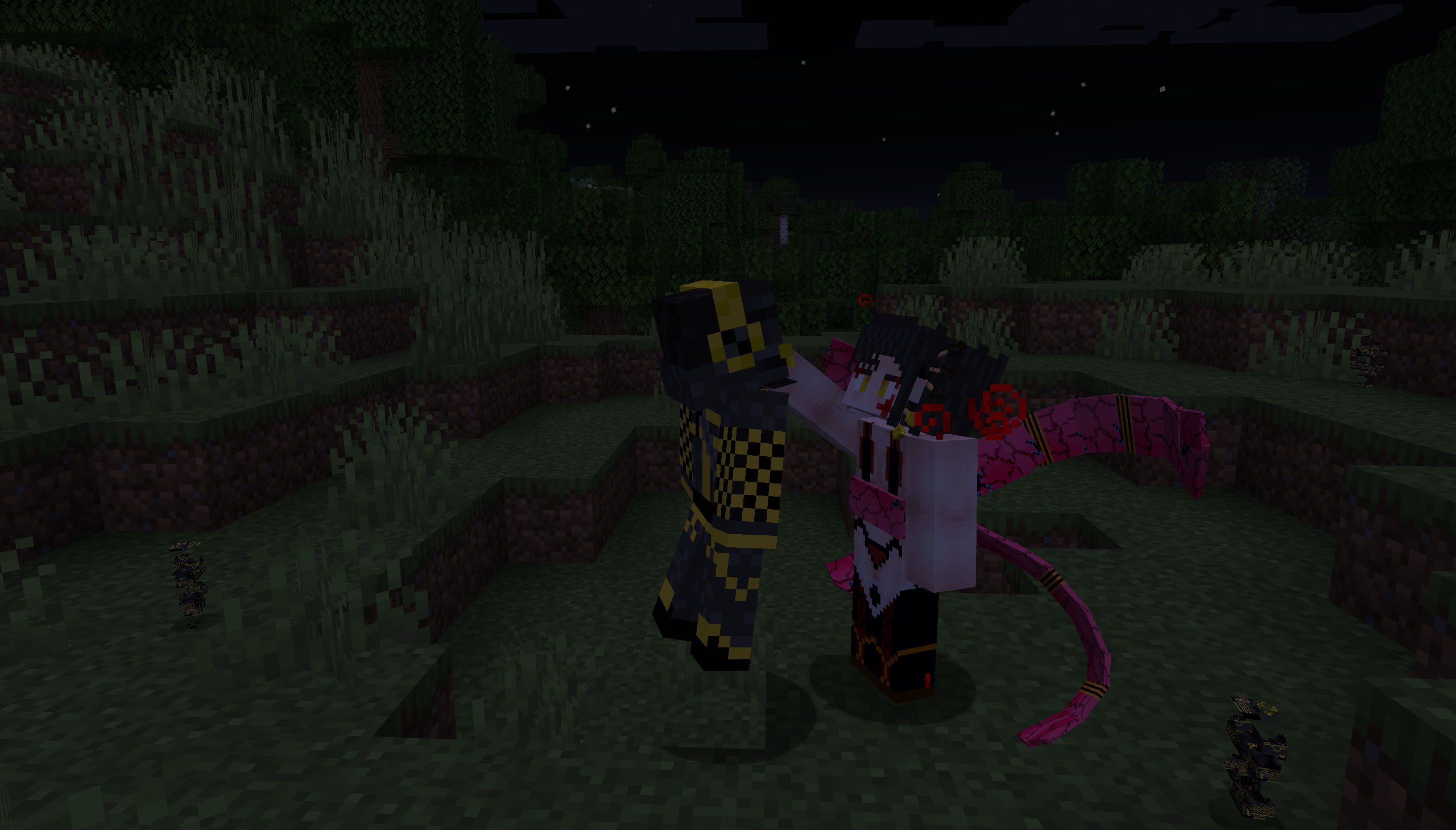 Demon Proposition Daki offering demonhood to a player
Versions
Files
Relations
Project Relations
More like this
Similar Mods
Suggestions use data such as tags, dependencies, dependents, descriptions, titles, and more to rank how much they overlap with this mod.
On ModDex
Community snapshot
By the numbers
Statistics
Want to reach Minecraft players?
We're looking for a server hosting partner to feature here and other parts of the site. Interested? Send us a message!
Get in touchGet it on
Available Platforms
On ModDex
Community snapshot
By the numbers
Statistics
Resources