
Community listing page, reviews here may not be monitored by the author.
Kinder


No reviews yet
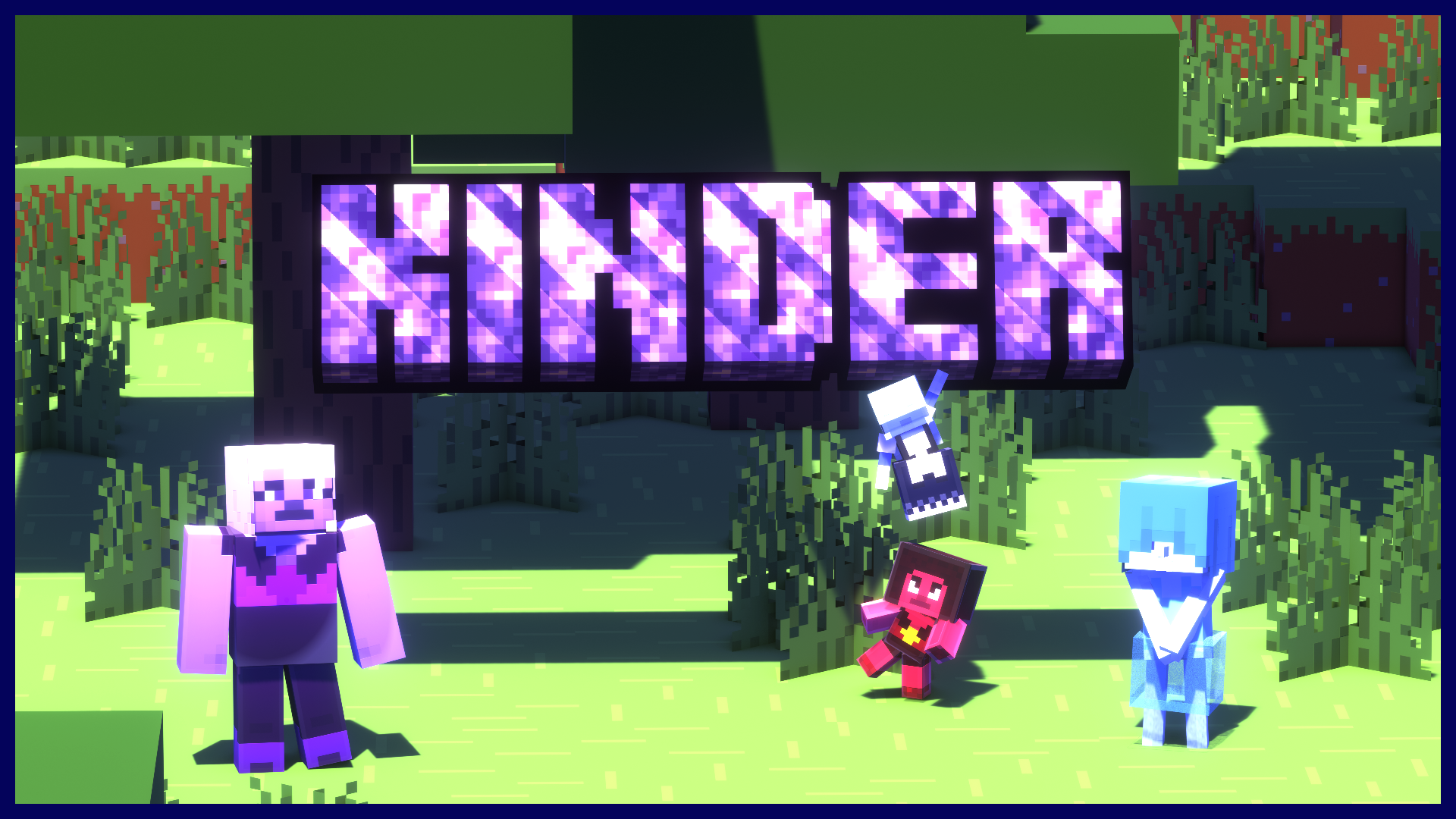
A mod that aims to add Gems inspired by Steven Universe that aid the player in multiple ways, and even if you're not a fan of the show, the concepts are easy to understand.

Community voices
Reviews
No reviews yet. Be the first to review this project!
Get it on
Available Platforms
Compatibility
Supported Environments
Must be installed on both the client and the server.
About
Project Details
For authors
Embed Badge
If you're the author of this project, you can embed a live badge anywhere that supports HTML or Markdown. It updates automatically whenever ratings change.
Use HTML for any page that supports it, or Markdown for README files and Markdown-based descriptions.
Identifiers
Platform IDs
About
Description
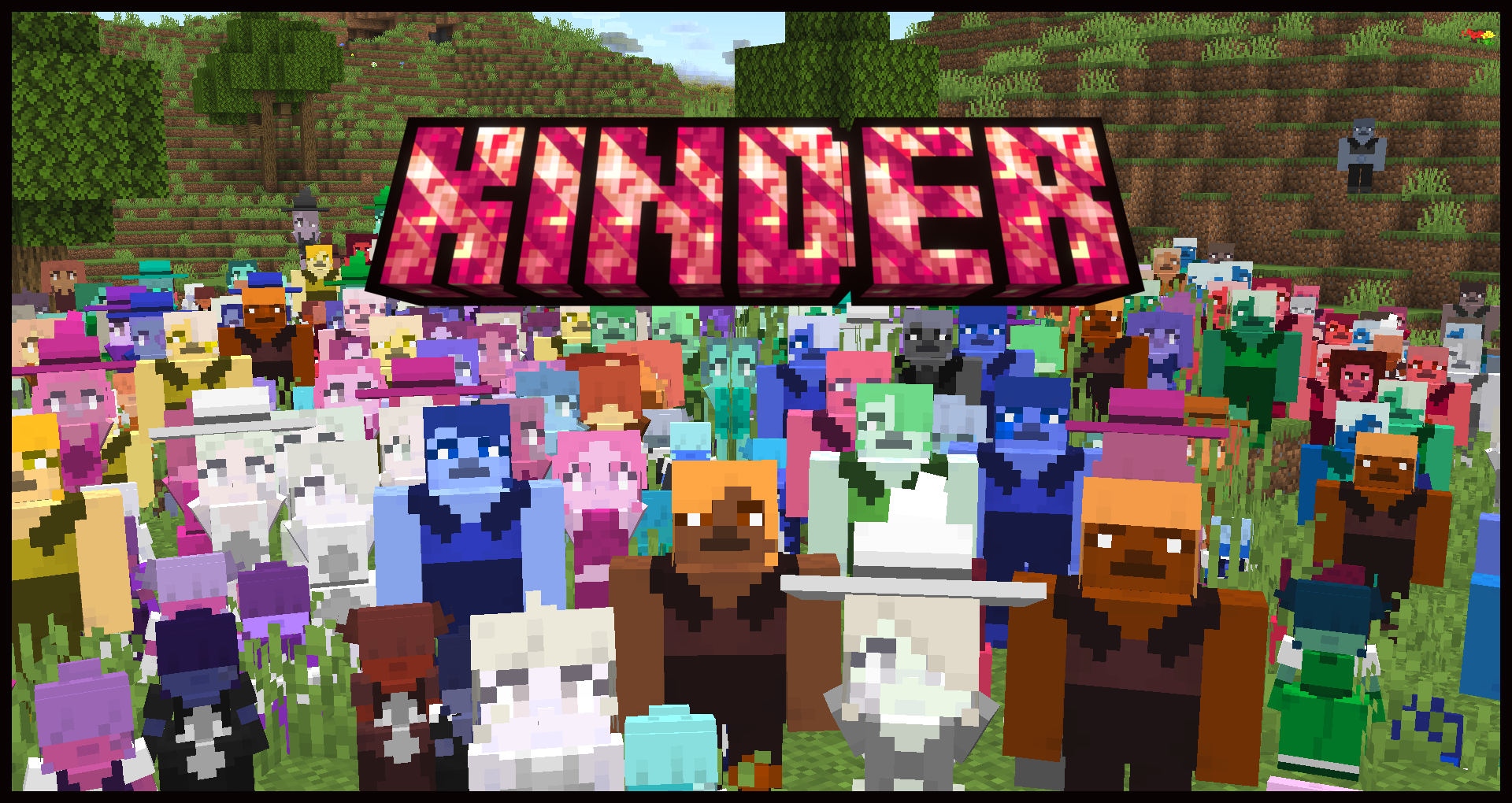



About Kinder
Kinder is a mod that aims to add Gems inspired by Steven Universe that aid the player in multiple ways. Even if you're not a fan of the show, the concepts are easy to understand.
Versions, Modloader, and Dependencies
Kinder will always be exclusive to the Fabric Modloader and is currently for 1.20.1. However, the mod Connector seems to work. If you'd like to run on forge, please try that. However i will not give support for this.
Contents
The mod currently contains 4 gems, multiple blocks and items, and a singular structure.
Gems
Ruby
- Small Soldier gems that use exclusively pink essence. They're fairly weak but pack a punch in numbers.
Quartz
- Medium-sized Soldier gems that come in all 16 Minecraft colors. They pack a punch on their own, and possibly with enough, you could defeat a warden.
Pearl
- Medium-sized Utility gems that can carry your stuff, similar to a shulker box. Their Perfection determines their inventory size, from 3 rows of 9 slots by default to a whole 6 rows! Plus, they contain more customizability compared to other gems.
Sapphire
- Small Utility gems that can grant the player and other gems the player owns different buffs and, if you're unlucky, debuffs.
Gem Concepts
Movement Types
- You can cycle through owned gems' movement types by shift-right-clicking them. There are currently three: follow, wait, and wander.
Poofing
- When gems take lethal damage, or are shift left clicked by their owner, they are poofed. When poofed they drop their gem item and can be placed down again. In the future gems will have the possibility to poof or be shattered.
Taming
- In order to tame a gem, you must right click an untamed gem. This will tame the gem and they will now follow your orders.
Perfection
- Perfection is a system all gems share. When created, gems have 6 possible perfections, and the most average is 3. Gem perfection impacts multiple different things such as health, attack damage, and their abilities.
Uniform and Insignia Colors
- You can color a gem's uniform and insignia by right-clicking and shift-right-clicking with dye, respectively.
Gem Creation
Essence
- Essence is a type of fluid used in the creation of gems. It comes in 4 colors and is obtained initially by finding Dried Shard Flower Seeds in select vanilla structures such as desert pyramids and jungle temples, and also as a Farmer Villager trade. After soaking these in water, you get one of four colors: white, yellow, blue, and pink. After planting these seeds, you get Shard flowers of the aforementioned colors, and you can use these to craft essence!
Incubator
- Incubators are the main source of obtaining gems. After placing an incubator down, you can input two essences, then right-click it to start incubating. The resulting gem relies on multiple different factors. The color and type rely on the color of essence used and the biome temperature. The Perfection is based on the depth and what blocks are drained. To receive your gem, right-click on the incubator. If an incubator is placed too high, or consumes too many garbage blocks like grass or dirt, it will explode. Be careful.
Oyster
- Oysters are the source of obtaining pearls. After placing and waterlogging an Oyster, you can place white essence inside and wait to receive your pearl. After sparkles start showing up, you can break the shell to receive your pearl. The pearl's color relies on the biome's temperature, and perfection relies mostly on depth and also on the moistness of the biome. After crafting a Pearl Shuck, you can use that and right-click on a shell to obtain your pearl without breaking the shell. This will, however, place stress on the oyster, and it might not work on the same oyster again!
Items
Pearl Shuck
- The Pearl Shuck can be used on Oysters to get pearls out without breaking them. However, it might end up breaking the oyster if used too many times on the same one.
Pearl Customizer
- The Pearl Customizer is used to customize pearls and is used by shift-right-clicking to change what you're customizing, and right-clicking to cycle through options.
Rejuvenator
- Rejuvenators are used to reset a gem back to their default state, currently meaning resetting their owner so you can share gems. There is a gamerule to make it so you can't rejuvenate other players' gems.


About Kinder
Kinder is a mod that aims to add Gems inspired by Steven Universe that aid the player in multiple ways. Even if you're not a fan of the show, the concepts are easy to understand.
Versions, Modloader, and Dependencies
Kinder will always be exclusive to the Fabric Modloader and is currently for 1.20.1. However, the mod Connector seems to work. If you'd like to run on forge, please try that. However i will not give support for this.
Contents
The mod currently contains 4 gems, multiple blocks and items, and a singular structure.
Gems
Ruby
- Small Soldier gems that use exclusively pink essence. They're fairly weak but pack a punch in numbers.
Quartz
- Medium-sized Soldier gems that come in all 16 Minecraft colors. They pack a punch on their own, and possibly with enough, you could defeat a warden.
Pearl
- Medium-sized Utility gems that can carry your stuff, similar to a shulker box. Their Perfection determines their inventory size, from 3 rows of 9 slots by default to a whole 6 rows! Plus, they contain more customizability compared to other gems.
Sapphire
- Small Utility gems that can grant the player and other gems the player owns different buffs and, if you're unlucky, debuffs.
Gem Concepts
Movement Types
- You can cycle through owned gems' movement types by shift-right-clicking them. There are currently three: follow, wait, and wander.
Poofing
- When gems take lethal damage, or are shift left clicked by their owner, they are poofed. When poofed they drop their gem item and can be placed down again. In the future gems will have the possibility to poof or be shattered.
Taming
- In order to tame a gem, you must right click an untamed gem. This will tame the gem and they will now follow your orders.
Perfection
- Perfection is a system all gems share. When created, gems have 6 possible perfections, and the most average is 3. Gem perfection impacts multiple different things such as health, attack damage, and their abilities.
Uniform and Insignia Colors
- You can color a gem's uniform and insignia by right-clicking and shift-right-clicking with dye, respectively.
Gem Creation
Essence
- Essence is a type of fluid used in the creation of gems. It comes in 4 colors and is obtained initially by finding Dried Shard Flower Seeds in select vanilla structures such as desert pyramids and jungle temples, and also as a Farmer Villager trade. After soaking these in water, you get one of four colors: white, yellow, blue, and pink. After planting these seeds, you get Shard flowers of the aforementioned colors, and you can use these to craft essence!
Incubator
- Incubators are the main source of obtaining gems. After placing an incubator down, you can input two essences, then right-click it to start incubating. The resulting gem relies on multiple different factors. The color and type rely on the color of essence used and the biome temperature. The Perfection is based on the depth and what blocks are drained. To receive your gem, right-click on the incubator. If an incubator is placed too high, or consumes too many garbage blocks like grass or dirt, it will explode. Be careful.
Oyster
- Oysters are the source of obtaining pearls. After placing and waterlogging an Oyster, you can place white essence inside and wait to receive your pearl. After sparkles start showing up, you can break the shell to receive your pearl. The pearl's color relies on the biome's temperature, and perfection relies mostly on depth and also on the moistness of the biome. After crafting a Pearl Shuck, you can use that and right-click on a shell to obtain your pearl without breaking the shell. This will, however, place stress on the oyster, and it might not work on the same oyster again!
Items
Pearl Shuck
- The Pearl Shuck can be used on Oysters to get pearls out without breaking them. However, it might end up breaking the oyster if used too many times on the same one.
Pearl Customizer
- The Pearl Customizer is used to customize pearls and is used by shift-right-clicking to change what you're customizing, and right-clicking to cycle through options.
Rejuvenator
- Rejuvenators are used to reset a gem back to their default state, currently meaning resetting their owner so you can share gems. There is a gamerule to make it so you can't rejuvenate other players' gems.
Screenshots
Gallery
-
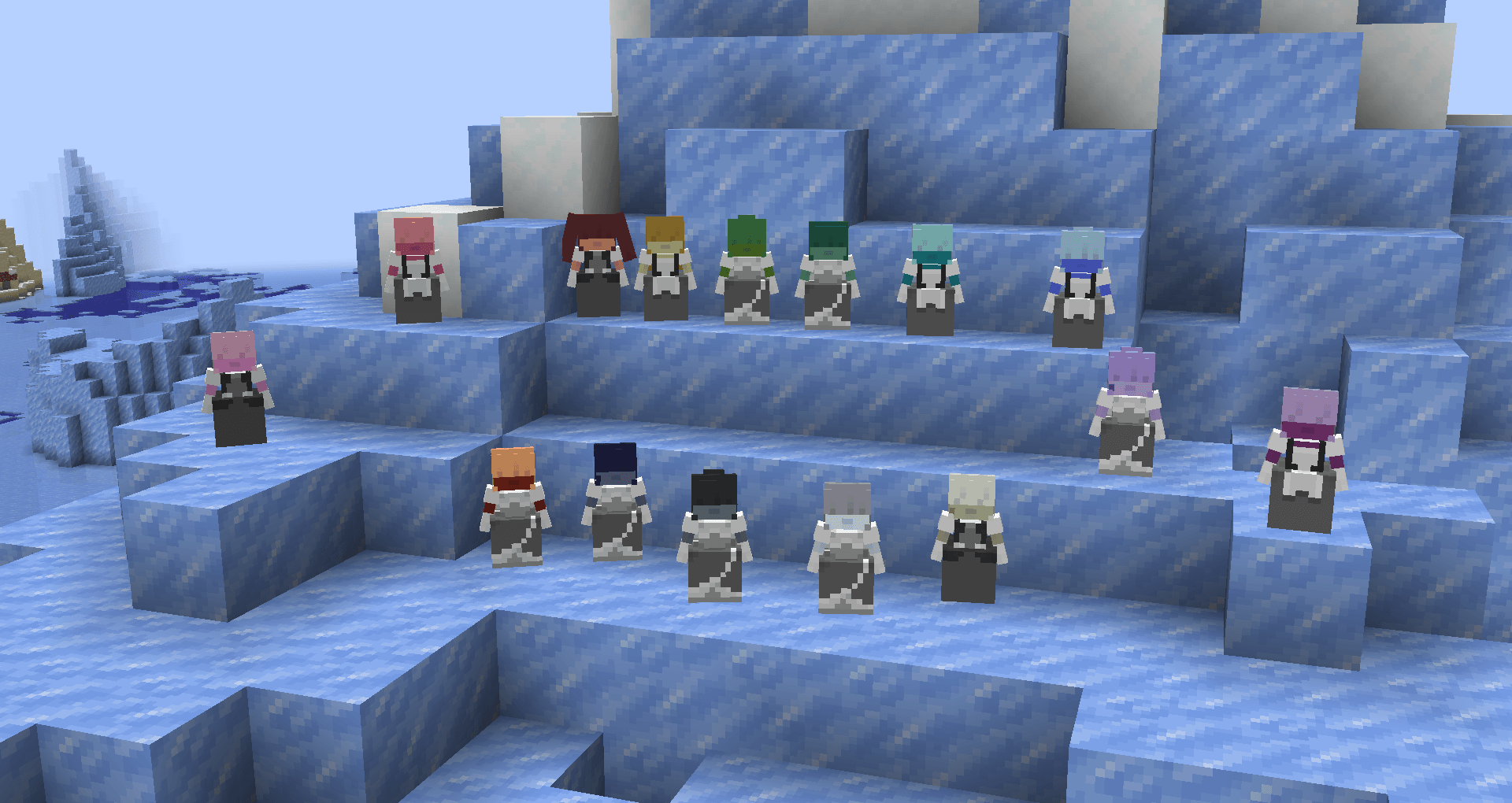 2024-06-17_17.51.20.png 2024-06-17_17.51.20.png
 -
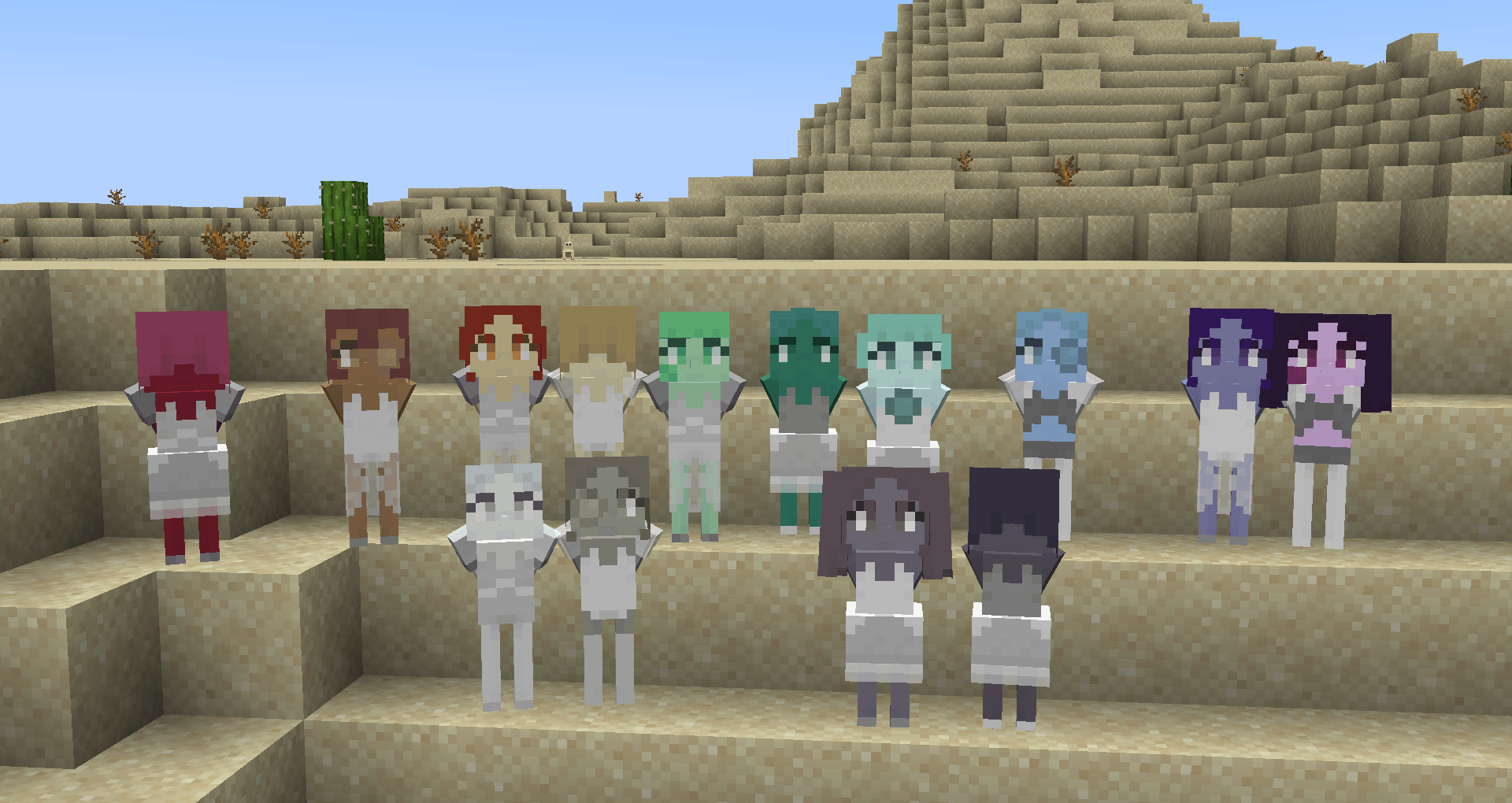 2024-06-17_17.54.06.png 2024-06-17_17.54.06.png
 -
 2024-06-17_17.56.32.png 2024-06-17_17.56.32.png
 -
 2024-06-17_17.58.25.png 2024-06-17_17.58.25.png
 -
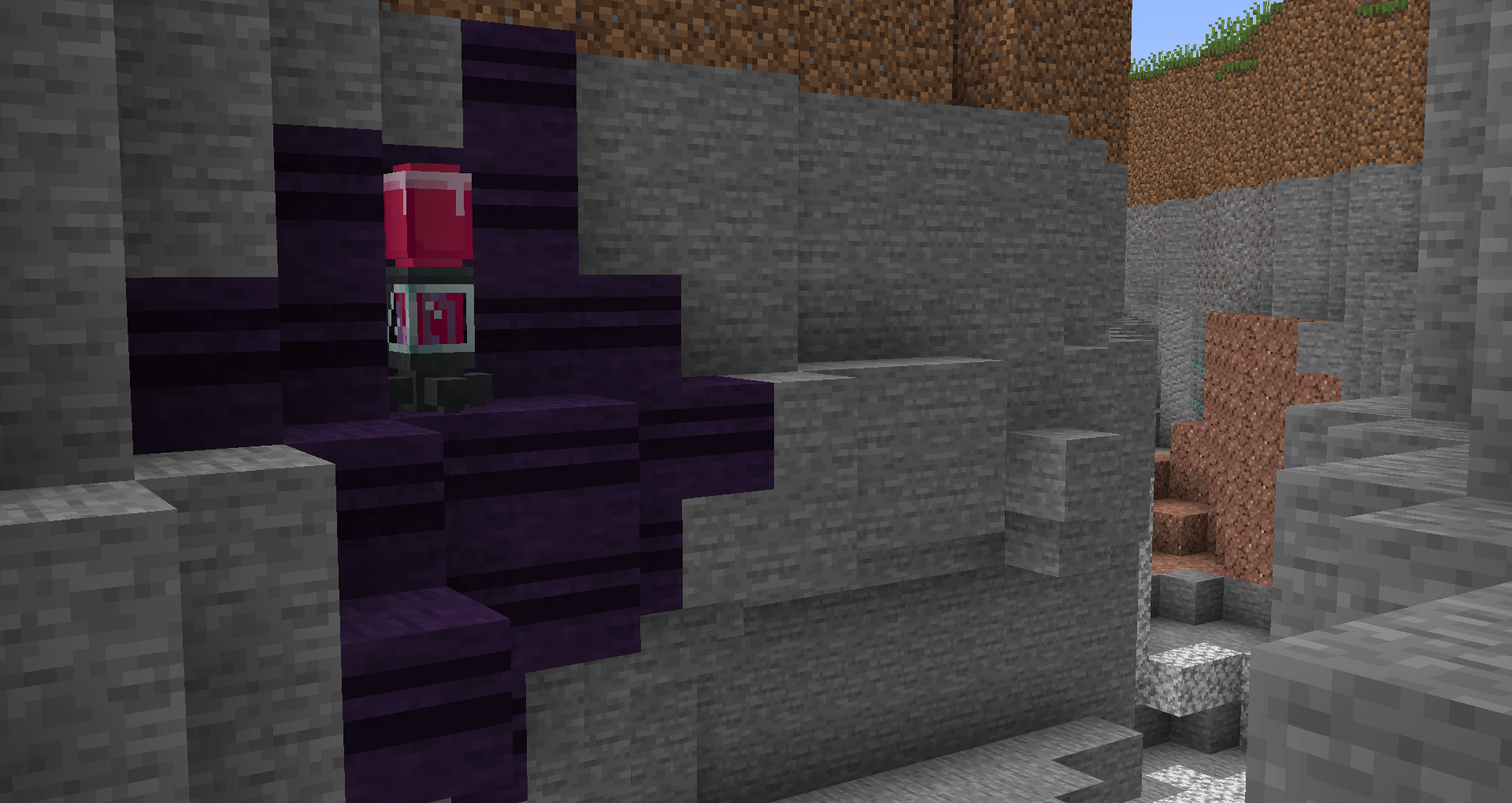 2024-06-14_15.54.15.png 2024-06-14_15.54.15.png
 -
 2024-06-14_15.52.49.png 2024-06-14_15.52.49.png
 -
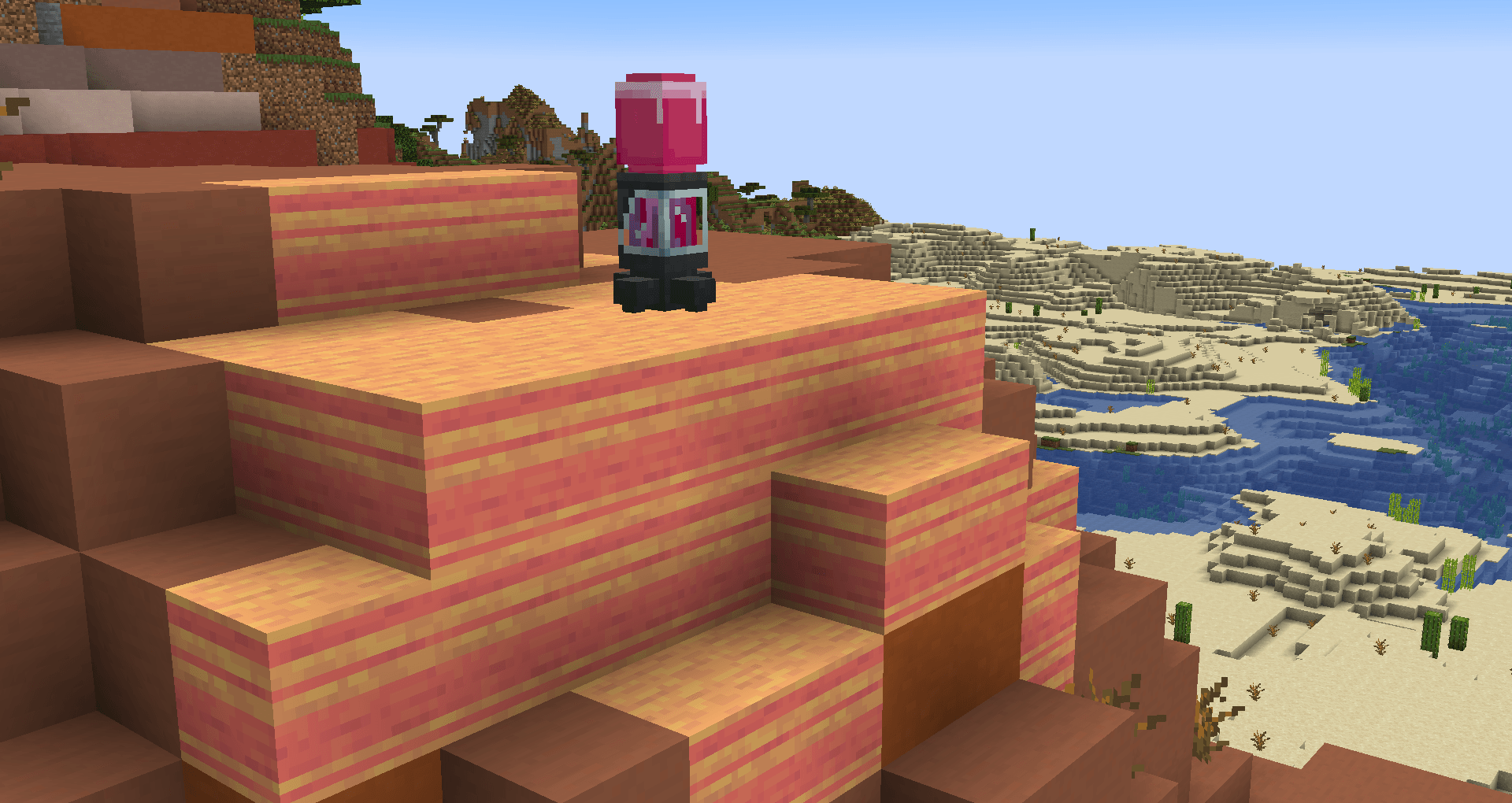 2024-06-14_15.50.26.png 2024-06-14_15.50.26.png
 -
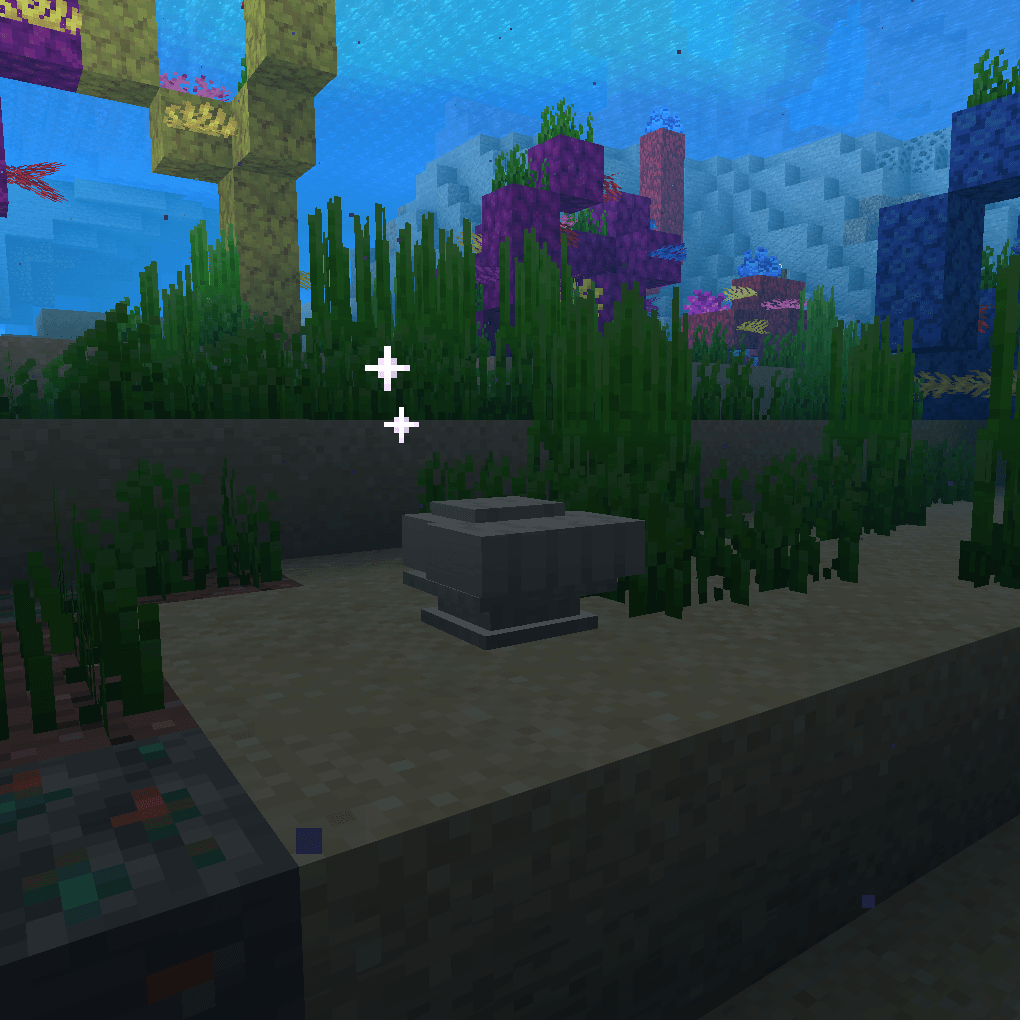 2024-06-14_15.56.16.png 2024-06-14_15.56.16.png
-
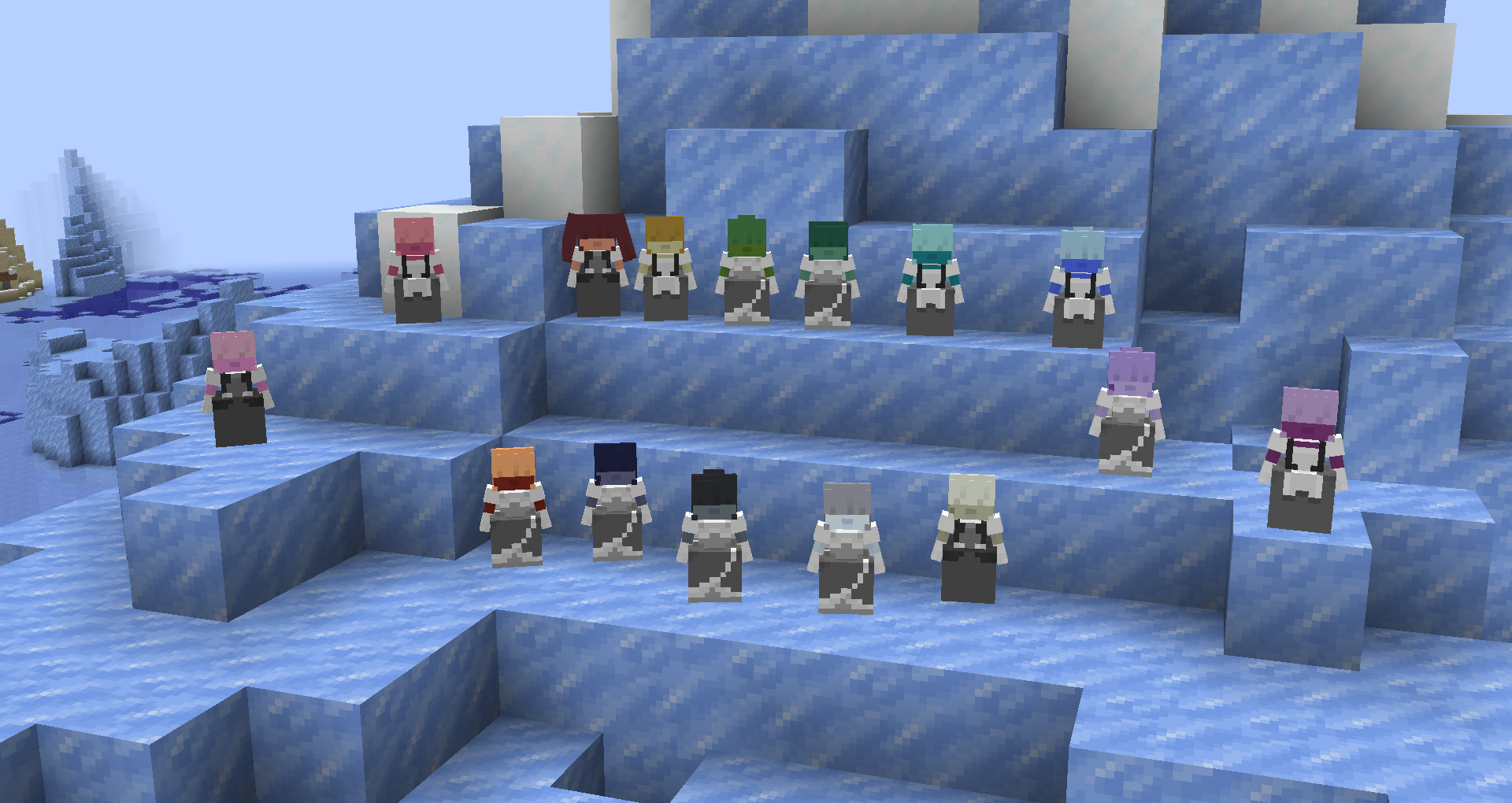 Sapphires
 -
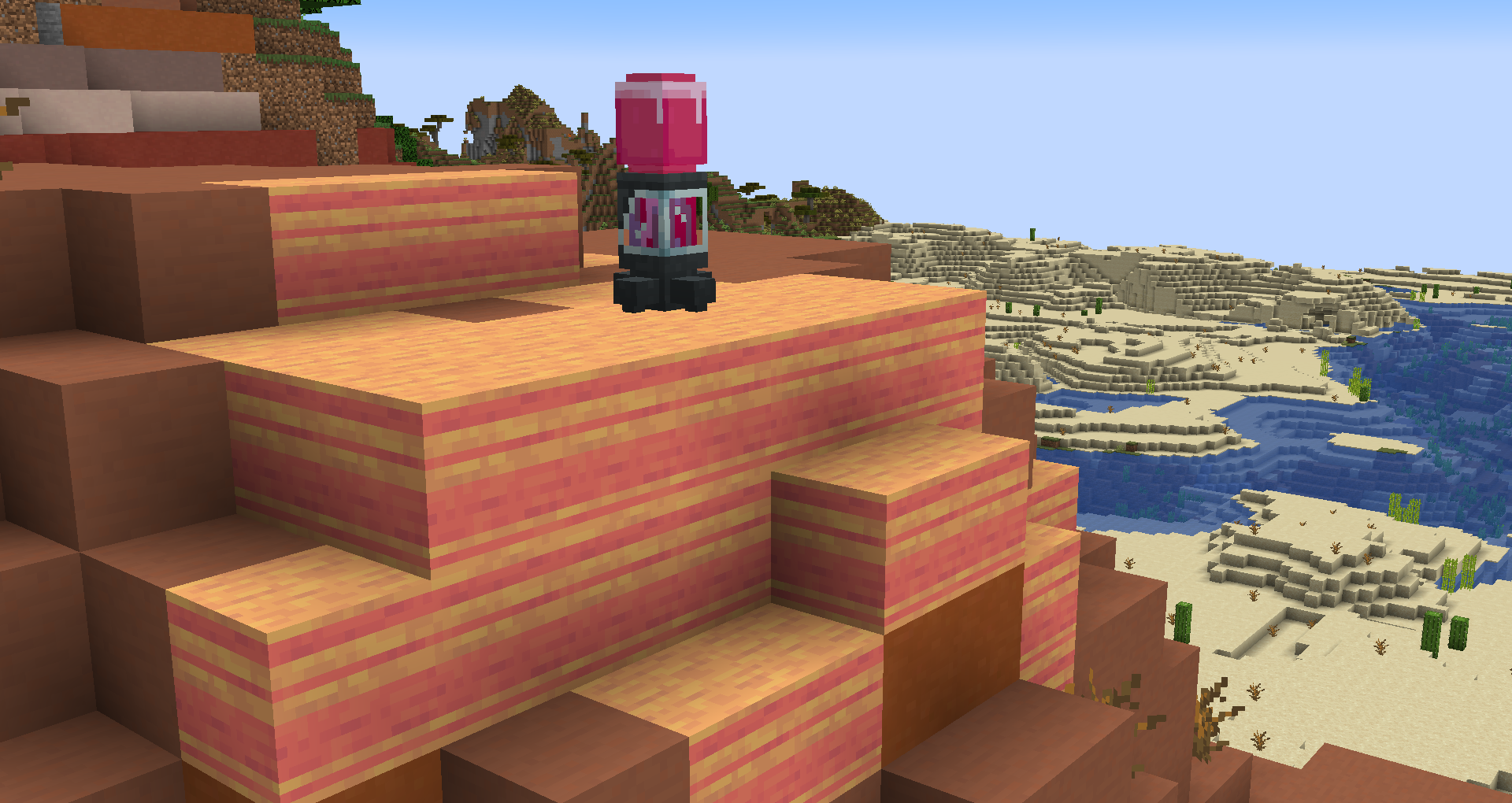 Incubating
 -
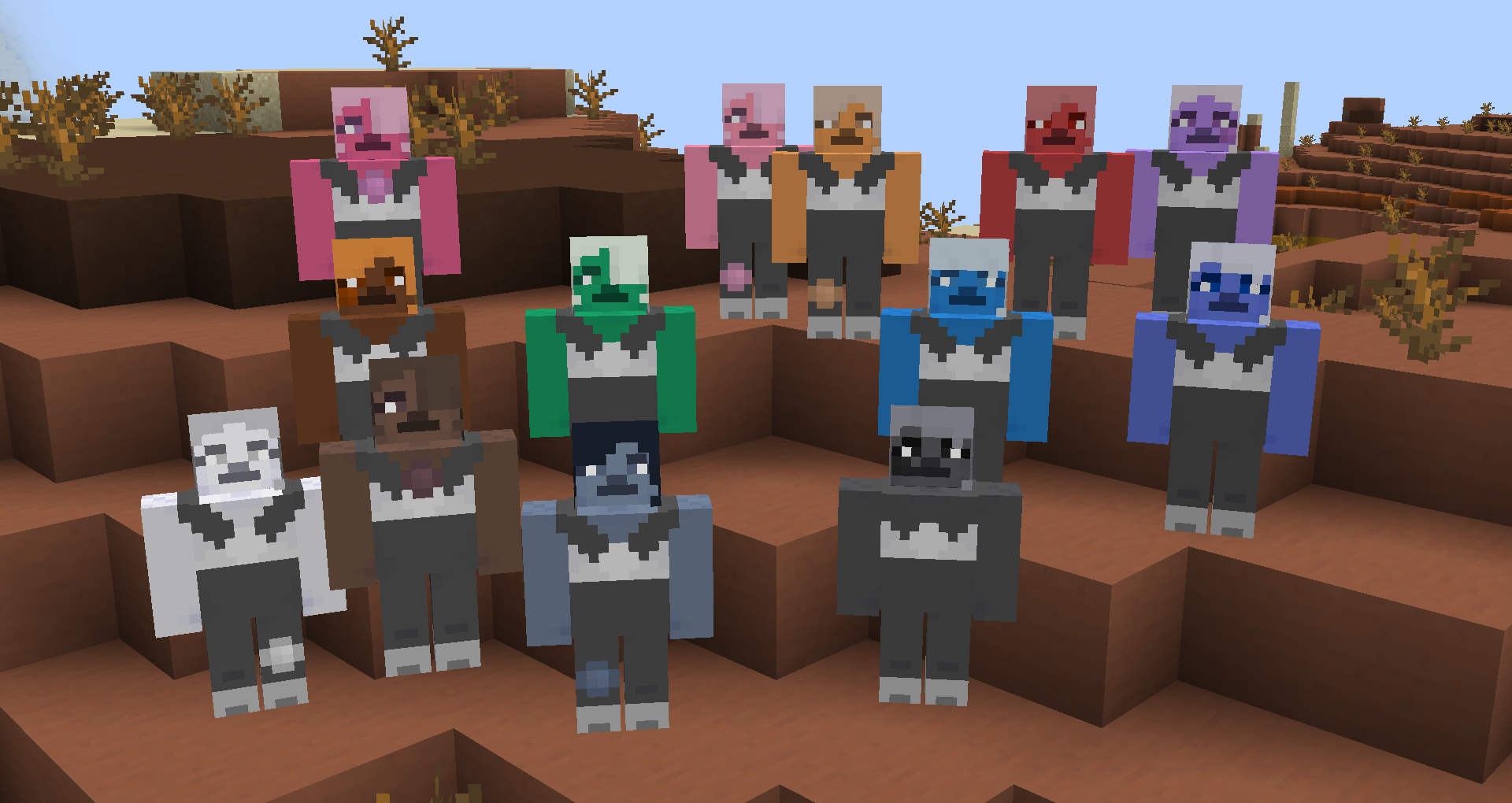 Quartzes
 -
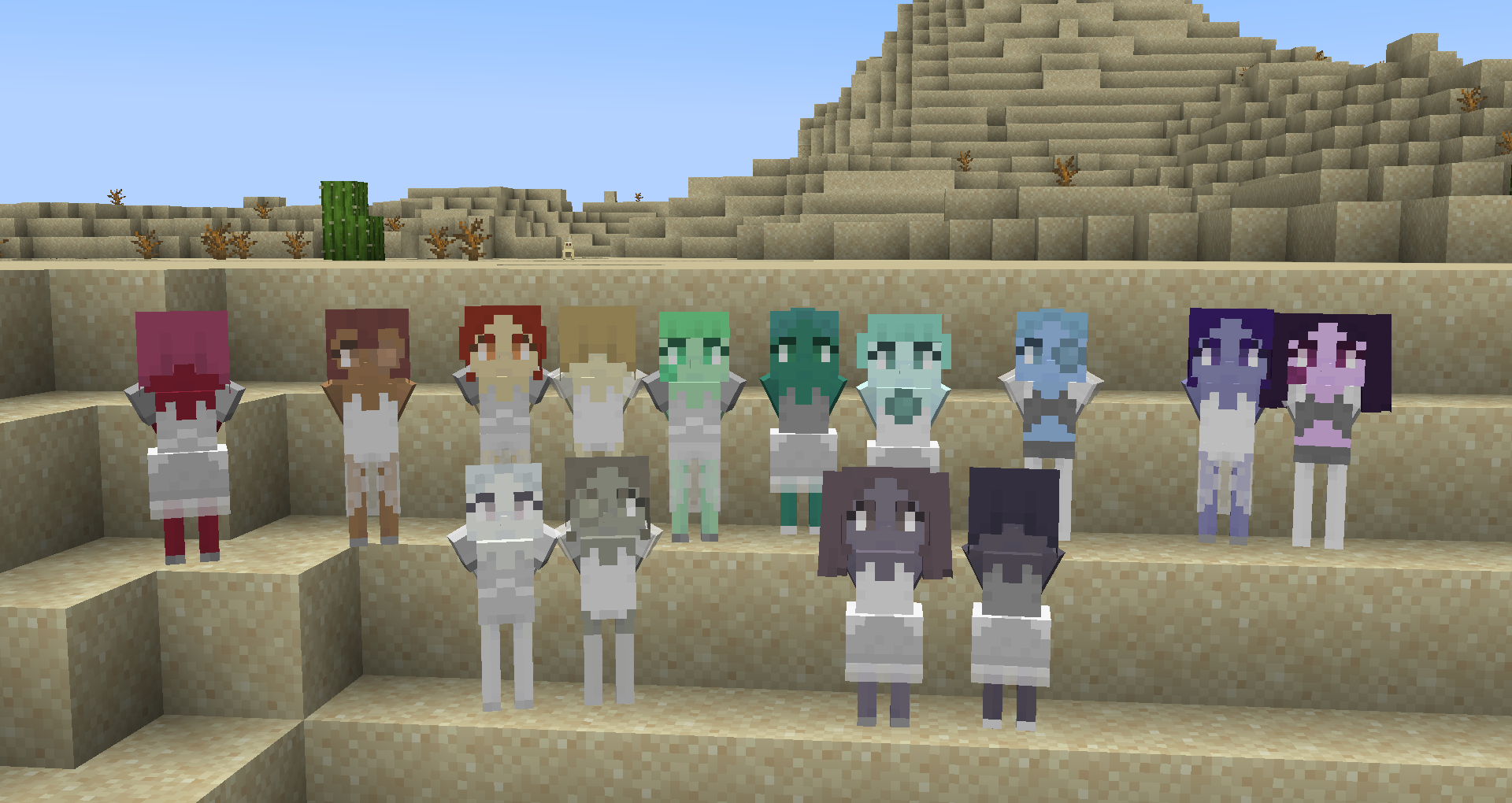 Pearls
 -
-
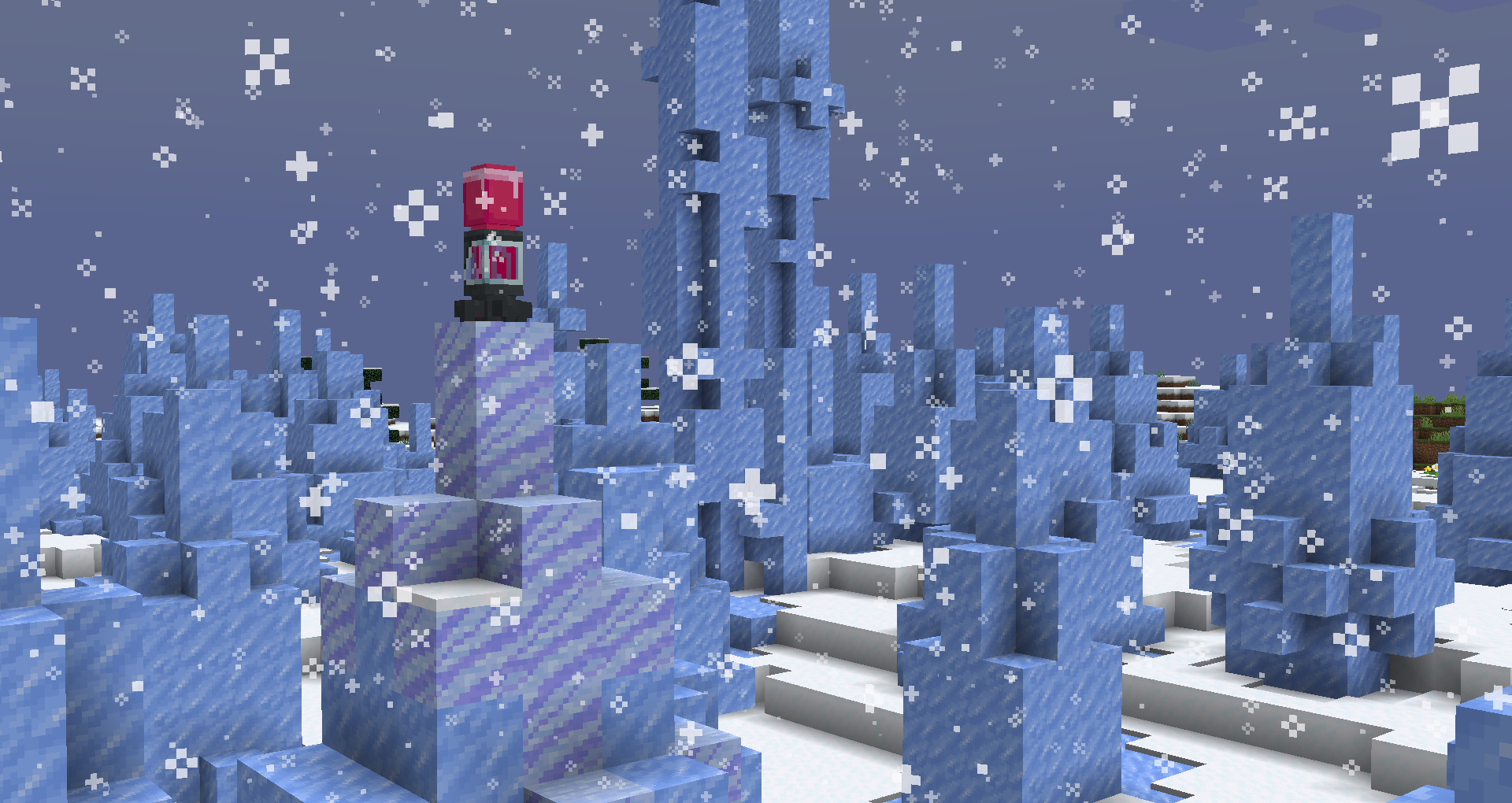 Incubating
 -
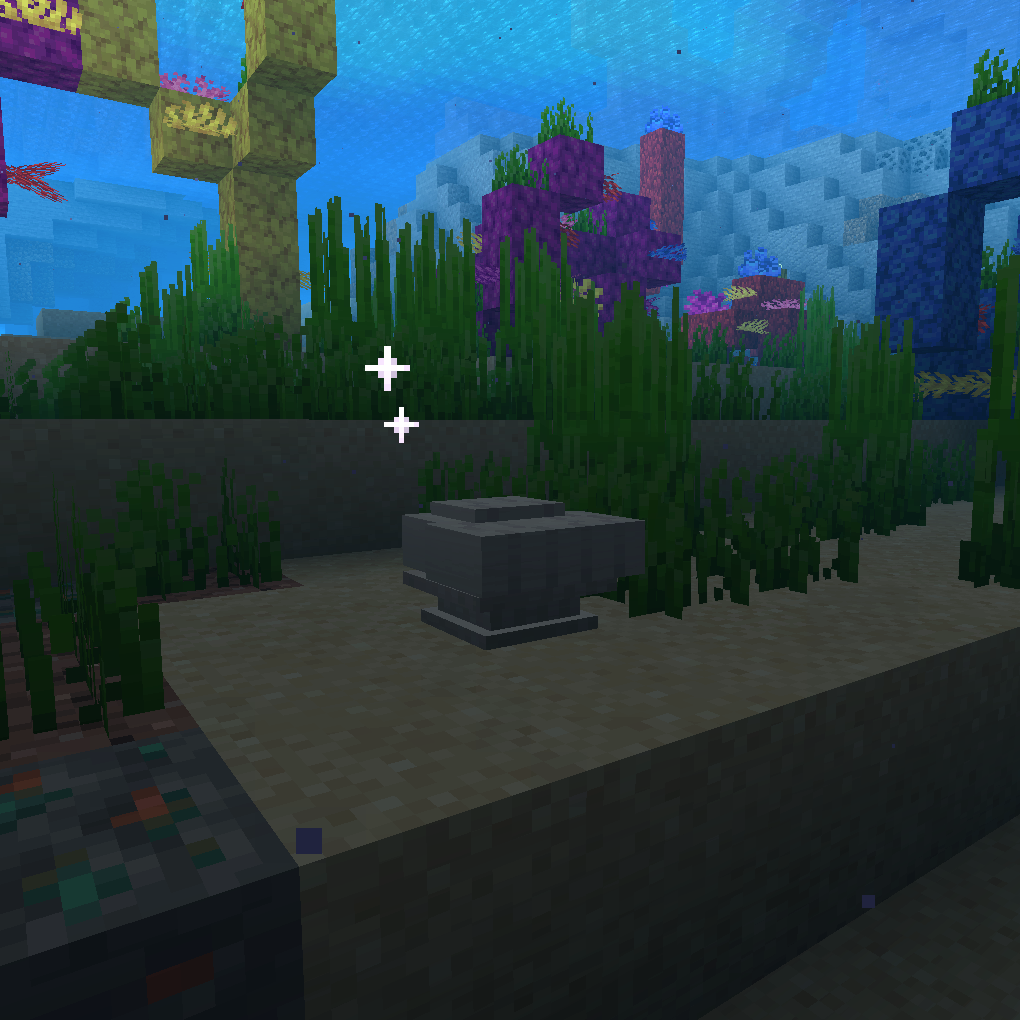 Oyster
 -
 Rubies
 -
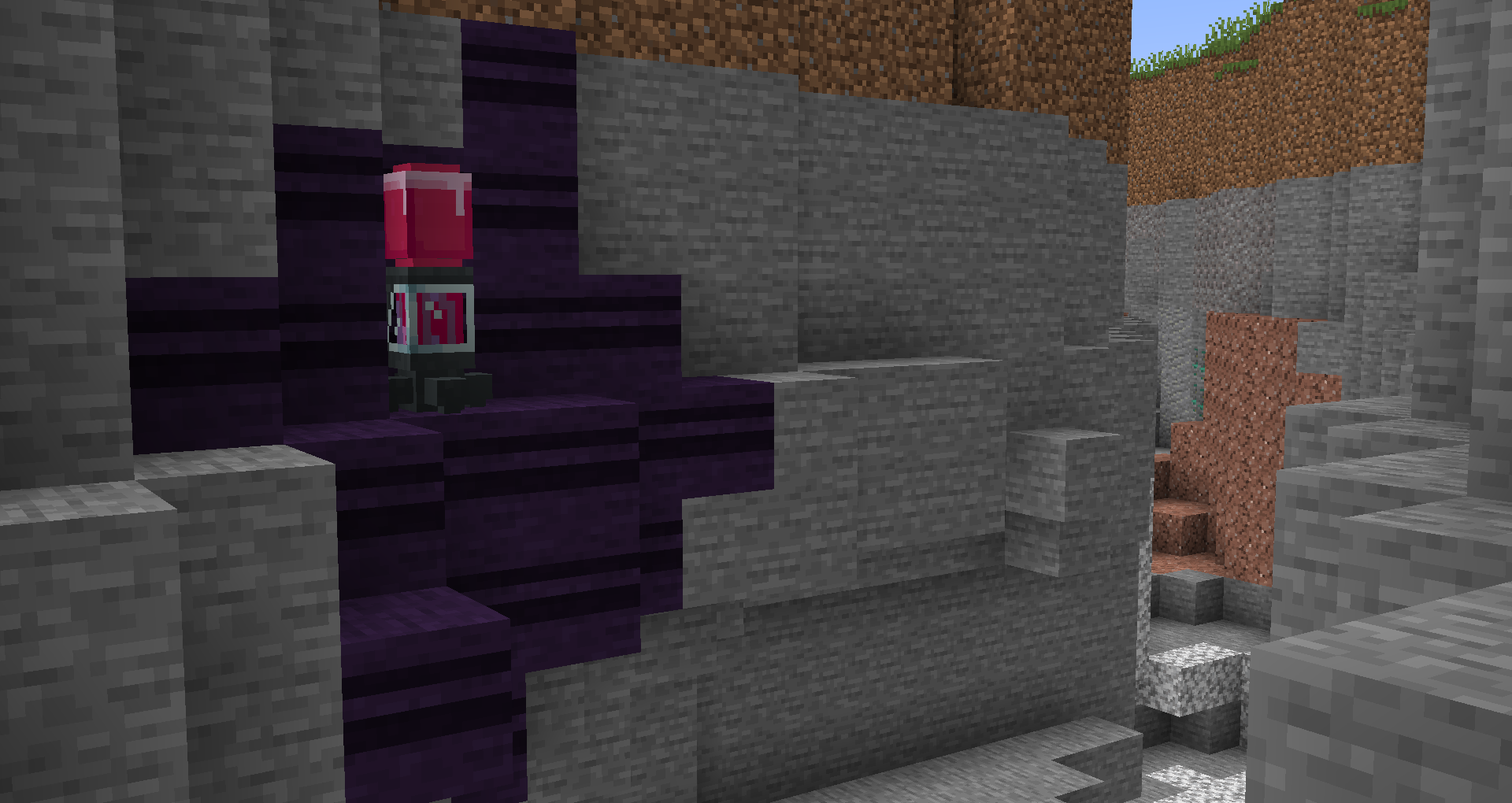 Incubating
 -
Versions
Files
Relations
Project Relations
More like this
Similar Mods
Suggestions use data such as tags, dependencies, dependents, descriptions, titles, and more to rank how much they overlap with this mod.
On ModDex
Community snapshot
By the numbers
Statistics
 (opens in a new tab)
Get it on
Available Platforms
On ModDex
Community snapshot
By the numbers