Community listing page, reviews here may not be monitored by the author.


Community voices
Reviews
No reviews yet. Be the first to review this project!
Get it on
Available Platforms
Compatibility
Supported Environments
Runs entirely on the server. Also works in singleplayer.
About
Project Details
For authors
Embed Badge
If you're the author of this project, you can embed a live badge anywhere that supports HTML or Markdown. It updates automatically whenever ratings change.
Use HTML for any page that supports it, or Markdown for README files and Markdown-based descriptions.
Identifiers
Platform IDs
Resources
External Links
About
Description
KOHATS
KOHATS is a datapack and resourcepack. That adds hats and easier system for them using new dialog system. Also it's fully support English and Russian.
How to use
- Install and enable both datapack and resourcepack.
- Hold helmet you want to convert in your hand and open KOHATS menu using button in
Pause Menuor by pressingQuick Action(Gby default).
- Select hat you want (There you can see hat previews). If hat supports dye coloring. You can set color you want. For example you want color #EB4034. Open any hex to decimal converter and convert your color. For #EB4034 it will be 15417396. Press
Ok.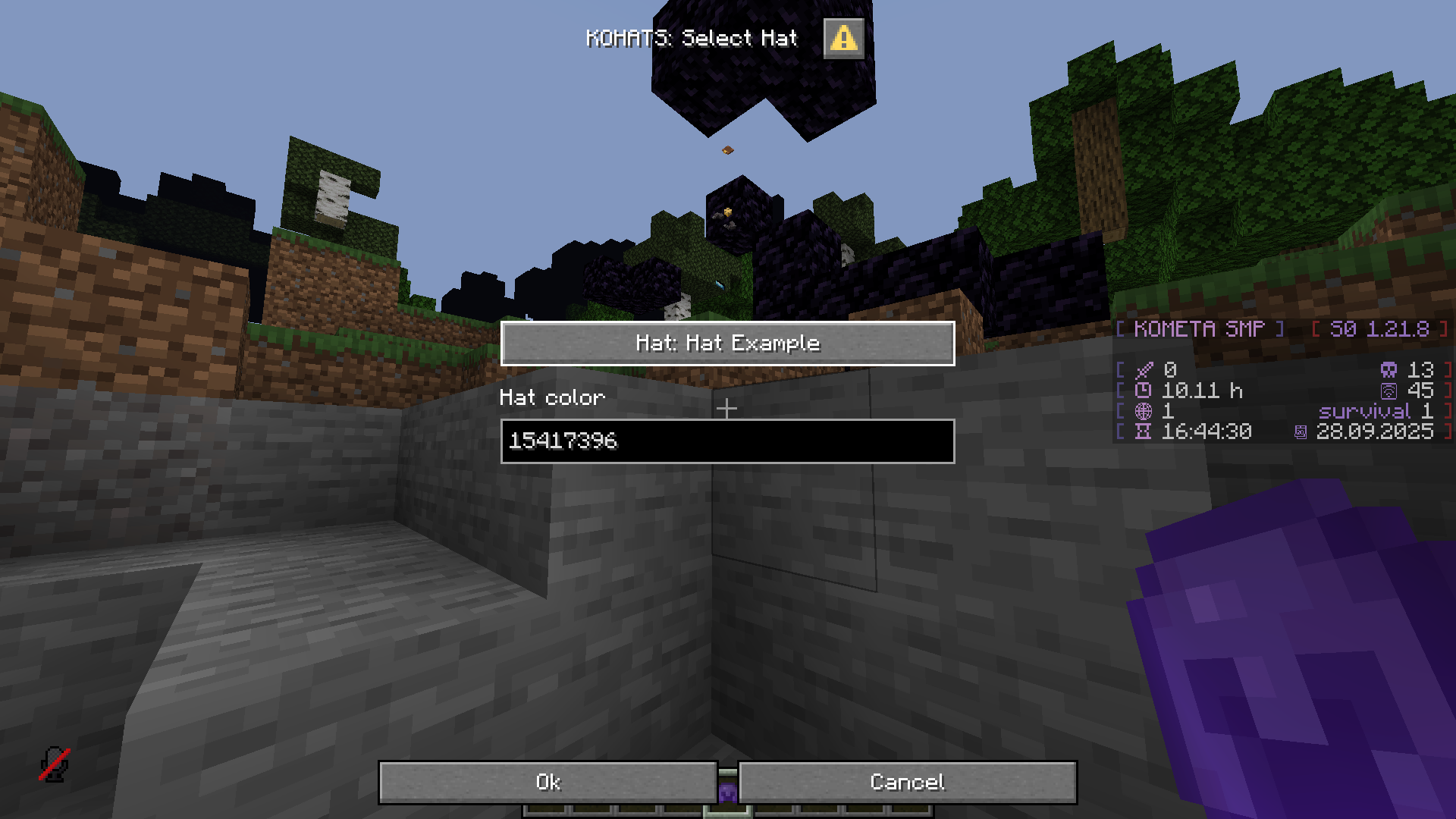
- Minecraft will ask a confirmation. Press
Yesand your helmet will be replaced with hat.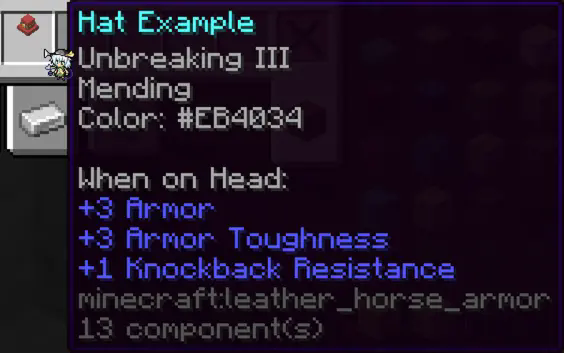
Custom hats
You can use your custom hats. Model and translation key is required, tint is optional. However your hat wont appear in Select Hat dialog, but you still can get it in Select Custom Hat dialog by manually writing translation key and item model. Take a look at resource pack for examples.
QA
- Why use
Leather Horse Armorinstead ofCurved Pumpkin?Leather Horse Armorallow both, changing item model and dye coloring.
- Why color select so ugly?
- Currently it's best I can do with dialog limitations.
- I can't get hat in multiplayer.
- It's due dialog limitation of running at user permissions. So to use it you must have access to
/functioncommand.
- It's due dialog limitation of running at user permissions. So to use it you must have access to
Screenshots
Gallery
-
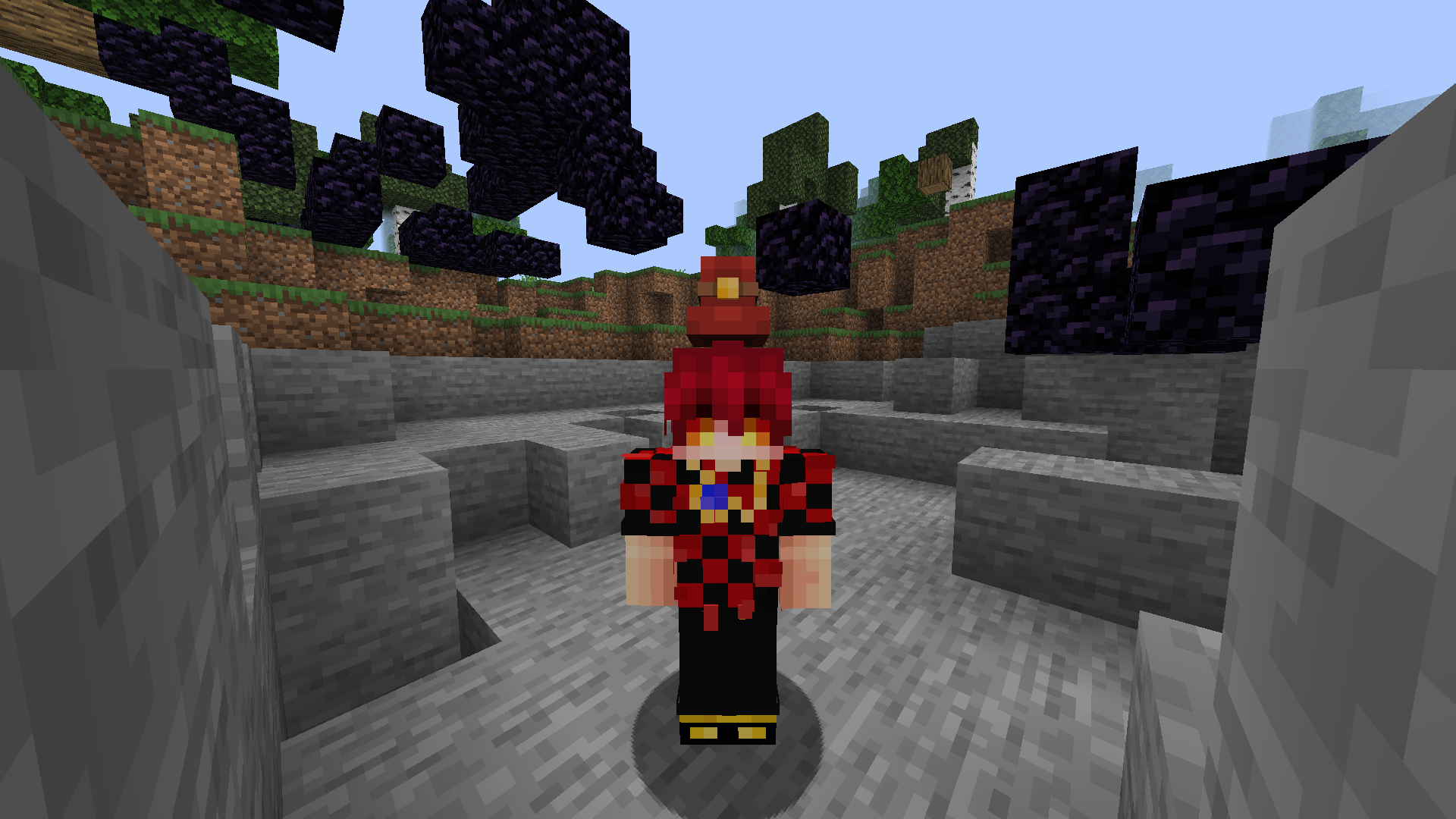 Hat Example (can be colored) Hat I made as example on how to use tint models.
 -
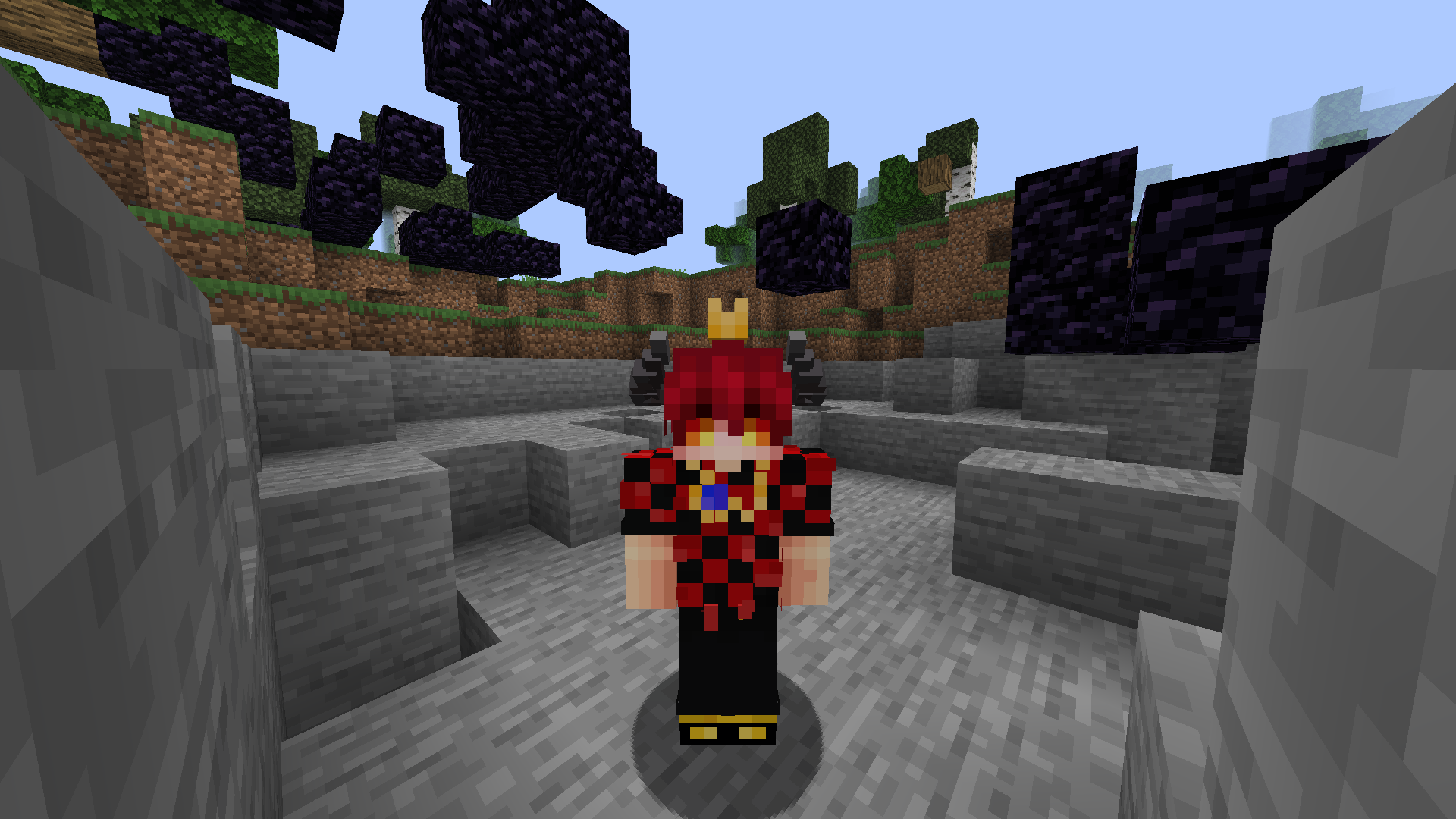 Crown and Shroud Horns My personal hat I made for my skin.
 -
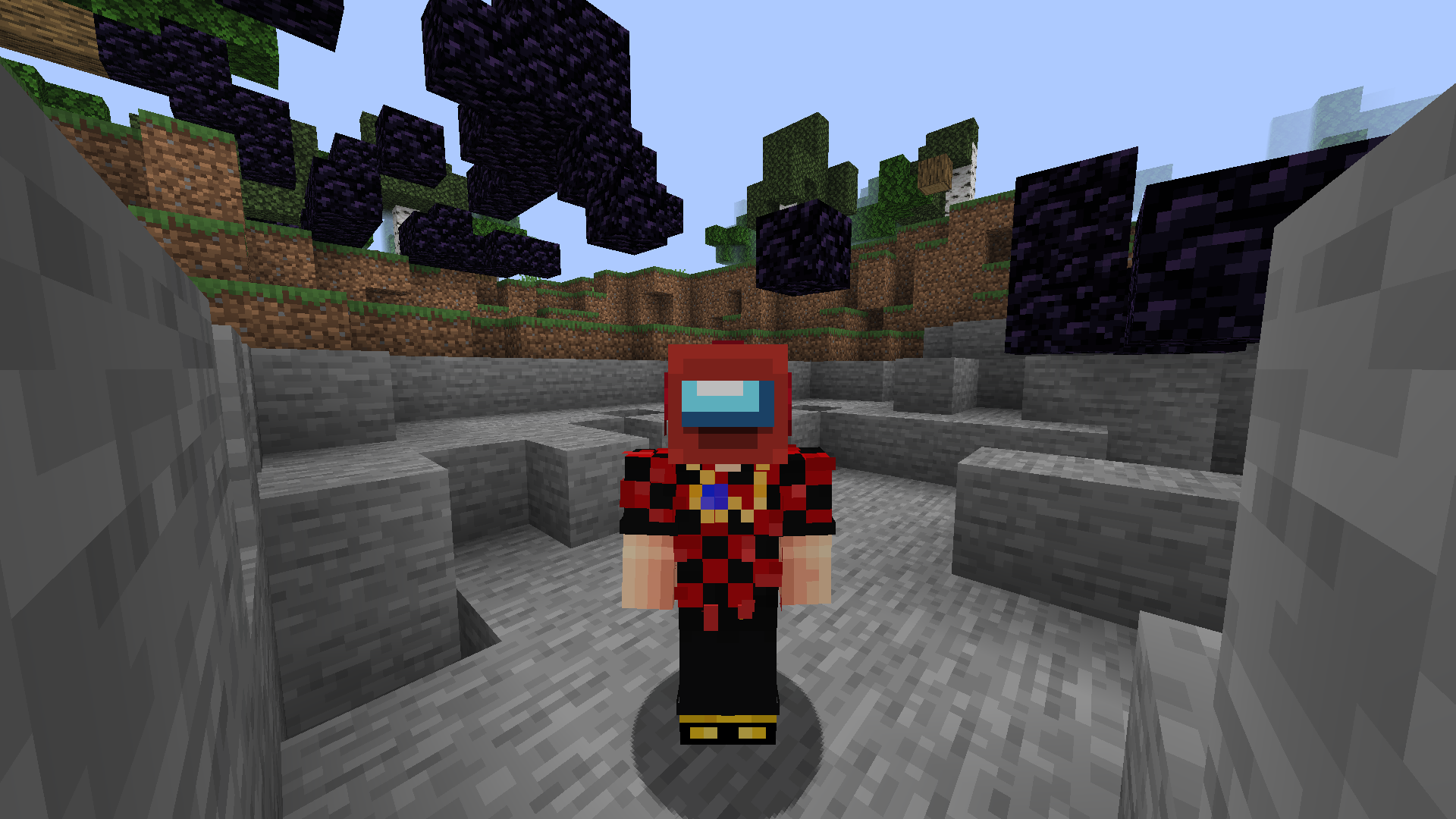 Amongus (can be colored) SUS
Versions
Files
Relations
Project Relations
More like this
Similar Mods
Suggestions use data such as tags, dependencies, dependents, descriptions, titles, and more to rank how much they overlap with this mod.
On ModDex
Community snapshot
By the numbers
Statistics

 (opens in a new tab)
Get it on
Available Platforms
On ModDex
Community snapshot
By the numbers
Statistics
Resources