
KVisual Settngs
No reviews yet
This is an best visual mod ever! This mod adds too much visual settings
Fabric is a mod loader for versions 1.14+ of Minecraft, particularly popular for client side and optimization mods.
Community voices
Reviews
Click once to include, again to exclude, again to clear
No reviews yet. Be the first to review this project!
Get it on
Available Platforms
 Modrinth
Compatibility
Supported Environments
About
Project Details
For authors
Embed Badge
If you're the author of this project, you can embed a live badge anywhere that supports HTML or Markdown. It updates automatically whenever ratings change.
Use HTML for any page that supports it, or Markdown for README files and Markdown-based descriptions.
Identifiers
Platform IDs
Resources
External Links
About
Description
KVisual Settings is a client-side Minecraft modification for the 1.20.1 game version that is designed to provide a better visual experience by allowing players to use customizable visual side of Minecraft!
✨ Features
🎥 Camera Settings
 Extra FOV - Increase the field of view beyond the regular vanilla field of view limit for a much larger view.
Toggle View Bobbing Independently - Control whether you want to use walking bobbing (regardless of whether you are using vanilla bobbing or not) independently from other movement animations.
Damage Tilt - When you take damage, you can disable or adjust the tilt of the screen to make the world appear steadier.
💡 Glow System
 Select Glowing Entities - Make any entity in the world (mobs, players, items, etc.) glow by selecting them to glow.
Choose Your Glow Colors - There are many different colors you can choose to make an entity glow.
Save and Import Your Glow Settings - You can save your specific glow settings into a JSON file, which allows you to share your glow settings with others and/or download and use their glow settings.
You can configure and manage your glow settings through the easy-to-use in-game graphical interface.
🛠️ Configuration
JSON Export - Export your current glow assignments and colors to a JSON file. This will be saved into the .minecraft/kvisual/glow directory. You can edit this file manually or share it with others.
Screenshots
Gallery
-
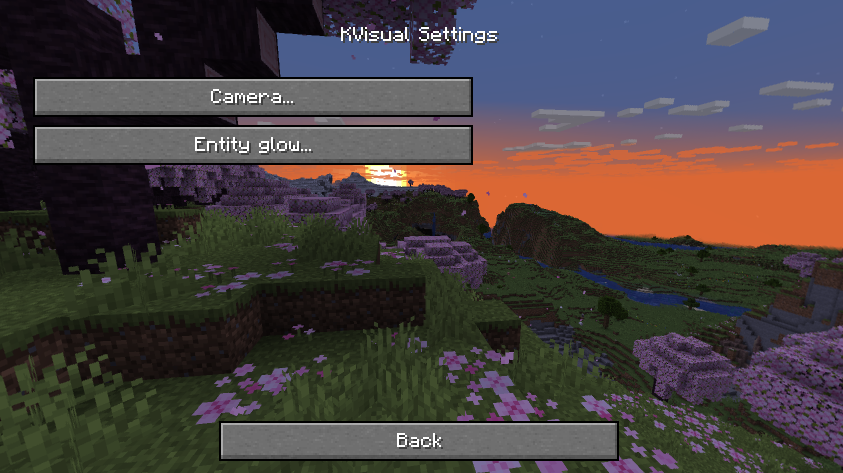 KVsual Settings (ver 1.2.0)
 -
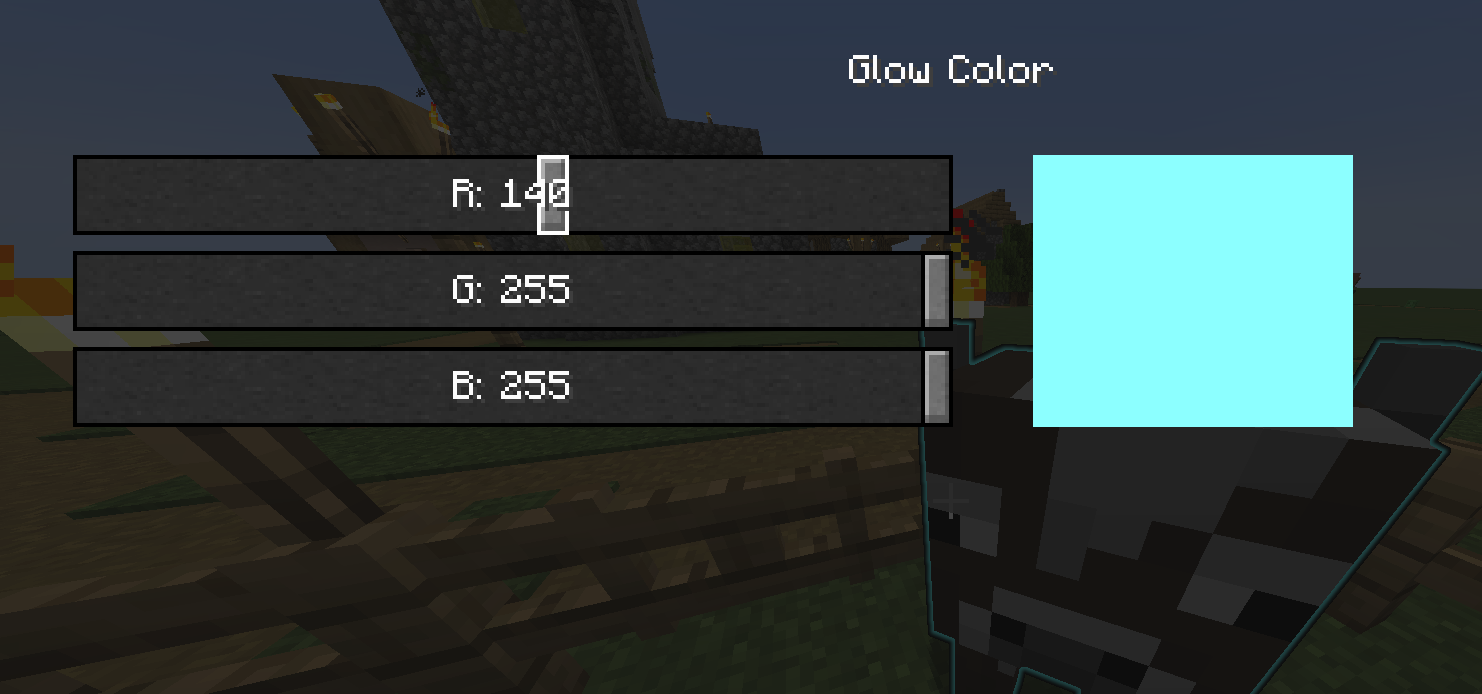 Glow collor settings
 -
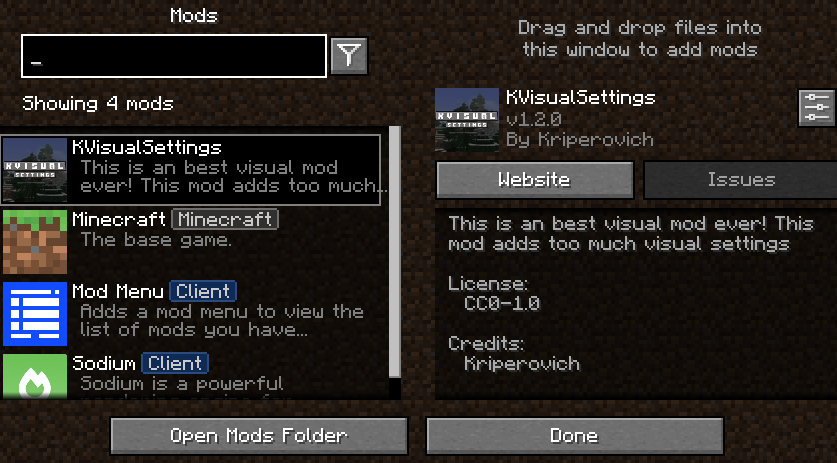 Kvisual Settings in Mod Menu
 -
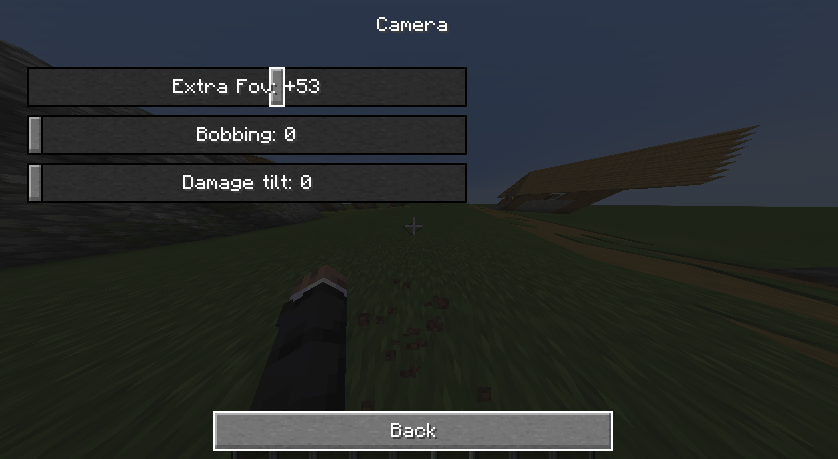 Camera settings (ver 1.2.0)
 -
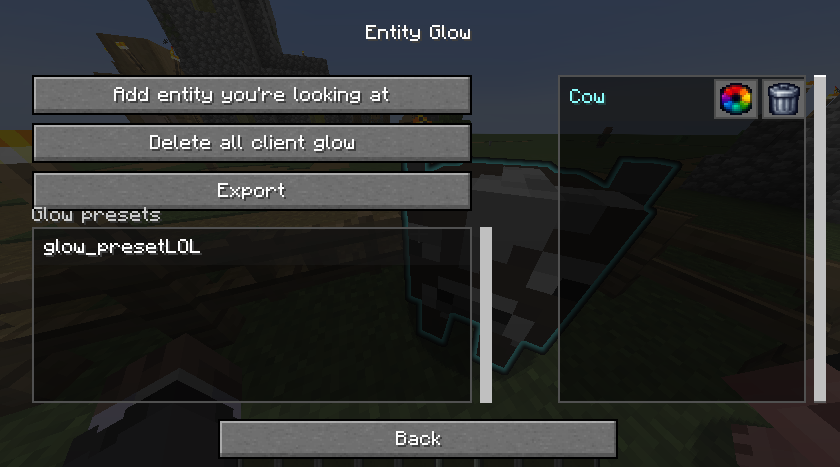 Glow Settings
 -
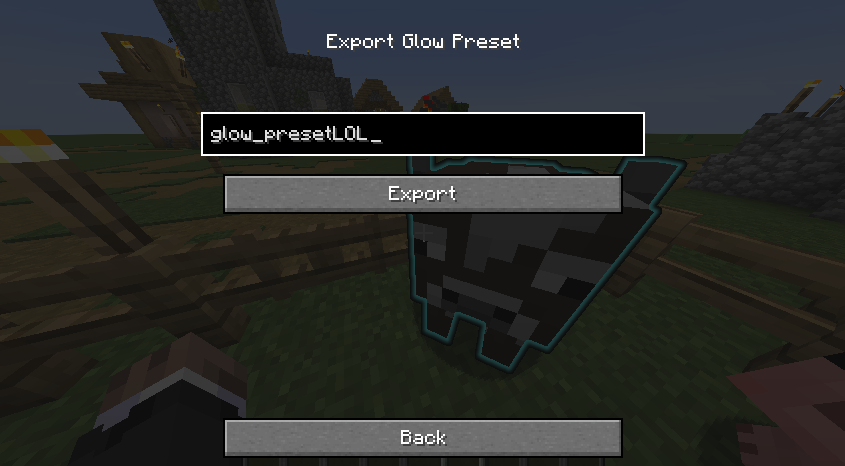 Glow Export
Versions
Files
Relations
Project Relations
More like this
Similar Mods
Suggestions use data such as tags, dependencies, dependents, descriptions, titles, and more to rank how much they overlap with this mod.
On ModDex
Community snapshot
By the numbers
Statistics

Want to reach Minecraft players?
We're looking for a server hosting partner to feature here and other parts of the site. Interested? Send us a message!
Get in touchGet it on
Available Platforms
On ModDex
Community snapshot
By the numbers
Statistics
Resources