
Community listing page, reviews here may not be monitored by the author.
Laser Eyes


No reviews yet
A "laser eyes" addon for the Viltrumite mod.
Community voices
Reviews
No reviews yet. Be the first to review this project!
Get it on
Available Platforms
Compatibility
Supported Environments
Must be installed on both the client and the server.
About
Project Details
For authors
Embed Badge
If you're the author of this project, you can embed a live badge anywhere that supports HTML or Markdown. It updates automatically whenever ratings change.
Use HTML for any page that supports it, or Markdown for README files and Markdown-based descriptions.
Identifiers
Platform IDs
Resources
External Links
About
Description
This addon adds laser eyes to the Viltrumite mod. Players can fully configure the visual properties and strength of their lasers through commands. You can adjust the hex color, beam width, the distance between the two beams, vertical offset and the overall strength of the ability.
Other mods that add laser eyes lack visual consistency due to complex movements the Viltrumite mod adds (actually any mod that affects the player model some way). This mod knows where your eyes are regardless of how your character is rendered on the screen :)
This mod requires Viltrumite 1.9.0+.



| Command | Description |
/viltrumite laser color <hex> |
Changes the color of the lasers using a hex code (e.g., 00FF00). DV = FF0000 |
/viltrumite laser width <val> |
Adjusts the thickness of the laser beams. DV = 0.02 |
/viltrumite laser offset <val> |
Changes the vertical starting position (Y-offset) of the lasers. DV = -3.5 |
/viltrumite laser gap <val> |
Adjusts the distance between the left and right laser beams. DV = 1.5 |
/viltrumite laser damage <val> |
Adjusts how much damage the laser deals to entities. DV = 1.0 |
/viltrumite laser breakspeed <val> |
Adjusts how fast the laser breaks blocks. DV = 1.0 |
/viltrumite laser burnblocks <val> |
Toggles whether the laser sets blocks on fire (true/false). DV = true |
/viltrumite laser delay <val> |
Adjusts the delay time (in seconds) before the laser fires. DV = 0.5 |
/viltrumite laser range <val> |
Adjusts the maximum range the laser beams can reach. DV = 50 |
(DV: Default Value)
This addon adds laser eyes to the Viltrumite mod. Players can fully configure the visual properties and strength of their lasers through commands. You can adjust the hex color, beam width, the distance between the two beams, vertical offset and the overall strength of the ability.
Other mods that add laser eyes lack visual consistency due to complex movements the Viltrumite mod adds (actually any mod that affects the player model some way). This mod knows where your eyes are regardless of how your character is rendered on the screen :)
This mod requires Viltrumite 1.9.0+.


| Command | Description |
|---|---|
/viltrumite laser color <hex> |
Changes the color of the lasers using a hex code (e.g., 00FF00). DV = FF0000 |
/viltrumite laser width <val> |
Adjusts the thickness of the laser beams. DV = 0.02 |
/viltrumite laser offset <val> |
Changes the vertical starting position (Y-offset) of the lasers. DV = -3.5 |
/viltrumite laser gap <val> |
Adjusts the distance between the left and right laser beams. DV = 1.5 |
/viltrumite laser damage <val> |
Adjusts how much damage the laser deals to entities. DV = 1.0 |
/viltrumite laser breakspeed <val> |
Adjusts how fast the laser breaks blocks. DV = 1.0 |
/viltrumite laser burnblocks <val> |
Toggles whether the laser sets blocks on fire (true/false). DV = true |
/viltrumite laser delay <val> |
Adjusts the delay time (in seconds) before the laser fires. DV = 0.5 |
/viltrumite laser range <val> |
Adjusts the maximum range the laser beams can reach. DV = 50 |
(DV: Default Value)
Screenshots
Gallery
-
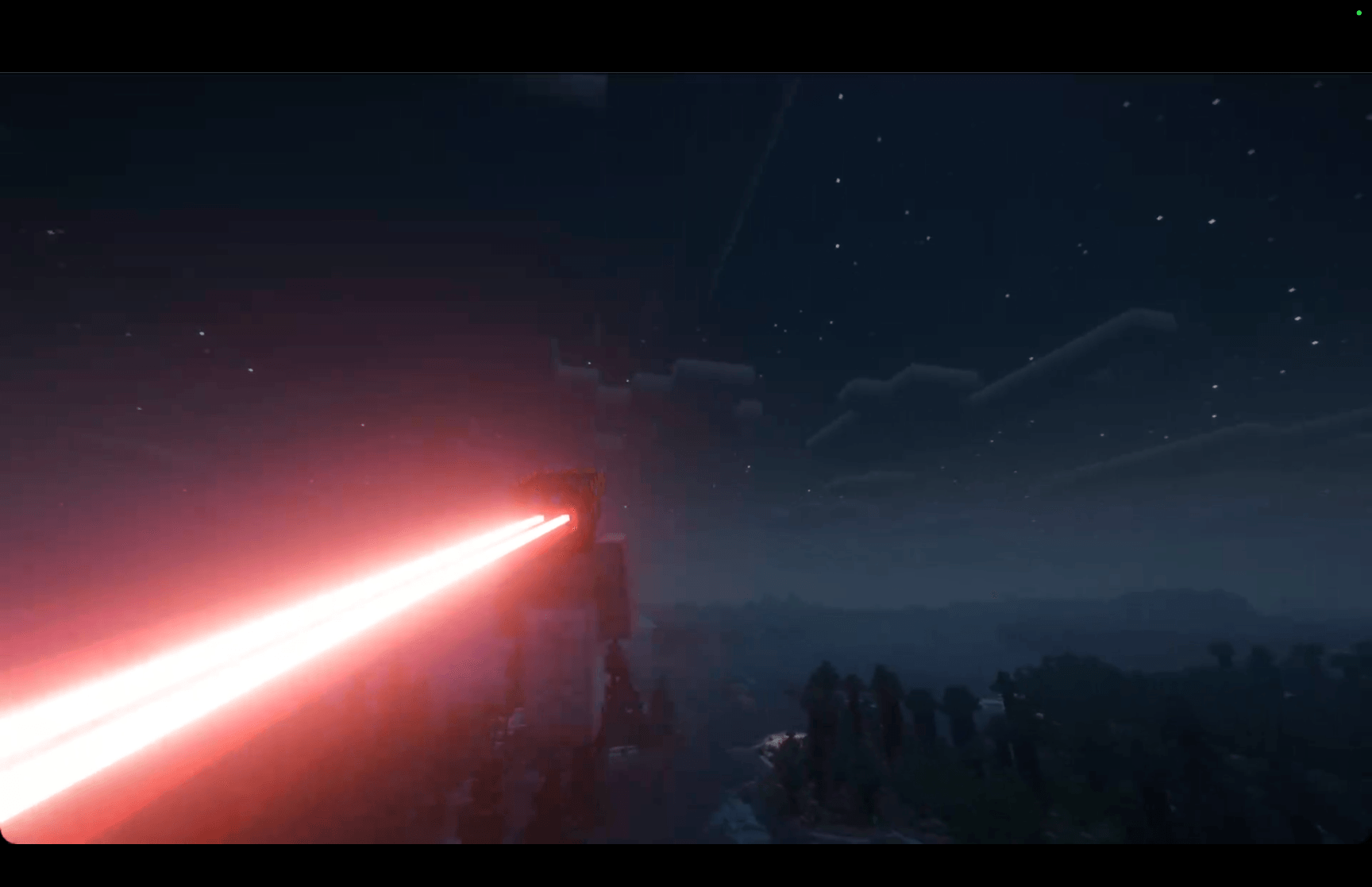 Shader 1 Shader 1
 -
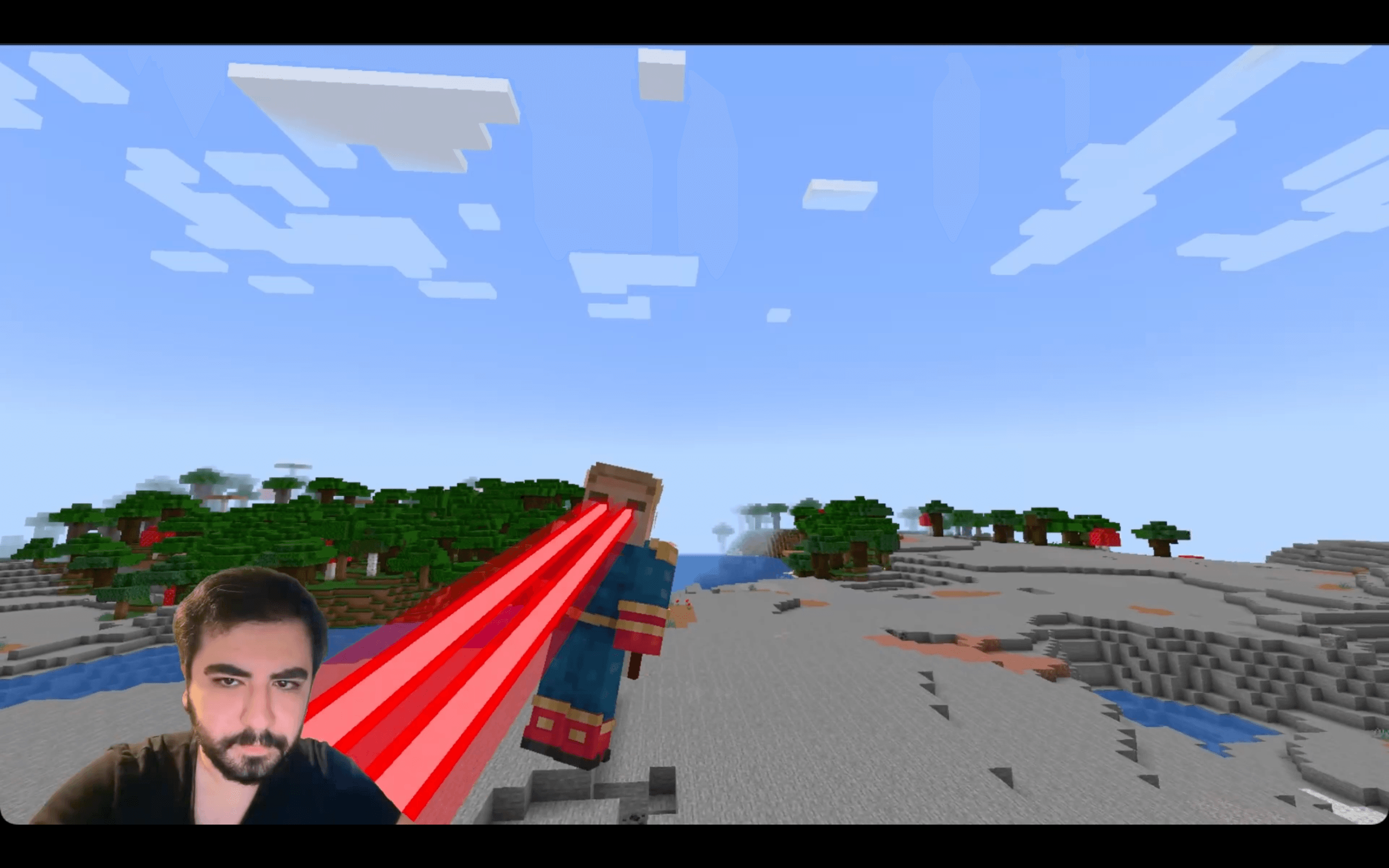 1
1 -
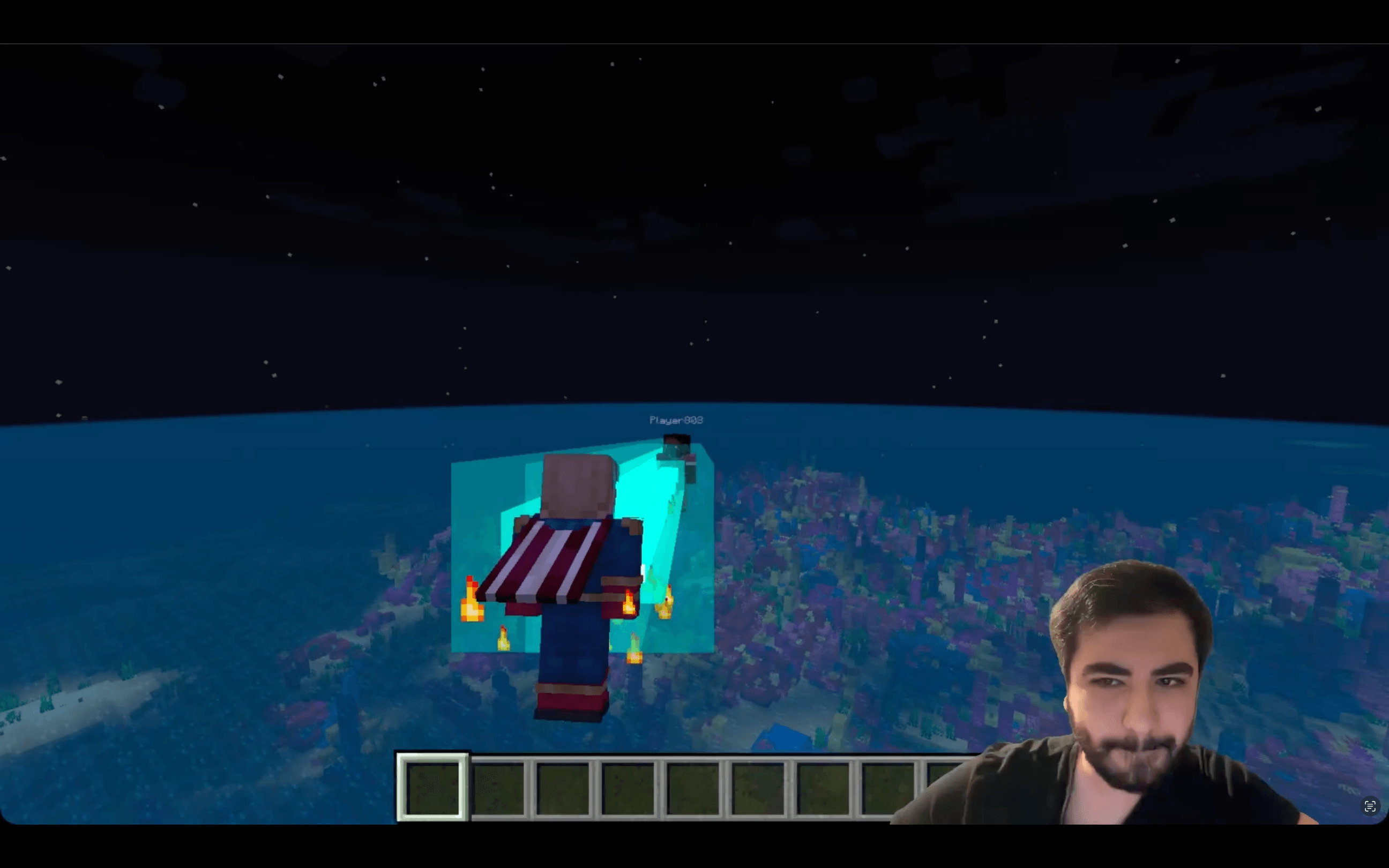 2
2 -
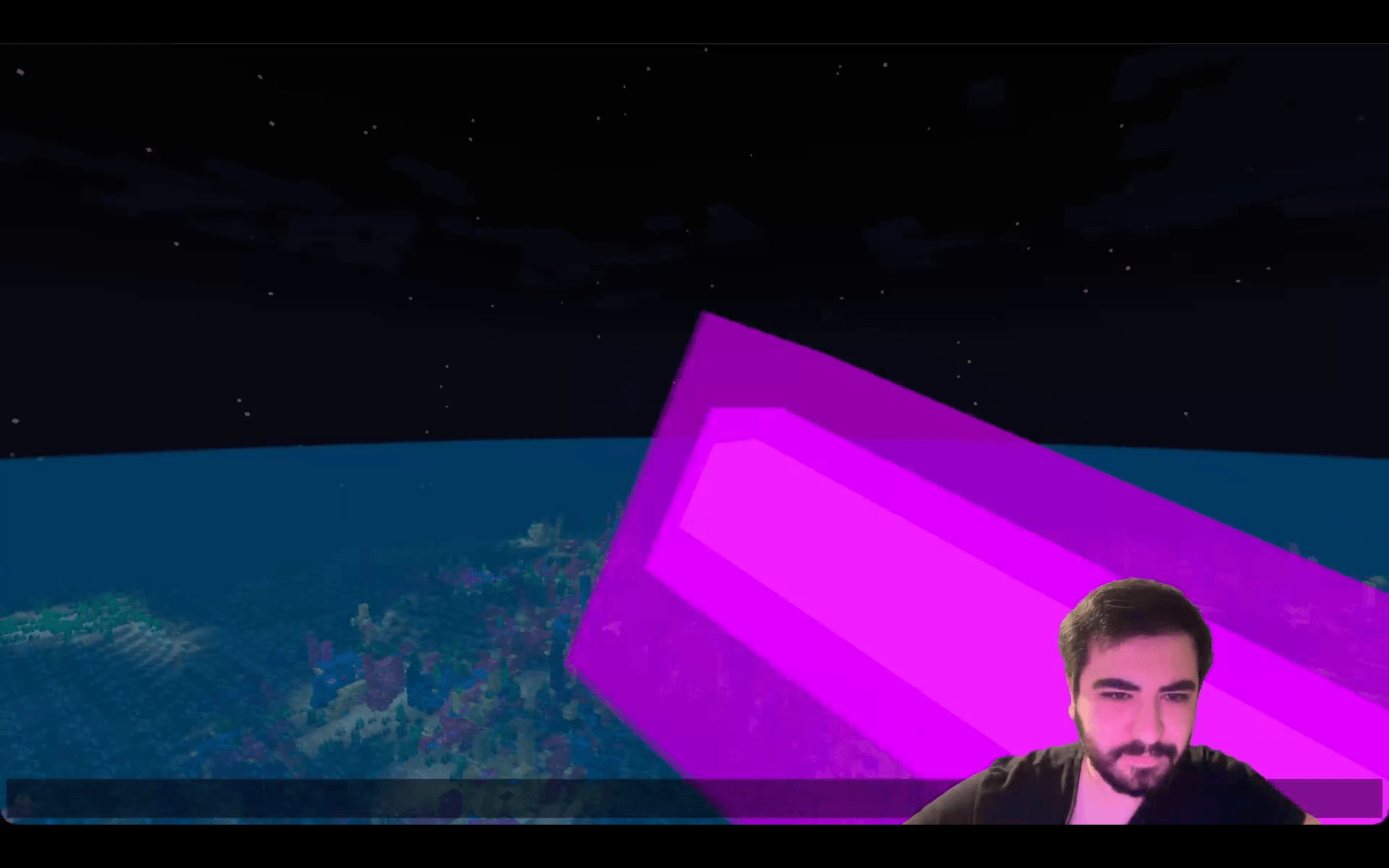 3
3 -
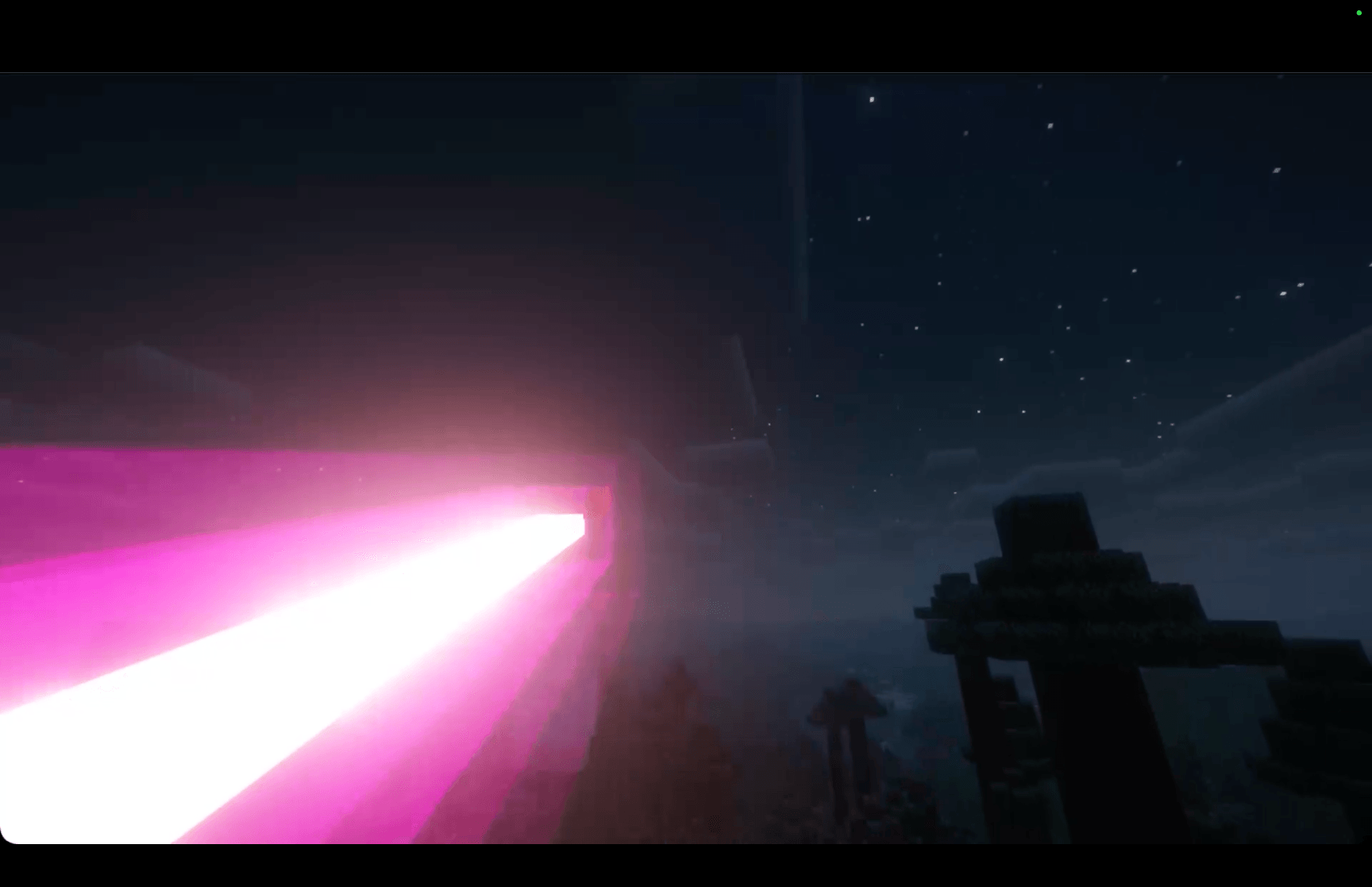 Shader 2 Shader 2
-
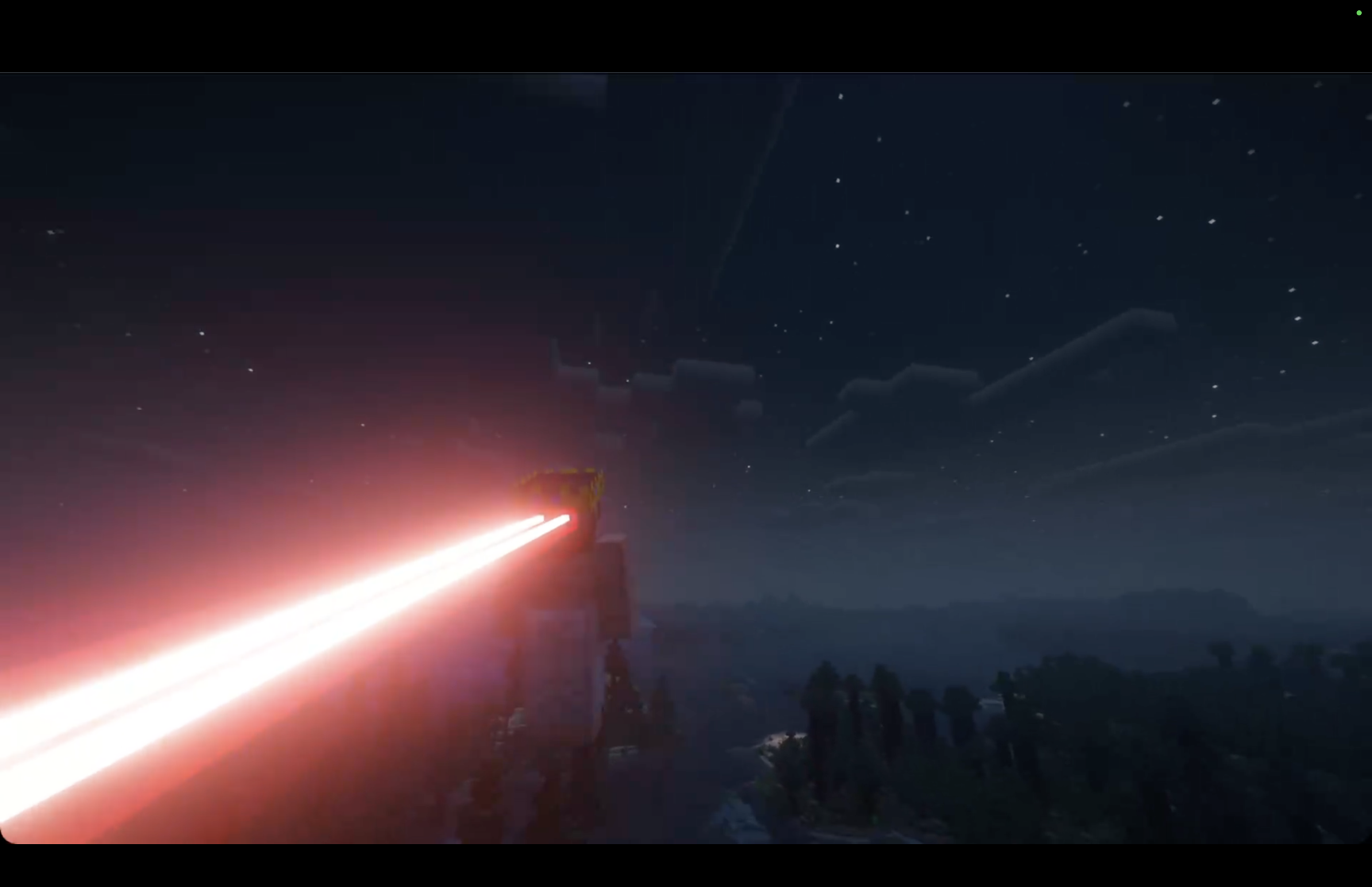 Shader 1
 -
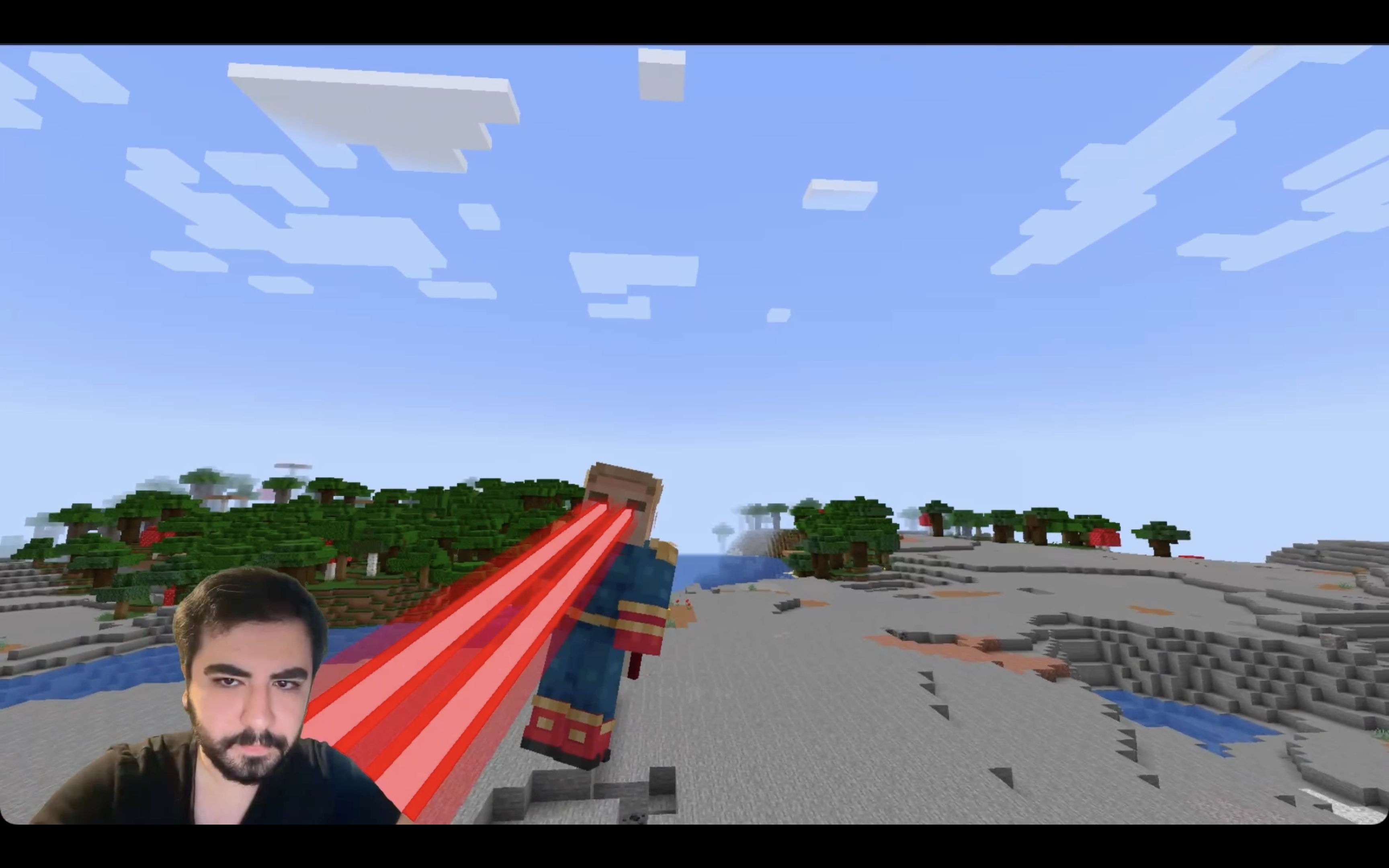 1
1 -
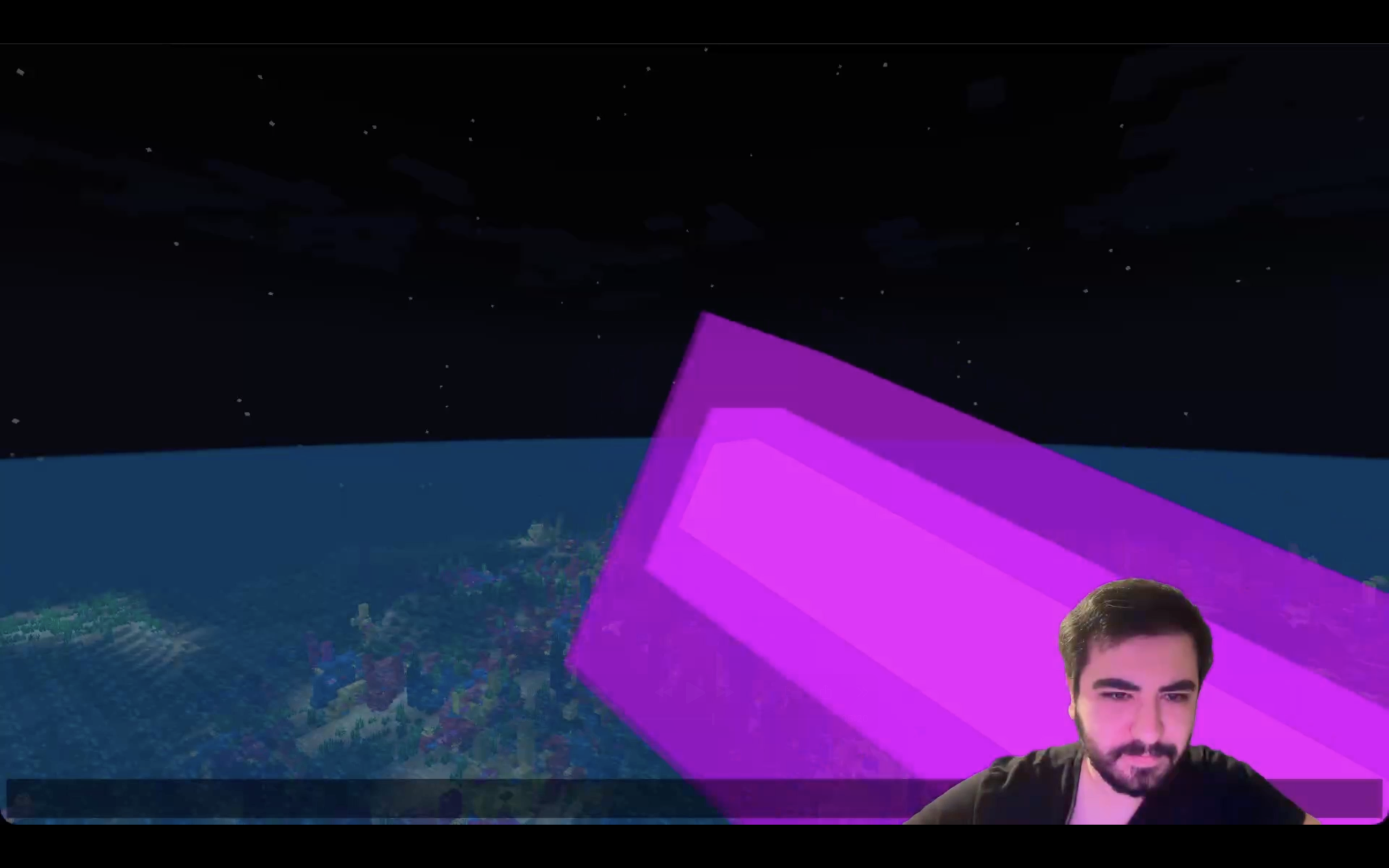 3
3 -
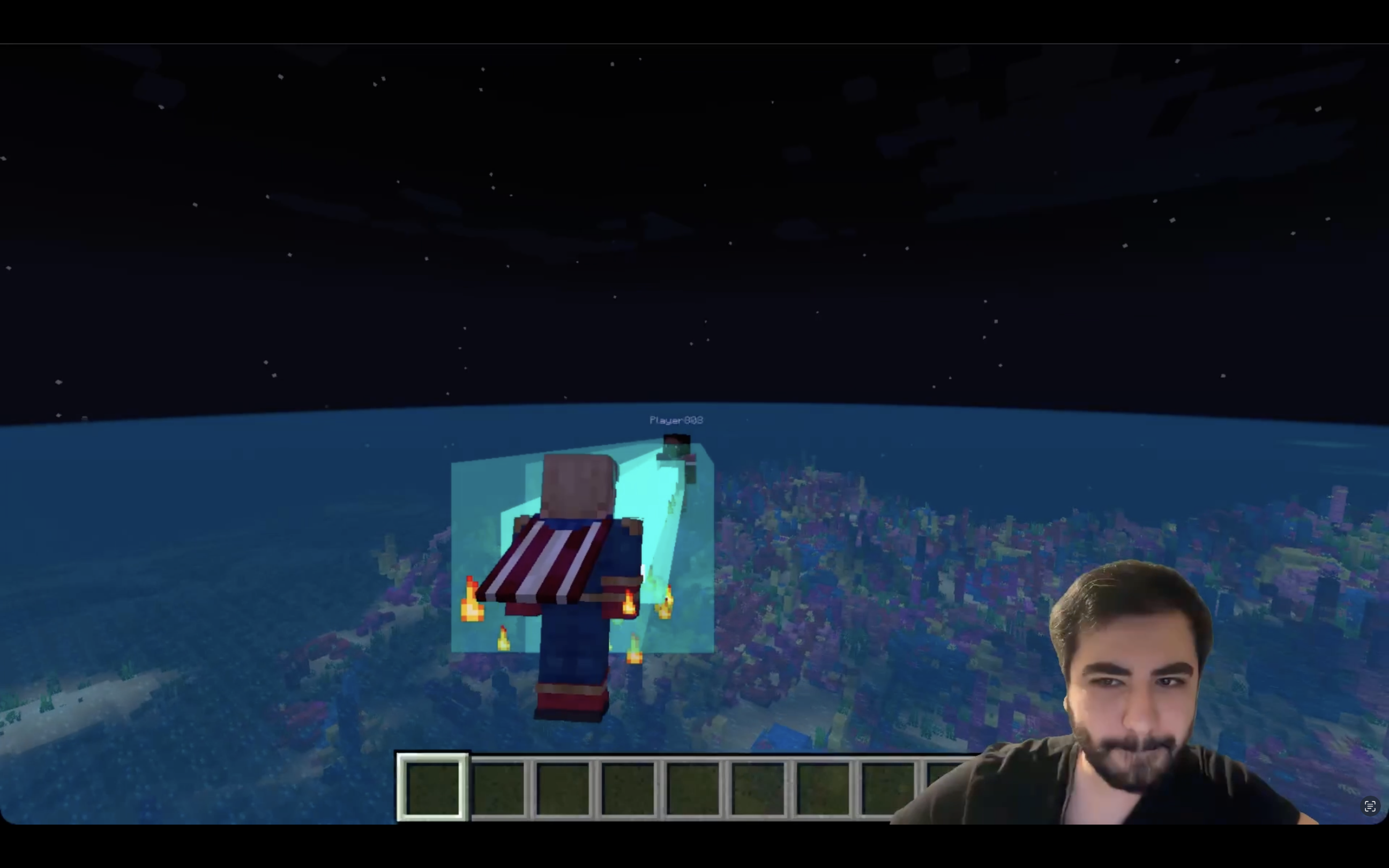 3
3 -
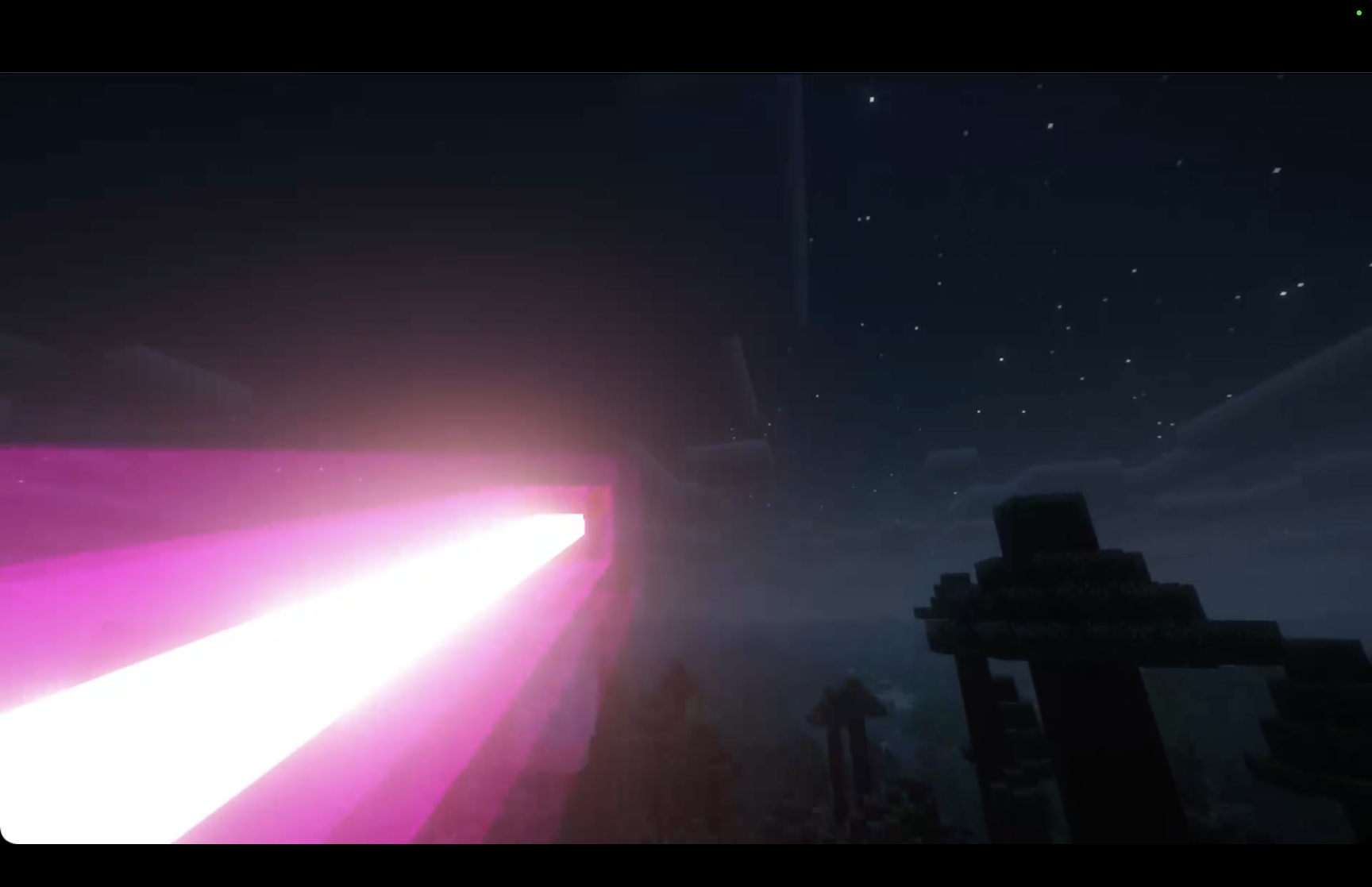 Shader 2
Versions
Files
Relations
Project Relations
More like this
Similar Mods
Suggestions use data such as tags, dependencies, dependents, descriptions, titles, and more to rank how much they overlap with this mod.
On ModDex
Community snapshot
By the numbers
Statistics
Want to reach Minecraft players?
We're looking for a server hosting partner to feature here and other parts of the site. Interested? Send us a message!
Get in touchGet it on
Available Platforms
On ModDex
Community snapshot
By the numbers
Statistics
Resources