
Community listing page, reviews here may not be monitored by the author.
Last Death Coords

No reviews yet
Never lose your items again! Displays your death coordinates in chat with a simple toggle command.
Community voices
Reviews
No reviews yet. Be the first to review this project!
Get it on
Available Platforms
Compatibility
Supported Environments
Runs entirely on the client. Works on vanilla servers.
About
Project Details
For authors
Embed Badge
If you're the author of this project, you can embed a live badge anywhere that supports HTML or Markdown. It updates automatically whenever ratings change.
Use HTML for any page that supports it, or Markdown for README files and Markdown-based descriptions.
Identifiers
Platform IDs
Resources
External Links
About
Description
Last Death Coords
Last Dead Coords is a lightweight client-side Fabric mod that shows your exact death coordinates instantly when you die.
Never lose your items again — your last death location is displayed clearly in chat and on the death screen.
✨ Features
✔ Displays precise X, Y, Z coordinates when you die
✔ Sends formatted death location message in chat
✔ Shows coordinates directly on the death screen
✔ Toggle the feature anytime with a simple command
✔ Automatically saves your setting in a config file
✔ Client-side only (no server installation required)
✔ Lightweight and performance-friendly
🧭 How It Works
When the player dies:
- The mod detects the exact block position.
- It formats the coordinates clearly.
- It displays them in:
- 💬 Chat
- 💀 Death screen overlay
If disabled, the mod will not show any death coordinates.
🛠 Commands
/deathcoords on
Enables the death coordinate display feature.
/deathcoords off
Disables the death coordinate display feature.
The selected option is saved automatically and will remain active even after restarting the game.
🎮 Compatibility
✔ Works in Singleplayer
✔ Works on Multiplayer servers (client-side only)
✔ Compatible with other Fabric mods
✔ Does NOT require server installation
💡 Why Use This Mod?
Vanilla Minecraft does not clearly show your death location.
This mod makes item recovery quick, easy, and stress-free — especially useful for:
• Survival Worlds
• Hardcore Mode
• Large Exploration Worlds
• Multiplayer Servers
Simple. Clean. Useful. ⚙️ Lightweight, Fabric-compatible
🌐 Links
🎥 YouTube: @cbShorts18
💬 Discord: Join My Server
💡 Quick Tip Use the command:
/deathpoints on /deathpoints off
To turn the feature on or off whenever you like!
Screenshots
Gallery
-
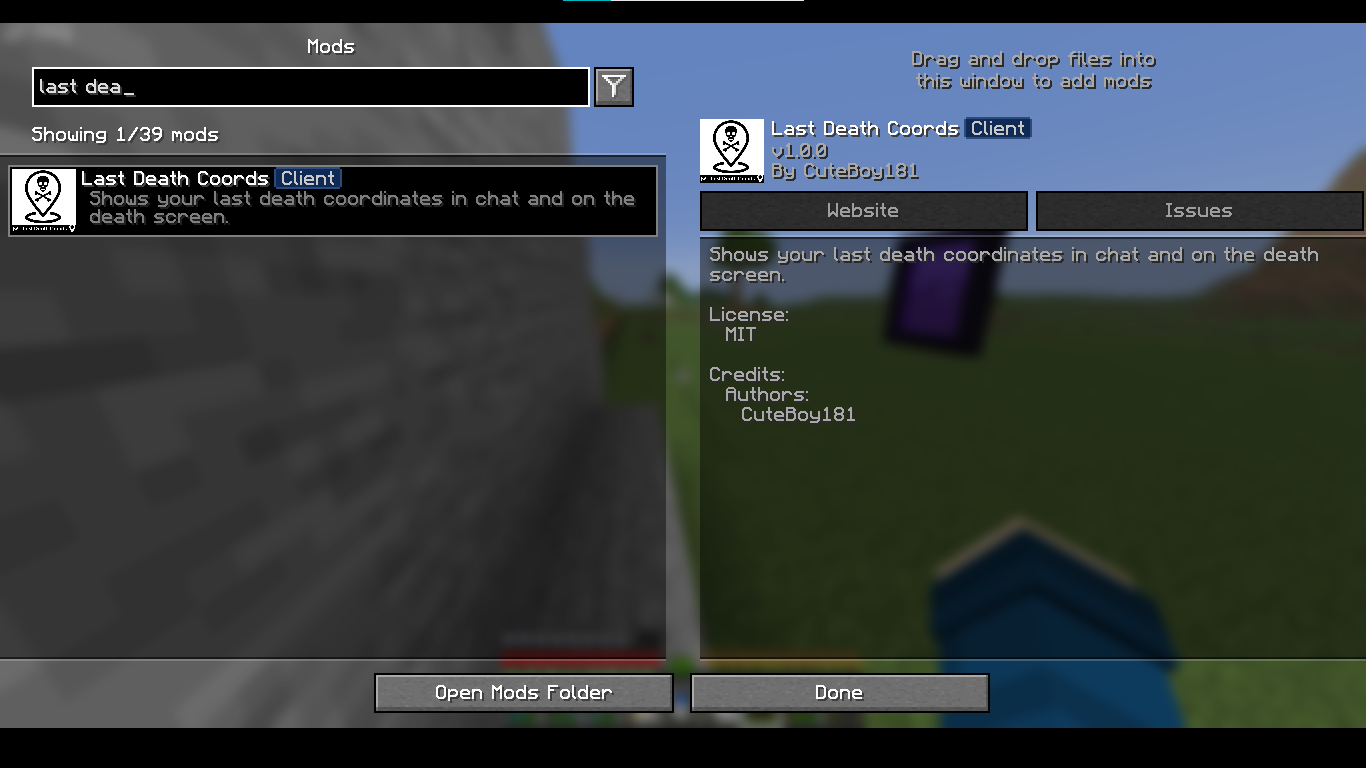 Last Death Location How the mod appears in the game
 -
 Command Of On/Of Use This Command To Disable The Mod
 -
 Show Your Dead Coors On Chat Best Mod For Survival Players
Versions
Files
Relations
Project Relations
More like this
Similar Mods
Suggestions use data such as tags, dependencies, dependents, descriptions, titles, and more to rank how much they overlap with this mod.
On ModDex
Community snapshot
By the numbers
Statistics

Want to reach Minecraft players?
We're looking for a server hosting partner to feature here and other parts of the site. Interested? Send us a message!
Get in touchGet it on
Available Platforms
On ModDex
Community snapshot
By the numbers
Statistics
Resources