
lazyboost-render
No reviews yet
A client-side optimization mod for Minecraft Fabric, offering weather, entity, sound, and HUD customization for better FPS and gameplay experience.
Enhances game performance and optimizes resource usage.
Community voices
Reviews
Click once to include, again to exclude, again to clear
No reviews yet. Be the first to review this project!
Get it on
Available Platforms
 Modrinth
Compatibility
Supported Environments
About
Project Details
For authors
Embed Badge
If you're the author of this project, you can embed a live badge anywhere that supports HTML or Markdown. It updates automatically whenever ratings change.
Use HTML for any page that supports it, or Markdown for README files and Markdown-based descriptions.
Identifiers
Platform IDs
About
Description
LazyBoost
LazyBoost is a Minecraft Fabric mod that boosts client rendering performance and provides many configurable visual and audio options for a smoother gameplay experience.
This mod requred modmenu, if not, you may not open the configure menu
Features
-
easier hand toggle Use that toggle to easier toggle render hand.
-
toggle gamma (brightness) Easy to get more brightness, easy to take pictures.
-
simple entity render If the entity is out of config entity render distance and also in vanilla entity distance, the mod will use a red box to render it.
-
Auto FPS Reduction
Automatically lowers FPS limit to 12 when Minecraft window is unfocused or minimized, saving system resources. -
ModMenu Integration
All options can be configured in-game via ModMenu or the config file.
Installation
- Download the latest release from Modrinth.
- Place the downloaded
.jarfile into your Minecraftmodsfolder. - Make sure you have installed Fabric Loader and Fabric API.
- (Optional) Install ModMenu for in-game configuration.
Configuration
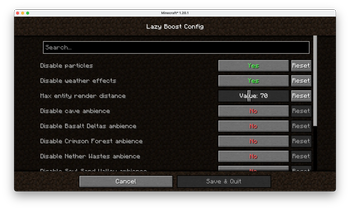
- Press the LazyBoost key (configurable in Controls) to open the configuration GUI.
- You can also use ModMenu to access the config screen.
- All options are saved in the config file and take effect immediately.
License
Licensed under the Apache License 2.0. See LICENSE for details.
Screenshots
Gallery
-
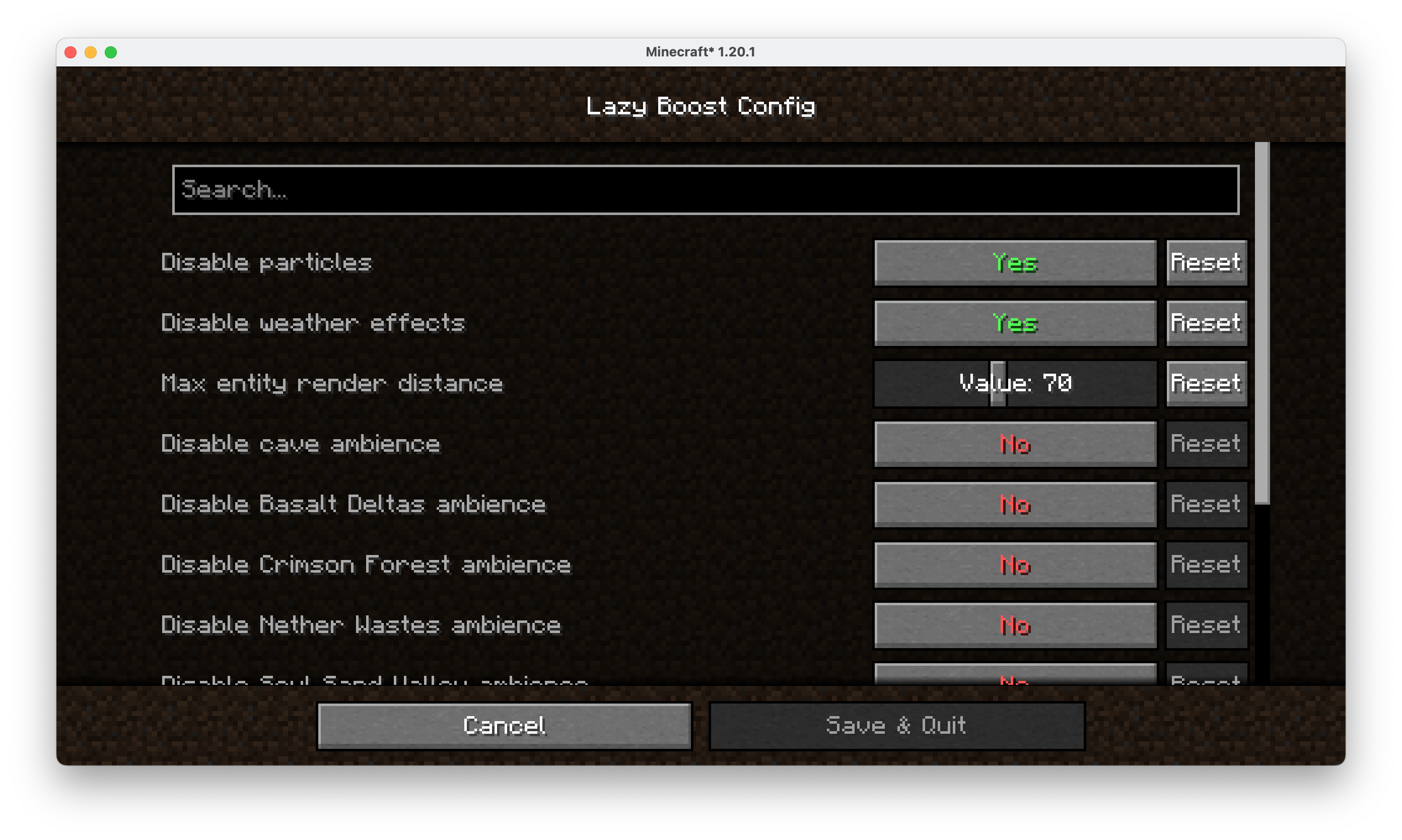 config part of lazy boost render configure value
 -
 logo the logo of the mod
Versions
Files
Relations
Project Relations
More like this
Similar Mods
Suggestions use data such as tags, dependencies, dependents, descriptions, titles, and more to rank how much they overlap with this mod.
On ModDex
Community snapshot
By the numbers
Statistics

Want to reach Minecraft players?
We're looking for a server hosting partner to feature here and other parts of the site. Interested? Send us a message!
Get in touchGet it on
Available Platforms
On ModDex
Community snapshot
By the numbers