Community listing page, reviews here may not be monitored by the author.
Legacy Image Maps


No reviews yet
An image2map-style image conversion mod for Minecraft 1.12.2

Community voices
Reviews
No reviews yet. Be the first to review this project!
Get it on
Available Platforms
Compatibility
Supported Environments
Runs entirely on the server. Also works in singleplayer.
About
Project Details
For authors
Embed Badge
If you're the author of this project, you can embed a live badge anywhere that supports HTML or Markdown. It updates automatically whenever ratings change.
Use HTML for any page that supports it, or Markdown for README files and Markdown-based descriptions.
Identifiers
Platform IDs
About
Description
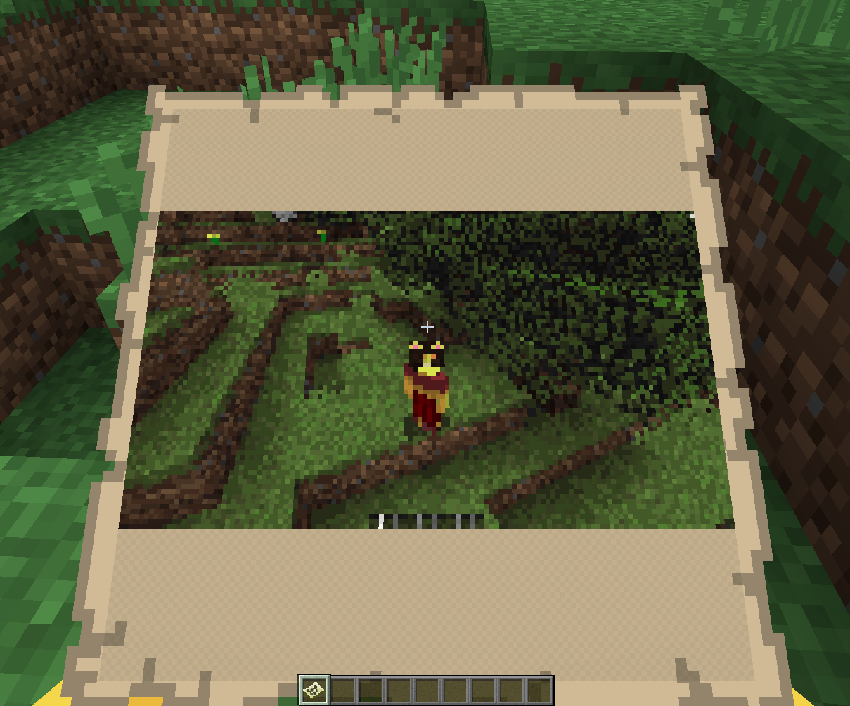
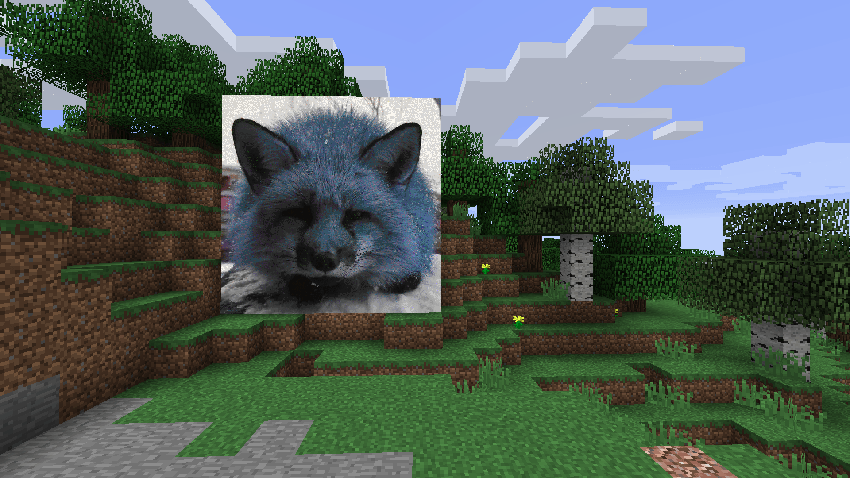
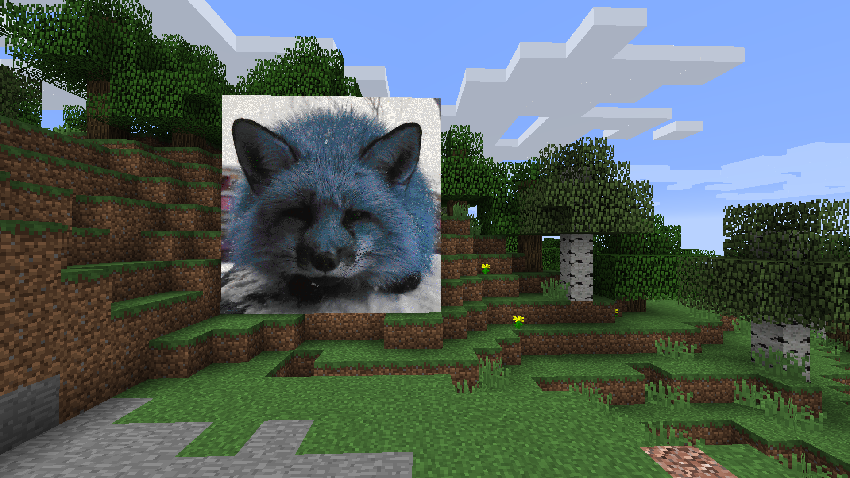
This mod allows you to import images from a URL and print them out onto a map into your world. It essentially serves as a backport of image2map to 1.12.2, although some of its mechanics are different (see below).
Although 1.12.2 is usually played for modding nowawadays, this mod still works entirely serverside. Clients do not need the mod installed to use it on your server.
USAGE
You can simply give yourself a single map of the image using:
/imagemap <url>
You can also change the scale of the map using:
/imagemap <url> scale <scale>
OR:
/imagemap <url> scale <scale> <width> <height>
You can apply dithering to images:
/imagemap <url> dither
When processing multiple images, apply the start= or end= flags to only give yourself maps corresponding to segments of the image:
/imagemap <url> scale <scale> start=<start> end=<end>
There are a few other options available to use, you can alter the threshold at which pixels will be rendered as transparent on the map:
/imagemap <url> scale <scale> <transparency>
OR:
/imagemap <url> <width> <height> <transparency>
To remove transparency:
/imagemap <url> removealpha
To figure out how many maps will be output as a result of running a command:
/imagemap <url> test
To stretch an image out to fit the entire width and height:
/imagemap <url> letterbox
You can also clear held maps using:
/imagemap unfill
and clear cached data (including color maps and map color bytes):
/imagemap clear
Most of this is configurable, some options include whether non-ops can use the command or not, and whether maps should require empty maps in your inventory in survival when running the command. You can also customize the command to use up any custom item and damage value, which can be helpful in modpacks.
This mod allows you to import images from a URL and print them out onto a map into your world. It essentially serves as a backport of image2map to 1.12.2, although some of its mechanics are different (see below).
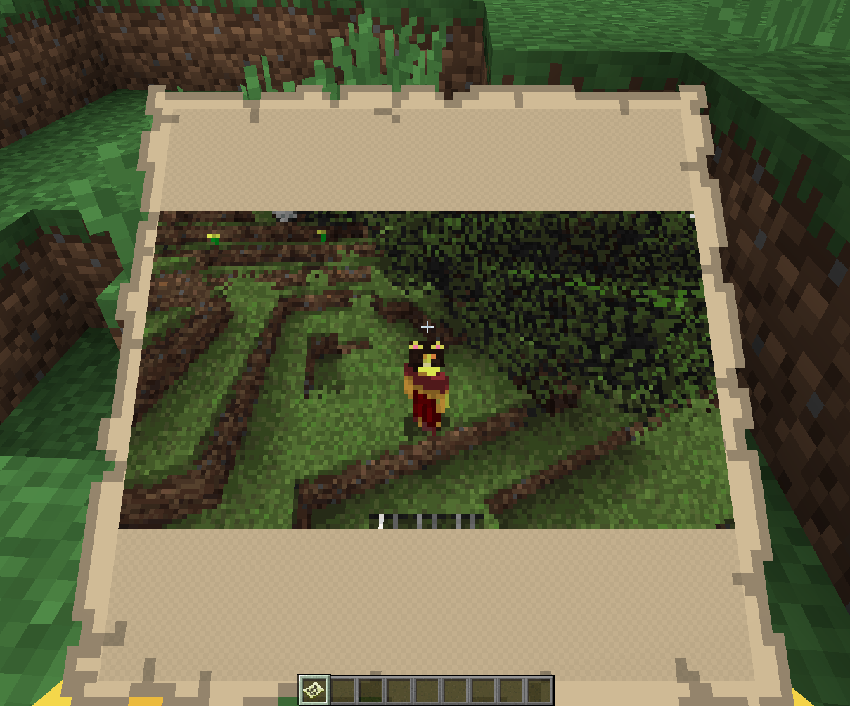
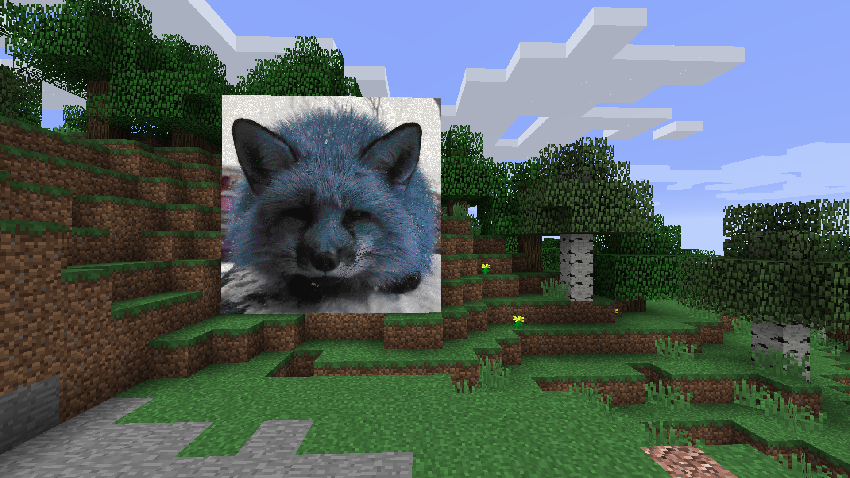 Although 1.12.2 is usually played for modding nowawadays, this mod still works entirely serverside. Clients do not need the mod installed to use it on your server.
USAGE
You can simply give yourself a single map of the image using:
/imagemap <url>
You can also change the scale of the map using:
/imagemap <url> scale <scale>
OR:
/imagemap <url> scale <scale> <width> <height>
You can apply dithering to images:
/imagemap <url> dither
When processing multiple images, apply the start= or end= flags to only give yourself maps corresponding to segments of the image:
/imagemap <url> scale <scale> start=<start> end=<end>
There are a few other options available to use, you can alter the threshold at which pixels will be rendered as transparent on the map:
/imagemap <url> scale <scale> <transparency>
OR:
/imagemap <url> <width> <height> <transparency>
To remove transparency:
/imagemap <url> removealpha
To figure out how many maps will be output as a result of running a command:
/imagemap <url> test
To stretch an image out to fit the entire width and height:
/imagemap <url> letterbox
You can also clear held maps using:
/imagemap unfill
and clear cached data (including color maps and map color bytes):
/imagemap clear
Most of this is configurable, some options include whether non-ops can use the command or not, and whether maps should require empty maps in your inventory in survival when running the command. You can also customize the command to use up any custom item and damage value, which can be helpful in modpacks.
Screenshots
Gallery
Versions
Files
Relations
Project Relations
More like this
Similar Mods
Suggestions use data such as tags, dependencies, dependents, descriptions, titles, and more to rank how much they overlap with this mod.
- NumericalTabPing
- Legacy: [Let's Do] Bakery
- [LEGACY] Drip Sounds (Forge)
- Legacy: [Let's Do] Brewery
- Matter Overdrive: Legacy Edition
- (Legacy) Essentials
- (Legacy) Create Support for Open Parties and Claims
- (Legacy) Tooltip Icons
- Legacy: [Let's Do] Candlelight
- [Legacy] GeckoLib Fabric
- FTB Guides (Forge) (Legacy)
- [LEGACY] InvMove
On ModDex
Community snapshot
By the numbers
Statistics
 (opens in a new tab)
Get it on
Available Platforms
On ModDex
Community snapshot
By the numbers