Community listing page, reviews here may not be monitored by the author.
Legacy4J
 , WilyicaroOwner & Mod Developer
- BrandonItalyContributor
,
- Cjnator38Contributor
,
- creepereater201Mod Developer
,
- Jab125Contributor
,
- NicSonicContributor
,
- omo50Contributor
,
- RedRain0o0Contributor
,
- Technocality404Contributor
No reviews yet
This mod adapts all the features from old Minecraft Legacy Console edition
Community voices
Reviews
No reviews yet. Be the first to review this project!
Get it on
Available Platforms
Compatibility
Supported Environments
Runs entirely on the server. Also works in singleplayer.
Must be installed on both the client and the server.
Varies by version.
About
Project Details
For authors
Embed Badge
If you're the author of this project, you can embed a live badge anywhere that supports HTML or Markdown. It updates automatically whenever ratings change.
Use HTML for any page that supports it, or Markdown for README files and Markdown-based descriptions.
Identifiers
Platform IDs
About
Description


Legacy4J is a mod about nostalgia of old 4J Studios Minecraft Legacy Edition. The main objective of this mod is remake every aspect of Legacy Console Edition in 1:1 for Java Edition versions, adding its exclusive features, and bringing it to modern versions.
This includes an accurate controller support, the control tooltips, the crafting menu, the creative flight, the gamma shader, the scaling, the HUD, and more!

Not only that, but several QOL features have been added in addition to those already present in the Legacy Edition, such as Resource Albums, Global Packs, World Templates, an integrated Mods screen, options related to terrain fog and more. You can see more about this on the project wiki!
🚫 LEGACY4J CAN BE CONSIDERED A HACK IN SERVERS EQUIPPED WITH ANTI-CHEATS
WE ARE NOT RESPONSIBLE FOR PUNISHMENTS RECEIVED IN ANY SERVER
Feel free to report issues or contribute here!
You can also join our Discord to talk to the developers, other members and suggest features for the mod!
Also, you can follow the mod's development in detail and see how it's progressing on the Kyubion Studios server.

- AgentMindStorm for providing the built-in resource packs: Console Aspects & Programmer Console Aspects (NeoForge and Forge)
- Moutardx for providing the How To Play text from TU69
- RedRain0o0 for doing almost all the How To Play UI Definitions
- cloud54 for providing Steam Control Icons and sounds for the keyboard screen
- Permdog99 and ItzJustAPlayer for helping with the PlayStation® 5 Control Icons
- NicSonic-_- for providing the Stadia Control Icons
- Cjnator38 for providing the LE default font converted to JE

- VDX: Legacy Console UI | An experimental resource pack by CrisXolt that converts Legacy Edition UI designs to Bedrock Edition with high accuracy
- Legacy Skins | a compatibility mod for Legacy4J and Customizable Player Models, improving the
Change Skininterface to be accurate and functional! - Minimega | a mod that aims to recreate the minigames from the discontinued Legacy Console Editions.
- Lite Legacy | Leverages the power of Legacy4J and other mods to faithfully recreate the classic Minecraft Console Edition experience combined with performance!
- Project4J | Experience a timeline where Legacy Console Edition had mods!
- Re-Console | Better performance, all tutorial worlds, and more!
📝 Planned and Implemented Features
| Feature | Implemented | Planned |
|---|---|---|
| All Interfaces | ✅ | ✅ |
| Animated Character (Paper doll in Bedrock Edition) | ✅ | ✅ |
| Auto-Save Icon | ✅ | ✅ |
| Backports to earlier versions (Currently 1.20.1) | ✅ | ✅ |
| Create or load the world with open LAN (Online Game if using World Host) | ✅ | ✅ |
| Integration with World Host | ✅ | ✅ |
| HUD distance from the bottom (Configurable) | ✅ | ✅ |
| HUD opacity setting | ✅ | ✅ |
| LE-style tooltips | ✅ | ✅ |
| LE GUI blocks Lighting | ✅ | ✅ |
| LE Creative Flight | ✅ | ✅ |
| Superflat in-GUI customizer | ✅ | ✅ |
| Tutorial World | ✅ | ✅ |
| How To Play Interface | ✅ | ✅ |
| Patch/Update Notes Interface | ✅ | ✅ |
| Advanced Hints/Tutorial | ❌ | ✅ |
| Improved Change Skin Interface | ❌ | ✅ |
| Legacy Edition Minigames Compatibility | ❌ | ✅ |
| Backports that would need a full remake (<=1.16.5) | ❌ | ❌ |
Legacy4J is a mod about the nostalgia of the old 4J Studios Minecraft Legacy Edition. The main objective of this mod is to remake every aspect of Legacy Console Edition in a near 1:1 way for our current Java Edition versions, adding its exclusive features, and bringing it to modern versions.
This includes accurate controller support, control tooltips, crafting menu, creative flight, gamma shader, hud scaling, the GUI, and more!
Not only that, but several QOL features have been added in addition to those already present in the Legacy Edition, such as Resource Albums, Global Packs, World Templates, an integrated Mods screen, options related to terrain fog and more. You can see more about this on the project wiki!
Feel free to report issues or contribute here, or to use this mod in modpacks!
Nostalgica Reverie
Consider joining the Nostalgica Reverie Discord for sneak peeks and updates on development! By joining, you can:
- Get installation help and technical support for alot of nostalgic projects
- Get the latest updates about development
- Talk with and collaborate with our team
- And just hang out with the rest of our community!

-
AlphaJam | A Quality of Life mod for a1.2.6 with a bit of Legacy Console Edition flavor.
-
Re-Console | A continued Legacy Console Edition experience, expanded upon with modern Java Edition content and QoL!
-
Re-Console SMP | The official Re-Console Survival Multiplayer server! smp.nostalgica.net
-
Rekindled Legacy | A faithful re-creation of older Legacy Console Edition versions!
-
Simply Legacy | A faithful, fully-featured continuation of the vanilla Legacy Console Edition experience for PCs, Steam Decks and more!
-
2000s Edition | Legacy Console Edition if it was made for 2000s-era PC's and the 6th Generation of Video Game Consoles!
- AgentMindStorm for providing the built-in resource packs: Console Aspects & Programmer Console Aspects (NeoForge and Forge)
- Moutardx for providing the How To Play text from TU69
- RedRain0o0 for doing almost all the How To Play UI Definitions, and the screenshot toasts
- cloud54 and Cjnator38 for providing Steam Control Icons and sounds for the keyboard screen
- AzaleaCatgirl99 and ItzJustAPlayer for helping with the PlayStation® 5 Control Icons
- NicSonic-_- for providing the Stadia Control Icons
- Cjnator38 for providing the LE default font converted to JE, and the 1.21.x credits background, and helping with the 1.21.6 port
- Cjnator38 and NicSonic for making HD Control Icons for Xbox 360, Playstation 5, Switch and Stadia
- Androser for contributing to the controller bindings
- pizzart for contributing with some QOL and accuracy changes
- Nabouna32 for contributing with option tooltips and controller LED RGB options
- Creepereater201 for adding legacy mobcaps, decay potions, accurate elytra momentum and other tweaks
- BrandonItaly for adding downloadable content offers
- VDX: Legacy Console UI | An experimental resource pack by CrisXolt that converts Legacy Edition UI designs to Bedrock Edition with high accuracy
- Legacy Skins | Combines CPM, Figura, and L4J to allow skin switching like the old days!
- Mash-up ports | A collection of every ported mash-up pack and texture pack!
- Skin pack ports | A collection of every ported skin pack (and some custom ones!)
- Minimega | Legacy Console Edition Minigames ported to Java Edition! (Glide & Battle as of 2026)
- Project4J | Experience a timeline where Legacy Console Edition had mods!
📝 Planned and Implemented Features
| Feature | Implemented | Planned |
|---|---|---|
| All Interfaces | ✅ | ✅ |
| Animated Character (Paper doll in Bedrock Edition) | ✅ | ✅ |
| Auto-Save Icon | ✅ | ✅ |
| Backports to earlier versions (Currently 1.20.1) | ✅ | ✅ |
| Create or load the world with open LAN (Online Game if using World Host) | ✅ | ✅ |
| Integration with World Host | ✅ | ✅ |
| HUD distance from the bottom (Configurable) | ✅ | ✅ |
| HUD opacity setting | ✅ | ✅ |
| LE-style tooltips | ✅ | ✅ |
| LE GUI blocks Lighting | ✅ | ✅ |
| LE Creative Flight | ✅ | ✅ |
| Superflat in-GUI customizer | ✅ | ✅ |
| Tutorial World | ✅ | ✅ |
| How To Play Interface | ✅ | ✅ |
| Patch/Update Notes Interface | ✅ | ✅ |
| Advanced Hints/Tutorial | ❌ | ✅ |
| Improved Change Skin Interface | ✅ | ✅ |
| Legacy Edition Minigames Compatibility | ❌ | ✅ |
| Backports that would need a full remake (<=1.16.5) | ❌ | ❌ |
🚫 LEGACY4J CAN BE CONSIDERED A HACK IN SERVERS EQUIPPED WITH ANTI-CHEATS
WE ARE NOT RESPONSIBLE FOR PUNISHMENTS RECEIVED IN ANY SERVER
Screenshots
Gallery
-
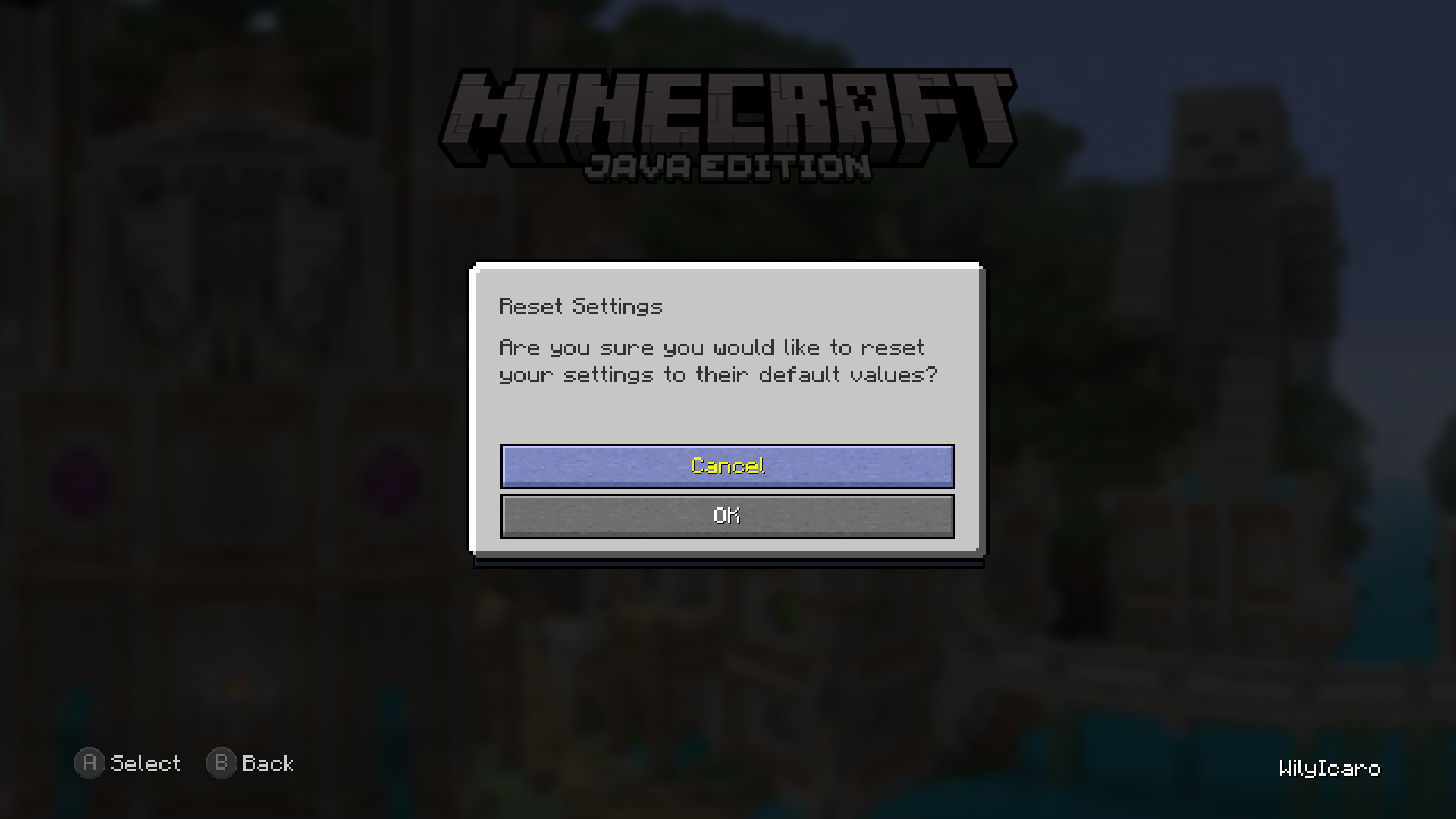 Reset Settings screen
 -
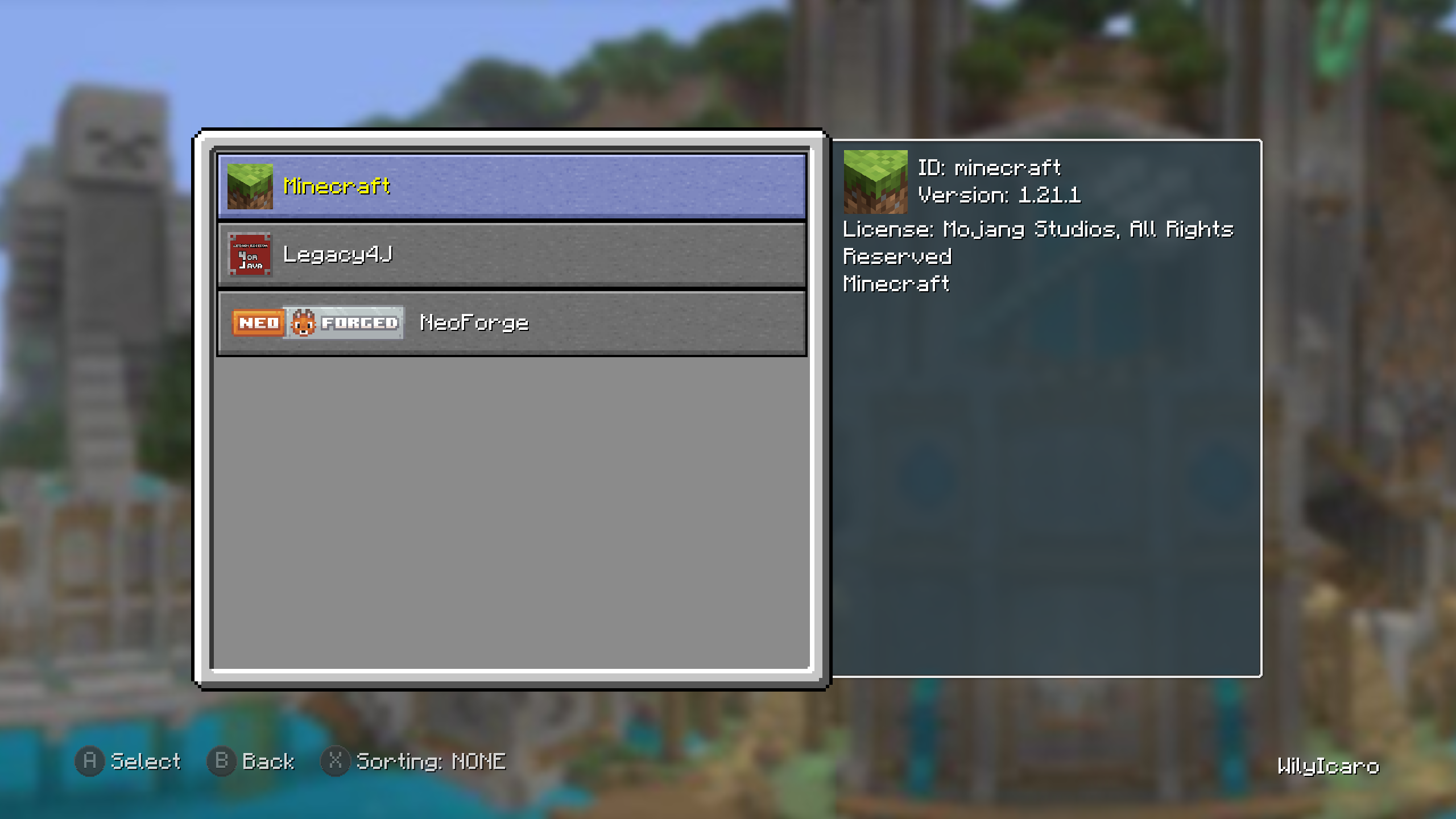 Mods screen
 -
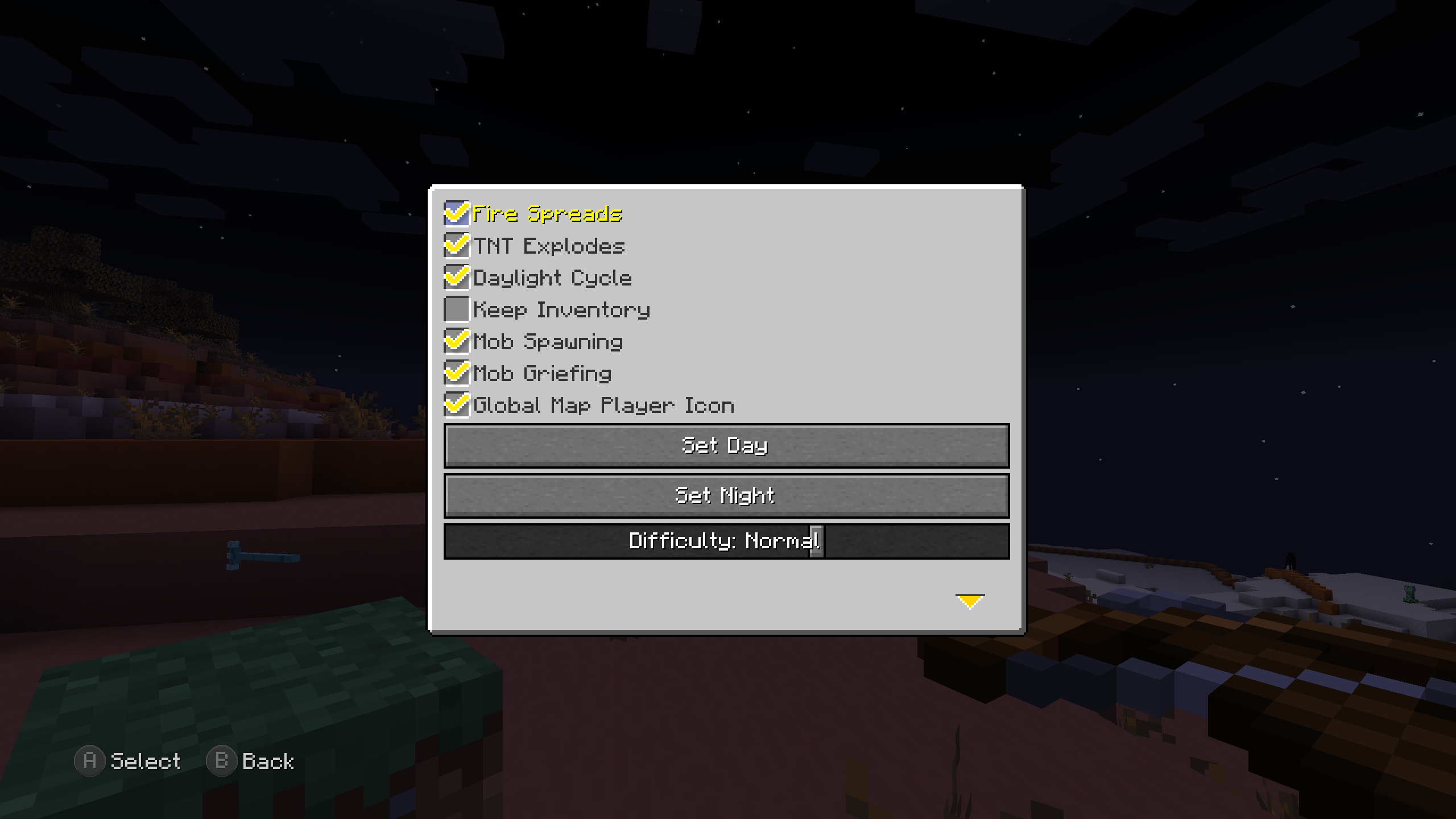 Host Options screen Main options
 -
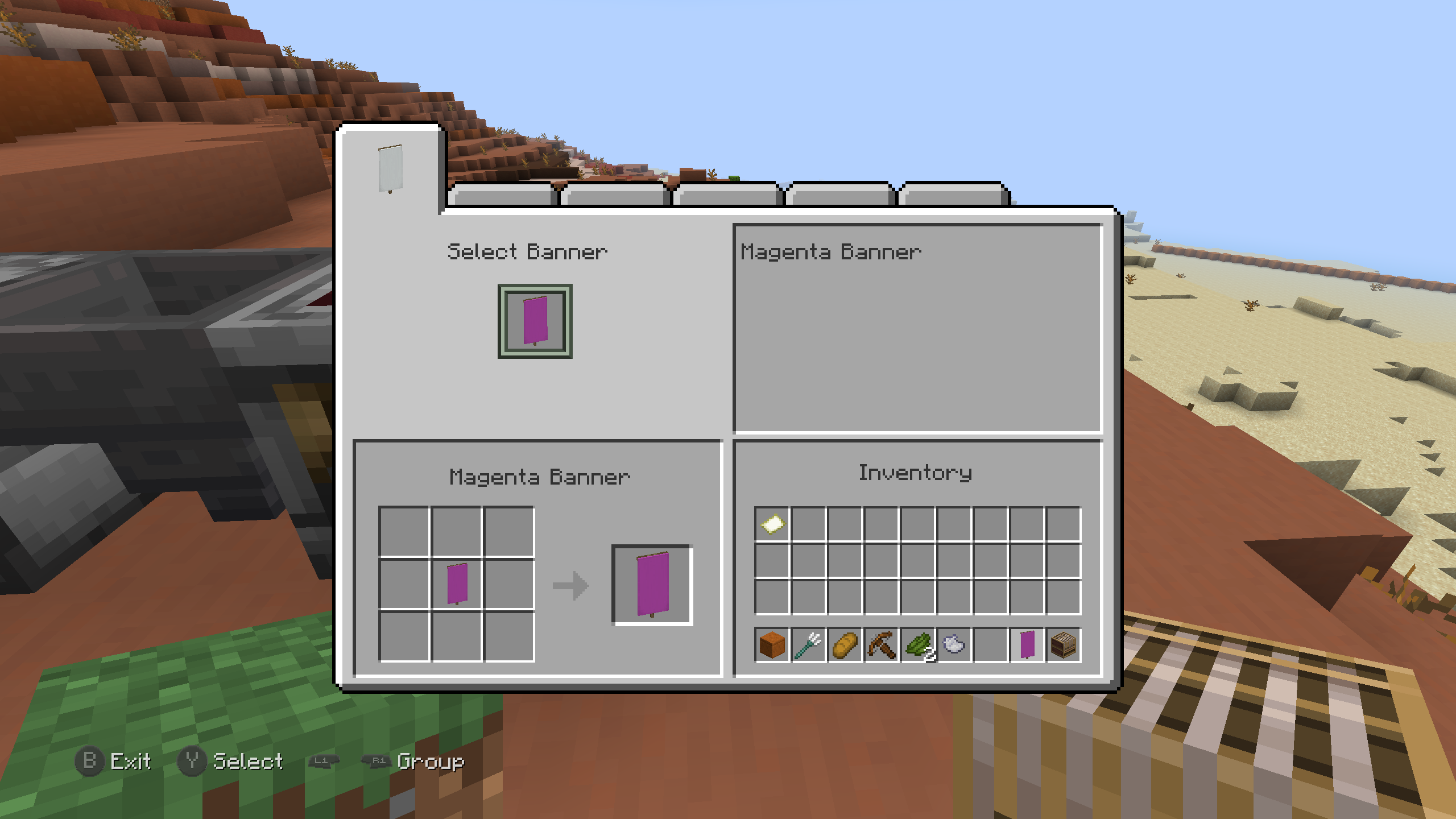 Loom screen
 -
 Grindstone screen
 -
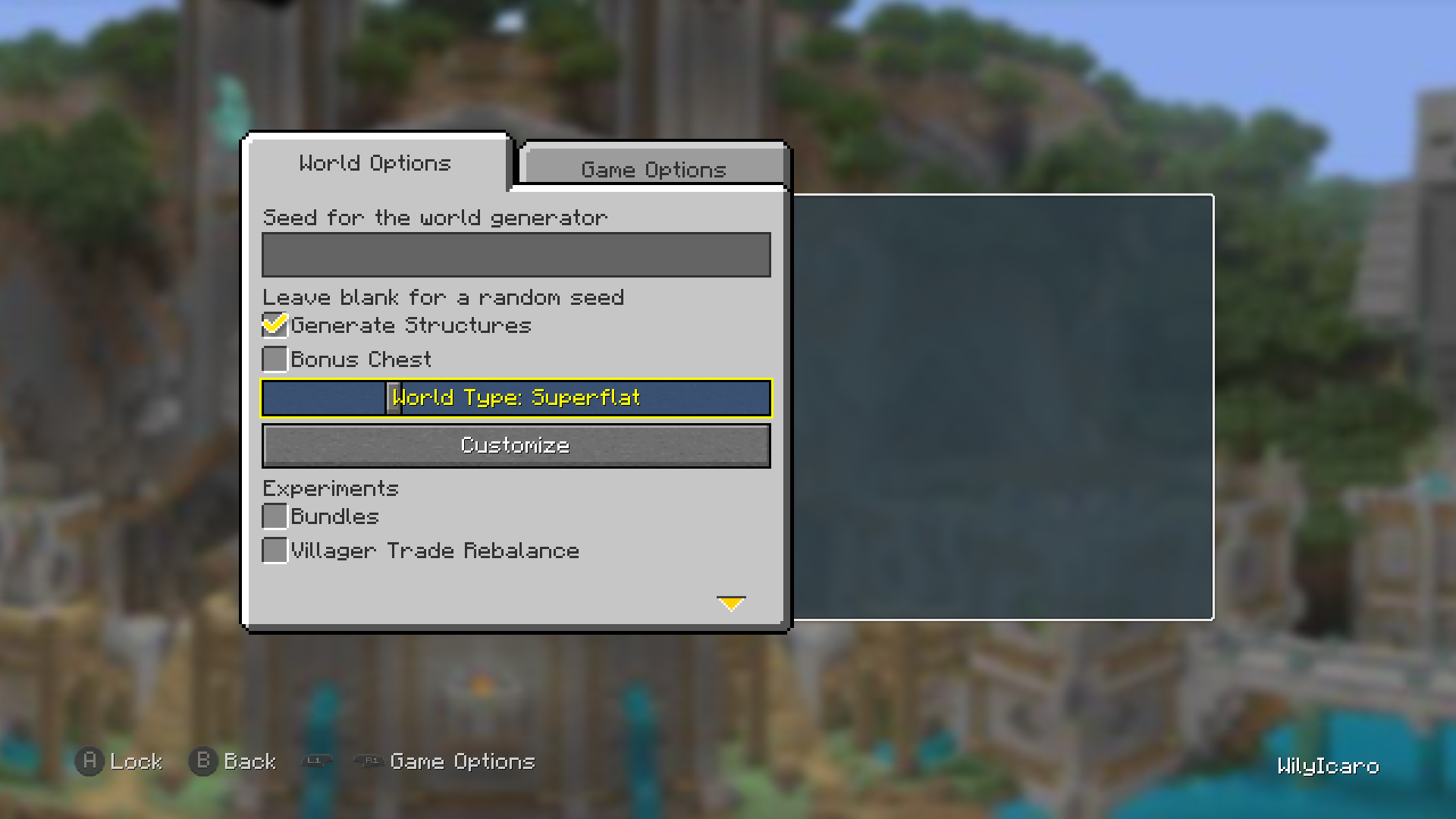 World More Options screen Superflat World Type selected
 -
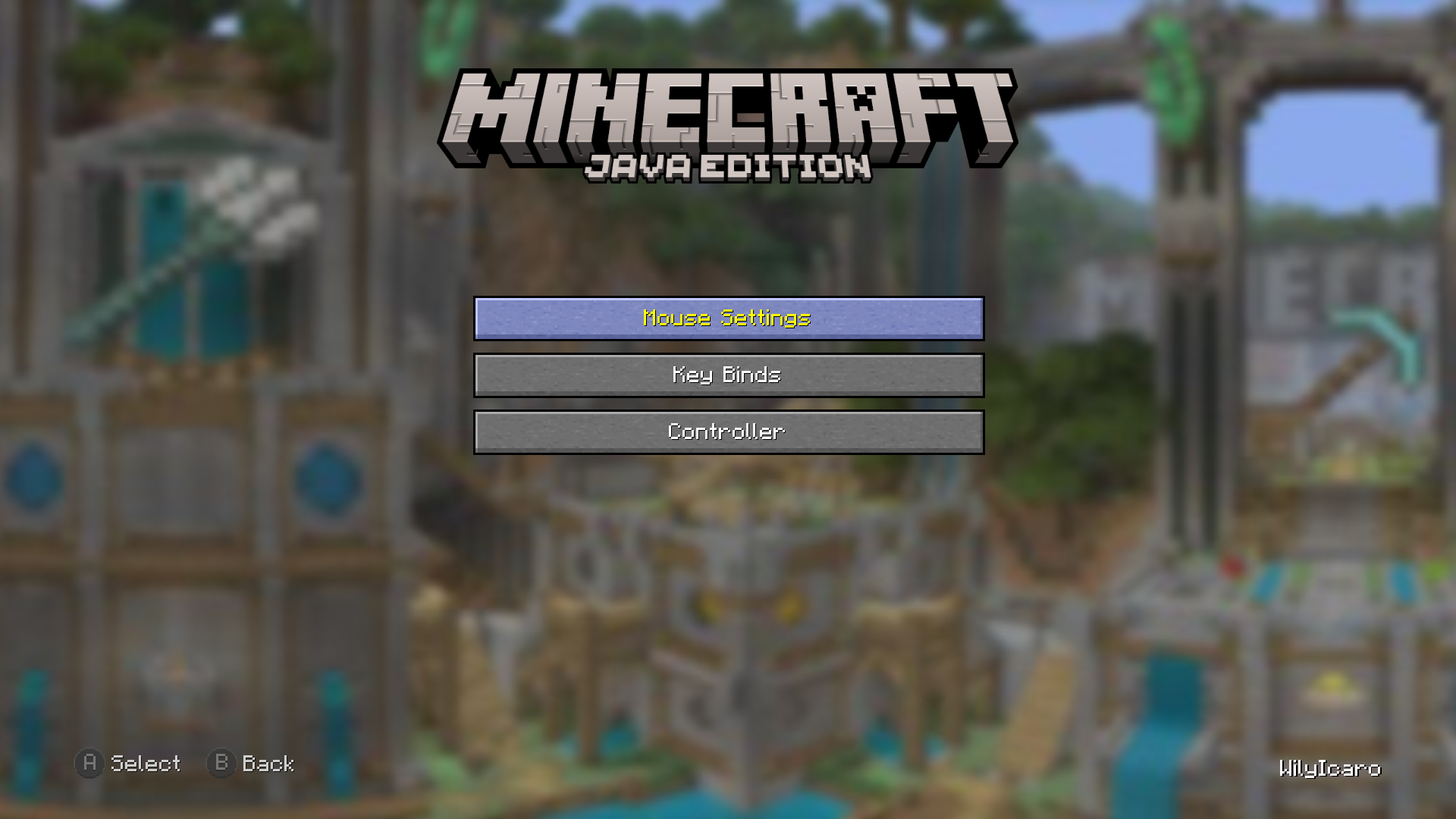 Controls screen
 -
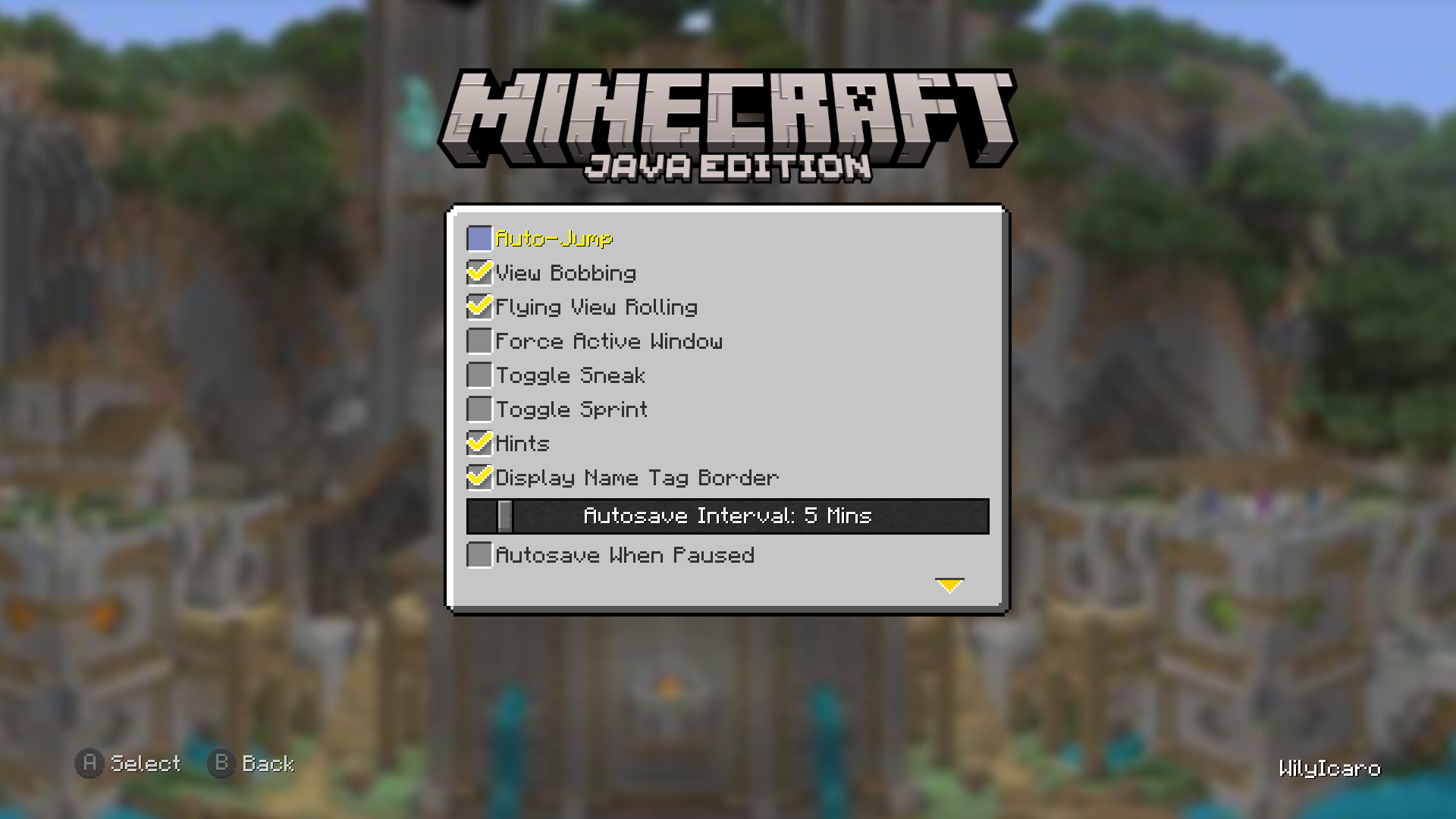 Game Options screen
 -
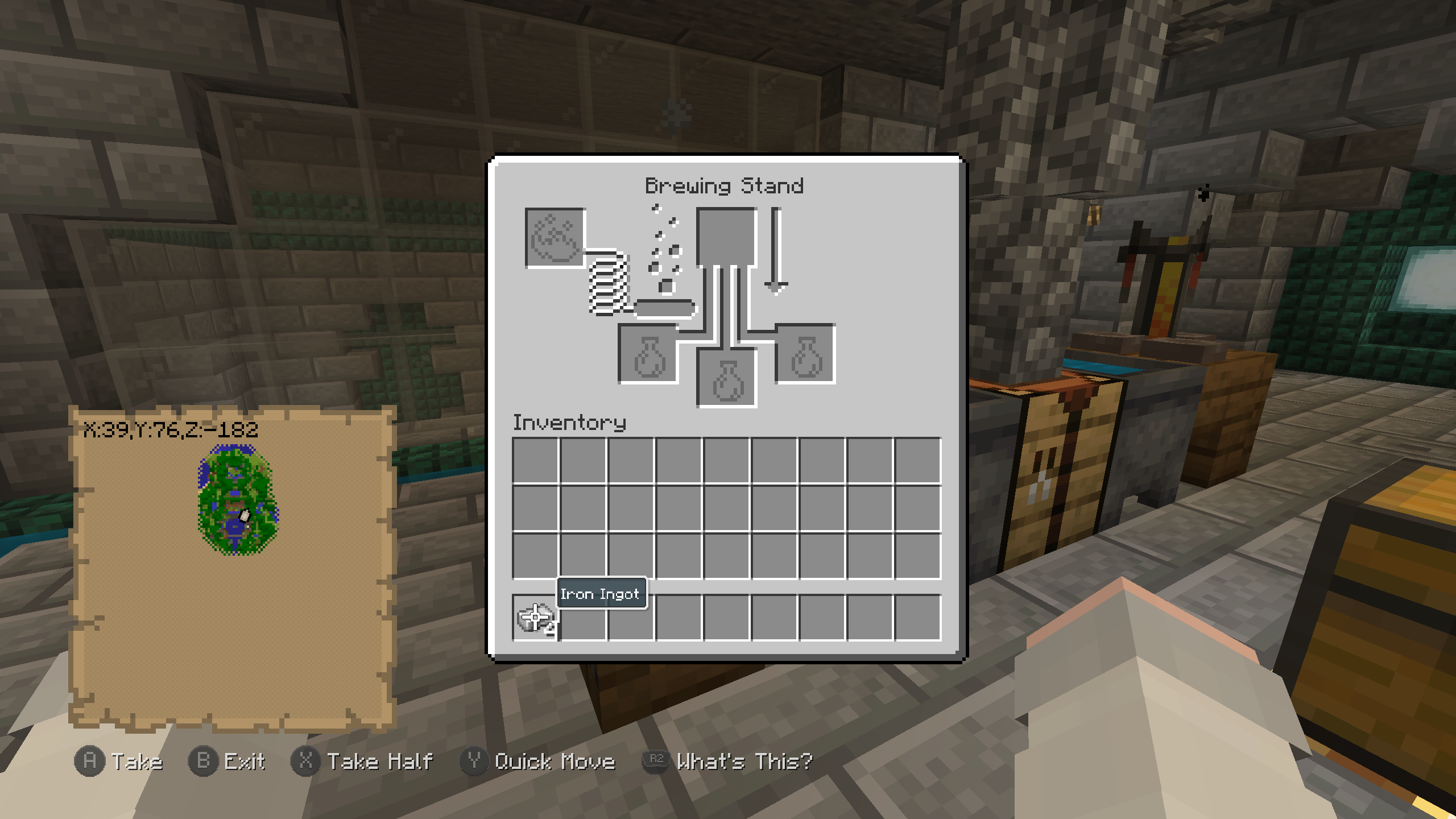 Brewing Stand screen
 -
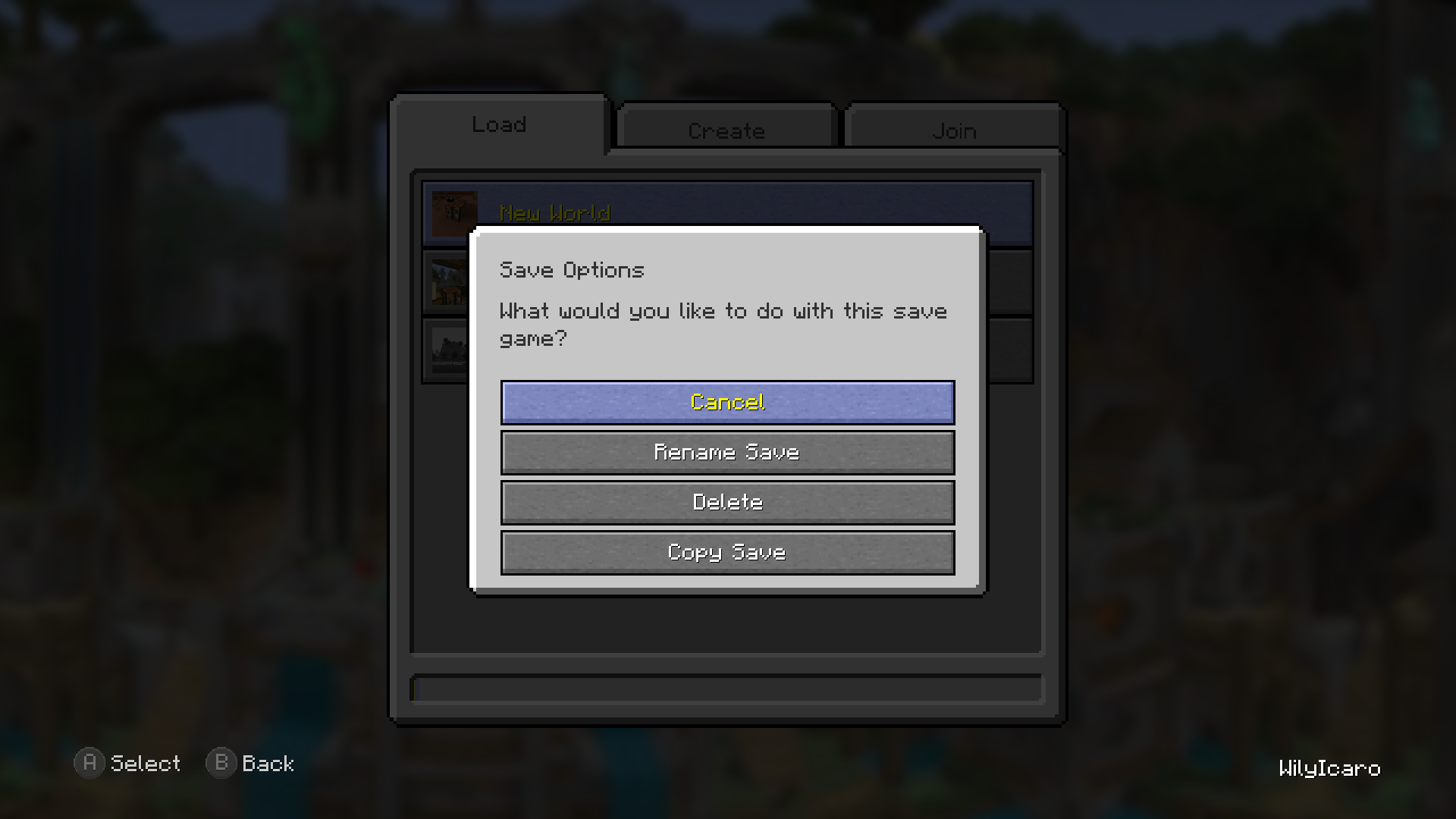 Save Options screen
 -
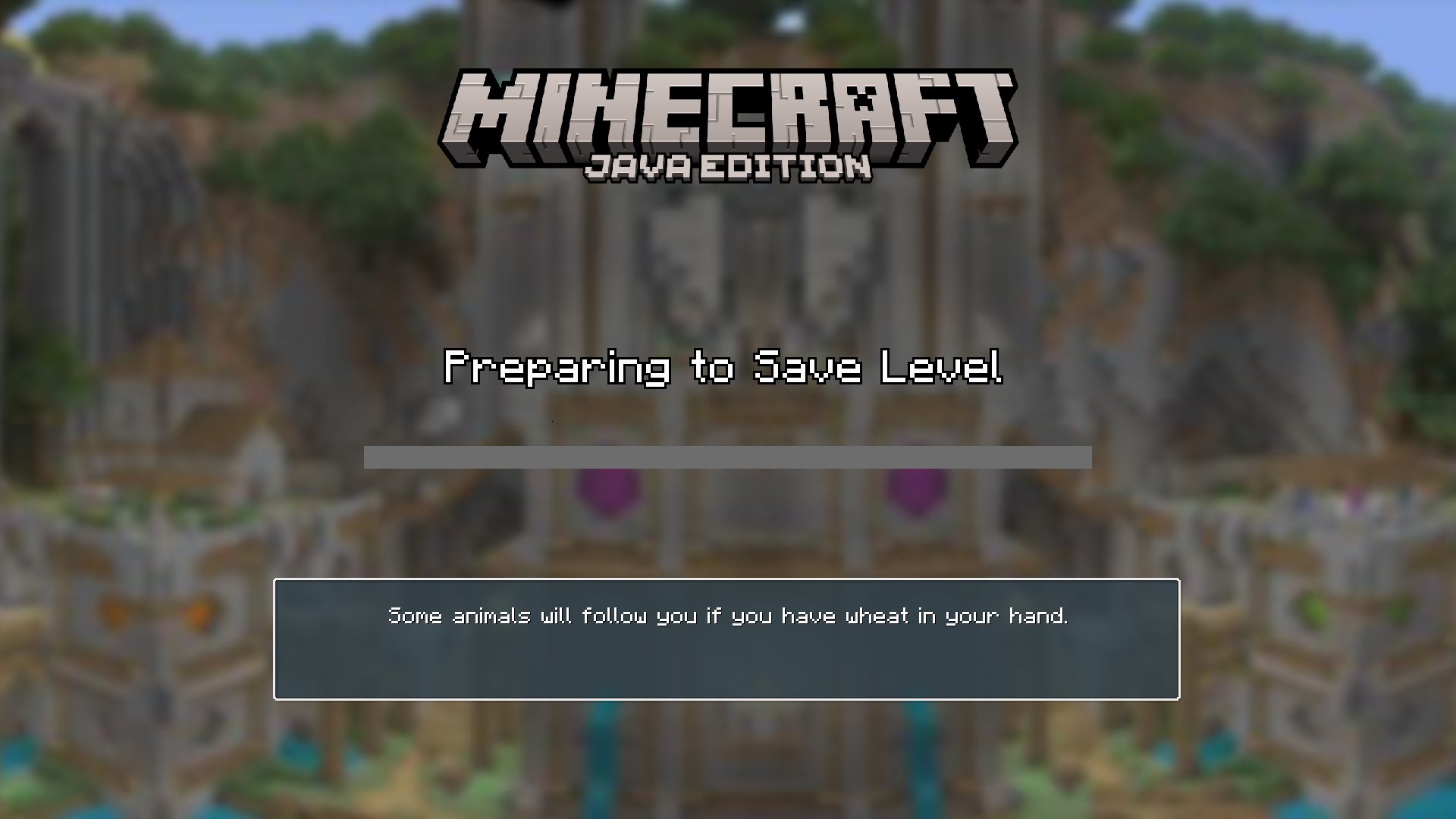 Loading screen Preparing to Save Level
 -
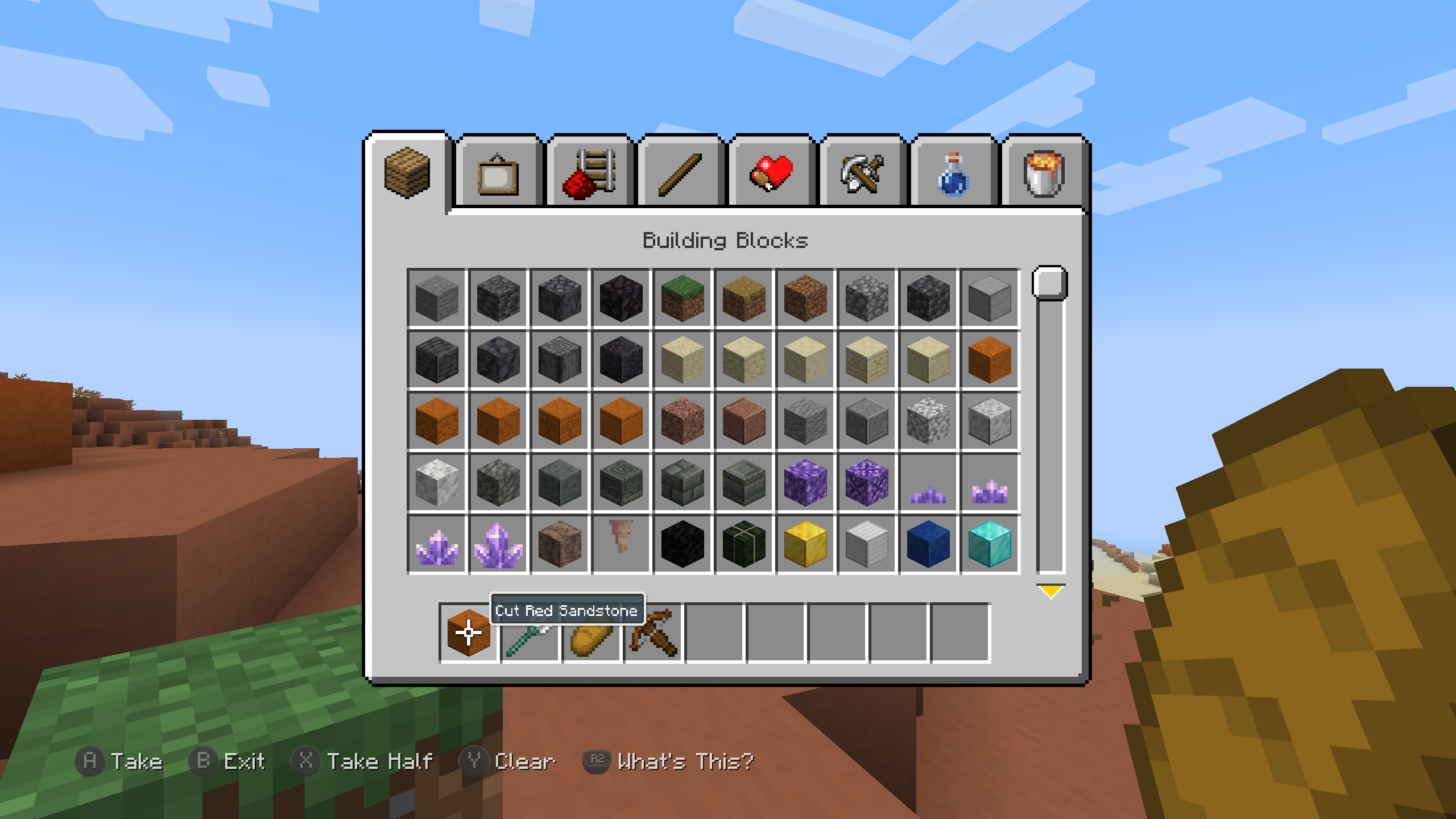 Creative Mode screen
 -
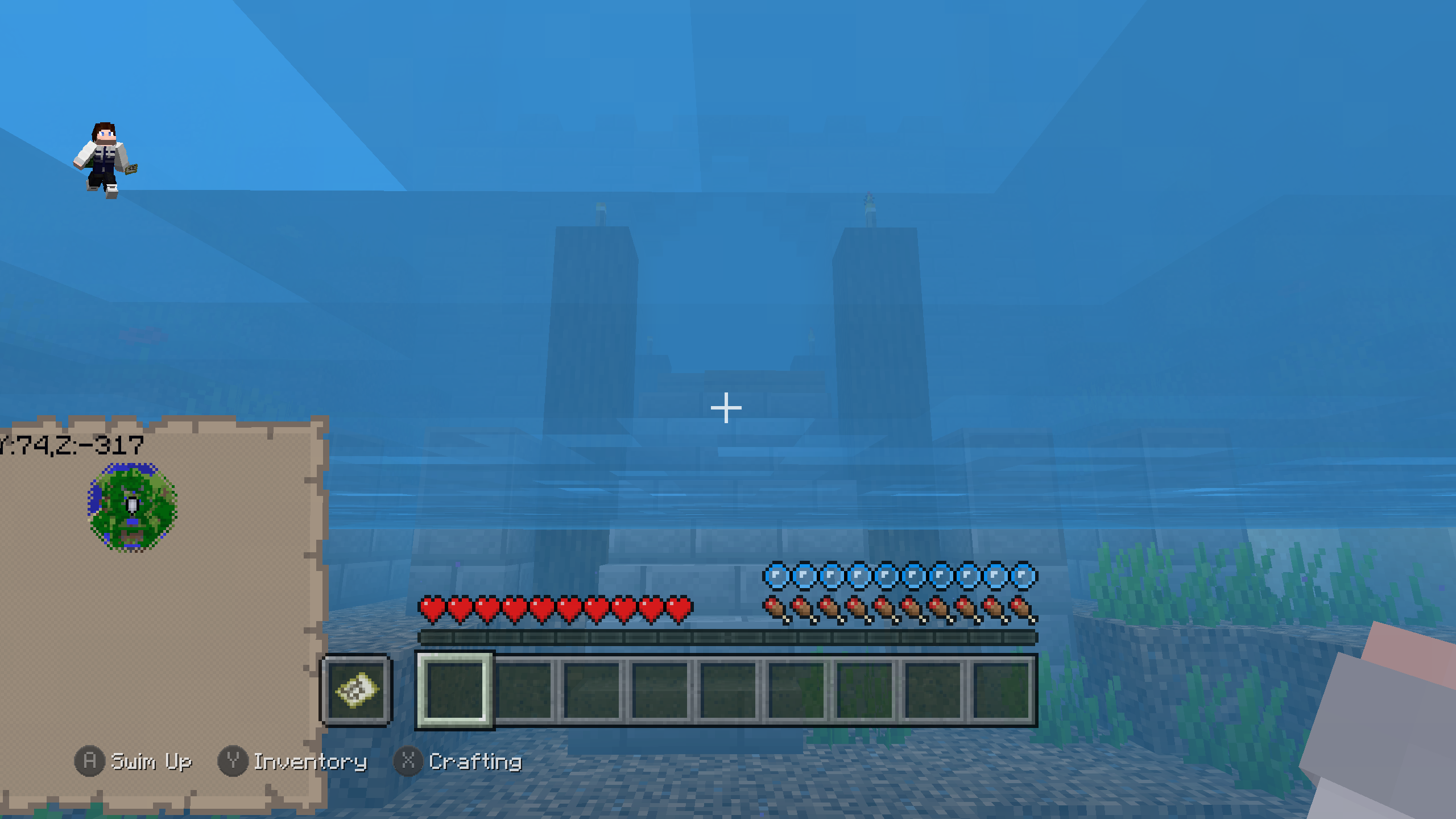 Tutorial river
 -
 Resource Packs screen
 -
 Load Save screen Resource Assorts controls
 -
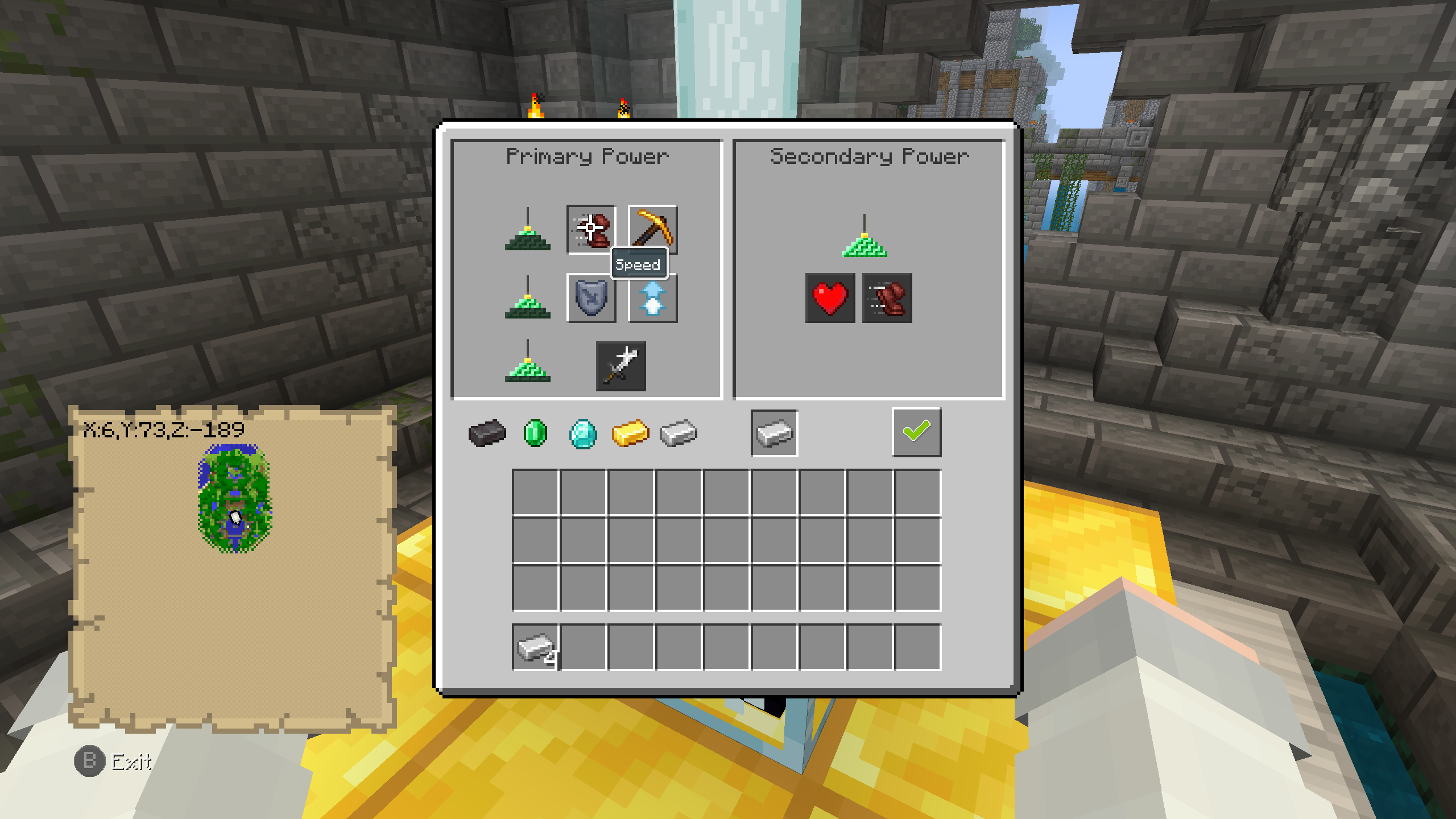 Beacon screen
 -
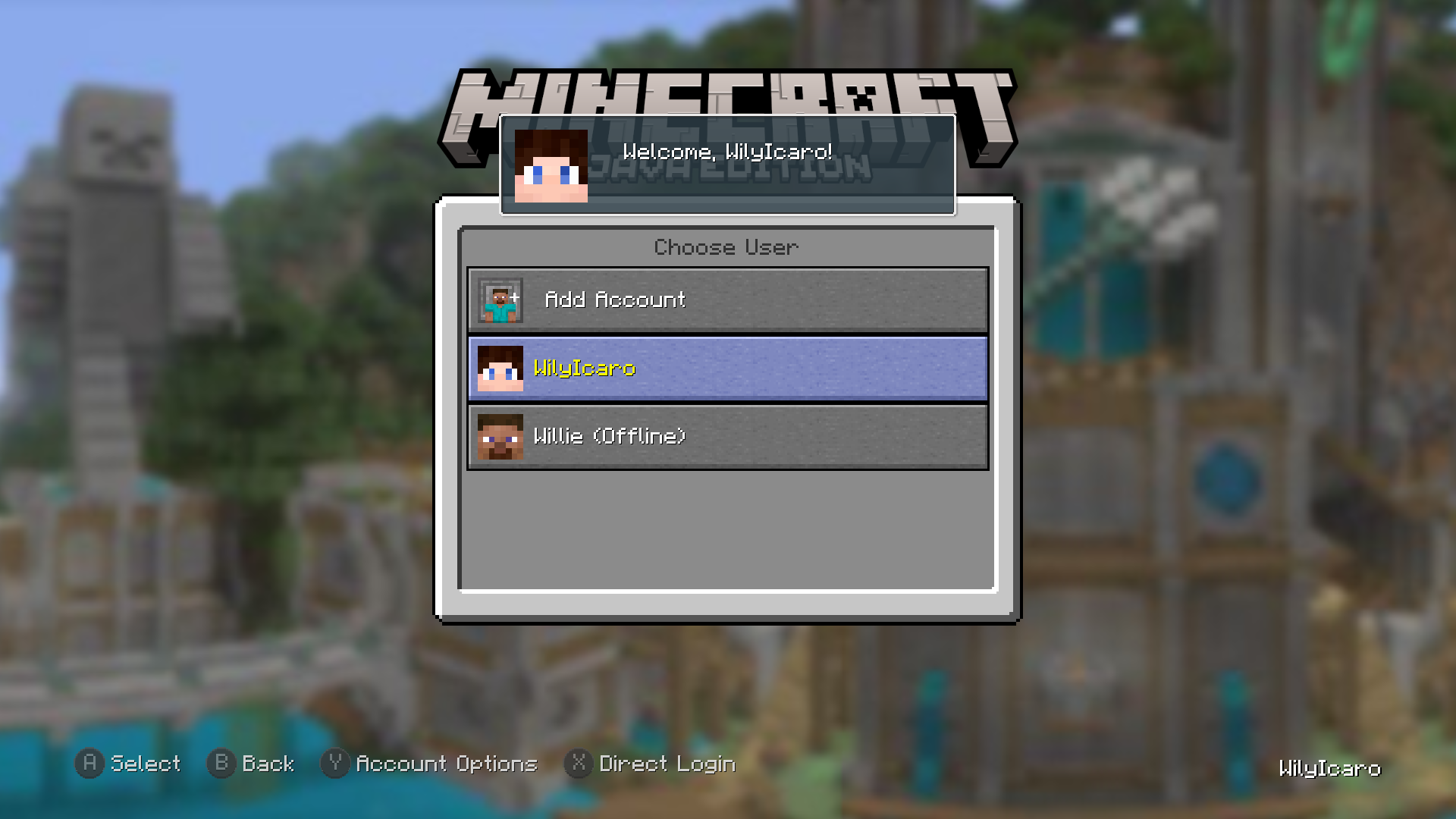 Choose User screen
 -
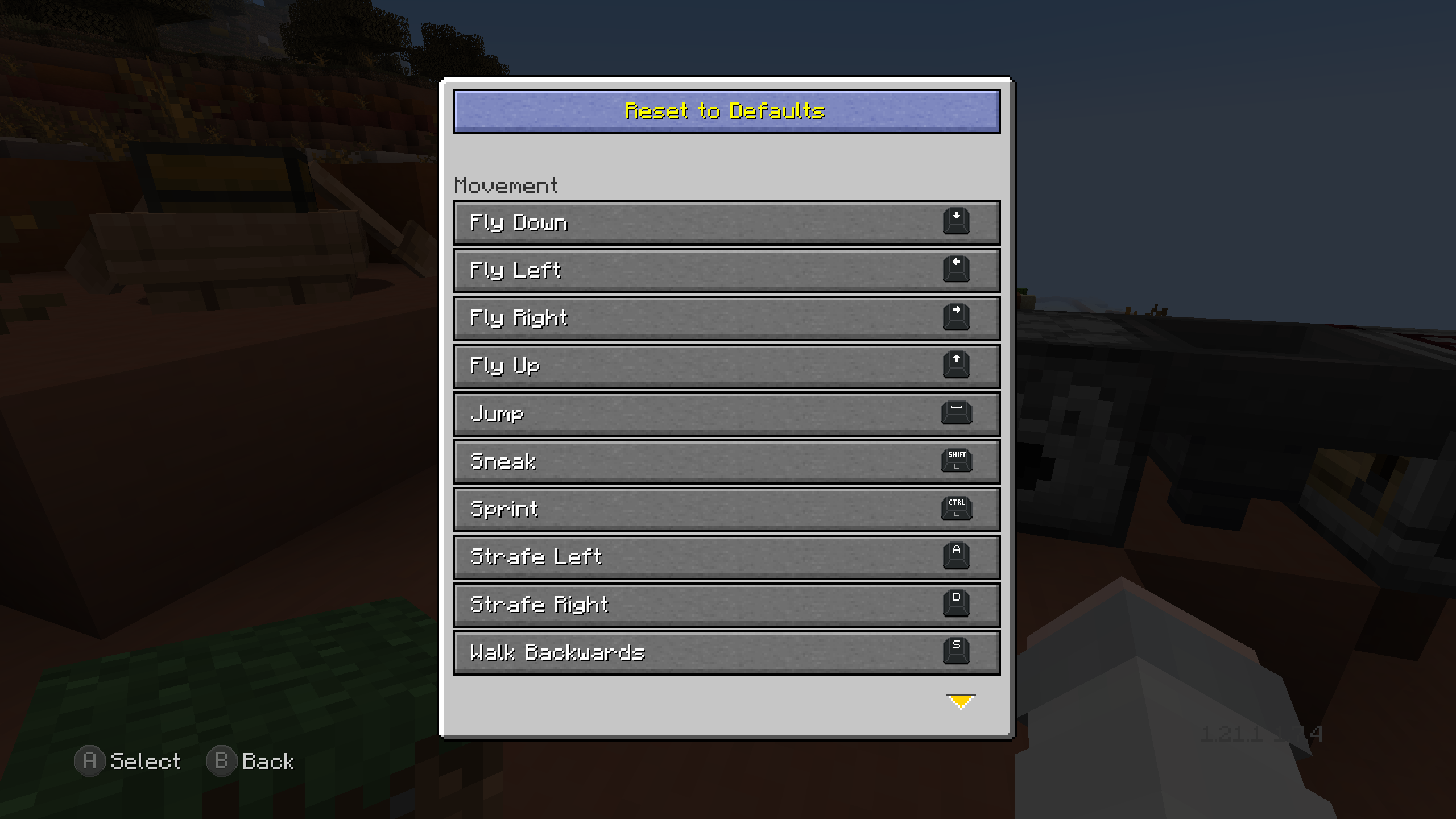 Key Binds screen
 -
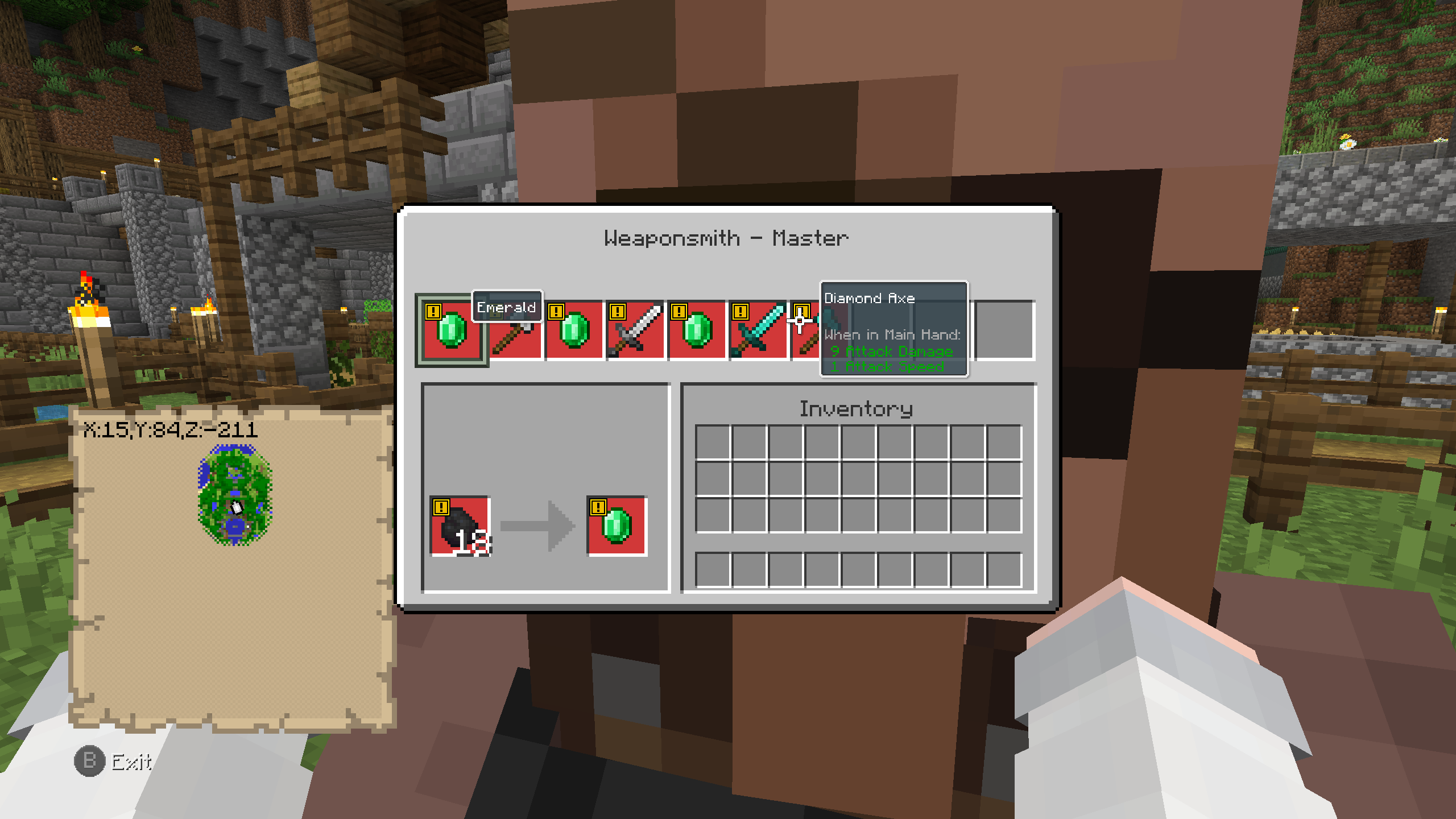 Merchant screen
 -
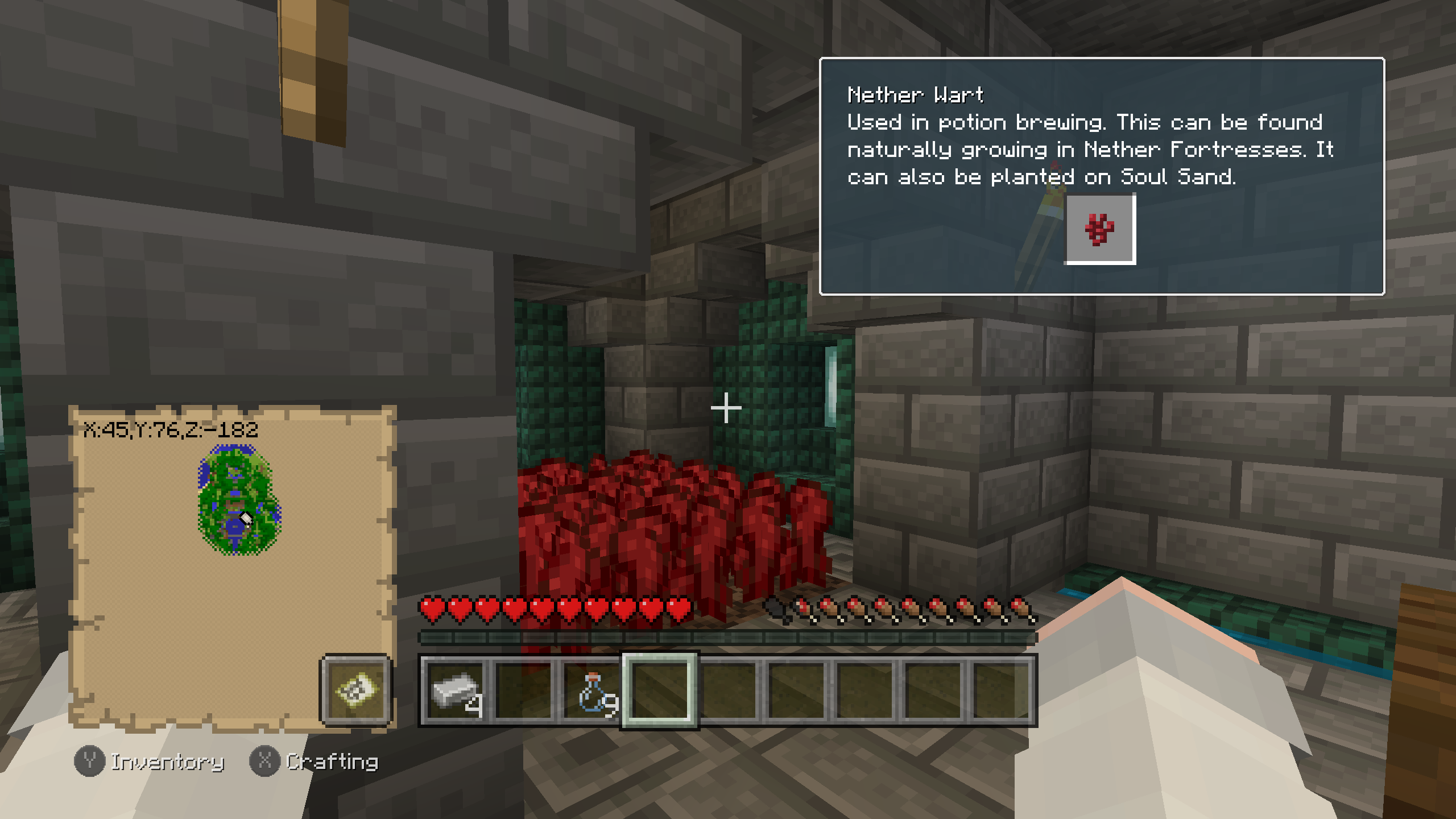 Nether Wart hint
 -
 Furnace screen
 -
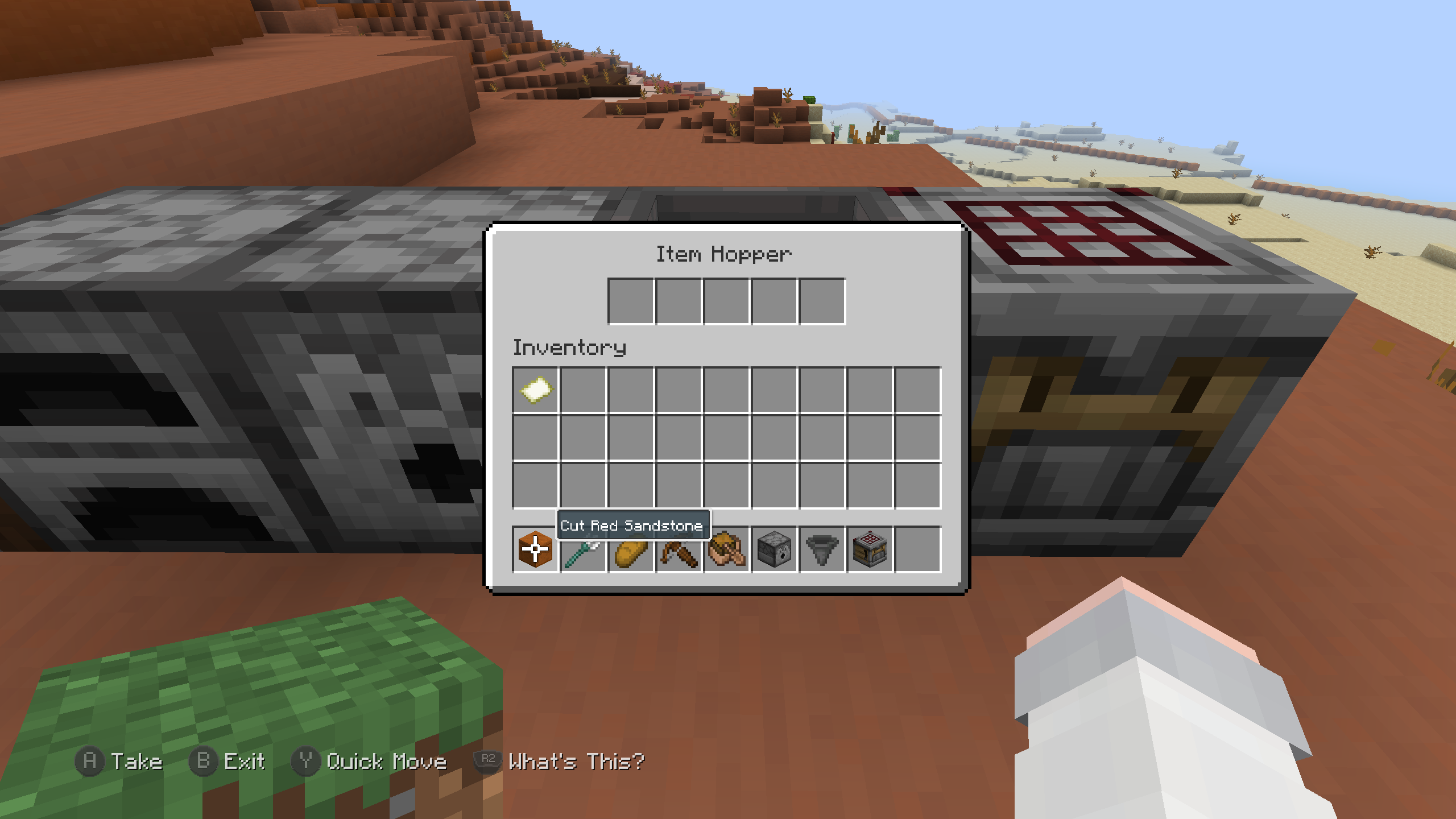 Hopper screen
 -
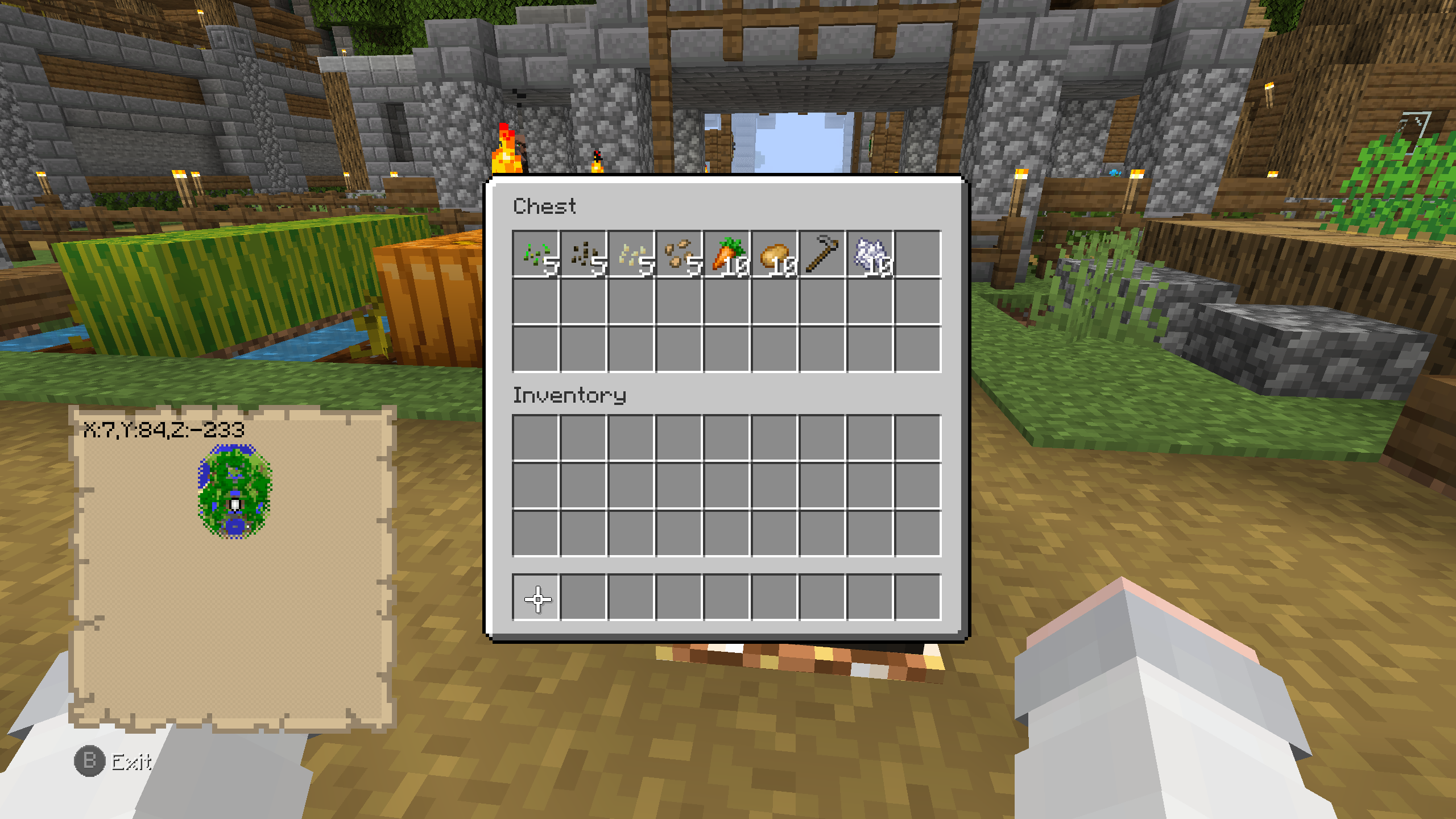 Chest screen
 -
 Creative Mode screen Grindstone hint
 -
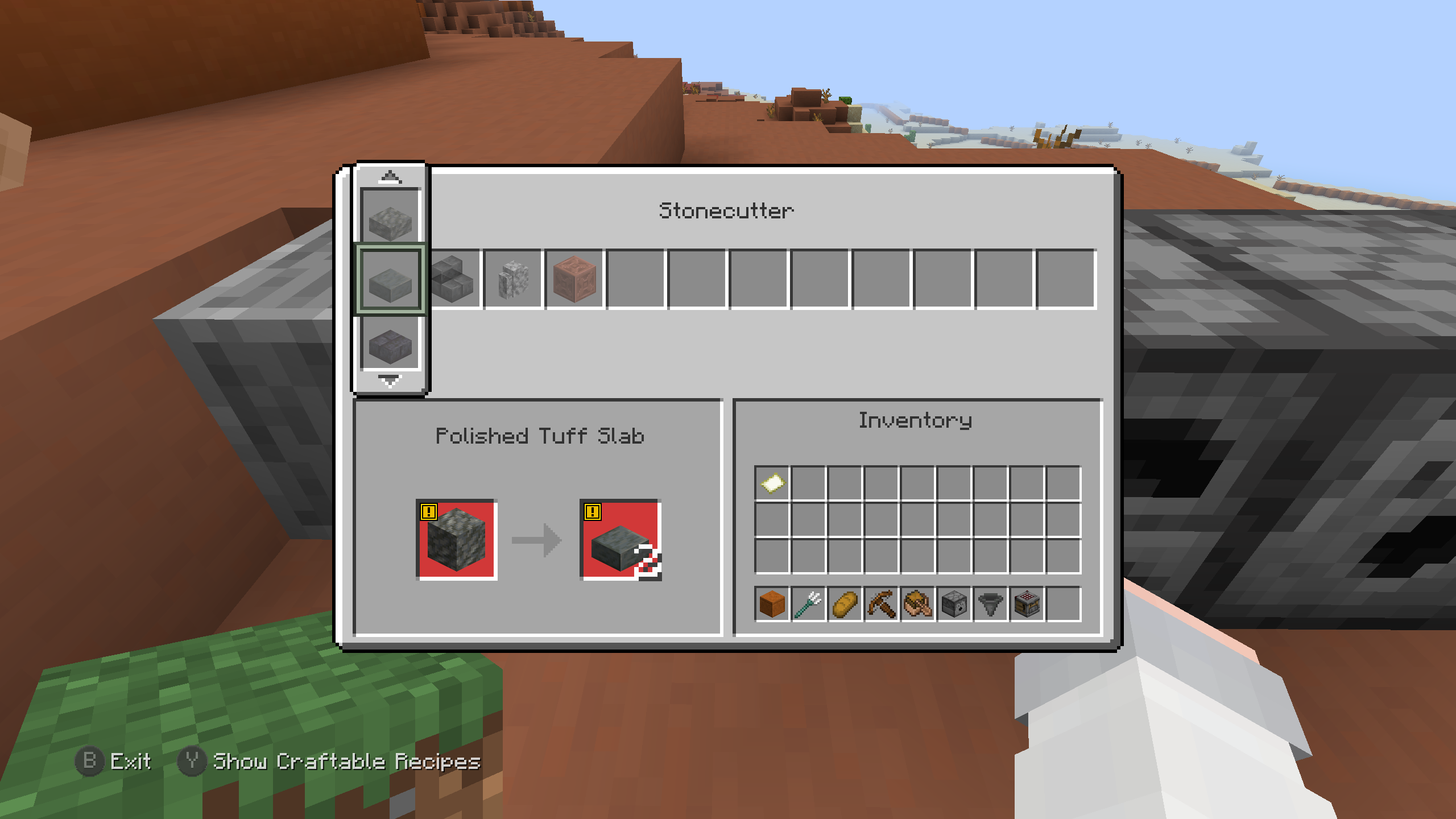 Stonecutter screen
 -
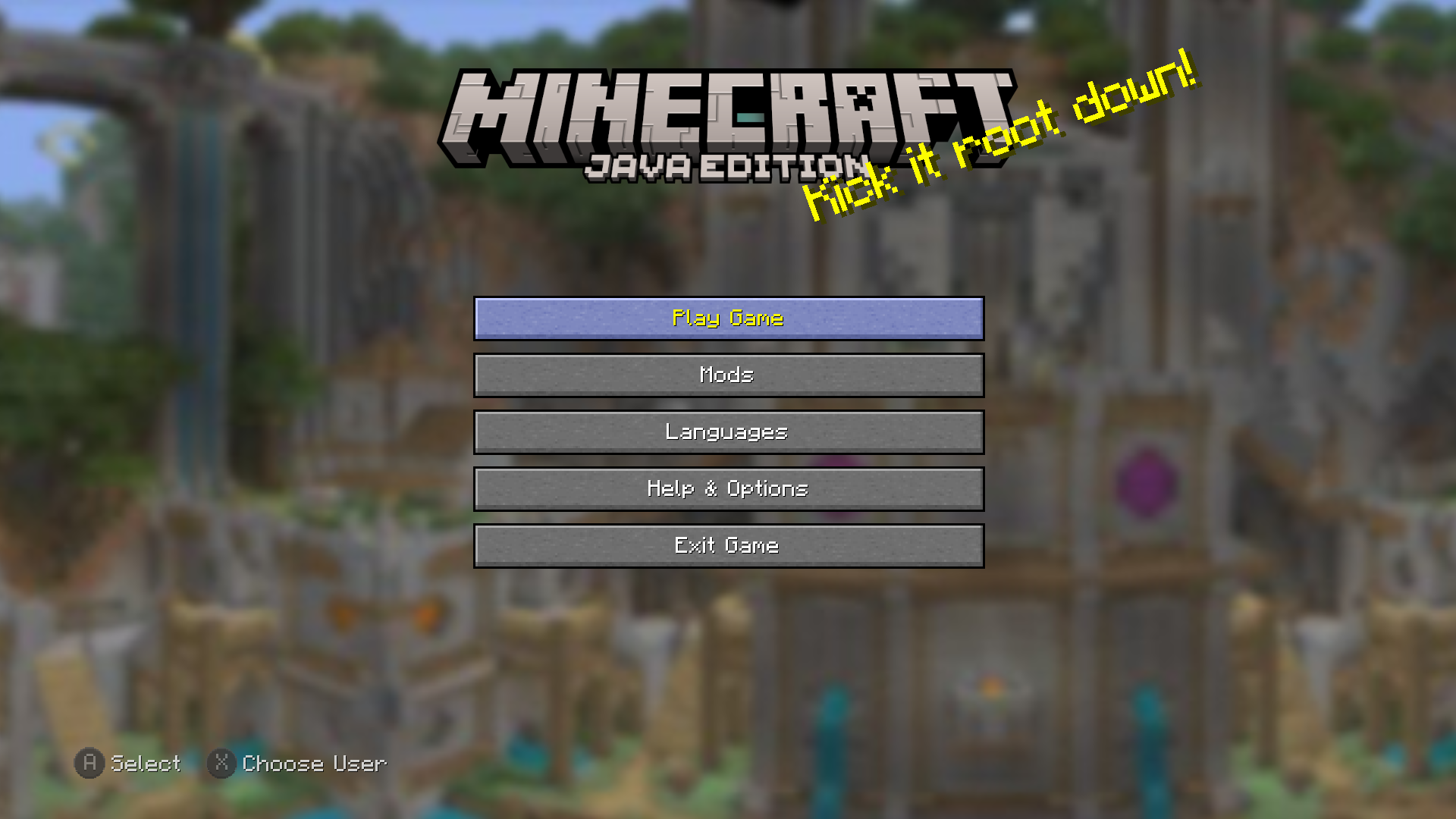 Main screen
 -
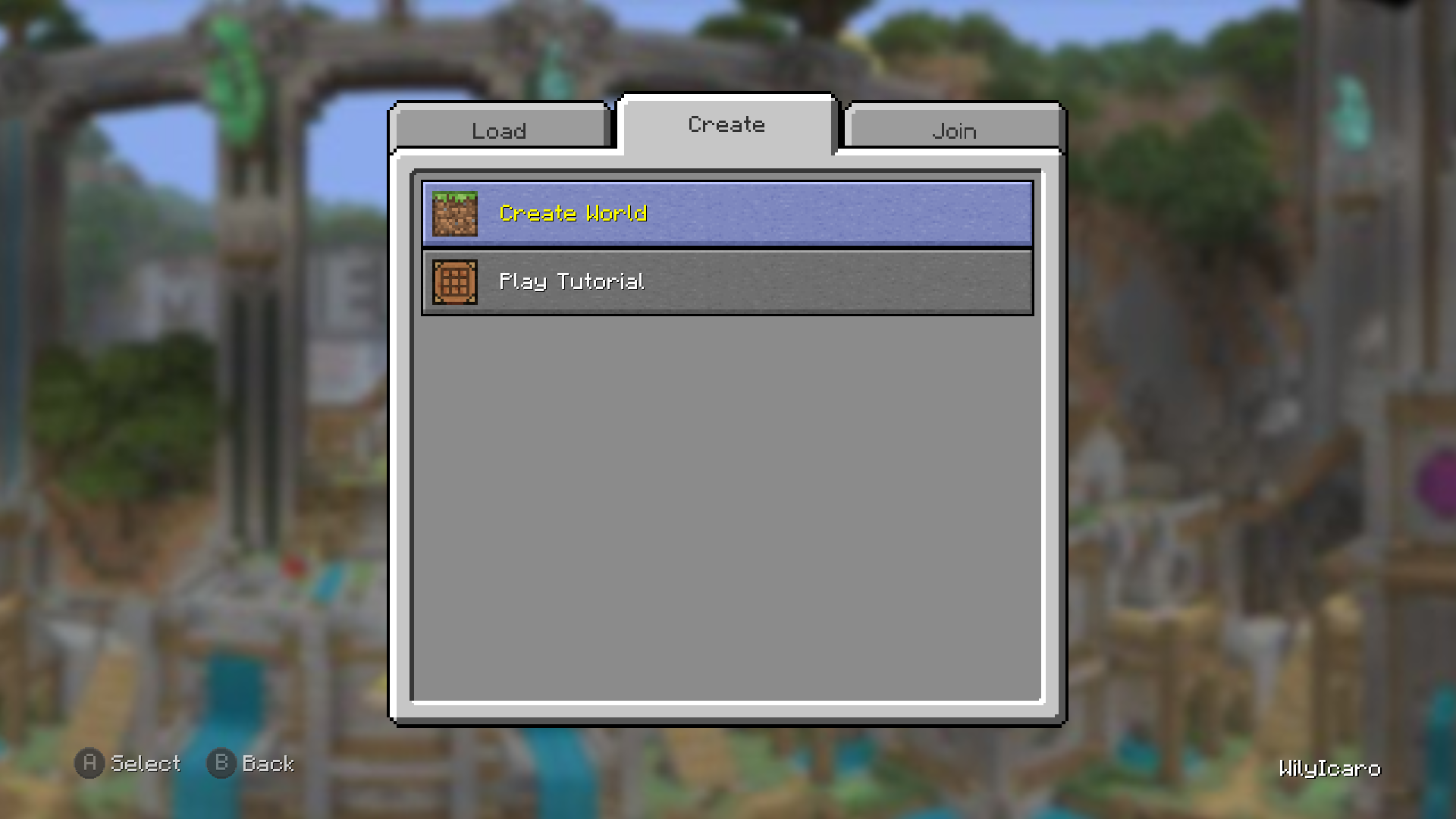 Play Game screen Create tab
 -
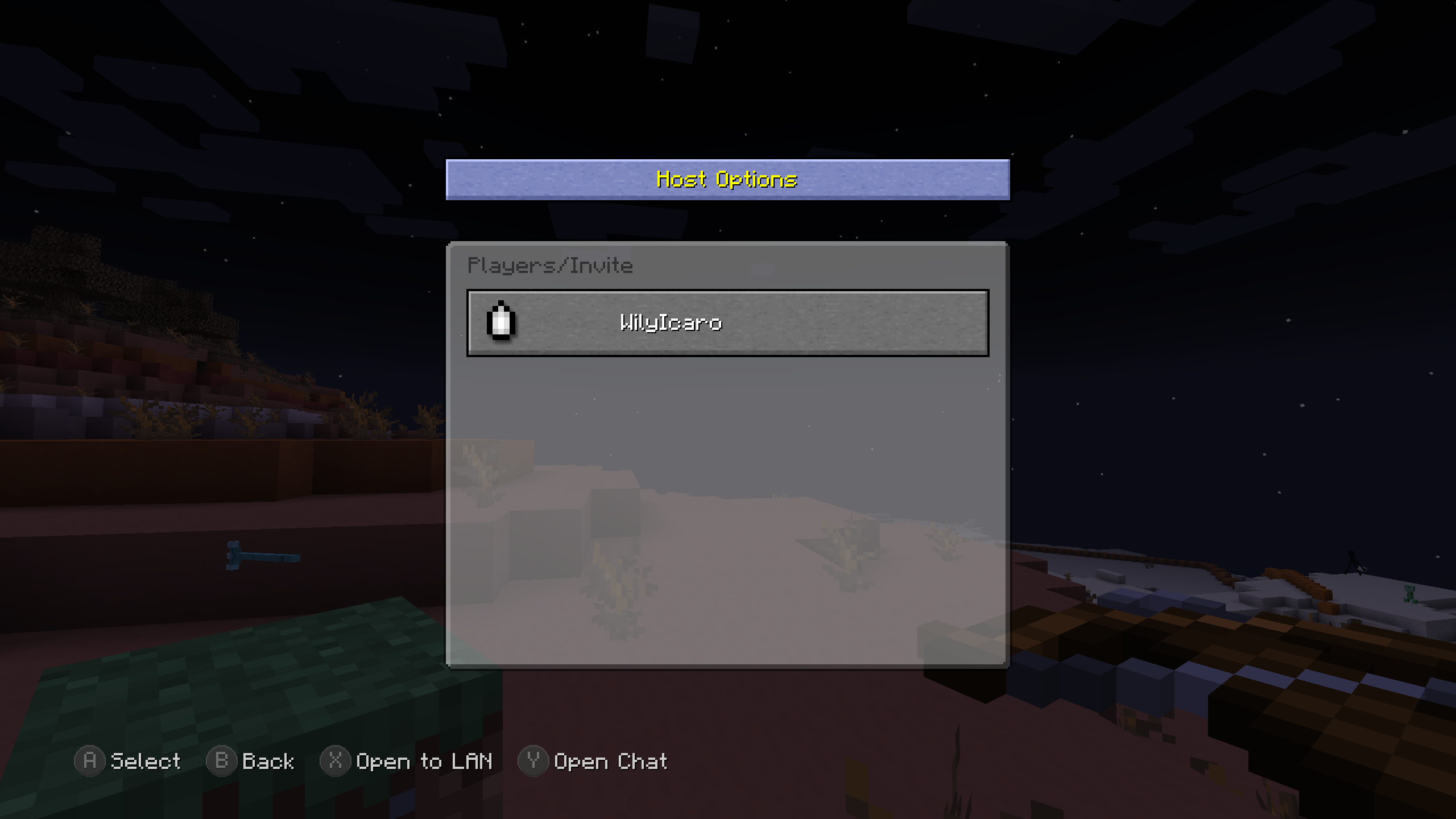 Host Options screen
 -
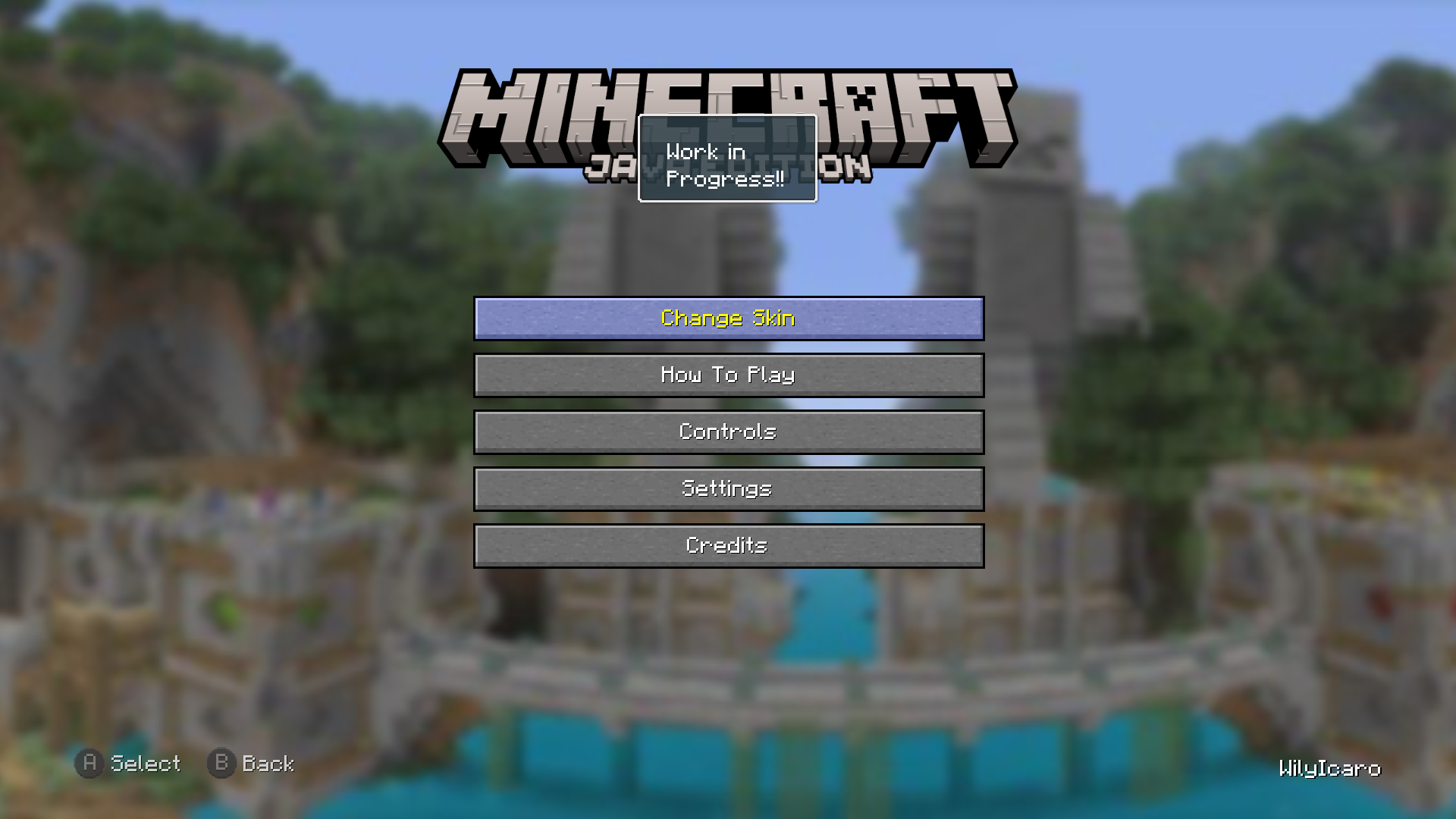 Help & Options screen
 -
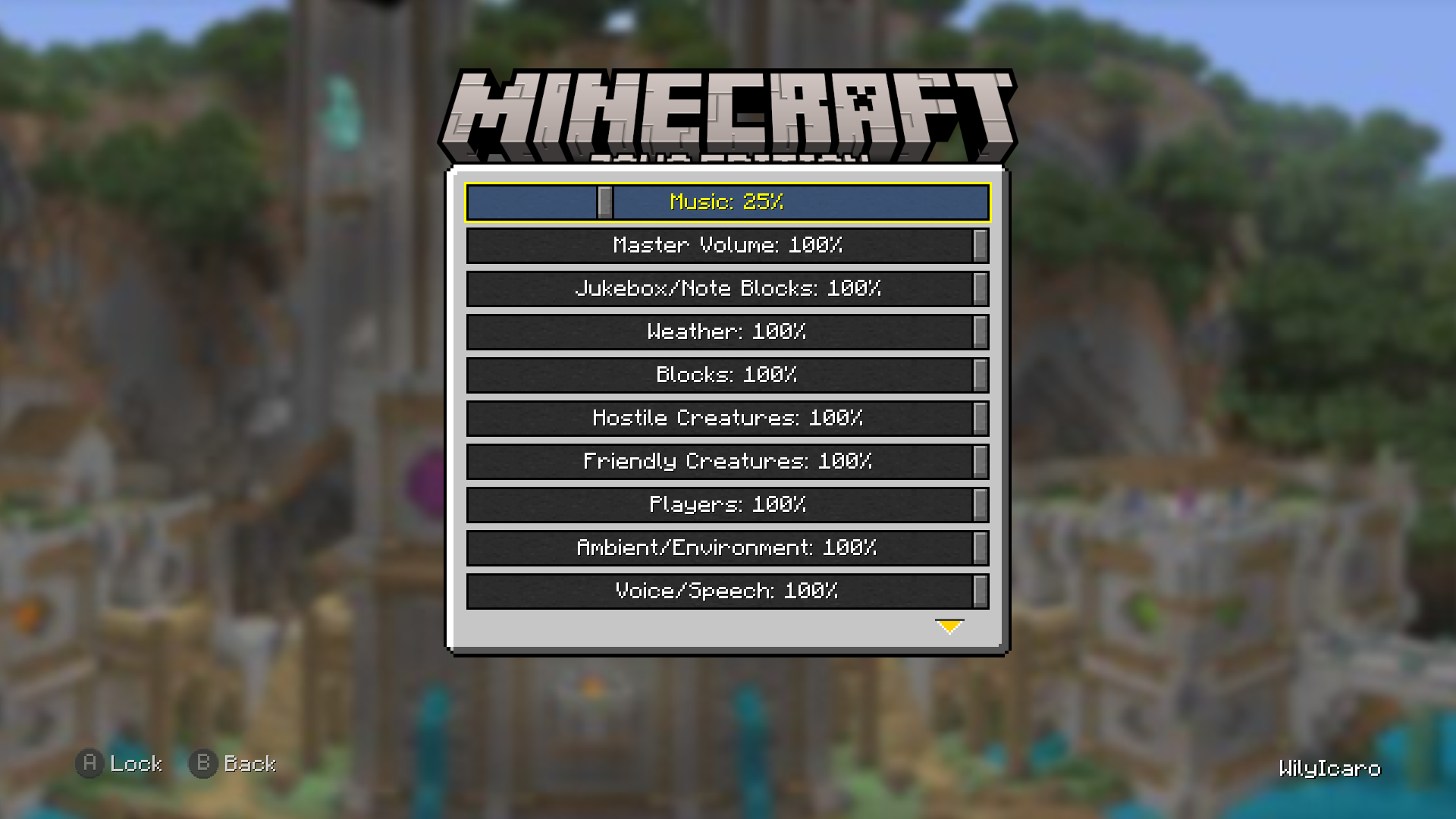 Audio screen
 -
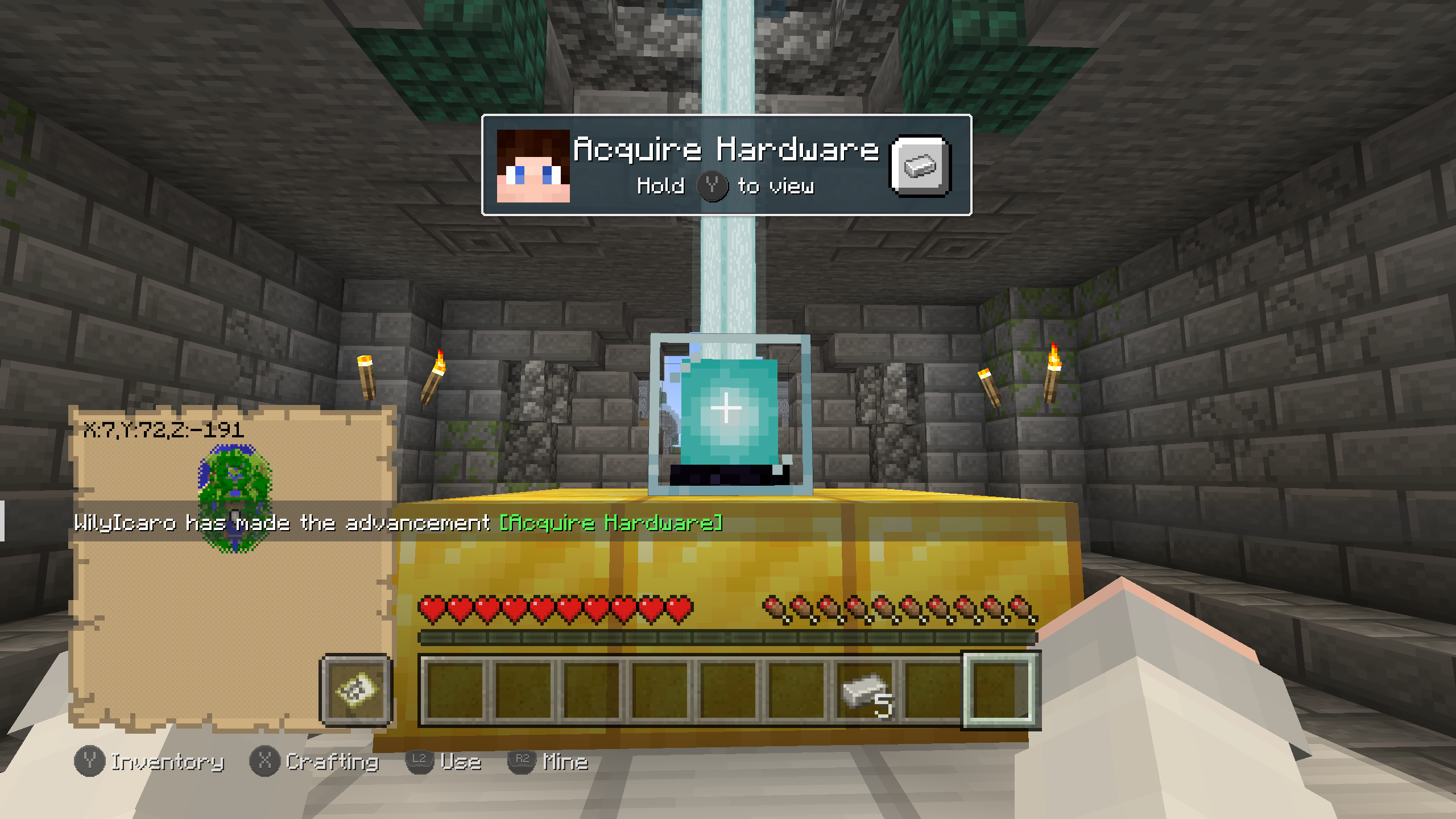 Tutorial Beacon
 -
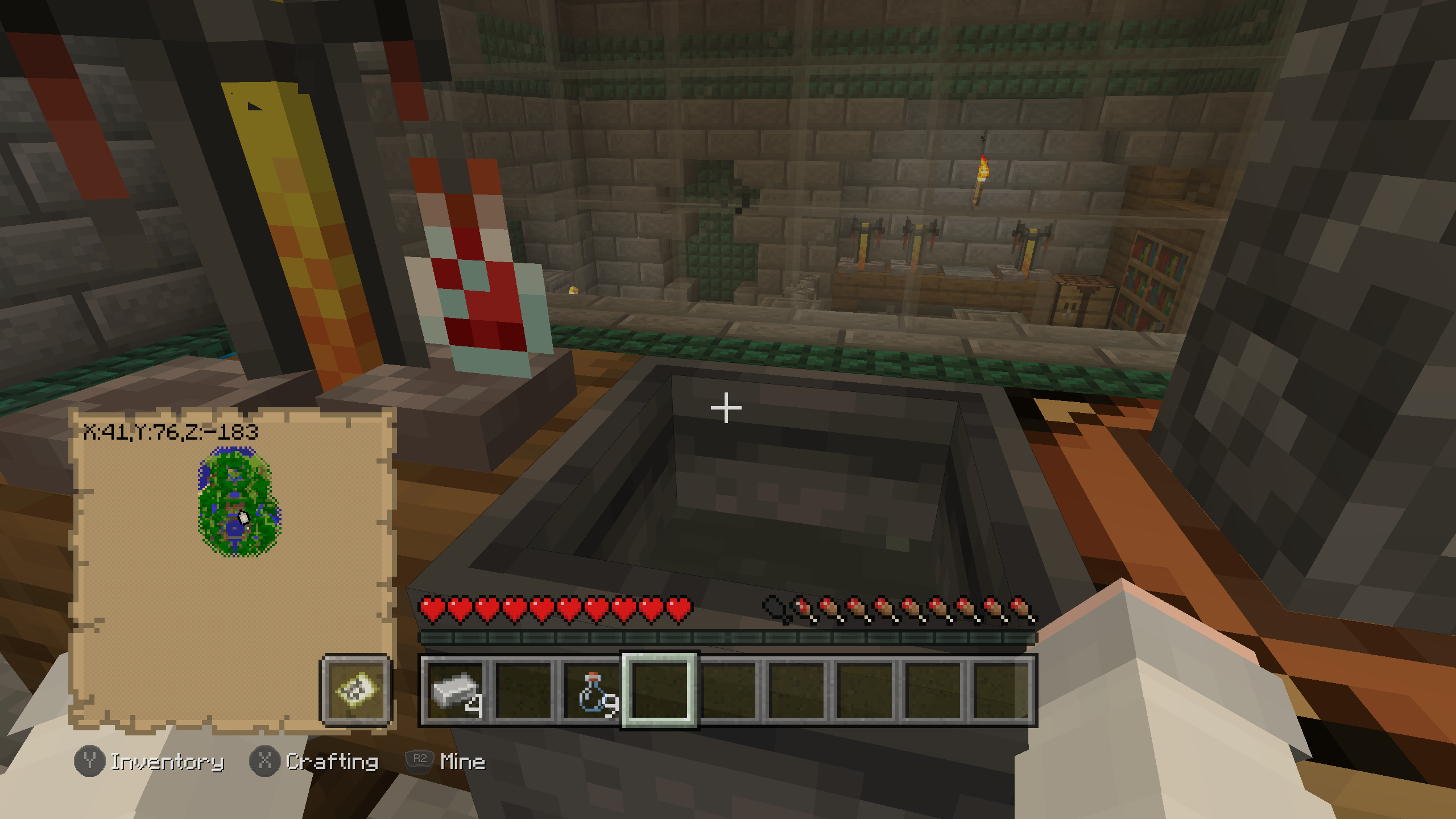 Cauldron with potion
 -
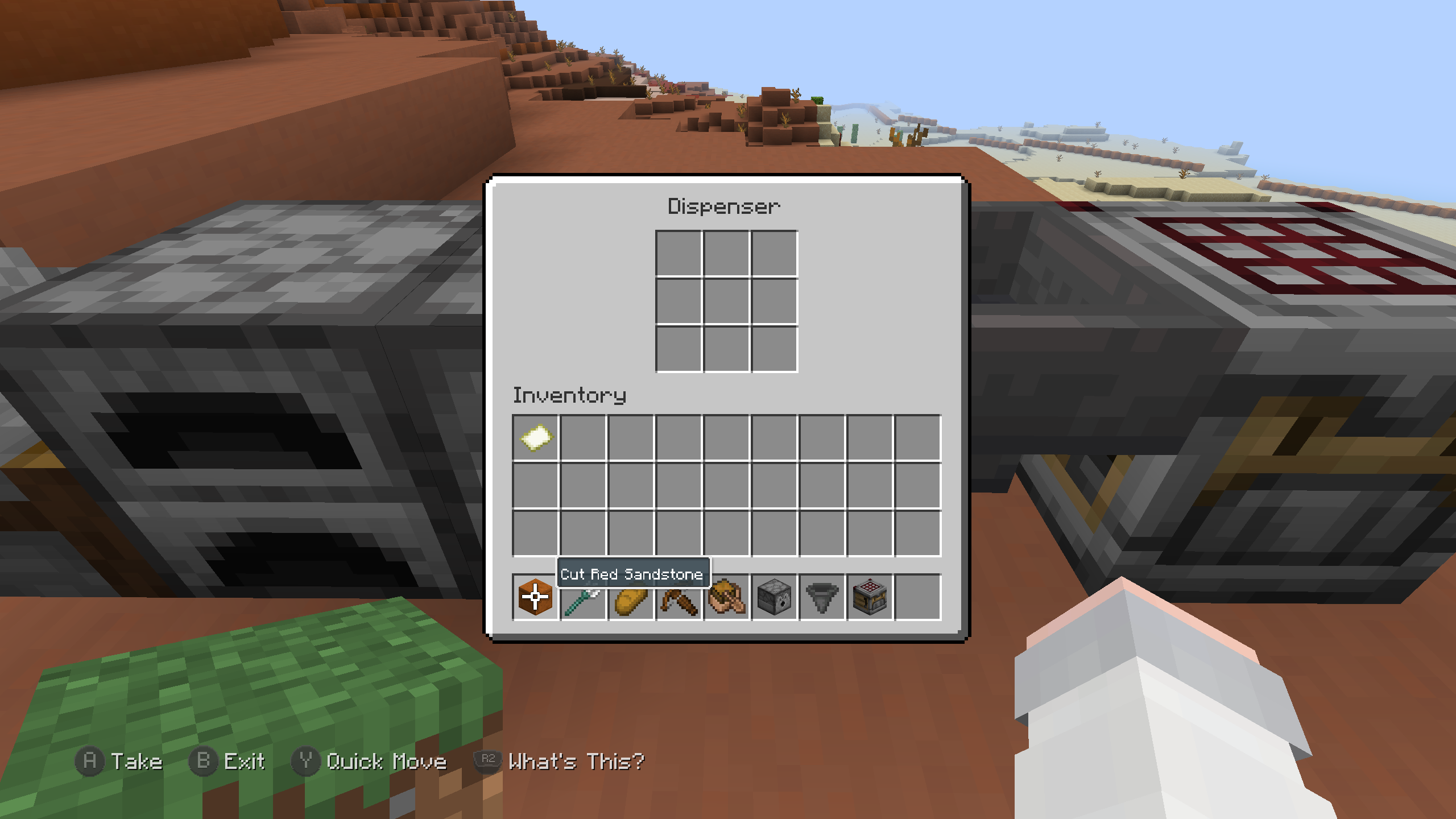 Dispenser/Dropper screen
 -
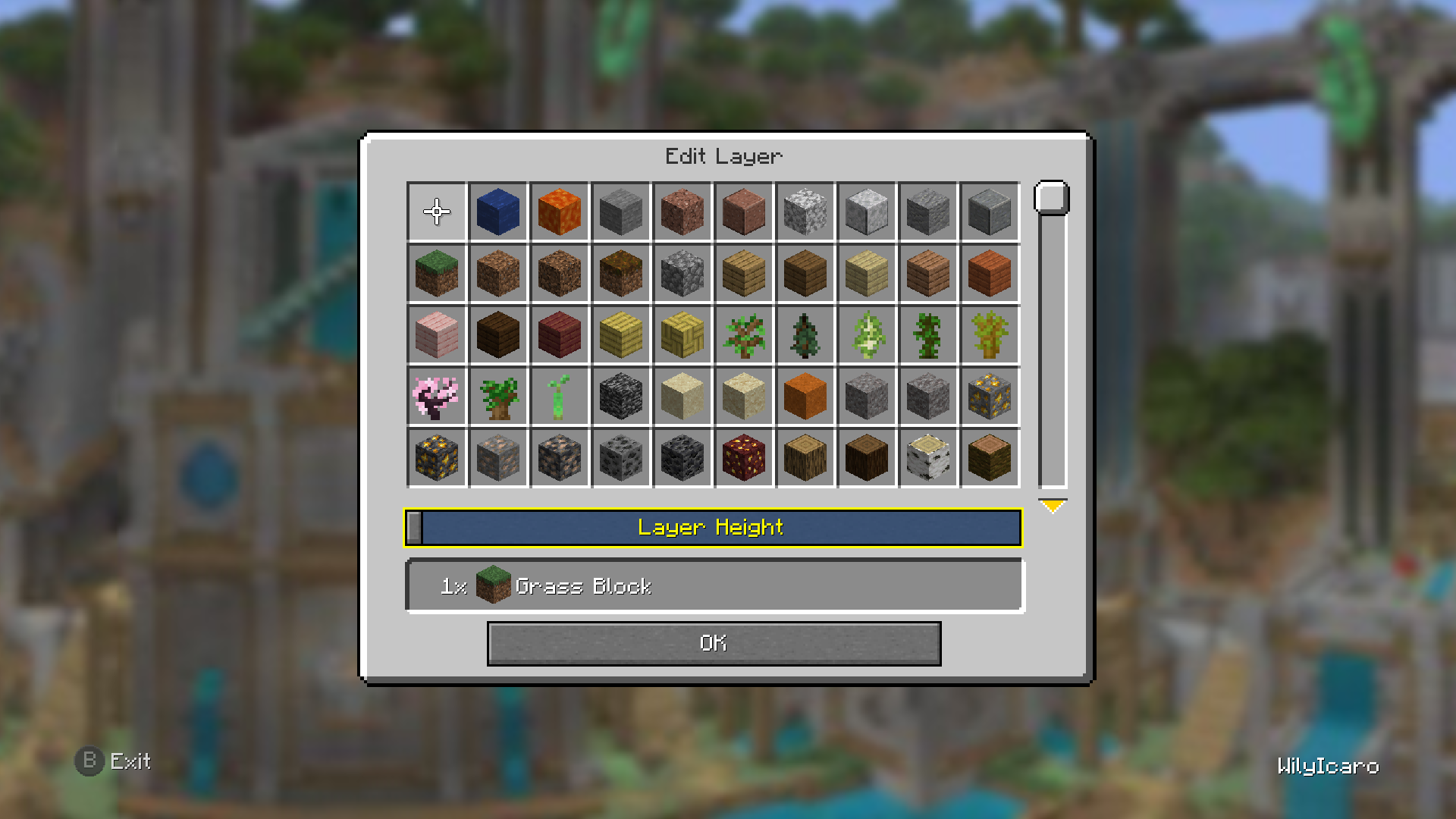 Flat Layer Selection screen
 -
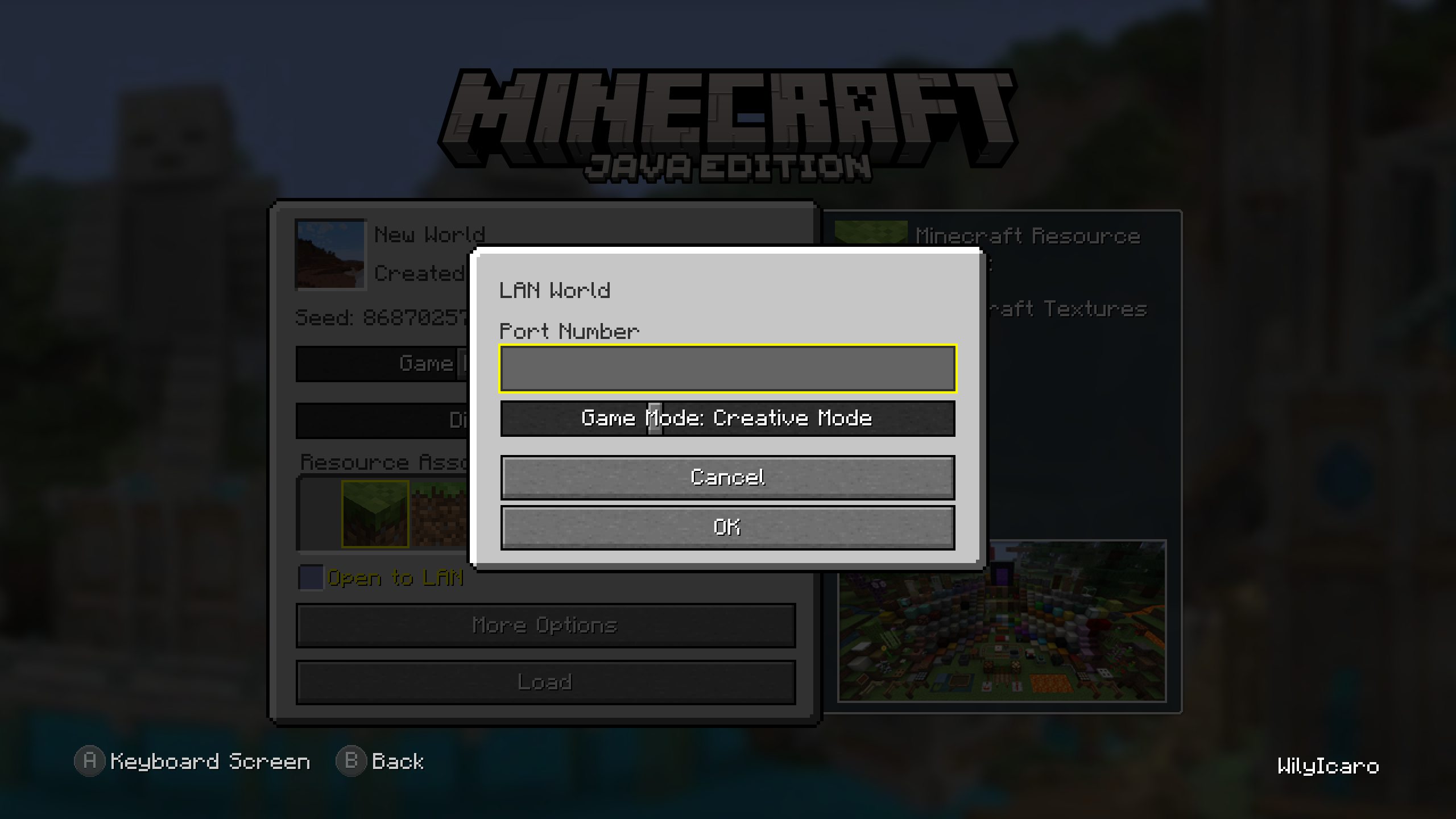 Publish screen Load Save screen
 -
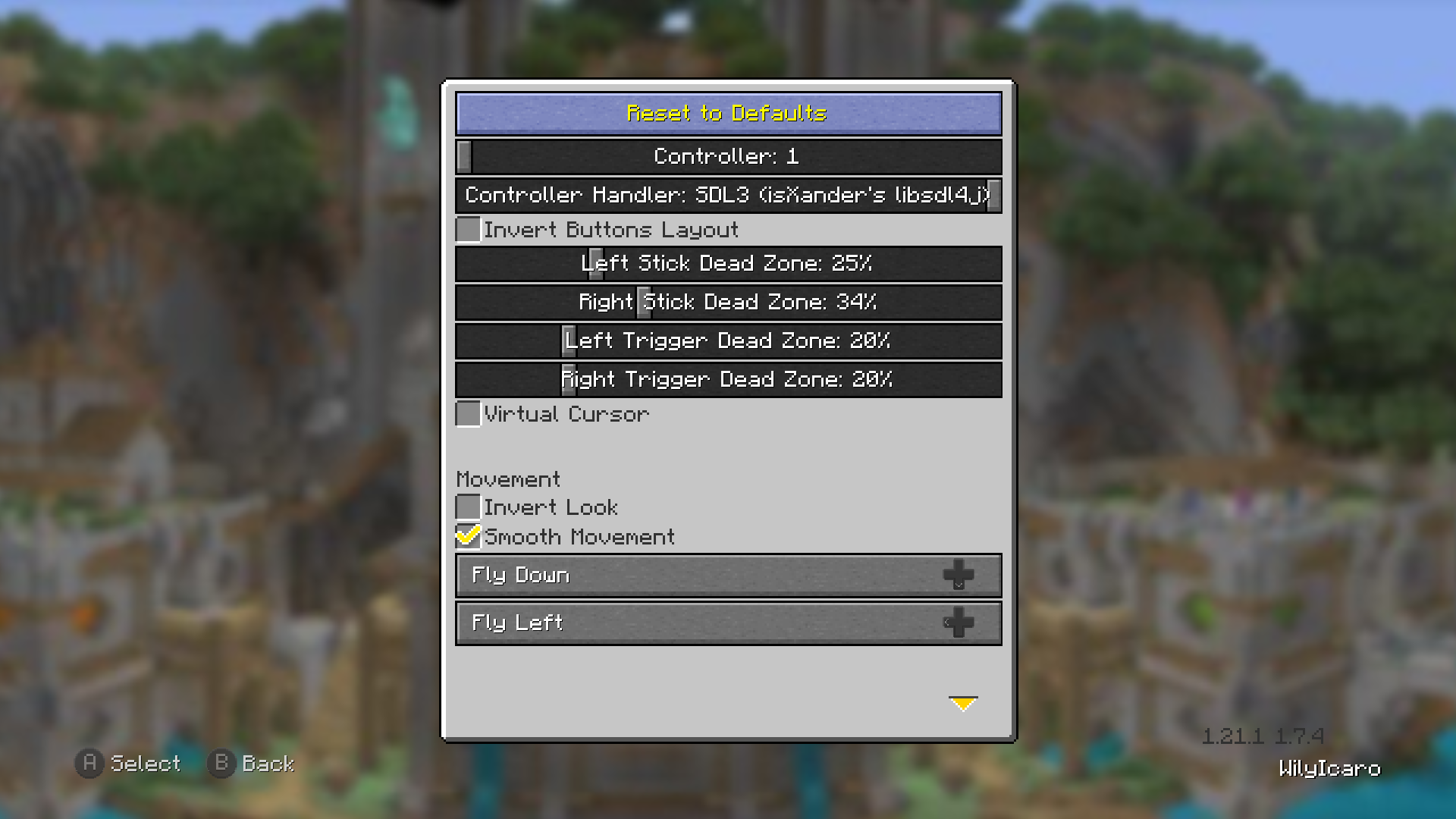 Controller screen
 -
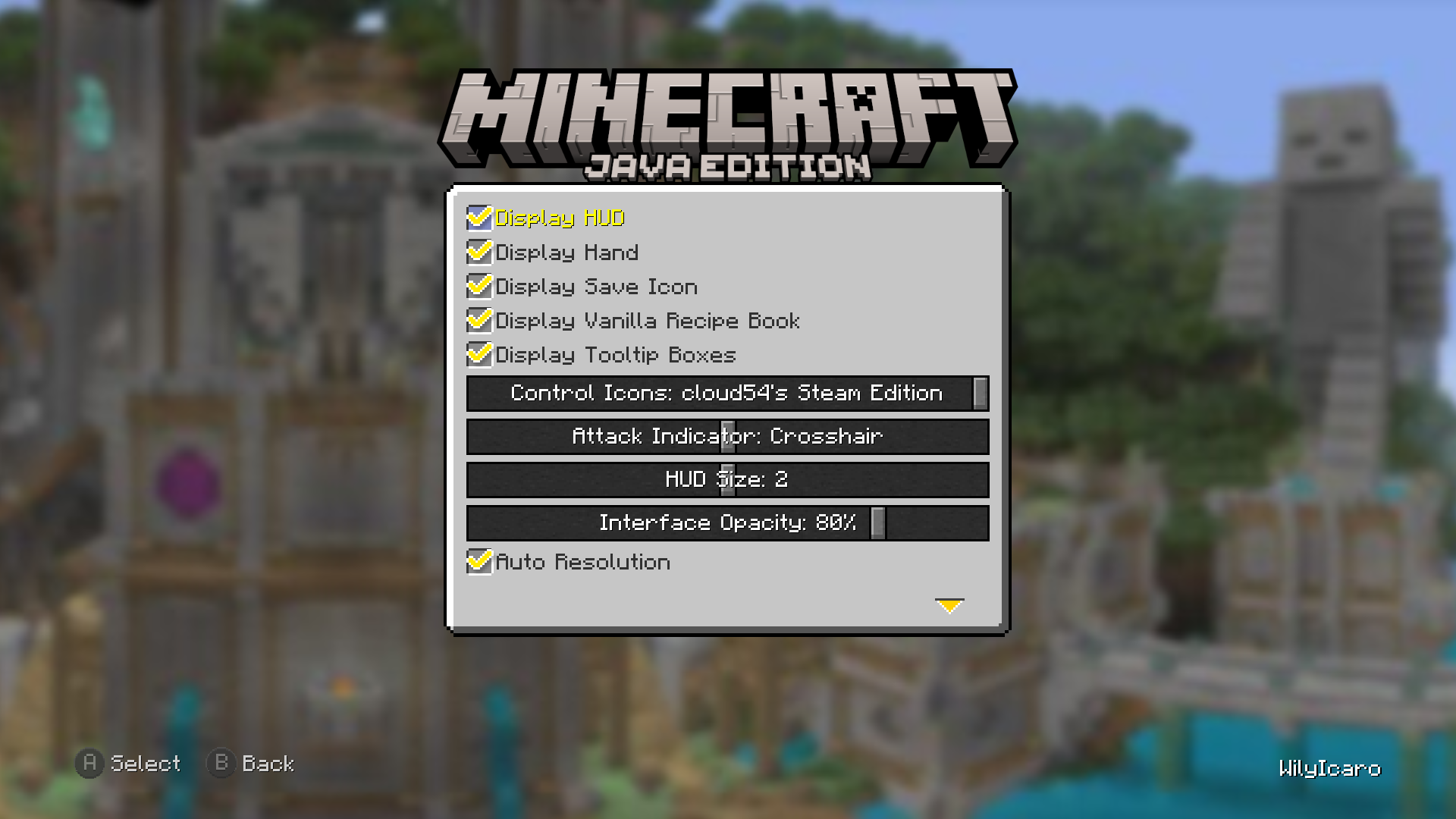 User Interface screen
 -
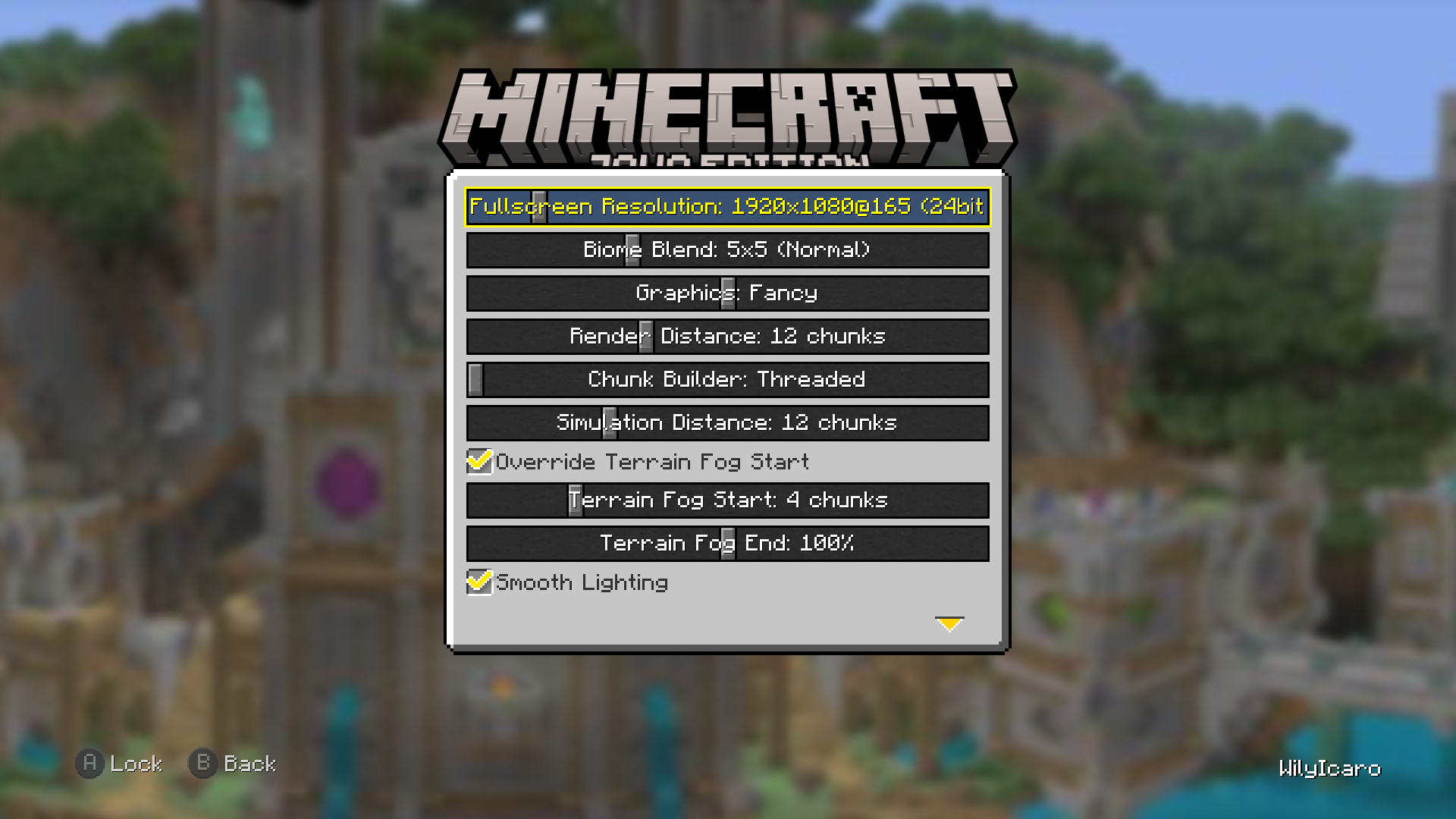 Graphics screen
 -
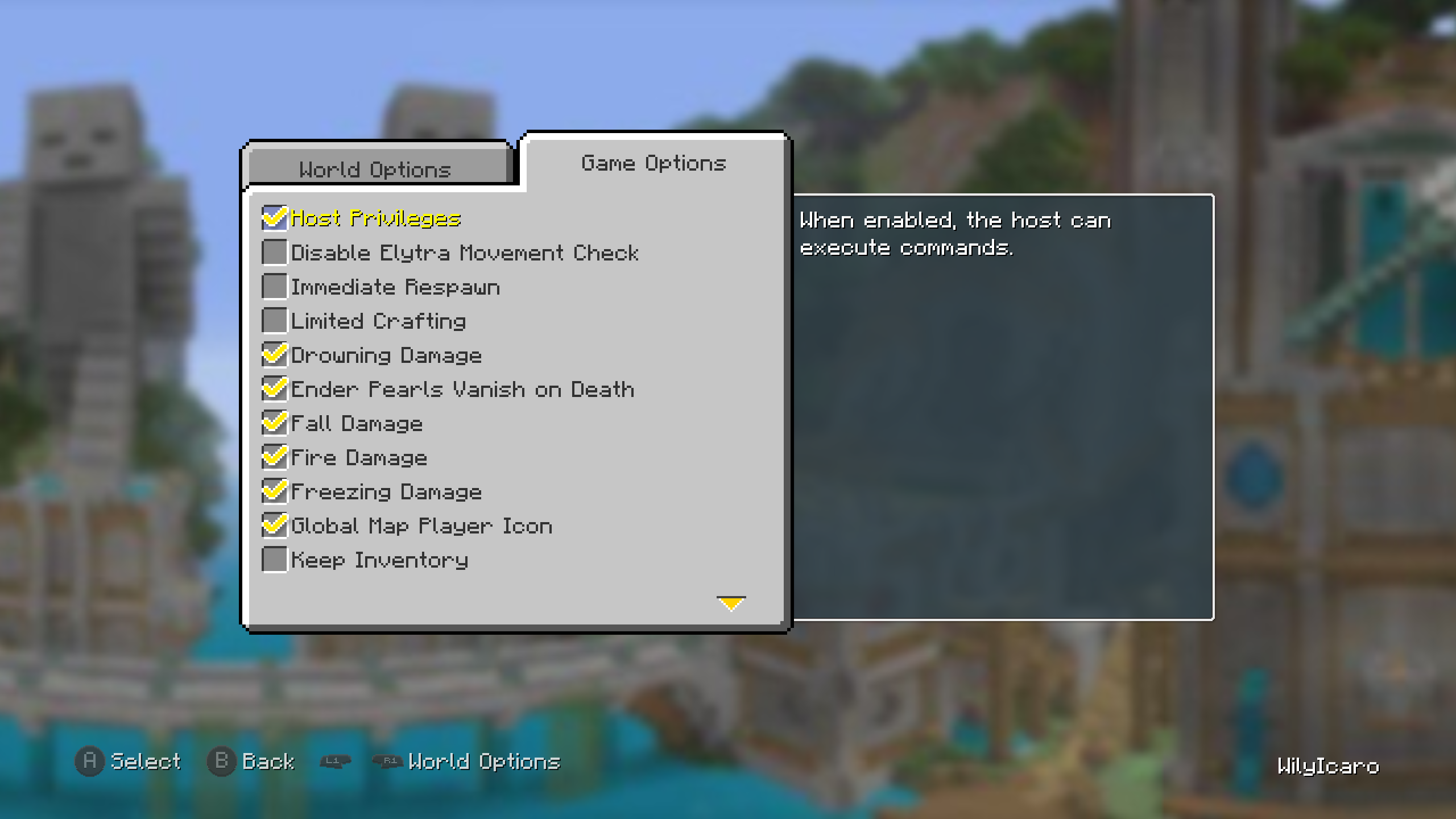 World More Options screen Game Options tab
 -
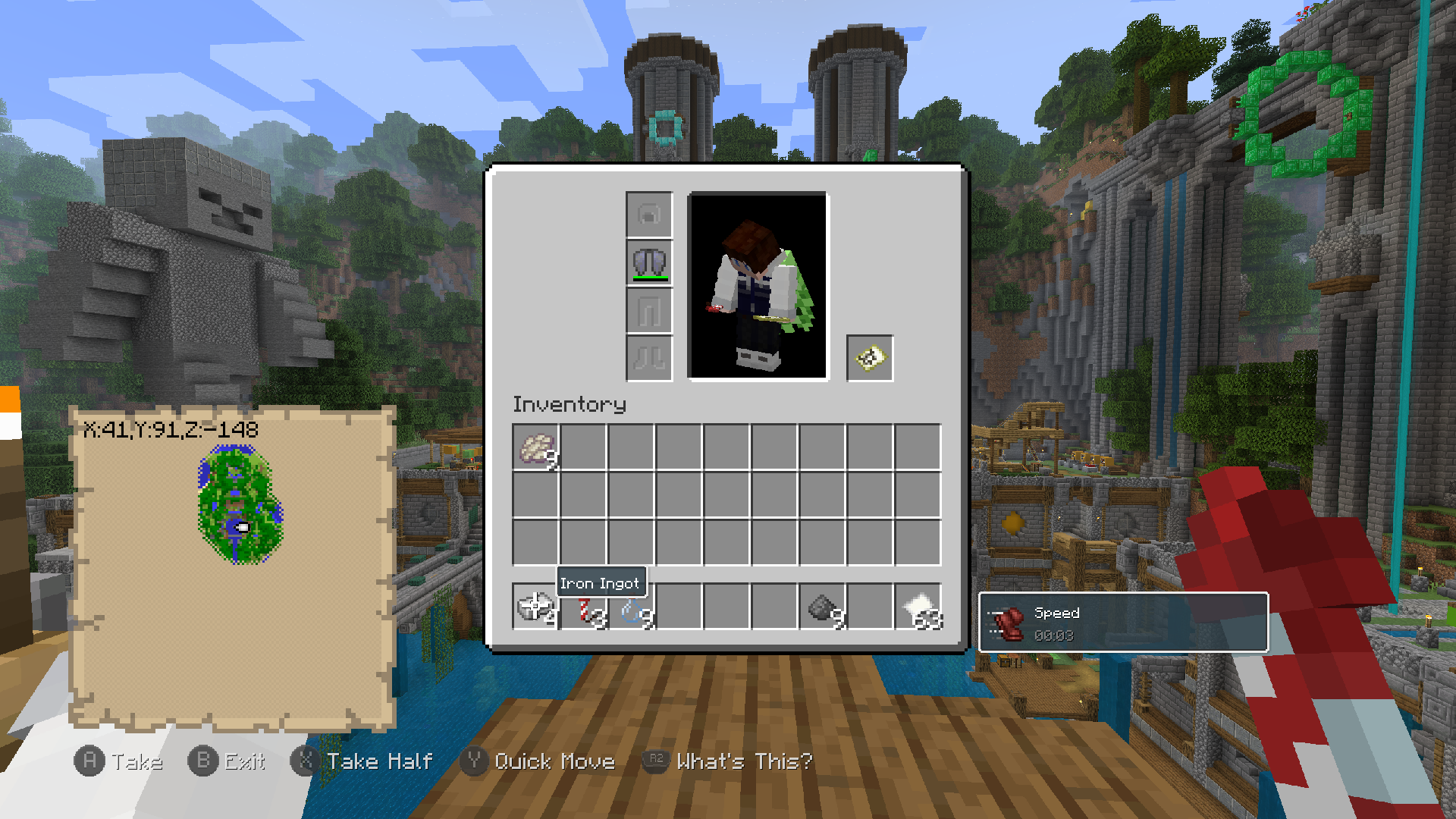 Inventory screen
 -
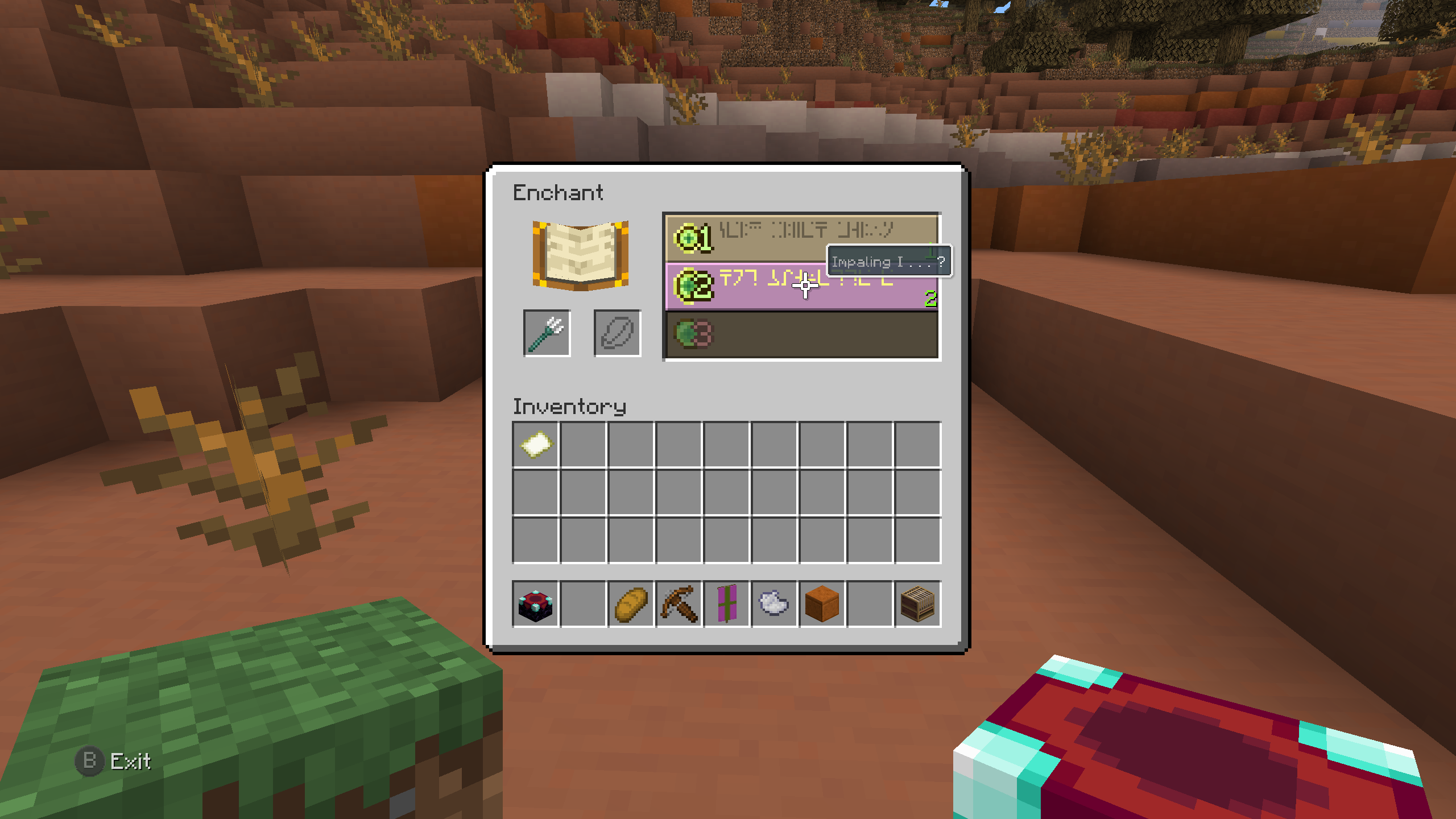 Enchanting screen
 -
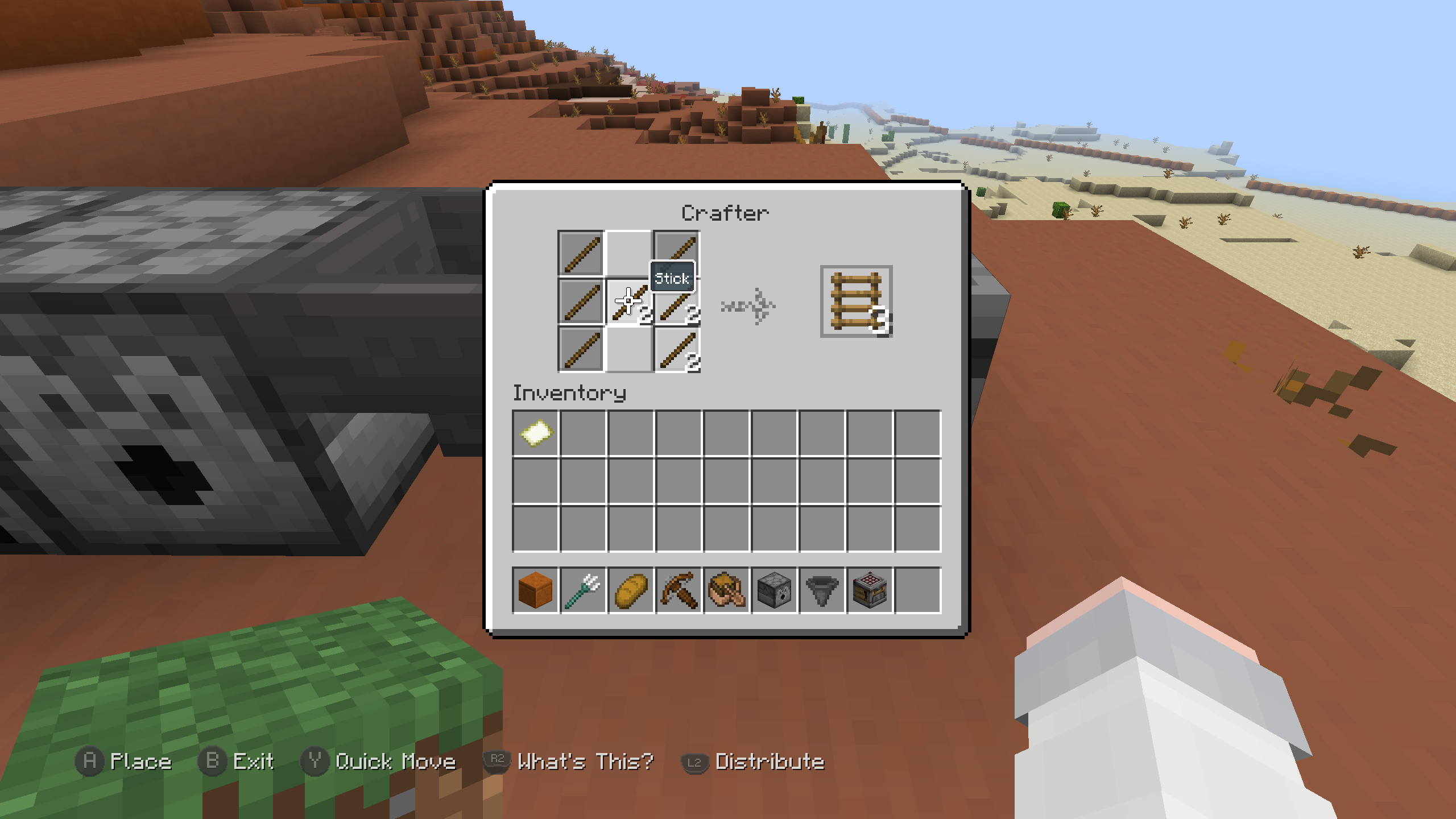 Crafter screen
 -
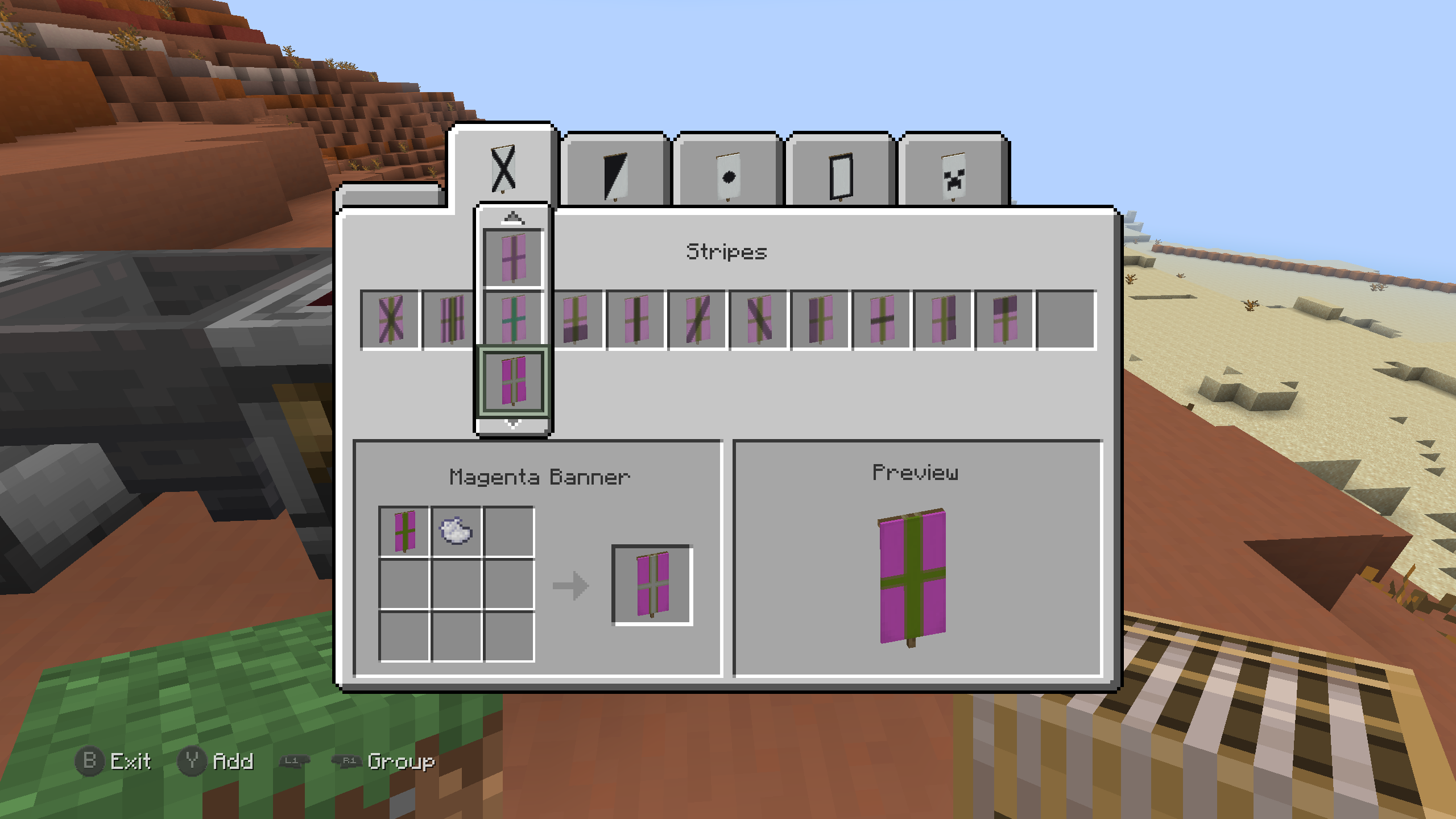 Loom screen Selected Banner
 -
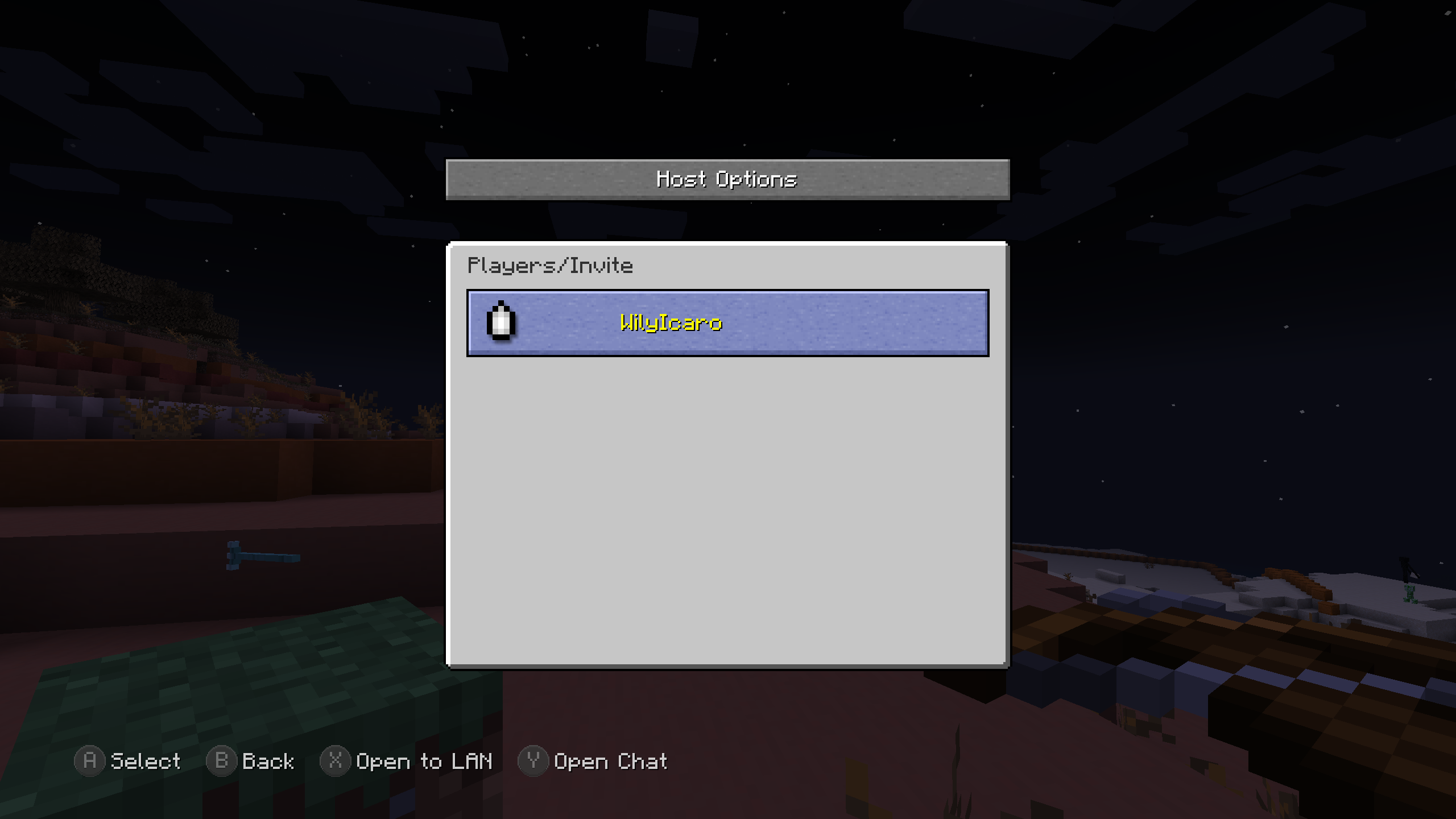 Host Options screen Player selected
 -
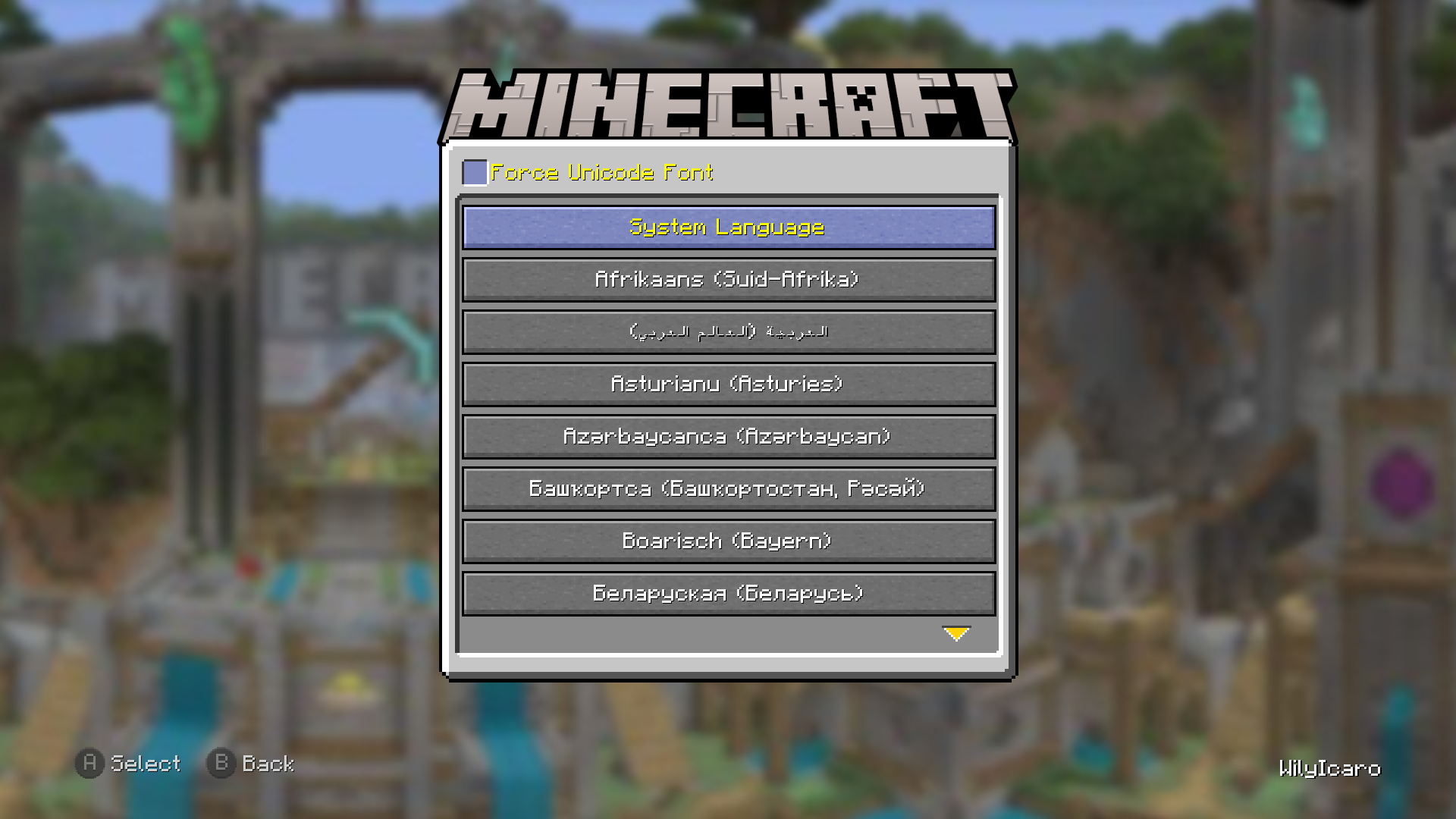 Languages screen
 -
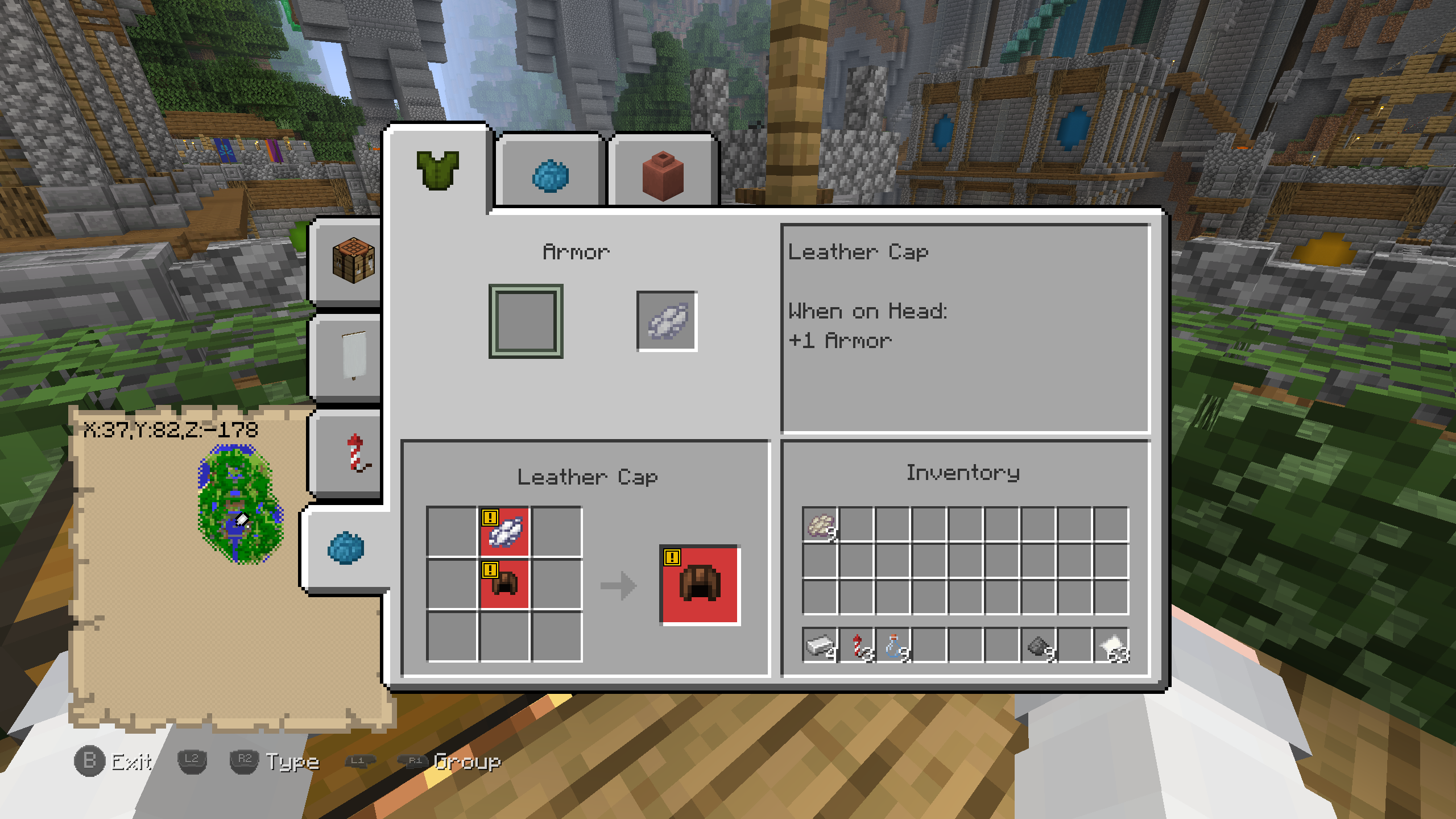 Crafting screen Dye Crafting Type
 -
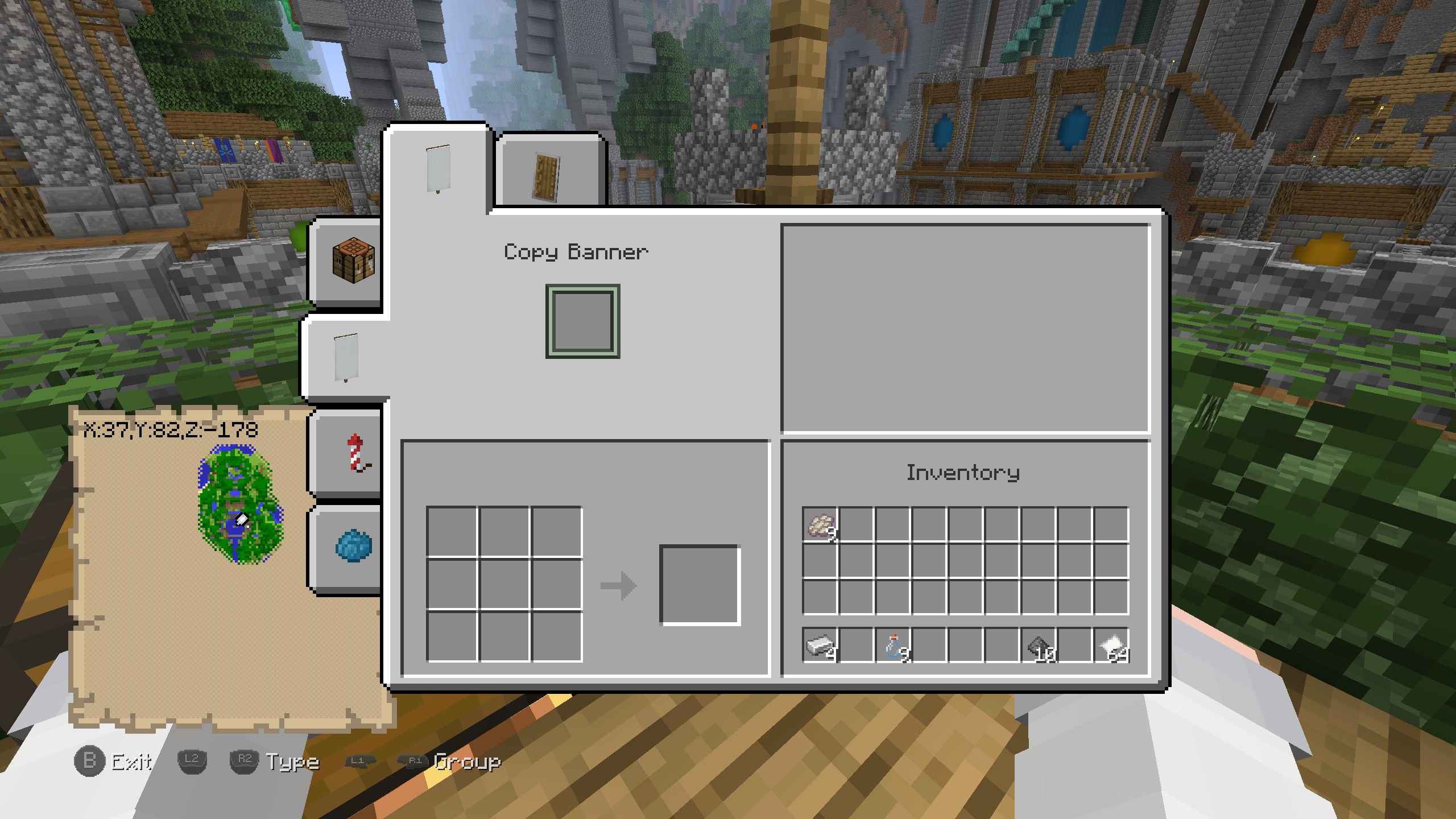 Crafting screen Banner Crafting Type
 -
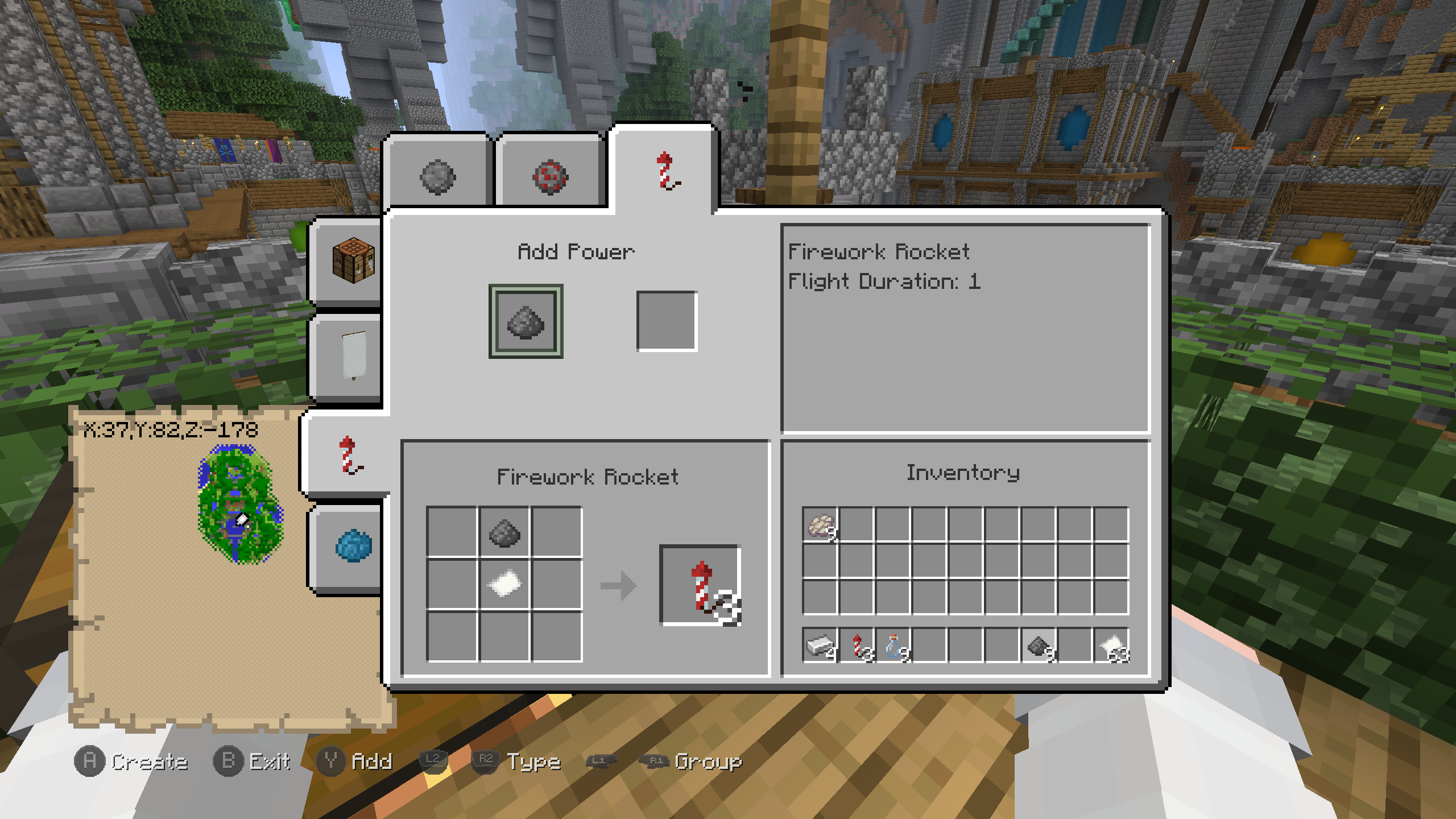 Crafting screen Firework Crafting Type
 -
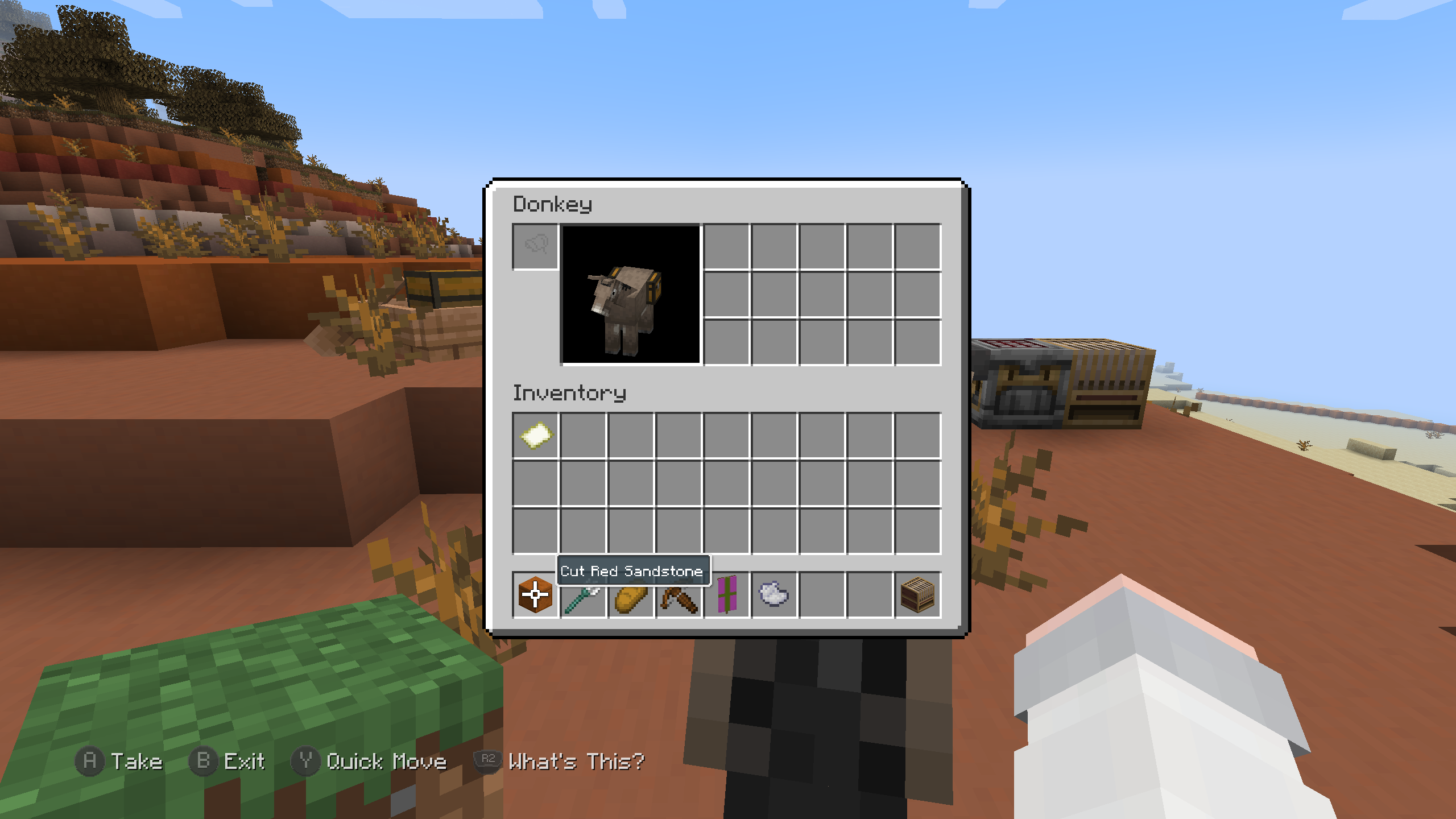 Horse screen A donkey with a chest
 -
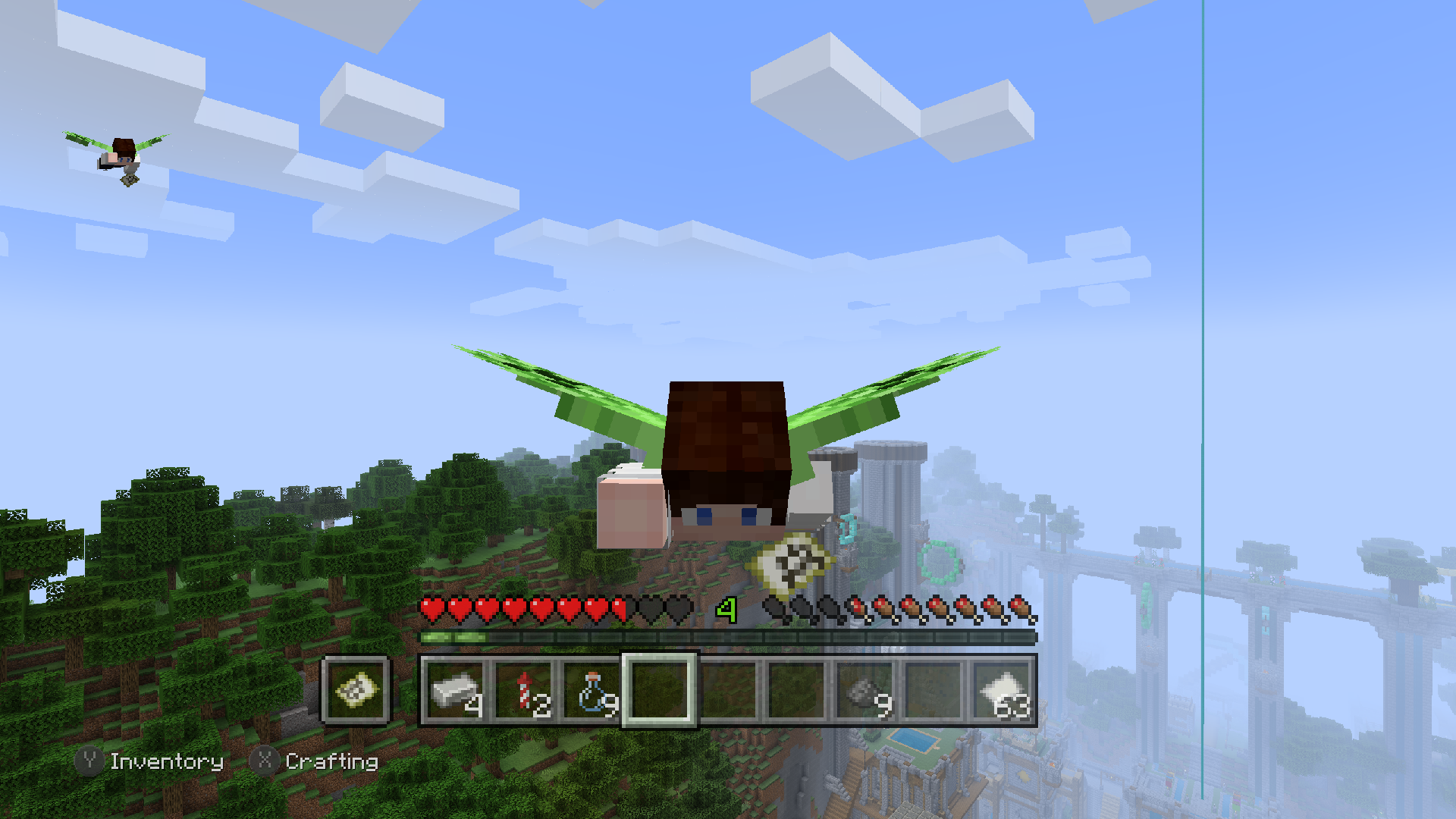 Elytra Flight Pose
 -
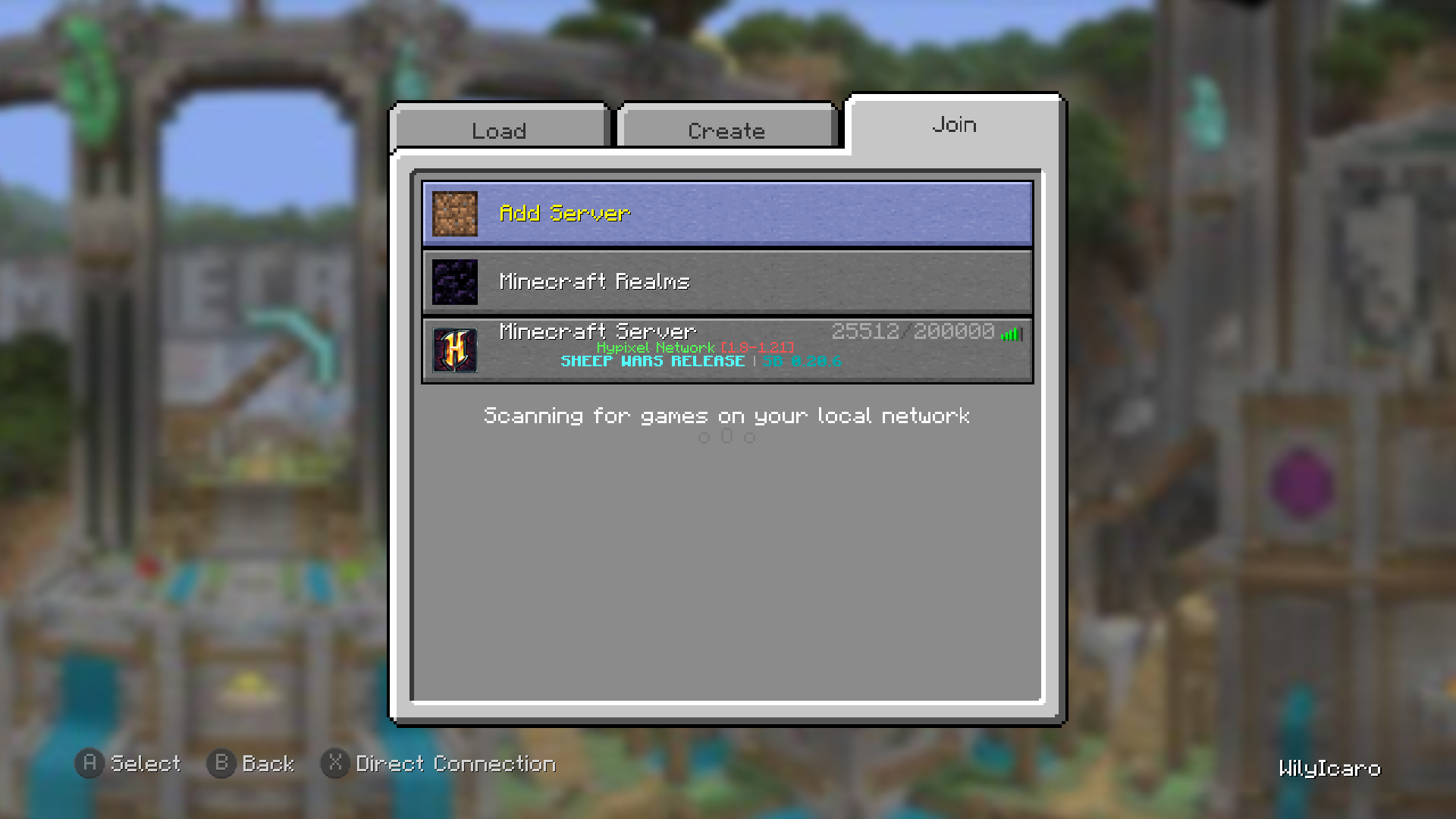 Play Game screen Join tab
 -
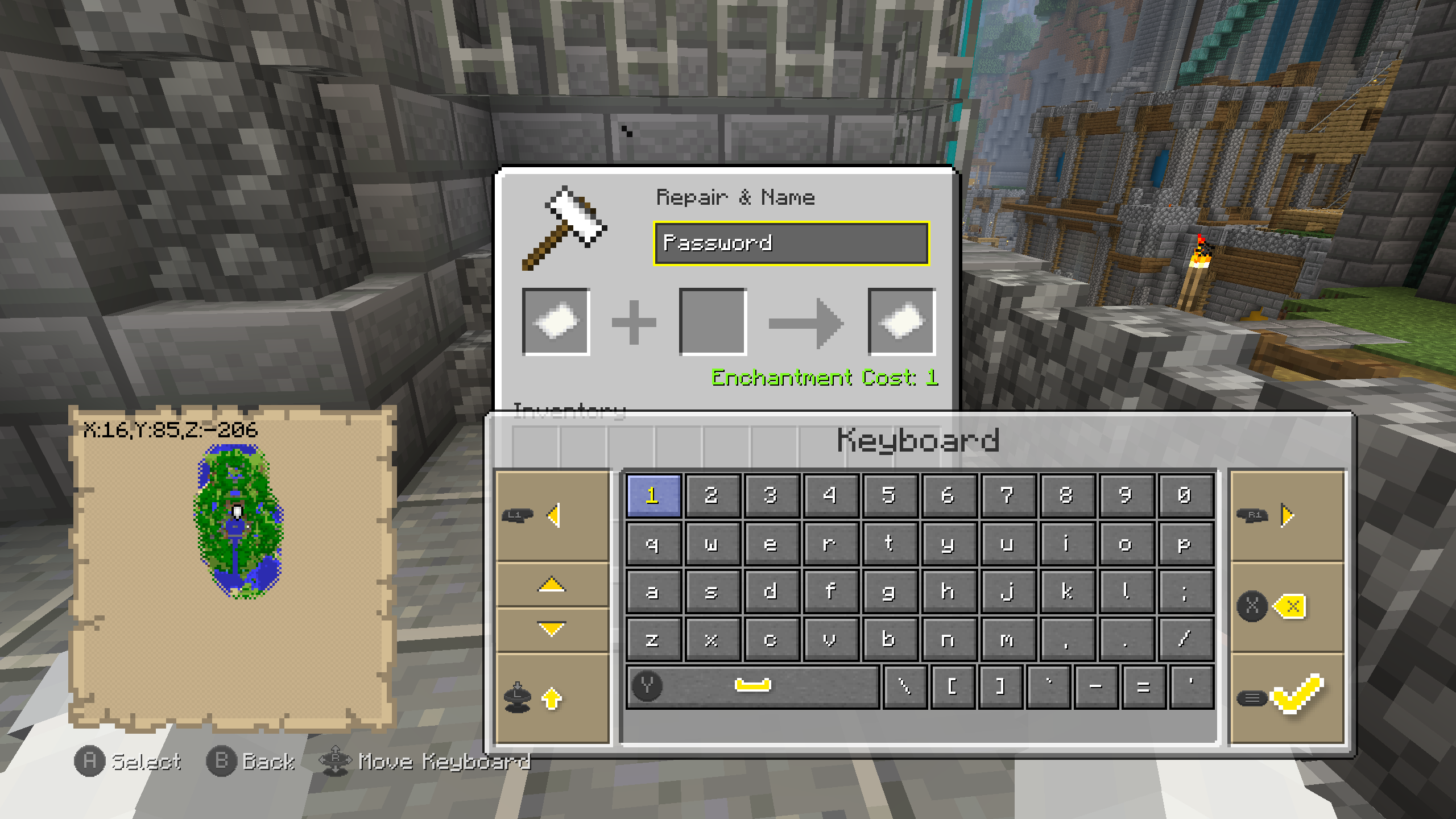 Keyboard screen Anvil screen
 -
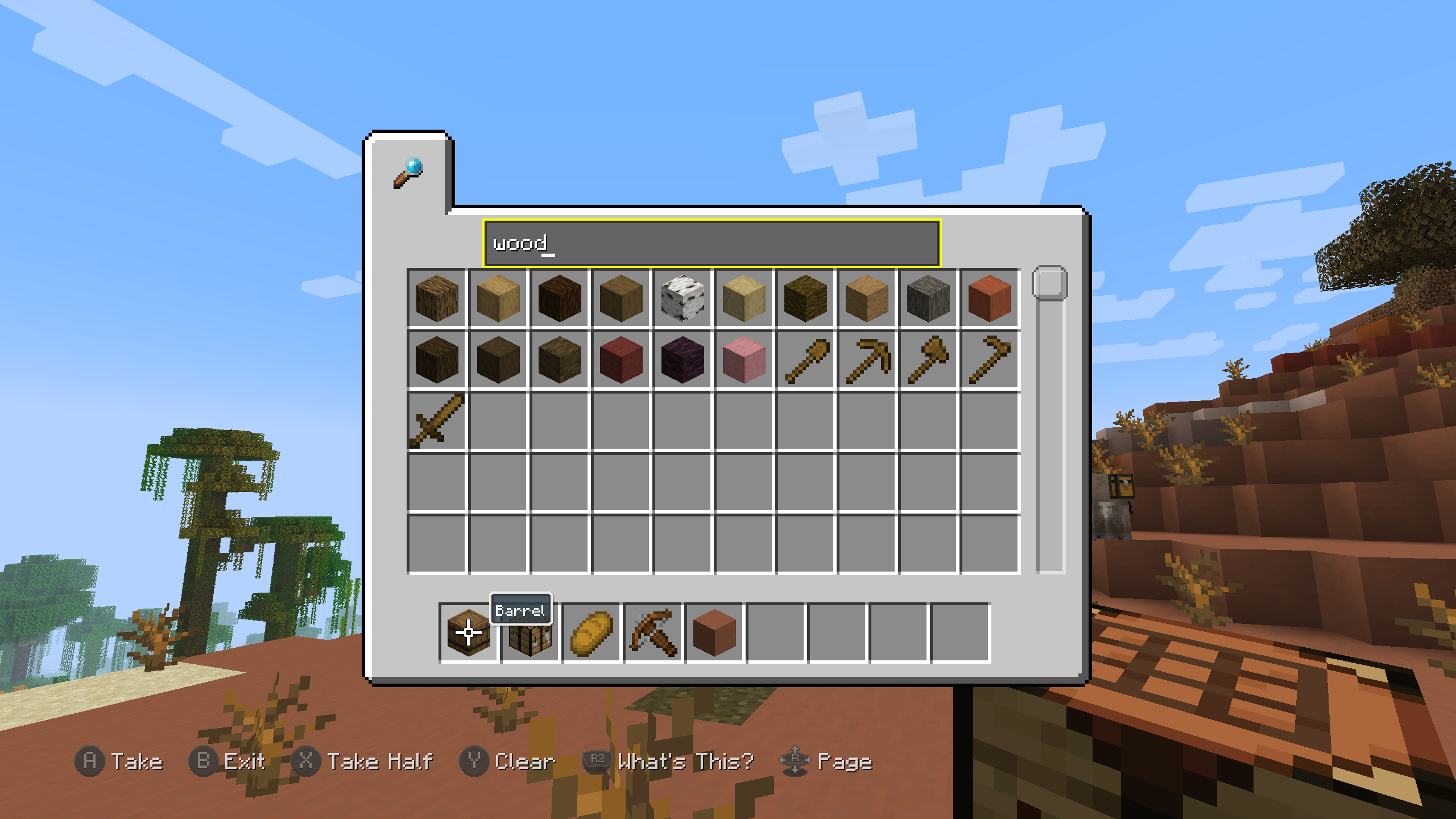 Creative Mode screen Search tab
 -
-
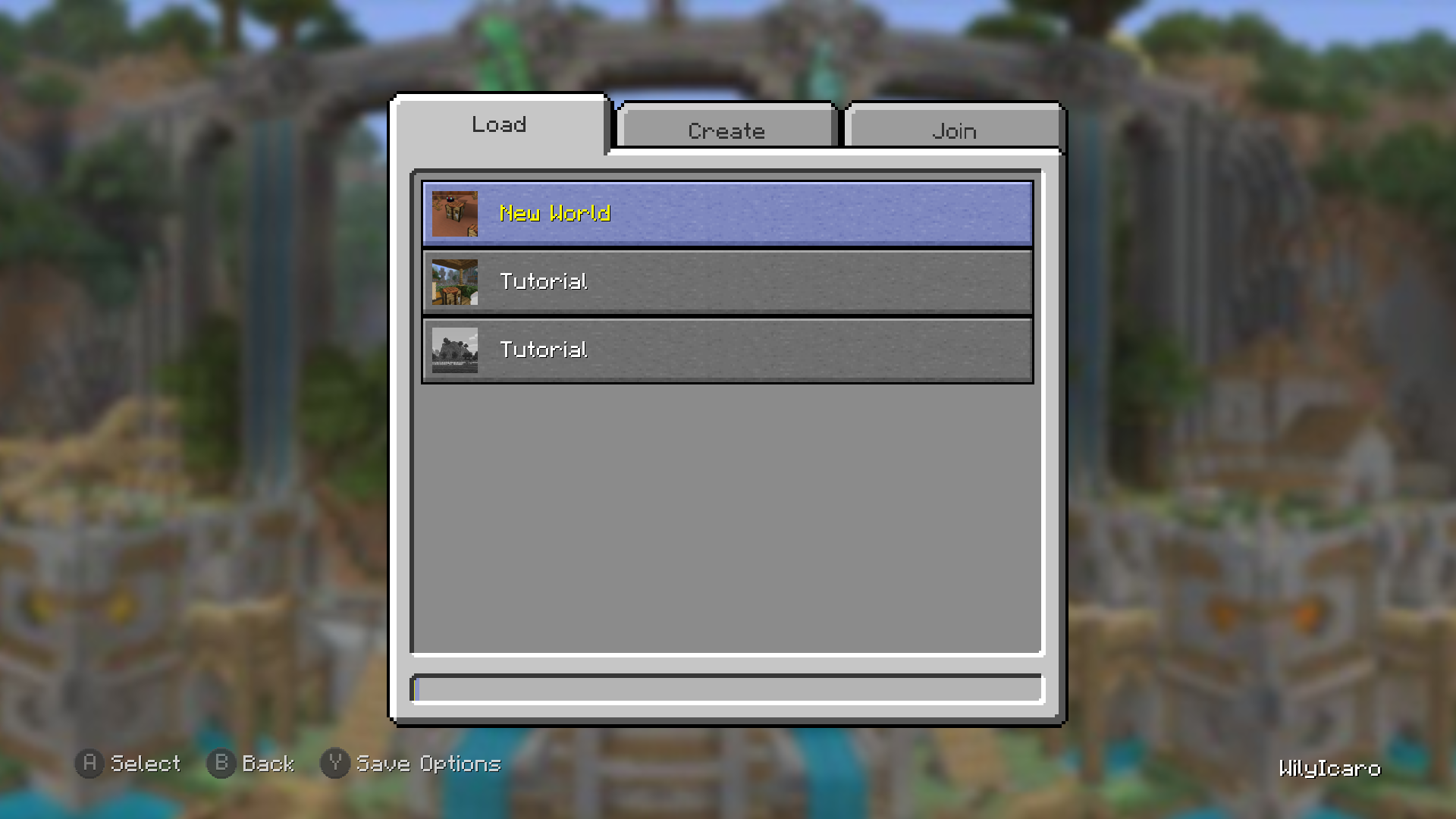 Play Game screen Load tab
 -
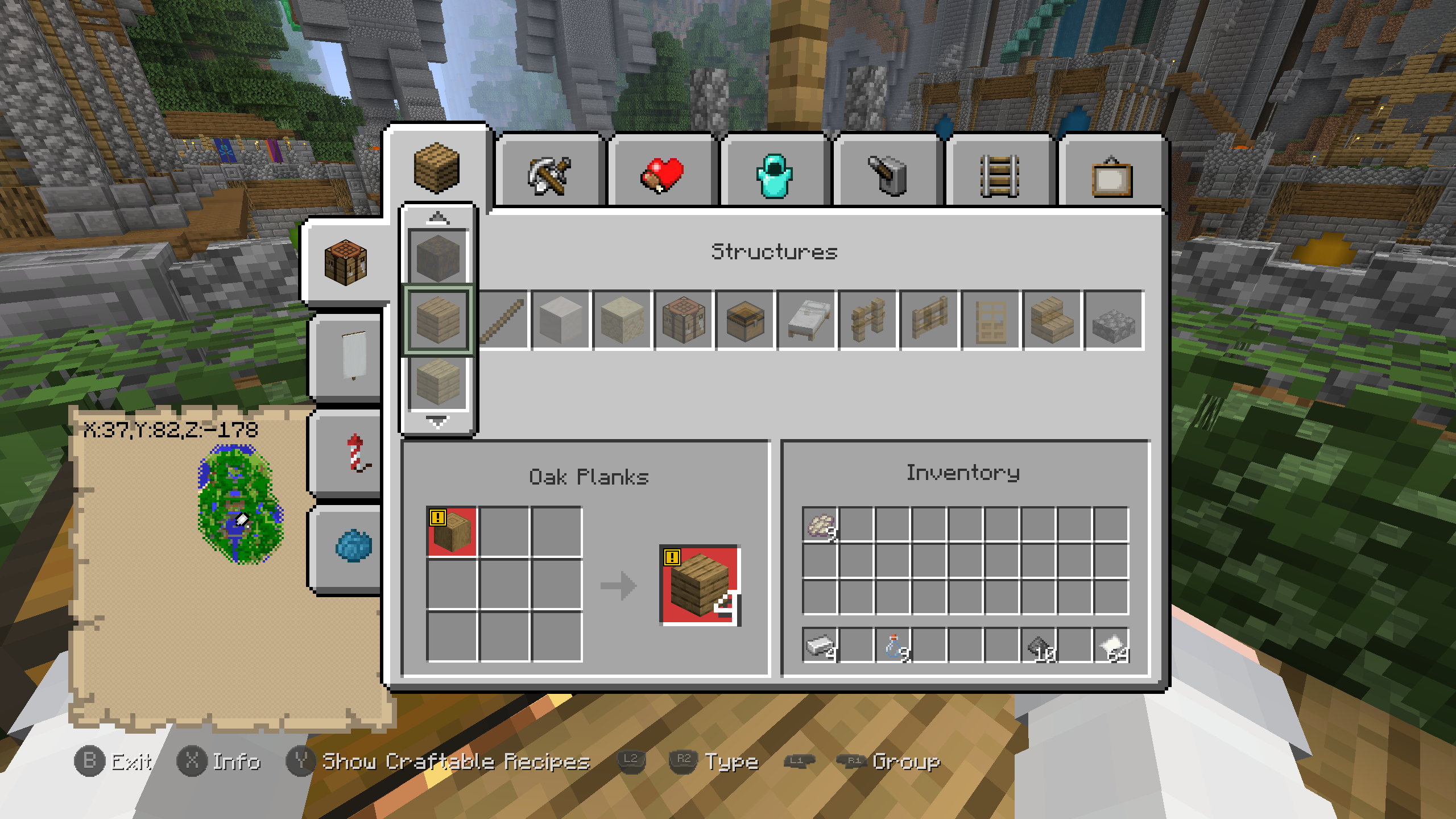 Crafting screen
 -
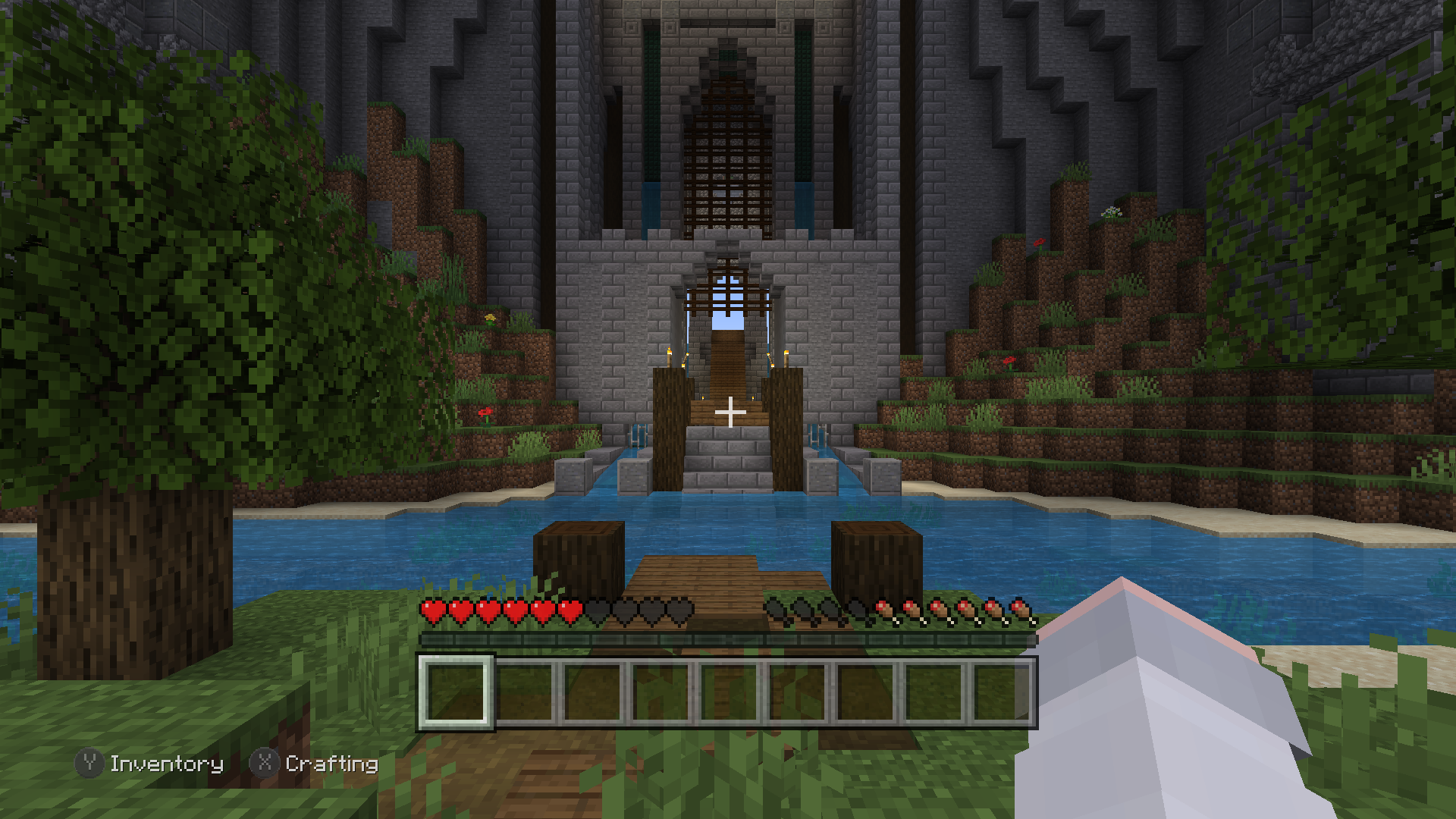 Tutorial spawn
 -
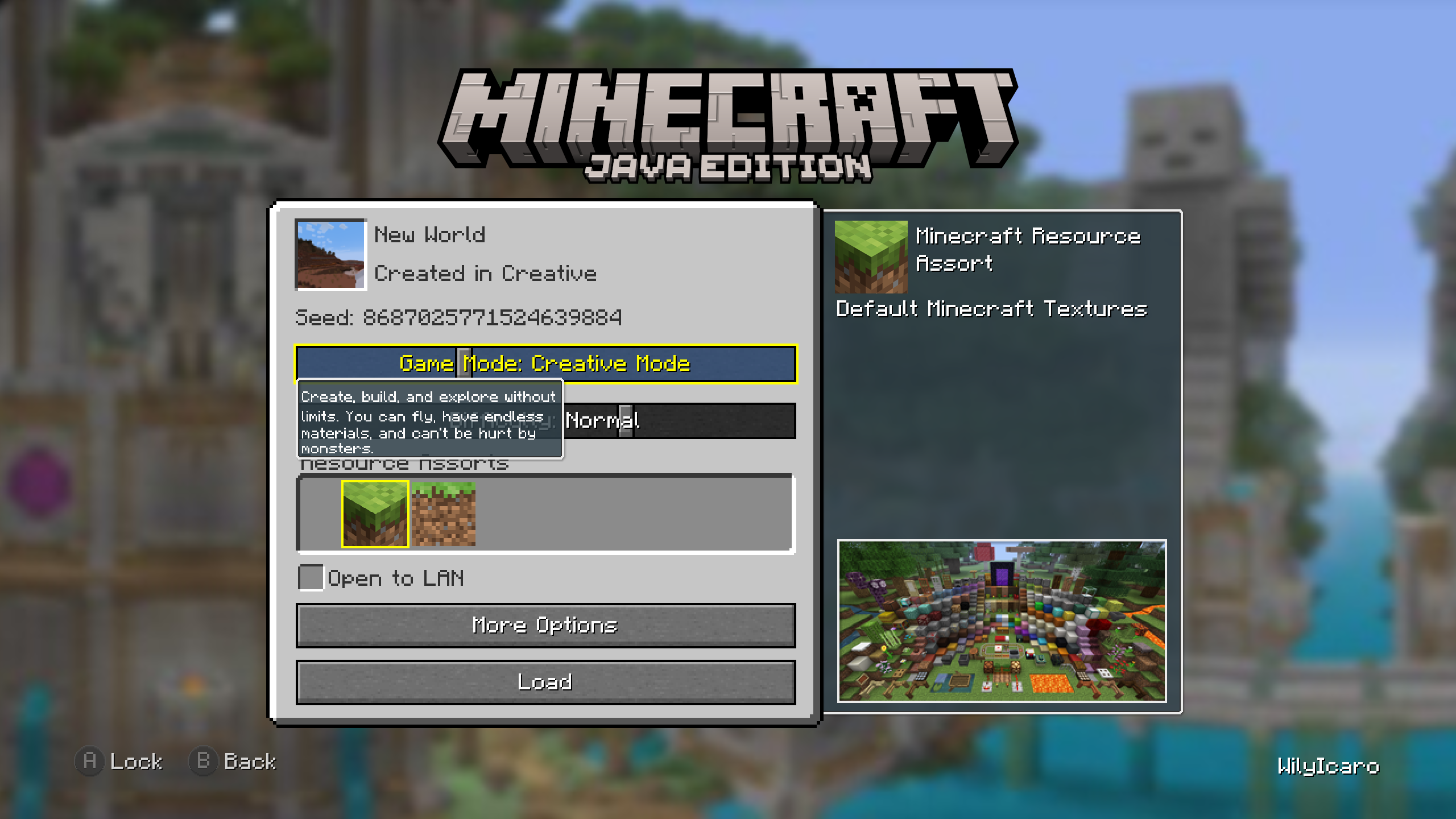 Load Save screen
 -
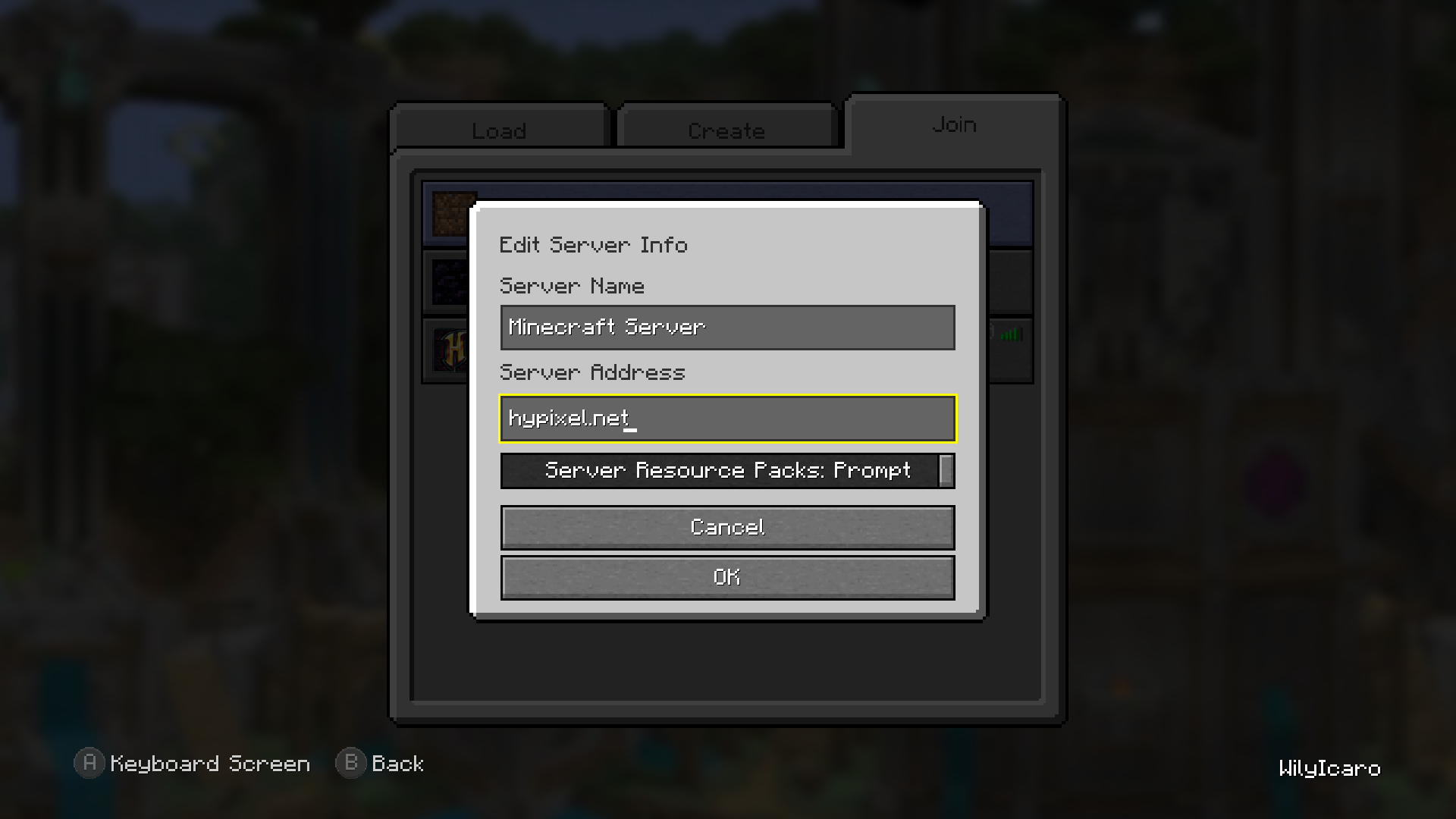 Edit Server Info screen
 -
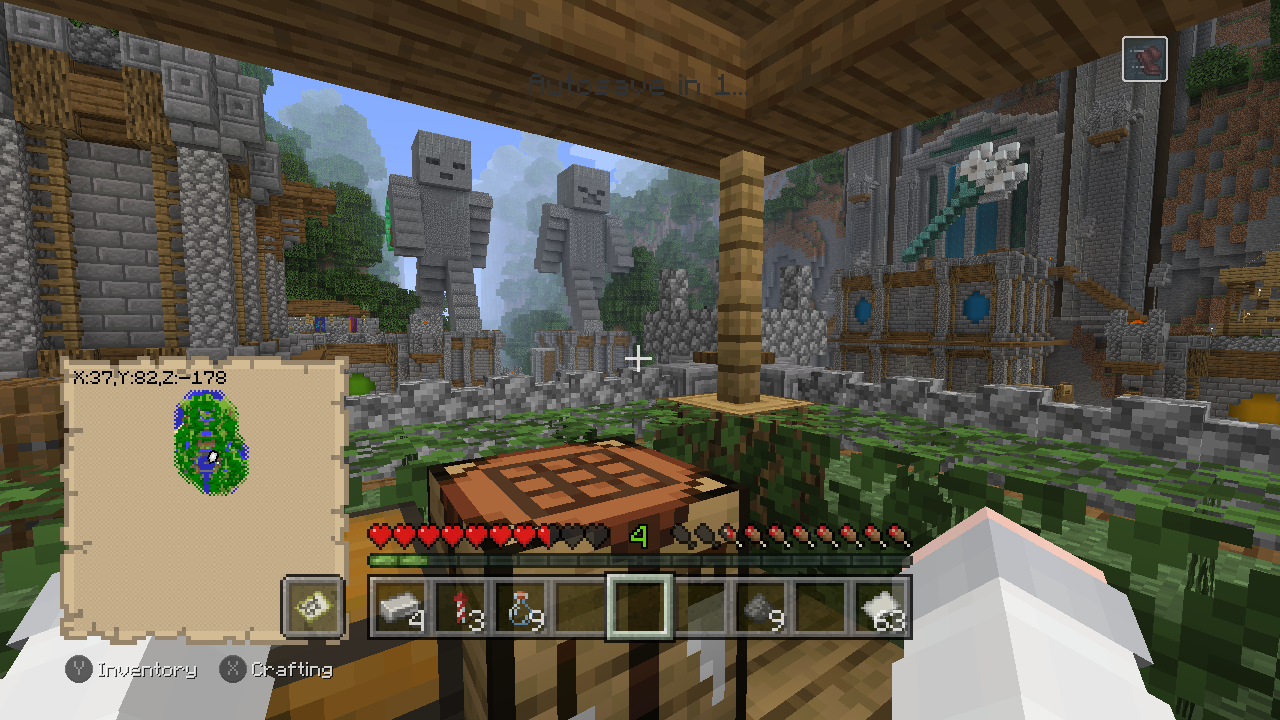 Autosave countdown
 -
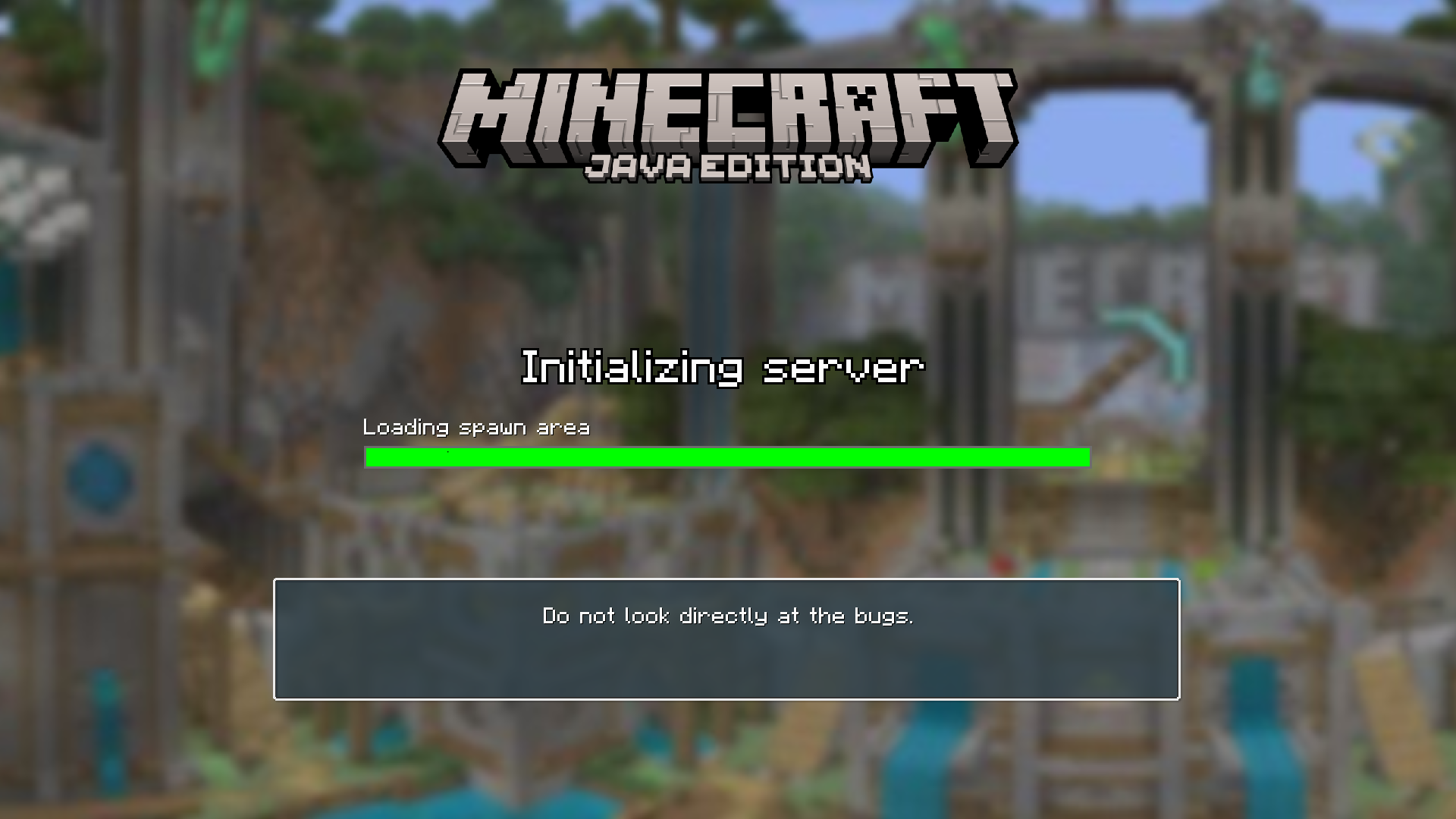 Loading screen Initializing server
 -
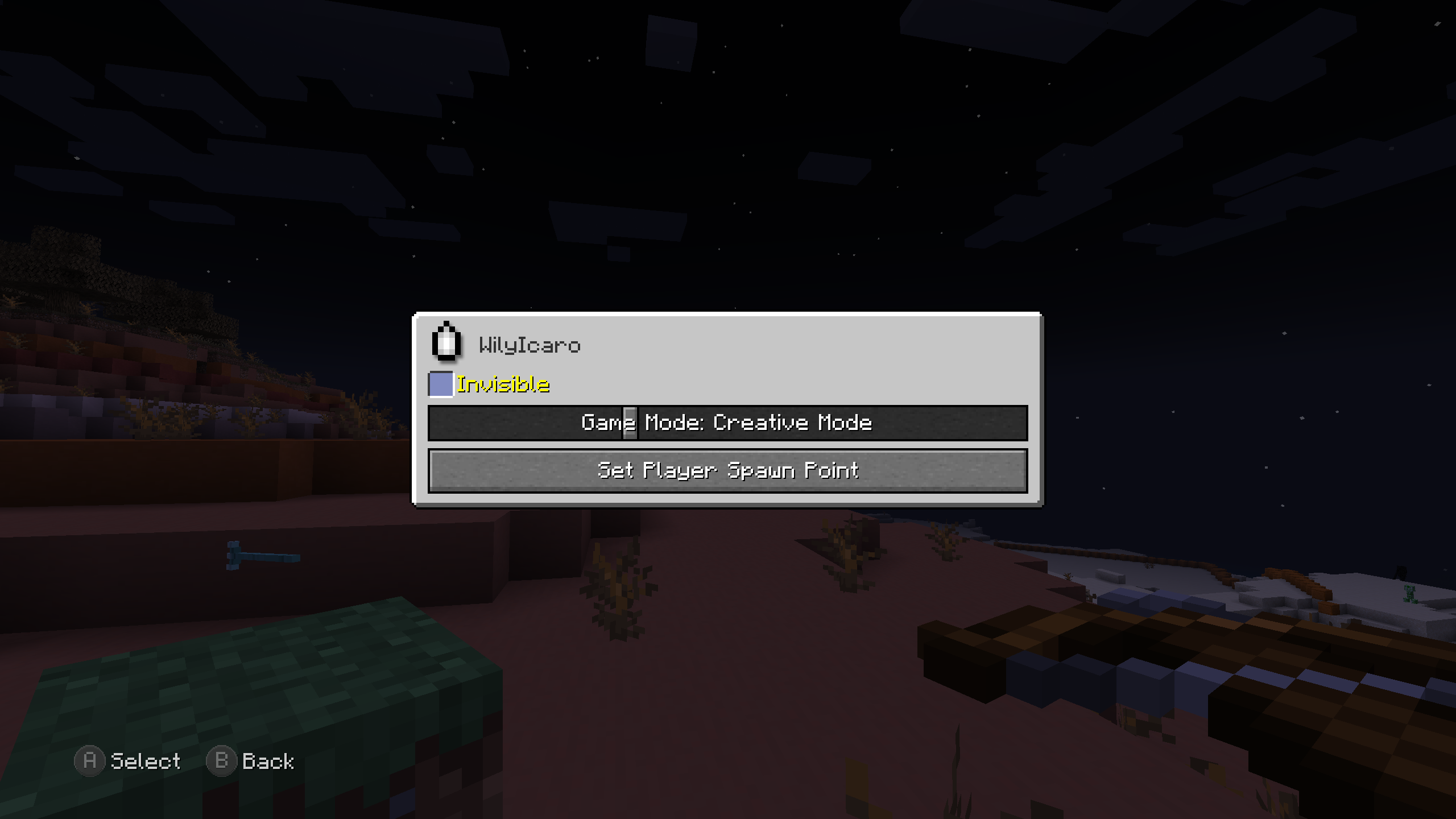 Player Options screen Creative Mode
 -
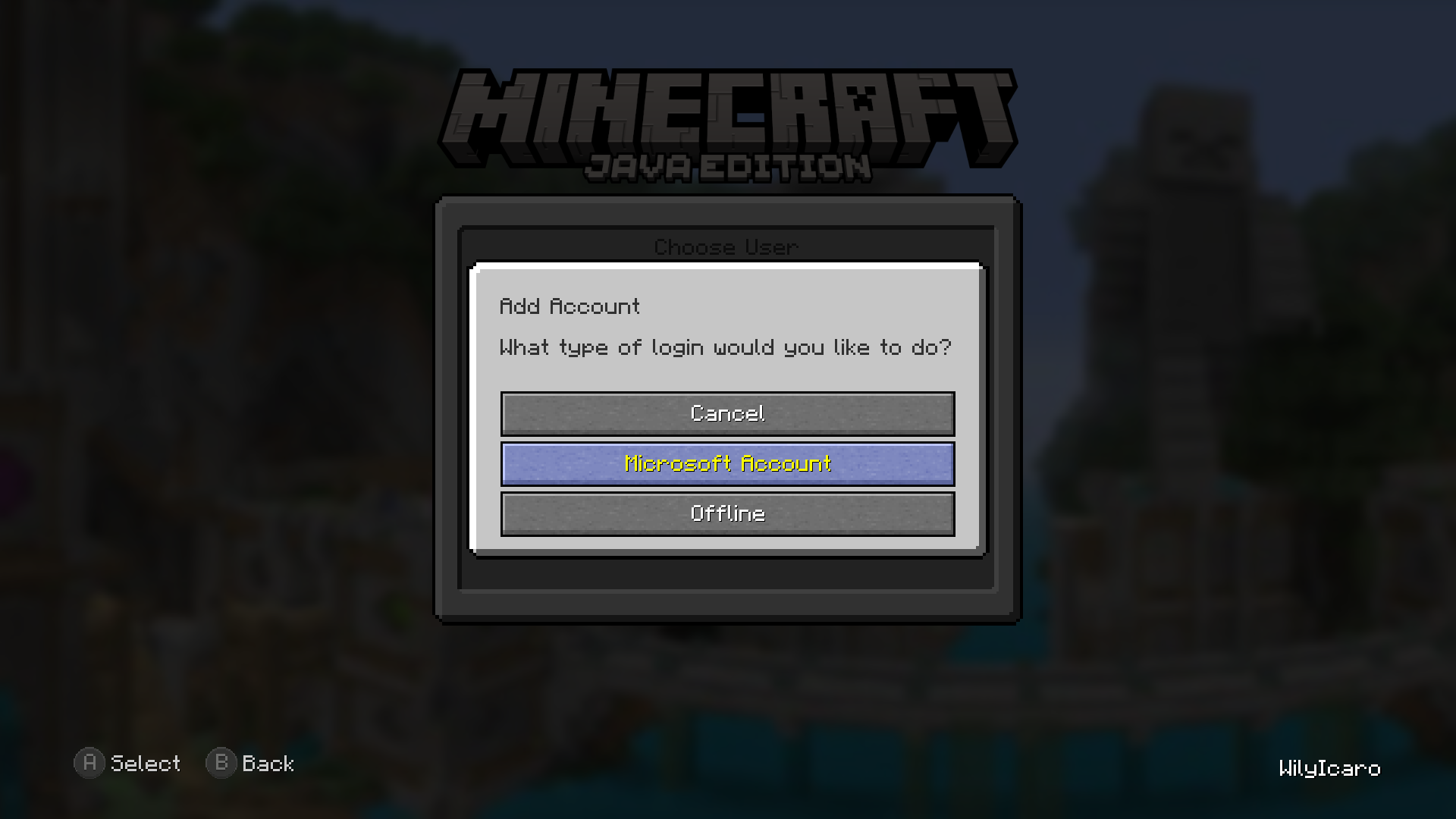 Add Account screen
 -
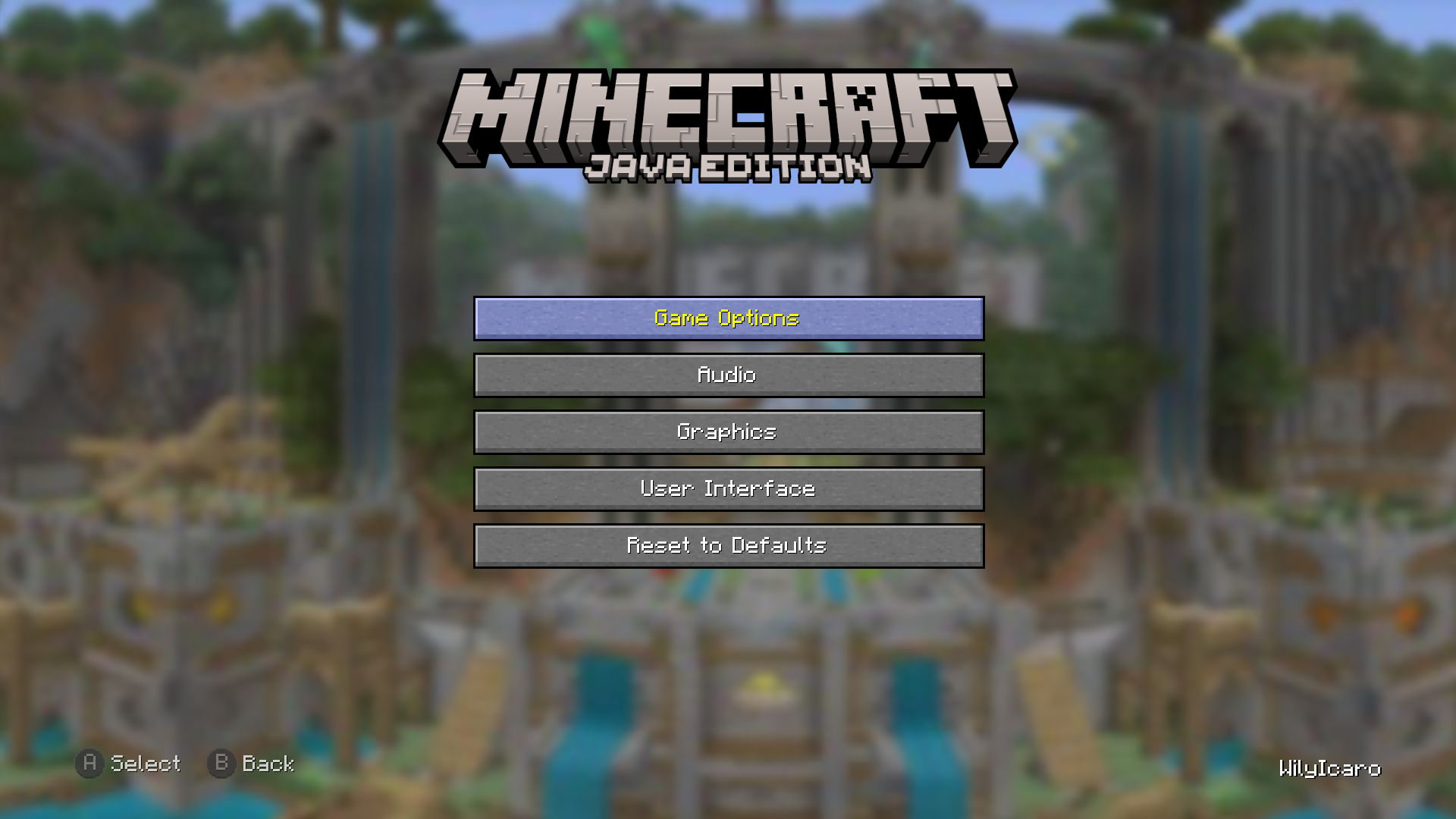 Settings screen
 -
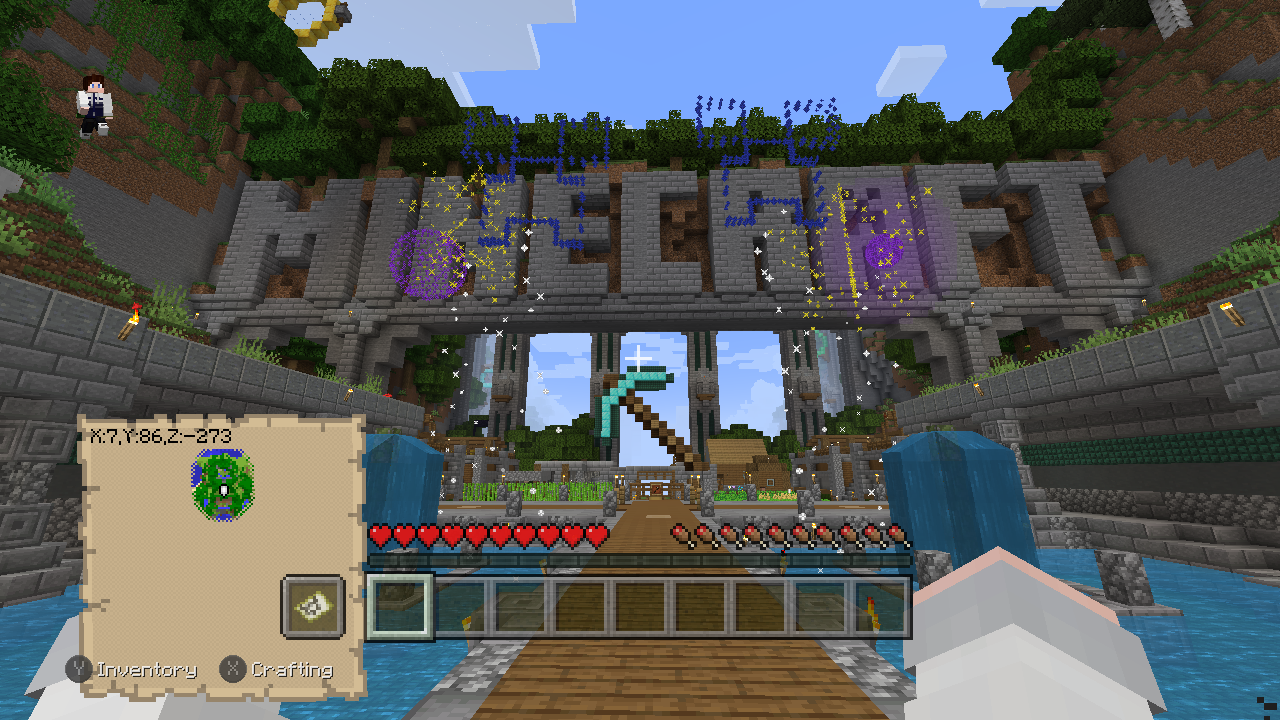 Tutorial entrance
Versions
Files
Relations
Project Relations
More like this
Similar Mods
Suggestions use data such as tags, dependencies, dependents, descriptions, titles, and more to rank how much they overlap with this mod.
On ModDex
Community snapshot
By the numbers
Statistics
Want to reach Minecraft players?
We're looking for a server hosting partner to feature here and other parts of the site. Interested? Send us a message!
Get in touchGet it on
Available Platforms
On ModDex
Community snapshot
By the numbers