Community listing page, reviews here may not be monitored by the author.
Letterboxing


No reviews yet
A mod that adds customizable letter- and pillarboxing for more immersive gameplay.
Enhances game performance and optimizes resource usage.
Fabric is a mod loader for versions 1.14+ of Minecraft, particularly popular for client side and optimization mods.
Community voices
Reviews
Filters
Click once to include, again to exclude, again to clear
No reviews yet. Be the first to review this project!
Get it on
Available Platforms
Compatibility
Supported Environments
Runs entirely on the client. Works on vanilla servers.
About
Project Details
For authors
Embed Badge
If you're the author of this project, you can embed a live badge anywhere that supports HTML or Markdown. It updates automatically whenever ratings change.
Use HTML for any page that supports it, or Markdown for README files and Markdown-based descriptions.
Identifiers
Platform IDs
About
Description
Letterboxing
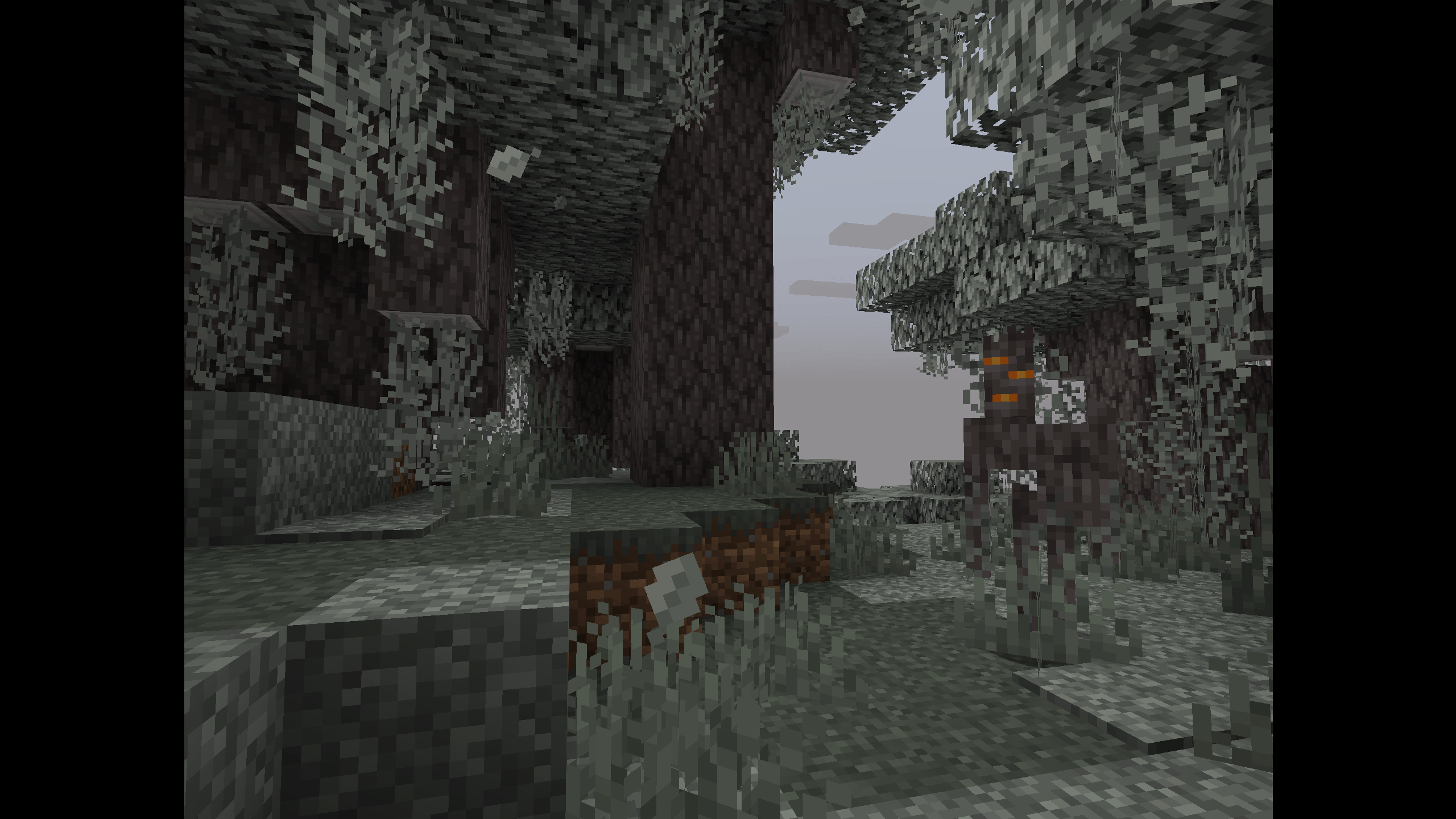
A Minecraft mod that adds customizable letter- and pillarboxing for more immersive gameplay. Select from presets of popular aspect ratios or customize it to your own liking. Experience absolute cinema whether in f1-mode or in normal game modes (survival, creative, adventure). Spectator mode can become truly cinematic too. Additionally, the carved pumpkin overlay can be replaced with cinema bars, as inspired by this texture pack.
This mod requires Mod Menu to access the mod's configuration menu. If you don't want to install Mod Menu, you can alternatively edit this mod's configuration file located in .minecraft/config/ after the first boot with this mod.
How do I install this mod?
For instructions on installing mods with Fabric, please refer to the Fabric Documentation. To make the mod work, you also need to install its dependencies.
What are the mod's dependencies?
This mod requires the Fabric API, as well as Mod Menu to access its configuration menu.
Which mods are compatible?
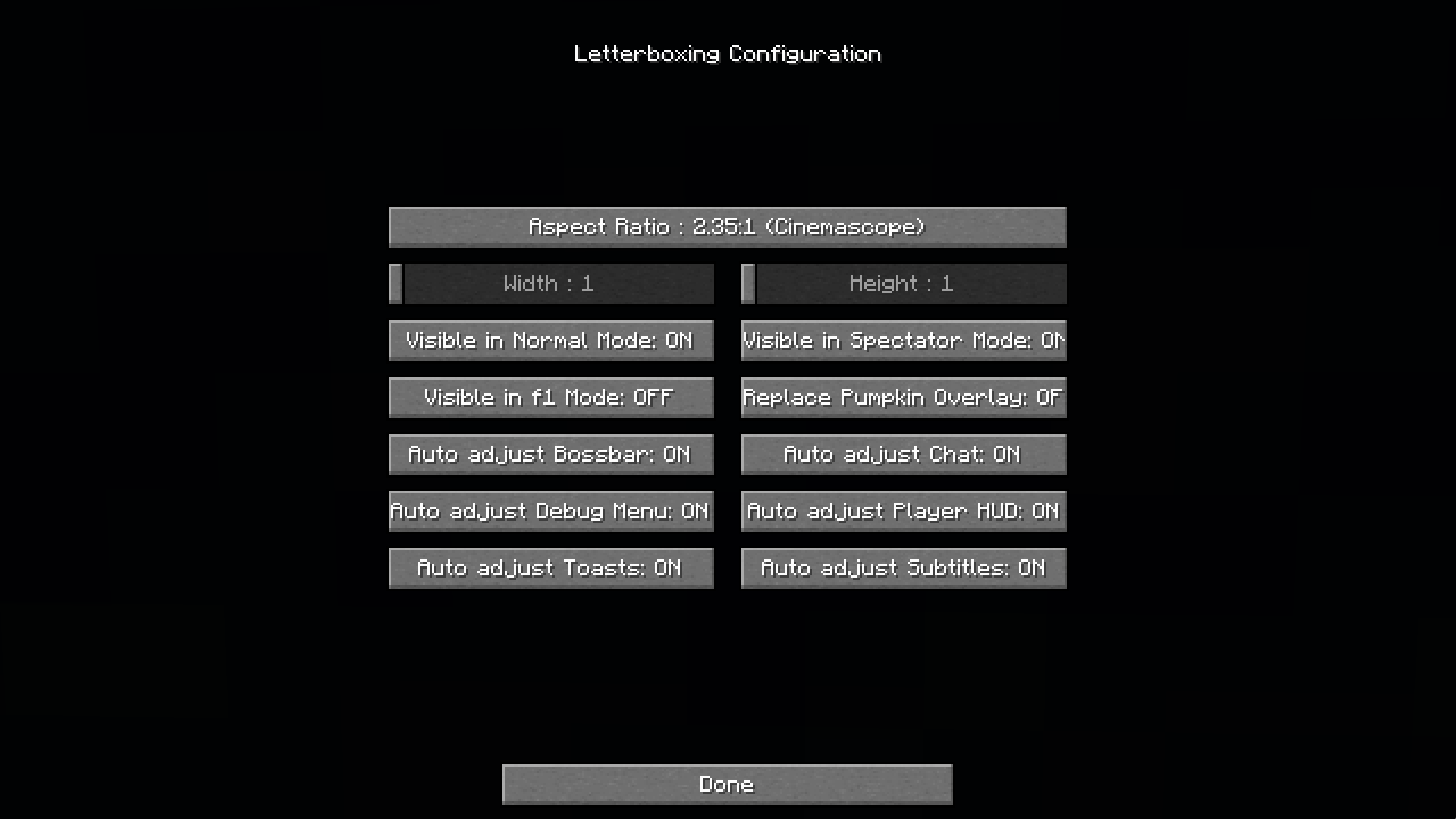
This mod makes heavy use of Fabric API's Mixin system, which modifies existing code in the base game. If another mod also affects the same lines of code, issues may occur. Therefore, I added the option to disable the Mixins for auto-adjusting individual GUI elements, namely: Bossbar, Chat, Debug Menu, Player HUD, Toasts, and Subtitles. It is left to the user to check compatibility with other mods.
Are there any bugs or problems?
Please refer to Issues on GitHub.
Why was this mod created? Aren't there already other mods that do the same?
To my knowledge, there aren't other mods that add the letter- and pillarboxing effect, particularly when it comes to customizability. This motivated the creation of this mod as well as getting into Minecraft modding in general. Maybe the mod will also inspire some players to find new ways of playing the game (e.g., with the phone aspect ratio).
Can I include this mod in my modpack?
Sure! This mod is distributed under the MIT License. As long as you include the respective license text and credit me (CopyTheNerd), you are good to go.
Letterboxing
A Minecraft mod that adds customizable letter- and pillarboxing for more immersive gameplay. Select from presets of popular aspect ratios or customize it to your own liking. Experience absolute cinema whether in f1-mode or in normal game modes (survival, creative, adventure). Spectator mode can become truly cinematic too. Additionally, the carved pumpkin overlay can be replaced with cinema bars, as inspired by this texture pack.
This mod requires Mod Menu to access the mod's configuration menu. If you don't want to install Mod Menu, you can alternatively edit this mod's configuration file located in
.minecraft/config/after the first boot with this mod.
How do I install this mod?
For instructions on installing mods with Fabric, please refer to the Fabric Documentation. To make the mod work, you also need to install its dependencies.
What are the mod's dependencies?
This mod requires the Fabric API, as well as Mod Menu to access its configuration menu.
Which mods are compatible?
This mod makes heavy use of Fabric API's Mixin system, which modifies existing code in the base game.
If another mod also affects the same lines of code, issues may occur.
Therefore, I added the option to disable the Mixins for auto-adjusting individual GUI elements, namely:
Bossbar, Chat, Debug Menu, Player HUD, Toasts, and Subtitles. It is left to the user to check compatibility with other mods.
Are there any bugs or problems?
Please refer to Issues on GitHub.
Why was this mod created? Aren't there already other mods that do the same?
To my knowledge, there aren't other mods that add the letter- and pillarboxing effect, particularly when it comes to customizability. This motivated the creation of this mod as well as getting into Minecraft modding in general. Maybe the mod will also inspire some players to find new ways of playing the game (e.g., with the phone aspect ratio).
Can I include this mod in my modpack?
Sure! This mod is distributed under the MIT License. As long as you include the respective license text and credit me (CopyTheNerd), you are good to go.
Screenshots
Gallery
-
 absolute_cinema.png absolute_cinema.png
 -
 menu.png menu.png
 -
 pale_garden.png pale_garden.png
 -
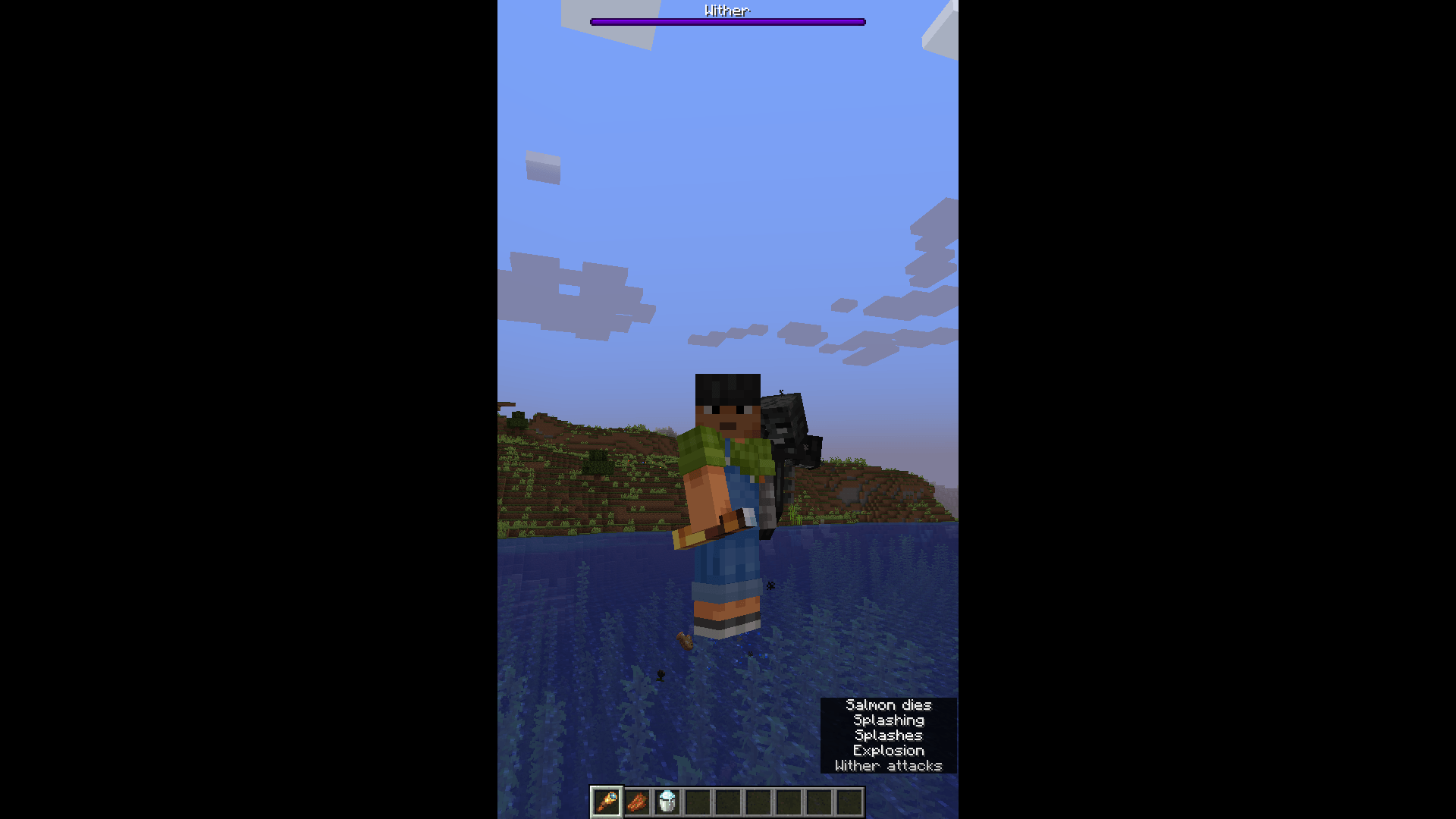 phone_vertical.png phone_vertical.png
 -
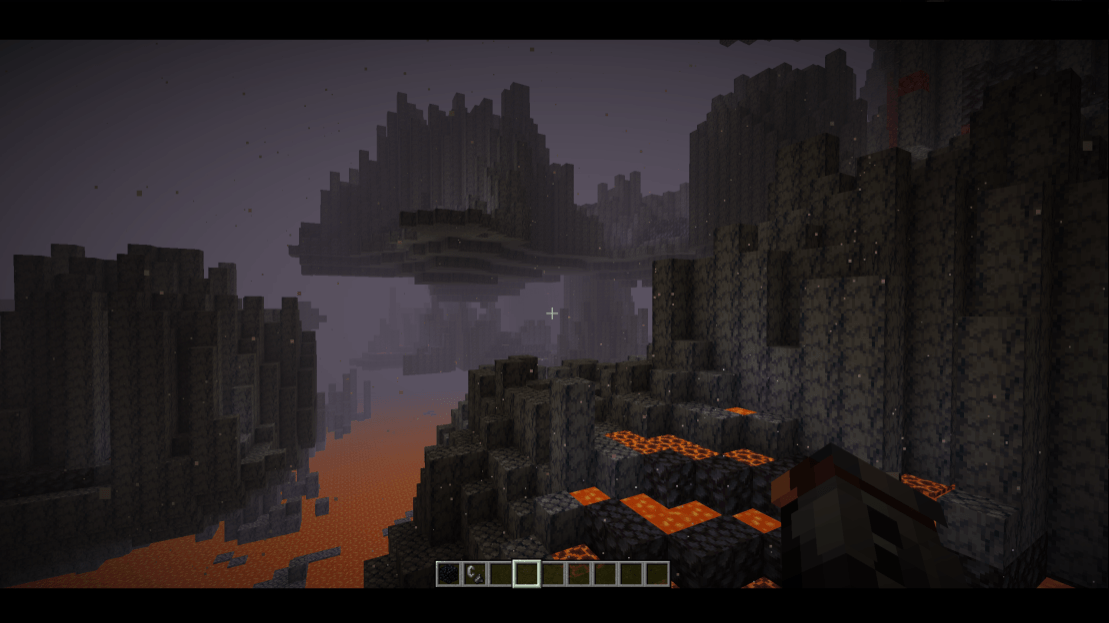 Cinema_Scope.png Cinema_Scope.png
-
 Absolute Cinema (Letterboxing-Mod Icon)
 -
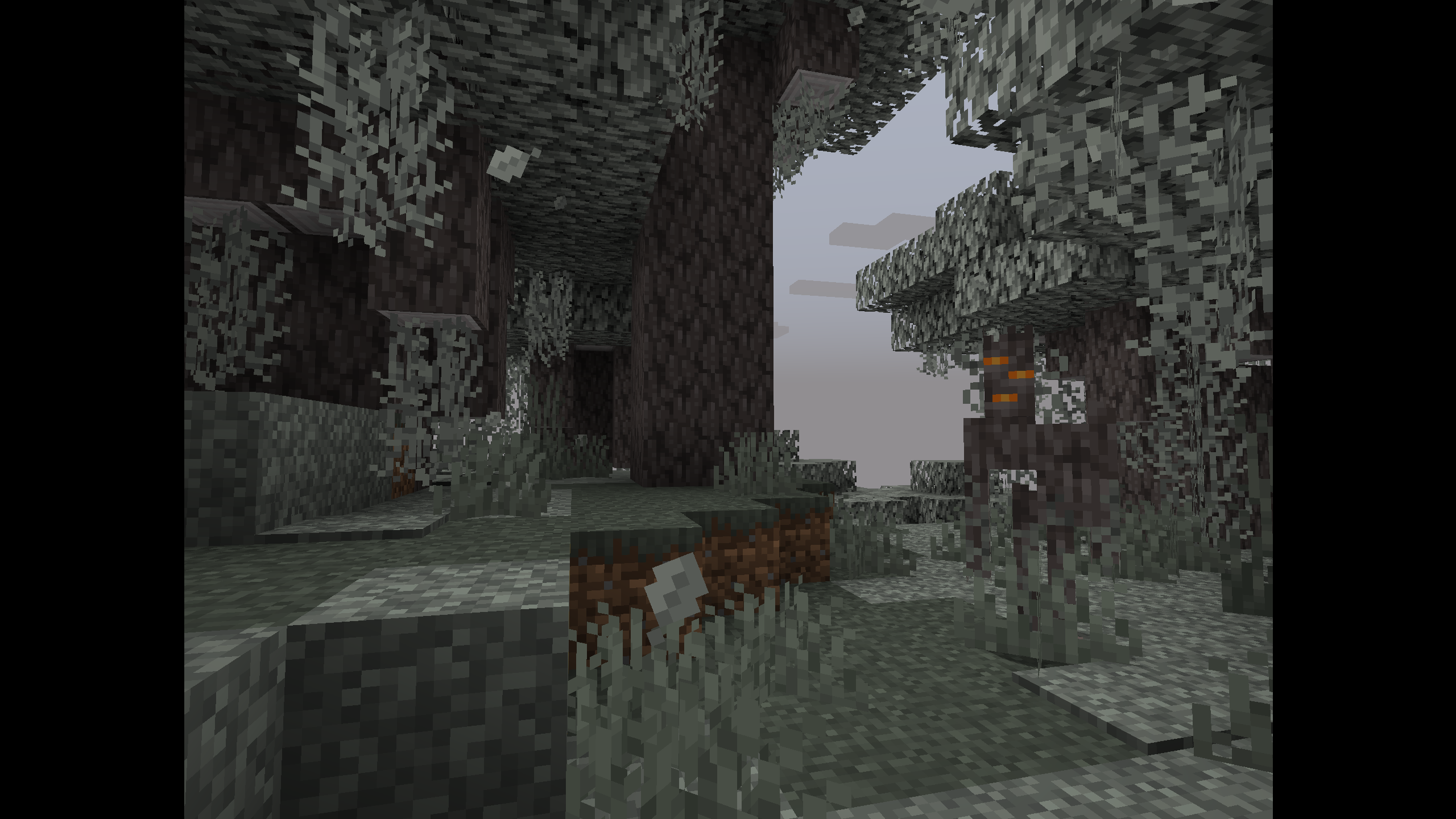 Snyder-Cut Style
 -
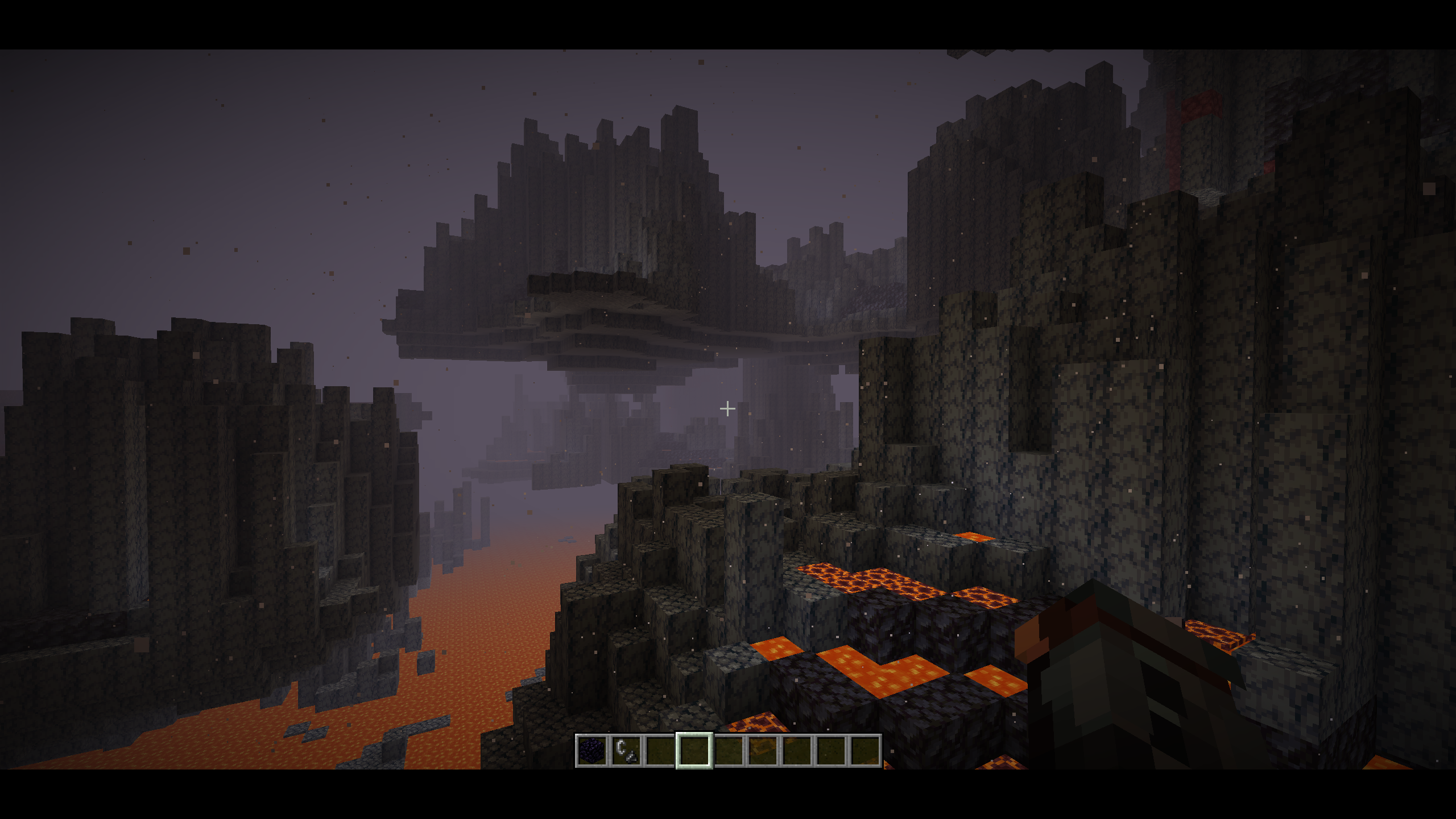 Cinemascope Style
 -
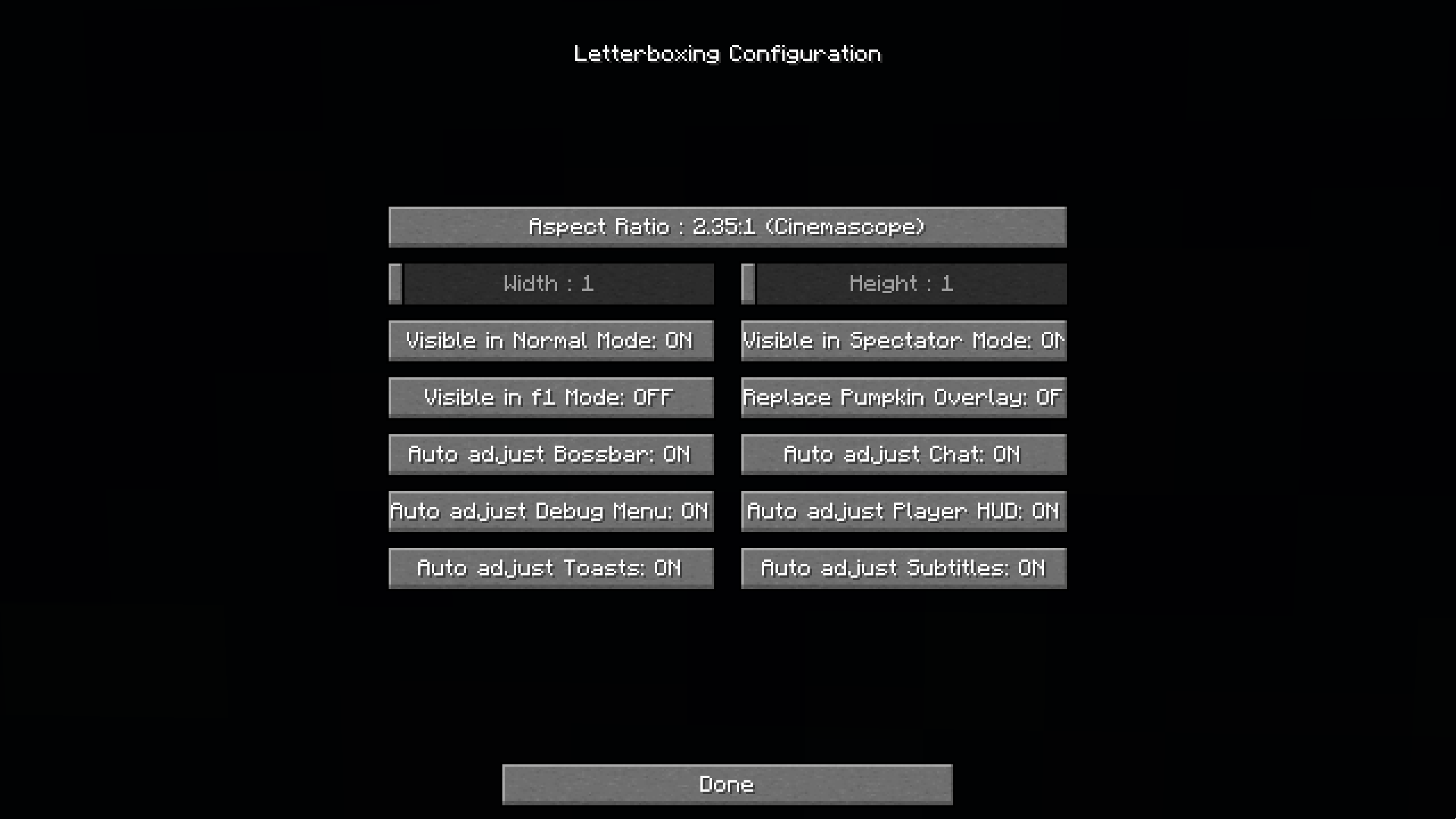 Configuration Menu
 -
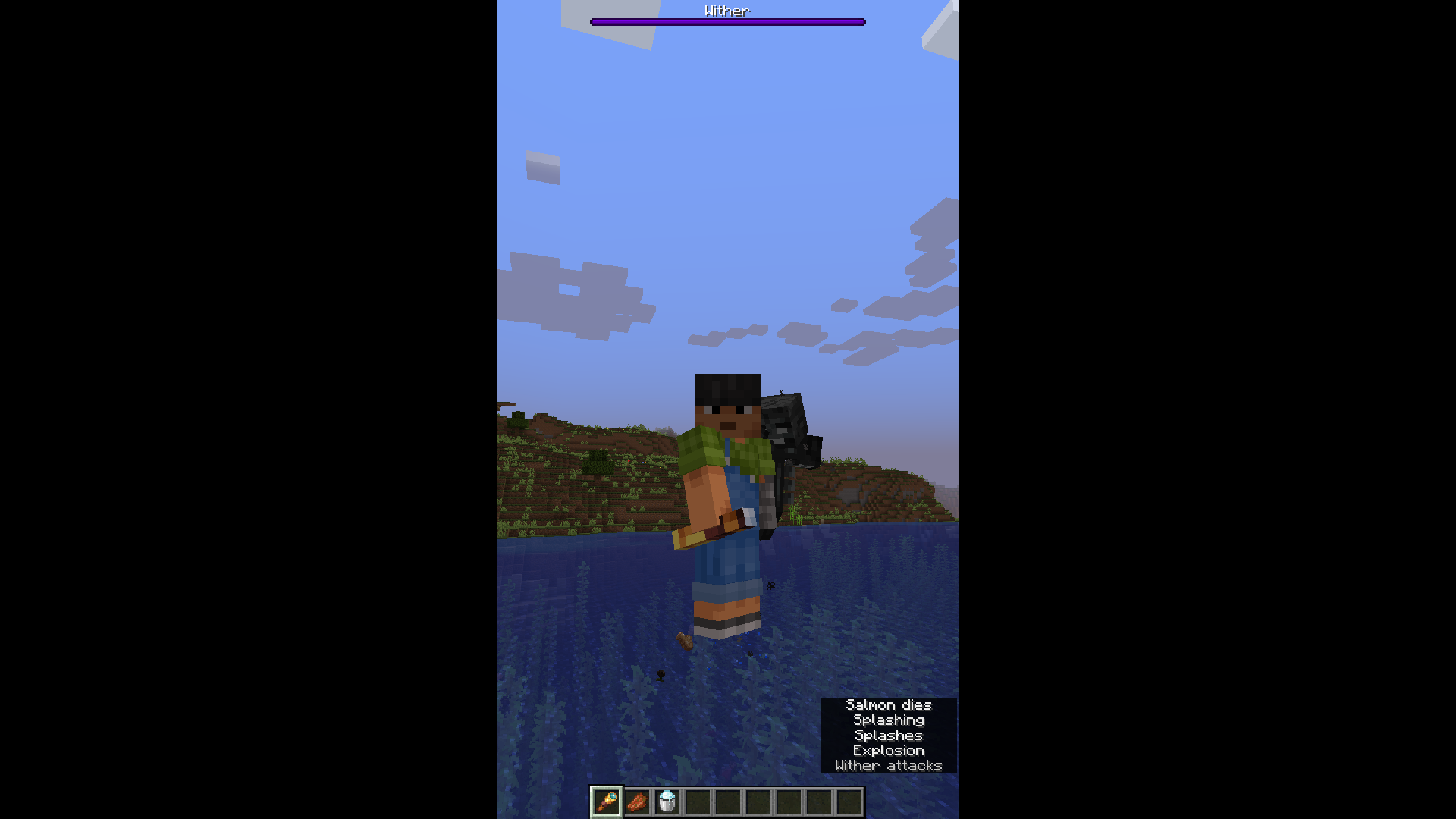 Phone-Vertical Style
 -
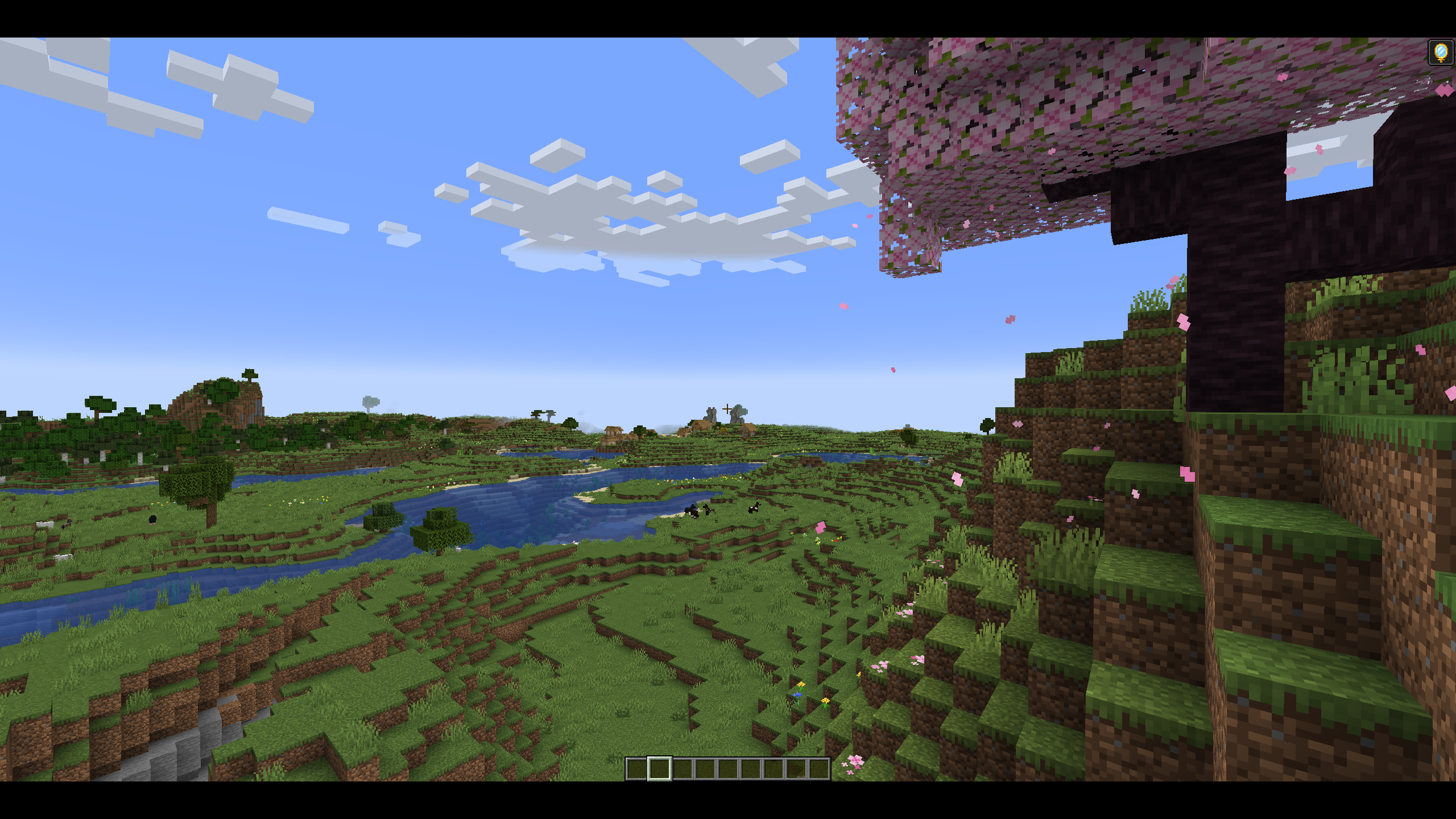 US-Cinema Style
Versions
Files
Relations
Project Relations
More like this
Similar Mods
Suggestions use data such as tags, dependencies, dependents, descriptions, titles, and more to rank how much they overlap with this mod.
On ModDex
Community snapshot
By the numbers
Statistics
Want to reach Minecraft players?
We're looking for a server hosting partner to feature here and other parts of the site. Interested? Send us a message!
Get in touchGet it on
Available Platforms
On ModDex
Community snapshot
By the numbers