
LifeTime
No reviews yet
A highly customizable Minecraft mod that adds two in-game timers: a World Timer tracking total playtime and a Session Timer tracking current play sessions. Features full color customization (including rainbow effects), draggable HUD positioning, and flexib
Neoforge is a fork of the Minecraft Forge available for versions 1.20.1+ of Minecraft. Many Forge mods are compatible with Neoforge and vice versa.
Fabric is a mod loader for versions 1.14+ of Minecraft, particularly popular for client side and optimization mods.
Community voices
Reviews
Click once to include, again to exclude, again to clear
No reviews yet. Be the first to review this project!
Get it on
Available Platforms
 Modrinth
Compatibility
Supported Environments
About
Project Details
For authors
Embed Badge
If you're the author of this project, you can embed a live badge anywhere that supports HTML or Markdown. It updates automatically whenever ratings change.
Use HTML for any page that supports it, or Markdown for README files and Markdown-based descriptions.
Identifiers
Platform IDs
Resources
External Links
About
Description
🚀 Description
Take full control of your playtime with this highly customizable Minecraft timer mod!
This mod adds two powerful in-game timers designed to help you track your gameplay like never before:
- ⏱️ World Timer – Tracks the total time spent in a world or server
- ⏳ Session Timer – Tracks your current play session since joining
Every detail of your timers can be customized:
- Individual colors for every time unit (seconds, minutes, hours, days)
- Fully independent styling for each element
- Rainbow color effect for dynamic visuals 🌈
- Adjustable formatting and display style
- Drag & drop positioning — move timers anywhere on your screen
- Toggle visibility and layout options
By default, the Total Time counter is enabled and displayed in white.
⚙️ Easy Configuration (Mod Menu Required)
All advanced settings (like enabling the Session Timer, changing colors, or UI customization) require:
🧩 Commands Included
Control your timers anytime with simple commands:
- /totaltime pause → Pause the Total Time counter
- /totaltime start → Resume the Total Time counter
- /sessiontimer pause → Pause the Session Timer
- /sessiontimer start → Resume the Session Timer
💡 These commands are client-side focused and do not give gameplay advantages, making them safe for most servers.
🌍 Multiplayer & Singleplayer Ready
Works seamlessly in:
- Singleplayer worlds
- Multiplayer servers
Lightweight, non-intrusive, and performance-friendly.
⚙️ Required mods:
Fabric:
NeoForge:
💡 Why this mod?
Perfect for players who want to:
- Track grind sessions ⛏️
- Monitor world playtime 📊
- Improve productivity or speedrun tracking ⚡
- Customize their HUD completely 🎯
Screenshots
Gallery
-
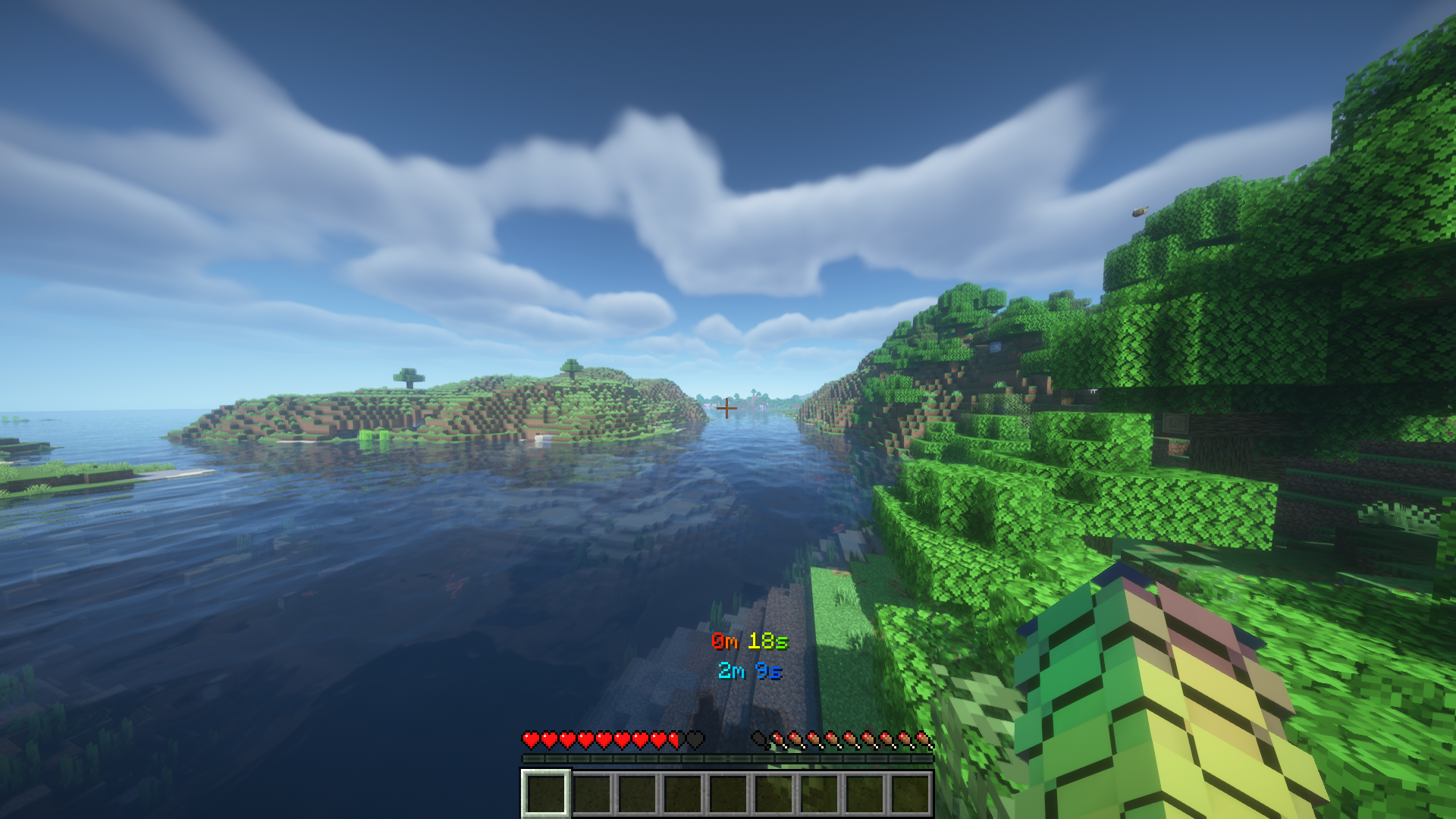 With Color configurations
 -
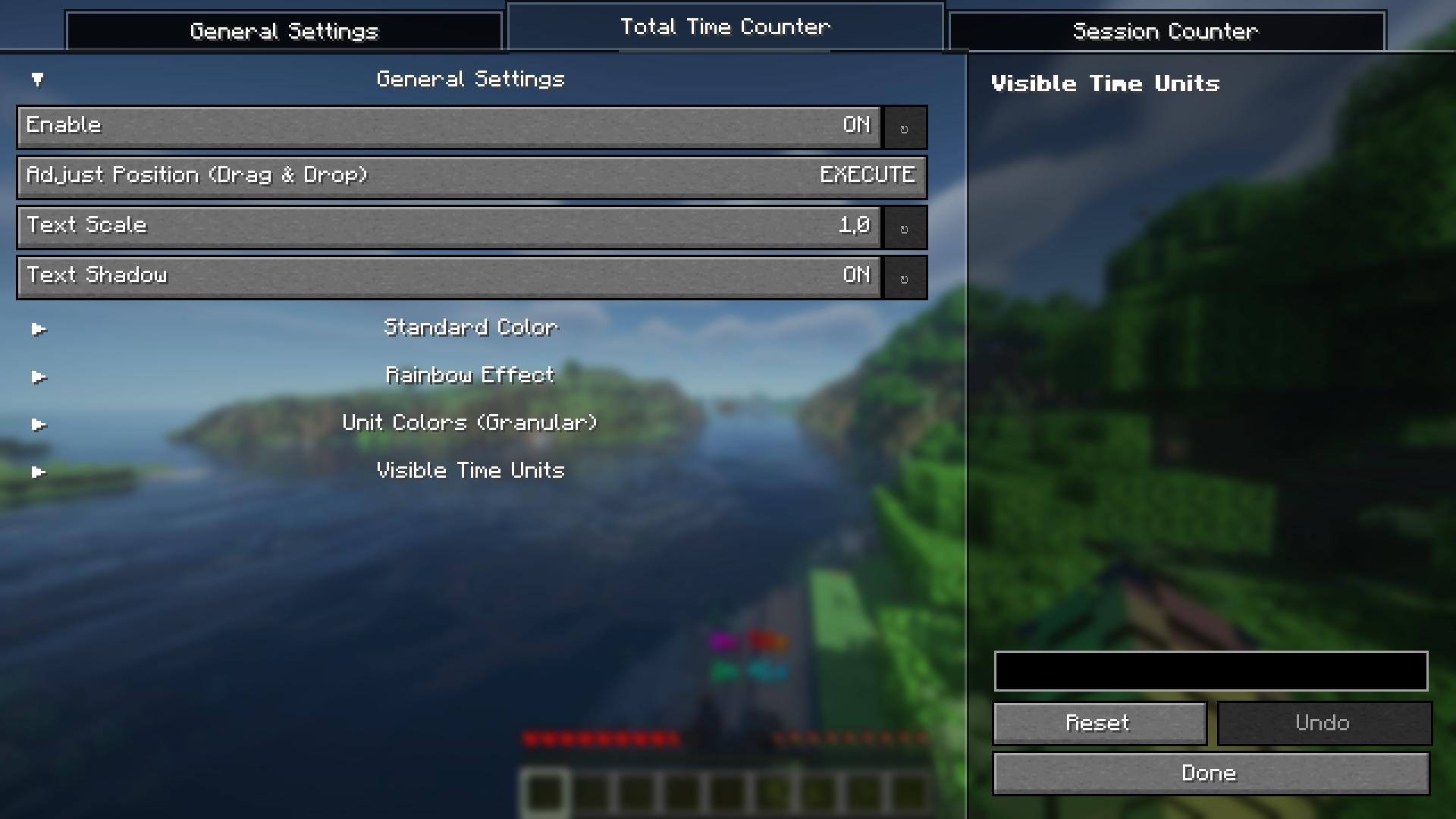 configuration tab in the mod menu
 -
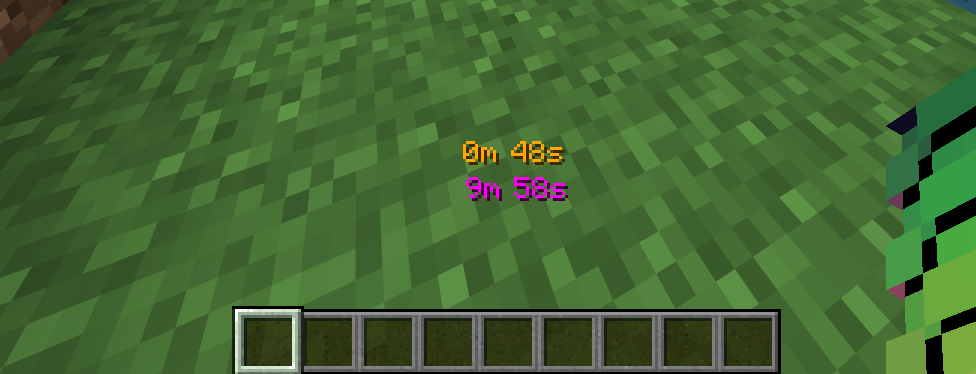 Close Up
 -
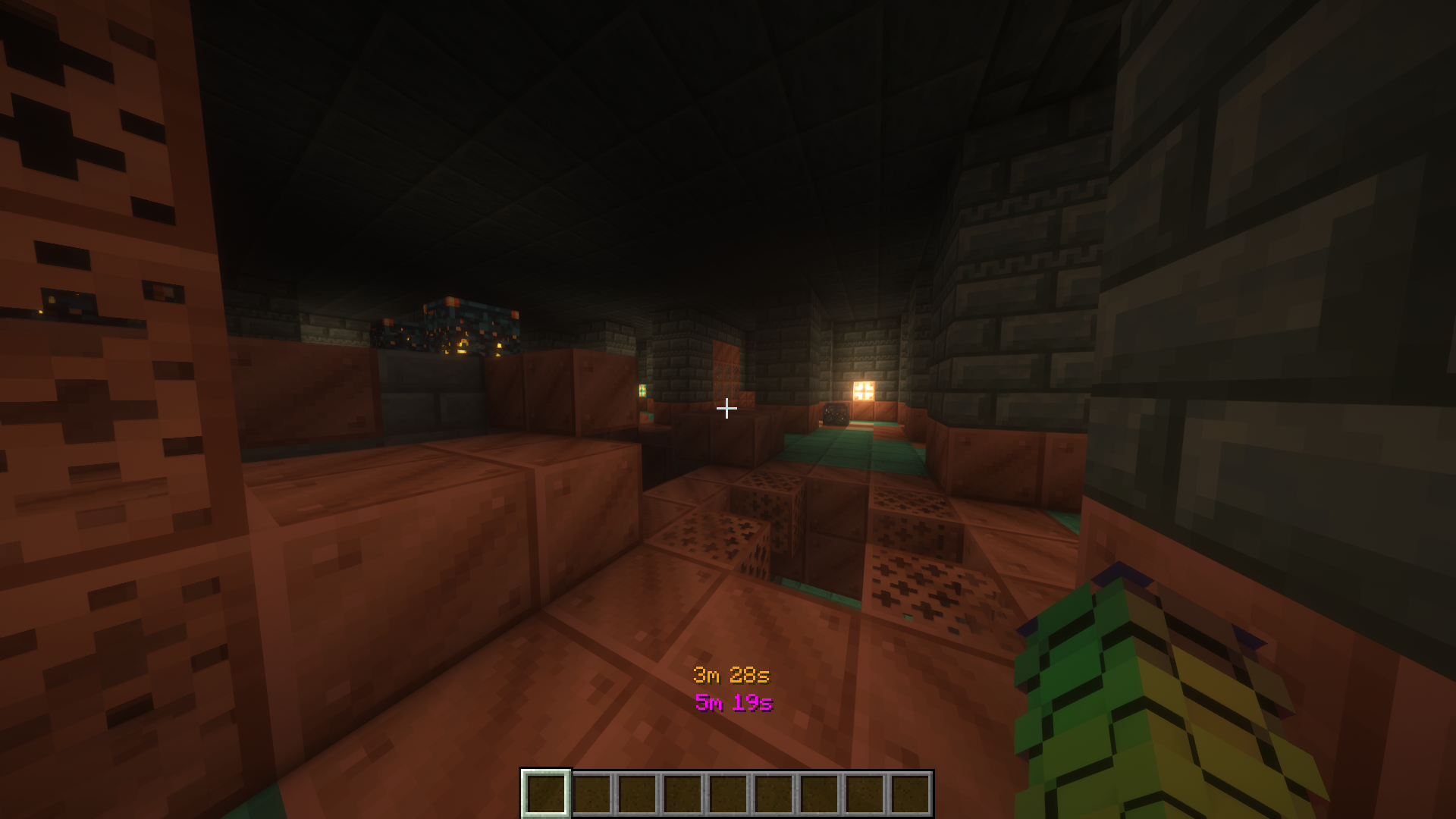
Versions
Files
Relations
Project Relations
More like this
Similar Mods
Suggestions use data such as tags, dependencies, dependents, descriptions, titles, and more to rank how much they overlap with this mod.
On ModDex
Community snapshot
By the numbers
Statistics

Want to reach Minecraft players?
We're looking for a server hosting partner to feature here and other parts of the site. Interested? Send us a message!
Get in touchGet it on
Available Platforms
On ModDex
Community snapshot
By the numbers
Statistics
Resources