
Community listing page, reviews here may not be monitored by the author.
Lite2Edit

No reviews yet
Lite2Edit is a small Fabric mod that lets WorldEdit open Litematica schematic files (.litematic).
Community voices
Reviews
No reviews yet. Be the first to review this project!
Get it on
Available Platforms
Compatibility
Supported Environments
Required on the server. Installing it on the client adds functionality.
About
Project Details
For authors
Embed Badge
If you're the author of this project, you can embed a live badge anywhere that supports HTML or Markdown. It updates automatically whenever ratings change.
Use HTML for any page that supports it, or Markdown for README files and Markdown-based descriptions.
Identifiers
Platform IDs
About
Description
Lite2Edit


Lite2Edit is a small Fabric mod that lets WorldEdit open Litematica schematic files (.litematic).
Mod on Modrinth and Github
You can download the mod from Modrinth via: https://modrinth.com/mod/lite2edit
You can see the source code via: https://github.com/Erik-Donath/lite2edit
Quick introduction
- What it does: Converts Litematica
.litematicschematics into a WorldEdit clipboard that you can paste or manipulate. - Who it's for: Players and server admins who use Fabric + WorldEdit and want to import Litematica files easily.
- Simple install: drop the mod JAR into your Fabric
mods/folder (alongside WorldEdit and required Fabric components).
How to use
- Put the Lite2Edit mod JAR into your Fabric
mods/folder. - Make sure Fabric Loader, Fabric Language Kotlin, and WorldEdit (Fabric build) are installed.
- Start Minecraft (client or server).
- Load a
.litematicfile with//schematic load "...". The schematic will load as a clipboard you can paste and edit. - Save a WorldEdit clipboard back to a
.litematicfile with//schematic save -f litematica "...".
If you prefer building from source, run:
git clone https://github.com/Erik-Donath/Lite2Edit.git
./gradlew build
# copy the generated JAR from build/libs/ into your mods/ folder
How it works
This section explains what the mod does behind the scenes:
-
Litematica files store world pieces as NBT data (a structured binary format Minecraft uses). Schematics contain regions made of blocks, a palette that lists unique block types used, tile-entity data (for chests, signs, furnaces, etc.), and optionally entities.
-
Lite2Edit reads the Litematica file and parses the NBT structure. It understands:
- The schematic metadata (name, author, timestamps).
- One or more regions, each with a position and size.
- The block palette (a list of block names and property sets).
- The block data as a compact, bit-packed list of palette indexes.
- Tile entities and entities stored with their coordinates and NBT.
-
Block conversion:
- The mod maps each palette entry (for example "minecraft:oak_log" with properties like facing) to a WorldEdit BlockState. When possible it preserves block properties (like rotation or waterlogged state) so the pasted structure looks correct.
- The bit-packed block data is decoded to determine which palette entry belongs at each block position.
-
Tile entities and entities:
- Tile-entity NBT (chest contents, sign text, custom block data) is converted into the format WorldEdit expects and attached to the corresponding block when the clipboard is created, so chests and other NBT-bearing blocks keep their data where possible.
-
Regions and negative sizes:
- Litematica can store multiple named regions in a single file. Lite2Edit can combine multiple regions into a single WorldEdit clipboard by computing a bounding box that contains all regions.
- Some regions are defined with negative dimensions; the mod normalizes these so blocks end up in the correct positions in the clipboard.
-
What’s not done yet:
- Full entity conversion (living mobs and some entity types are not converted; tile entities are supported).
- Multi-region export: when saving a clipboard, all blocks are written into a single region named “Unnamed” - the original region names and boundaries are not preserved.
Practical notes & limits
- Most blocks and common properties are converted correctly; very unusual custom blocks or modded blocks might not map perfectly and could be skipped or logged.
- If a block type is unknown to WorldEdit, the mod will warn in the logs and skip that block.
- Tile entities are converted when possible, but very complex or mod-specific NBT may not round-trip perfectly.
- Check Minecraft logs when troubleshooting imports; conversion warnings and errors are recorded there. Please report any issues you encounter on the Issue Page.
License & contributing
- License: MIT see LICENSE in this repository.
- Contributions: Pull requests and issues are welcome. If you want to:
- Add the
.litematicwriter (export support), include an example schematic to validate round-trip correctness. - Improve block/property mapping or tile-entity handling, keep changes small and document behavior differences.
- Add the
To contribute:
- Fork the repository.
- Create a feature branch.
- Submit a pull request describing your change and any testing you performed.
Thank you for using Lite2Edit. If you run into problems or want a feature, open an issue on GitHub.
Screenshots
Gallery
-
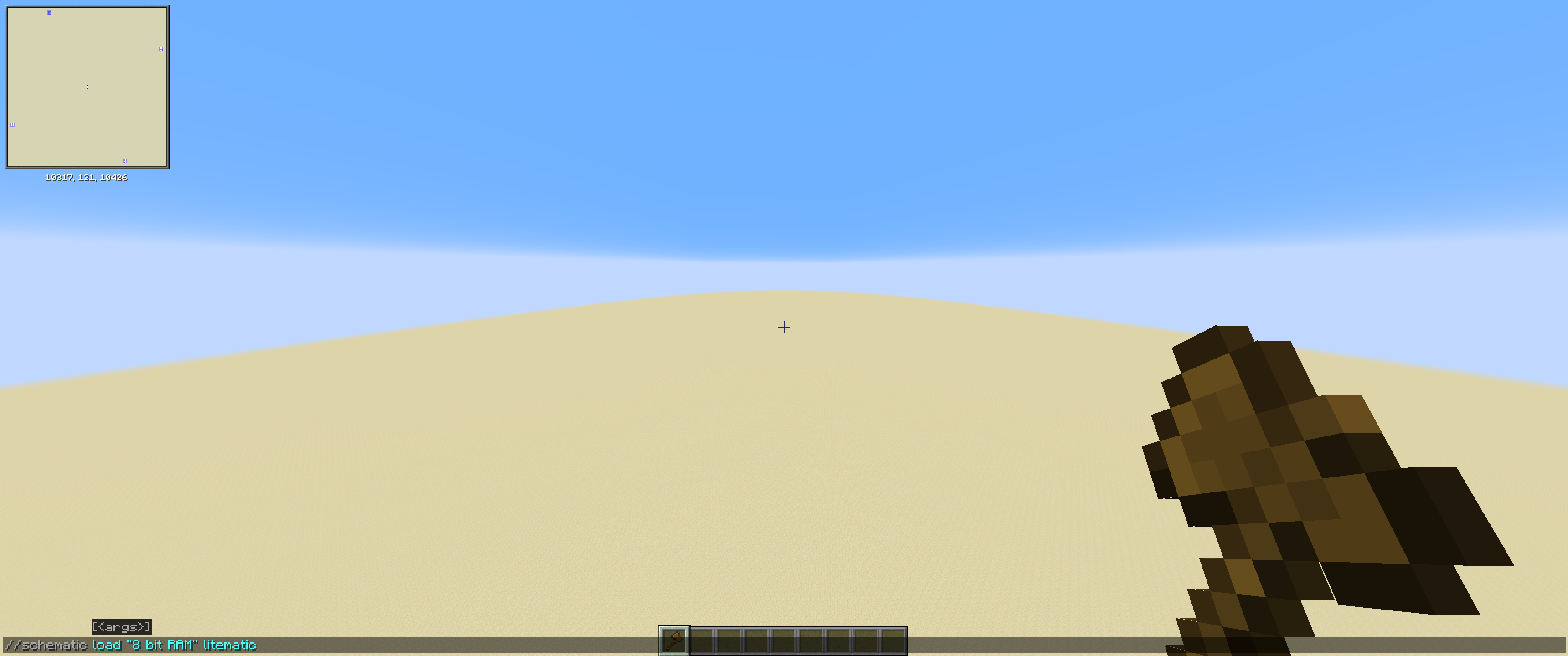 Load a .litematica schematic Load a .litematica schematic
 -
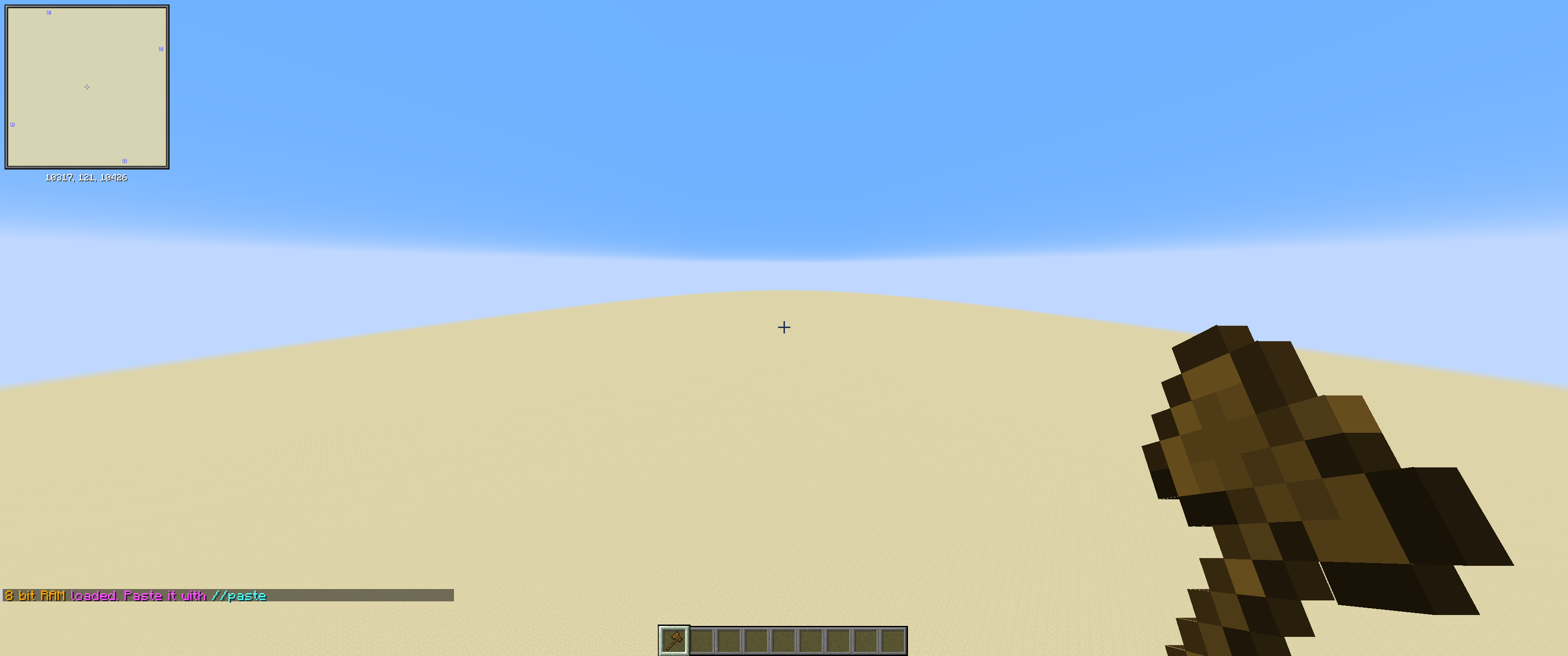 Loaded Loaded the Schematic
 -
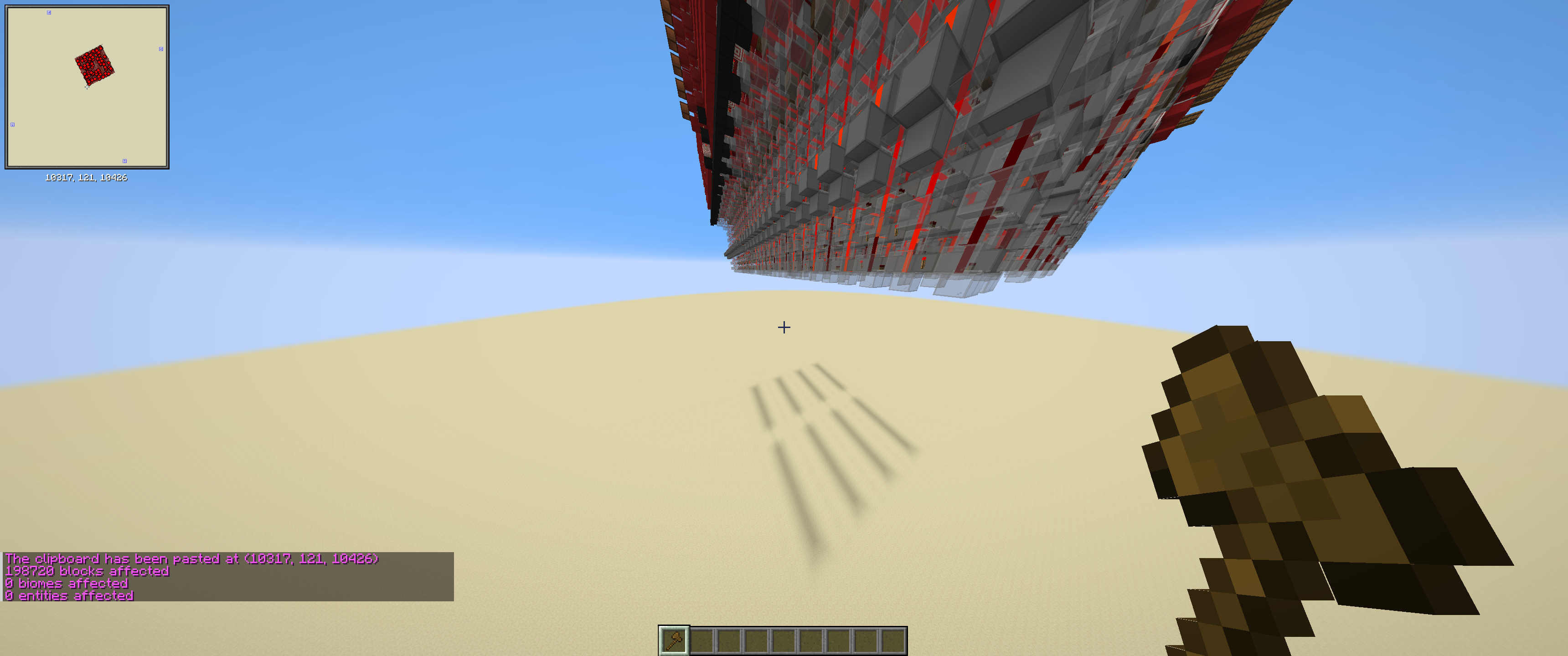 Pasted succesfully Pasted succesfully the Schematic
 -
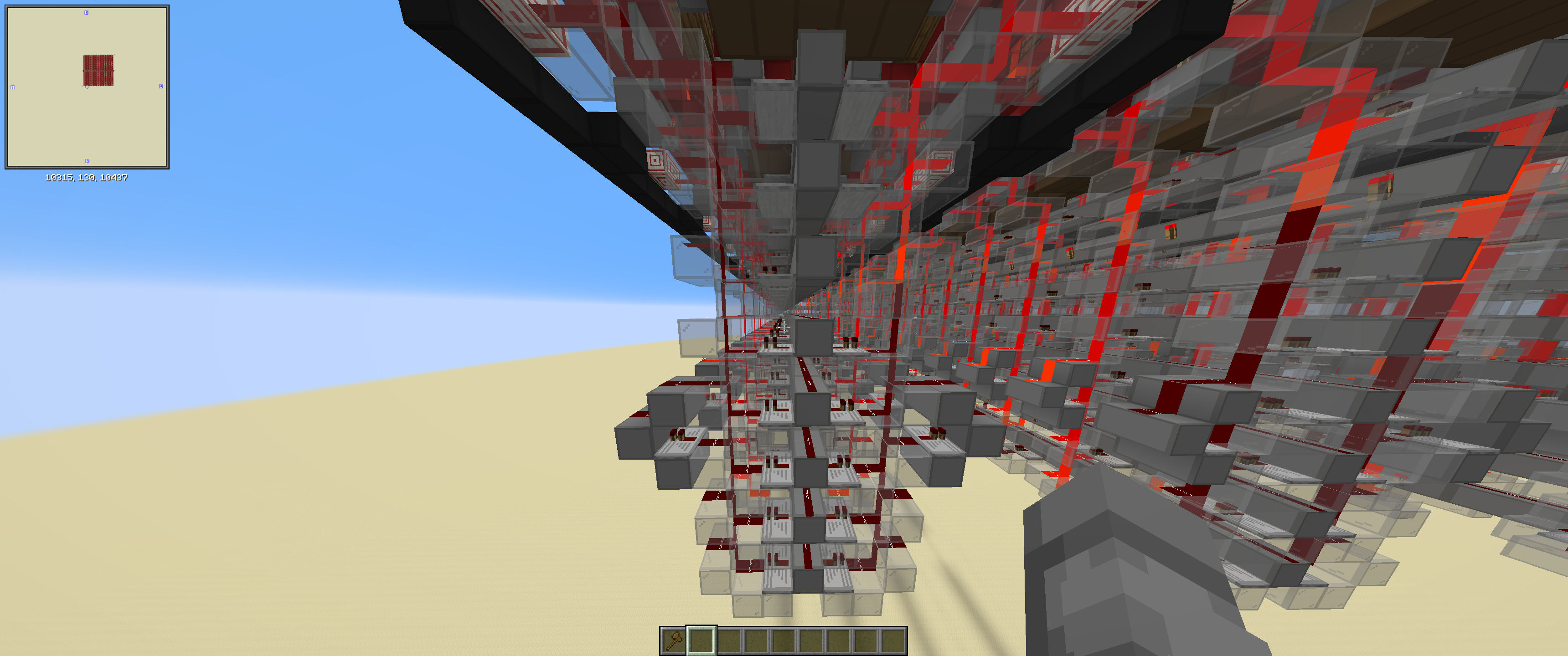 Block Data Shows that the Block Data is preserved
 -
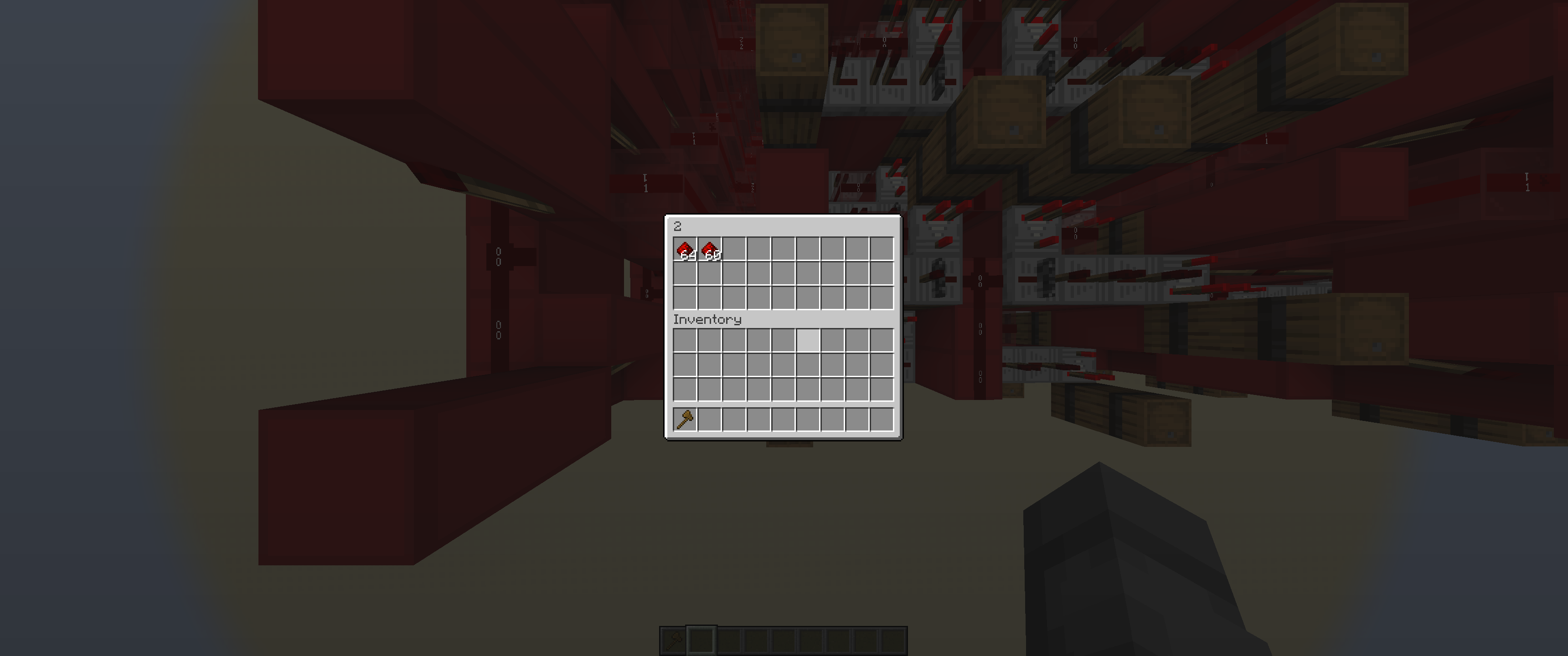 Tile Entities Shows that Tile Entity Data is preserved
Versions
Files
Relations
Project Relations
More like this
Similar Mods
Suggestions use data such as tags, dependencies, dependents, descriptions, titles, and more to rank how much they overlap with this mod.
On ModDex
Community snapshot
By the numbers
Statistics

Want to reach Minecraft players?
We're looking for a server hosting partner to feature here and other parts of the site. Interested? Send us a message!
Get in touchGet it on
Available Platforms
On ModDex
Community snapshot
By the numbers