
Community listing page, reviews here may not be monitored by the author.
Living NPC

No reviews yet
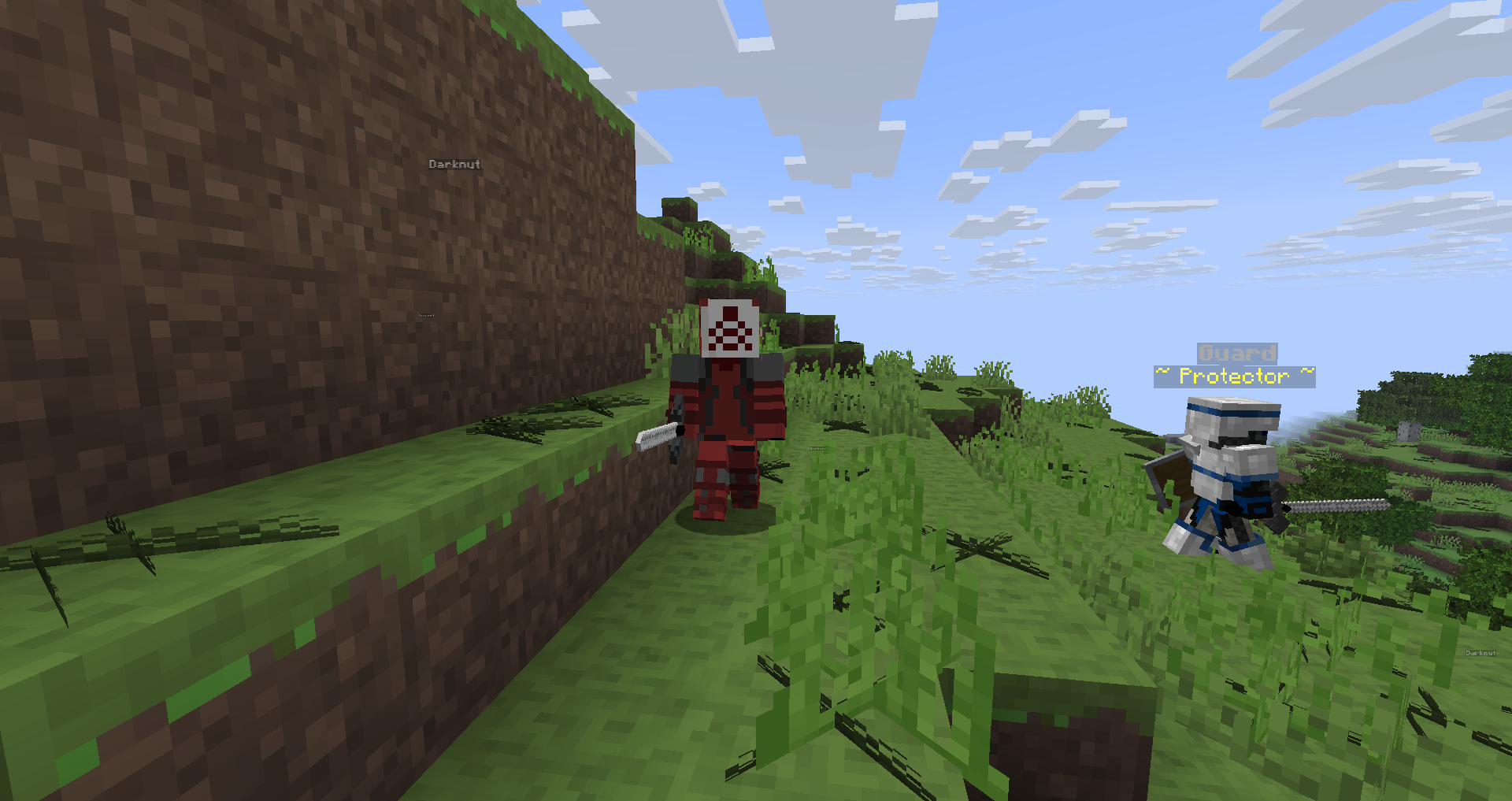
Own customizable armies for multiplayer that you can setup easily before playing; summon living NPC like guards to fight monsters or enemy to fight. Features different kind of NPC with different purpose

Community voices
Reviews
No reviews yet. Be the first to review this project!
Get it on
Available Platforms
Compatibility
Supported Environments
The author has not specified where this runs.
About
Project Details
For authors
Embed Badge
If you're the author of this project, you can embed a live badge anywhere that supports HTML or Markdown. It updates automatically whenever ratings change.
Use HTML for any page that supports it, or Markdown for README files and Markdown-based descriptions.
Identifiers
Platform IDs
Resources
External Links
About
Description
This datapack adds various NPC, useful for mapmaking, and allows the possibility to create custom armies for mutliplayer. NPC react to their environment
The datapack doesn't change anything to the survival gameplay, but is useful for mapmaking and to be referenced in other datapacks.
CUSTOM ARMIES
Before playing
If you use the army feature, teleporting is deprecated
To set armies owners: Open the datapack, go to data/npc_army/function/
In team1.mcfunction, set the name of the owner of the first army, then, in-game, run /team join team1 <username of the owner of team1>

In team2.mcfunction, set the name of the owner of the second army, then, in-game, run /team join team2 <username of the owner of team2>
To set armies banners that soldiers will wear: Open the datapack, go to data/npc_army/function/
 In banner_team_1.mcfunction, open the link and generate a banner, then copy the nbt accordingly

 In banner_team_2.mcfunction, open the link and generate a banner, then copy the nbt accordingly
In-game once the armies are setup
To summon guard from each armies, run for each knight of team 1 /function living_npc:player_guard/team1/guard1_[to 9]_, and for each knight of team 2 /function living_npc:player_guard/team2/guard10_[to 18]_
Other npc
Allies (summoning commands)
- /function living_npc:village_guard/village_guard1[to 4]
You can summon up to 4 village guard per area, and more of them but not at the same position as the others to avoid conflict
- /function living_npc:mario/mario
- /function living_npc:mario/toad
Enemies (summoning commands)
- /function living_npc:darknut/darknut1 (to 10)
You can summon up to 10 darknuts per area, and more of them but not at the same position as the others to avoid conflict
-
/function living_npc:darklink/darklink
-
/function living_npc:yiga/yiga
-
/tag add yiga_wanted -> A yiga will spawn each 15 minutes at the player position
Screenshots
Gallery
Versions
Files
Relations
Project Relations
More like this
Similar Mods
Suggestions use data such as tags, dependencies, dependents, descriptions, titles, and more to rank how much they overlap with this mod.
On ModDex
Community snapshot
By the numbers
Statistics

 (opens in a new tab)
Get it on
Available Platforms
On ModDex
Community snapshot
By the numbers
Statistics
Resources