Community listing page, reviews here may not be monitored by the author.
Loot Explorer


No reviews yet
Makes containers containing loot tables appear in the creative inventory.
Community voices
Reviews
No reviews yet. Be the first to review this project!
Get it on
Available Platforms
Compatibility
Supported Environments
Must be installed on both the client and the server.
About
Project Details
For authors
Embed Badge
If you're the author of this project, you can embed a live badge anywhere that supports HTML or Markdown. It updates automatically whenever ratings change.
Use HTML for any page that supports it, or Markdown for README files and Markdown-based descriptions.
Identifiers
Platform IDs
About
Description
Minecraft-LootExplorer
Overview
The Loot Explorer Mod for Minecraft helps the Minecraft content developer by making containers containing loot tables appear in the creative inventory.
Works in Minecraft 1.21
Requires FabricAPI
Features
Loot Chests
- Creative Inventory: A new tab in the creative inventory with containers that have loot table nbt within them.
- Container Options: The loot table containers include the three vanilla variants of chests, barrels, and trapped chests.
- Copy Loot Table: With the use of the Copy Lore key bind, you can easy copy the lore of any item, allowing to copy the loot table location of the containers.
- Data Pack Compatibility: Loot Tables that come from created data packs are also detected and created.*
Installation
- Download the Loot Explorer Mod file.
- Ensure you have Minecraft Fabric Loader installed.
- Place the mod file into your Minecraft
modsfolder. - Start Minecraft using the Fabric profile.
Dependencies
- Required: FabricAPI
Configuration
Mod Configuration File
- There currently is no configuration file for this mod as it's fairly simple
Usage
Getting Containers
- Creative Inventory: When in the creative inventory, there is now a new tab labeled Loot Tables that contains all variants of containers of each loot table found.
- Random Chests: The chests will generate random loot based on the loot table whenever they are placed down.
- Lore Copying: While holding a chest in your hand, press the Copy Lore keybind, and the lore of the chest will be copied into your clipboard.
Contributions
Contributions are welcome! If you have ideas for new features, optimizations, or bug fixes, please feel free to open an issue or submit a pull request on the mod's GitHub repository.
*In order to detect the loot chest, the directory must be in the style of "namespace/loot_table/chests" or "namespace/loot_table/loot"
Minecraft-LootExplorer
Overview
The Loot Explorer Mod for Minecraft helps the Minecraft content developer by making containers containing loot tables appear in the creative inventory.
Works in Minecraft 1.21
Requires FabricAPI
Features
Loot Chests
- Creative Inventory: A new tab in the creative inventory with containers that have loot table nbt within them.
- Container Options: The loot table containers include the three vanilla variants of chests, barrels, and trapped chests.
- Copy Loot Table: With the use of the Copy Lore key bind, you can easy copy the lore of any item, allowing to copy the loot table location of the containers.
- Data Pack Compatibility: Loot Tables that come from created data packs are also detected and created.*
Installation
- Download the Loot Explorer Mod file.
- Ensure you have Minecraft Fabric Loader installed.
- Place the mod file into your Minecraft
modsfolder. - Start Minecraft using the Fabric profile.
Dependencies
- Required: FabricAPI
Configuration
Mod Configuration File
- There currently is no configuration file for this mod as it's fairly simple
Usage
Getting Containers
- Creative Inventory: When in the creative inventory, there is now a new tab labeled Loot Tables that contains all variants of containers of each loot table found.
- Random Chests: The chests will generate random loot based on the loot table whenever they are placed down.
- Lore Copying: While holding a chest in your hand, press the Copy Lore keybind, and the lore of the chest will be copied into your clipboard.
Contributions
Contributions are welcome! If you have ideas for new features, optimizations, or bug fixes, please feel free to open an issue or submit a pull request on the mod's GitHub repository.
*In order to detect the loot chest, the directory must be in the style of "namespace/loot_table/chests" or "namespace/loot_table/loot"
Screenshots
Gallery
-
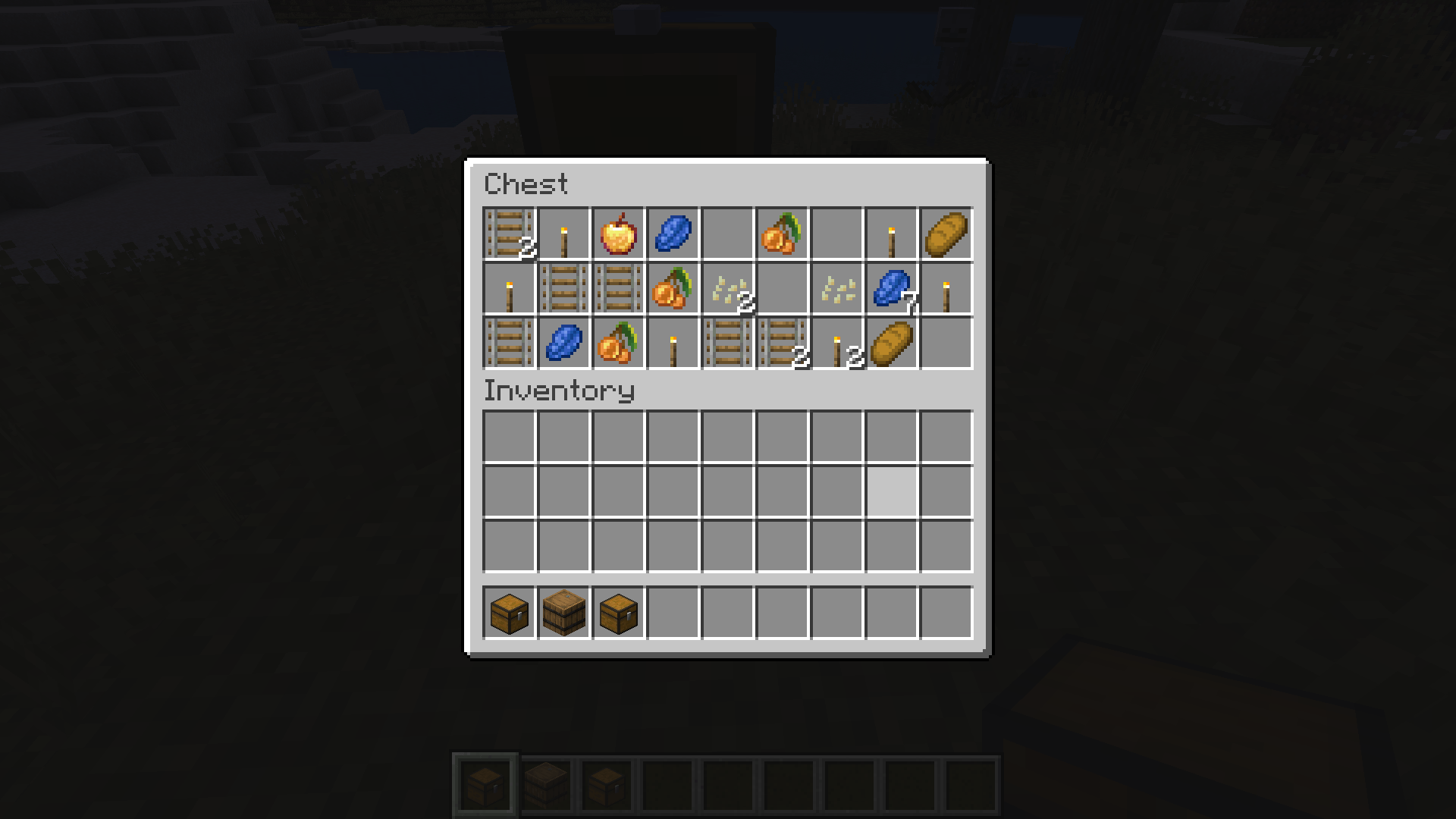 Randomized Loot Table The inside of a randomized container with the loot pool of a mineshaft.
 -
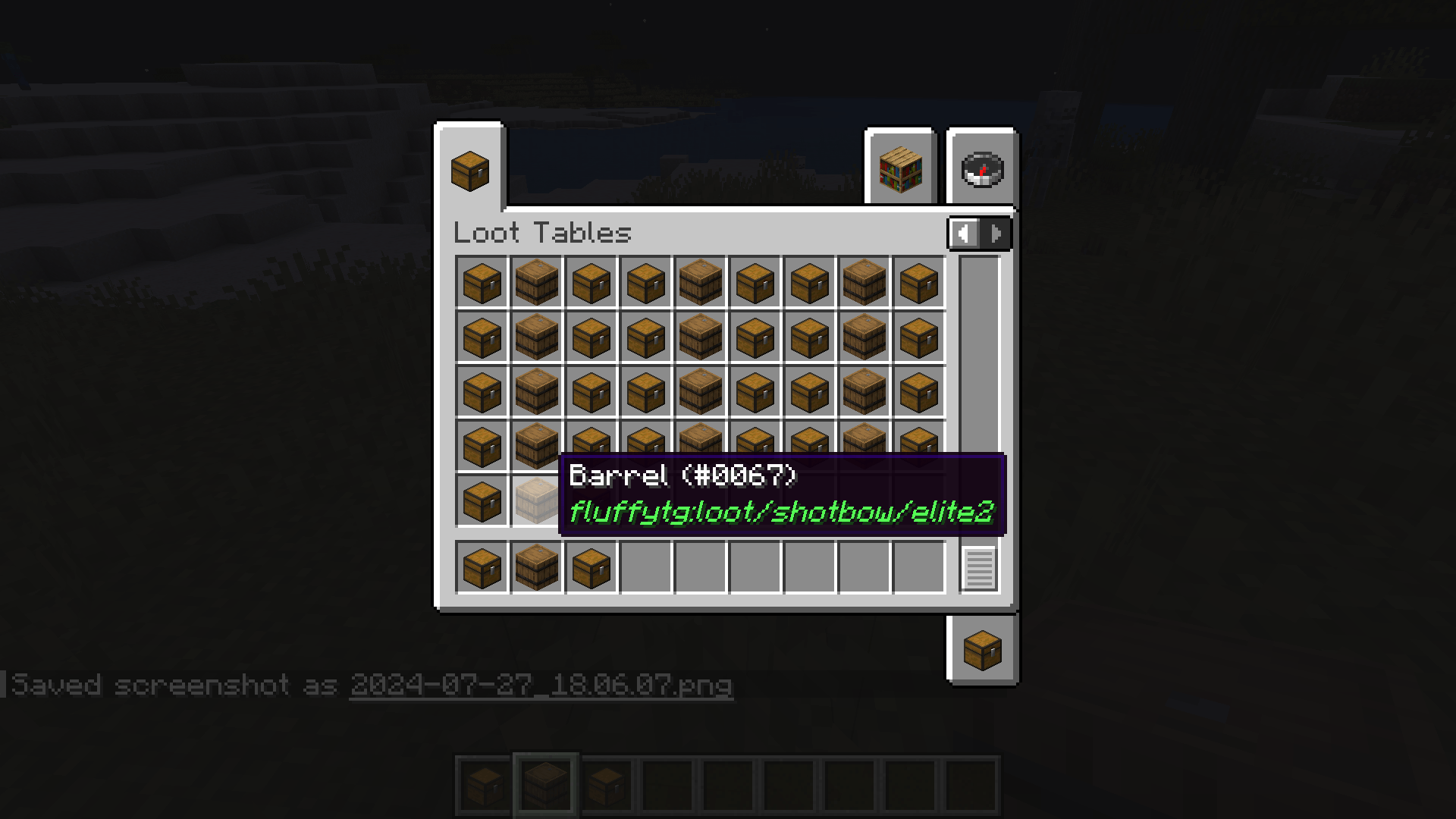 Datapack Chest Display Showcase of what hovering over a container with a data pack's loot table looks like.
 -
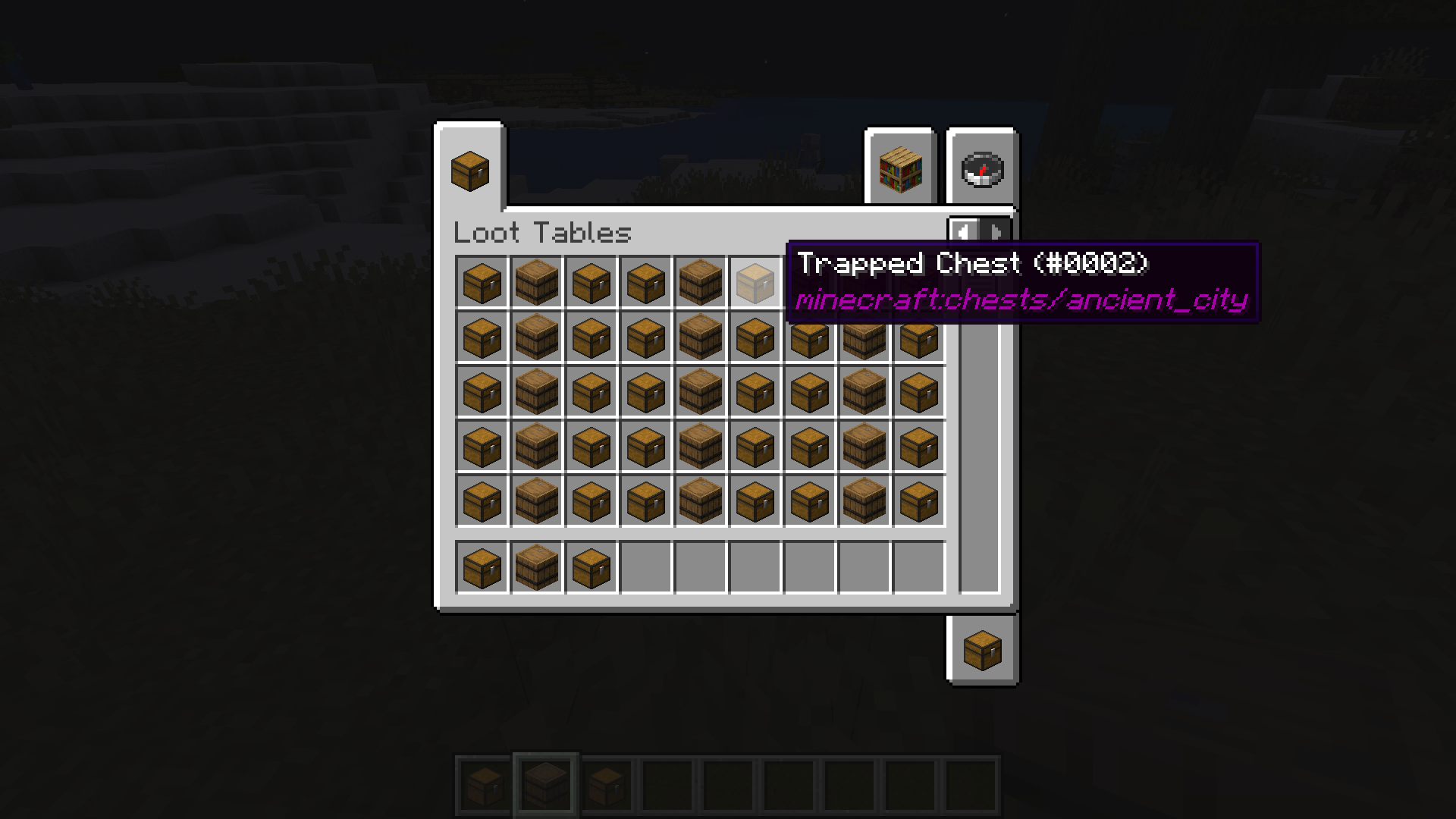 Vanilla Chest Display Showcase of what hovering over a container with a vanilla loot table looks like.
 -
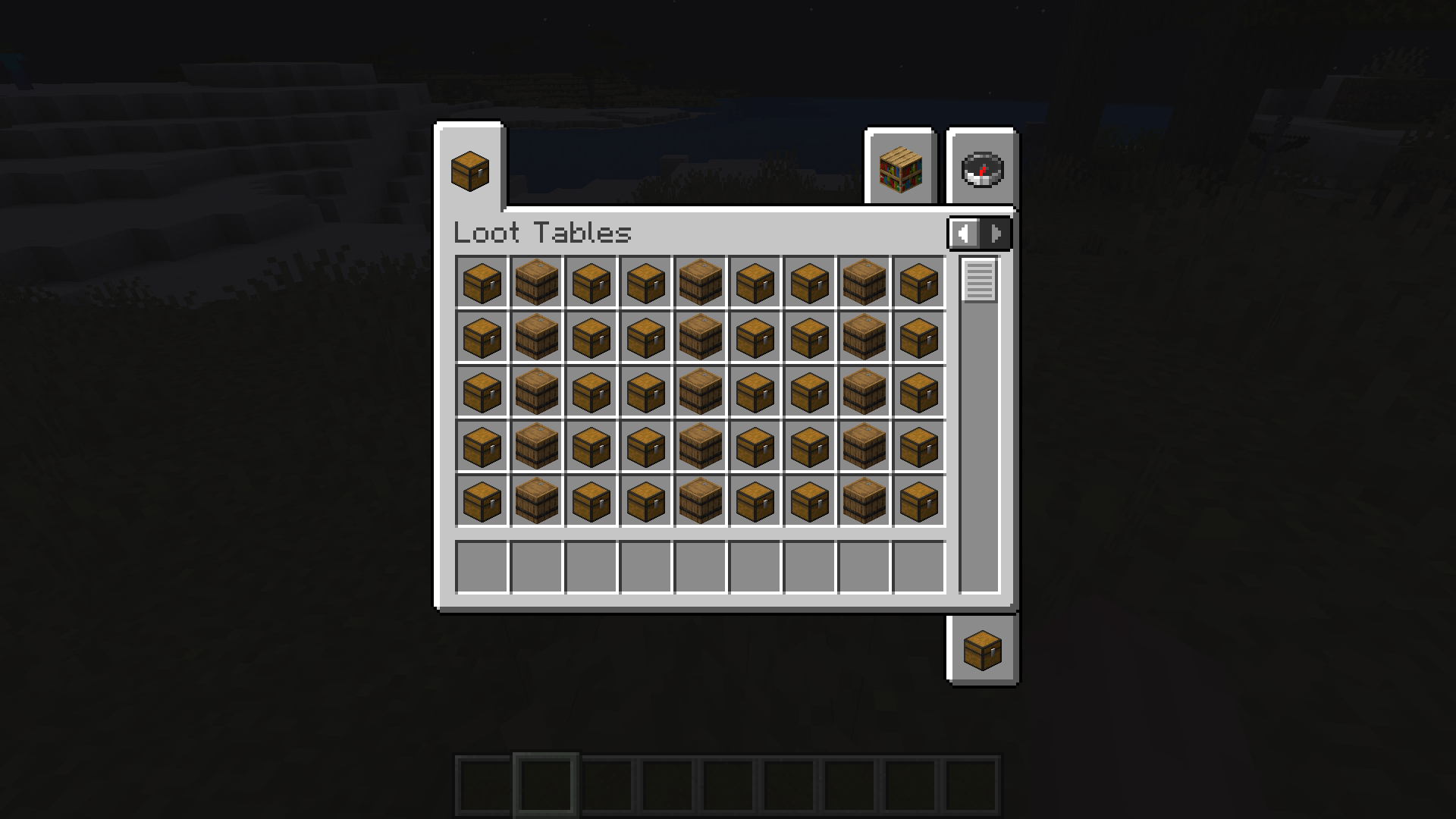 Loot Tables The Loot Tables creative tab, featuring all loot tables in the three container styles.
 -
 The Containers A picture showcasing three containers taken from the Loot Table tab.
-
 The Containers A picture showcasing three containers taken from the Loot Table tab.
 -
 Loot Tables The Loot Tables creative tab, featuring all loot tables in the three container styles.
 -
 Vanilla Chest Display Showcase of what hovering over a container with a vanilla loot table looks like.
 -
 Datapack Chest Display Showcase of what hovering over a container with a data pack's loot table looks like.
 -
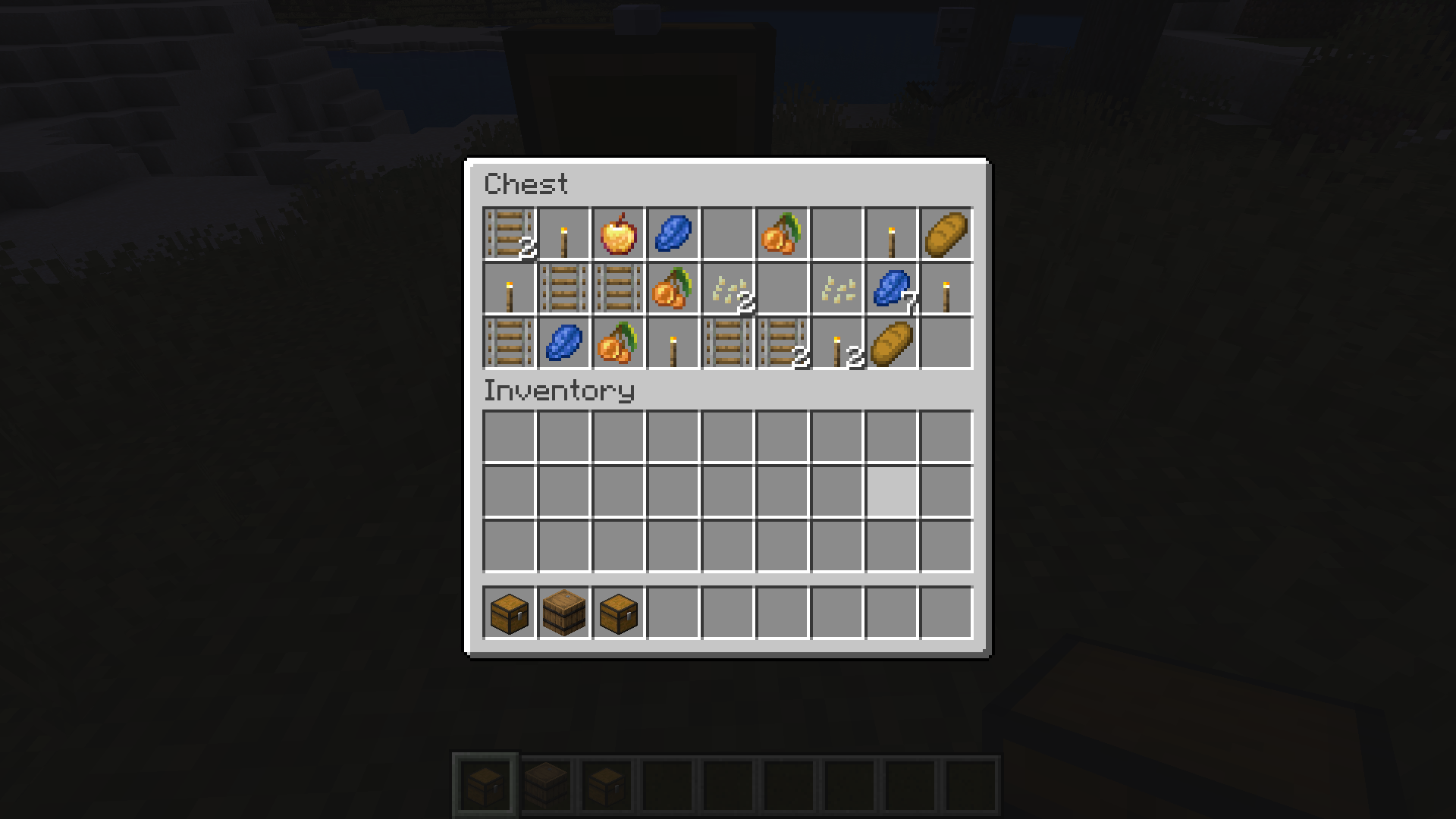 Randomized Loot Table The inside of a randomized container with the loot pool of a mineshaft.
Versions
Files
Relations
Project Relations
More like this
Similar Mods
Suggestions use data such as tags, dependencies, dependents, descriptions, titles, and more to rank how much they overlap with this mod.
On ModDex
Community snapshot
By the numbers
Statistics
Want to reach Minecraft players?
We're looking for a server hosting partner to feature here and other parts of the site. Interested? Send us a message!
Get in touchGet it on
Available Platforms
On ModDex
Community snapshot
By the numbers