
Community listing page, reviews here may not be monitored by the author.
LootLight

No reviews yet
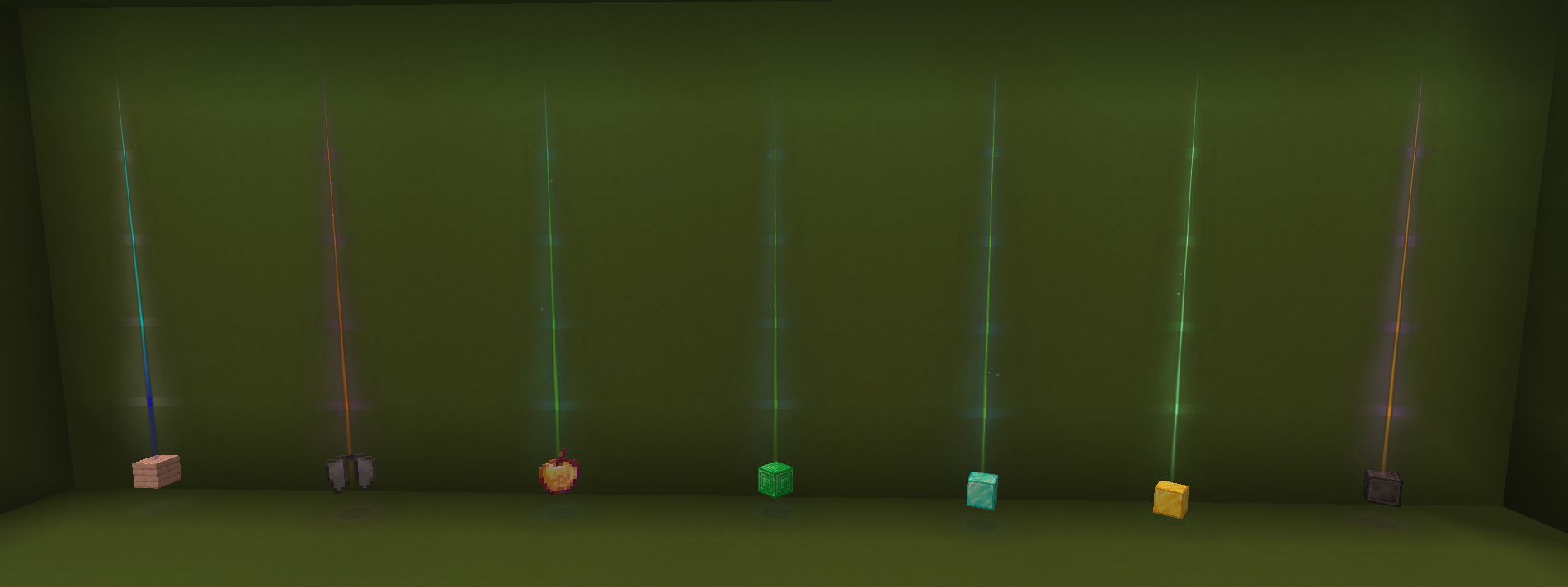
Client-side loot beams for dropped items. Custom gradients, animations, and bundling. Use /beam to style beams.
Community voices
Reviews
No reviews yet. Be the first to review this project!
Get it on
Available Platforms
Compatibility
Supported Environments
Runs entirely on the client. Works on vanilla servers.
About
Project Details
For authors
Embed Badge
If you're the author of this project, you can embed a live badge anywhere that supports HTML or Markdown. It updates automatically whenever ratings change.
Use HTML for any page that supports it, or Markdown for README files and Markdown-based descriptions.
Identifiers
Platform IDs
Resources
External Links
About
Description
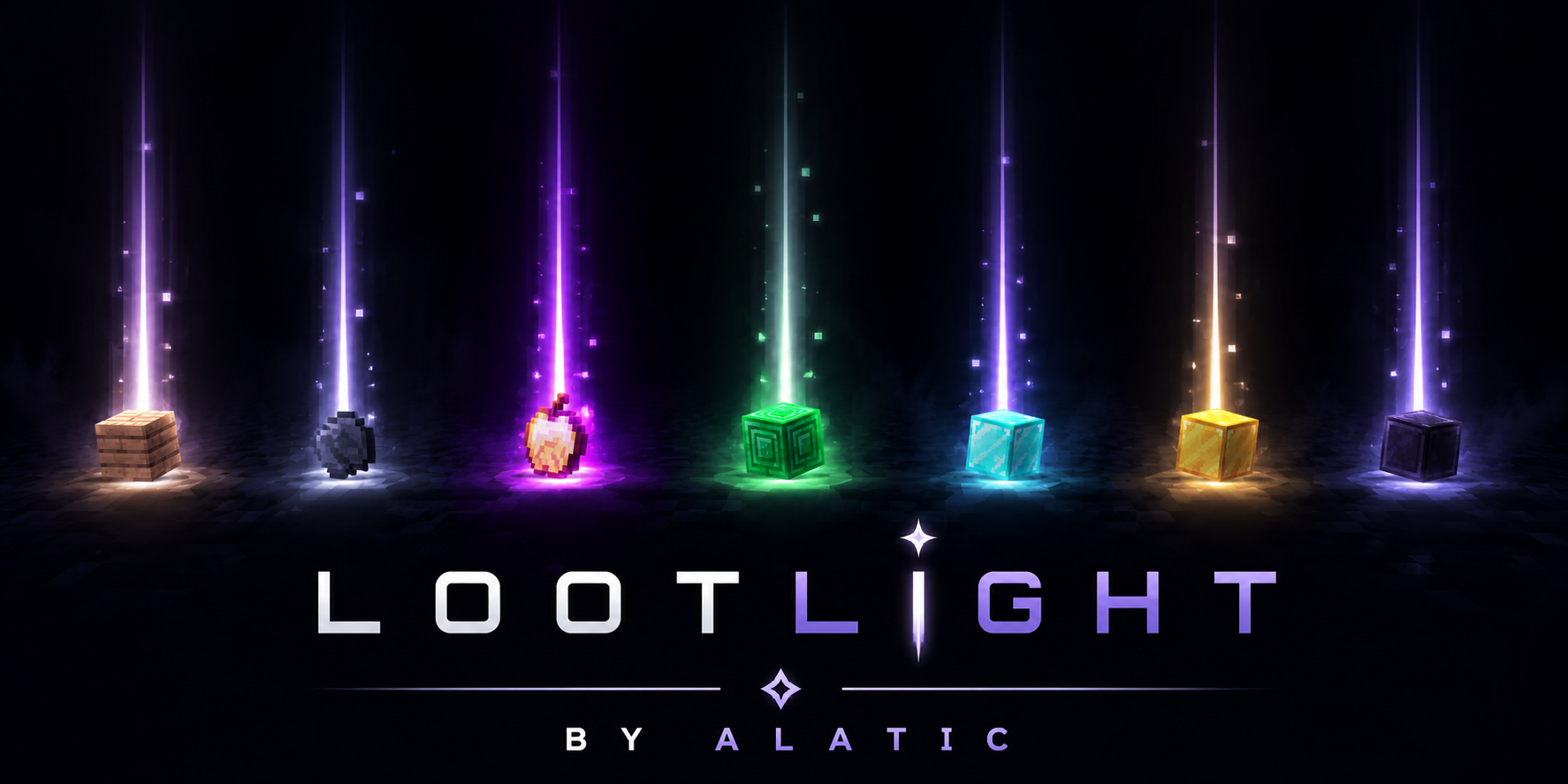
LootLight By ALATIC
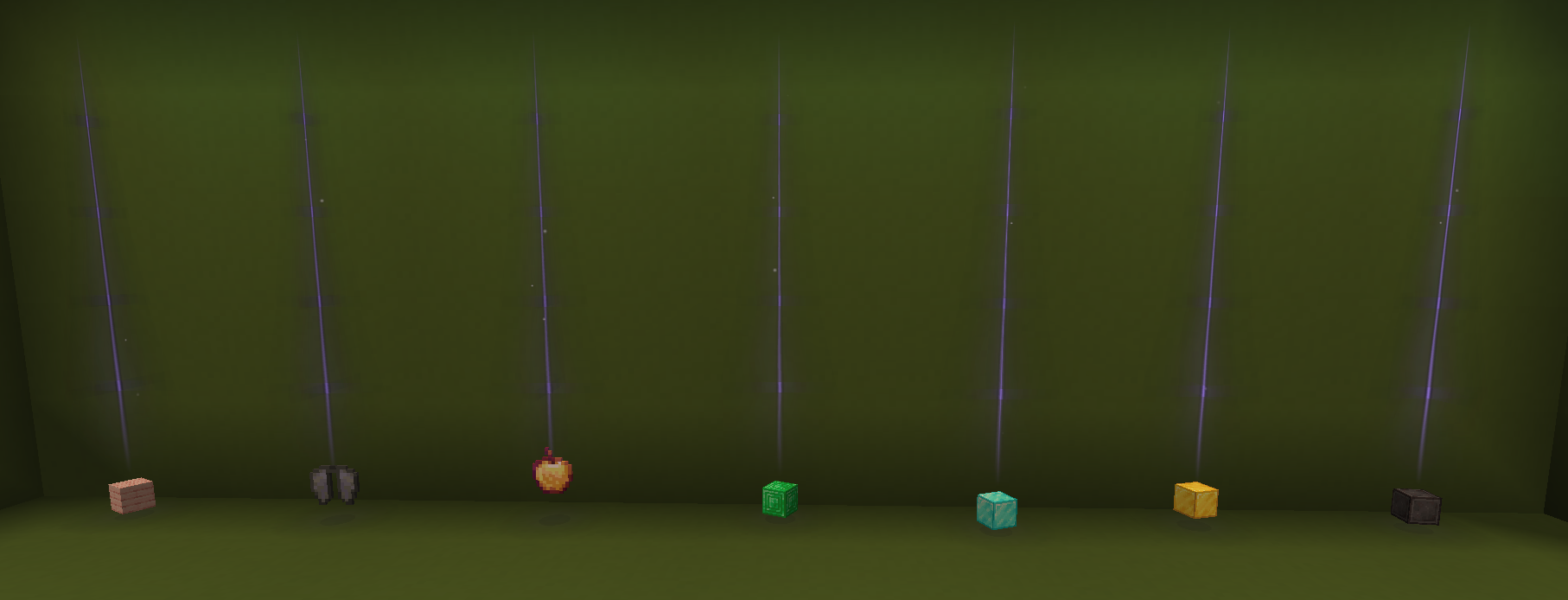
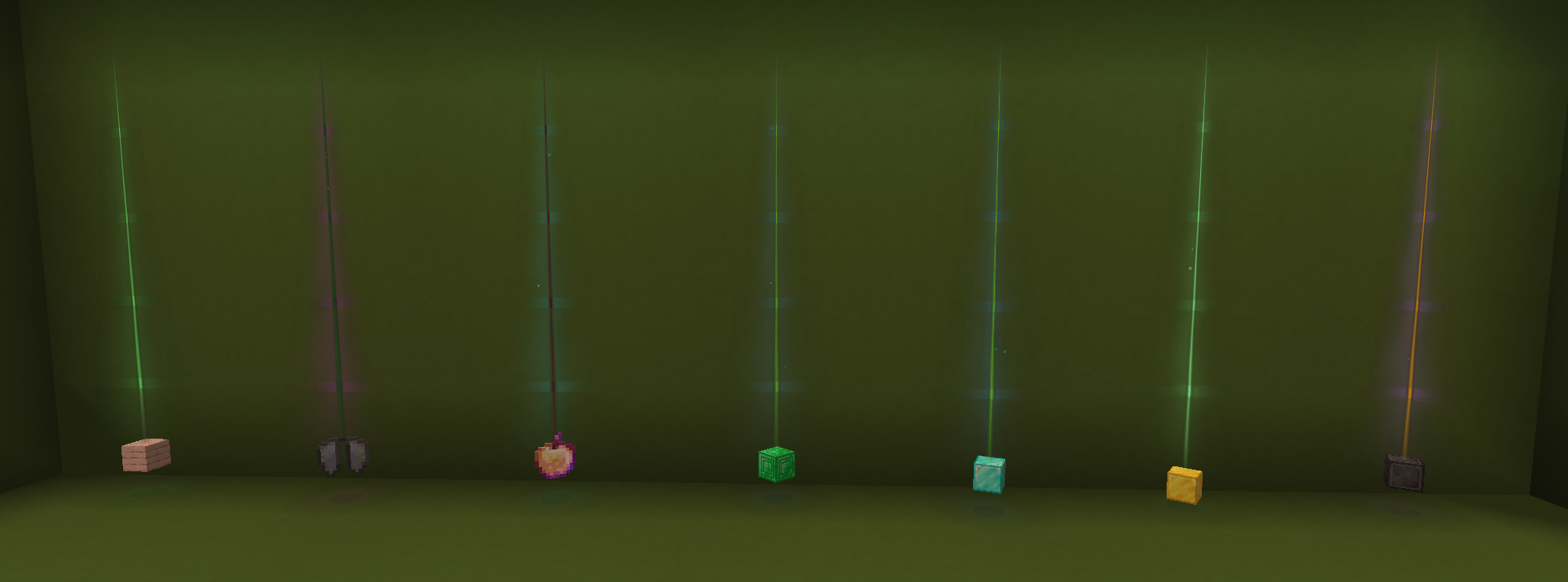
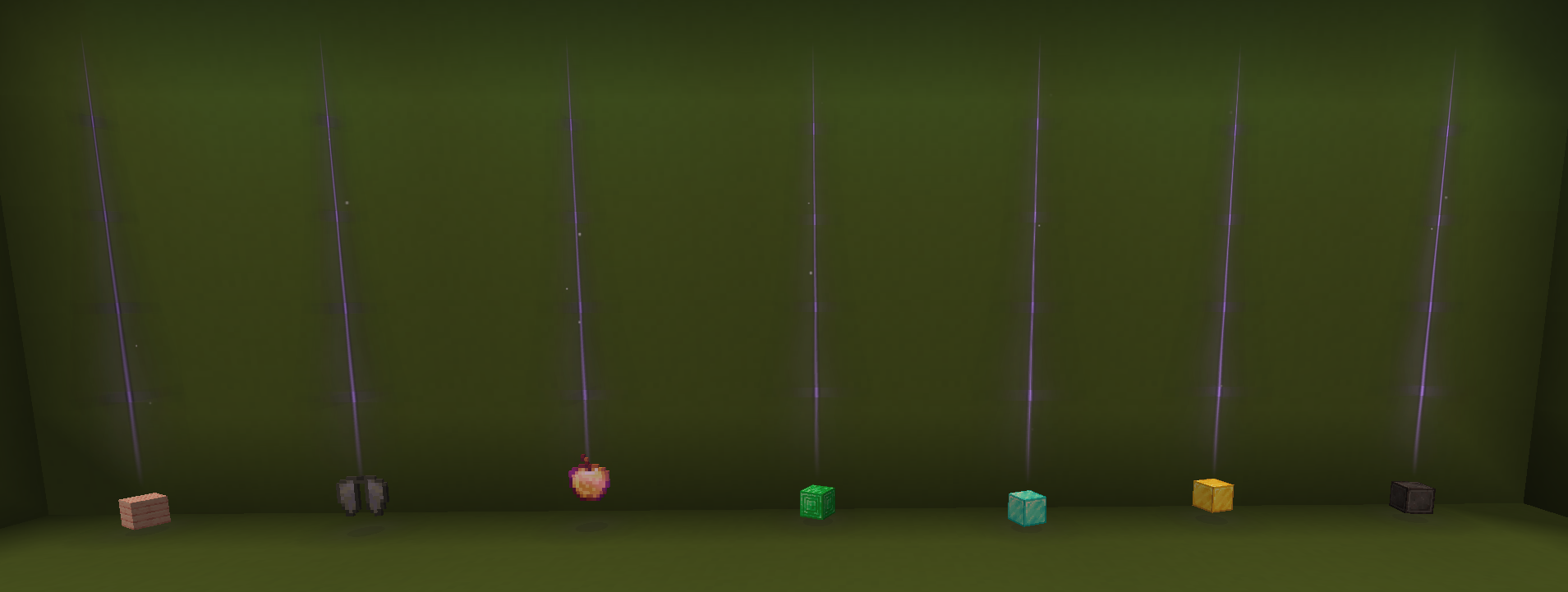
Dropped items are easy to miss, especially in caves or after a messy fight. LootLight adds a light beam above ground loot so you can actually spot it.
Client-side only — install it on your game, no server mod needed.
Not ESP / cheat stuff
This is not player ESP, x-ray, or anything that reveals hidden players or blocks. It only highlights dropped item entities — the same loot piles you'd see if you walked over and looked down. Nothing is shown through walls that isn't already a normal client-side entity.
Because of that, it's allowed on most Minecraft servers that permit cosmetic or QoL client mods (Hypixel-style "no cheats" rules still apply to actual cheat mods — this isn't one of those). When in doubt, check the server's mod policy. It doesn't give you info other players don't have access to; it just makes ground loot easier to notice.
What it does
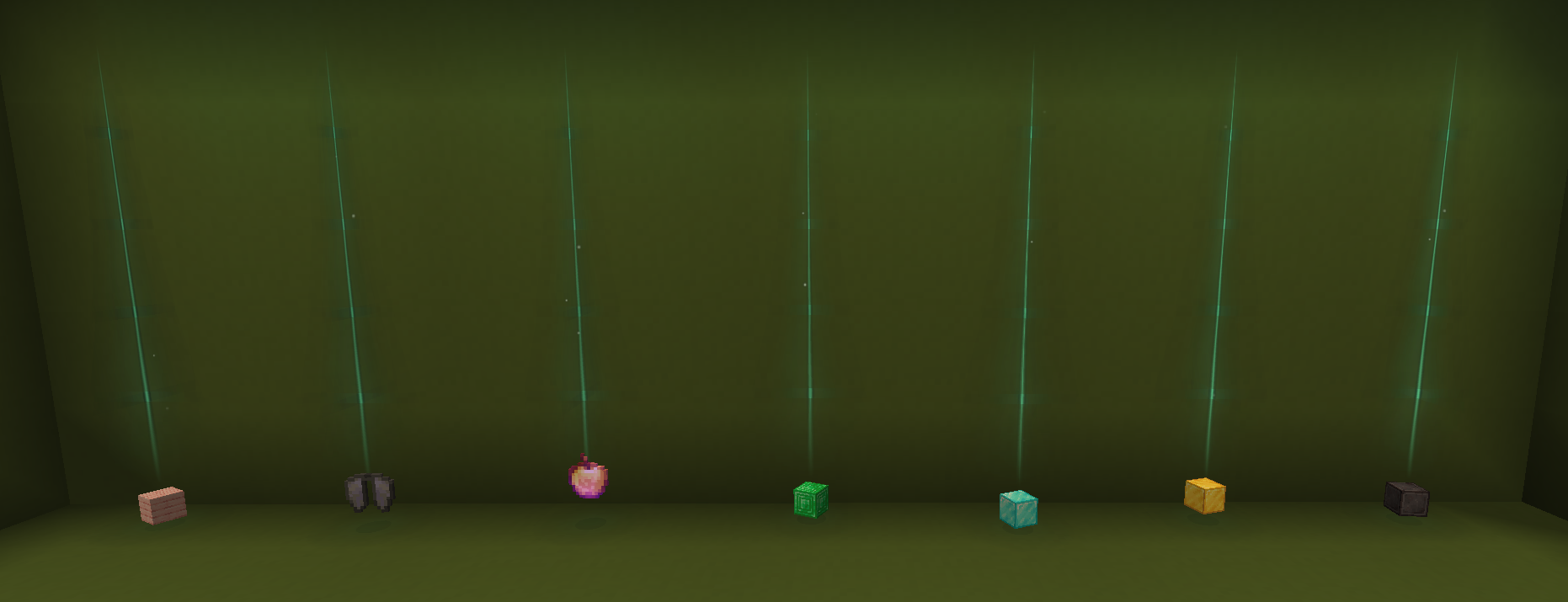
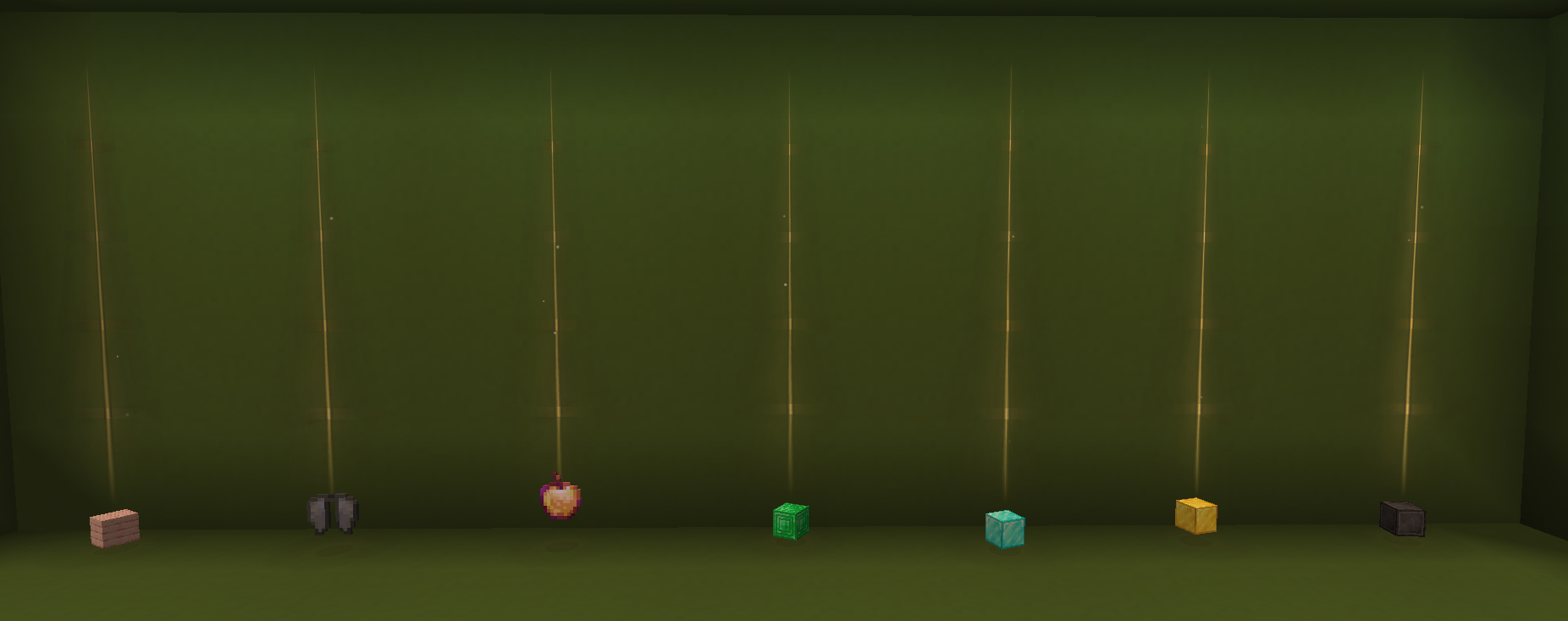
- Draws a vertical beam on dropped items
- Adds a soft glow on the ground underneath
- Optional particles (on by default)
- Beams fade out with distance so it stays readable, not noisy
If you drop a bunch of the same item in one spot, nearby stacks get bundled into one beam instead of ten identical ones sitting on top of each other.
Beams also stop at ceilings instead of clipping straight through the roof.
Customisation
Use /beam to open the gradient picker, or run /beam <name> to switch quickly.
Everything else lives in .minecraft/config/lootlight.json — beam height, colours, render distance, bundling, filters, that kind of thing.
Keybinds (change them in Controls):
- Toggle effects on/off
- Reload config
Mod Menu and Cloth Config are supported if you have them installed, but the mod works fine without either.
Notes
- Minecraft 1.21.11, Fabric
- Requires Fabric API
- Made for personal use first, shared because other people asked for the same thing
If something looks off or tanks your FPS with a huge item farm, tweak maxBeamsPerFrame and maxRenderDistance in the config.
Screenshots
Gallery
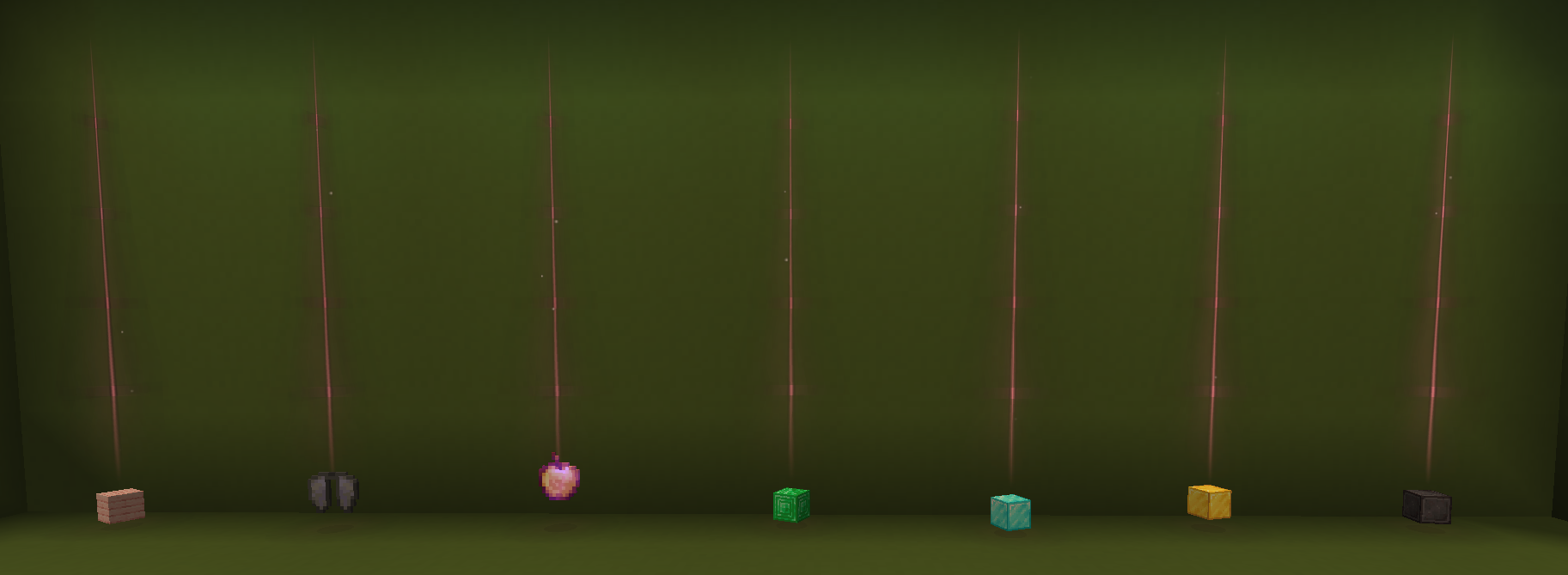
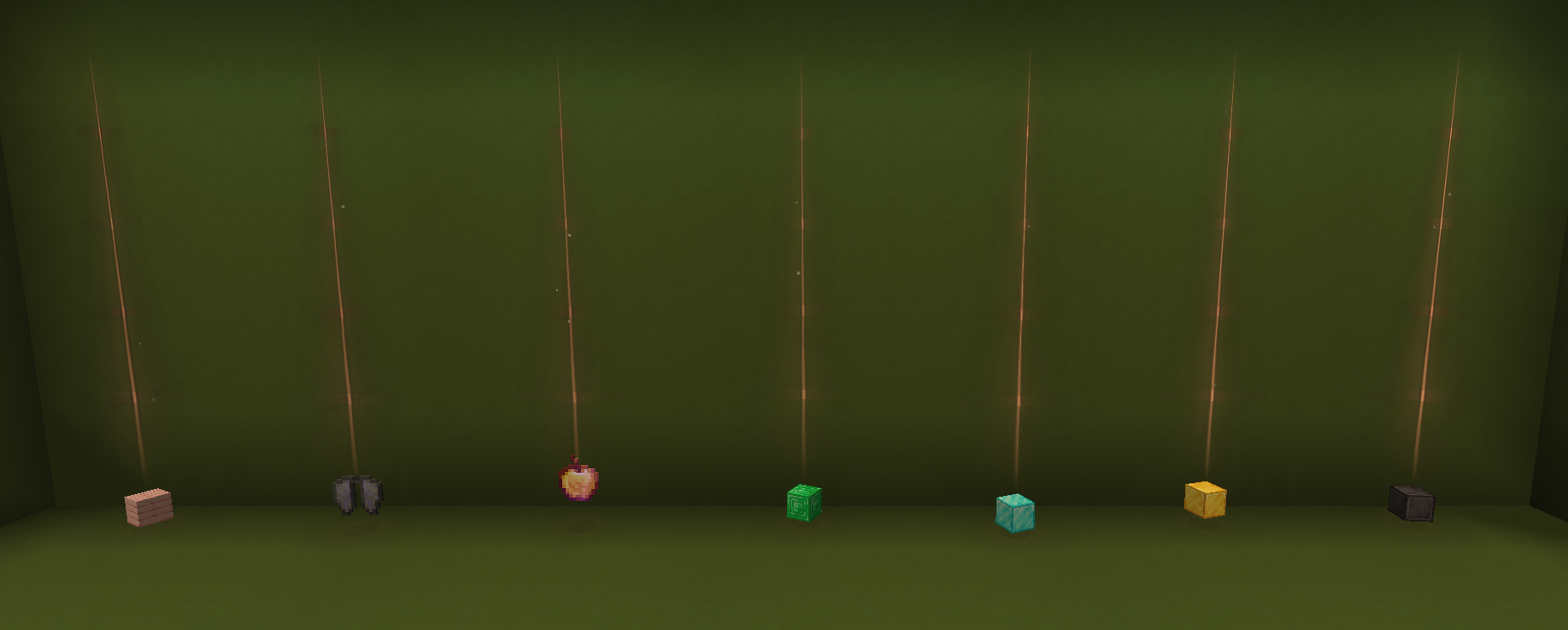
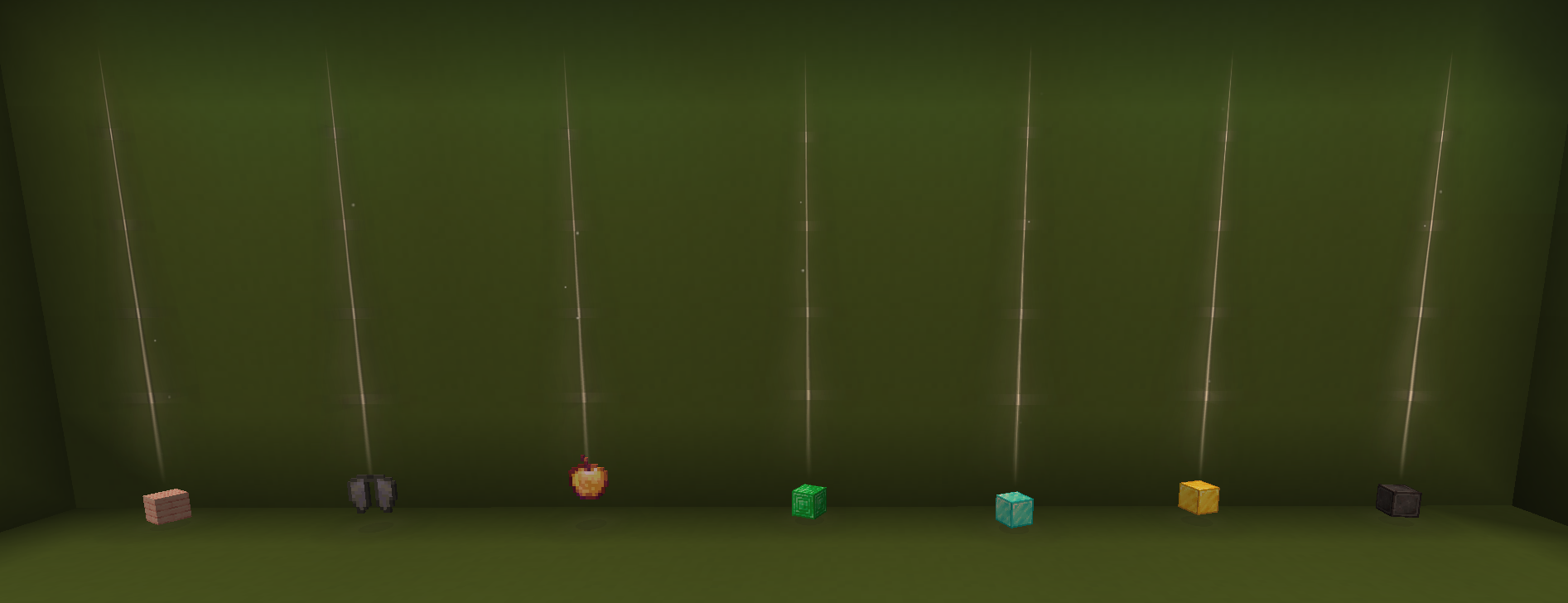
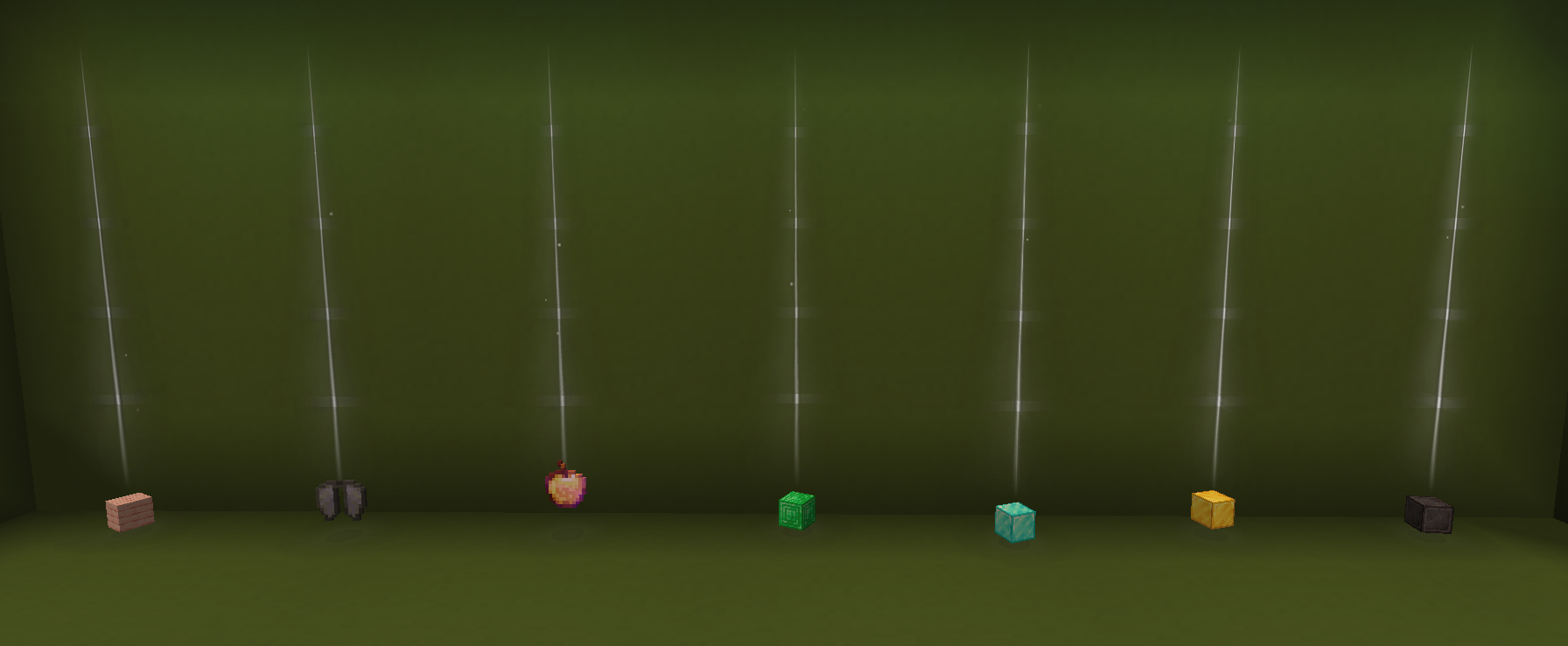
Versions
Files
Relations
Project Relations
More like this
Similar Mods
Suggestions use data such as tags, dependencies, dependents, descriptions, titles, and more to rank how much they overlap with this mod.
On ModDex
Community snapshot
By the numbers
Statistics

Want to reach Minecraft players?
We're looking for a server hosting partner to feature here and other parts of the site. Interested? Send us a message!
Get in touchGet it on
Available Platforms
On ModDex
Community snapshot
By the numbers
Statistics
Resources