
Community listing page, reviews here may not be monitored by the author.
Magnet Enchantment

No reviews yet
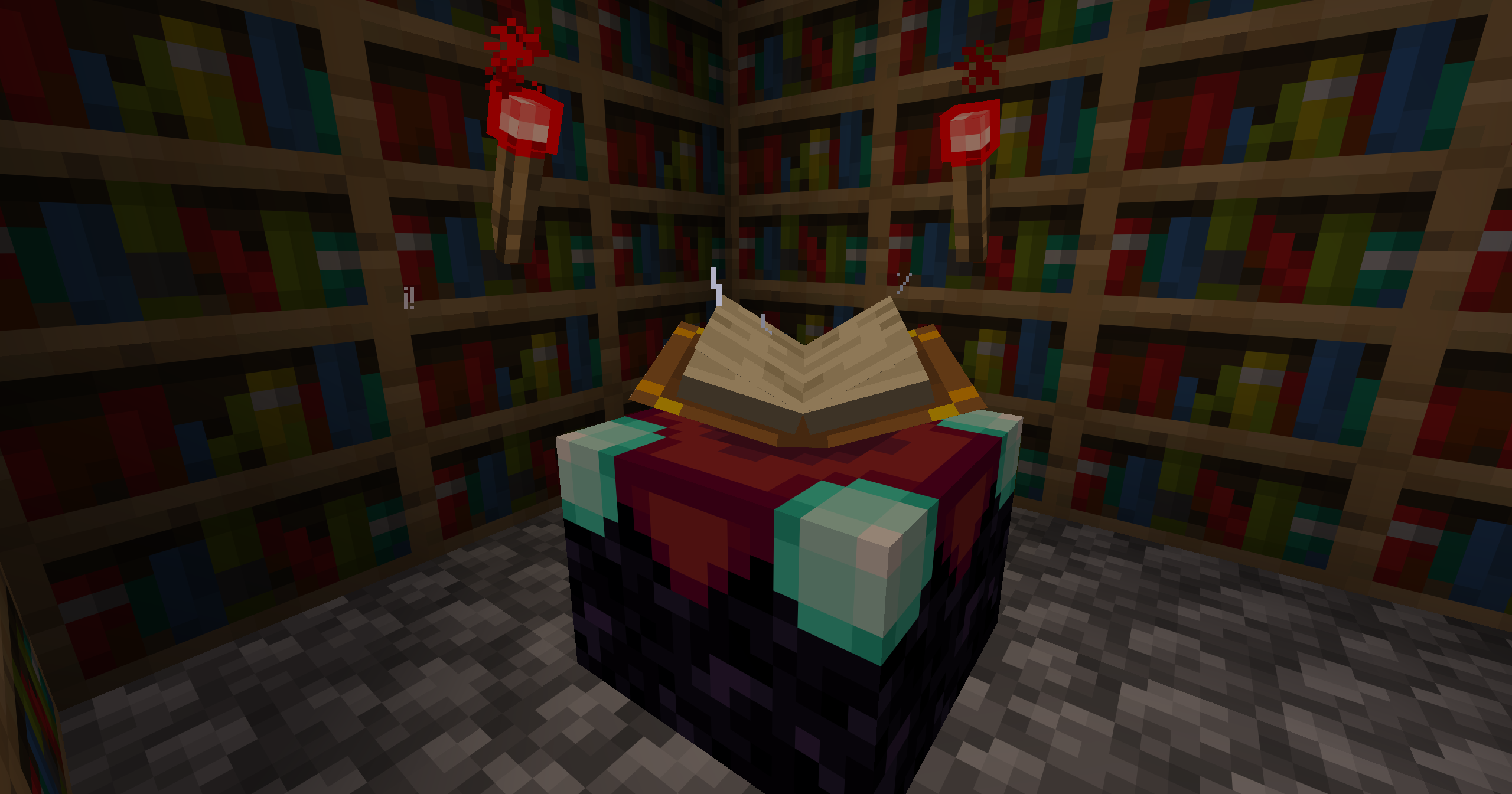
Pull nearby items straight to you with the Magnet enchantment. Faster collection, longer reach, and smooth game play flow.
Community voices
Reviews
No reviews yet. Be the first to review this project!
Get it on
Available Platforms
About
Project Details
For authors
Embed Badge
If you're the author of this project, you can embed a live badge anywhere that supports HTML or Markdown. It updates automatically whenever ratings change.
Use HTML for any page that supports it, or Markdown for README files and Markdown-based descriptions.
Identifiers
Platform IDs
Resources
External Links
About
Description

Pull nearby items straight to you with the Magnet enchantment. Faster collection, longer reach, and smooth gameplay flow.
The Magnet enchantment automatically attracts dropped items toward the player, reducing the need to manually pick up resources. It comes in three levels: Level I collects items within a 6 block radius, Level II extends the range to 8 blocks, and Level III reaches up to 10 blocks with near-instant pickup speed. Higher levels not only increase the range but also significantly improve collection speed, making resource gathering faster and more efficient.
Magnet can be obtained through multiple vanilla-friendly methods, including enchanting tables, loot, trading, and treasure sources. Designed as a quality-of-life enhancement, it integrates seamlessly into survival gameplay without breaking balance, while greatly improving mining, farming, and general exploration.
Requirements:
- Minecraft Java Edition 1.21.5-26.1.2
Installation:
Singleplayer
- Open Minecraft
- Create a new world and click on "More", "Data Packs"
- Drag the data pack into the Minecraft window
- Click "Yes" on the confirmation screen
- Move the data pack to the right-hand side of the screen by clicking the triangle on its icon
- Click "Done" and continue creating your world, then click on "Create New World"
Multiplayer
- Download the data pack
- Open your server folder, then open the folder of the world
- Put the data pack into a folder named datapacks
- Restart your server, and you can use your new datapack.
Permissions:
- None
Commands:
- None
Screenshots
Gallery
Versions
Files
Relations
Project Relations
More like this
Similar Mods
Suggestions use data such as tags, dependencies, dependents, descriptions, titles, and more to rank how much they overlap with this mod.
On ModDex
Community snapshot
By the numbers
Statistics

Want to reach Minecraft players?
We're looking for a server hosting partner to feature here and other parts of the site. Interested? Send us a message!
Get in touchGet it on
Available Platforms
On ModDex
Community snapshot
By the numbers
Statistics
Resources