
Maikura Build Tools
No reviews yet
Vanilla-friendly building utility tools for Fabric.
Fabric is a mod loader for versions 1.14+ of Minecraft, particularly popular for client side and optimization mods.
Community voices
Reviews
Click once to include, again to exclude, again to clear
No reviews yet. Be the first to review this project!
Get it on
Available Platforms
 Modrinth
Compatibility
Supported Environments
About
Project Details
For authors
Embed Badge
If you're the author of this project, you can embed a live badge anywhere that supports HTML or Markdown. It updates automatically whenever ratings change.
Use HTML for any page that supports it, or Markdown for README files and Markdown-based descriptions.
Identifiers
Platform IDs
Resources
External Links
About
Description
Maikura Build Tools
A collection of utility tools designed to simplify building, lighting, and world management in Minecraft Fabric.
Included Tools
Building Adjustment Wand
Rotate and modify directional blocks without breaking and replacing them.
Supports stairs, slabs, trapdoors, fences, walls, logs, and many other block states.
Luminous Control Wand
Place, adjust, and remove invisible light sources.
Perfect for decoration, mob-proofing, and custom builds without visible light blocks.
Timespace Wand
Control time and weather directly from your inventory.
Also includes temporary building markers for planning large construction projects.
Features
- Survival-friendly design
- No OP permission required
- Mod Menu configuration support
- Global mod enable/disable option
- Individual tool enable/disable options
- Lightweight and server-friendly
- Works in Singleplayer and Multiplayer
- Fabric 1.21.11 support
Configuration
All tools can be configured through Mod Menu.
- Enable or disable the entire mod
- Enable or disable individual tools
- Customize tool availability for servers and modpacks
Included Utilities
Building Adjustment Wand
- Rotate directional blocks
- Modify block states without breaking blocks
Luminous Control Wand
- Place invisible light sources
- Adjust light levels
- Remove existing light sources
Timespace Wand
- Change time of day
- Control weather conditions
- Place temporary building markers
Author
MAIKURA KOBO
Crafted for Minecraft.
Screenshots
Gallery
-
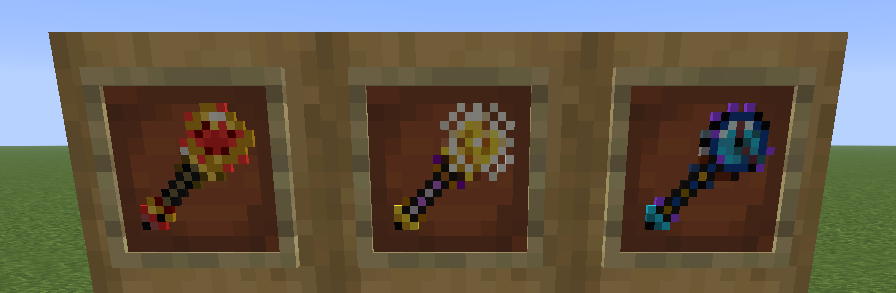 Build Tools Collection Three utility wands included in Maikura Build Tools. Building Adjustment Wand, Luminous Control Wand, and Timespace Wand.
 -
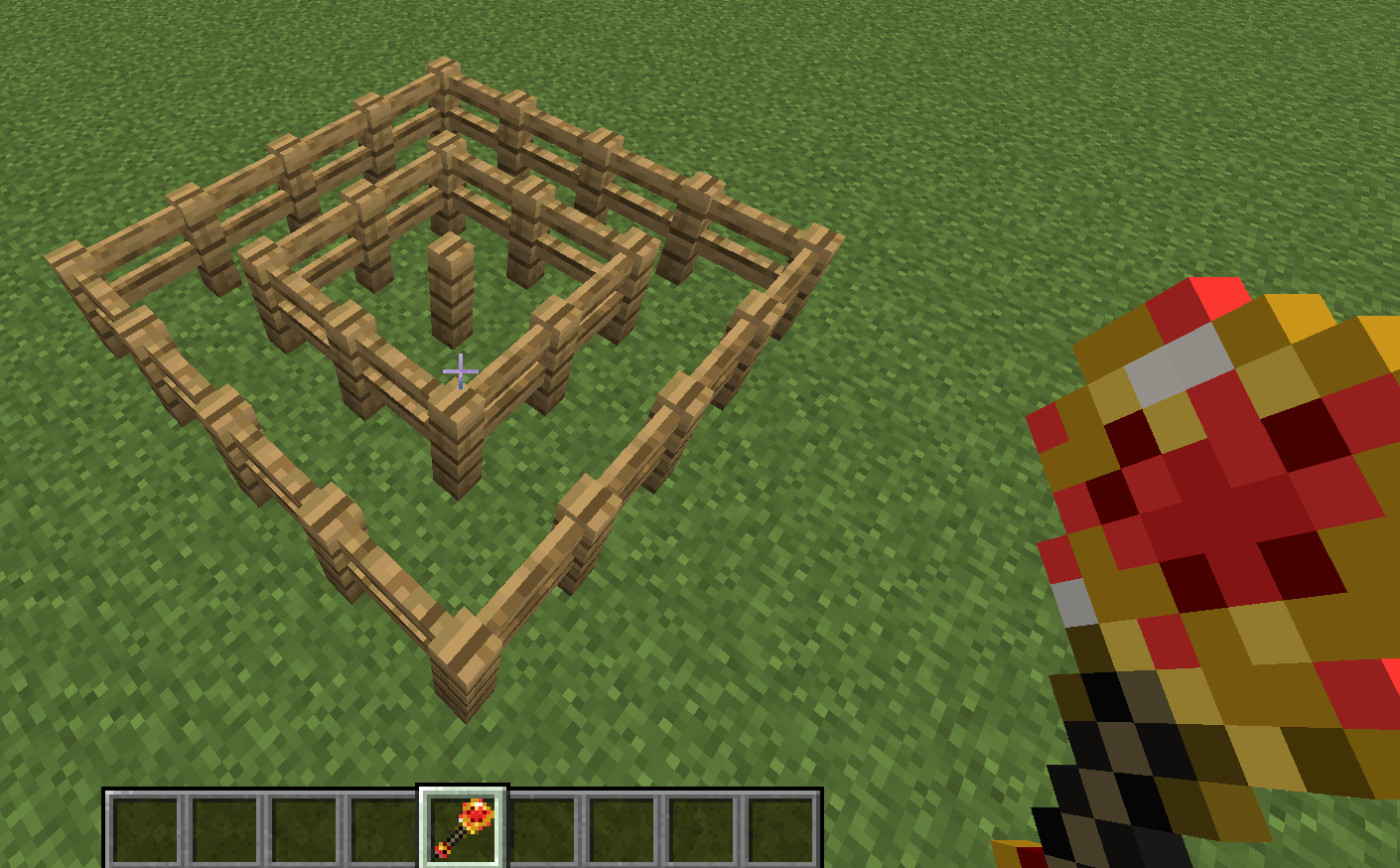 Building Adjustment Wand Rotate and modify directional blocks without breaking them. Works with fences, stairs, trapdoors, walls and many other block states.
 -
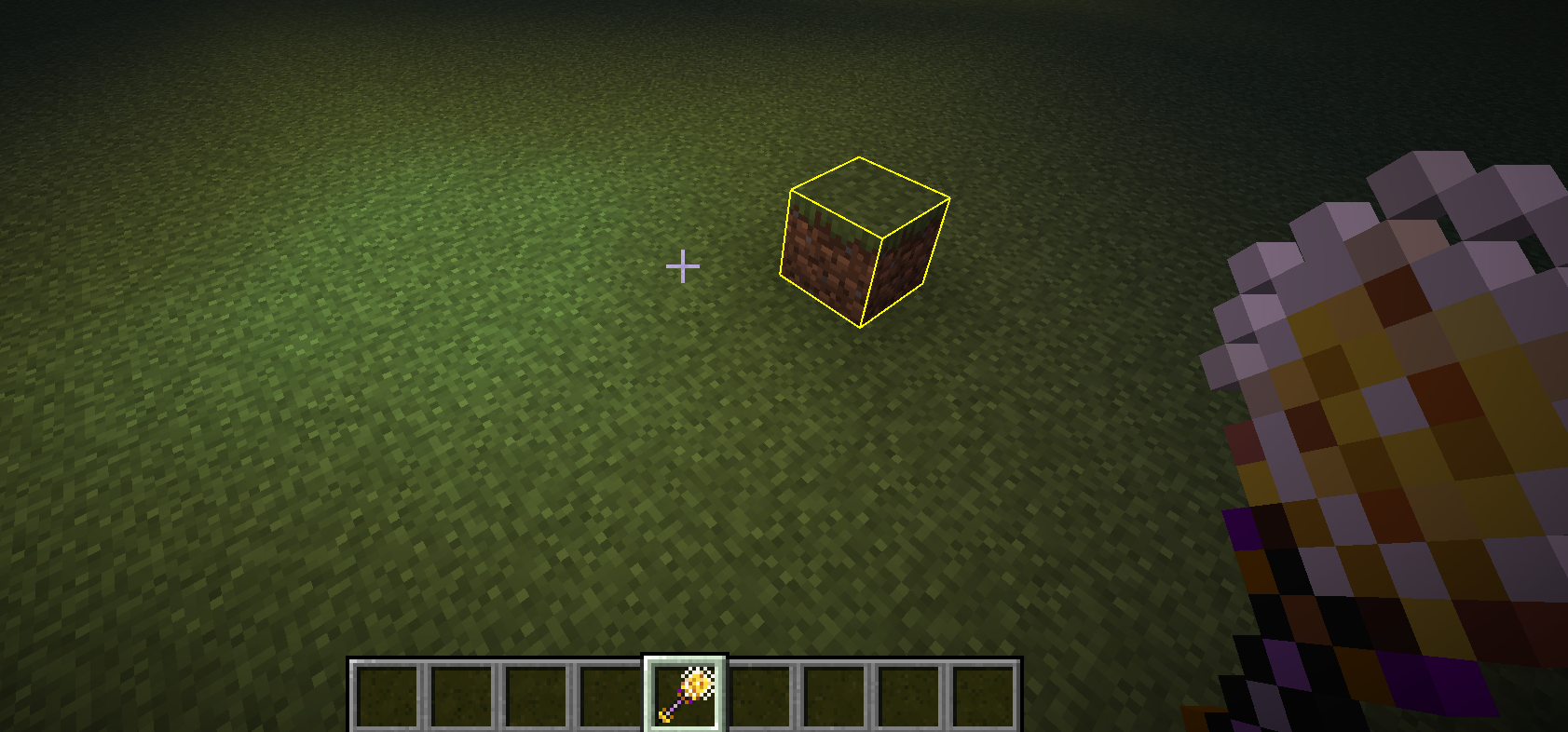 Luminous Control Wand Place and manage invisible light sources without visible light blocks.
 -
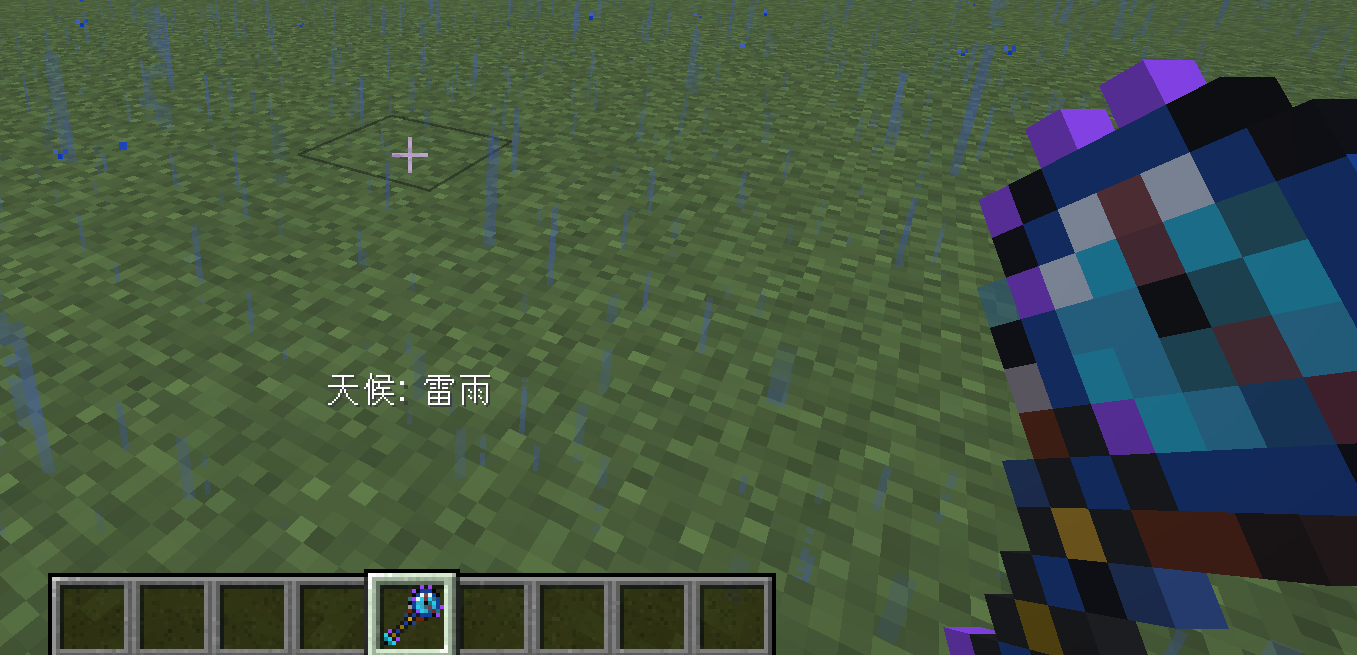 Timespace Wand Control time and weather directly from your inventory.
Versions
Files
Relations
Project Relations
More like this
Similar Mods
Suggestions use data such as tags, dependencies, dependents, descriptions, titles, and more to rank how much they overlap with this mod.
On ModDex
Community snapshot
By the numbers
Statistics

Want to reach Minecraft players?
We're looking for a server hosting partner to feature here and other parts of the site. Interested? Send us a message!
Get in touchGet it on
Available Platforms
On ModDex
Community snapshot
By the numbers
Statistics
Resources