
Community listing page, reviews may not be monitored by the author.
Maingraph


No reviews yet
Maingraph is a visual blueprint engine designed for Minecraft. It allows for custom logic through intuitive node connections, requiring no (or very little) coding.

Community voices
Reviews
No reviews yet. Be the first to review this project!
Get it on
Available Platforms
Compatibility
Supported Environments
Must be installed on both the client and the server.
About
Project Details
For authors
Embed Badge
If you're the author of this project, you can embed a live badge anywhere that supports HTML or Markdown. It updates automatically whenever ratings change.
Use HTML for any page that supports it, or Markdown for README files and Markdown-based descriptions.
Identifiers
Platform IDs
About
Description
Maingraph

Maingraph is a visual blueprint engine designed for Minecraft. It allows for custom logic through intuitive node connections, requiring no (or very little) coding.
Official Website: https://mc.maingraph.nb6.ltd/
Quick Start
- Installation: Place the mod in your Minecraft
modsfolder (requires NeoForge). - Open Editor: Once in-game, press
Ctrl + Mto open the Blueprint Manager. - Create Blueprint: Enter a name and click "Create".
- Start Authoring: Right-click on the canvas to add nodes, connect white arrows (execution flow) and colored dots (data flow).
- Save & Run: Click "Save", and your logic will start running in the background.
Compatibility of Maingraph
Known compatibility with the following mods:
- IMBlocker: Since v0.2.2, the Blueprint Editor uses Minecraft’s native EditBox, making it compatible with IMBlocker.
- Just Enough Characters: Starting from v0.2.3, the Blueprint Editor fully supports JECh via reflection.
- Current Status: When JECh is detected, the search feature automatically enables Pinyin initial matching (including node names, categories, port names, etc.).
- Physics Mod: In F6 physics UI mode, the Blueprint Editor does not participate in physics simulation.
- Planned Fix: No fix planned.
- "Does anyone actually edit with this thing on…?"
- ImmediatelyFast: Testing shows no noticeable FPS improvement in the Blueprint Editor after installing ImmediatelyFast.
Example Addon
If you want to develop your own nodes, check out the example addon: maingraph-project/mgmc-example
This project is licensed under the MIT License.
Maingraph for MC
Maingraph for MC is a visual blueprint engine designed for Minecraft. It allows for custom logic through intuitive node connections, requiring no (or very little) coding.
Official Website: https://mc.maingraph.nb6.ltd/
Quick Start
- Installation: Place the mod in your Minecraft
modsfolder (requires NeoForge). - Open Editor: Once in-game, press
Ctrl + Mto open the Blueprint Manager. - Create Blueprint: Enter a name and click "Create".
- Start Authoring: Right-click on the canvas to add nodes, connect white arrows (execution flow) and colored dots (data flow).
- Save & Run: Click "Save", and your logic will start running in the background.
Compatibility of Maingraph for MC
Known compatibility with the following mods:
- IMBlocker: Since v0.2.2, the Blueprint Editor uses Minecraft’s native EditBox, making it compatible with IMBlocker.
- Just Enough Characters: Starting from v0.2.3, the Blueprint Editor fully supports JECh via reflection.
- Current Status: When JECh is detected, the search feature automatically enables Pinyin initial matching (including node names, categories, port names, etc.).
- Physics Mod: In F6 physics UI mode, the Blueprint Editor does not participate in physics simulation.
- Planned Fix: No fix planned.
- "Does anyone actually edit with this thing on...?"
- ImmediatelyFast: Testing shows no noticeable FPS improvement in the Blueprint Editor after installing ImmediatelyFast.
Example Addon
If you want to develop your own nodes, check out the example addon: maingraph-project/mgmc-example
This project is licensed under the MIT License.
Screenshots
Gallery
-
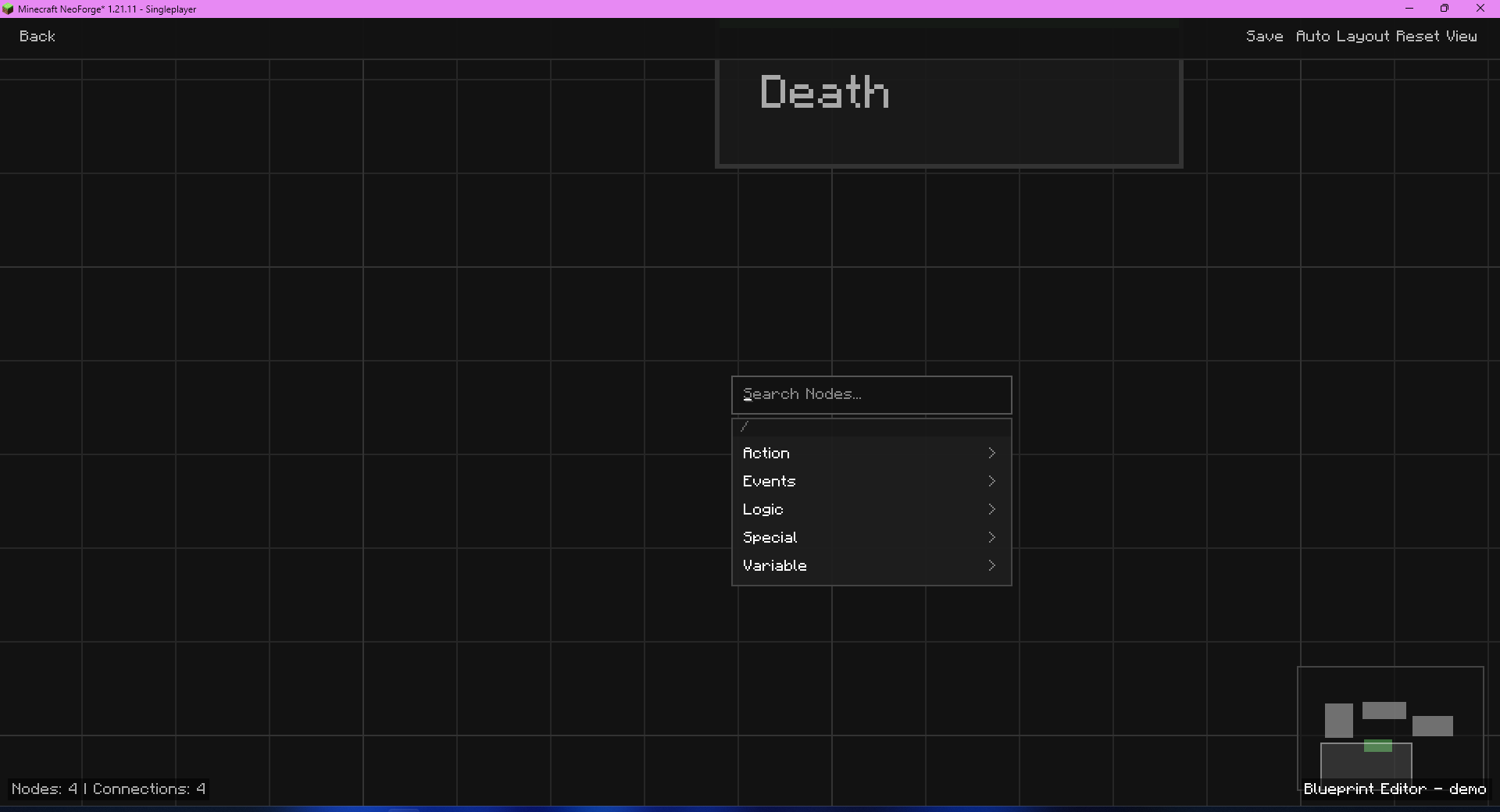 add nodes
 -
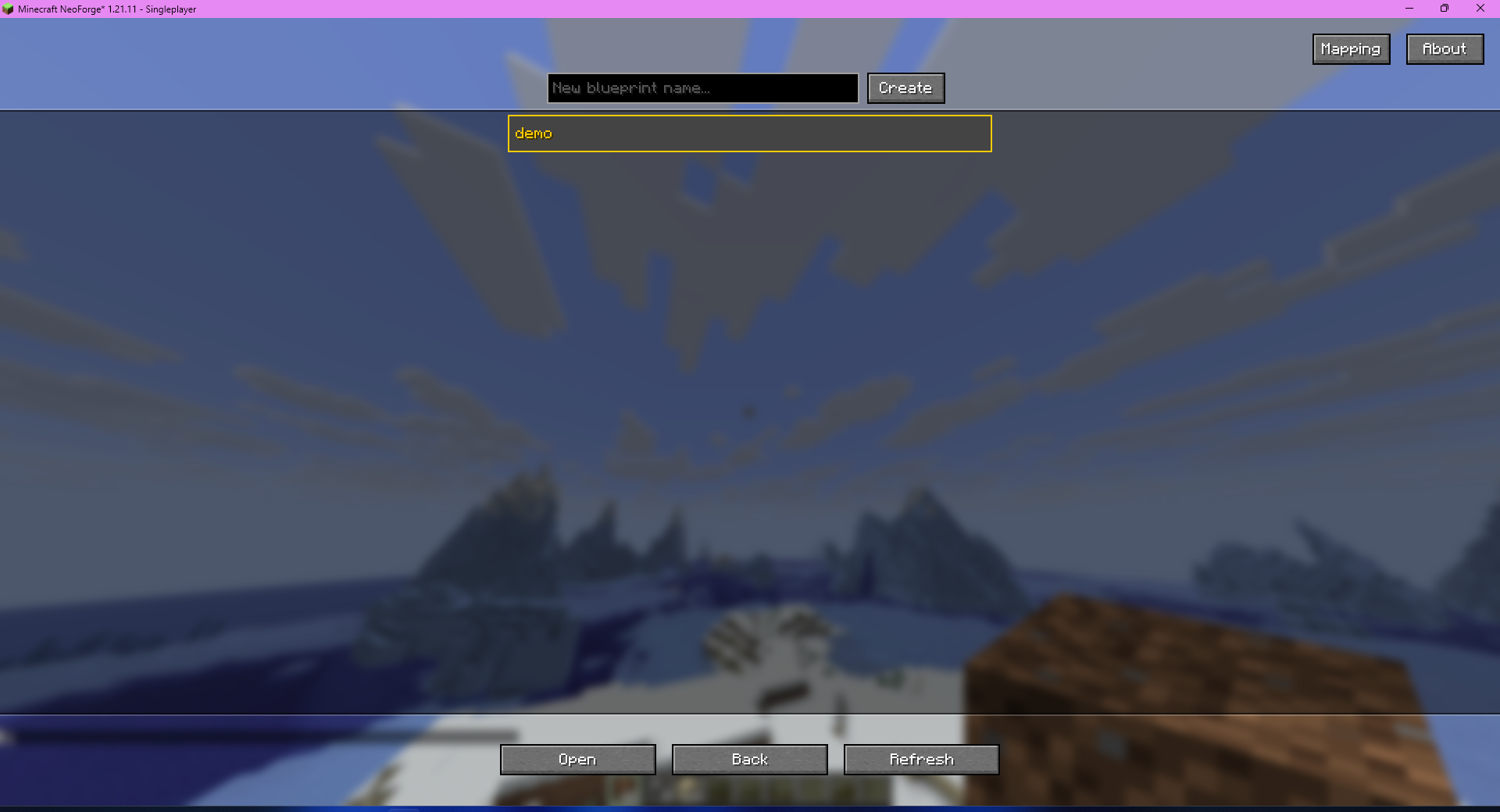
-
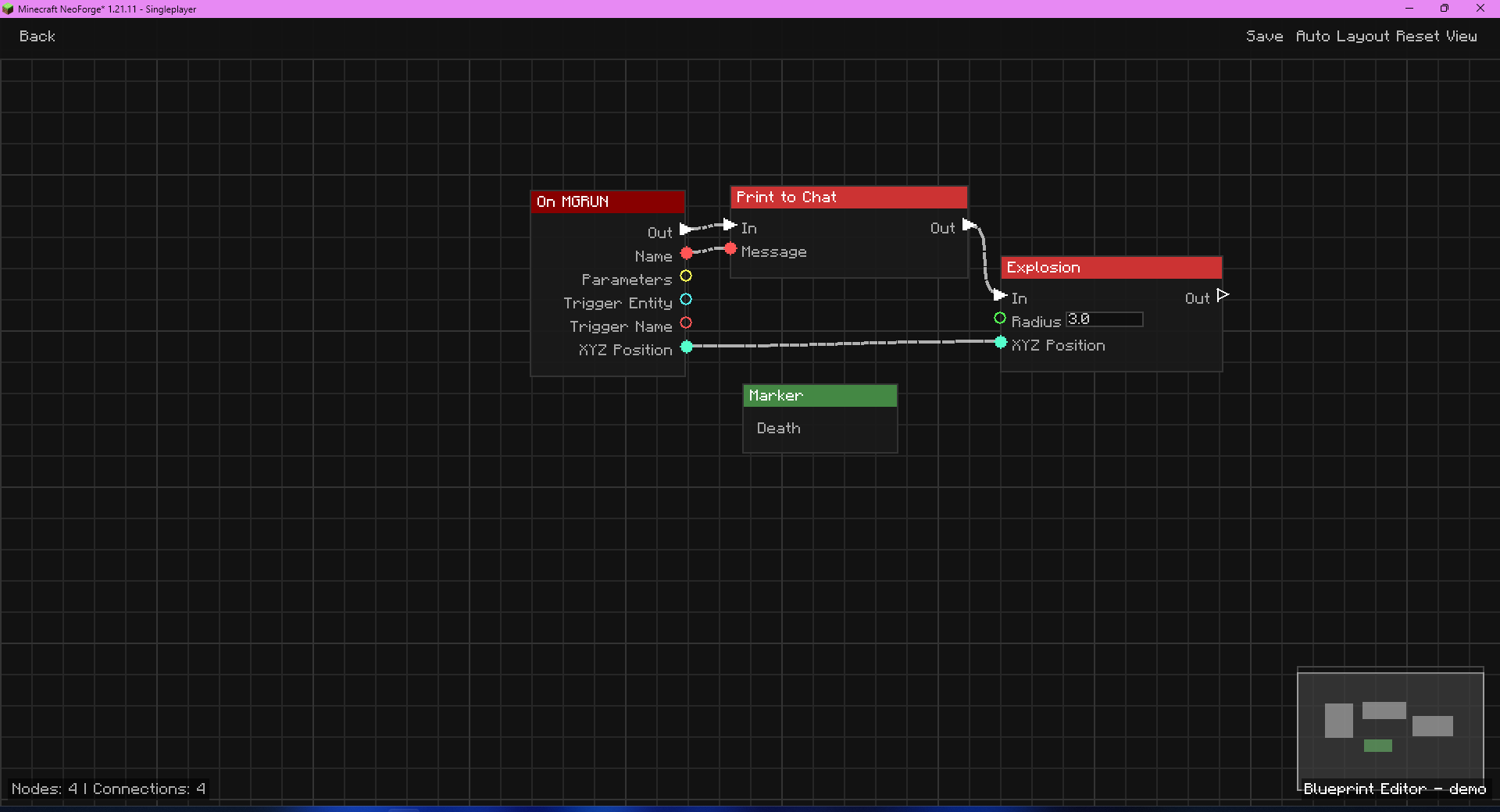 editor
 -
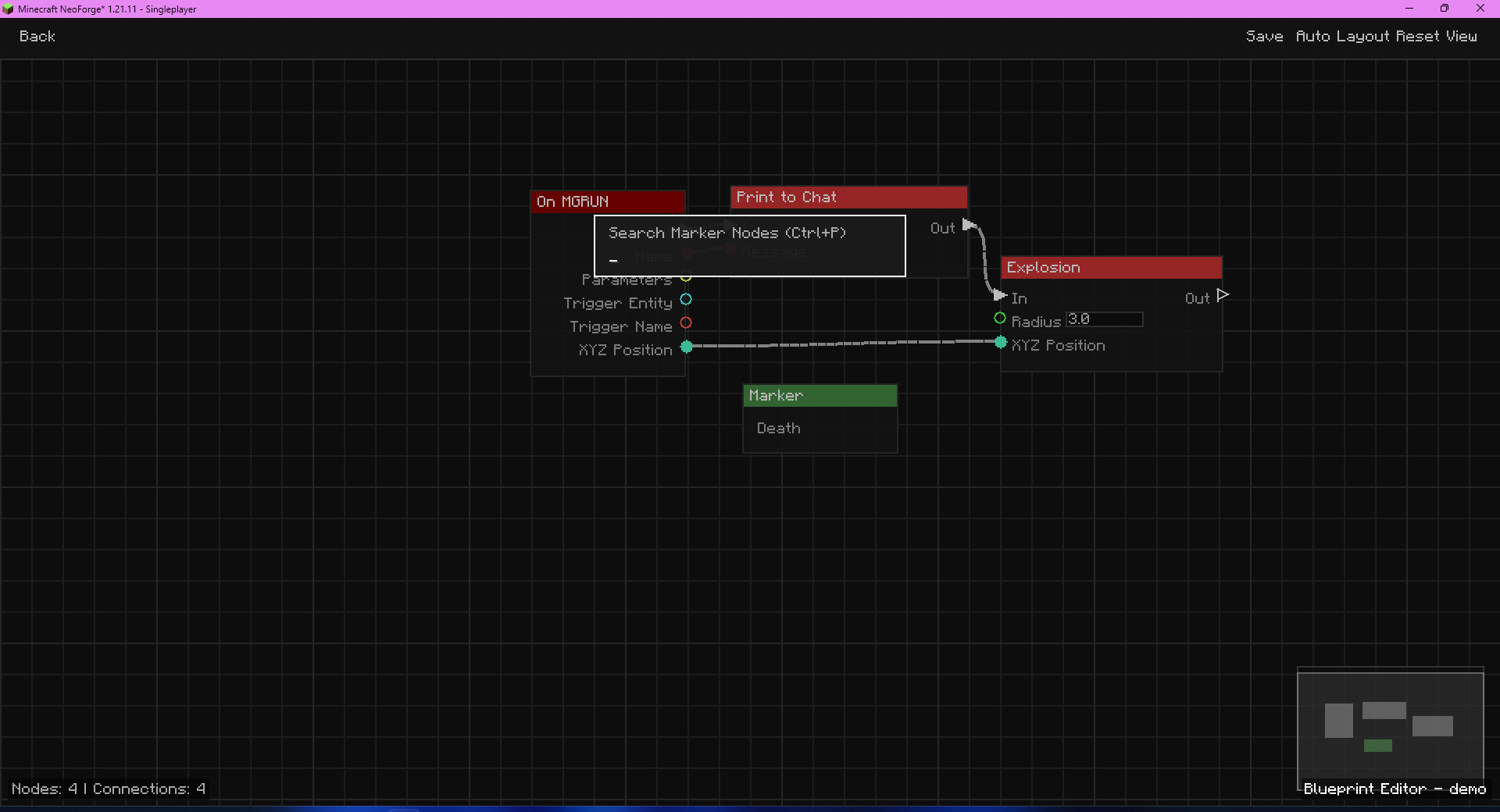 ctrl+p
 -
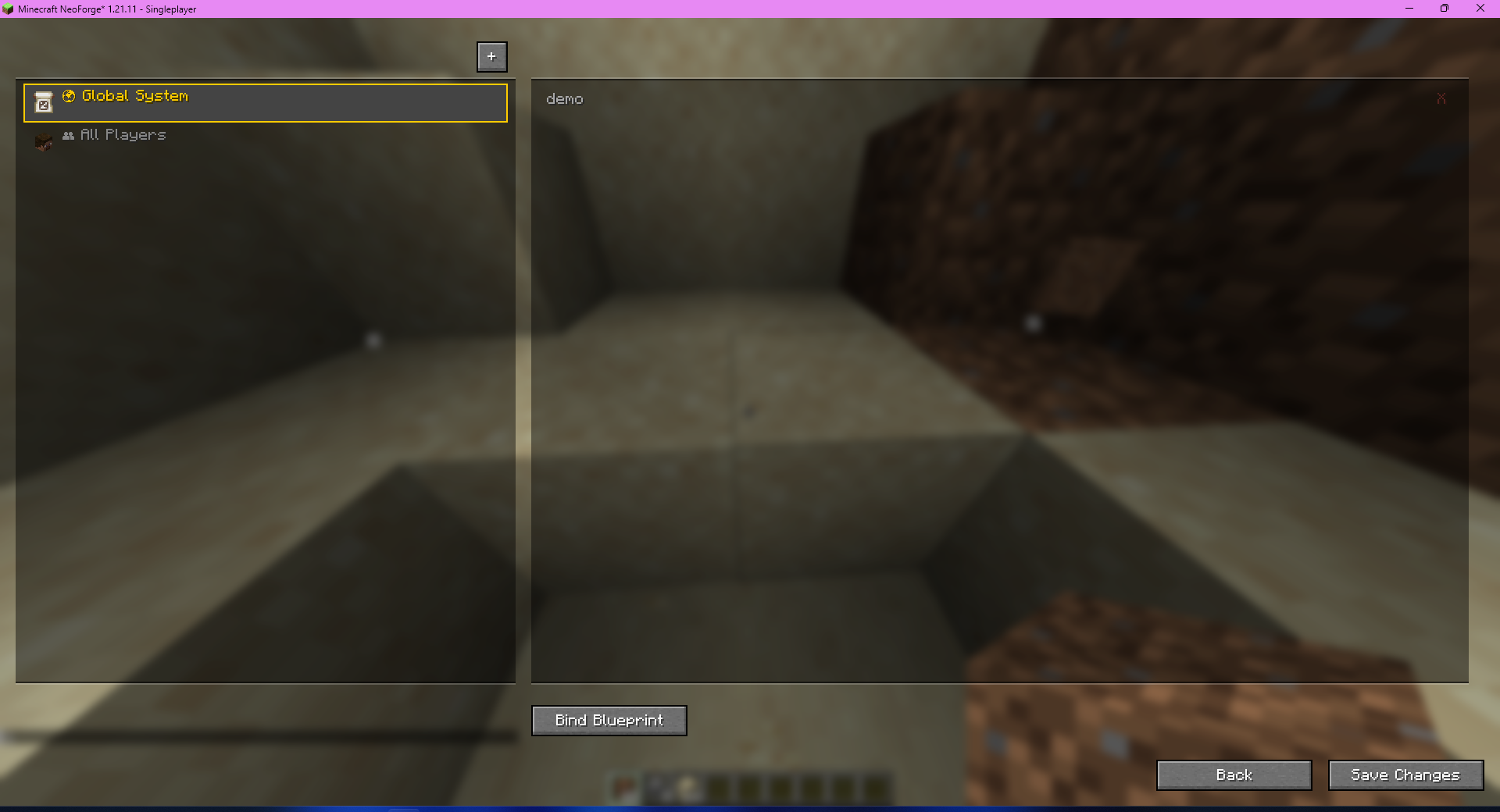 mapping
Versions
Files
Relations
Project Relations
More like this
Similar Mods
Suggestions use data such as tags, dependencies, dependents, descriptions, titles, and more to rank how much they overlap with this mod.
On ModDex
Community snapshot
By the numbers
Statistics

Get it on
Available Platforms
On ModDex
Community snapshot
By the numbers