Makriva
No reviews yet
Customize and animate player model with Blockbench
Forge is a popular mod loader for versions 1.1+ of Minecraft.
Community voices
Reviews
Click once to include, again to exclude, again to clear
No reviews yet. Be the first to review this project!
Get it on
Available Platforms
 Modrinth
Compatibility
Supported Environments
About
Project Details
For authors
Embed Badge
If you're the author of this project, you can embed a live badge anywhere that supports HTML or Markdown. It updates automatically whenever ratings change.
Use HTML for any page that supports it, or Markdown for README files and Markdown-based descriptions.
Identifiers
Platform IDs
About
Description
Makriva
The custom player model mod.
- Supports Blockbench modelling via plugin (load plugin from this URL)
- Animations with math expressions and conditions
- HD skins via URL
- Custom bounding boxes in different poses
- User-hosted models (no need to upload)
- Automatic model refresh on file change
- MorePlayerModels poses (sit, crawl, etc.) and skin integration
Shape model usage
- Copy shape model (.json file) into
.minecraft/makriva(folder can be opened from the next step) - Ingame press "shapes menu" button (default HOME)
- If shape model is correct then it should appear in list
- Click on model name and press Select. Done!
Shape model creation workflow
Preparation
- Get Blockbench
- Install Makriva plugin via File->Plugins->Load Plugin from URL
- Paste this URL
- Download boilerplate steve model from here
Modelling
- Open base-steve.bbmodel
- Add your groups and cubes in existing root groups. This will bind your cubes to the different body parts.
- Organize your cubes on texture and paint them
- Export shape model via File->Export->Export Makriva Shape into makriva folder
- Check out your model ingame and repeat
Documentation
- In english (Translation)
- На русском
Examples
TODO
- OBJ meshes via Blockbench import
- Blockbench keyframe animations
- Support more Minecraft versions?
Screenshots
Gallery
-
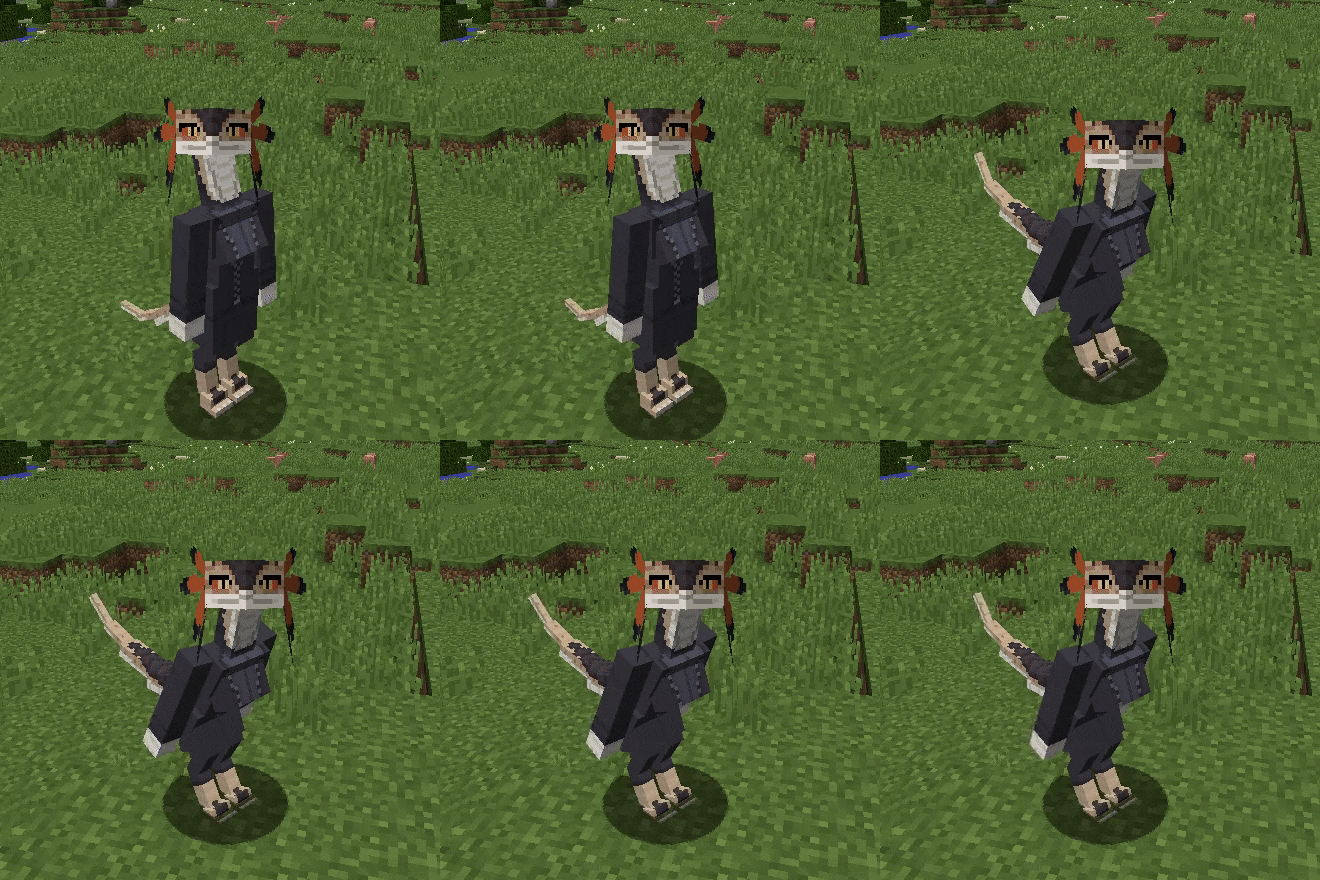 Cisca example Has all custom bodyparts, flat feathers (quads), constant and dynamic animations, slightly bigger bounding box and shifted up eyes position (in first person view)
 -
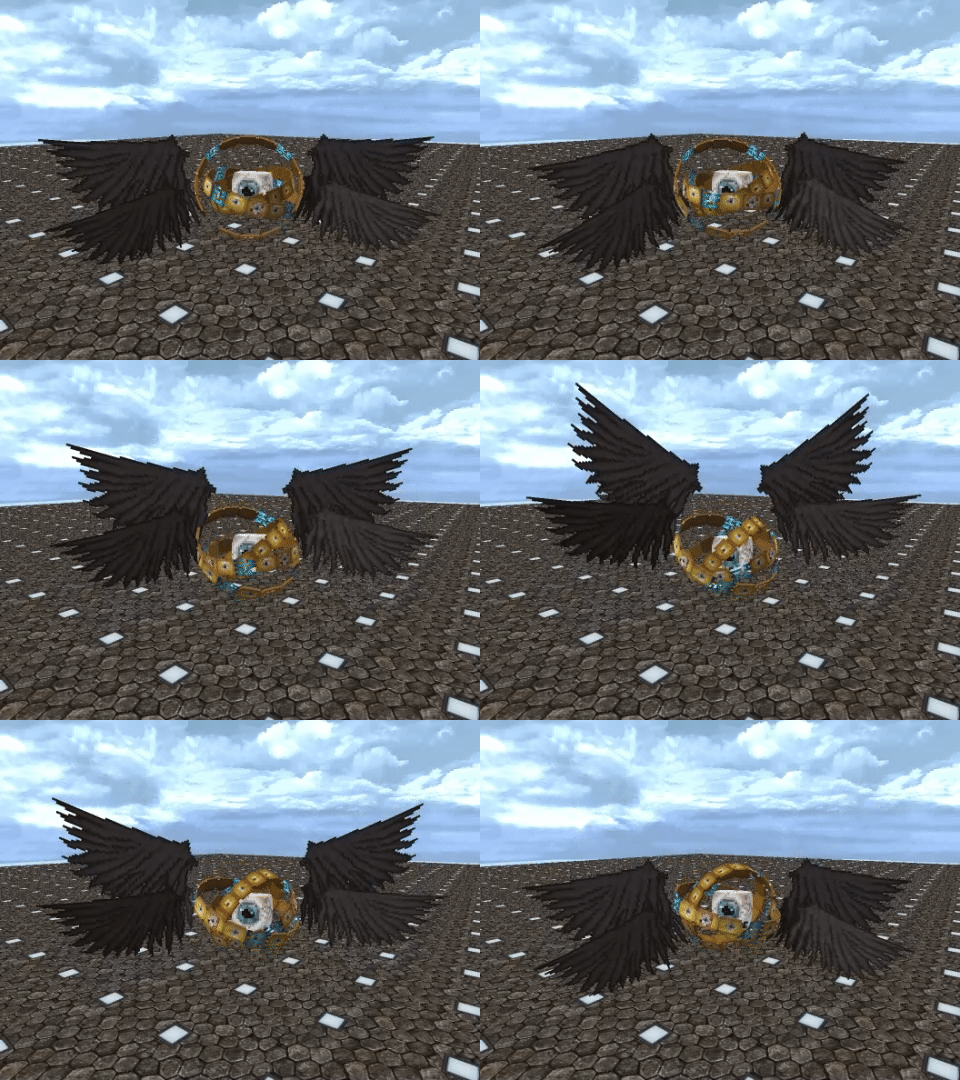 👁️ Model by @Garik 9255, texture by @GapFishersWilly 5741, animation by @NonaGone 4998
 -
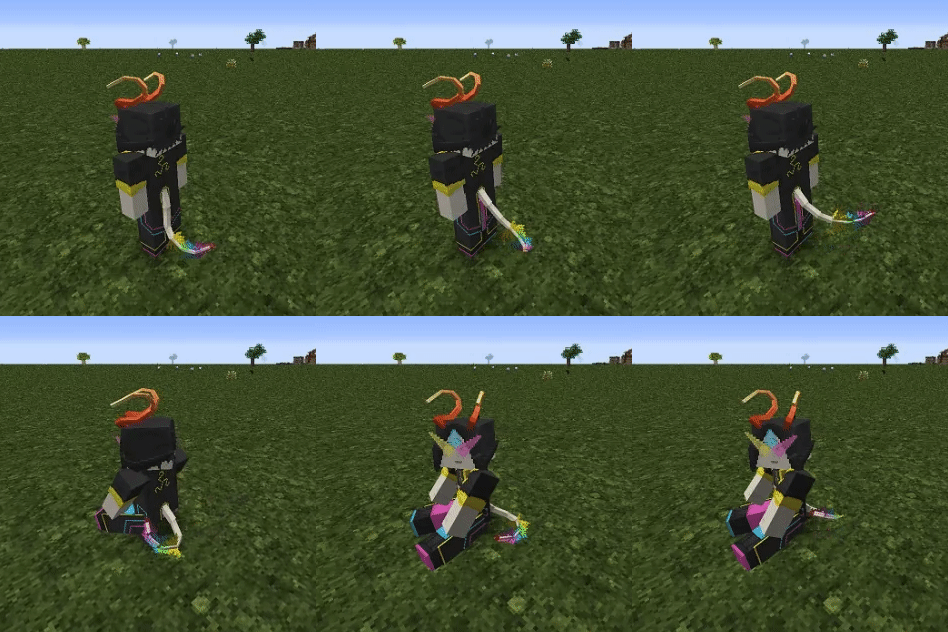 Trebyl by @NonaGone 4998
Versions
Files
Relations
Project Relations
More like this
Similar Mods
Suggestions use data such as tags, dependencies, dependents, descriptions, titles, and more to rank how much they overlap with this mod.
On ModDex
Community snapshot
By the numbers
Statistics

Want to reach Minecraft players?
We're looking for a server hosting partner to feature here and other parts of the site. Interested? Send us a message!
Get in touchGet it on
Available Platforms
On ModDex
Community snapshot
By the numbers